
Use this indicator directly on TradingView — the world's most popular charting platform.
What does the Wyckoff Spring & Upthrust indicator do?
FibAlgo - Wyckoff Spring & Upthrust is a dedicated detector for the two most actionable events in Wyckoff methodology. A spring occurs when price briefly breaks below Trading Range support and quickly recovers — shaking out weak holders before a potential rally. An upthrust is the mirror image: price breaks above TR resistance and reverses — trapping breakout buyers before a potential decline. This indicator automatically identifies Trading Range boundaries, classifies springs into three types by volume, detects upthrusts and UTADs, tracks test confirmations and invalidations, and projects price targets after confirmed events.
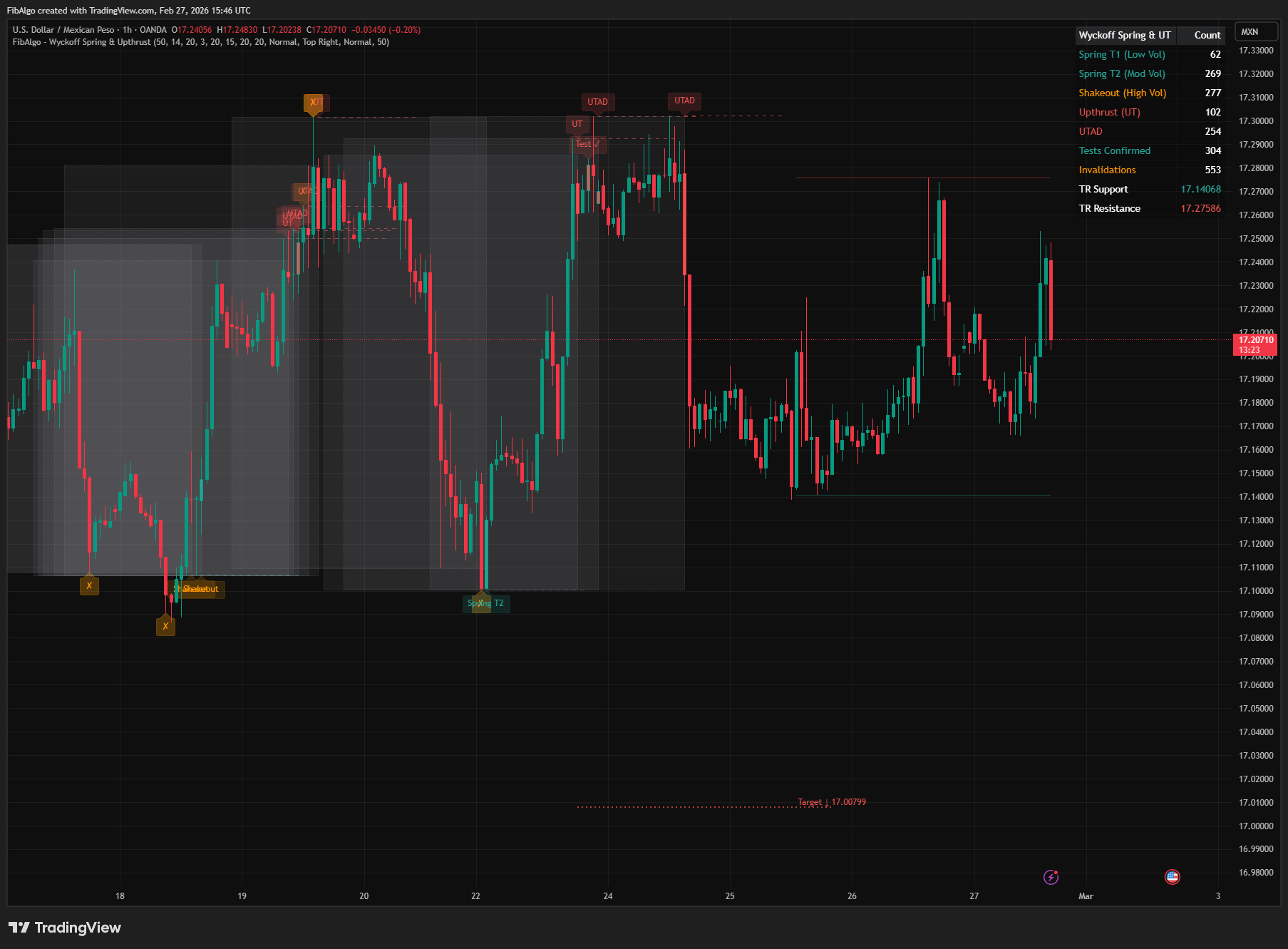
Key Concepts
- Spring — Price breaks below Trading Range support and recovers back inside within a few bars. Tests remaining supply and shakes out weak holders. The best risk/reward entry in Wyckoff methodology.
- Spring Type 1 (Low Volume) — Barely breaks support on light volume with close in the upper portion of the bar. Highest probability reversal. Immediate Sign of Strength often follows.
- Spring Type 2 (Moderate Volume) — Breaks below with moderate volume. Needs a successful test before confirming demand.
- Spring Type 3 / Shakeout (High Volume) — Aggressive break below on high volume. May visit lower levels before recovering. Must be tested.
- Upthrust (UT) — Price breaks above TR resistance and reverses back inside. Bull trap that traps breakout buyers. The mirror image of a spring, applied to distribution.
- UTAD (Upthrust After Distribution) — Late-stage upthrust that exceeds the previous upthrust high of the same range. Definitive test of demand — if demand is weak, markdown follows.
- Test of Spring / Test of Upthrust — After a spring or upthrust, price moves away and then returns to retest the event level with lower volume and narrower spread. Confirms the event's validity.
- Invalidation — If price fails to recover and sustains beyond the event level, the spring or upthrust is invalidated.
How does the Wyckoff Spring & Upthrust indicator work?
1. Trading Range Identification The indicator calculates dynamic TR support and resistance using the highest high and lowest low over the user-defined lookback period. Ranges exceeding 8× ATR are filtered out to avoid false signals in trending markets, and the range must have stayed within 8× ATR for at least the Min TR Width number of consecutive bars before a break counts, so it has enough history to be meaningful.
2. Spring Detection The indicator follows each break of TR support from its first bar, for up to the Recovery Bar Limit:
- A bar's low penetrates below TR support (the support in force before that bar)
- Within the Recovery Bar Limit, a bar closes back above that same support
- The spring low is the lowest low of the break; the label and level line start on the bar that made it
- Volume at the first break bar classifies the spring type: ≤0.8× average with close in the upper portion of the bar = Type 1, 0.8–1.5× average = Type 2, >1.5× average = Type 3 / Shakeout
- A break that does not recover in time is treated as a breakdown: no new spring is looked for below that range until price closes back above it or the break leaves the lookback period
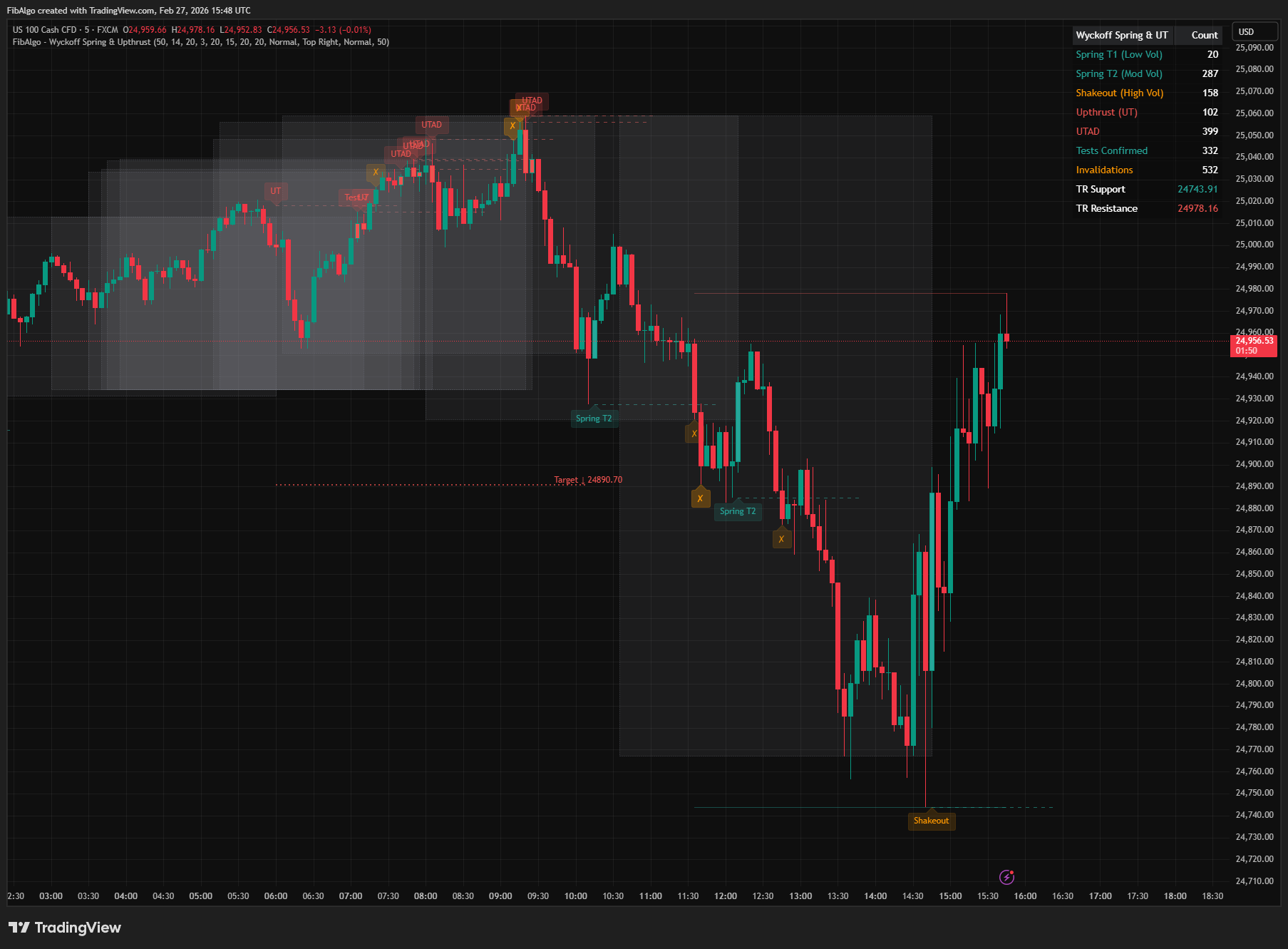
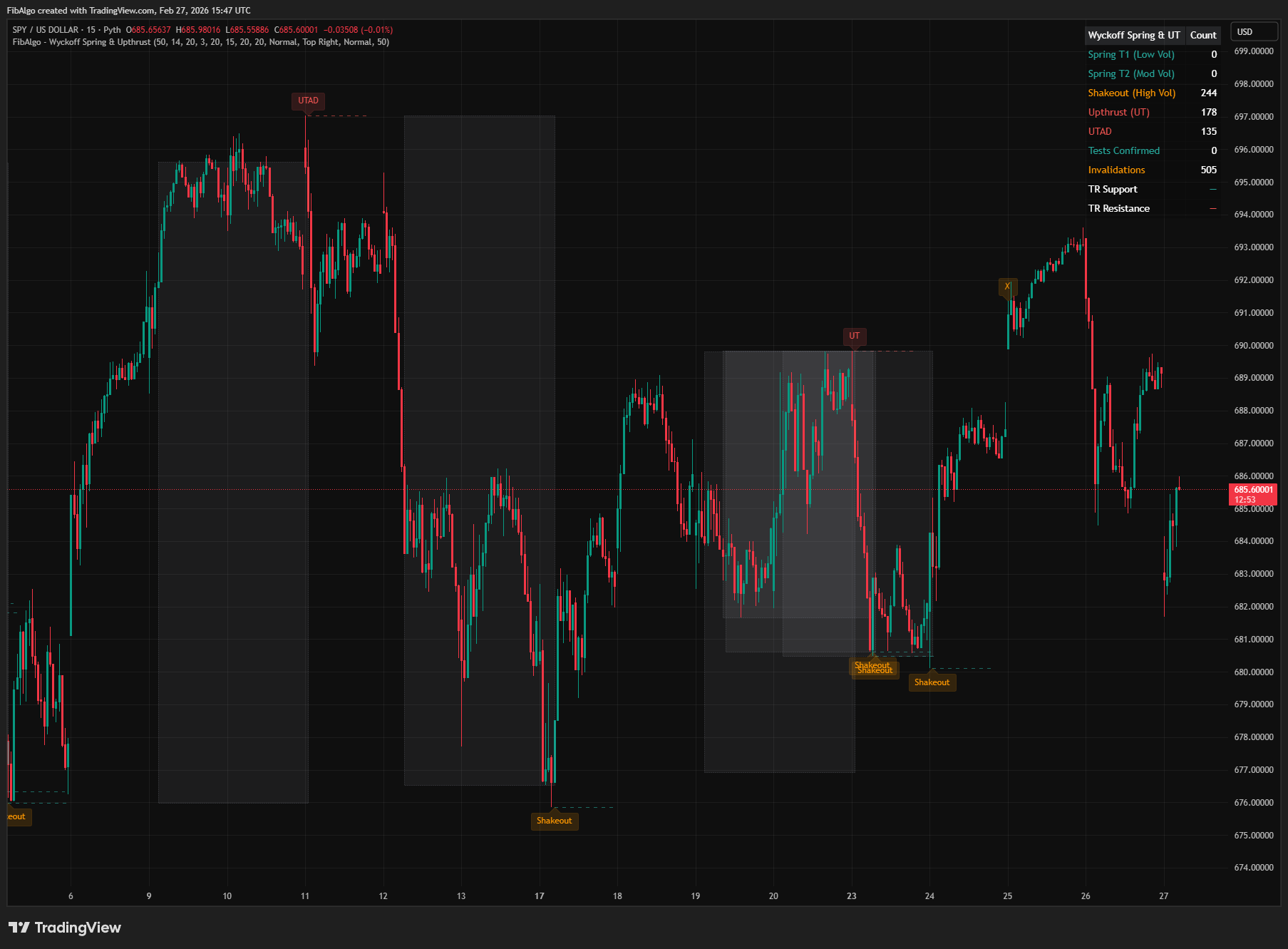
3. Upthrust Detection Same break-and-recover logic applied to TR resistance:
- A bar's high exceeds TR resistance (the resistance in force before that bar)
- Within the Recovery Bar Limit, a bar closes back below that same resistance
- The upthrust high is the highest high of the break; the label and level line start on the bar that made it
- If the upthrust high exceeds the most recent upthrust high of the same range (within the TR Lookback Period), it qualifies as a UTAD
4. Test Detection After each spring or upthrust, the indicator monitors a configurable test window for confirmation:
- Test of Spring: after price has moved more than 0.5× ATR above the spring low, it dips back toward it with lower volume and narrower spread, but holds above it — confirms demand
- Test of Upthrust: after price has moved more than 0.5× ATR below the UT high, it rallies back toward it with lower volume and narrower spread, but fails below it — confirms supply
5. Invalidation Rules Springs and upthrusts can be invalidated:
- If price closes below the spring low (with a margin of 0.5× ATR beyond TR support) within the test window, the spring is marked invalid
- If price closes above the UT high (with a margin of 0.5× ATR beyond TR resistance) within the test window, the upthrust is marked invalid
- When the test window ends without a test, the event is checked once: if price is trading beyond the event level at that point, it is also invalidated
6. Target Projections After a confirmed (tested) event, the indicator projects a target:
- Confirmed spring: target = TR resistance + 50% of TR range
- Confirmed upthrust: target = TR support − 50% of TR range
- If price later closes below the tested spring low (or above the tested UT high), the target is removed
7. Volume Bar Coloring Bars on which spring, upthrust or test events are confirmed are colored to provide immediate visual identification — green for springs and their tests, red for upthrusts and their tests.
Features
- Three Spring Types — Classifies springs by volume (Type 1 low, Type 2 moderate, Type 3 shakeout) following Wyckoff's original volume criteria
- Upthrust & UTAD Detection — Identifies standard upthrusts and late-stage UTADs that break above the previous upthrust high of the same range
- Test Confirmation — Automatically detects successful tests of springs and upthrusts with volume and spread analysis
- Invalidation Tracking — Marks failed springs and upthrusts when price sustains beyond event levels
- Dynamic TR Detection — Calculates Trading Range support/resistance from recent price action with configurable lookback
- Target Projections — Projects upside/downside targets after confirmed events based on TR range
- Volume Bar Coloring — Colors the price bars on which events are confirmed for quick visual identification
- TR Box Visualization — Draws the Trading Range boundaries at each event for context
- Spring Level Lines — Extends horizontal lines from spring lows and UT highs for reference
- Current TR Lines — Draws solid support and resistance lines for the active Trading Range on the latest bar
- Comprehensive Alert System — Separate alert toggles for each spring type, upthrust, UTAD, test confirmation, and invalidation; alerts are sent on bar close, and events that occur on the same bar arrive in one combined message
- Info Table — Real-time summary of all event counts, current TR support and resistance
- Full Customization — 39 inputs across 6 groups for colors, toggles, sizes, and detection parameters
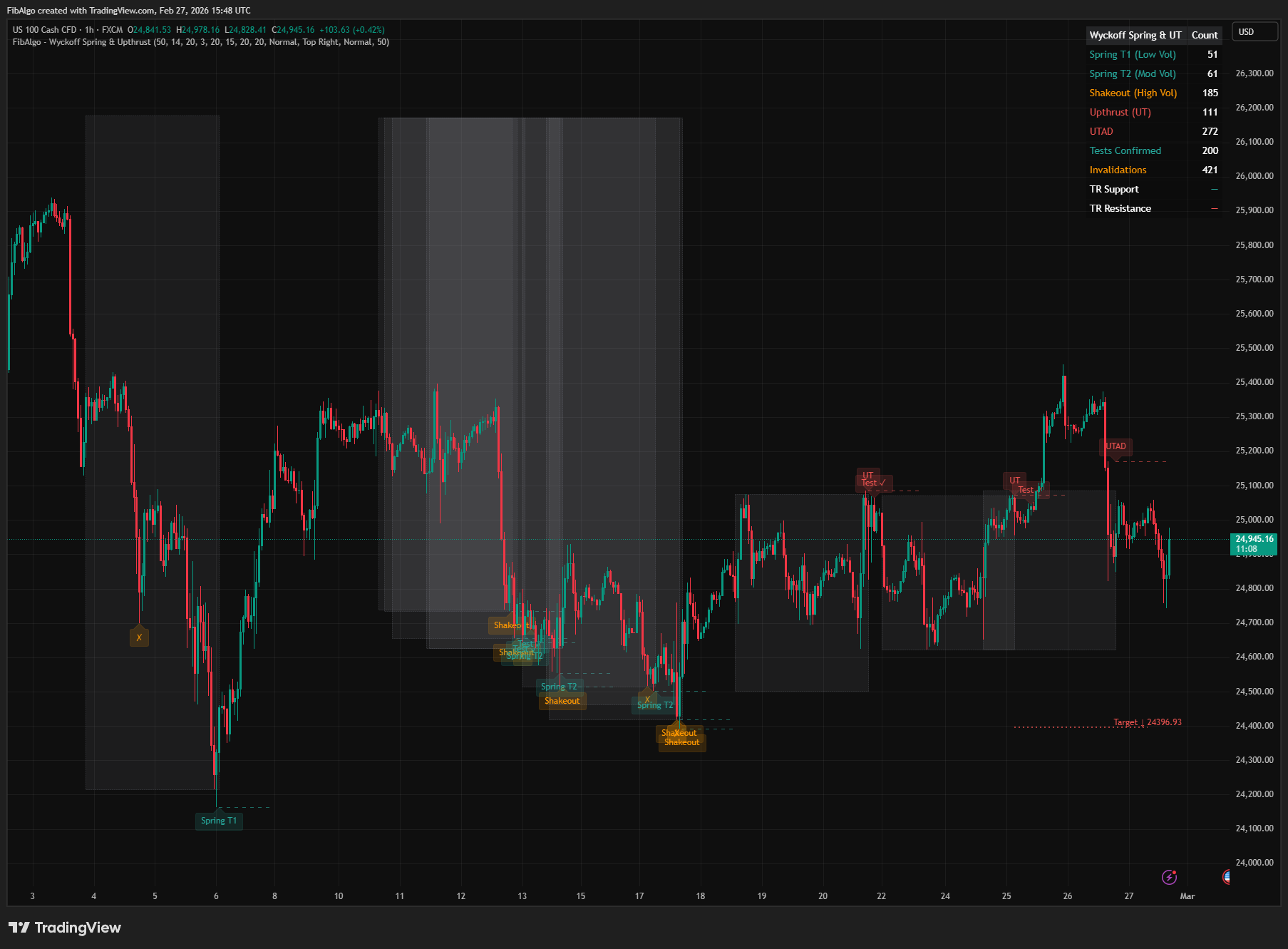
How to use the Wyckoff Spring & Upthrust indicator
- Add the indicator to your chart. It works best on 5-minute to 1-hour timeframes where Trading Ranges are clearly defined.
- Look for Spring Type 1 (low volume) events near TR support — these have the highest probability of reversal according to Wyckoff.
- Wait for the "Test ✓" label to confirm the event before considering entries.
- Use the target projection line as a potential profit objective.
- Watch for "✗" invalidation labels — these indicate the event has failed and the original thesis should be abandoned.
- Spring Type 3 / Shakeout events are aggressive — always wait for a test before acting.
- Upthrusts near TR resistance signal potential distribution — combine with volume analysis for confirmation.
- UTAD events (late-stage upthrusts) are particularly significant — they often precede markdown phases.
- Adjust the TR Lookback Period to match the typical consolidation length for your instrument.
- Set up alerts for your preferred event types to receive a notification when the bar that confirms the event closes.
- Turning off Show Springs, Show Upthrusts or a Show Test switch also turns off detection, alerts, counts and targets for that event type.
Limitations
- This indicator does not generate buy or sell signals. It identifies Wyckoff spring and upthrust patterns for educational and analytical purposes.
- Trading Range detection uses a simple highest/lowest approach — complex or irregular TRs may not be captured perfectly.
- Spring classification depends on volume data availability. On symbols without volume data, springs are shown as Type 2 (needs test) and tests are judged on spread only. Instruments with unreliable volume data may produce less accurate classifications.
- The Recovery Bar Limit determines how quickly a break must be recovered — very fast or very slow recoveries outside this window will be missed.
- All events, tests and invalidations are confirmed on bar close, so they appear when the bar closes and do not repaint.
- Past pattern detection does not guarantee future price behavior.
- Maximum 500 drawing objects (lines, labels, boxes) are supported by Pine Script.
Trading involves risk. This indicator is an analysis tool, not financial advice: use it alongside your own analysis and risk management.
Release notes
v2.0LatestNo springs during breakdowns, and bar-close events
Springs and upthrusts no longer fire while price is still outside the range, each break is reported once at its true extreme, and events, tests and invalidations are confirmed on bar close.
After updating
- Delete and re-create your alerts for this indicator with the "Any alert() function call" condition. TradingView alerts keep running the script version they were created with.
- If you changed Min TR Width, check the value again: the setting now affects detection.
Fixed
- Springs and upthrusts no longer fire while price is still outside the range during a breakdown or breakout.
- Each break is reported once: duplicate labels and wrong spring lows or upthrust highs are fixed, and labels sit on the extreme bar.
- Events, tests and invalidations are confirmed on bar close, and several events on one bar arrive as one alert instead of only the first one.
- Old events are no longer invalidated long after their test window.
- Min TR Width now works as described: the range must stay within 8x ATR for that many consecutive bars before a break counts.
Improved
- Tests now need price to move away from the level and come back, UTAD compares only with upthrusts of the same range, and the target is removed once price closes past the tested extreme.
- On symbols without volume, springs show as Type 2 and tests use spread only. The table is readable on light themes, and stale range lines are removed.
Frequently Asked Questions
What is a spring in Wyckoff?
A spring is a brief move below the support of a trading range that quickly recovers back inside the range. It tests the remaining supply and shakes out weak holders before a potential rally. Wyckoff methodology regards it as the best risk-to-reward entry, usually after a successful test has confirmed it.
What is an upthrust in Wyckoff?
An upthrust (UT) is the mirror image of a spring: price breaks above the resistance of a trading range and then reverses back inside. It is a bull trap that catches breakout buyers, and it typically appears in distribution, where it warns of a potential decline.
What is a UTAD in Wyckoff?
UTAD stands for upthrust after distribution. It is a late-stage upthrust that exceeds earlier upthrust or buying climax highs and acts as a final test of demand. If demand proves weak and price falls back into the range, a markdown often follows. The indicator marks an upthrust as a UTAD when it exceeds the previous upthrust high of the same range.
What are the three types of Wyckoff spring?
Springs are classified by volume. A Type 1 spring barely breaks support on light volume and closes in the upper part of the bar; it has the highest probability of reversal. A Type 2 spring breaks support on moderate volume and needs a successful test. A Type 3 spring, or shakeout, breaks aggressively on high volume, may go lower first and must be tested.
What is a test of a spring or upthrust?
After a spring or upthrust, price often comes back to the event level. A retest on lower volume and a narrower spread confirms that the event is valid. If price instead keeps trading beyond the level and does not recover, the spring or upthrust is invalidated. The indicator labels confirmed tests and invalidations on the chart.
Learn More
- Smart Money Concepts (SMC): How Institutional Traders Move MarketsLearn Smart Money Concepts including order blocks, fair value gaps, liquidity sweeps, and breaker blocks. Understand how institutions trade.
- Technical Analysis for Crypto Trading: The Definitive GuideLearn technical analysis from basics to advanced for cryptocurrency trading. Master chart patterns, indicators, volume analysis, and multi-timeframe strategies.
- Risk Management in Crypto Trading: The Complete Survival GuideMaster position sizing, stop losses, portfolio allocation, and emotional discipline for crypto trading. Learn why risk management matters most.
Start Using Wyckoff Spring & Upthrust
This indicator is free to use on TradingView. Add it to your charts and use it alongside your own analysis.
Related indicators
View All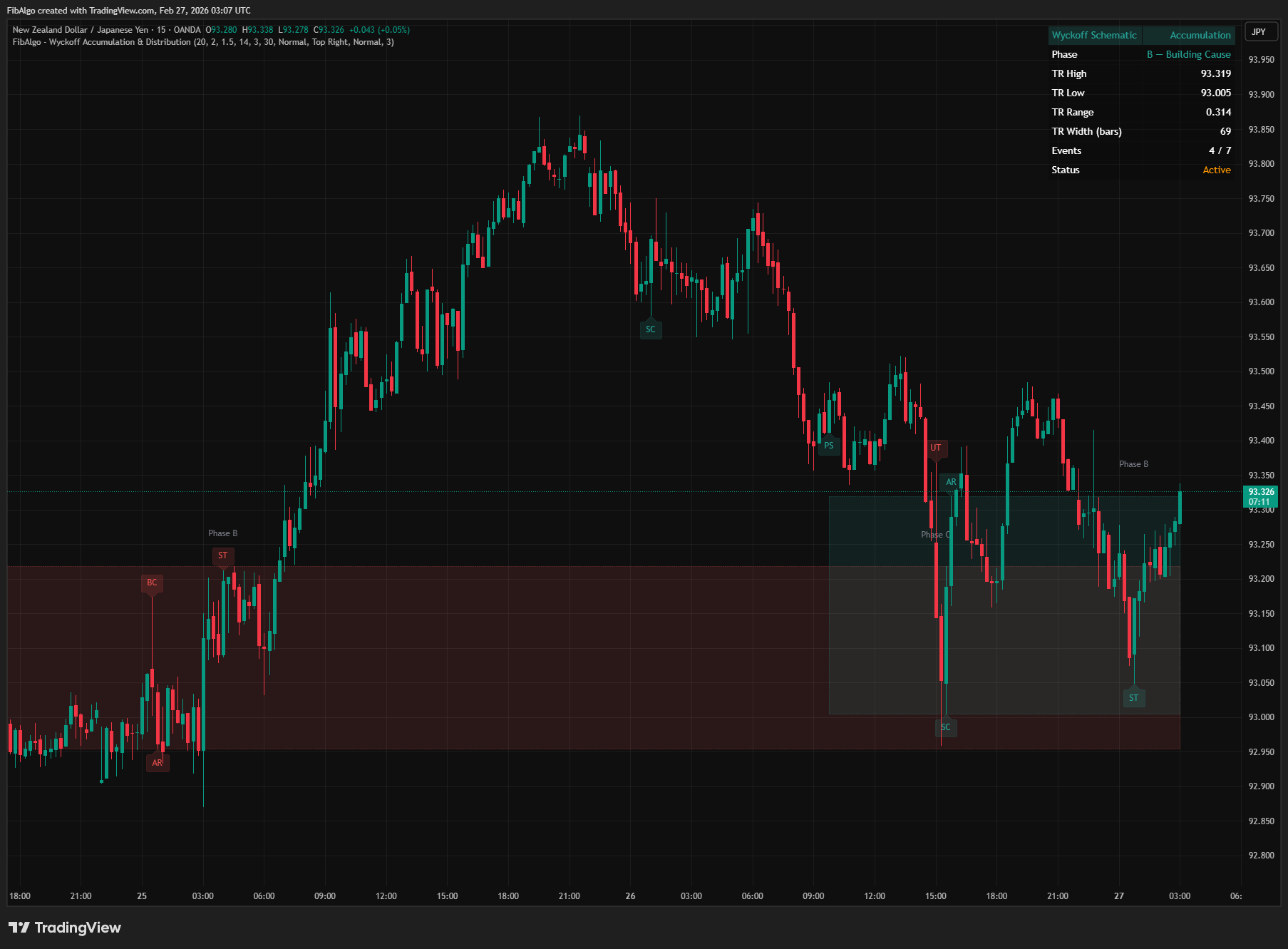
Wyckoff Accumulation & Distribution
TradingView indicator that automatically detects Wyckoff Accumulation and Distribution schematics as each bar closes, with phase classification (A through E).
See Details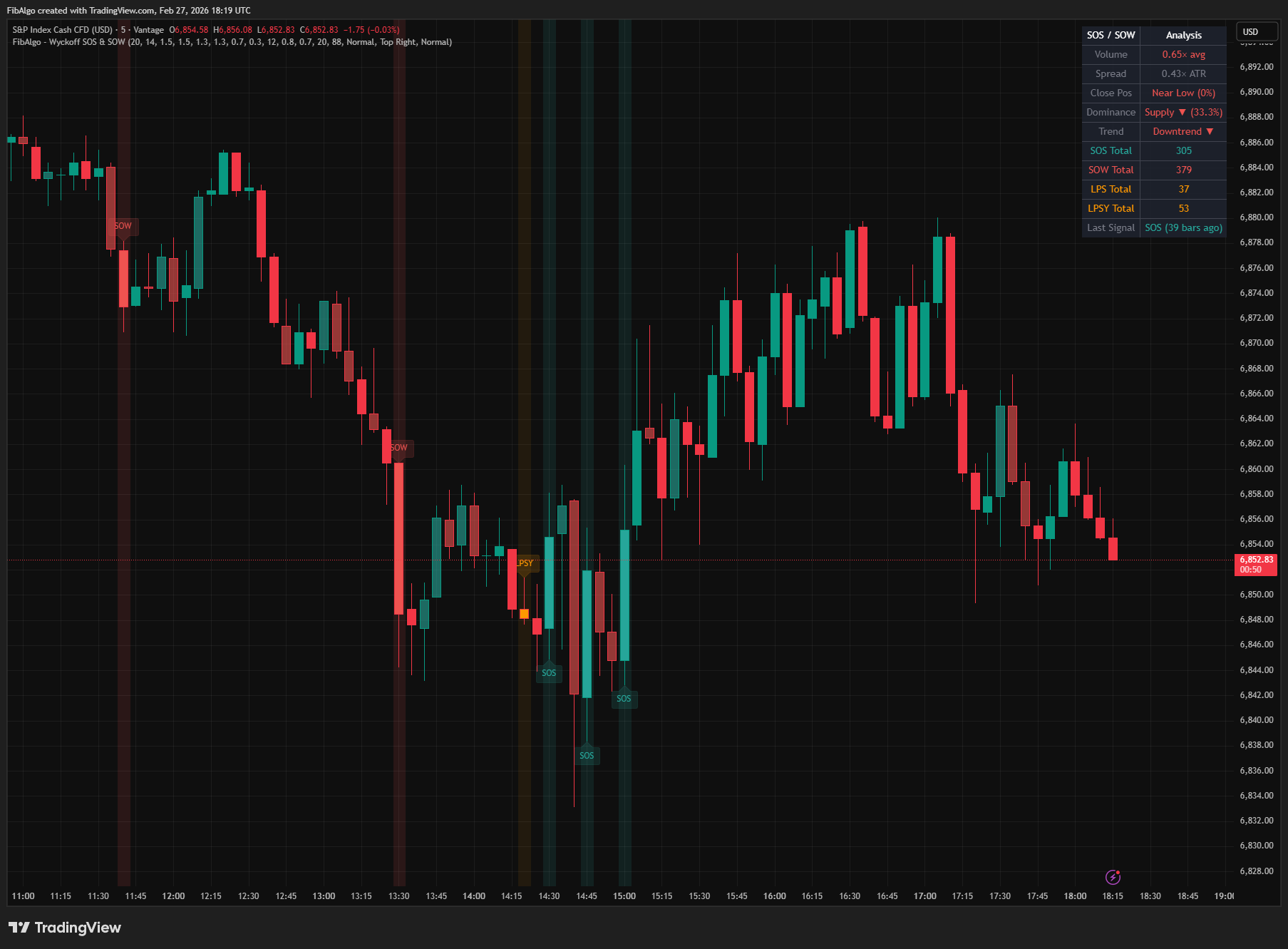
Wyckoff SOS & SOW
TradingView indicator that identifies Wyckoff Sign of Strength (SOS) and Sign of Weakness (SOW) events with LPS/LPSY confirmations.
See Details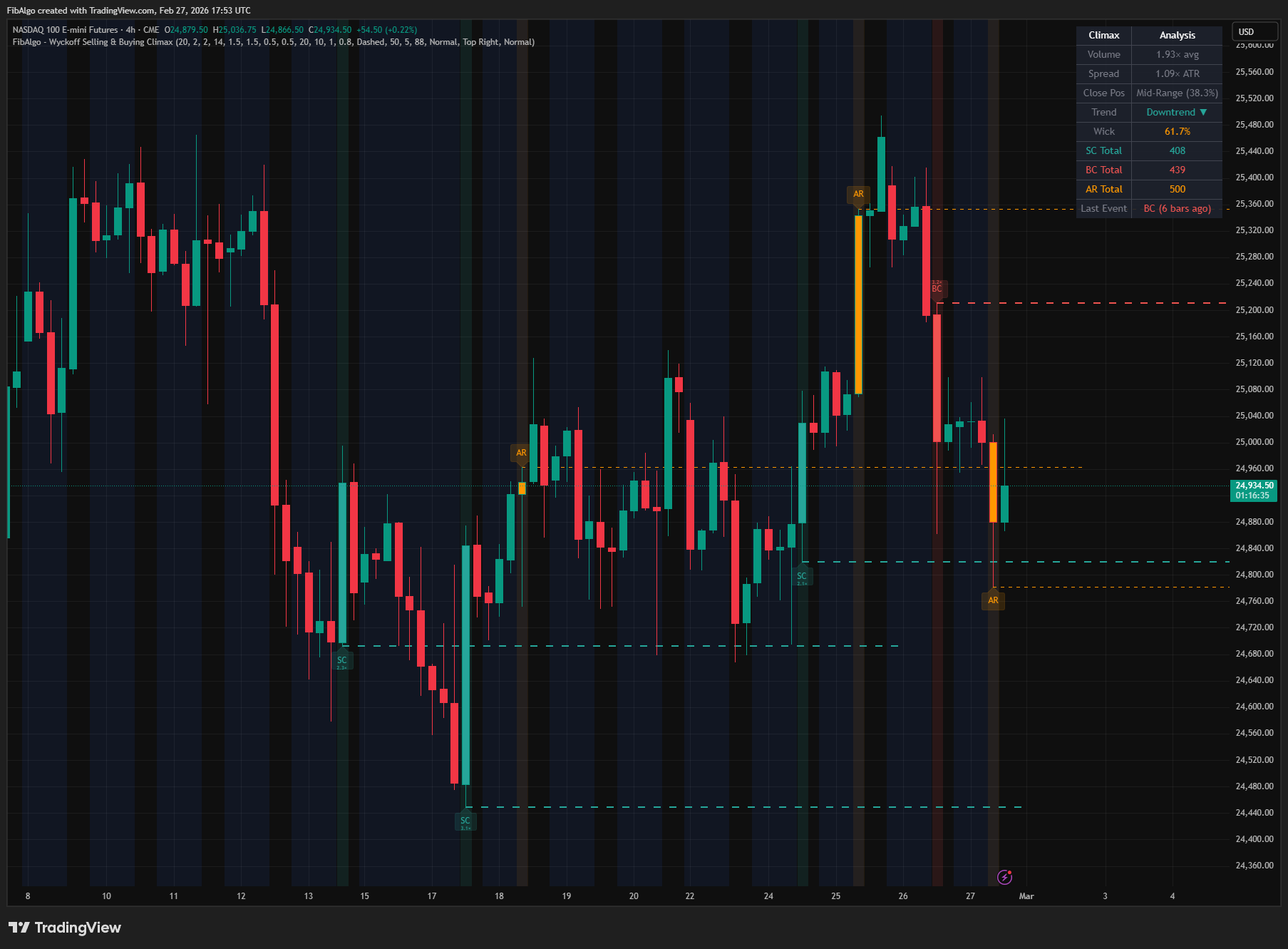
Wyckoff Selling & Buying Climax
TradingView indicator that detects Wyckoff Selling and Buying Climax events — extreme institutional pressure signaling potential trend exhaustion.
See Details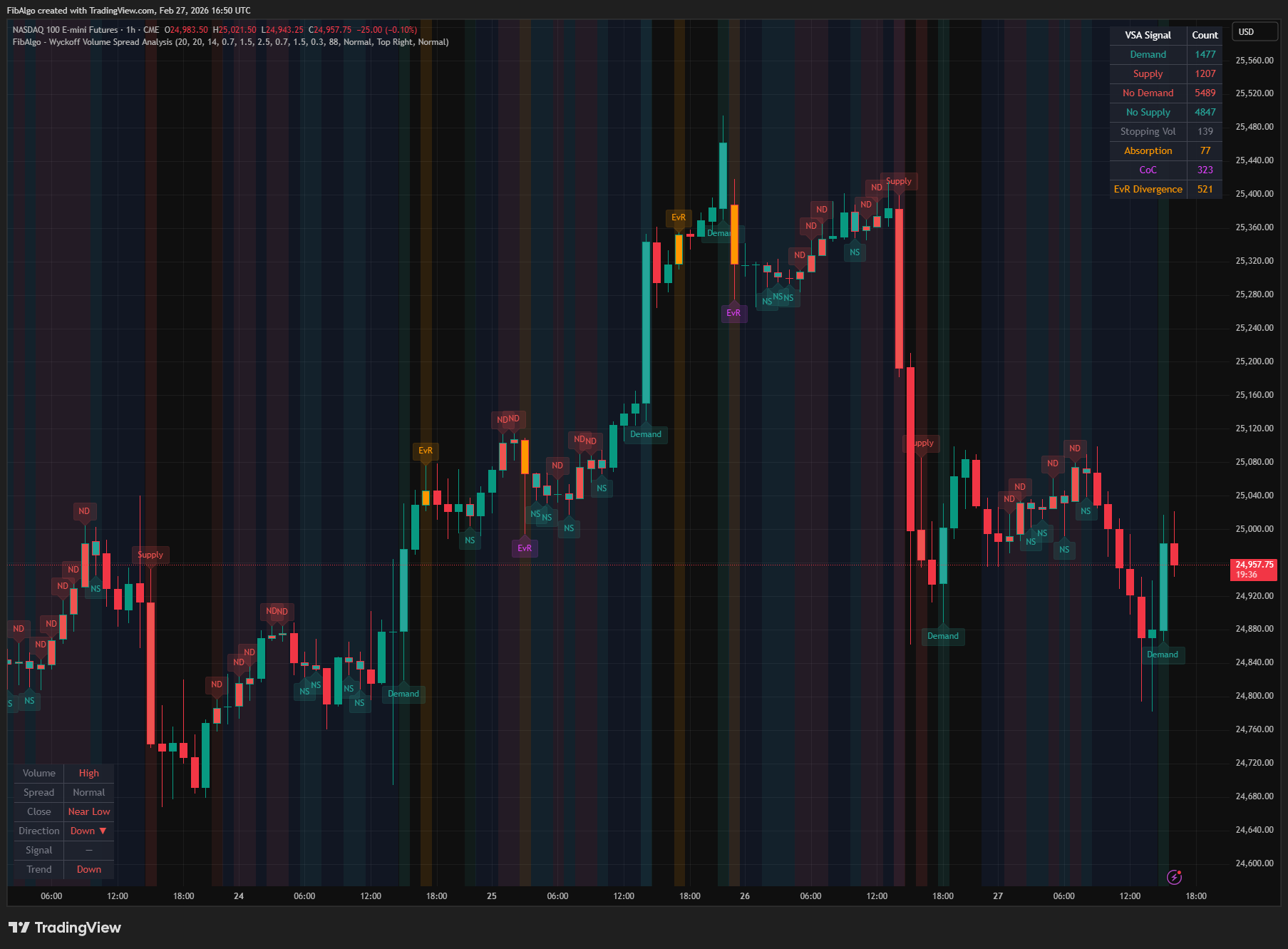
Wyckoff Volume Spread Analysis
TradingView indicator that classifies bars into eight Wyckoff VSA signal types by analyzing volume, spread width, and close position.
See Details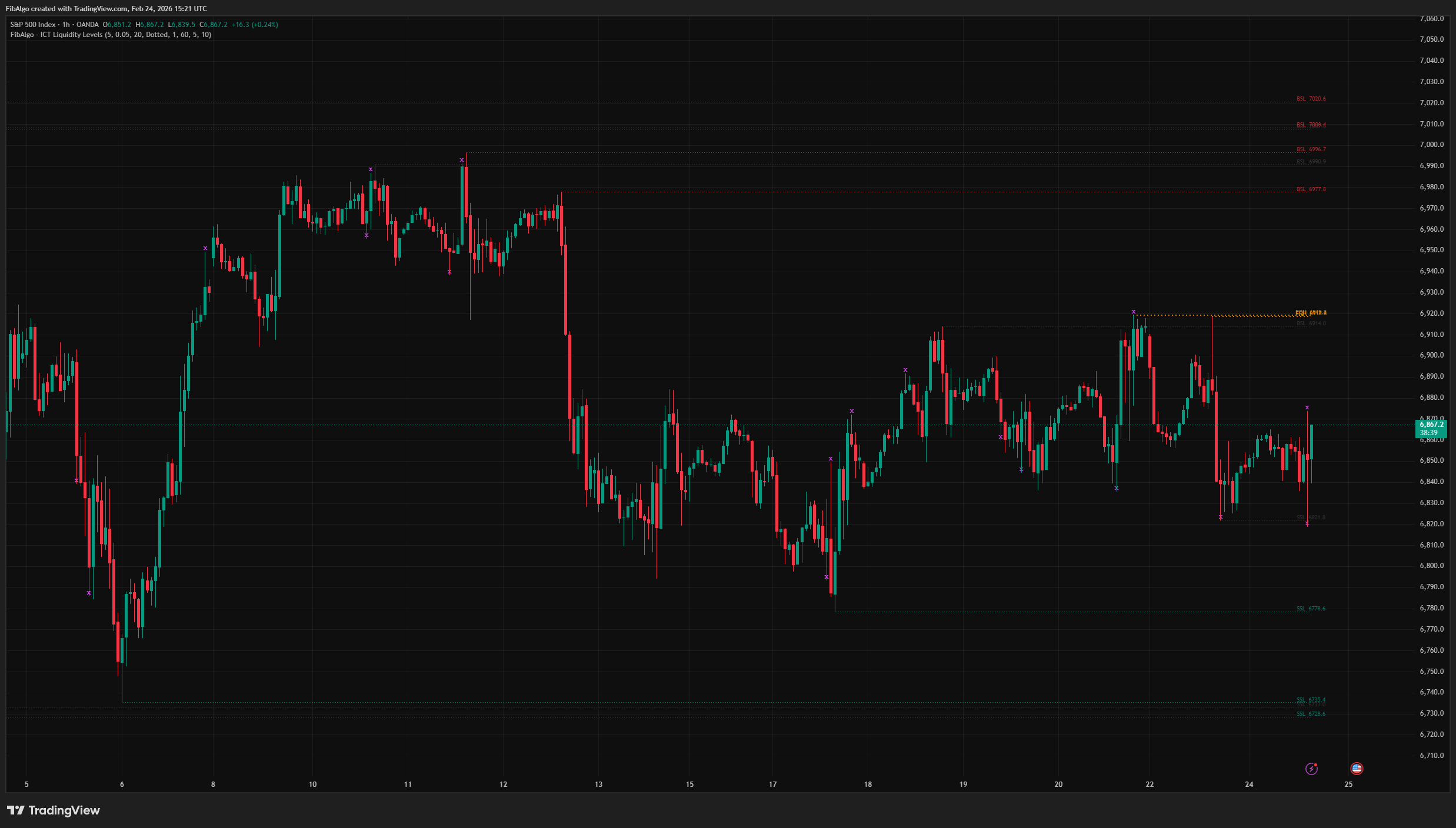
ICT Liquidity Levels
TradingView indicator that maps ICT Liquidity Levels — Buy Side (BSL), Sell Side (SSL), Equal Highs/Lows, and Liquidity Sweeps with HTF support.
See Details