
Use this indicator directly on TradingView — the world's most popular charting platform.
What does the Wyckoff Price Cycle indicator do?
FibAlgo - Wyckoff Price Cycle identifies and visualizes the four fundamental phases of the Wyckoff market cycle: Accumulation, Markup, Distribution, and Markdown. The indicator classifies the current market phase from EMA trend direction, ADX trend strength, and price position within range, and confirms every phase change on closed bars. Phase transitions are labeled directly on the chart, background coloring provides instant visual context, and a multi-factor confidence score, which also weighs volume bias and DI direction, grades the reliability of each phase detection.
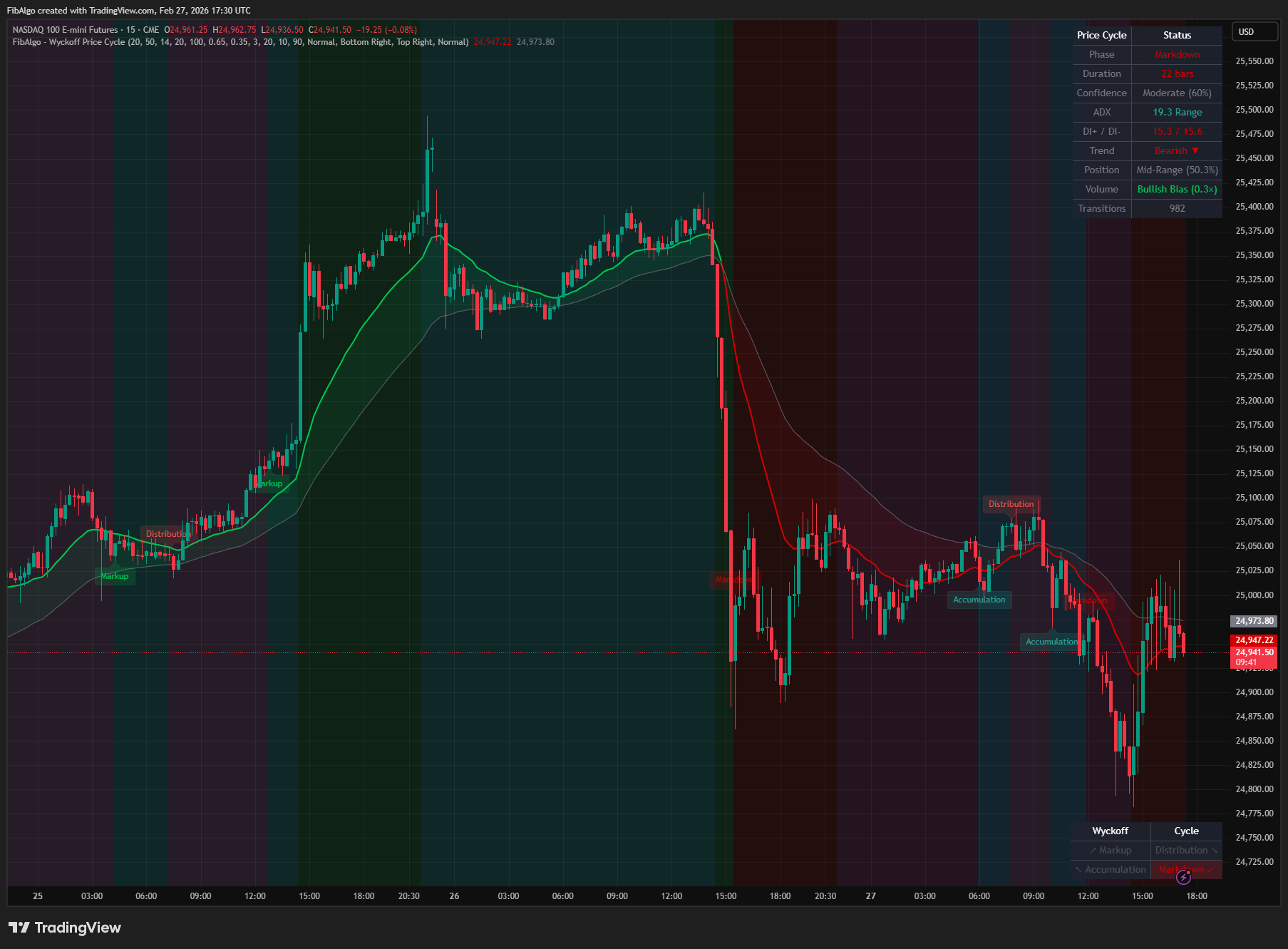
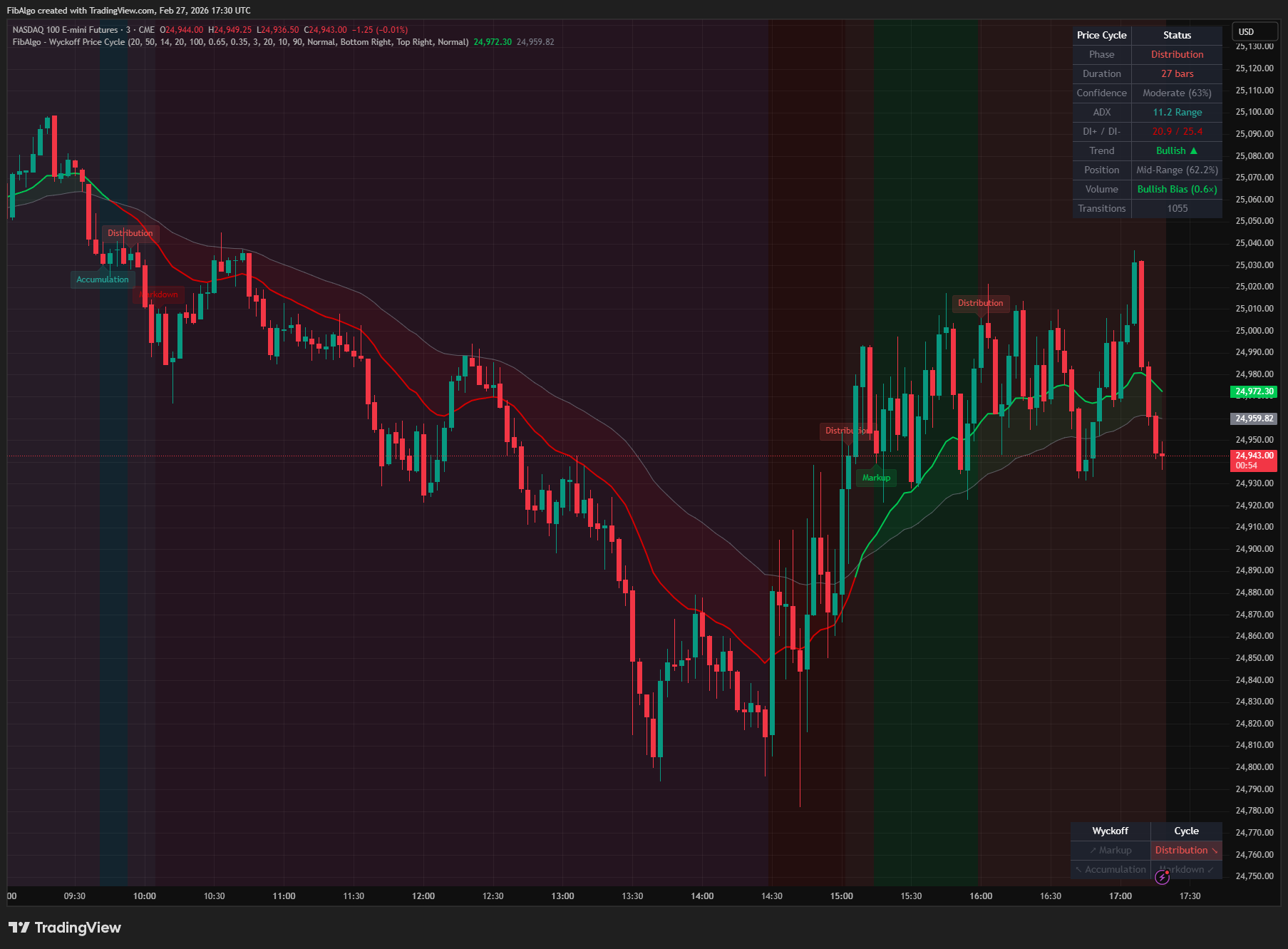
Key Concepts
- Wyckoff Price Cycle — Richard D. Wyckoff's model describes the market's perpetual rotation through four phases: Accumulation (institutions buy quietly), Markup (uptrend), Distribution (institutions sell quietly), and Markdown (downtrend). Understanding which phase the market is in provides critical context for all trading decisions.
- Accumulation — A sideways trading range at the bottom where informed participants accumulate shares from the public. Volume diminishes on dips and increases on rallies. Price is near the lower end of its range. ADX is low, indicating a ranging market.
- Markup — The uptrend phase where demand is in control. Price advances with higher highs and higher lows. ADX is elevated and the fast EMA is above the slow EMA. DI+ dominance raises the confidence score.
- Distribution — A sideways trading range at the top where informed participants distribute shares to the public. Volume increases on dips and decreases on rallies. Price is near the upper end of its range. ADX is low.
- Markdown — The downtrend phase where supply is in control. Price declines with lower highs and lower lows. ADX is elevated and the fast EMA is below the slow EMA. DI- dominance raises the confidence score.
- Phase Confirmation — To prevent whipsaw noise, the indicator requires a configurable number of consecutive closed bars confirming the same phase before officially switching. This smoothing filter eliminates single-bar noise. Phases are evaluated at bar close only, so a transition label or alert is never withdrawn once it appears.
- Confidence Scoring — Each phase is graded (Strong/Moderate/Weak) based on how well ADX alignment, price position, volume bias, and DI direction support the detected phase. Higher confidence means more factors agree.
How does the Wyckoff Price Cycle indicator work?
1. Trend Direction Detection Two Exponential Moving Averages (Fast EMA, default 20; Slow EMA, default 50) determine trend direction. When the Fast EMA crosses above the Slow EMA, the trend is bullish. When it crosses below, the trend is bearish. An optional EMA cloud fill visually highlights the area between the two averages.
2. Trend Strength Measurement The Average Directional Index (ADX, default period 14) quantifies trend strength. ADX above the threshold (default 20) indicates a trending market suitable for Markup or Markdown detection. ADX below the threshold indicates a ranging market suitable for Accumulation or Distribution detection. DI+ and DI- values provide additional directional context.
3. Price Position Analysis The indicator calculates price position within a configurable range (default 100-bar lookback). Position is expressed as a percentage: 0% means price is at the lowest low, 100% at the highest high. Price above the Upper Position Threshold (default 65%) favors Distribution detection. Price below the Lower Position Threshold (default 35%) favors Accumulation detection.
4. Volume Bias Detection Over a configurable period (default 10 bars), the average volume per up bar (close above open) is compared with the average volume per down bar (close below open). When the up-bar average exceeds the down-bar average by more than 10%, the bias is bullish — rallies carry heavier volume than dips, consistent with Accumulation and Markup. When the down-bar average exceeds the up-bar average by more than 10%, the bias is bearish — dips carry heavier volume than rallies, consistent with Distribution and Markdown. Volume bias feeds the confidence score; it does not change the detected phase. On symbols without volume data the Info Table shows "No volume data" and volume adds nothing to the score.
5. Phase Classification Logic The four phases are detected from ADX, EMA direction, and price position:
- Markup — ADX above threshold + Fast EMA above Slow EMA (trending bullish)
- Markdown — ADX above threshold + Fast EMA below Slow EMA (trending bearish)
- Distribution — ADX below threshold + price near range highs (ranging at top)
- Accumulation — ADX below threshold + price near range lows (ranging at bottom)
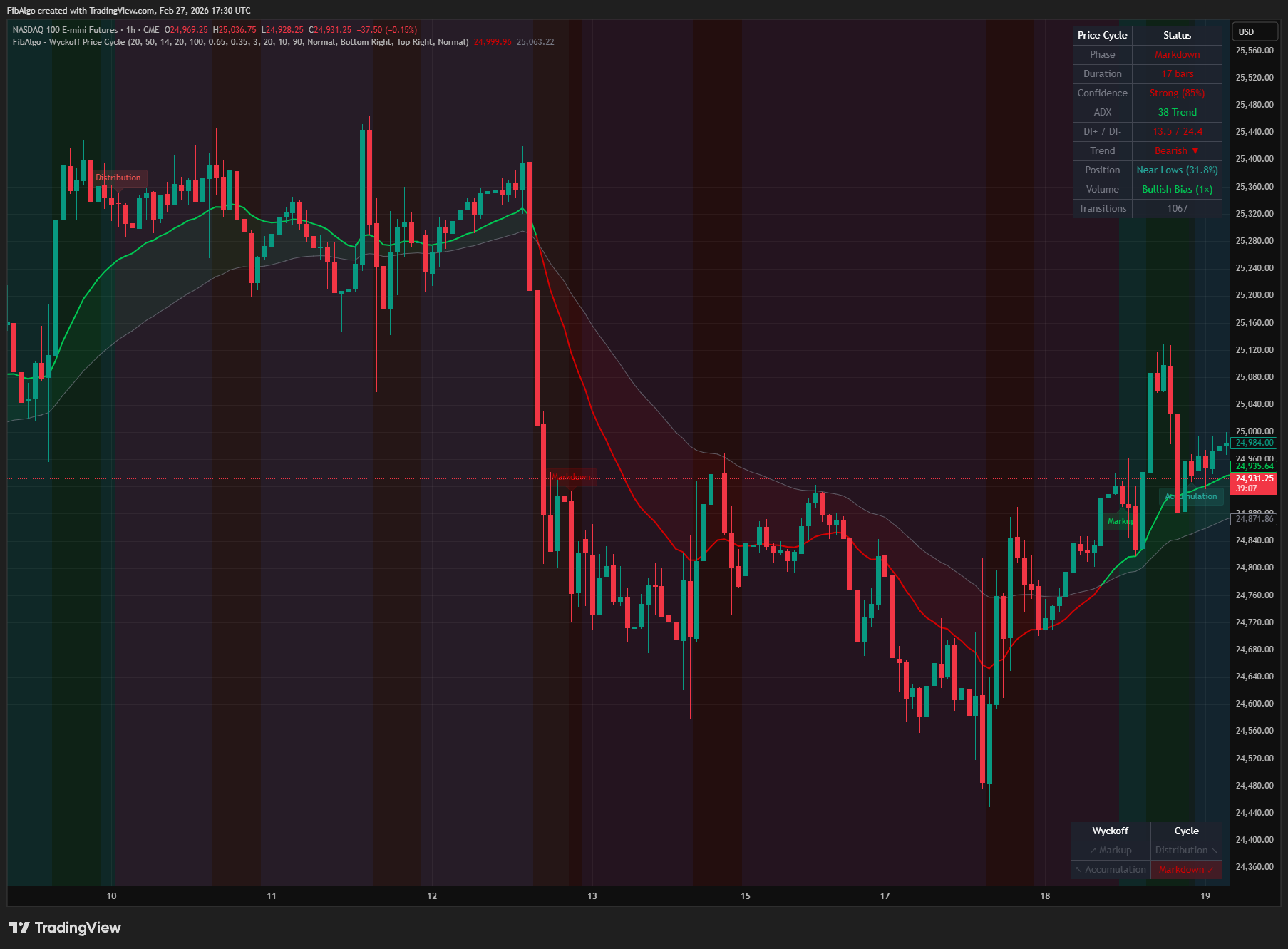
When price is in the middle range during a ranging market (ADX below threshold), the EMA direction serves as a bias tiebreaker — bullish EMA favors Accumulation (building demand), bearish EMA favors Distribution (building supply). In the rare case that ADX is above threshold while both EMAs are equal, DI+ versus DI- decides between Markup and Markdown. A new phase replaces the current one only after it has been detected on the set number of consecutive closed bars (Phase Confirmation Bars). Detection starts once ADX, both EMAs, and the Range Lookback have enough history; before that, no phase is shown.
6. Confidence Scoring Each detected phase receives a confidence score between 40% and 100%. The score starts from a 40% base (no supporting factor) and adds points for four factors:
- ADX alignment — trending phases benefit from high ADX, ranging phases from low ADX (+25 max)
- Price position — Accumulation benefits from low position, Distribution from high position (+15 max); Markup gains +10 above 40% of the range, Markdown gains +10 below 60%
- Volume bias — bullish bias supports Accumulation/Markup, bearish supports Distribution/Markdown (+10 max)
- DI direction — DI+ dominance supports bullish phases, DI- supports bearish phases (+10 max)
Scores are graded as Strong (75%+), Moderate (50-74%), or Weak (below 50%).
Features
- Four-Phase Wyckoff Detection — Identifies Accumulation, Markup, Distribution, and Markdown using trend strength, direction, and price position, with volume and DI feeding the confidence score
- Phase Confirmation System — Requires configurable consecutive closed bars of the same phase detection before switching, preventing whipsaw noise and live-bar repainting
- Multi-Factor Confidence Scoring — Grades each phase as Strong, Moderate, or Weak based on ADX alignment, price position, volume bias, and DI direction
- EMA Overlay with Cloud — Displays Fast and Slow EMA lines with a color-coded cloud fill that changes color based on trend direction
- Phase Transition Labels — Marks phase changes directly on the chart with detailed tooltips showing ADX, DI+/DI-, price position, volume, and confidence
- Phase Background Coloring — Tints the chart background with the current phase color for instant visual identification
- Bar Coloring — Optional candle coloring based on the current Wyckoff phase
- Cycle Position Table — Visual 2×2 diagram showing all four phases with the current phase highlighted, representing the cycle rotation
- Info Table — Detailed metrics table showing Phase, Duration, Confidence, ADX, DI+/DI-, Trend, Price Position, Volume Bias, and total Transitions
- ADX and DMI Integration — Uses ADX for trend strength and DI+/DI- for directional confirmation in the confidence score and the Info Table
- Volume Bias Analysis — Compares the average volume per up bar with the average volume per down bar to show whether rallies or dips carry heavier volume
- Comprehensive Alert System — Individual alert toggles for each phase transition, sent once at bar close, with detailed messages including symbol, timeframe, price, ADX, and confidence
- Full Customization — 31 inputs across 5 groups covering detection parameters, volume analysis, visual style, display, and alerts
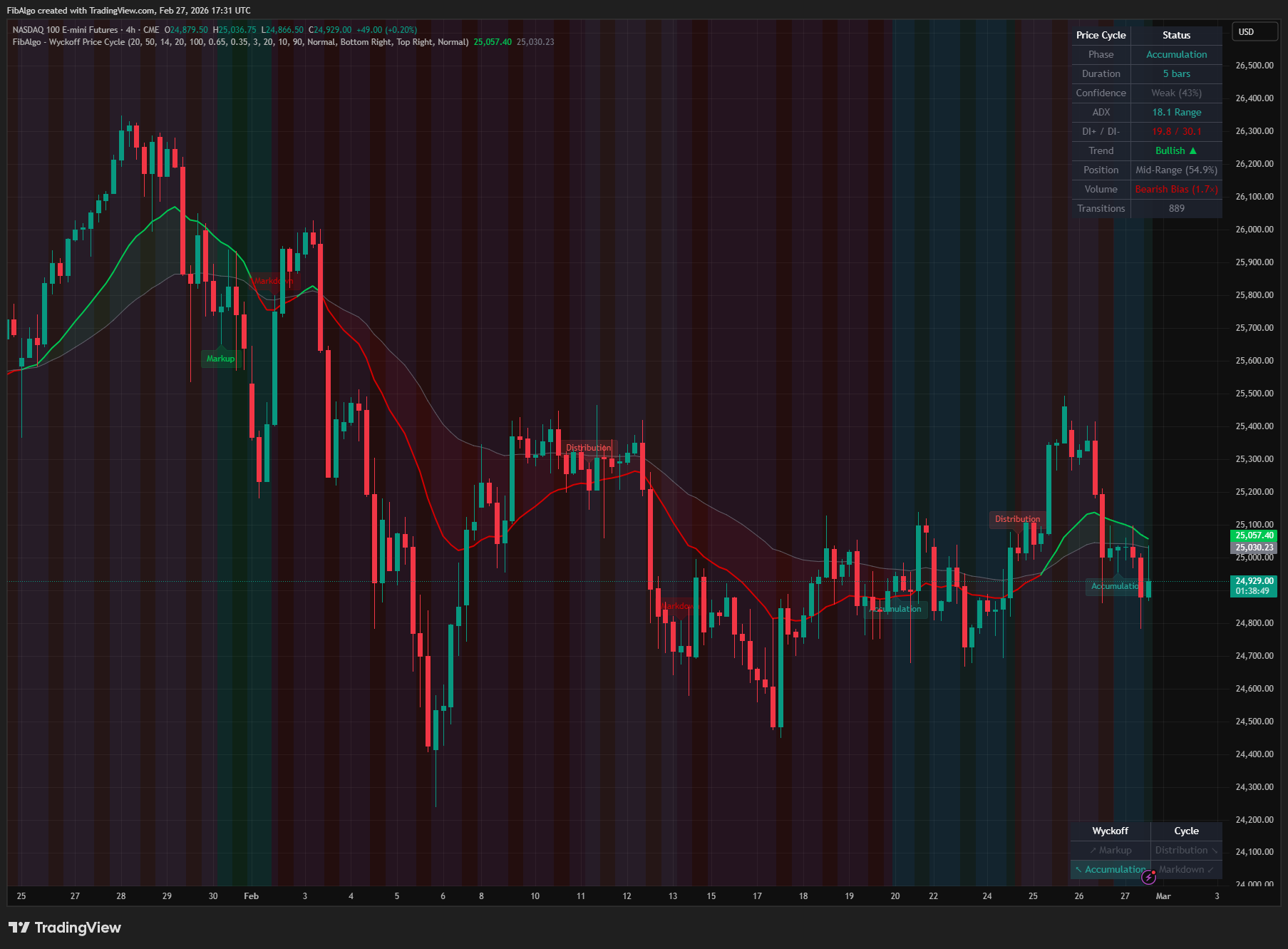
How to use the Wyckoff Price Cycle indicator
- Add the indicator to your chart. It works on all timeframes but is most effective on 15-minute to daily charts where trend and range dynamics are clearly visible.
- Watch for Accumulation phases near significant lows — this is where institutions build positions. Look for volume bias shifting to bullish as confirmation.
- During Markup phases, trade with the trend. The bullish EMA cross and rising ADX confirm demand dominance. Pullbacks toward the slow EMA offer entry opportunities.
- Distribution phases near highs warn that institutions are selling. Watch for ADX declining while price stays elevated — supply is building quietly.
- Markdown phases confirm a downtrend. The bearish EMA cross and elevated ADX show supply in control. Rallies toward the slow EMA offer exit or short opportunities.
- Use the Confidence score to gauge the reliability of the current phase. Strong confidence means multiple factors align; Weak confidence suggests the market may be transitional.
- The Cycle Position Table provides a quick at-a-glance view of where the market sits in the Wyckoff cycle. The highlighted cell shows the current phase.
- Combine phase detection with other Wyckoff indicators (Volume Spread Analysis, Spring & Upthrust) for comprehensive analysis.
- Adjust the ADX Threshold to match your instrument — more volatile instruments may need a higher threshold (25-30), while calmer markets may work better with lower values (15-18).
- Increase Phase Confirmation Bars on lower timeframes to reduce noise, or decrease it on higher timeframes for faster response.
Limitations
- This indicator does not generate buy or sell signals. It classifies the current market phase for educational and analytical purposes based on Wyckoff price cycle theory.
- Phase detection relies on ADX and EMA calculations that inherently lag price. Phase transitions are identified after they have begun, not predicted in advance.
- The phase confirmation system intentionally introduces a delay to reduce noise. This means rapid phase changes in choppy markets may be reported late.
- Phases are confirmed at bar close. The live bar keeps the last confirmed phase until it closes.
- Detection needs enough history for ADX, the Slow EMA, and the Range Lookback (100 bars by default). On charts with less history, no phase is shown.
- Fast EMA Period must be lower than Slow EMA Period; otherwise the indicator stops with an error message.
- Volume data reliability varies by instrument and exchange. Forex spot volume is typically tick volume and may not represent actual traded volume. Symbols without volume data show "No volume data" in the Info Table.
- The indicator uses a single timeframe. For comprehensive Wyckoff analysis, comparing phase readings across multiple timeframes is recommended.
- Past phase classification does not guarantee future price behavior.
- If the Cycle Position Table and Info Table are set to the same position, they will overlap. Use different positions for each table.
- Maximum 500 label objects are supported by Pine Script.
Trading involves risk. This indicator is an analysis tool, not financial advice: use it alongside your own analysis and risk management.
Release notes
v2.0LatestClosed-bar phases and a fair volume bias
Phases, labels and alerts are now decided on closed bars, volume bias compares the average volume per up bar with the average per down bar, and no phase is shown until the indicator has enough history.
After updating
- Delete and re-create your alerts for this indicator with the "Any alert() function call" condition. TradingView alerts keep running the script version they were created with.
- Alert messages now start with the symbol and timeframe. If you filter alert messages automatically, for example through a webhook, update your filters.
Fixed
- Phases, labels and alerts are decided on closed bars only, so they no longer flicker on the live bar or fire on a change that did not hold at the close.
- Volume bias now compares the average volume per up bar with the average per down bar, instead of 10-bar totals that mostly counted the number of up bars.
- No phase is shown until ADX, both EMAs and the range have enough history, so charts no longer start with a false transition.
Improved
- Symbols without volume show "No volume data" instead of a made-up reading.
- The ADX row color follows DI direction in a trend, and alert messages include the symbol and timeframe.
Added
- An error message when Fast EMA Period is not lower than Slow EMA Period. Before, Markup and Markdown were silently swapped.
Changed
- The description now states that volume bias and DI only affect the confidence score (40-100%), not the phase.
Frequently Asked Questions
What is the Wyckoff Price Cycle indicator?
TradingView indicator that identifies the four Wyckoff market cycle phases — Accumulation, Markup, Distribution, and Markdown — confirmed on closed bars.
Is Wyckoff Price Cycle free to use on TradingView?
Yes, Wyckoff Price Cycle is completely free to use. You can add it directly to your TradingView charts at no cost.
How do I add Wyckoff Price Cycle to my TradingView chart?
Open TradingView, click on "Indicators" at the top of your chart, search for "Wyckoff Price Cycle" by FibAlgo, and click to add it. It will appear on your chart immediately.
What trading strategies work best with Wyckoff Price Cycle?
Wyckoff Price Cycle is commonly used for Wyckoff Method, Trend, and Price Action analysis. It works well as part of a multi-indicator confirmation strategy on any timeframe.
Learn More
- Smart Money Concepts (SMC): How Institutional Traders Move MarketsLearn Smart Money Concepts including order blocks, fair value gaps, liquidity sweeps, and breaker blocks. Understand how institutions trade.
- Technical Analysis for Crypto Trading: The Definitive GuideLearn technical analysis from basics to advanced for cryptocurrency trading. Master chart patterns, indicators, volume analysis, and multi-timeframe strategies.
- Risk Management in Crypto Trading: The Complete Survival GuideMaster position sizing, stop losses, portfolio allocation, and emotional discipline for crypto trading. Learn why risk management matters most.
Start Using Wyckoff Price Cycle
This indicator is free to use on TradingView. Add it to your charts and use it alongside your own analysis.
Related indicators
View All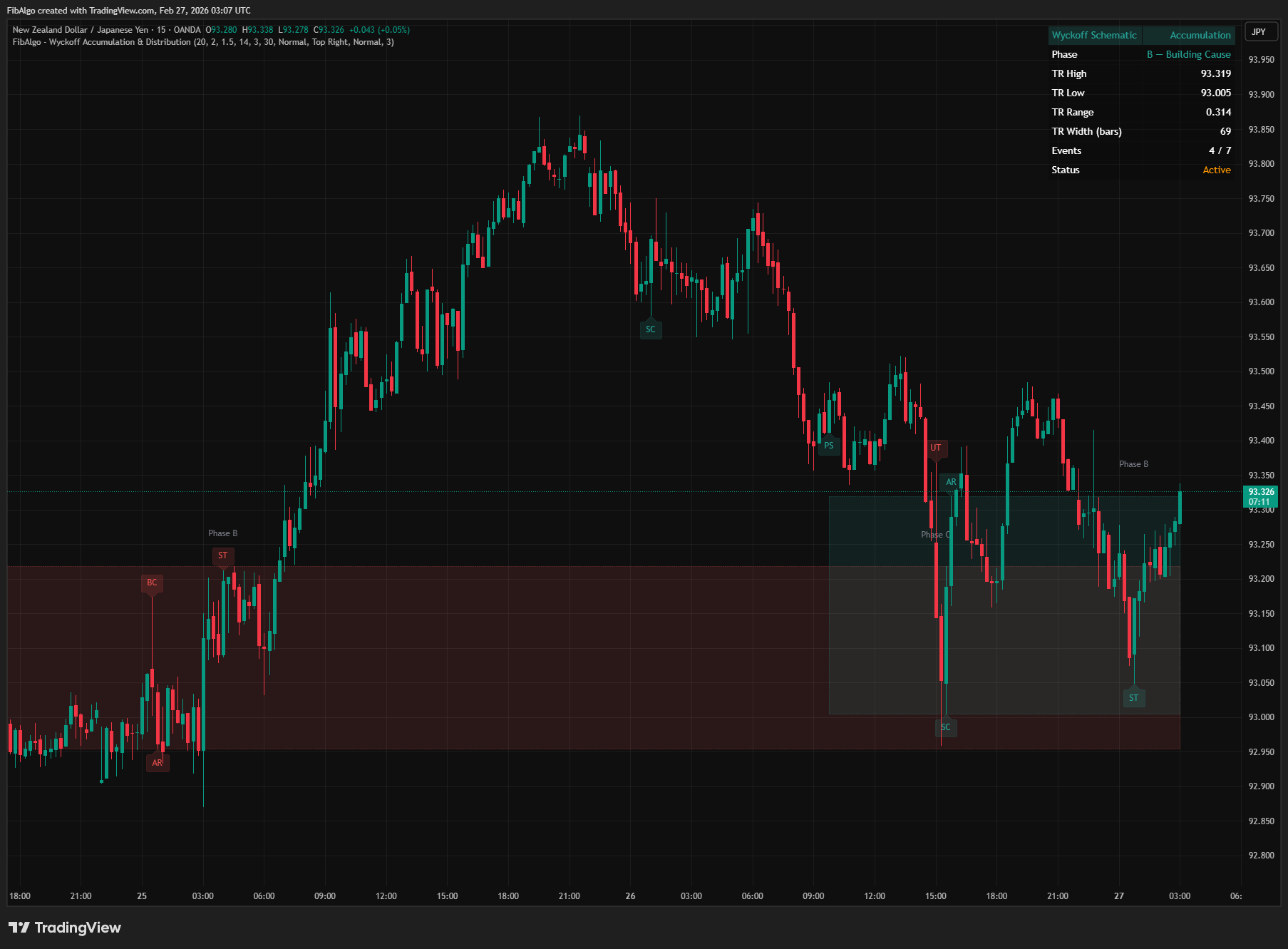
Wyckoff Accumulation & Distribution
TradingView indicator that automatically detects Wyckoff Accumulation and Distribution schematics as each bar closes, with phase classification (A through E).
See Details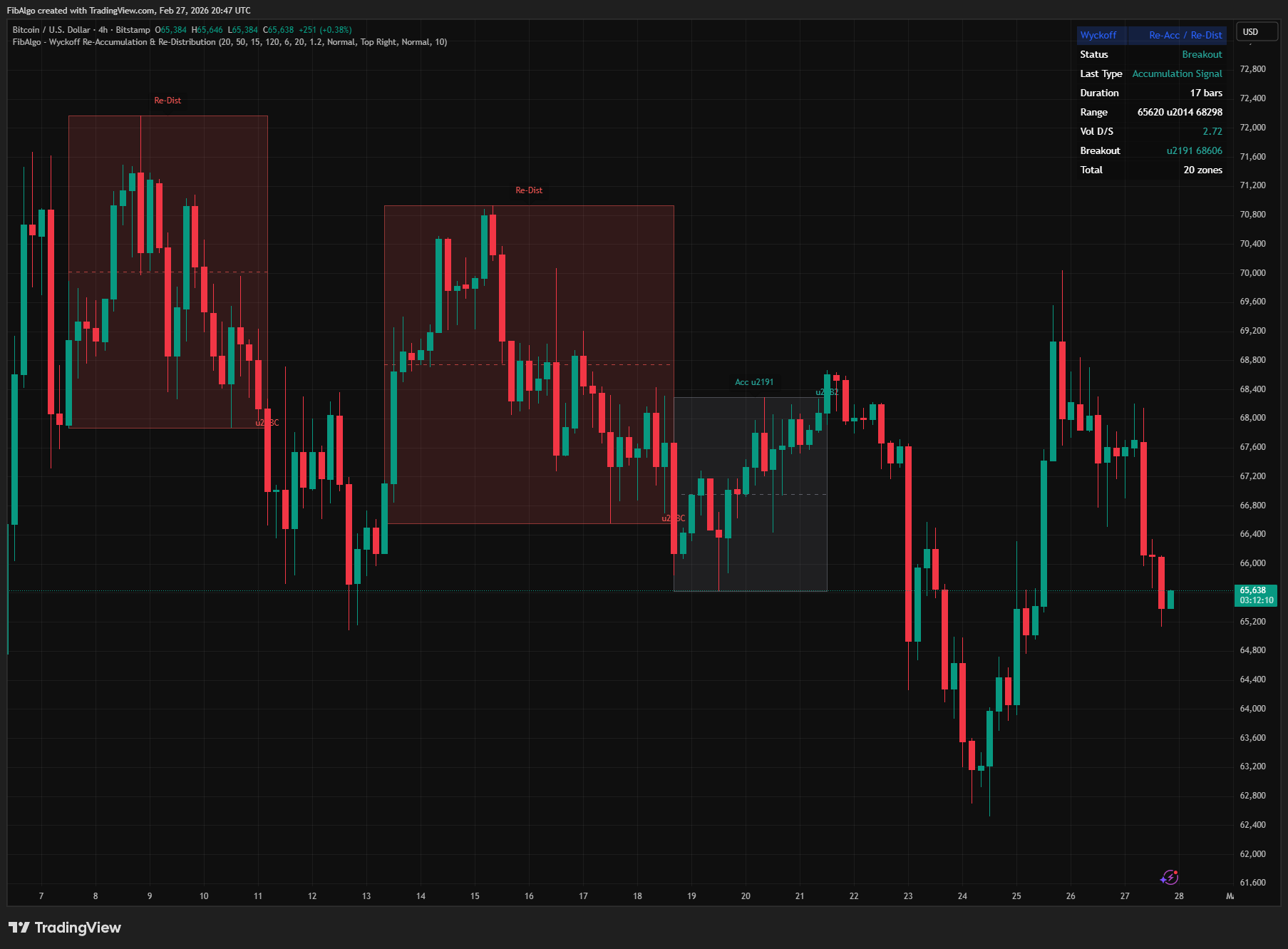
Wyckoff Re-Accumulation & Re-Distribution
TradingView indicator that detects Wyckoff Re-Accumulation and Re-Distribution patterns — consolidation pauses within established market trends.
See Details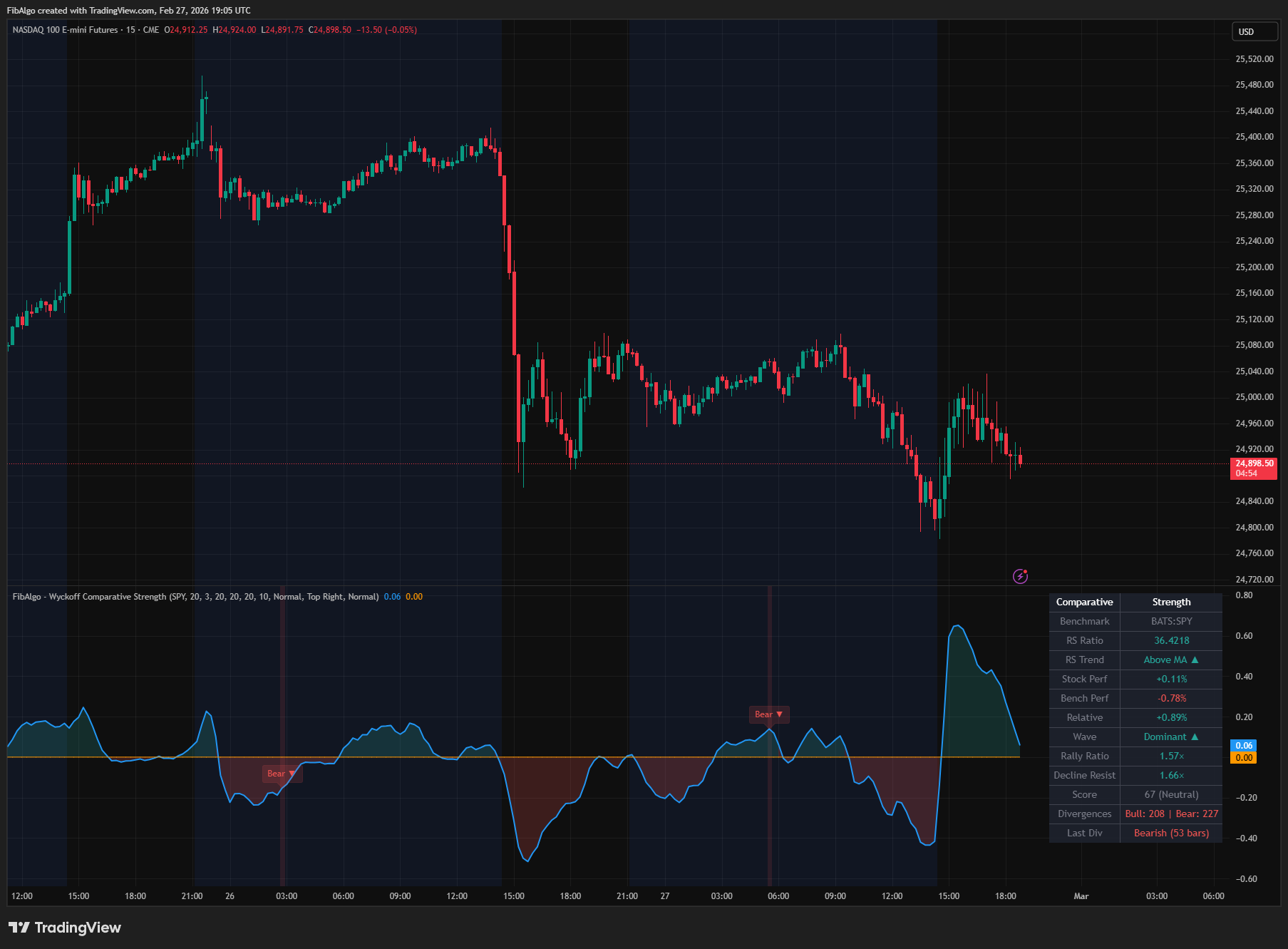
Wyckoff Comparative Strength
TradingView indicator that measures Wyckoff Comparative Strength — relative performance vs benchmark with RS oscillator and divergence analysis.
See Details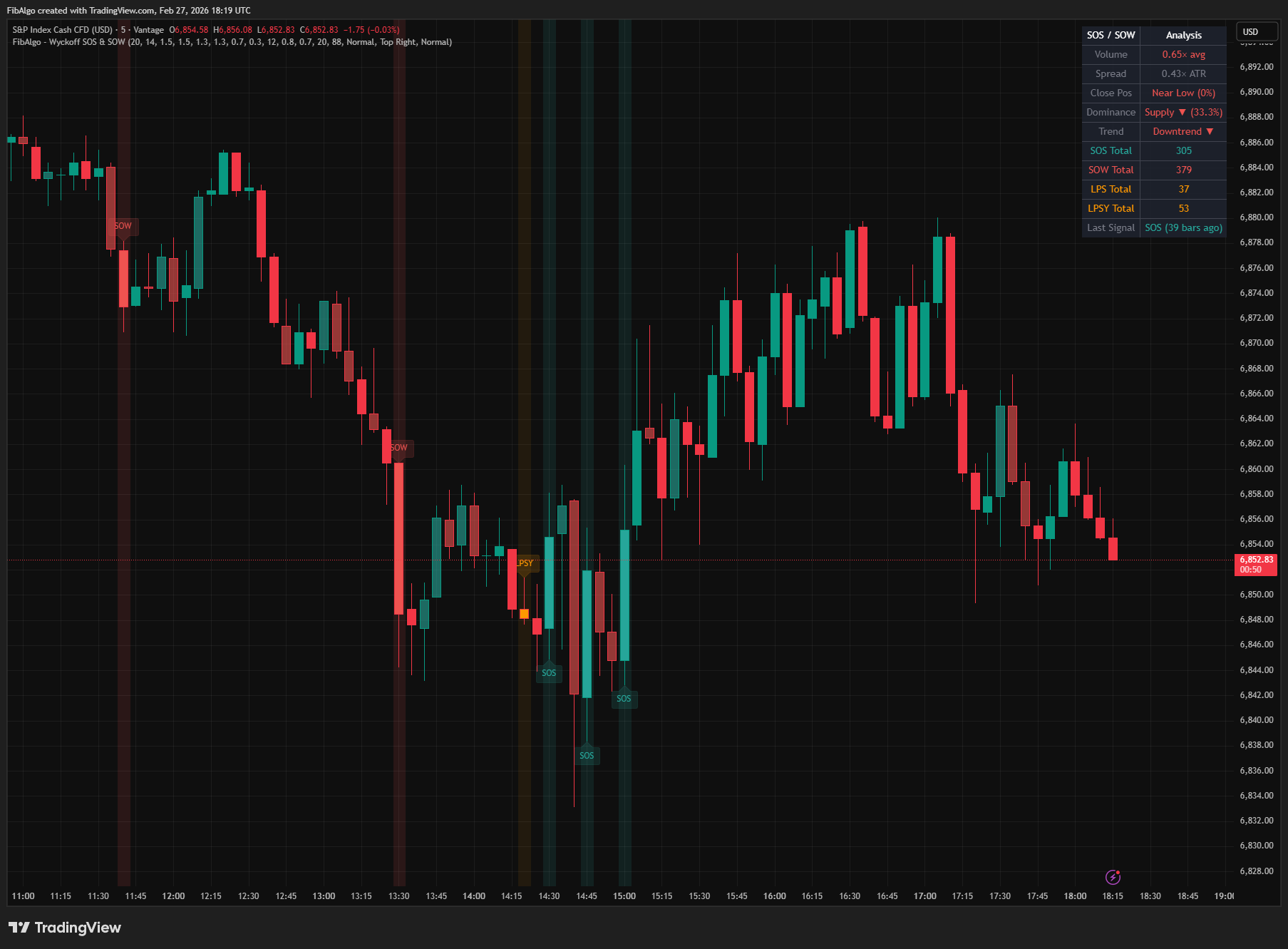
Wyckoff SOS & SOW
TradingView indicator that identifies Wyckoff Sign of Strength (SOS) and Sign of Weakness (SOW) events with LPS/LPSY confirmations.
See Details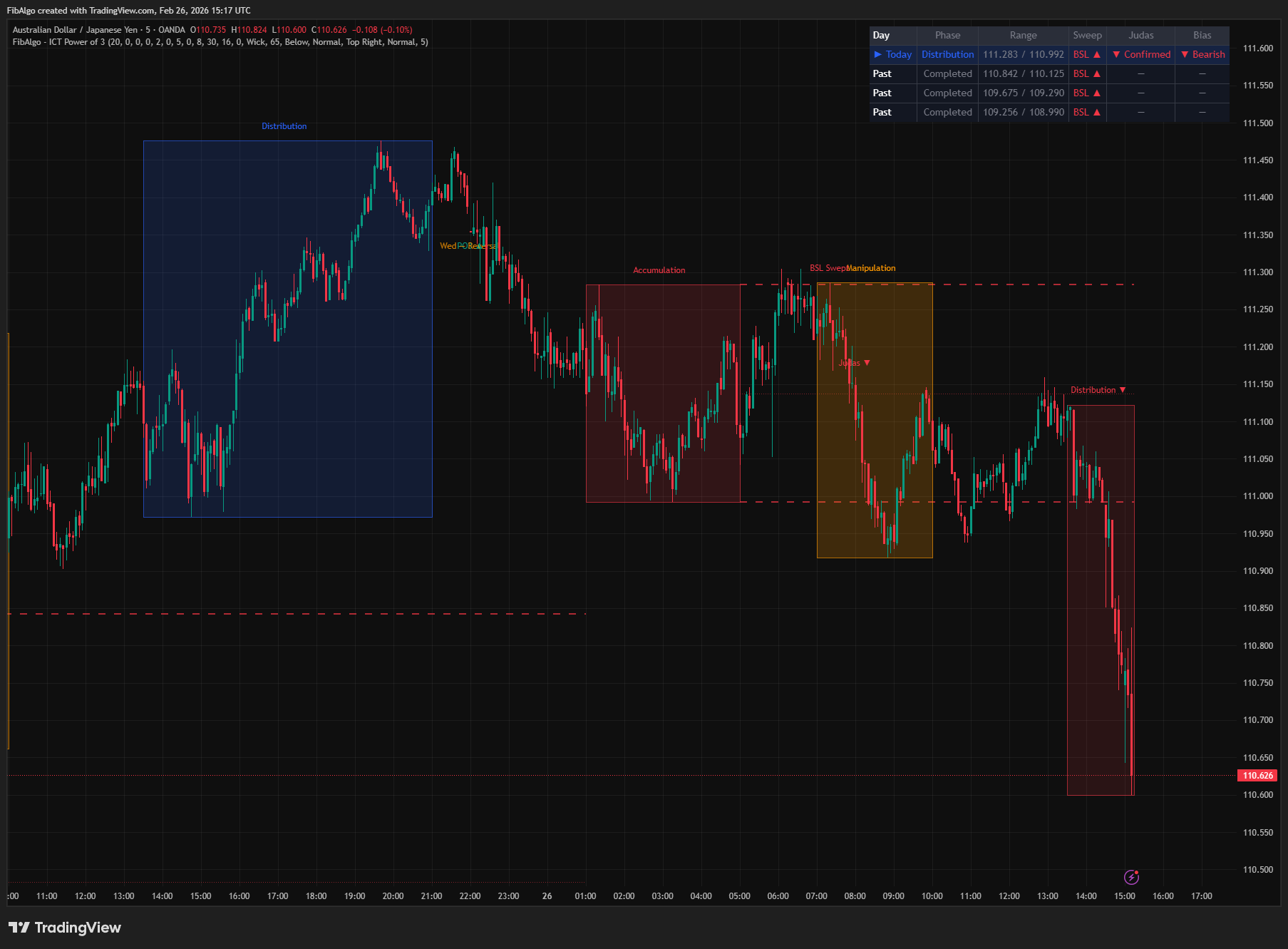
ICT Power of 3
TradingView indicator that visualizes the ICT Power of 3 daily cycle — Accumulation, Manipulation, and Distribution across Asia, London, and New York.
See Details