
Use this indicator directly on TradingView — the world's most popular charting platform.
What does the ICT Volume Imbalance indicator do?
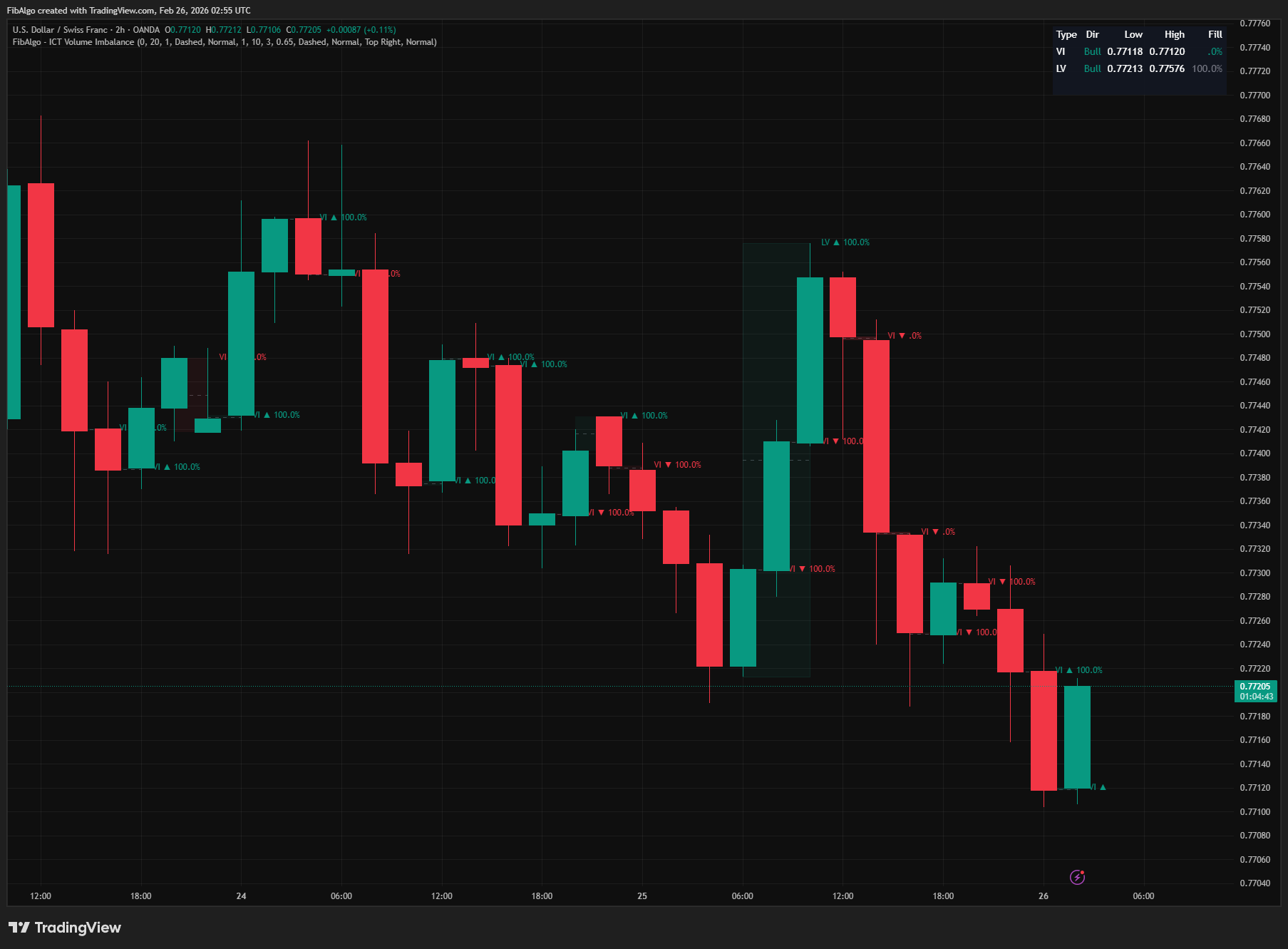
This indicator detects and visualizes two key ICT price delivery inefficiency concepts: Volume Imbalance (VI) and Liquidity Void (LV). Volume Imbalance identifies the space between the bodies of two consecutive candles whose wicks still overlap — a price area the candle bodies skipped and only wicks traded through. Liquidity Void identifies broader zones created by multiple consecutive displacement bars moving aggressively in one direction. Both zone types are drawn as highlighted boxes with optional Consequent Encroachment (CE) midlines, real-time fill tracking (0% to 100%), and a summary table showing the latest zone data.
Key Concepts
- Volume Imbalance (VI) — A gap between the bodies (open to close) of two consecutive candles while their wicks still overlap. Bullish VI: the current candle's body bottom is above the previous candle's body top. Bearish VI: the current candle's body top is below the previous candle's body bottom. The price area between the two bodies was only reached by wicks, so little volume was exchanged there. Because the wicks must overlap, a true price gap (no trading at all between the two candles, as in most session or weekend gaps) is not marked as a VI. These imbalances act as minor support/resistance zones that price tends to revisit and fill.
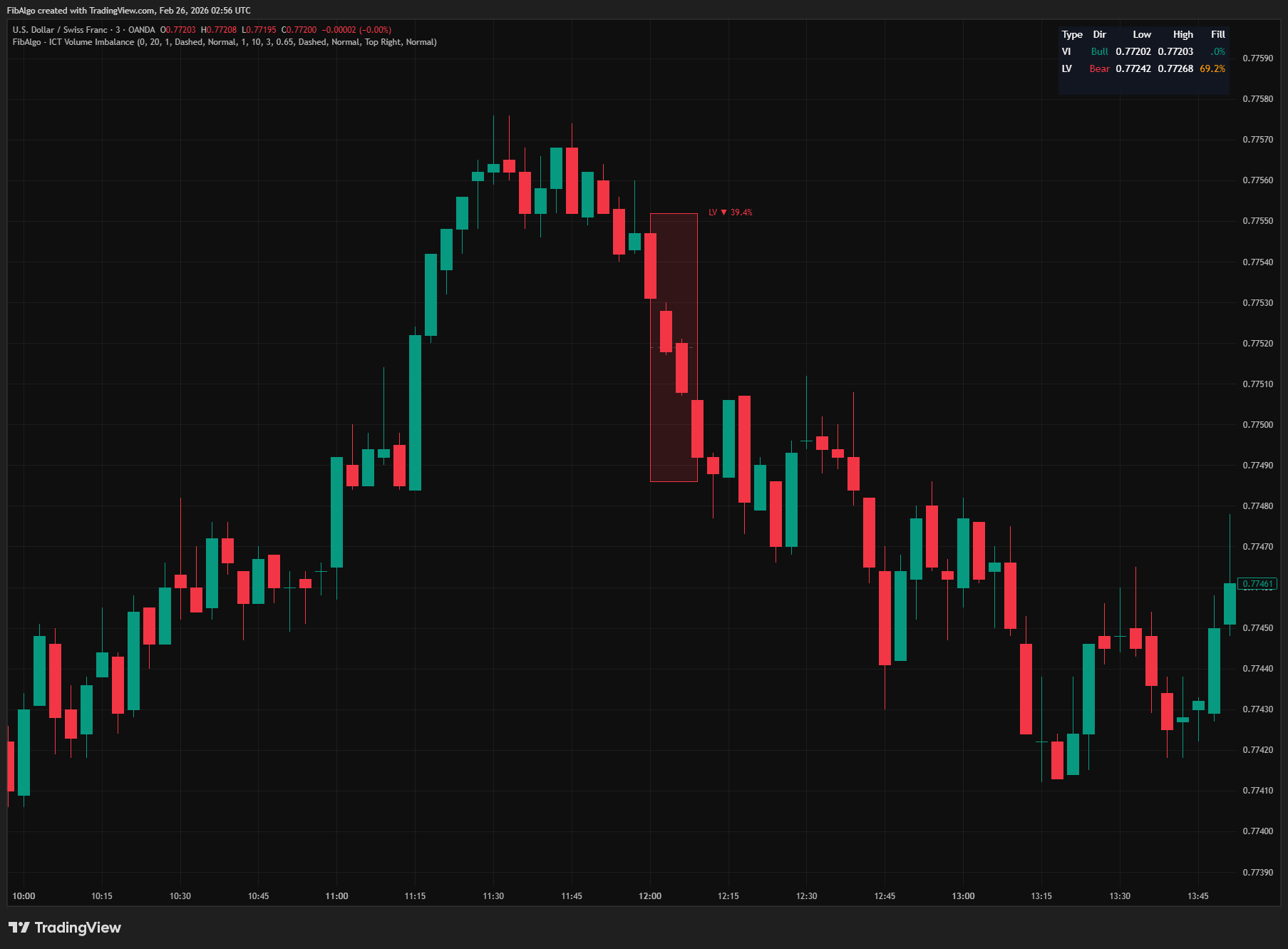
- Liquidity Void (LV) — A broader area of aggressive price movement where multiple consecutive candles drive in one direction with large bodies and minimal wicks. Each qualifying candle (displacement bar) has a body-to-range ratio of at least a configurable threshold (default 65%) and a range of at least half the ATR(14) of the previous bar, so small candles in quiet sessions do not count. When three or more such bars appear consecutively in the same direction, the entire range from the lowest low to the highest high forms a Liquidity Void. Unlike a single FVG (3-candle pattern), an LV is a stacked series of inefficiencies — a "gap in price delivery" that acts as a magnet for future price action.
- Consequent Encroachment (CE) — The 50% midpoint of any VI or LV zone. ICT identifies this level as a key reaction point: price reaching the CE of a gap zone indicates that half the imbalance has been rebalanced. The CE often acts as a precision S/R level within the zone.
- Fill Tracking — Measures how much of the zone has been traded through after it was created. For a bullish zone, fill is measured from the top downward (how deep price has penetrated from above). For a bearish zone, fill is measured from the bottom upward. Fill percentage is persistent — once a level is reached, the percentage never decreases. A zone at 100% has been fully rebalanced and loses its significance.
How does the ICT Volume Imbalance indicator work?
1. Volume Imbalance Detection When a candle closes, the indicator compares its body with the previous candle's body. A Bullish VI requires the current body bottom (the lower of open and close) to be above the previous body top, with the current low at or below the previous high (wicks overlap). A Bearish VI requires the current body top to be below the previous body bottom, with the current high at or above the previous low. If the space between the two bodies meets the minimum tick threshold, a Volume Imbalance zone is created. The zone box spans from the previous bar to the current bar, with its top and bottom at the two facing body edges. The VI is decided at the close of the second candle, so it never appears and disappears intrabar. A configurable minimum gap size (in ticks) filters out insignificant micro-gaps — set to 0 to show every body gap regardless of size.
2. Liquidity Void Detection The indicator tracks consecutive displacement bars on closed bars — candles where the body size is at least a configurable percentage (default 65%) of the total range and the range is at least half the ATR(14) of the previous bar. When multiple consecutive displacement bars move in the same direction (all bullish or all bearish), a streak counter increments. As soon as the streak reaches the minimum bar threshold (default 3), the Liquidity Void box is drawn; while the streak continues, the same box grows in place. When the streak ends (either a non-displacement bar appears, or the direction reverses), the zone is finalized and fill tracking begins.
The streak's highest high and lowest low define the zone boundaries. Direction changes trigger finalization of the previous streak before starting the new one. Because the streak logic runs only on closed bars, each void is drawn once, is never duplicated, and looks the same on historical and live bars.
3. Fill Tracking and Fade After a zone is created, fill tracking begins on the very next bar — for a Liquidity Void, on the first bar after its streak ends (zone bars themselves are excluded to avoid false instant fills). For bullish zones, fill measures how deeply price has pushed down from the zone's top: fillAmt = top - low. For bearish zones, fill measures how high price has pushed up from the zone's bottom: fillAmt = high - bottom. Fill percentage is calculated as fillAmt / zoneRange * 100 and clamped between 0% and 100%. The fill value is persistent using math.max — once price reaches a fill level, the percentage never decreases.
When a zone reaches 100% fill and the "Fade When Fully Filled" option is enabled, the zone's box opacity increases significantly (becomes nearly transparent), providing a clear visual distinction between active and fully-rebalanced zones.
4. Consequent Encroachment Midline Each zone can optionally display a CE line at its exact 50% midpoint: (top + bottom) / 2. The CE line uses configurable color and style (Solid/Dashed/Dotted), and extends the same width as the zone box. When "Extend Zones" is enabled, the CE line extends rightward to the current bar alongside the box.
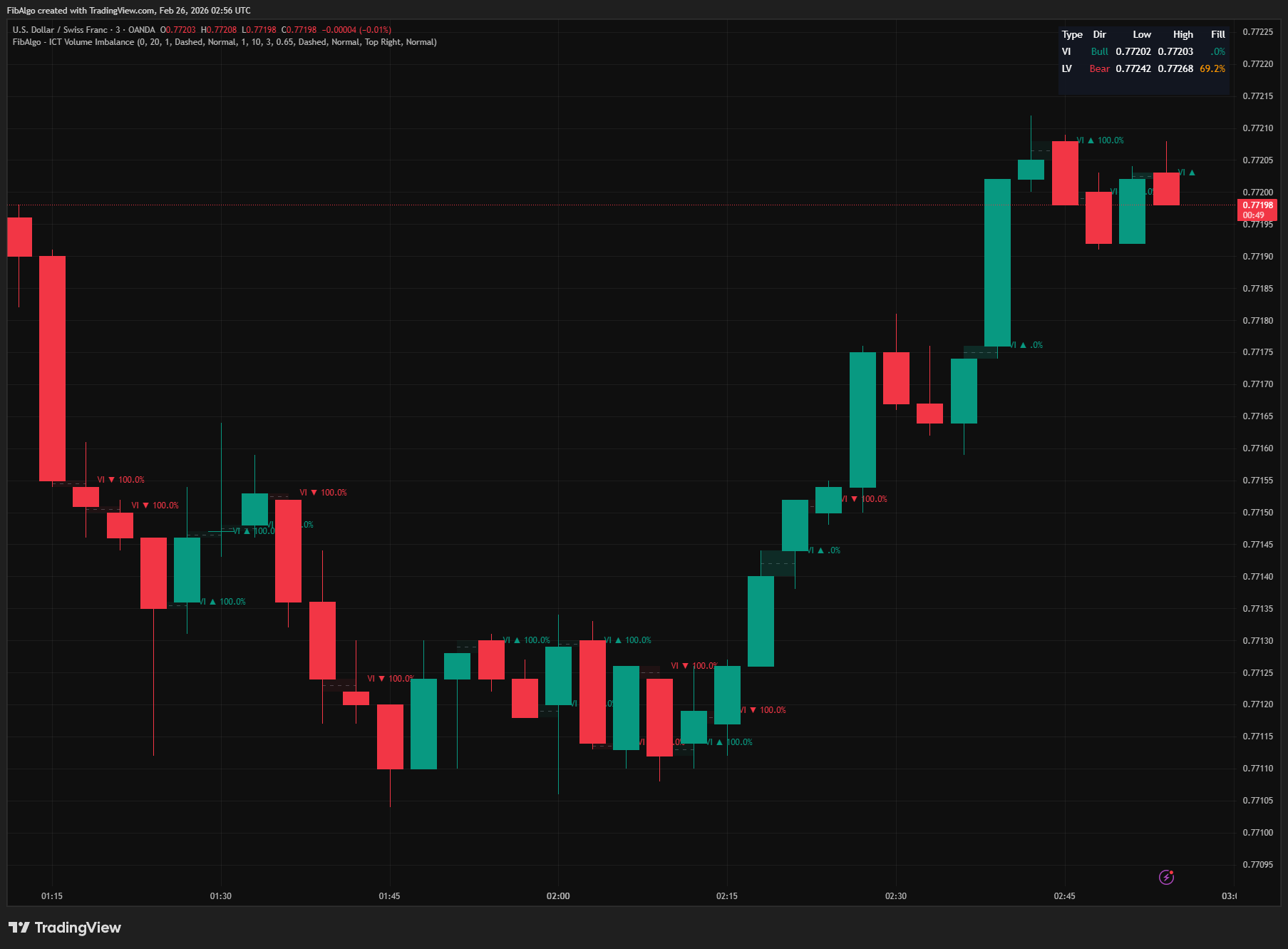
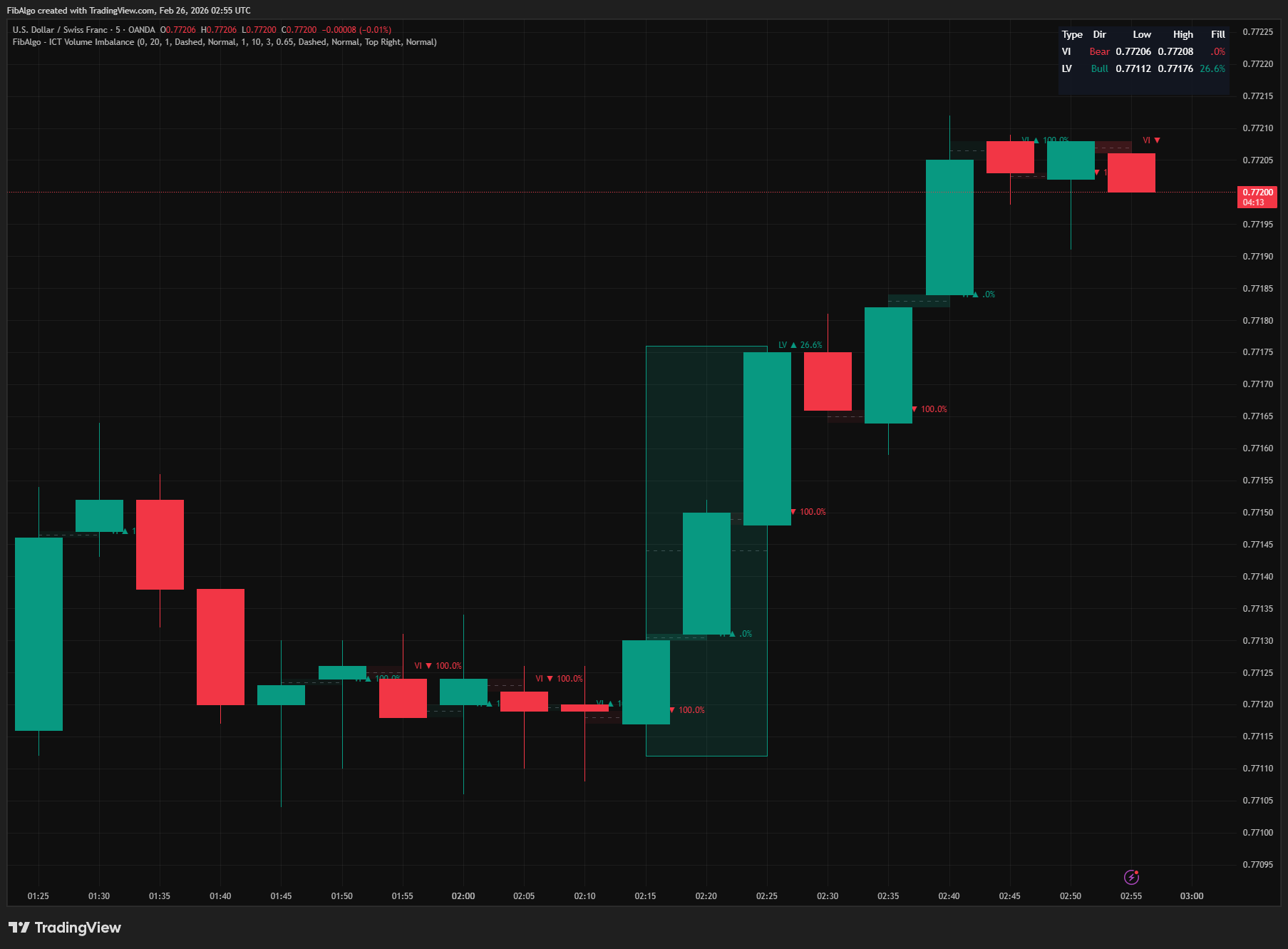
5. Zone Extension and History Each zone type (VI and LV) maintains a separate array of historical zones. When a new zone is created and the array exceeds the configurable history count, the oldest zone is removed along with its box, CE line, and label — keeping the chart clean within TradingView's 500-object drawing limits. The "Extend Zones to Current Bar" option controls whether all zones stretch rightward to the current bar or remain at their original width. Labels update with the latest fill percentage on every bar.
6. Alert System Five alert events can be switched on or off individually: New Volume Imbalance Formed — a VI was confirmed at the close of its second candle. New Liquidity Void Formed — an LV streak ended; sent once per void with its final price range. CE Level Touch — fires once per zone when price (including wicks) touches the CE midline. Zone 50% Filled — fires once per zone when fill reaches 50%. Zone Fully Filled (100%) — fires once per zone when fill reaches 100%.
To receive them, create one alert on this indicator with the condition "Any alert() function call". All events of a bar are combined into a single message that is sent when the bar closes. The message starts with the symbol and timeframe, and each line names the zone type (VI/LV), direction and price range, so you can tell which zone an event belongs to. A master "Enable Alerts" toggle disables all alert processing when off.
7. Summary Table A real-time summary table displays the most recent VI and LV zones (a Liquidity Void that is still forming counts as the most recent LV) with five columns: Type (VI/LV), Direction (Bull/Bear with color coding), Low price, High price, and Fill percentage. Fill percentage is color-coded: direction color when below 50%, orange at 50%+, gray at 100%. Table position (any corner) and text size (Tiny/Small/Normal) are configurable. If a zone type has no instances, its row is omitted.
Features
- Volume Imbalance Detection — Automatically identifies gaps between the bodies of consecutive candles whose wicks overlap, confirmed at the candle close. Supports both bullish (gap up) and bearish (gap down) with independent color settings. Configurable minimum gap size in ticks to filter noise.
- Liquidity Void Detection — Tracks consecutive displacement bars (body/range ratio threshold plus a minimum range of half the prior ATR(14)) on closed bars to identify broad institutional price delivery gaps. Configurable minimum consecutive bar count and body ratio for sensitivity tuning.
- Consequent Encroachment (CE) Midlines — Optional 50% midpoint line drawn inside each zone. Configurable color and style (Solid/Dashed/Dotted). Key ICT precision level for reactions within the zone.
- Real-Time Fill Tracking — Persistent fill percentage (0% to 100%) updated every bar. Fill starts after zone bars to avoid false instant fills. Displayed on zone labels with configurable visibility.
- Fade on Full Fill — Zones that reach 100% fill automatically become nearly transparent, visually separating active zones from fully rebalanced ones. Optional toggle.
- Independent Zone Styling — Separate color, border width, CE color, CE style, label size, and history count settings for VI and LV. Full visual independence between zone types.
- Configurable History Depth — VI: 1–50 zones (default 20). LV: 1–30 zones (default 10). Oldest zones are auto-deleted with all drawing objects to stay within TradingView limits.
- Extend Zones Option — When enabled, all zones and CE lines stretch rightward to the current bar. When disabled, zones remain at their original formation width.
- Consolidated Alerts — Five alert events (New VI, New LV, CE Touch, 50% Fill, 100% Fill) with independent toggles and a master enable switch. One message per bar, sent at bar close, with symbol, timeframe, zone type, direction and price range. Touch and fill events fire once per zone.
- Summary Table — Displays the latest VI and LV zones with direction, price range, and fill data. Color-coded fill status. Configurable position and text size.
- Displacement Bar Sensitivity — Body/Range Ratio parameter (0.30–0.95) controls what qualifies as a displacement bar. Lower values detect more voids; higher values require stronger directional commitment.
- Minimum Gap Filter — Tick-based minimum gap size for VI detection. Eliminates insignificant micro-gaps while keeping meaningful imbalances. Set to 0 to show all.
How to use the ICT Volume Imbalance indicator
- VI as Intraday S/R: Volume Imbalances act as minor support and resistance zones. When price retraces to a bullish VI, expect a bounce (support). When price rallies into a bearish VI, expect a rejection (resistance). The CE midline within the VI is the most probable reaction point.
- LV as a Price Magnet: Liquidity Voids represent large areas of inefficient price delivery. ICT teaches that price must return to fill these voids — they act as magnets. When you identify an unfilled LV, expect price to eventually revisit that zone. The fill percentage tells you how much work remains.
- CE Precision Entries: The Consequent Encroachment (50%) level of any VI or LV is a high-probability reaction point. Use it as a precise entry level when price retraces into a zone. Combine with order flow confirmation or other ICT tools (Order Blocks, FVGs) for confluence.
- Fill Tracking for Zone Validity: Zones below 50% fill are still "fresh" and carry the strongest reaction potential. Zones between 50–99% have partially rebalanced but may still cause reactions at the remaining unfilled portion. Zones at 100% are fully rebalanced and generally should not be expected to provide support/resistance.
- LV + VI Confluence: When a Volume Imbalance appears within or adjacent to a Liquidity Void, the confluence strengthens both zones. The VI provides a precise gap level while the LV provides the broader institutional context.
- Combine with ICT Framework: Use VI/LV zones alongside Market Structure (trend direction), Premium/Discount (range positioning), Killzones (session timing), and Liquidity Levels (sweep targets). A bullish VI inside a discount zone during London Killzone, for example, is a high-confluence long setup.
Limitations
- Volume Imbalance compares the candle bodies (open and close) of consecutive candles — this is sensitive to the data feed. Different brokers may report slightly different open and close prices, which can affect which imbalances appear. On markets where each candle usually opens at the previous close (most crypto pairs), body gaps and therefore Volume Imbalances are rare.
- Zones and alerts are confirmed at bar close. A Volume Imbalance appears when its second candle closes; a Liquidity Void box appears once its streak reaches the minimum bar count on closed bars, and its New LV alert is sent when the streak ends. No zone is created and no alert is sent from an unfinished bar; only the fill percentages of existing zones update live.
- Liquidity Void detection depends on the Body/Range Ratio threshold. The default 0.65 works well for most markets, but highly volatile instruments may need a lower threshold, while range-bound markets may need a higher one.
- Fill tracking starts on the bar AFTER the zone is created (for a Liquidity Void, after its streak ends). The zone formation bars are excluded to prevent false instant fills (since the candle that creates a VI typically has a low/high that would immediately register as fill).
- Fill percentage is persistent and never decreases. A zone that briefly wicked to 80% fill then reversed will permanently show 80%+ even if price moves away. This reflects ICT's concept that partially filled zones retain significance at the unfilled portion.
- The "Extend Zones" option extends ALL visible zones to the current bar, which can create visual clutter on charts with many zones. Consider reducing History Count when using this feature.
- Drawing object limits: TradingView allows 500 boxes, 500 lines, and 500 labels. Each zone uses up to 3 objects (box + CE line + label). With default settings (20 VI + 10 LV = 30 zones), this uses at most 90 objects — well within limits. Increasing both history counts significantly on low timeframes may approach these limits.
- Liquidity Void detection on very low timeframes (1m or less) may still produce many small voids, even with the ATR size filter. Consider increasing the Minimum Consecutive Bars or Body/Range Ratio on lower timeframes.
- This indicator identifies price delivery inefficiencies — it does not generate buy/sell signals. Use it within the broader ICT framework alongside Market Structure, Order Blocks, Fair Value Gaps, Premium/Discount, Killzones, and Liquidity Levels for complete trade setups.
Trading involves risk. This indicator is an analysis tool, not financial advice: use it alongside your own analysis and risk management.
Release notes
v2.0LatestLiquidity Void alerts and the ICT volume imbalance definition
Liquidity Voids are drawn once and alert once when their streak ends, and a Volume Imbalance now follows the ICT definition: a gap between two candle bodies whose wicks overlap, confirmed at candle close.
After updating
- Delete and re-create your alerts for this indicator with the "Any alert() function call" condition. TradingView alerts keep running the script version they were created with.
- The alert message format has changed. If you filter alert messages automatically, for example through a webhook, update your filters.
- Charts that already have the indicator may keep the old text sizes. The new Normal defaults apply when you add the indicator again or choose Reset settings.
Fixed
- Liquidity Void alerts fired on every new bar while the streak was still running. A void is now drawn once, grows with its streak and alerts once when the streak ends.
- Liquidity Voids that formed on live bars were drawn twice. They are now drawn once.
Improved
- Alerts arrive as one message per bar at bar close, listing each event with zone type, direction and price range. A CE touch and a 50% fill of the same zone no longer come as two separate alerts.
- Label and table text default to Normal size, and the Extend Zones tooltip now describes what the setting does.
Changed
- Volume Imbalance detection follows the ICT definition: the gap between two candle bodies whose wicks overlap, confirmed at candle close. Gaps inside the previous body and true price gaps, such as most session gaps, are no longer marked, so you will see fewer VI boxes.
- Liquidity Void bars must now span at least half of the prior ATR(14), so tiny candles in quiet sessions no longer form voids.
Frequently Asked Questions
What is VI in ICT trading?
VI stands for volume imbalance. It is a gap between the bodies of two consecutive candles while their wicks still overlap, so only wicks traded through that area. In a bullish VI the second candle's body sits above the first one's; in a bearish VI it sits below. ICT treats these gaps as areas with little two-sided trading that price tends to revisit, acting as minor support or resistance.
What is the difference between a volume imbalance and a fair value gap?
A volume imbalance involves two consecutive candles: a gap between their bodies while their wicks still overlap. A fair value gap is a three-candle pattern in which the wicks of the first and third candles do not overlap, leaving a gap beside a large middle candle. Both mark inefficient price delivery, but a volume imbalance forms only when the two candles' wicks overlap.
What is a liquidity void in ICT?
A liquidity void is a wider zone created by several consecutive candles moving aggressively in the same direction with large bodies and small wicks. In this indicator, a candle qualifies when its body is at least 65% of its range by default and its range is at least half the previous bar's 14-period ATR, and three or more in a row form a void from the lowest low to the highest high. ICT teaches that price tends to return to fill these voids.
What is consequent encroachment in a volume imbalance?
Consequent encroachment (CE) is the 50% midpoint of the gap. ICT treats price reaching the CE as half of the imbalance being rebalanced, and the CE often acts as a precise reaction level inside the zone. The indicator can draw a CE line in every volume imbalance and liquidity void and alert you when price touches it.
When is a volume imbalance considered filled?
Fill is how much of the zone price has traded through since it formed, measured from the top down for a bullish zone and from the bottom up for a bearish zone. The indicator shows fill from 0% to 100%. Zones below 50% are still fresh, while a zone at 100% is fully rebalanced and generally no longer expected to act as support or resistance.
Learn More
- Smart Money Concepts (SMC): How Institutional Traders Move MarketsLearn Smart Money Concepts including order blocks, fair value gaps, liquidity sweeps, and breaker blocks. Understand how institutions trade.
- Technical Analysis for Crypto Trading: The Definitive GuideLearn technical analysis from basics to advanced for cryptocurrency trading. Master chart patterns, indicators, volume analysis, and multi-timeframe strategies.
- Risk Management in Crypto Trading: The Complete Survival GuideMaster position sizing, stop losses, portfolio allocation, and emotional discipline for crypto trading. Learn why risk management matters most.
Start Using ICT Volume Imbalance
This indicator is free to use on TradingView. Add it to your charts and use it alongside your own analysis.
Related indicators
View All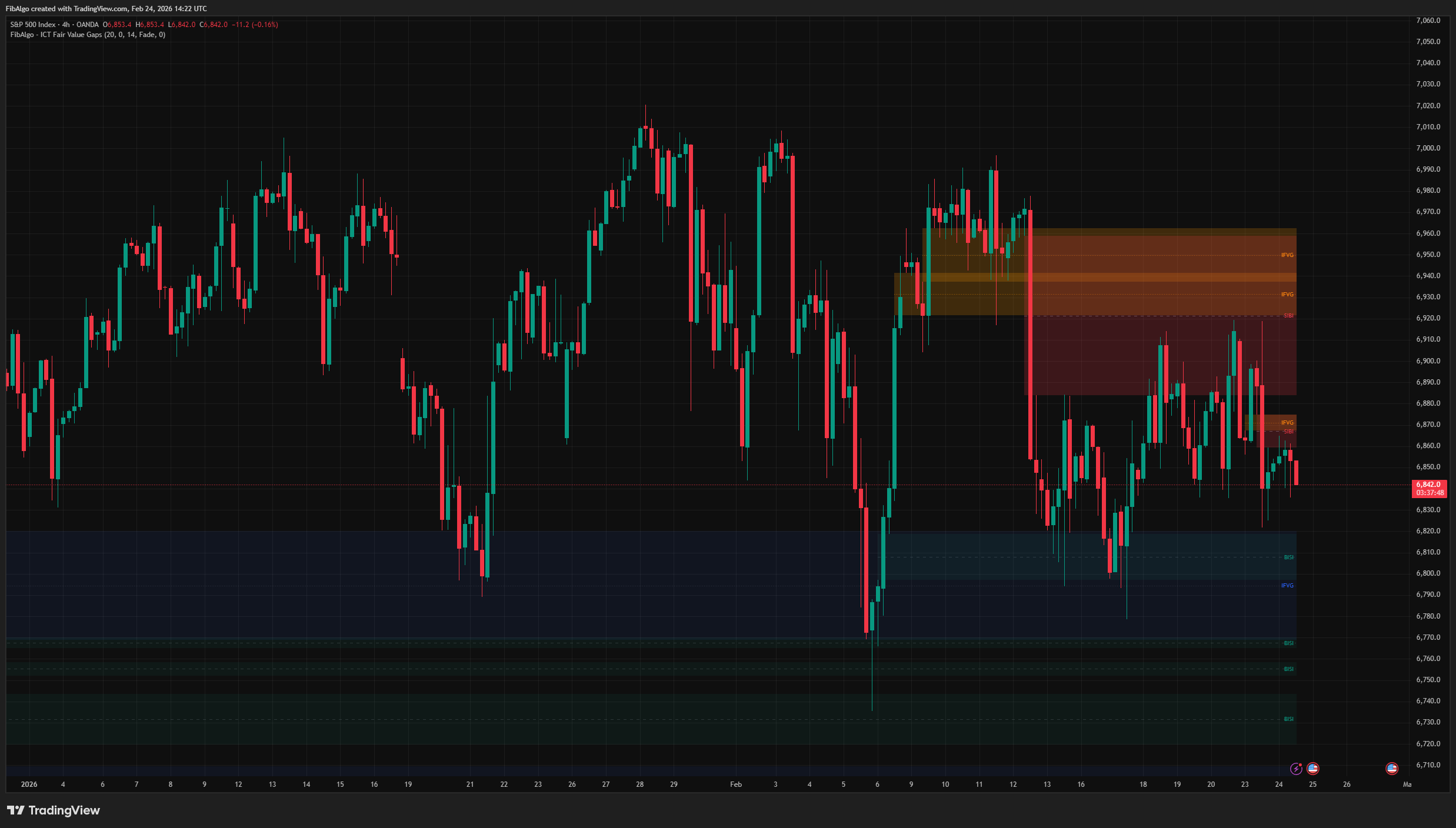
ICT Fair Value Gaps
TradingView indicator that detects ICT Fair Value Gaps (BISI/SIBI), draws CE midlines, identifies Inversion FVGs, and maps Balanced Price Range zones.
See Details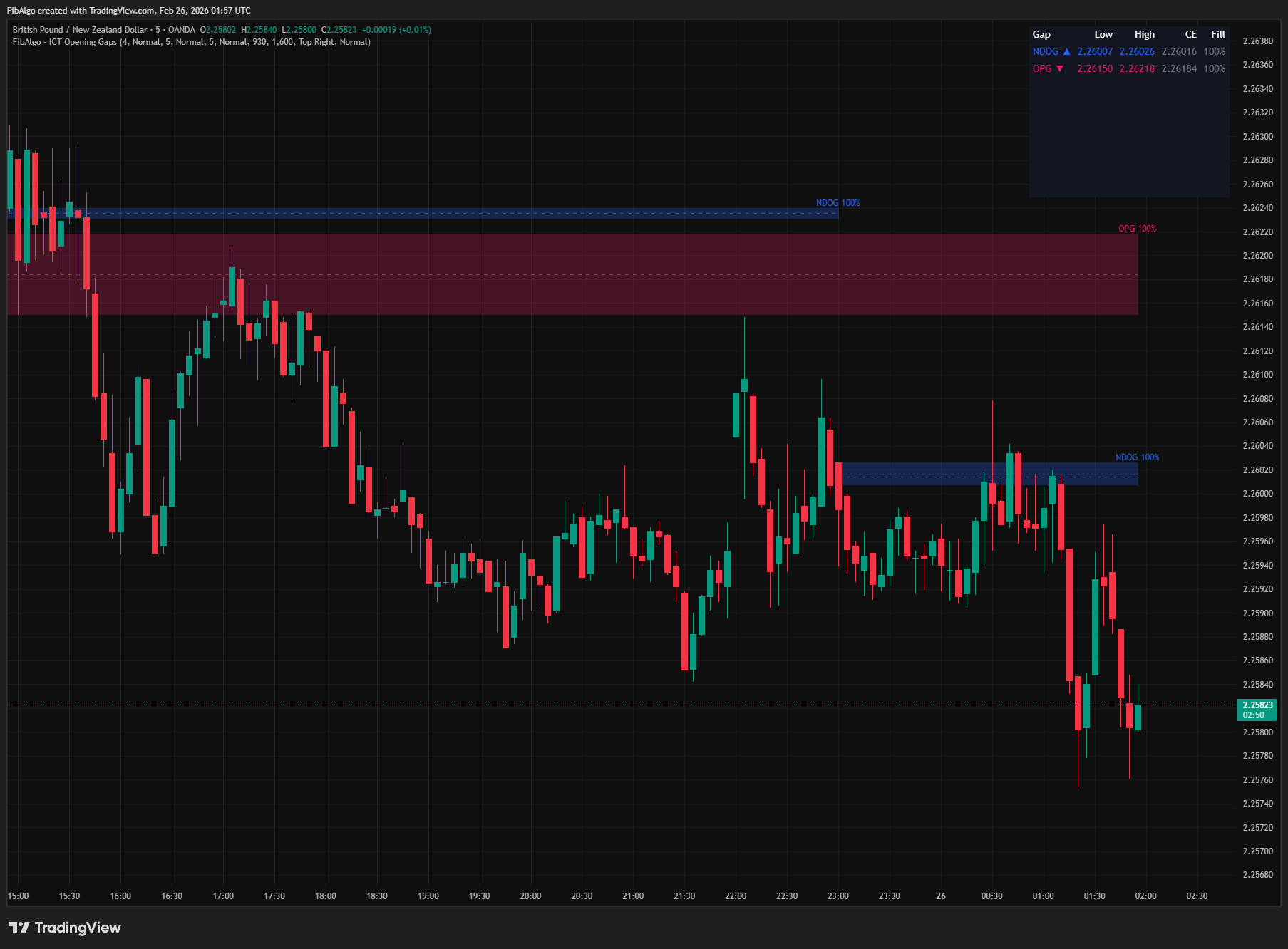
ICT Opening Gaps
TradingView indicator that detects ICT Opening Gaps — NWOG, NDOG, and OPG — displayed as colored zones with CE midlines and gap fill tracking.
See Details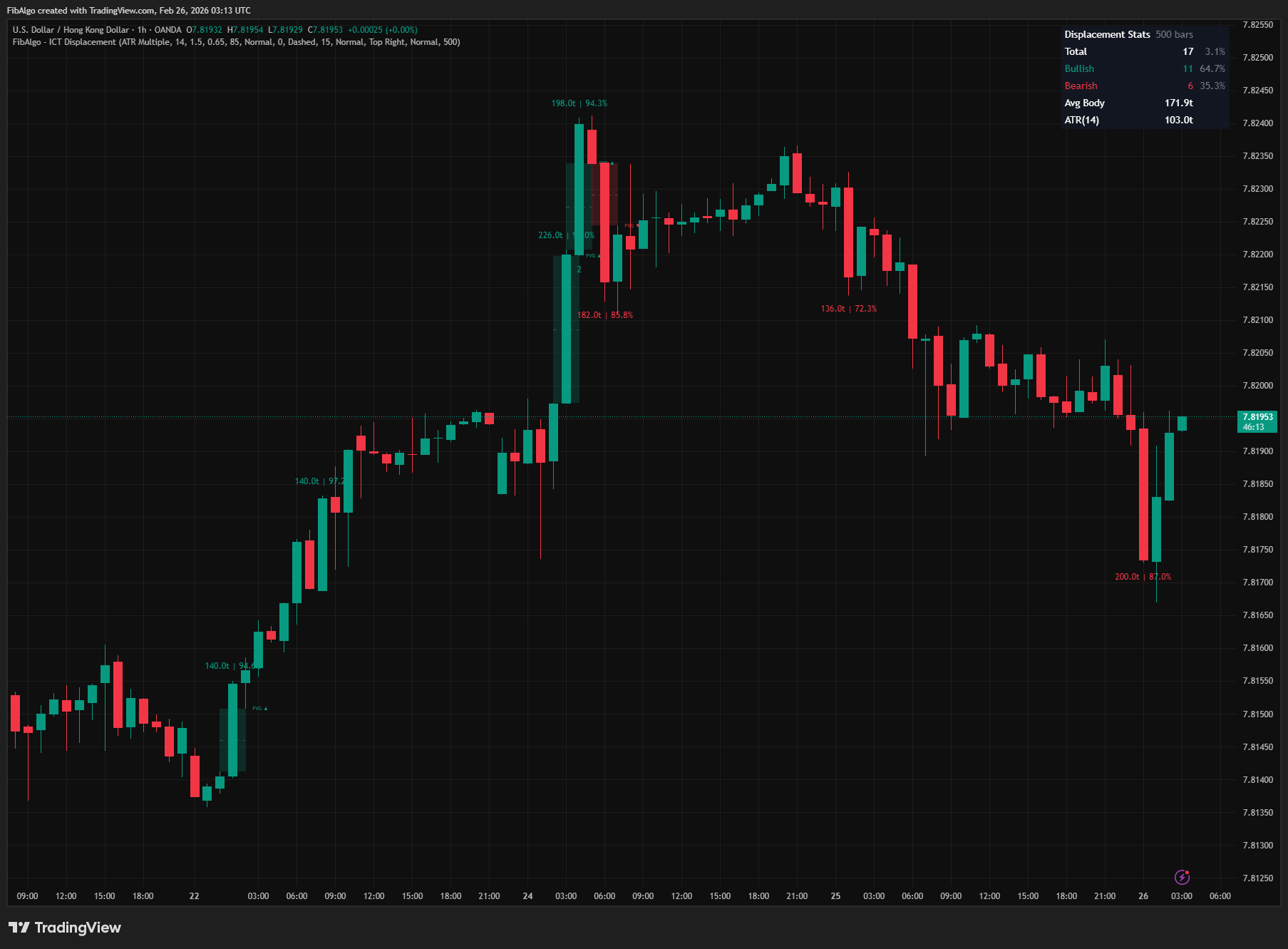
ICT Displacement
TradingView indicator that detects ICT Displacement candles — aggressive institutional order flow using ATR Multiple and Body/Range Ratio analysis.
See Details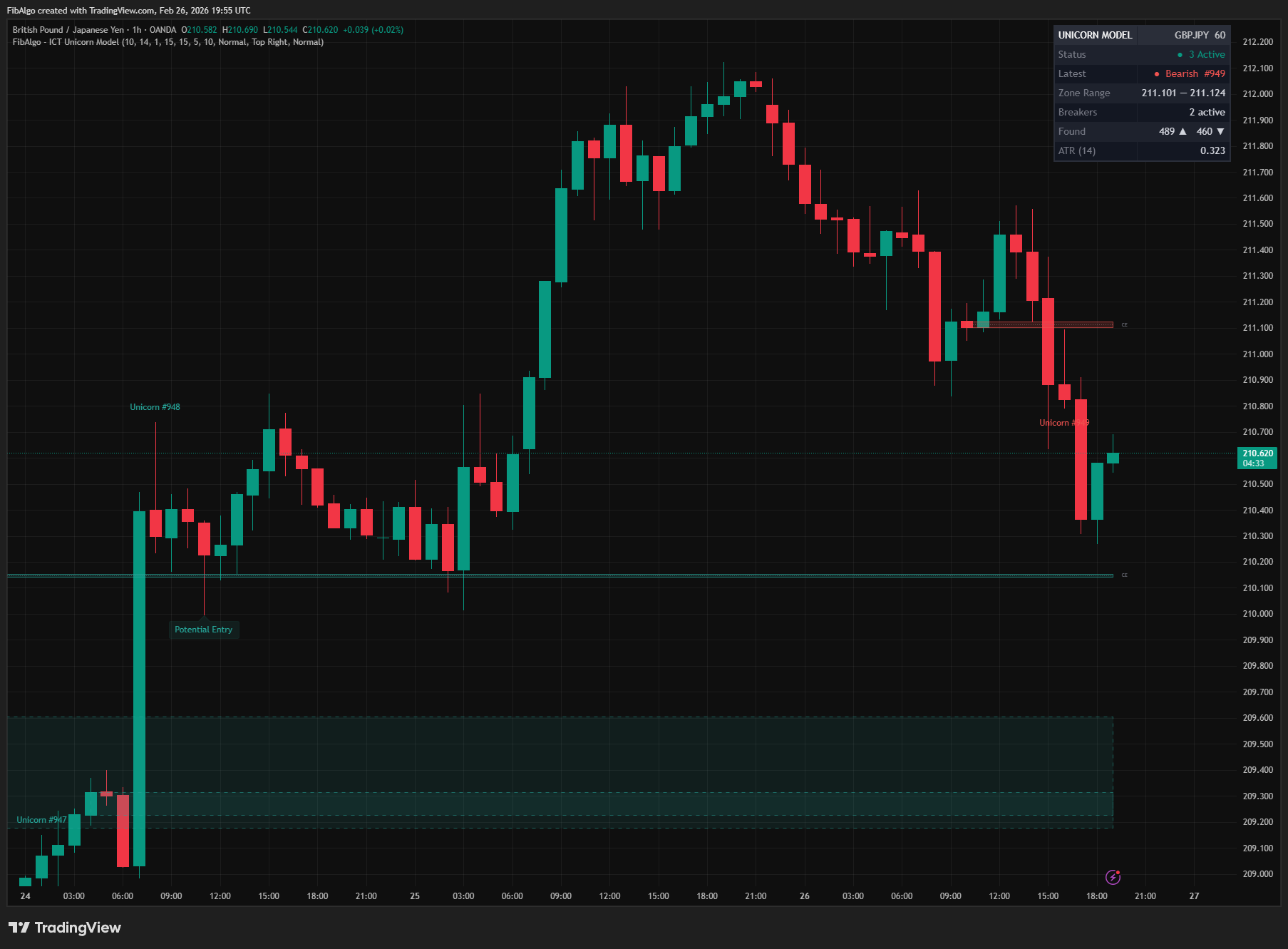
ICT Unicorn Model
TradingView indicator that detects the ICT Unicorn Model — the setup where a Breaker Block and Fair Value Gap overlap.
See Details
ICT Order Blocks
TradingView indicator that detects ICT Order Blocks, converts invalidated zones into Breaker Blocks, and provides institutional Strength Rating analysis.
See Details