
Use this indicator directly on TradingView — the world's most popular charting platform.
What does the ICT Fair Value Gap (FVG) indicator do?
This indicator detects and manages ICT (Inner Circle Trader) Fair Value Gaps — price imbalances created when aggressive institutional order flow leaves a gap between three consecutive candles. It identifies Bullish FVGs (BISI) and Bearish FVGs (SIBI), draws the Consequent Encroachment (CE) midline, converts invalidated gaps into Inversion FVGs (IFVG), detects Balanced Price Range (BPR) overlap zones, and enforces per-type display limits so every category stays clean on your chart.
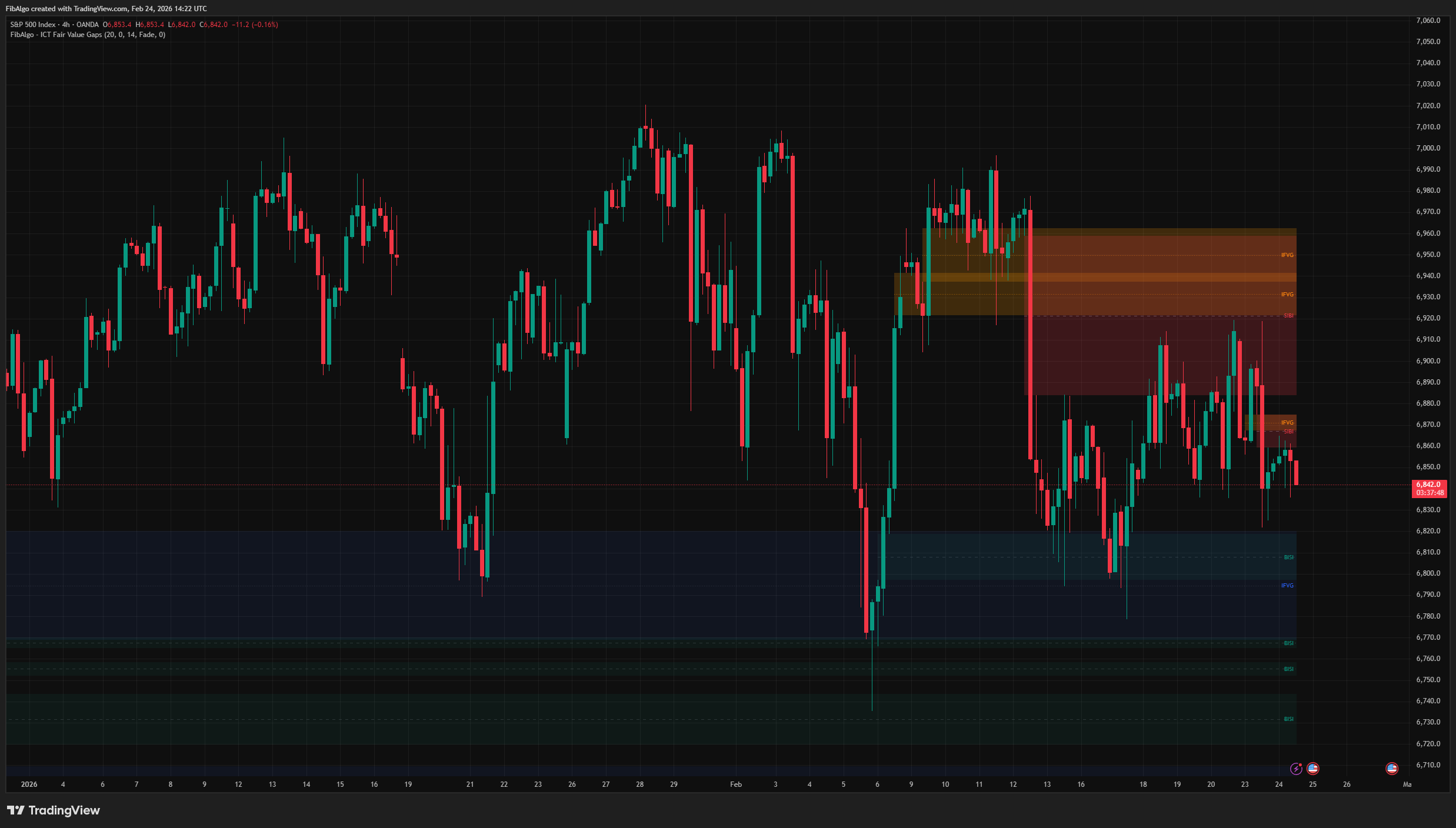
Key Concepts
- Fair Value Gap (FVG) — A 3-candle pattern where the middle candle's body is so large that it leaves a gap between candle 1's extreme and candle 3's extreme. This gap represents an area where price moved so fast that opposing orders could not participate — an institutional imbalance that price tends to revisit.
- BISI (Buyside Imbalance, Sellside Inefficiency) — The ICT term for a Bullish FVG. Excessive buying created a gap; sellers were unable to deliver efficiently at those prices. Acts as a support/demand zone.
- SIBI (Sellside Imbalance, Buyside Inefficiency) — The ICT term for a Bearish FVG. Excessive selling created a gap; buyers could not participate at those prices. Acts as a resistance/supply zone.
- Consequent Encroachment (CE) — The 50% midpoint of a Fair Value Gap. ICT teaches that price often reaches the CE before reversing, making it a more precise entry point within the gap.
- Inversion FVG (IFVG) — When price closes completely through a FVG, the gap flips direction. A Bullish FVG that gets broken to the downside becomes a Bearish IFVG (resistance); a Bearish FVG broken to the upside becomes a Bullish IFVG (support).
- Balanced Price Range (BPR) — When a Bullish FVG and a Bearish FVG overlap in the same price area, the overlapping zone forms a BPR — a very strong reaction zone where both buying and selling were inefficient.
How does the ICT Fair Value Gap (FVG) indicator work?
1. FVG Detection The indicator uses the classic 3-bar FVG pattern:
- Bullish FVG (BISI): Current bar's low > two bars ago bar's high — a gap left above.
- Bearish FVG (SIBI): Current bar's high < two bars ago bar's low — a gap left below.
Optional filters refine detection: a minimum gap size (in ticks) removes tiny noise gaps, and an ATR filter requires the middle candle's body to exceed ATR — ensuring only displacement-grade imbalances qualify. A gap is confirmed when candle 3 closes, so zones do not appear and disappear while a candle is still forming.
2. Consequent Encroachment (CE) Every FVG receives a dashed midline at (Top + Bottom) / 2. When price reaches this CE level (wick touch is sufficient), the zone is considered mitigated. Users choose the response:
- Fade — The box becomes more transparent and the border turns gray, indicating the zone has been touched but may still hold.
- Remove — The zone is deleted from the chart entirely.
- None — No visual change; the zone remains active.
The CE Mitigation alert fires in every mode. Zones of a type you have hidden (Bullish FVG or Bearish FVG turned off) are still tracked so they can become IFVGs, but they are not faded and do not send CE alerts.
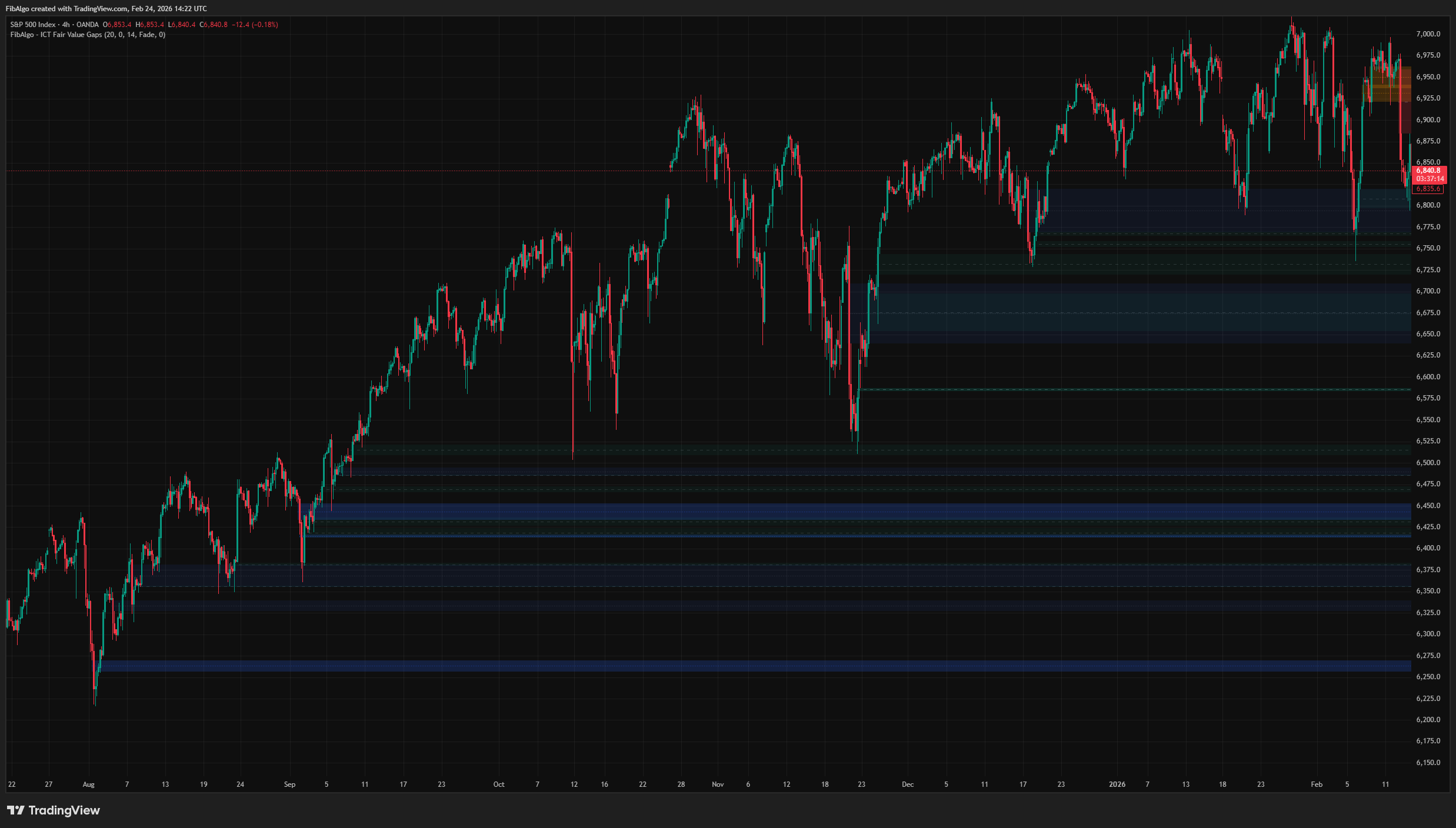
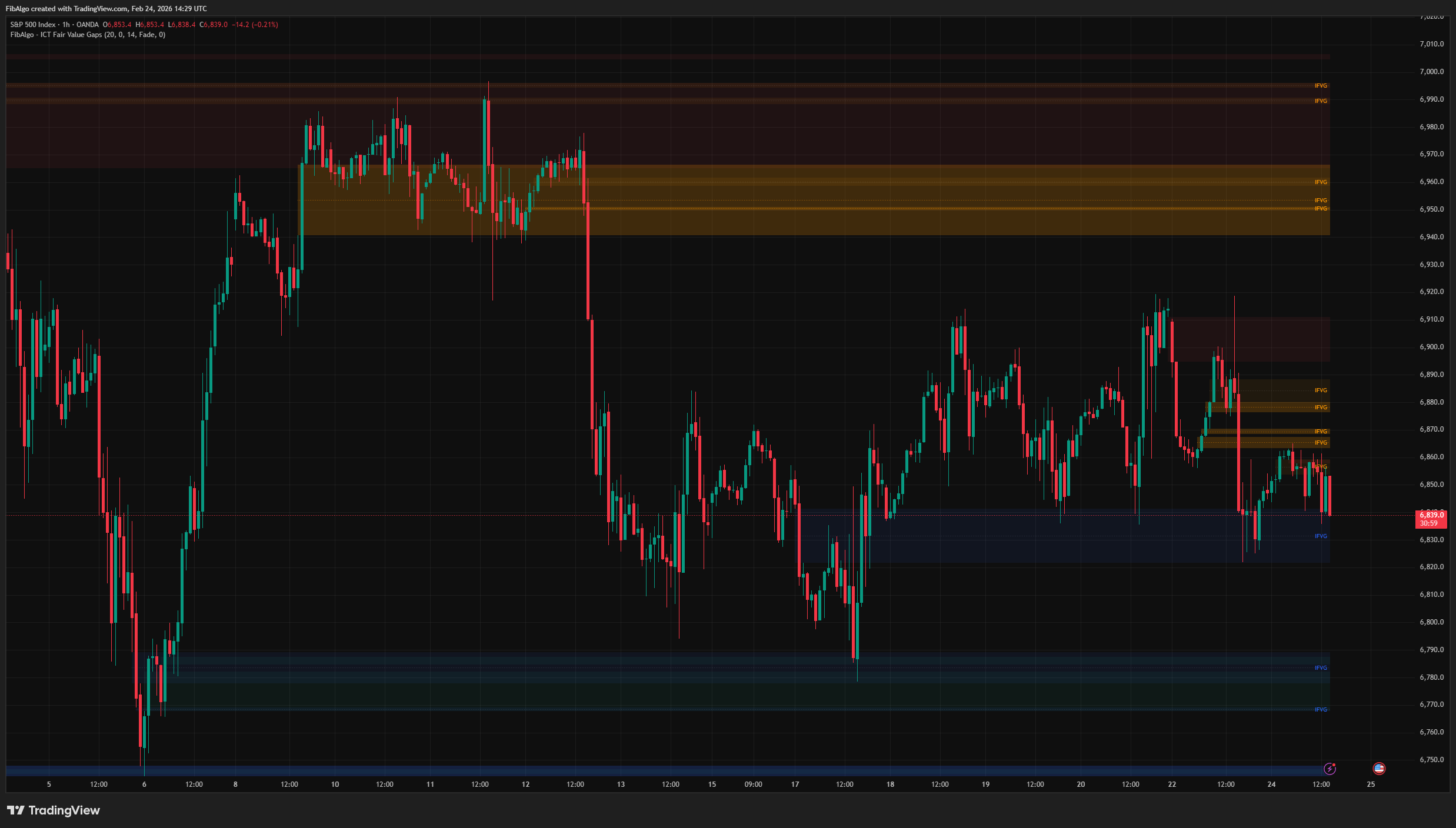
3. Inversion FVG (IFVG) When price closes beyond a FVG zone (not just wicks — a confirmed close), the gap does not simply disappear. Instead, it flips direction and converts into an Inversion FVG:
- A Bullish FVG broken to the downside → Bearish IFVG (resistance).
- A Bearish FVG broken to the upside → Bullish IFVG (support).
IFVGs are shown with dashed borders (at least 1 wide, even when Border Width is 0) and distinct colors (blue for Bullish IFVG, orange for Bearish IFVG by default). The box label changes to "IFVG." If the IFVG itself is later closed through, it is removed — there is no double inversion.
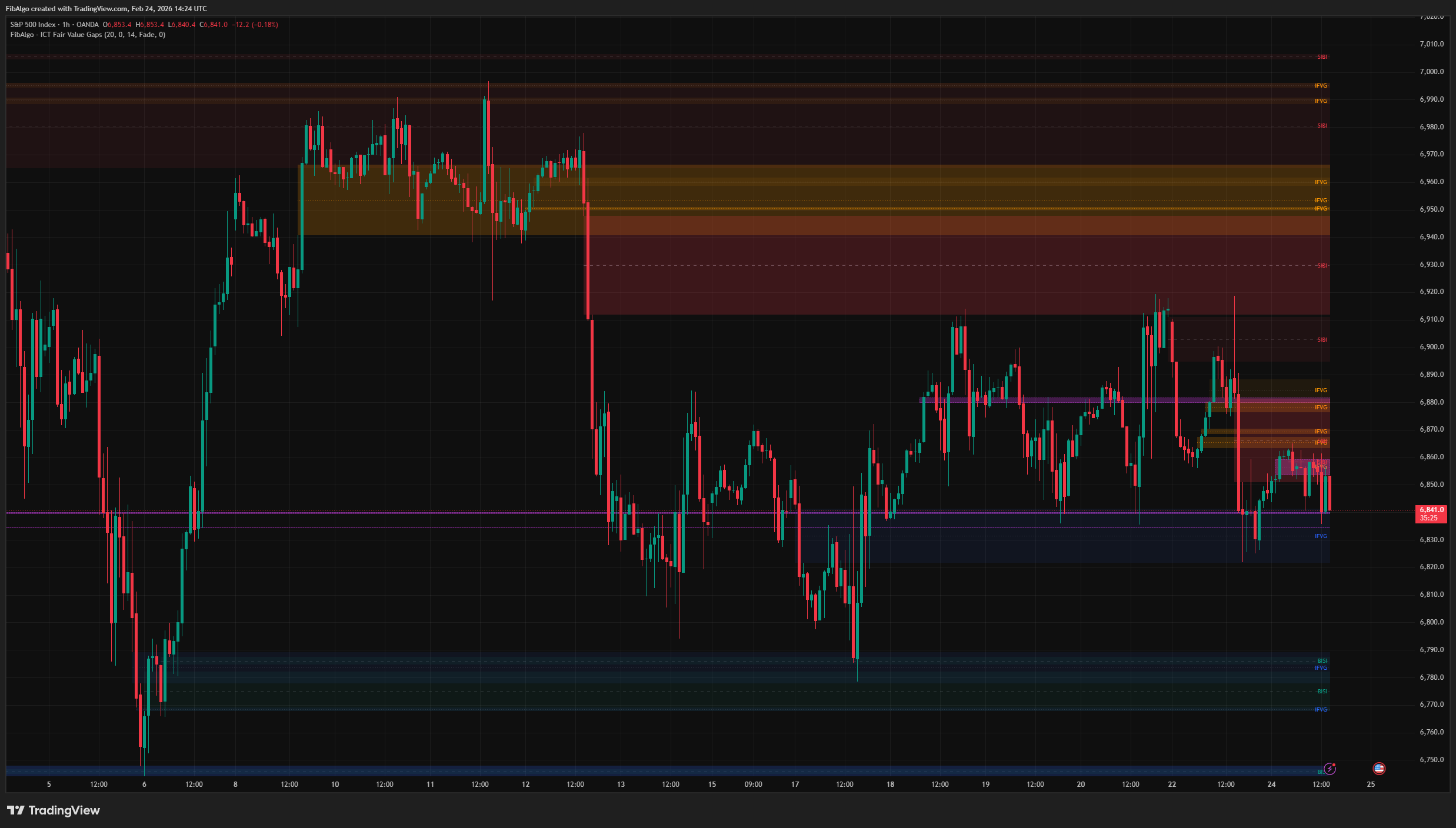
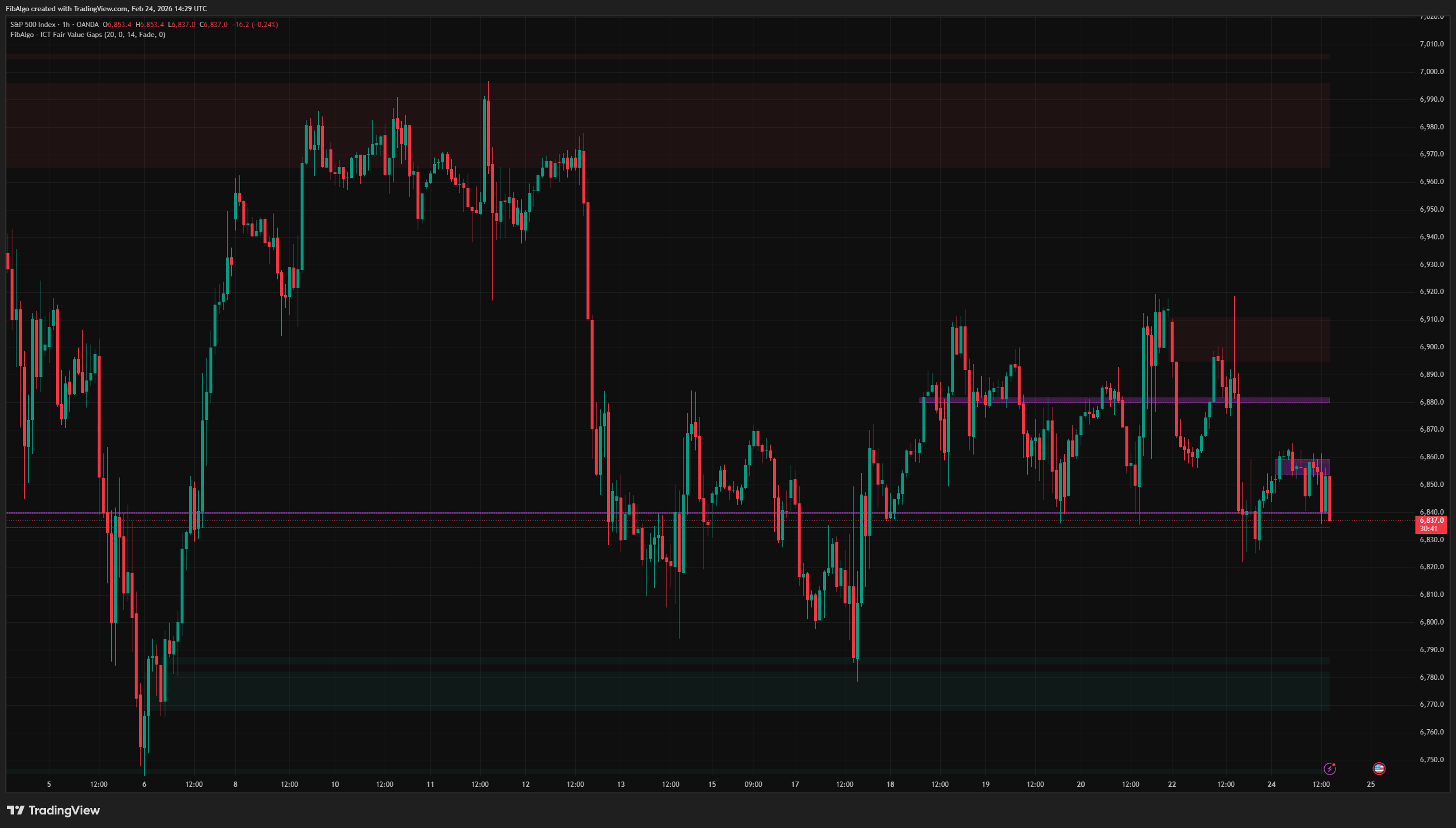
4. Balanced Price Range (BPR) When a newly detected FVG overlaps in price with an existing FVG of the opposite original direction (including one that has already been mitigated or inverted by the move that created the new gap), the overlapping area is highlighted as a BPR — shown as a purple dotted box. A BPR takes the direction of the newer gap and is removed once price closes through it against that direction (below it for a bullish BPR, above it for a bearish BPR). BPR zones represent areas where both buying and selling created imbalances, making them high-probability reaction zones.
5. Per-Type Display Limit The "Max FVGs (per type)" input controls how many zones are shown for each category independently: Bullish FVGs, Bearish FVGs, Bullish IFVGs, and Bearish IFVGs each respect the same limit. When a category exceeds the limit, the oldest zones of that type are removed first (an IFVG counts from the bar it inverted) — ensuring balanced representation across all four types.
Features
- Classic 3-Bar FVG Detection — Faithful to ICT's original definition: gap between candle 1 and candle 3.
- BISI / SIBI Labeling — Proper ICT terminology displayed inside each box (right-aligned, adjustable label size).
- Consequent Encroachment Midline — Dashed CE line at the 50% level of every FVG, the ICT "ideal fill" target.
- CE Mitigation Tracking — Fade, Remove, or None response when price reaches the CE level.
- Inversion FVG Conversion — Automatic flip from failed FVG to opposite-direction IFVG with visual differentiation (dashed border, distinct colors).
- Balanced Price Range Detection — Highlights overlapping Bull + Bear FVG zones as high-probability BPR areas and removes them once price closes through them.
- Per-Type Display Limits — Independent cap for each FVG category prevents chart clutter while maintaining balanced visibility.
- Size and ATR Filters — Optional filters to remove tiny gaps and require displacement-grade middle candles.
- Full Color Customization — Separate colors for Bullish FVG, Bearish FVG, Bullish IFVG, Bearish IFVG, BPR, and CE line. Borders, labels and faded zones follow the chosen colors.
- Alert System — Three configurable alerts: New FVG, CE Mitigation, and New Inversion FVG. Each includes price zone, symbol, and timeframe. All events of one bar are sent together as one alert message; create the alert with the "Any alert() function call" condition.
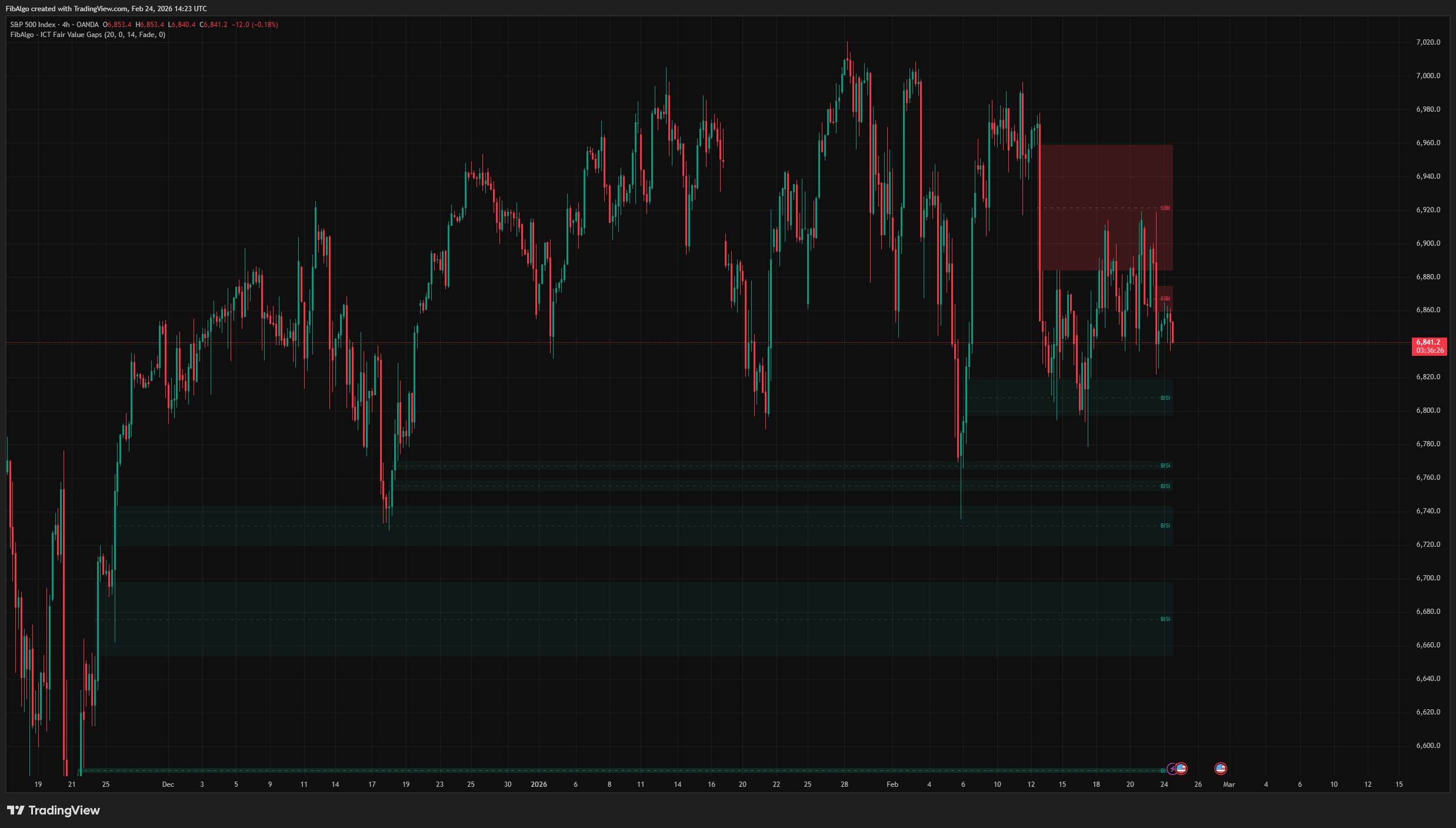
How to use the ICT Fair Value Gap (FVG) indicator
- FVG as Entry Zone: When price returns to fill a FVG in the direction of the trend, the zone acts as a high-probability entry area. The CE midline provides a more precise entry level within the gap.
- Inversion FVG: When a Bullish FVG fails and converts to a Bearish IFVG, treat the zone as resistance on the next touch. Vice versa for Bullish IFVGs acting as support.
- Balanced Price Range: BPR zones are among the strongest reaction areas in ICT methodology. When price returns to a BPR, expect a significant reaction.
- Mitigation: A faded zone has already been touched at CE. Subsequent touches carry less significance than the initial reaction.
- Filter Tuning: Enable the ATR filter to focus only on displacement-grade FVGs. Increase Min Gap Size on lower timeframes to remove noise.
- Combine with Structure: FVGs are most effective when aligned with Order Blocks, market structure (BOS/CHoCH), and liquidity levels. Use higher-timeframe FVGs for directional bias and lower-timeframe FVGs for entry refinement.
Limitations
- FVG detection is based on the classic 3-bar pattern on the current timeframe. It does not detect lower-timeframe fills or partial gap closures.
- Detection uses the pure 3-candle wick rule and does not check the middle candle's color. On markets with session gaps (stocks, futures), an opening gap can therefore be marked as a FVG.
- CE mitigation uses wick touch (low/high), while IFVG conversion requires a confirmed close beyond the zone. This distinction is intentional and follows ICT methodology.
- BPR detection only finds overlaps between a newly created FVG and opposite-direction zones still tracked by the indicator. It does not retroactively scan all historical FVG pairs. With the "Remove" mitigation mode, or with "Inversion FVG" turned off, the older gap may already be deleted and no BPR is drawn.
- The ATR filter evaluates the middle candle's body against ATR. It is an optional enhancement — the default detection uses only the 3-bar gap pattern.
- This indicator identifies institutional imbalance zones — it does not generate buy/sell signals. Combine with Order Blocks, market structure, liquidity analysis, and risk management for complete trade setups.
Trading involves risk. This indicator is an analysis tool, not financial advice: use it alongside your own analysis and risk management.
Release notes
v2.0LatestCE alerts, Balanced Price Range and closed-bar fixes
The CE Mitigation alert now works in every mode, Balanced Price Ranges form in the usual case where the older gap was already mitigated or inverted, and new gaps and inversions are confirmed on bar close.
After updating
- Delete and re-create your alerts for this indicator with the "Any alert() function call" condition. TradingView alerts keep running the script version they were created with.
Fixed
- The CE Mitigation alert now fires in every On CE Mitigation mode (Fade, Remove and None), not only in Fade.
- Balanced Price Range now also forms when the older gap was already mitigated or inverted, which is the usual case. BPR boxes are removed once price closes through them.
- A newly inverted zone is no longer removed straight away by the per-type limit.
- New gaps and inversions are confirmed on bar close, so zones no longer appear and vanish on the live candle.
- Hidden FVG types no longer show faded boxes or send CE alerts.
- Borders, labels and faded zones follow your colors, and Inversion FVGs always show their dashed border, even with Border Width set to 0.
Improved
- All events of one bar arrive together as one alert message, so a single wide candle no longer sends a burst of separate alerts.
Added
- A Label Size setting for the zone labels, default Normal (they were fixed at Small).
Frequently Asked Questions
What is a fair value gap in ICT?
A fair value gap (FVG) is a three-candle pattern in which the middle candle moves so strongly that the first candle's high and the third candle's low do not overlap in an up move, or the first candle's low and the third candle's high in a down move. The untouched range between them is the gap. ICT views it as an imbalance that price often returns to rebalance.
What do BISI and SIBI mean?
They are ICT's names for the two directions of a fair value gap. BISI, short for buyside imbalance sellside inefficiency, is a bullish FVG created by aggressive buying and is treated as a support or demand zone. SIBI, short for sellside imbalance buyside inefficiency, is a bearish FVG created by aggressive selling and is treated as a resistance or supply zone.
What is consequent encroachment (CE) in a fair value gap?
Consequent encroachment is the 50% midpoint of a fair value gap. ICT teaches that price often reaches the CE before reversing, so many traders use it as a more precise entry level than the edge of the gap. The indicator draws a CE midline in each FVG and can fade a gap once price has touched its CE.
What is an inversion fair value gap (IFVG)?
An inversion FVG forms when price closes completely through a fair value gap and the gap flips its role. A bullish FVG broken to the downside becomes a bearish IFVG that can act as resistance, and a bearish FVG broken to the upside becomes a bullish IFVG that can act as support on the next touch.
What is a balanced price range (BPR)?
A balanced price range is the area where a bullish fair value gap and a bearish fair value gap overlap. Because price moved inefficiently through that zone in both directions, ICT treats the overlap as a strong reaction area, and traders watch for a significant response when price returns to it.
Learn More
- Smart Money Concepts (SMC): How Institutional Traders Move MarketsLearn Smart Money Concepts including order blocks, fair value gaps, liquidity sweeps, and breaker blocks. Understand how institutions trade.
- Technical Analysis for Crypto Trading: The Definitive GuideLearn technical analysis from basics to advanced for cryptocurrency trading. Master chart patterns, indicators, volume analysis, and multi-timeframe strategies.
- Risk Management in Crypto Trading: The Complete Survival GuideMaster position sizing, stop losses, portfolio allocation, and emotional discipline for crypto trading. Learn why risk management matters most.
Start Using ICT Fair Value Gaps
This indicator is free to use on TradingView. Add it to your charts and use it alongside your own analysis.
Related indicators
View All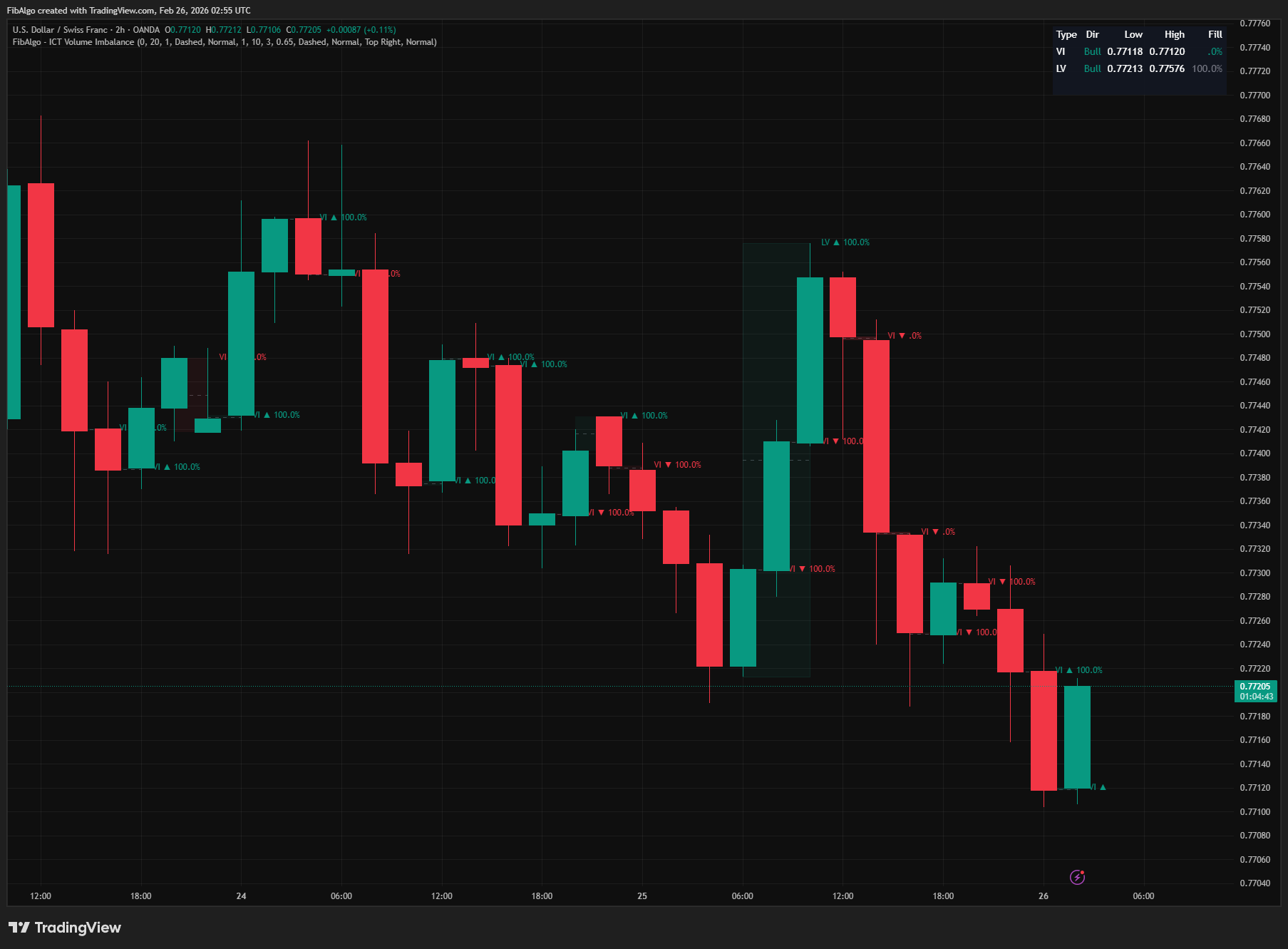
ICT Volume Imbalance
TradingView indicator that detects ICT Volume Imbalance and Liquidity Void inefficiencies with CE midlines and real-time fill tracking.
See Details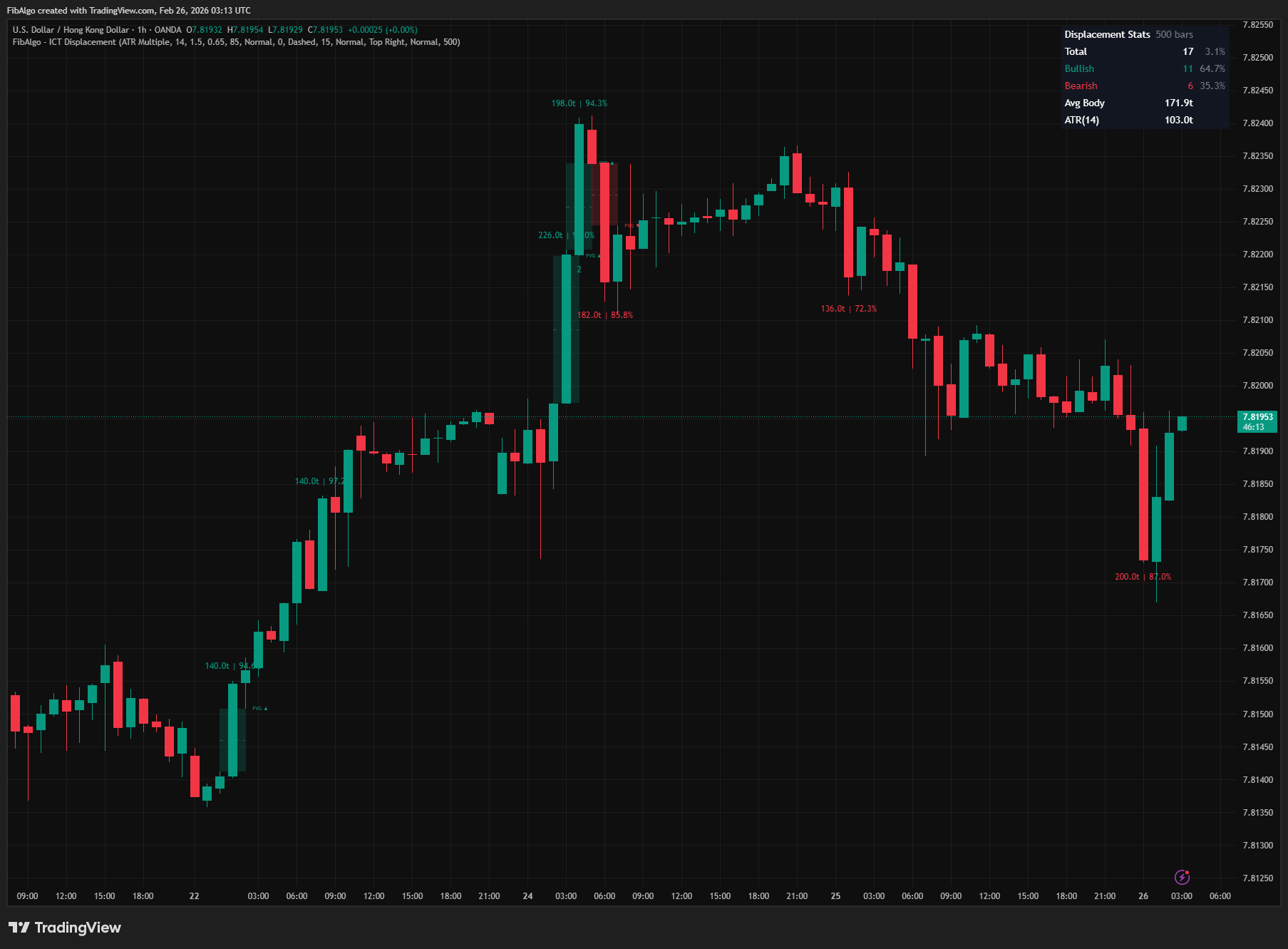
ICT Displacement
TradingView indicator that detects ICT Displacement candles — aggressive institutional order flow using ATR Multiple and Body/Range Ratio analysis.
See Details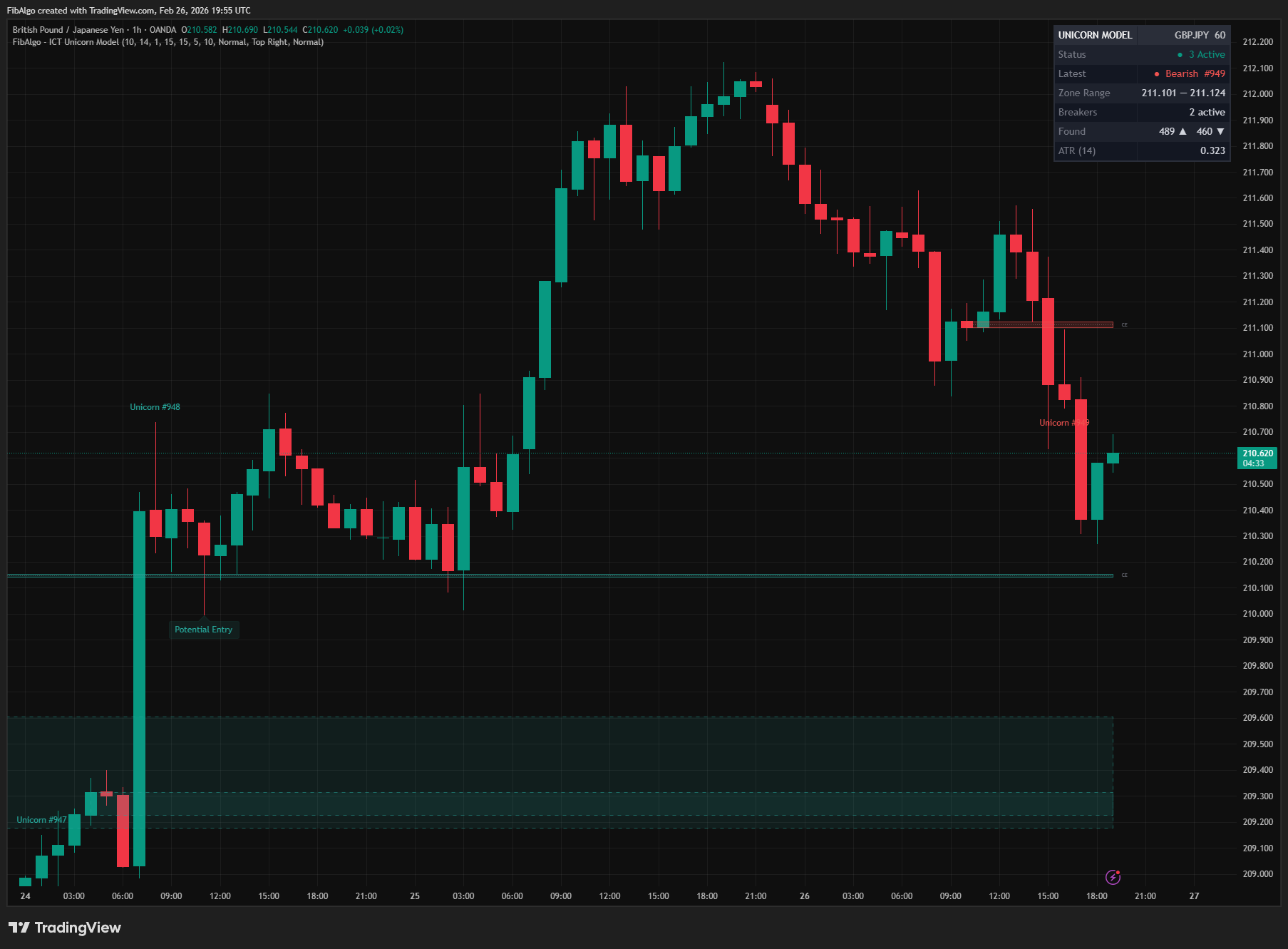
ICT Unicorn Model
TradingView indicator that detects the ICT Unicorn Model — the setup where a Breaker Block and Fair Value Gap overlap.
See Details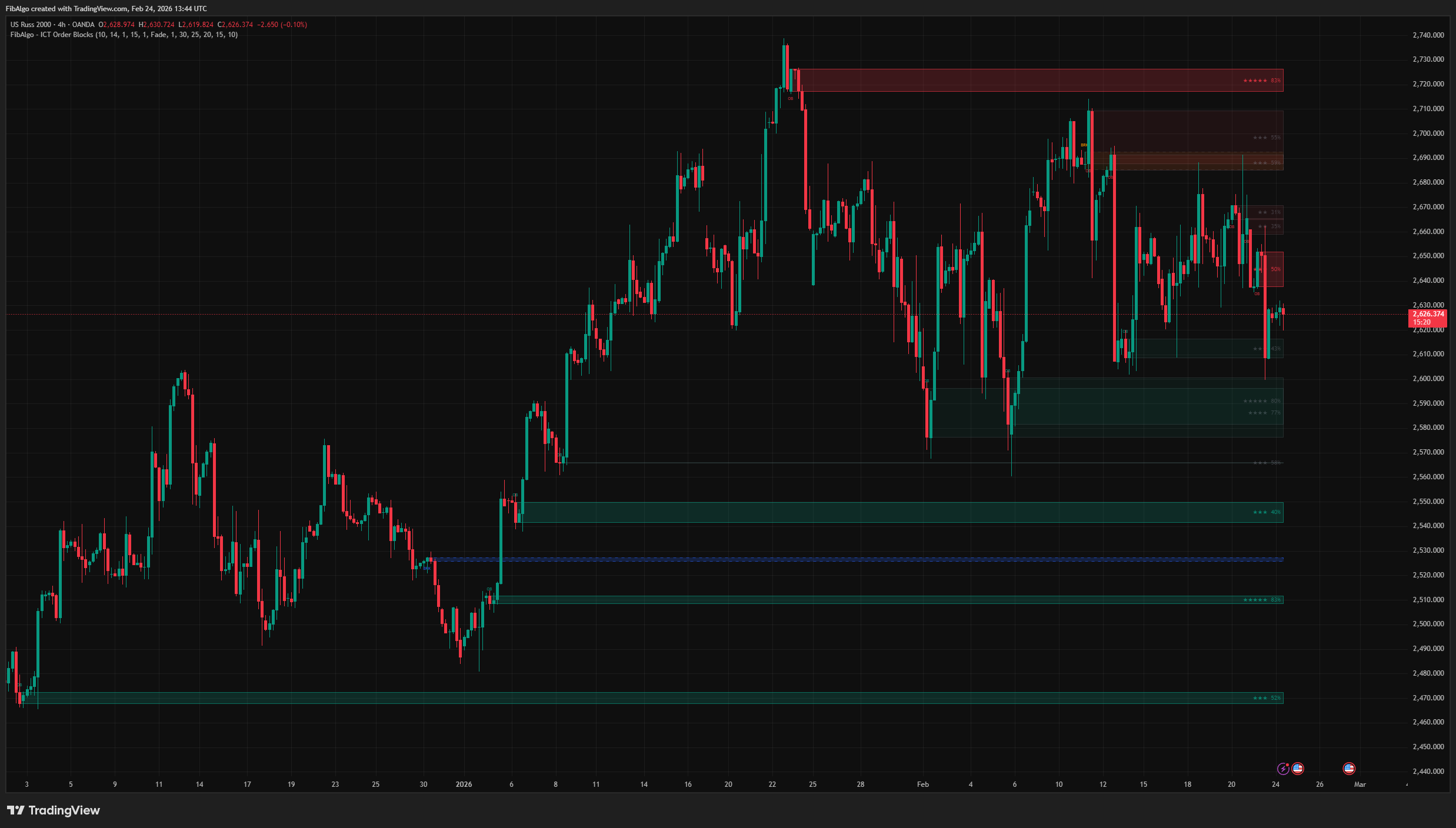
ICT Order Blocks
TradingView indicator that detects ICT Order Blocks, converts invalidated zones into Breaker Blocks, and provides institutional Strength Rating analysis.
See Details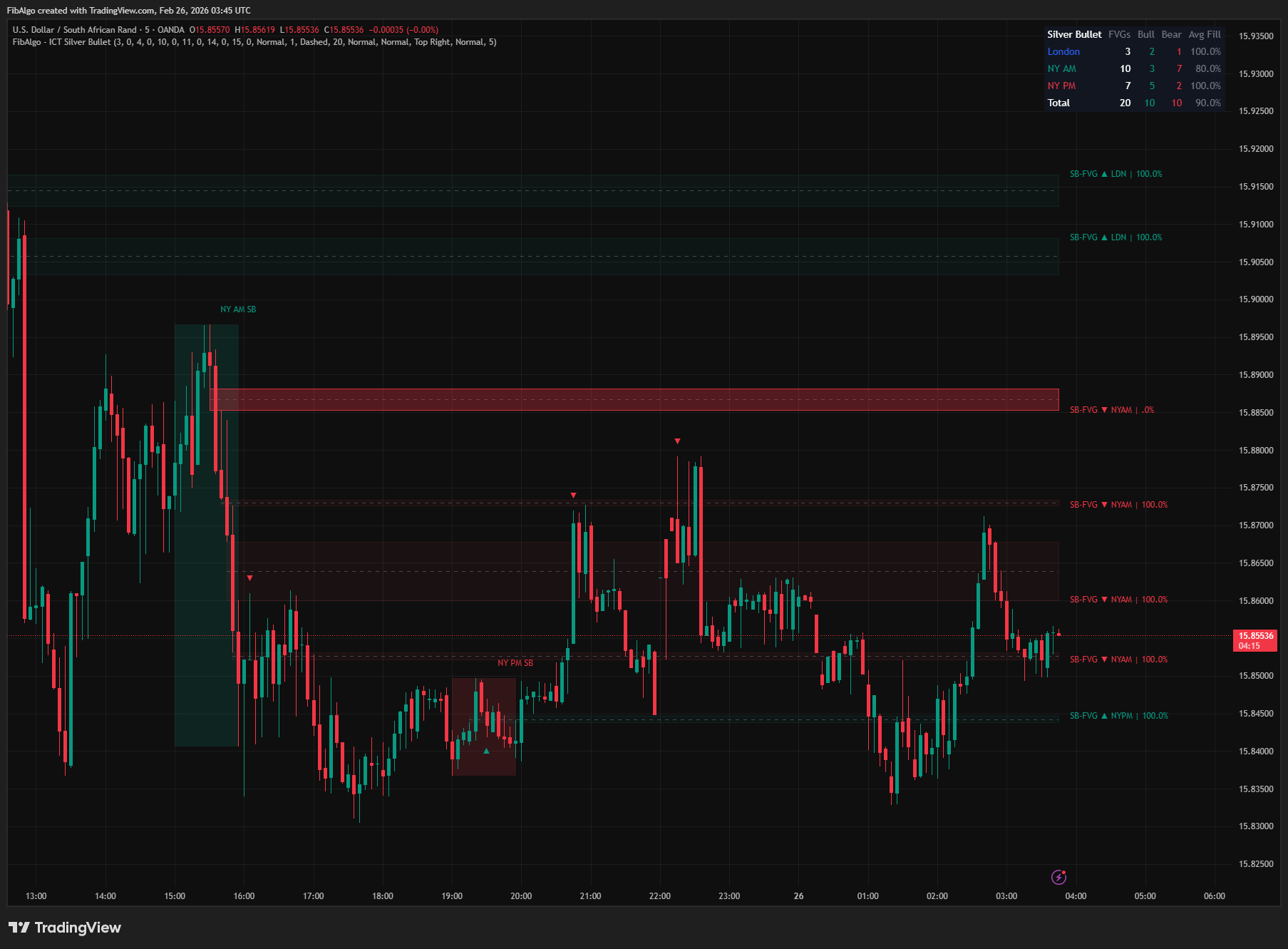
ICT Silver Bullet
TradingView indicator that identifies ICT Silver Bullet windows — London, NY AM, and NY PM — and detects Fair Value Gaps with CE entry signals.
See Details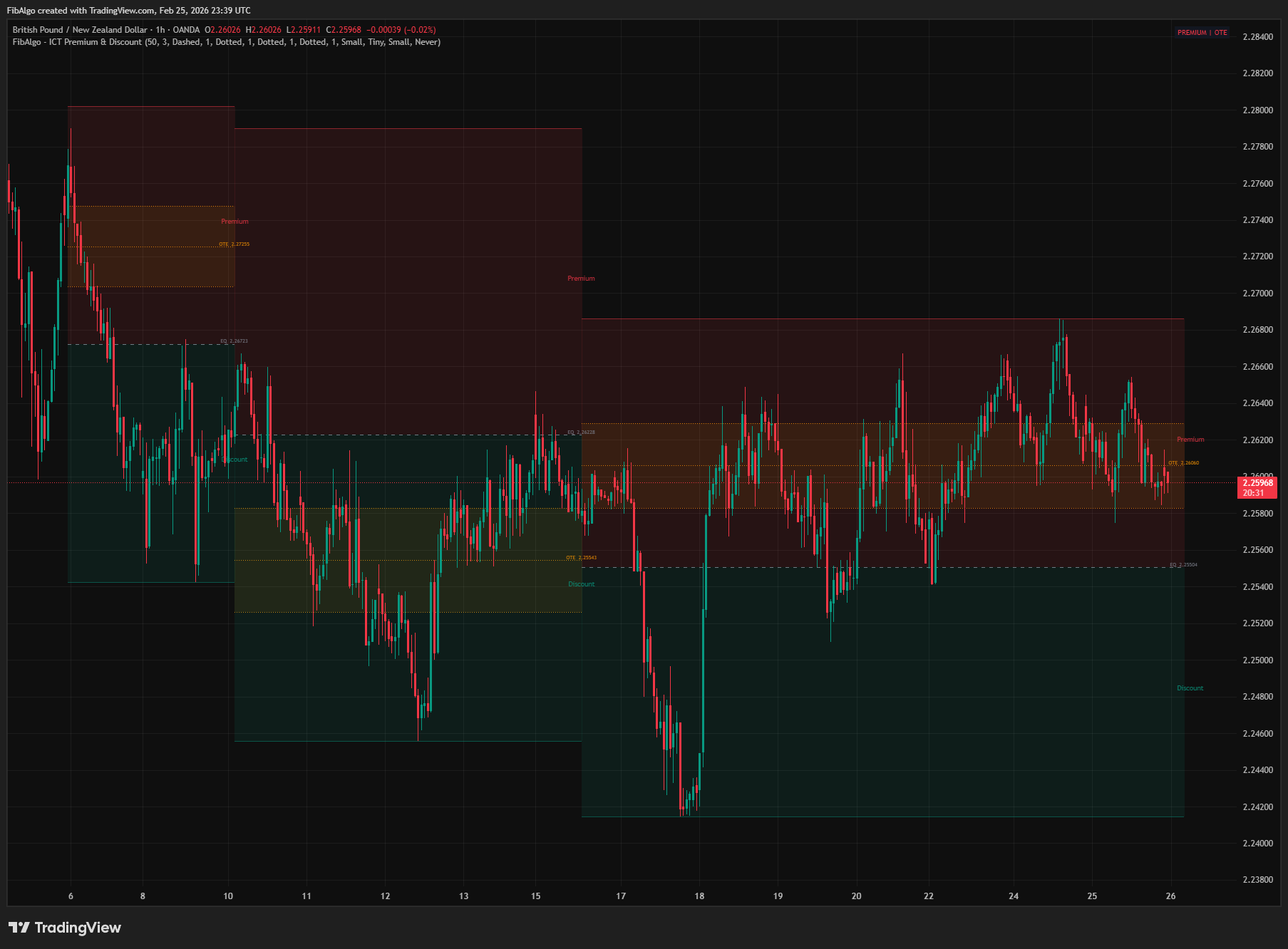
ICT Premium & Discount
TradingView indicator that detects ICT Premium and Discount zones in real-time using zigzag analysis with Equilibrium and OTE retracement highlights.
See Details