
Use this indicator directly on TradingView — the world's most popular charting platform.
What does the ICT Order Block indicator do?
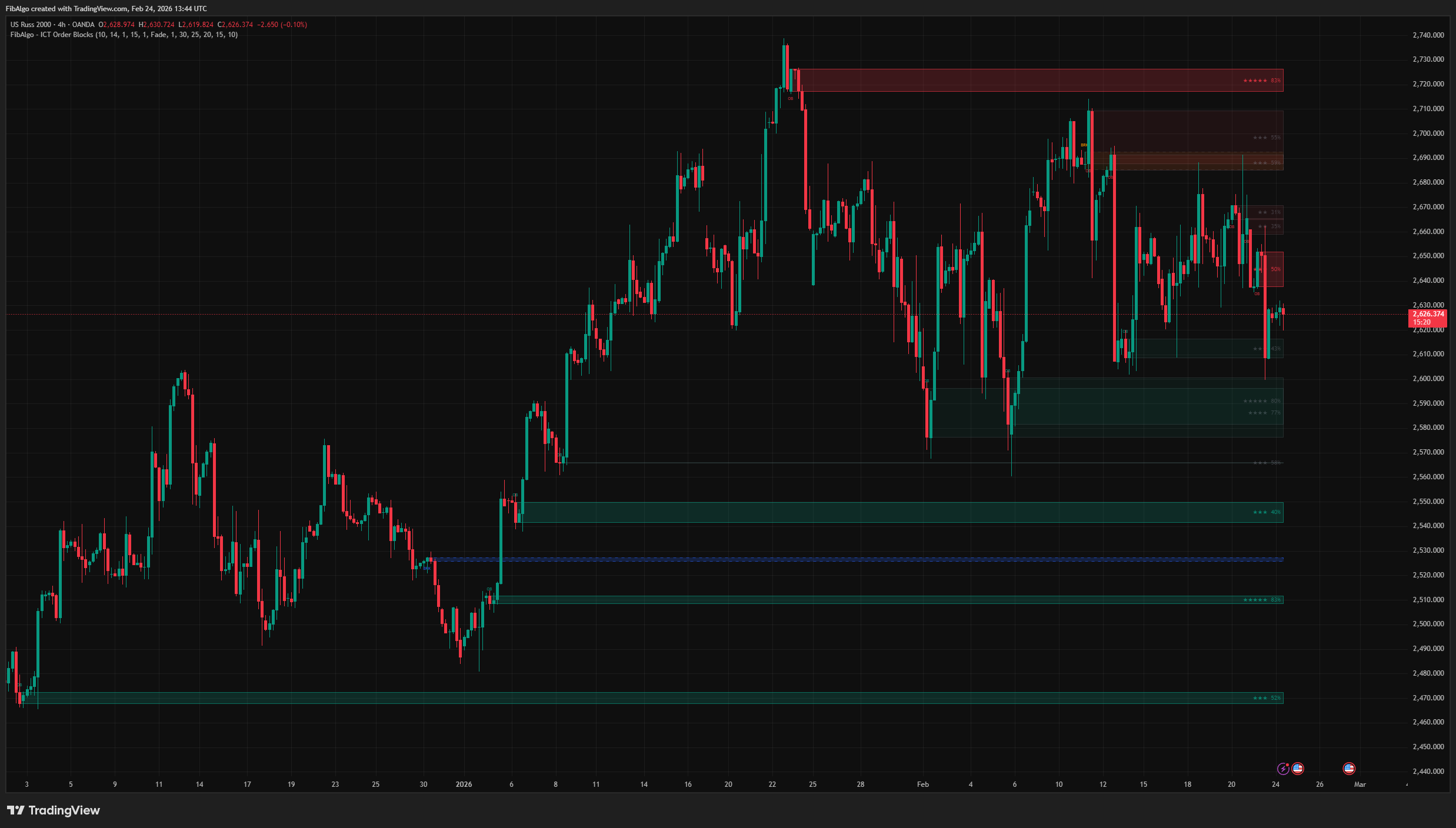
This indicator detects and manages ICT (Inner Circle Trader) Order Blocks — key institutional supply and demand zones where large market participants accumulate or distribute positions. It identifies Order Blocks through displacement analysis, converts invalidated zones into Breaker Blocks, tracks mitigation events, and provides a unique Strength Rating system that scores each Order Block based on five ICT-grounded quality factors.
Key Concepts
- Order Block (OB) — The last opposing candle before an institutional displacement move. A Bullish OB is the last bearish candle before a strong bullish push; a Bearish OB is the last bullish candle before a strong bearish push. These zones represent areas where institutions placed their orders.
- Displacement — A large-bodied candle (or consecutive candles) that moves price aggressively in one direction, confirming institutional participation. The indicator uses ATR-based measurement to objectively identify displacement.
- Breaker Block — When an Order Block fails (price closes beyond the zone), it flips direction and becomes a Breaker Block. A failed Bullish OB becomes a Bearish Breaker (resistance); a failed Bearish OB becomes a Bullish Breaker (support). This indicator uses a simplified definition: every Order Block that price closes through is shown as a Breaker. In ICT's stricter definition a Breaker also requires a prior liquidity sweep, and a failure without a sweep is called a Mitigation Block.
- Mitigation — When price returns to an active zone and enters it without closing beyond it. This represents institutional order fulfillment ("mitigation" of open positions). Mitigated zones are either faded or removed based on user preference.
- Strength Rating — A proprietary scoring system (0–100%) that evaluates each Order Block based on five ICT-grounded quality factors: displacement magnitude, FVG creation, body-to-range ratio, multi-candle displacement, and volume spike.
How does the ICT Order Block indicator work?
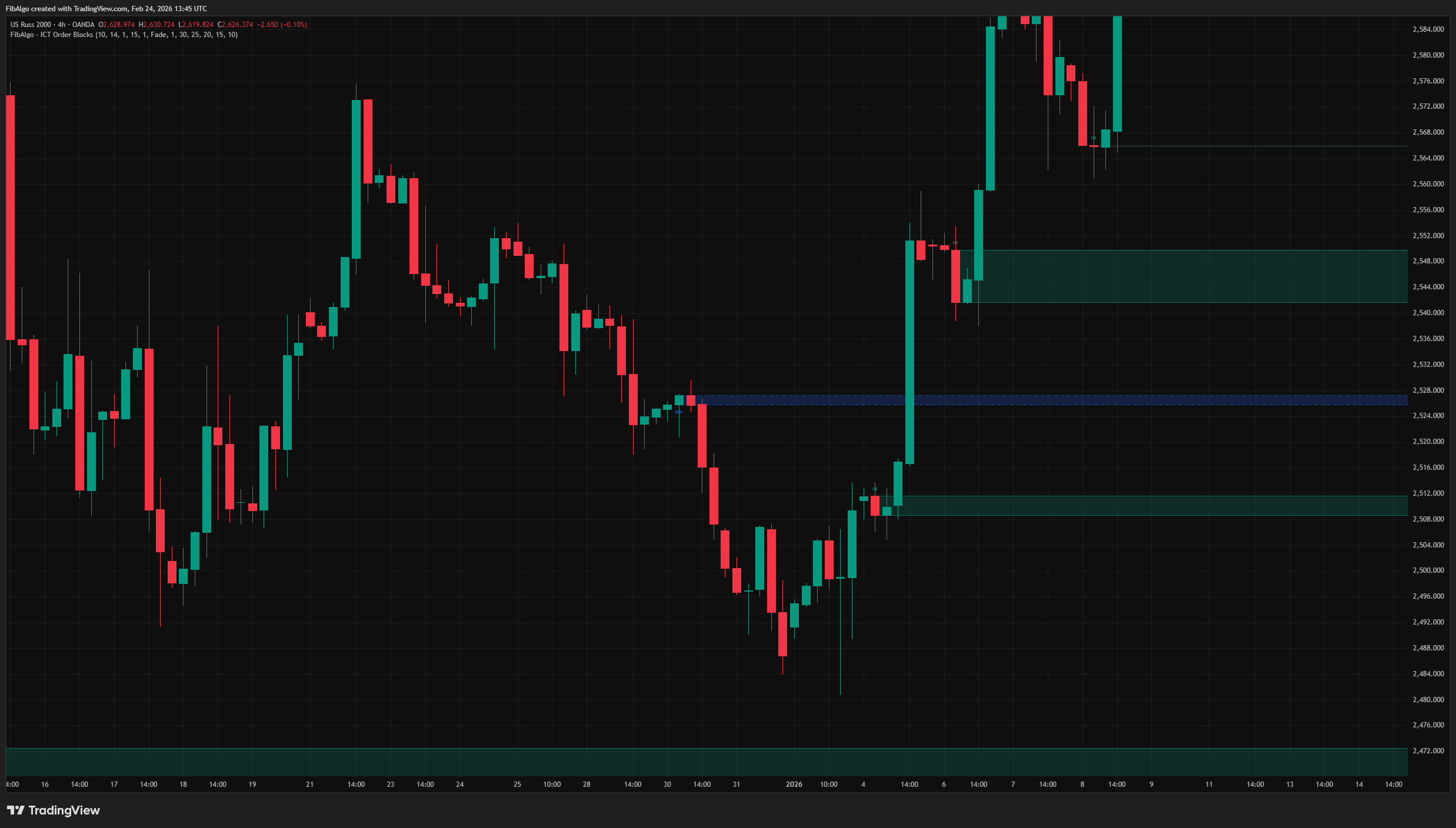
1. Displacement Detection The indicator identifies institutional displacement using ATR-based measurement. A candle qualifies as displacement when its body exceeds ATR multiplied by the user-defined multiplier. Multi-candle displacement is supported: when 2–3 consecutive same-direction candles are detected, their cumulative body size is evaluated against the threshold. All detection and zone updates are evaluated on closed bars, so zones do not appear, flip or fade in the middle of a forming bar.
2. Order Block Creation When displacement is confirmed, the indicator searches backwards through the lookback window (starting after the displacement candles) for the last opposite-color candle. This candle's body (or full range) defines the Order Block zone. A validation check requires the displacement to close beyond the zone (above the OB top for a Bullish OB, below the OB bottom for a Bearish OB). Each origin candle can produce only one Order Block, even after its zone has been removed.
3. Breaker Block Conversion When price closes beyond an Order Block zone (invalidation), the zone is not simply deleted, whether or not it was touched before. Instead, it flips direction and converts to a Breaker Block — shown with dashed borders and the Breaker colors (blue for Bullish Breaker, orange for Bearish Breaker by default). A new Breaker starts untouched and is not checked for mitigation on the conversion candle. A Breaker that price closes through again is removed. When Breaker Blocks are disabled, invalidated zones are removed.
4. Mitigation Tracking When price enters an active zone (wick touches for Bullish OB: low reaches OB top; for Bearish OB: high reaches OB bottom), the zone is considered mitigated. Users choose the response:
- Fade — Zone opacity increases, border turns gray, indicating the zone has been touched but may still hold. A faded Order Block can still convert to a Breaker if price later closes through it.
- Remove — Zone is deleted from the chart entirely, so it can no longer convert to a Breaker.
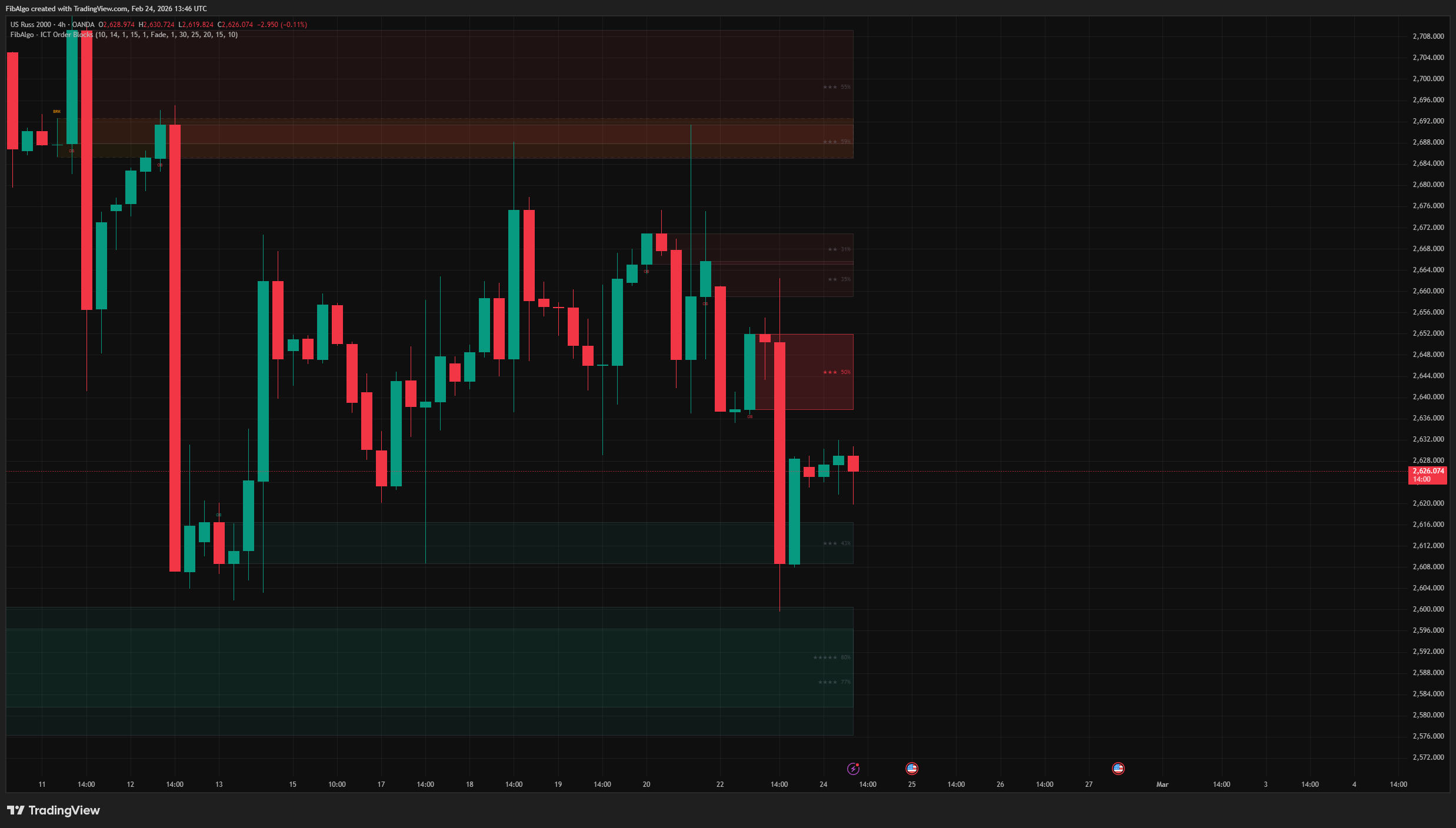
5. Strength Rating System Each Order Block receives a quality score displayed inside the box (stars + percentage). The score is calculated from five independently configurable factors:
- Displacement Magnitude (default weight: 30) — How much the displacement candle body exceeds the ATR threshold. A 3x ATR displacement scores higher than a 1.1x.
- FVG Creation (default weight: 25) — Whether a displacement candle left a Fair Value Gap (the candle before it and the candle after it do not overlap). FVG creation is a key ICT confirmation of institutional aggression. The gap of the last displacement candle can only be confirmed when the next bar closes, so the score is finalized one bar after the zone appears; until then the tooltip shows "FVG: pending".
- Body / Range Ratio (default weight: 20) — The ratio of candle body to total range. Institutional candles have large bodies with minimal wicks, indicating decisive order flow.
- Multi-Candle Displacement (default weight: 15) — Bonus for 2–3 consecutive displacement candles, indicating sustained institutional commitment. Counts only when Displacement Bars is set to 2 or 3.
- Volume Spike (default weight: 10) — Whether volume exceeds 1.5x its 20-bar average, confirming real institutional participation.
Each factor can be toggled on/off and its weight adjusted (0–50), allowing users to customize the scoring formula. The score is normalized to 0–100% over the active factors (the Multi-Candle Bonus is left out when Displacement Bars is 1). When no factor is active or all active weights are 0, no score is shown.
Features
- ATR-Based Displacement — Objective, volatility-adjusted identification of institutional moves.
- Multi-Candle Displacement — Supports 1–3 consecutive candle displacement detection.
- Breaker Block Conversion — Automatic flip from failed OB (touched or untouched) to opposite-direction Breaker with visual differentiation.
- Mitigation Tracking — Fade or Remove response with distinct visual feedback.
- Strength Rating — Five-factor ICT-based quality scoring with customizable weights, displayed inside each OB box.
- Detailed Tooltips — Hover over OB labels to see a full breakdown of each strength factor, with displacement shown as a multiple of ATR.
- Duplicate Prevention — The same origin candle cannot produce a second Order Block, even after its zone was removed.
- Closed-Bar Logic — Zones are created, converted and marked as touched only when a bar closes, so they do not repaint within a bar.
- Zone Body or Full Range — User can choose whether OB zones cover the candle body or the full high-low range.
- Full Color Customization — Separate colors for Bullish OB, Bearish OB, Bullish Breaker, and Bearish Breaker. Borders, labels, strength text and faded zones follow the chosen colors.
- Text Size — Tiny, Small or Normal for the OB / BRK labels and the strength text.
- Alert System — Three configurable alerts: New Order Block, Mitigation, and New Breaker Block, sent once per bar close. Each includes price zone, symbol, and timeframe. The Mitigation alert works with both Fade and Remove.
How to use the ICT Order Block indicator
- Zone Quality: Focus on high-strength Order Blocks (4–5 stars, 60%+). These have the strongest ICT confirmation: large displacement, FVG present, clean body, possibly multi-candle, volume confirmed.
- Breaker Blocks: When a Bullish OB fails and converts to a Bearish Breaker, treat the zone as resistance on the next touch. Vice versa for Bullish Breakers acting as support.
- Mitigation: A faded zone has already been touched once. Subsequent touches carry less significance than the initial reaction.
- Displacement Tuning: Increase the ATR multiplier (1.5–2.0) to filter out weak displacement and focus only on high-conviction zones. Decrease it (0.5–0.8) for more sensitive detection.
- Multi-Timeframe: Use higher timeframe Order Blocks for directional bias and lower timeframe OBs for entry refinement.
- Combine with Structure: Order Blocks are most effective when aligned with market structure (BOS/CHoCH/MSS), Fair Value Gaps, and liquidity sweeps.
Limitations
- Order Block detection requires sufficient historical data for ATR calculation (minimum: ATR Period bars).
- The Strength Rating is a quality heuristic — it evaluates formation characteristics, not future price behavior. A 5-star OB can still fail.
- FVG detection within the strength formula uses a simplified 3-bar gap check on the current timeframe, with a displacement candle as the middle candle. It does not account for lower-timeframe fills.
- Because zones are updated only on closed bars, a new zone, a touch or a break during a forming bar is shown after that bar closes.
- Volume data may not be available on all instruments (e.g., some forex pairs). When volume is unavailable, the Volume Spike factor contributes zero to the score.
- Zones that stay active for more than 4,999 bars are drawn starting 4,999 bars back because of TradingView drawing limits.
- This indicator identifies institutional zones — it does not generate buy/sell signals. Combine with market structure, liquidity analysis, and risk management for complete trade setups.
Trading involves risk. This indicator is an analysis tool, not financial advice: use it alongside your own analysis and risk management.
Release notes
v2.0LatestBreaker, mitigation and strength score fixes
Touched Order Blocks now become Breaker Blocks when price closes through them, the Mitigation alert works in Remove mode, zones update only on closed bars, and the strength score counts the displacement's fair value gap.
After updating
- Delete and re-create your alerts for this indicator with the "Any alert() function call" condition. TradingView alerts keep running the script version they were created with.
Fixed
- A touched Order Block that later closes through now becomes a Breaker Block, with its New Breaker alert, instead of disappearing. In the default Fade mode most Breakers were not drawn before.
- The Mitigation alert now also fires when On Mitigation is set to Remove.
- A removed zone is no longer re-created from the same origin candle, so it no longer returns untouched with a repeated New OB alert.
- Zones are created, converted and faded only on bar close, so they no longer appear and vanish on the live candle.
- Strength score: the FVG factor now checks the gap left by the displacement candle, confirmed one bar after the zone appears, and the Multi-Candle Bonus counts only with 2 or 3 Displacement Bars. Scores change accordingly.
- The tooltip shows displacement as a multiple of ATR.
Improved
- Borders, labels, strength text and faded zones follow your chosen colors.
Added
- A Text Size setting for the OB and BRK labels and the strength text, default Normal.
Frequently Asked Questions
What is an order block in ICT?
An order block is the last opposing candle before a displacement move: the last bearish candle before a strong rally forms a bullish order block, and the last bullish candle before a strong drop forms a bearish one. ICT reads these candles as the zones where institutions placed their orders, so price often reacts when it returns to them. The indicator confirms the displacement with an ATR measure before it marks a zone.
What is the difference between an order block and a breaker block?
An order block is a zone that is still valid. When price closes through it, the order block has failed and the indicator flips it into a breaker block that works on the opposite side: a failed bullish order block becomes a bearish breaker that can act as resistance, and a failed bearish one becomes a bullish breaker that can act as support. Breakers are drawn with dashed borders and their own colors.
Are order blocks the same as supply and demand zones?
They are related but not the same. Supply and demand zones usually mark a broader base where price turned. An ICT order block is narrower and stricter: one opposing candle, or its body, directly before a displacement move, ideally one that also leaves a fair value gap. That extra condition is why ICT traders treat order blocks as more precise reference levels.
What makes an order block strong?
The indicator rates every order block from 0 to 100% with five factors, each with an adjustable weight: the size of the displacement relative to ATR (30), whether the move left a fair value gap (25), the candle's body-to-range ratio (20), displacement over two or three consecutive candles (15) and a volume spike above 1.5 times the 20-bar average (10). The score appears as stars and a percentage inside the box. It describes how the zone formed, not whether it will hold.
What does a mitigated order block mean?
An order block is mitigated when price returns into the zone without closing beyond it; ICT describes this as institutions filling the rest of their orders there. After that first touch, later touches usually carry less weight. You can choose whether mitigated zones fade out or are removed from the chart.
Which timeframe is best for order blocks?
Order blocks form on every timeframe. A common approach is to take order blocks from a higher timeframe for the directional bias and use those on a lower timeframe to refine the entry. To see only the strongest zones, raise the ATR multiplier to 1.5–2.0; lower it to 0.5–0.8 for more sensitive detection.
Learn More
- Smart Money Concepts (SMC): How Institutional Traders Move MarketsLearn Smart Money Concepts including order blocks, fair value gaps, liquidity sweeps, and breaker blocks. Understand how institutions trade.
- Technical Analysis for Crypto Trading: The Definitive GuideLearn technical analysis from basics to advanced for cryptocurrency trading. Master chart patterns, indicators, volume analysis, and multi-timeframe strategies.
- Risk Management in Crypto Trading: The Complete Survival GuideMaster position sizing, stop losses, portfolio allocation, and emotional discipline for crypto trading. Learn why risk management matters most.
Start Using ICT Order Blocks
This indicator is free to use on TradingView. Add it to your charts and use it alongside your own analysis.
Related indicators
View All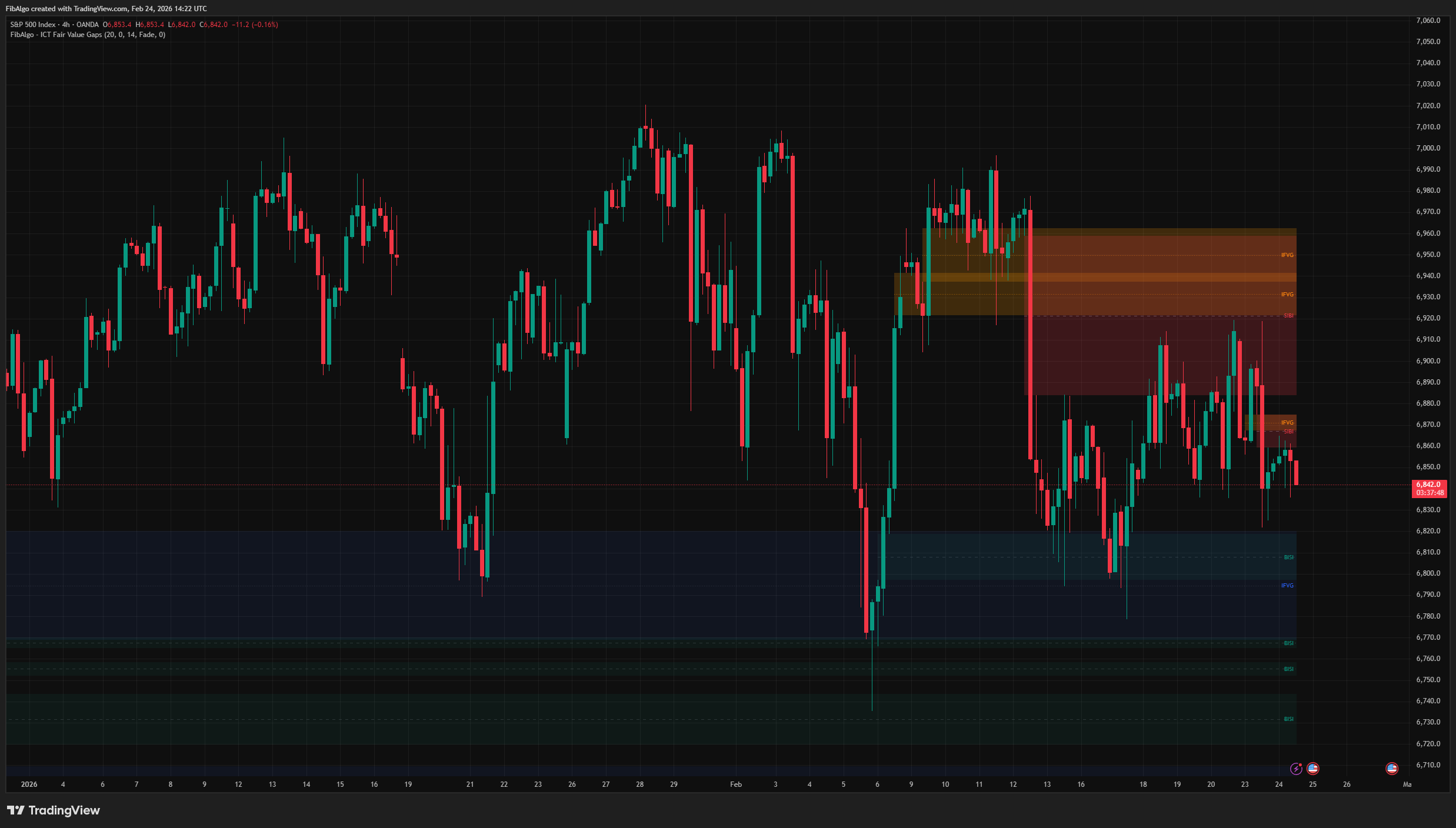
ICT Fair Value Gaps
TradingView indicator that detects ICT Fair Value Gaps (BISI/SIBI), draws CE midlines, identifies Inversion FVGs, and maps Balanced Price Range zones.
See Details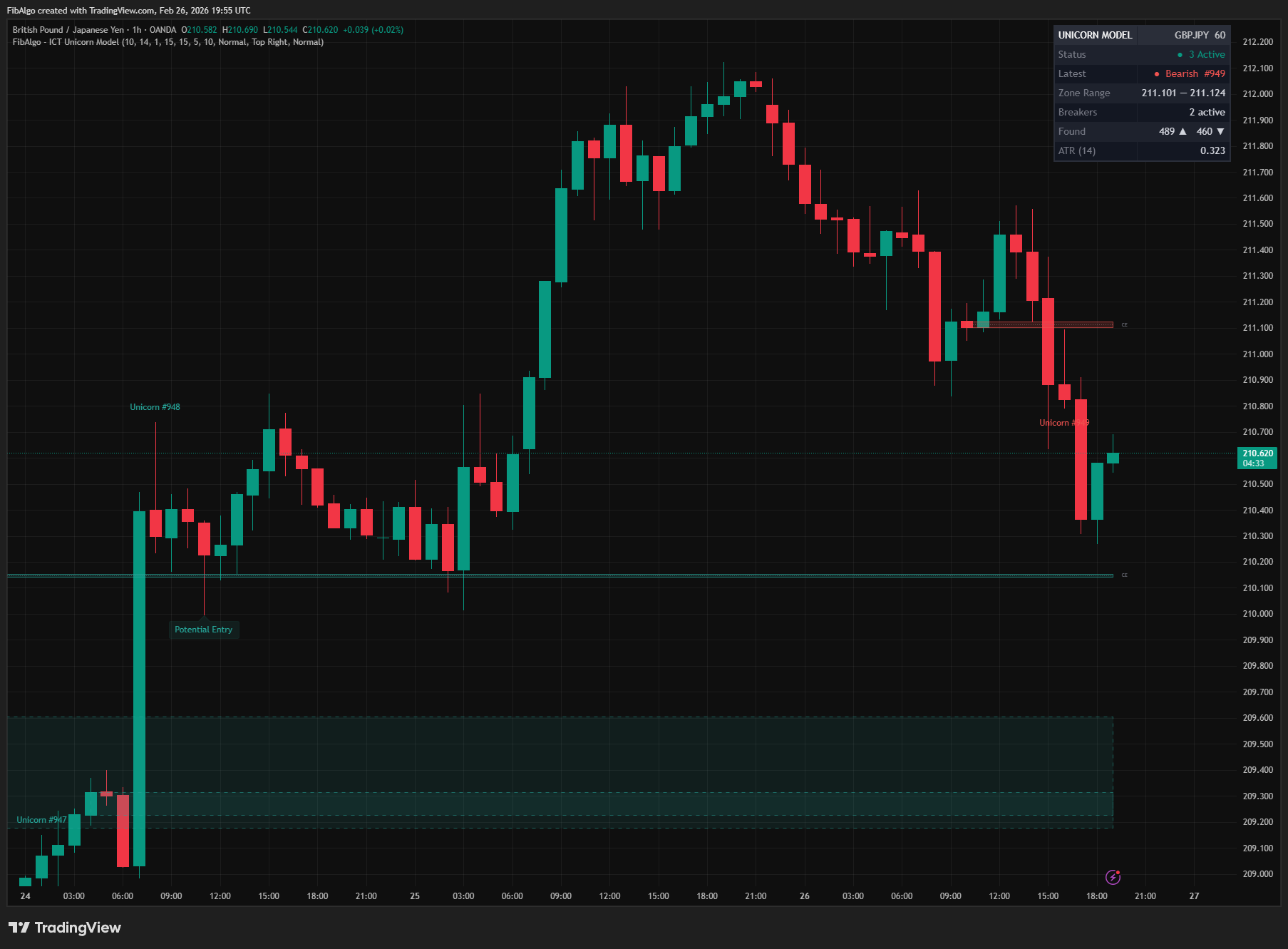
ICT Unicorn Model
TradingView indicator that detects the ICT Unicorn Model — the setup where a Breaker Block and Fair Value Gap overlap.
See Details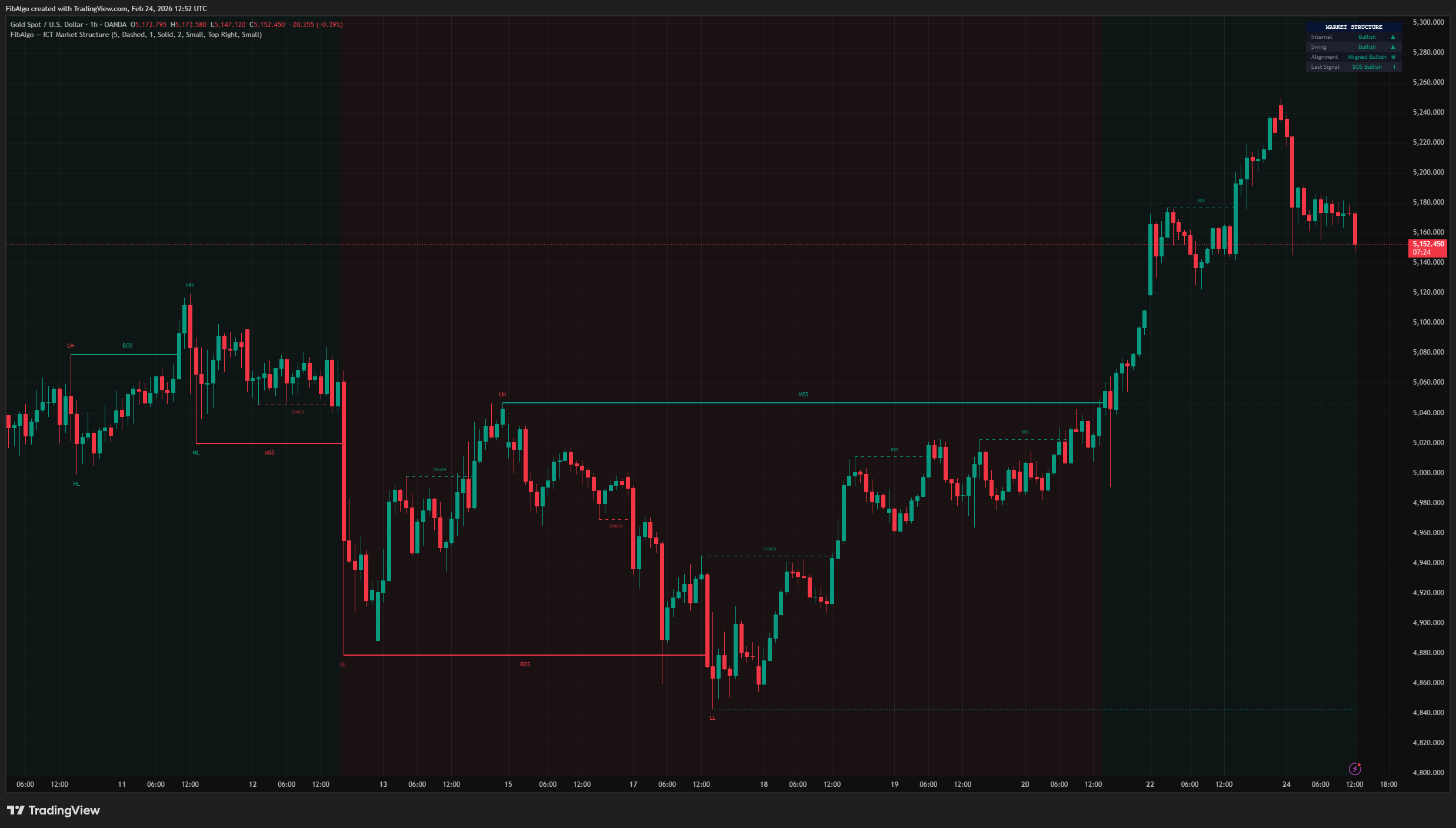
ICT Market Structure
TradingView indicator for ICT Market Structure — identifies Break of Structure (BOS), Change of Character (CHoCH), and Market Structure Shift (MSS).
See Details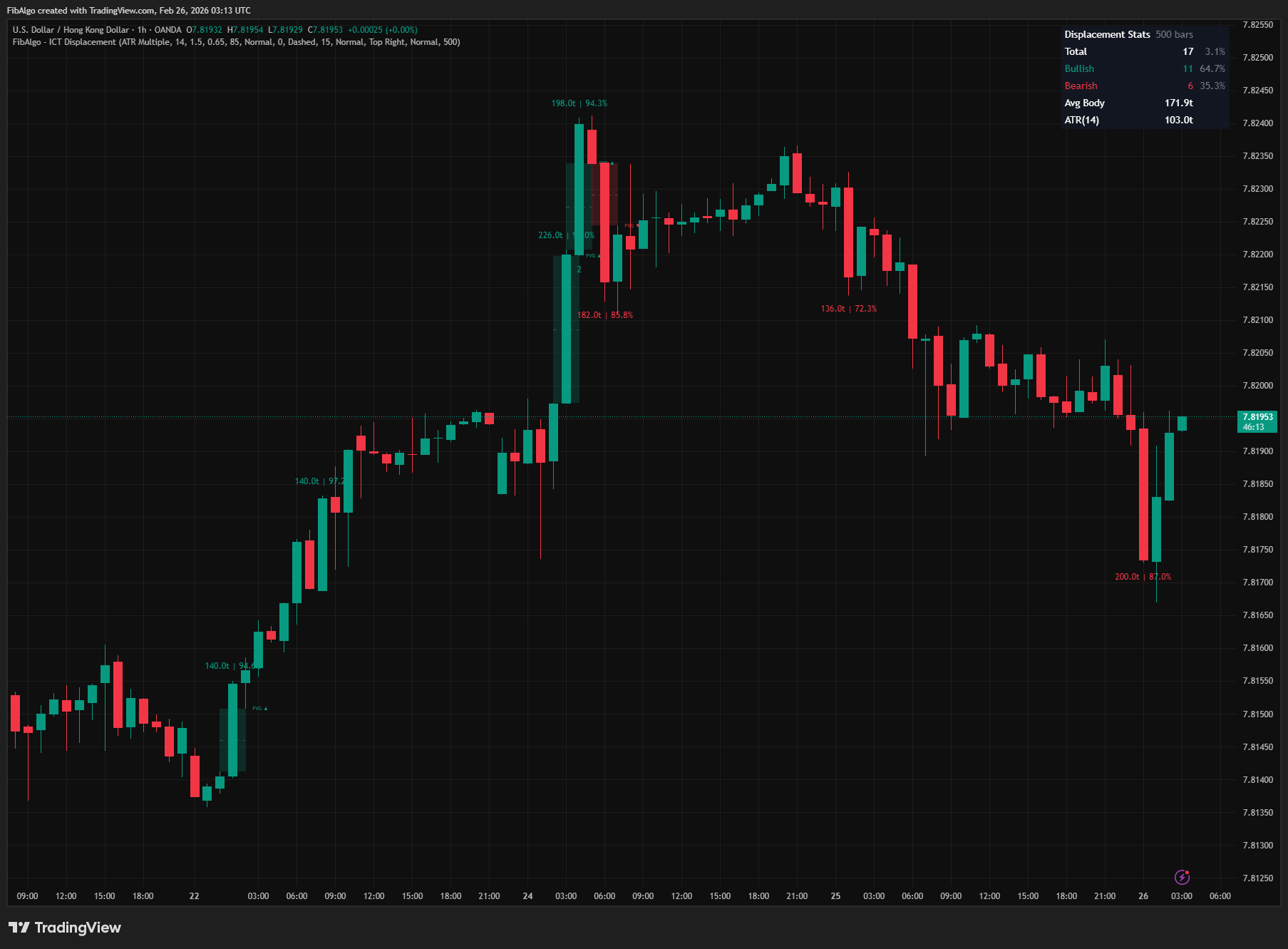
ICT Displacement
TradingView indicator that detects ICT Displacement candles — aggressive institutional order flow using ATR Multiple and Body/Range Ratio analysis.
See Details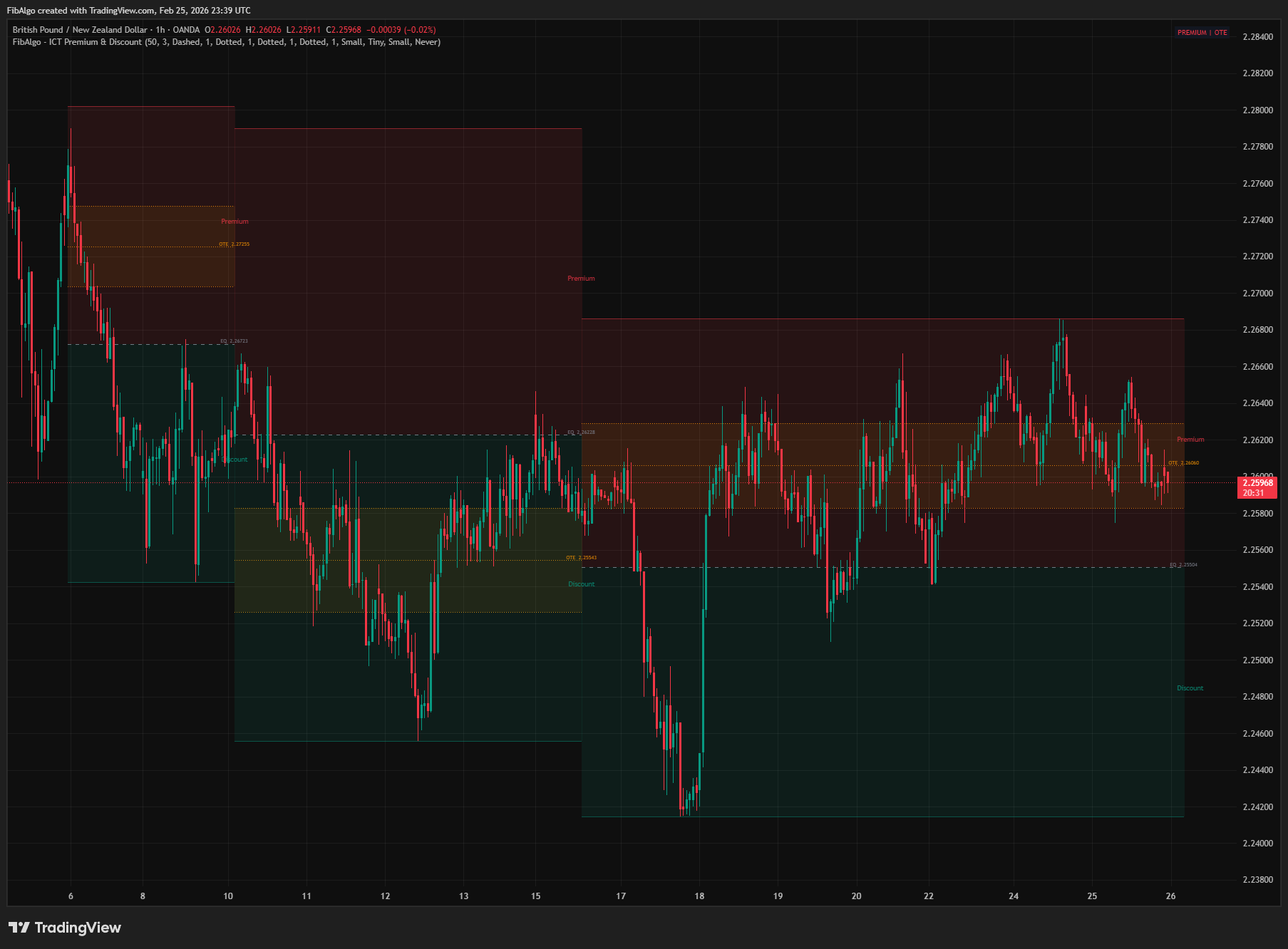
ICT Premium & Discount
TradingView indicator that detects ICT Premium and Discount zones in real-time using zigzag analysis with Equilibrium and OTE retracement highlights.
See Details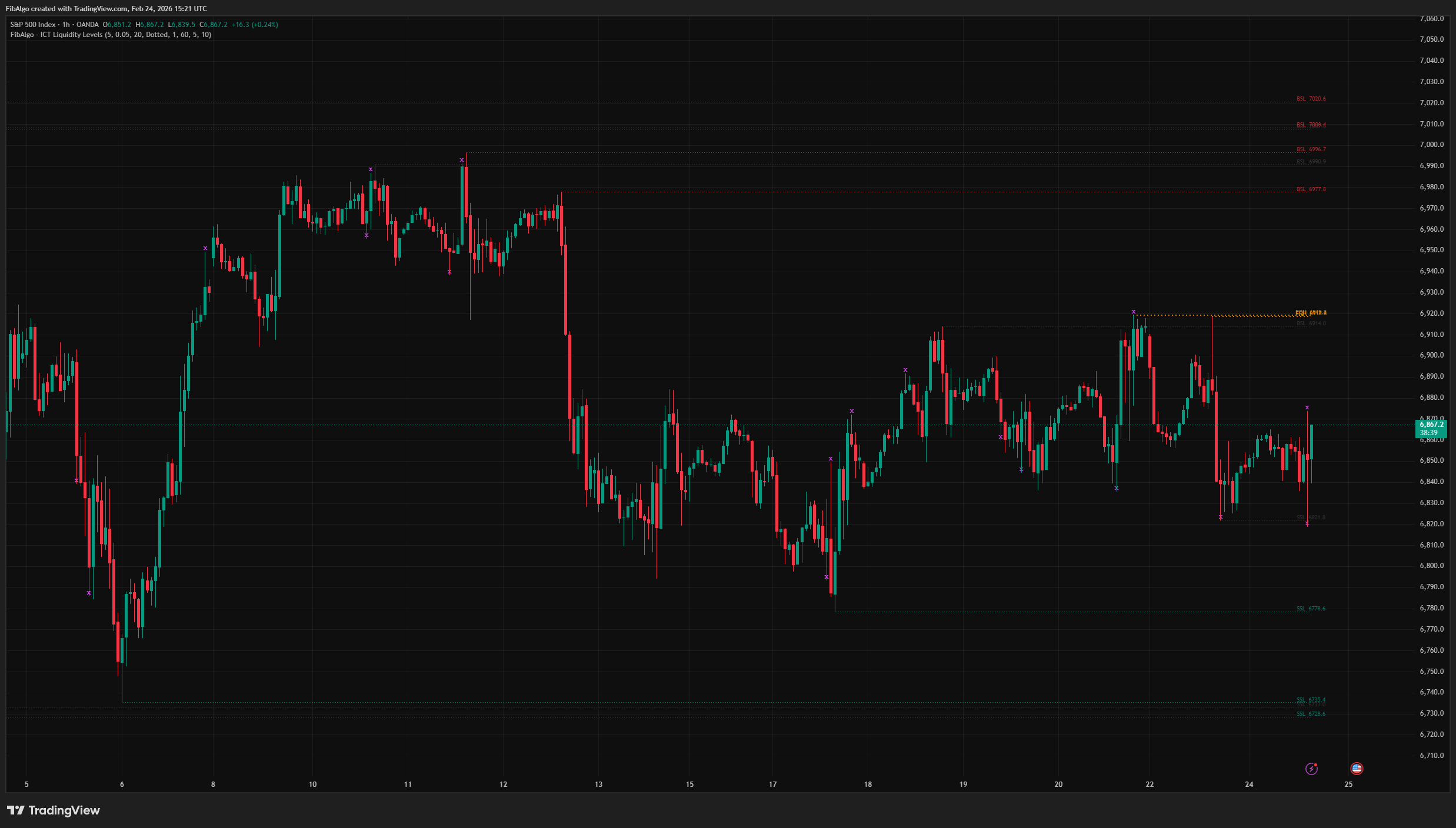
ICT Liquidity Levels
TradingView indicator that maps ICT Liquidity Levels — Buy Side (BSL), Sell Side (SSL), Equal Highs/Lows, and Liquidity Sweeps with HTF support.
See Details