
Use this indicator directly on TradingView — the world's most popular charting platform.
What does the ICT Liquidity Levels indicator do?
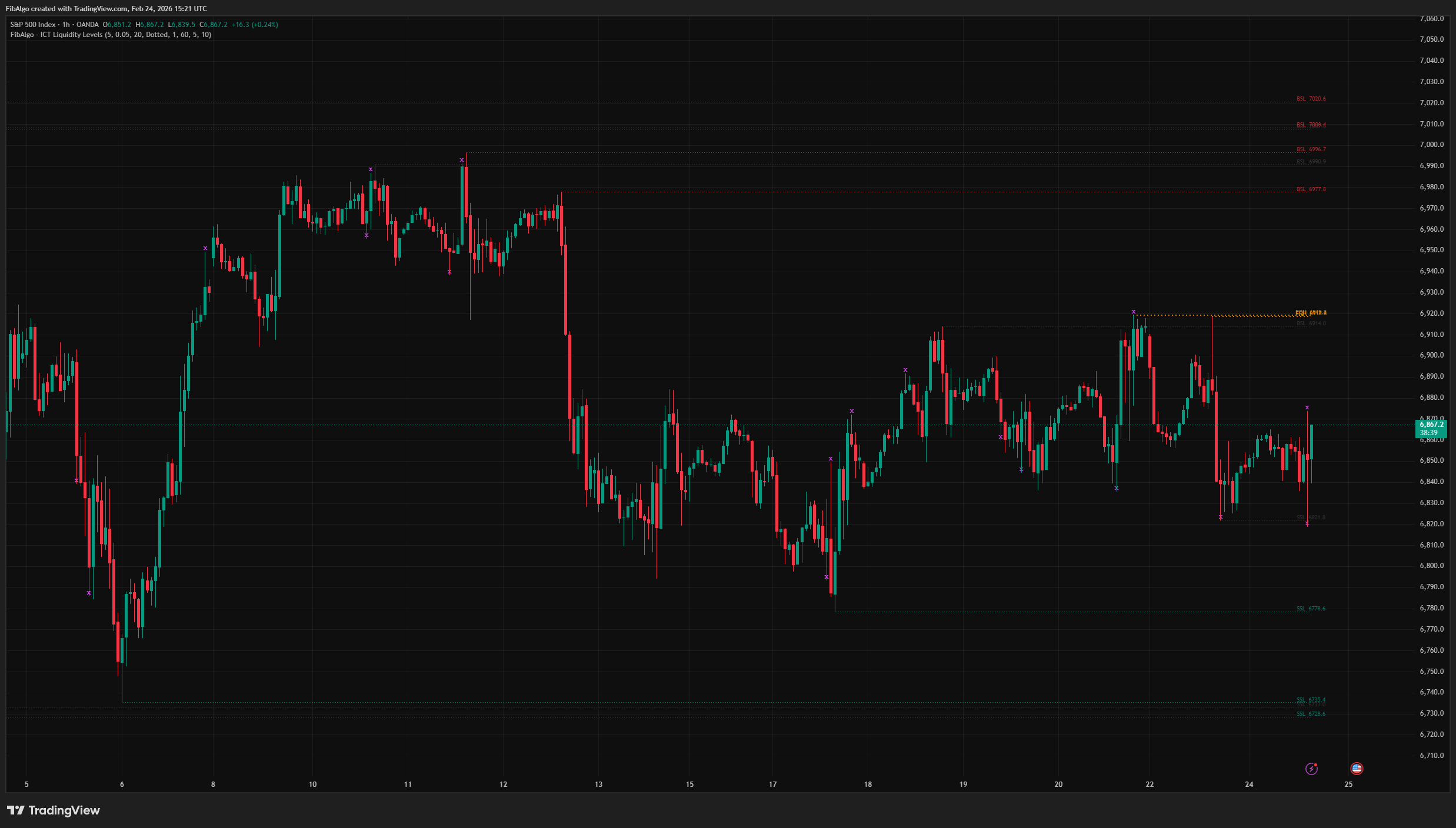
This indicator maps ICT (Inner Circle Trader) Liquidity Levels — the resting stop-loss orders that accumulate above swing highs and below swing lows. It detects Buy Side Liquidity (BSL), Sell Side Liquidity (SSL), Equal Highs (EQH), Equal Lows (EQL), and Liquidity Sweeps (Turtle Soup), with full Higher Timeframe (HTF) support for multi-timeframe confluence. Levels extend in real time, labels display the exact price, and swept levels are marked and invalidated automatically. New levels, sweeps and alerts are confirmed on bar close, and HTF levels use closed HTF bars only, so the live chart matches the chart after a reload.
Key Concepts
- Buy Side Liquidity (BSL) — Resting buy stop orders above swing highs. When traders place stop losses above swing highs or set buy stop entries, they create a pool of liquidity that institutional players target. Drawn as a horizontal line at the swing high price.
- Sell Side Liquidity (SSL) — Resting sell stop orders below swing lows. Stop losses below swing lows and sell stop entries create a liquidity pool that smart money hunts. Drawn as a horizontal line at the swing low price.
- Equal Highs (EQH) — When two or more swing highs form at approximately the same price, a concentrated BSL pool builds. Market makers view this double/triple top pattern as a magnet — the clustered stops above represent a high-value liquidity target.
- Equal Lows (EQL) — When two or more swing lows align at the same price, a concentrated SSL pool forms below. This double/triple bottom pattern attracts institutional stop hunts.
- Liquidity Sweep (Turtle Soup) — When price wicks beyond a liquidity level but closes back inside, the stop orders have been triggered (swept) without genuine structural breakout. This "stop hunt" — also known as Turtle Soup — is a classic ICT reversal signal.
- Higher Timeframe (HTF) Liquidity — Liquidity levels from higher timeframes carry more significance because they represent larger pools of resting orders. The indicator plots HTF levels alongside current-timeframe levels for confluence analysis.
How does the ICT Liquidity Levels indicator work?
1. Swing Detection The indicator uses ta.pivothigh and ta.pivotlow with a configurable Swing Length parameter. A swing high is confirmed when the high is higher than the surrounding bars on both sides; a swing low is confirmed when the low is lower. Each confirmed swing creates a new liquidity level when the confirming bar closes.
2. Equal Highs / Equal Lows When a new swing high forms within a tolerance (default 0.05%) of an existing BSL level, both levels are classified as Equal Highs (EQH). The existing level is upgraded — its color changes to the EQH color and line width increases. The same logic applies to Equal Lows (EQL). This tolerance-based matching accounts for natural price variations that still represent the same institutional liquidity pool. Each pool carries a single label on its older level, so labels never overlap. A third swing at the same price joins the pool and triggers the Equal H/L alert again.
3. Liquidity Sweep Detection Sweep detection does not depend on the "Liquidity Sweeps" display toggle (decoupled detection), but it only checks levels that exist: a side switched off with the BSL or SSL toggle has no current-timeframe levels and therefore no sweep detection for them. When each bar closes, the indicator checks every active level:
- BSL Sweep: High penetrates above the level but the close does not end above it — buy stops were triggered.
- SSL Sweep: Low penetrates below the level but the close does not end below it — sell stops were triggered.
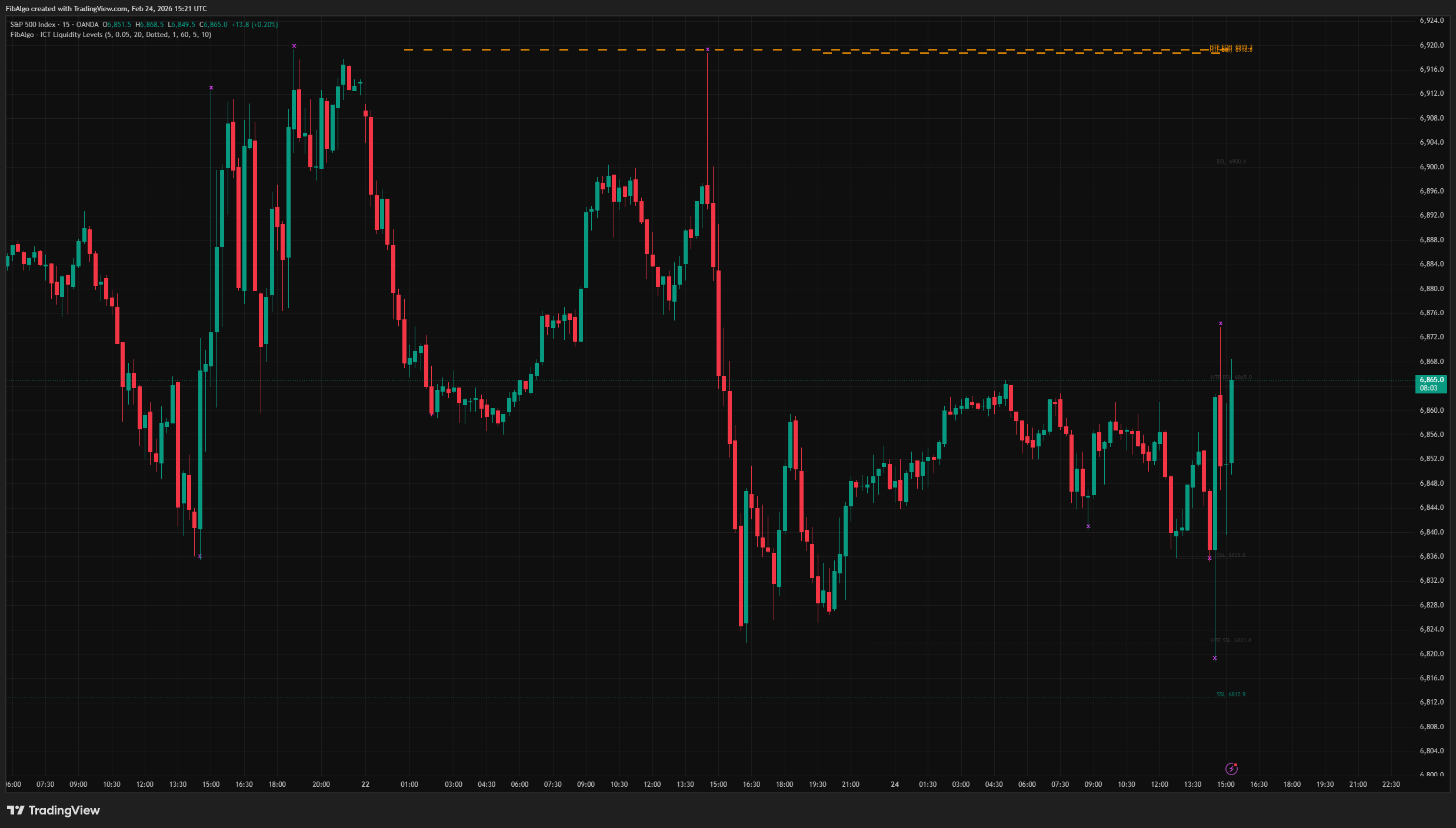
When a sweep is detected:
- An italic 𝘅 marker appears at the sweep point. The most recent 300 markers are kept.
- The line fades to gray (dotted, width 1) indicating the level has been raided.
- An alert fires (if enabled) with "[HTF] BSL/SSL Swept" including price and symbol.
4. Level Invalidation A level is removed from the chart when price closes beyond it — whether through a sweep that continues, or a direct breakout. This prevents stale levels from cluttering the chart. The invalidation check runs every bar after sweep detection, ensuring that a level swept on bar N is removed if bar N+1 closes beyond it.
5. Higher Timeframe (HTF) Levels When enabled, the indicator fetches swing highs and lows from a user-defined higher timeframe using request.security. Only closed HTF bars are used: an HTF level appears on the first chart bar after the HTF bar that confirms the swing, and it does not repaint. The line starts at the HTF swing (at most 4999 chart bars back). HTF levels are drawn with dashed lines, increased width, and opaque colors to visually distinguish them from current-timeframe levels. A built-in overlap prevention system ensures that when an HTF level and a current-timeframe level exist at the same price, only the HTF level is shown — preventing visual duplication. The HTF module validates that the selected timeframe is actually higher than the chart timeframe; if not, no HTF levels are created. HTF levels have their own switch (Enable HTF Levels); the BSL and SSL display toggles apply to current-timeframe levels.
6. Per-Type Display Limit The "Max Levels (per type)" input limits current-timeframe BSL and SSL levels, and "HTF Max Levels (per type)" limits HTF BSL and HTF SSL levels. Each of the four categories is capped independently. When a category exceeds its limit, swept levels are removed first, then the oldest — keeping the chart focused on liquidity that has not been taken yet.
Features
- BSL / SSL Detection — Automatic identification of buy side and sell side liquidity at confirmed swing highs and lows.
- Equal Highs / Equal Lows — Tolerance-based matching detects concentrated liquidity pools where multiple swings align at the same price. EQH/EQL levels receive distinct colors and increased line width, and each pool shows one label.
- Liquidity Sweep (Turtle Soup) — Detection of stop hunts on bar close: wick beyond + close back inside (or exactly at the level). Italic 𝘅 marker at the sweep point, line fades to gray.
- Decoupled Detection / Display — Sweep detection always runs regardless of the "Liquidity Sweeps" toggle, for every side that is enabled. Turning off the marker does not disable the underlying logic or alerts.
- Higher Timeframe Levels — Fetch HTF swing data from closed HTF bars via request.security for multi-timeframe confluence. HTF levels shown with dashed lines, opaque colors, and increased width, starting at the HTF swing.
- HTF-LTF Overlap Prevention — When both timeframes have a level at the same price, only the HTF level is displayed. Bidirectional check prevents duplication.
- Automatic Level Invalidation — Levels are removed when price closes beyond them (sweep continuation or direct breakout). No stale levels remain on the chart.
- Right-Aligned Labels with Price — Clean flat-text labels (no balloon) display "BSL 105.50", "HTF EQH 106.20" etc., placed just right of the last bar and repositioned every bar.
- Per-Type Display Limits — Independent caps for LTF BSL and LTF SSL (Max Levels) and for HTF BSL and HTF SSL (HTF Max Levels). Swept levels are removed first, then the oldest.
- Full Color Customization — Separate colors for BSL, SSL, EQH, EQL, Sweep Marker, HTF BSL, and HTF SSL.
- Alert System — Three configurable alert types: New Liquidity Level, Liquidity Sweep, and New Equal H/L. Each includes HTF prefix when applicable, price, symbol, and timeframe. Create the alert with the condition "Any alert() function call"; all events of a bar arrive together in one message at bar close.
How to use the ICT Liquidity Levels indicator
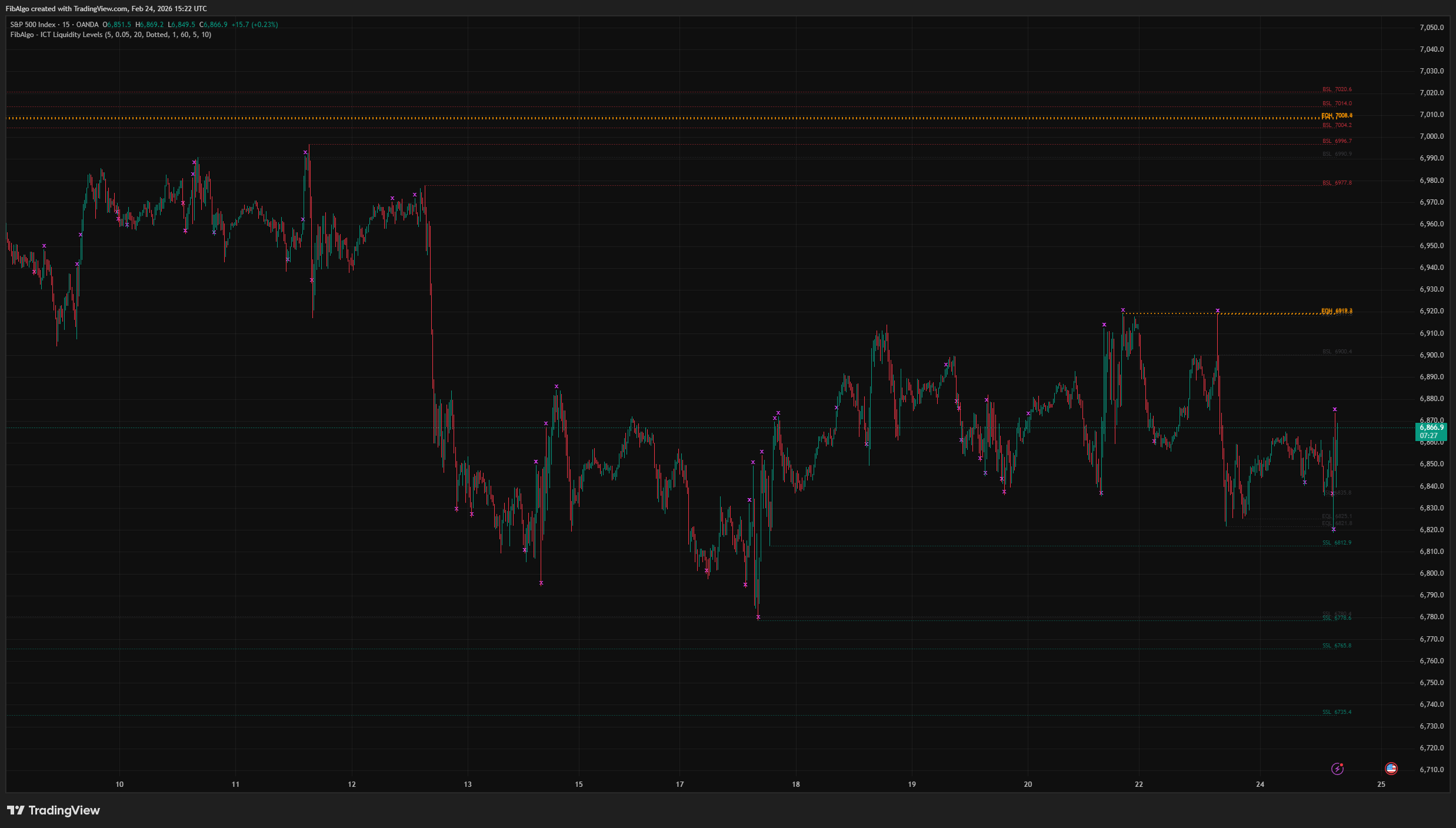
- Identify Liquidity Targets: BSL levels above swing highs and SSL levels below swing lows show where stop orders are resting. Price is drawn toward these pools — use them as directional targets.
- Equal Highs / Lows as Magnets: EQH and EQL zones represent concentrated liquidity. When price approaches an EQH/EQL level, expect a sweep attempt. These are high-probability stop-hunt targets.
- Turtle Soup Reversal: When a sweep marker (𝘅) appears, it signals that liquidity was taken but price rejected the breakout. This is a classic reversal setup — look for confirmation from Order Blocks, FVGs, or market structure shifts.
- HTF Confluence: Enable HTF levels to see where larger-timeframe liquidity sits. When an HTF and LTF level align (or are near each other), the liquidity pool is more significant. HTF sweeps carry stronger reversal implications.
- Combine with ICT Tools: Liquidity levels work best alongside Order Blocks (where institutions placed orders), Fair Value Gaps (where price wants to rebalance), and Market Structure (BOS/CHoCH for trend direction). A sweep into an Order Block inside a FVG is a textbook ICT entry.
- Swing Length Tuning: Increase Swing Length to detect only major swing points (fewer, more significant levels). Decrease it for more granular liquidity mapping on lower timeframes.
Limitations
- Swing detection uses ta.pivothigh/ta.pivotlow, which require Swing Length bars to pass before confirmation. Levels appear with a delay equal to the Swing Length.
- HTF data is fetched via request.security from closed HTF bars only, so an HTF level appears after the HTF bar that confirms the swing has closed (HTF Swing Length HTF bars after the swing). If the selected HTF is not higher than the chart timeframe, no HTF levels are created. The indicator validates this automatically.
- Equal H/L detection uses a percentage tolerance. On very low-priced instruments, the default 0.05% may need adjustment.
- Sweep detection checks wick vs. close on the same bar, when that bar closes; a wick through a level during a live bar is marked only at the close. Multi-bar sweep patterns (wick on bar 1, close back on bar 2) are not detected — only single-bar sweeps match the classic Turtle Soup definition.
- This indicator maps where liquidity rests and when it gets swept — it does not generate buy/sell signals. Combine with Order Blocks, Fair Value Gaps, market structure analysis, and proper risk management for complete trade setups.
Trading involves risk. This indicator is an analysis tool, not financial advice: use it alongside your own analysis and risk management.
Release notes
v2.0LatestClosed-bar HTF levels, sweep and label fixes
Higher-timeframe levels now come from closed HTF bars, new levels and sweeps are decided on bar close, and labels no longer overlap or disappear on long charts.
After updating
- Delete and re-create your alerts for this indicator with the "Any alert() function call" condition. TradingView alerts keep running the script version they were created with.
Fixed
- HTF levels now use closed higher-timeframe bars only, so live levels, sweeps and alerts match the chart after a reload. False HTF levels from an unfinished HTF bar no longer appear.
- HTF lines now start at the HTF swing, and a new HTF level is also checked for a sweep on the bar where it appears.
- New levels, sweep markers and level removal are decided on bar close, so a sweep marker no longer appears and disappears on the live candle.
- Level labels no longer disappear on long charts: sweep markers are now capped at the most recent 300.
- A close exactly at a level now counts as a sweep, equal-level matching works on symbols with negative prices, and a third equal high or low now sends an alert.
Improved
- Labels sit just right of the last bar at Normal size, and each equal high or low pool shows one label instead of two overlapping ones.
- When a level type reaches its limit, swept levels are removed before untouched ones.
- All alerts of one bar arrive together as one message at bar close.
Frequently Asked Questions
What is liquidity in ICT trading?
In ICT terms, liquidity is the pool of resting stop and entry orders above swing highs and below swing lows. Traders place stop losses and breakout orders just beyond those points, and ICT's view is that price is drawn to these pools because large players need that opposite order flow to fill their own positions. The indicator draws a level at every confirmed swing high and swing low.
What is the difference between buy side and sell side liquidity?
Buy side liquidity (BSL) rests above swing highs: the buy stops of short sellers and the buy-stop entries of breakout traders. Sell side liquidity (SSL) rests below swing lows: the sell stops of buyers and the sell-stop entries. A move up into BSL triggers buy orders, and a move down into SSL triggers sell orders. The indicator labels every level BSL or SSL together with its price.
What is a liquidity sweep?
A liquidity sweep happens when price wicks beyond a liquidity level, triggering the orders resting there, but the candle closes back inside. Also called a stop hunt or Turtle Soup, it suggests the break was not genuine and is a classic ICT reversal signal. The indicator marks the sweep point with an x and grays out the level; if price later closes beyond the level, the level is removed.
What are equal highs and equal lows?
Equal highs (EQH) are two or more swing highs at nearly the same price, and equal lows (EQL) two or more swing lows. The stops of many traders cluster beyond them, so ICT treats them as especially attractive liquidity targets that price often sweeps. By default the indicator counts swings within 0.05% of each other as equal and draws those levels in their own color with a thicker line.
Why use higher timeframe liquidity levels?
Levels from a higher timeframe mark larger pools of resting orders, so a sweep of one usually carries a stronger reversal implication. With the HTF option switched on, the indicator draws them with dashed, thicker lines next to the chart's own levels. When both timeframes have a level at the same price, only the higher timeframe level is shown.
How do you trade a liquidity sweep?
Treat the sweep as a warning that the move may reverse, not as an entry on its own. ICT traders look for confirmation after it, such as a market structure shift, an order block or a fair value gap in the reversal direction; a sweep into an order block inside a fair value gap is a textbook ICT entry. Levels that have not been swept yet also serve as targets, since price tends to move toward them.
Learn More
- Smart Money Concepts (SMC): How Institutional Traders Move MarketsLearn Smart Money Concepts including order blocks, fair value gaps, liquidity sweeps, and breaker blocks. Understand how institutions trade.
- Technical Analysis for Crypto Trading: The Definitive GuideLearn technical analysis from basics to advanced for cryptocurrency trading. Master chart patterns, indicators, volume analysis, and multi-timeframe strategies.
- Risk Management in Crypto Trading: The Complete Survival GuideMaster position sizing, stop losses, portfolio allocation, and emotional discipline for crypto trading. Learn why risk management matters most.
Start Using ICT Liquidity Levels
This indicator is free to use on TradingView. Add it to your charts and use it alongside your own analysis.
Related indicators
View All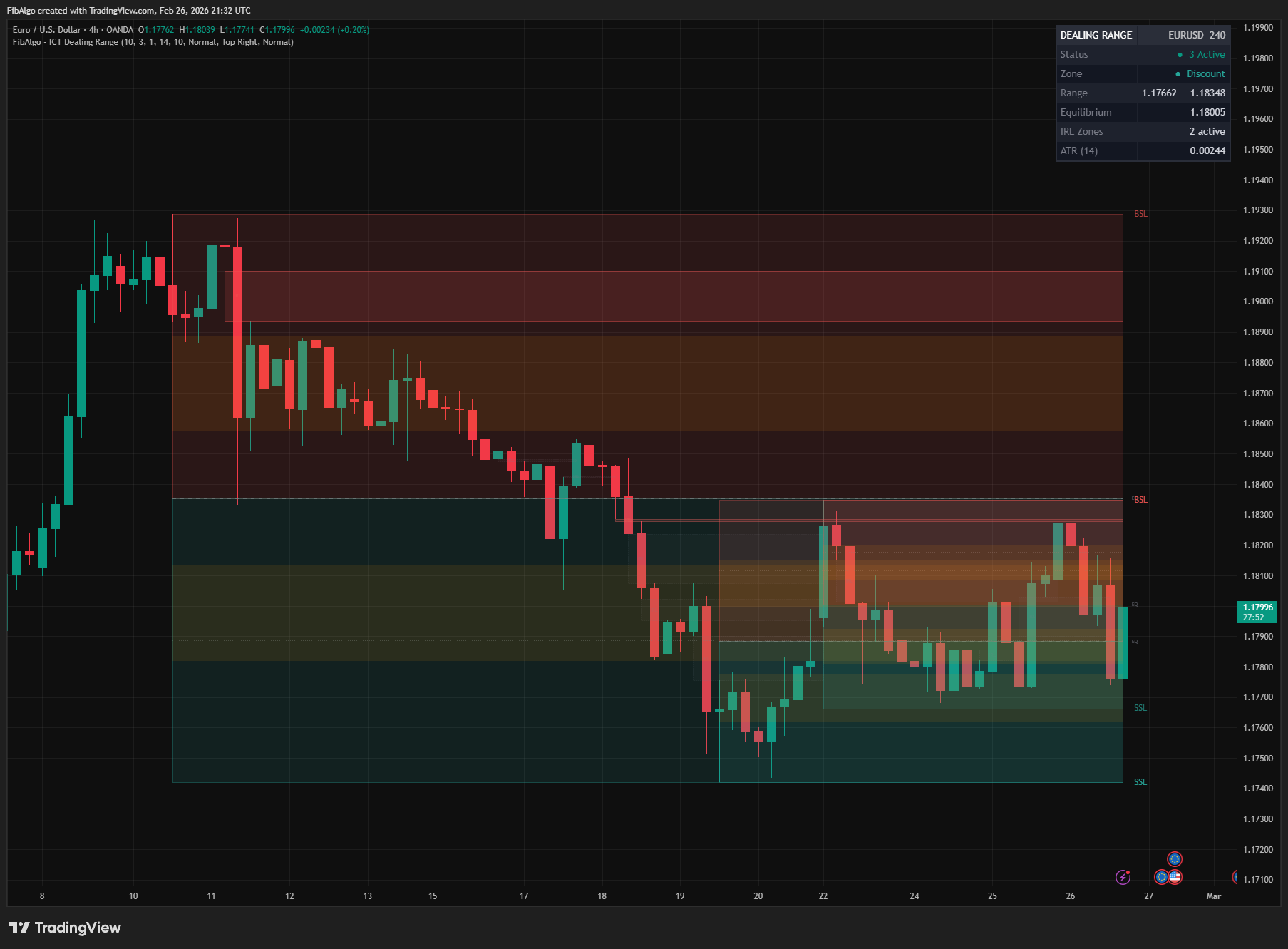
ICT Dealing Range
TradingView indicator that identifies ICT Dealing Ranges with Premium, Discount, and Equilibrium zones, plus internal and external range liquidity mapping.
See Details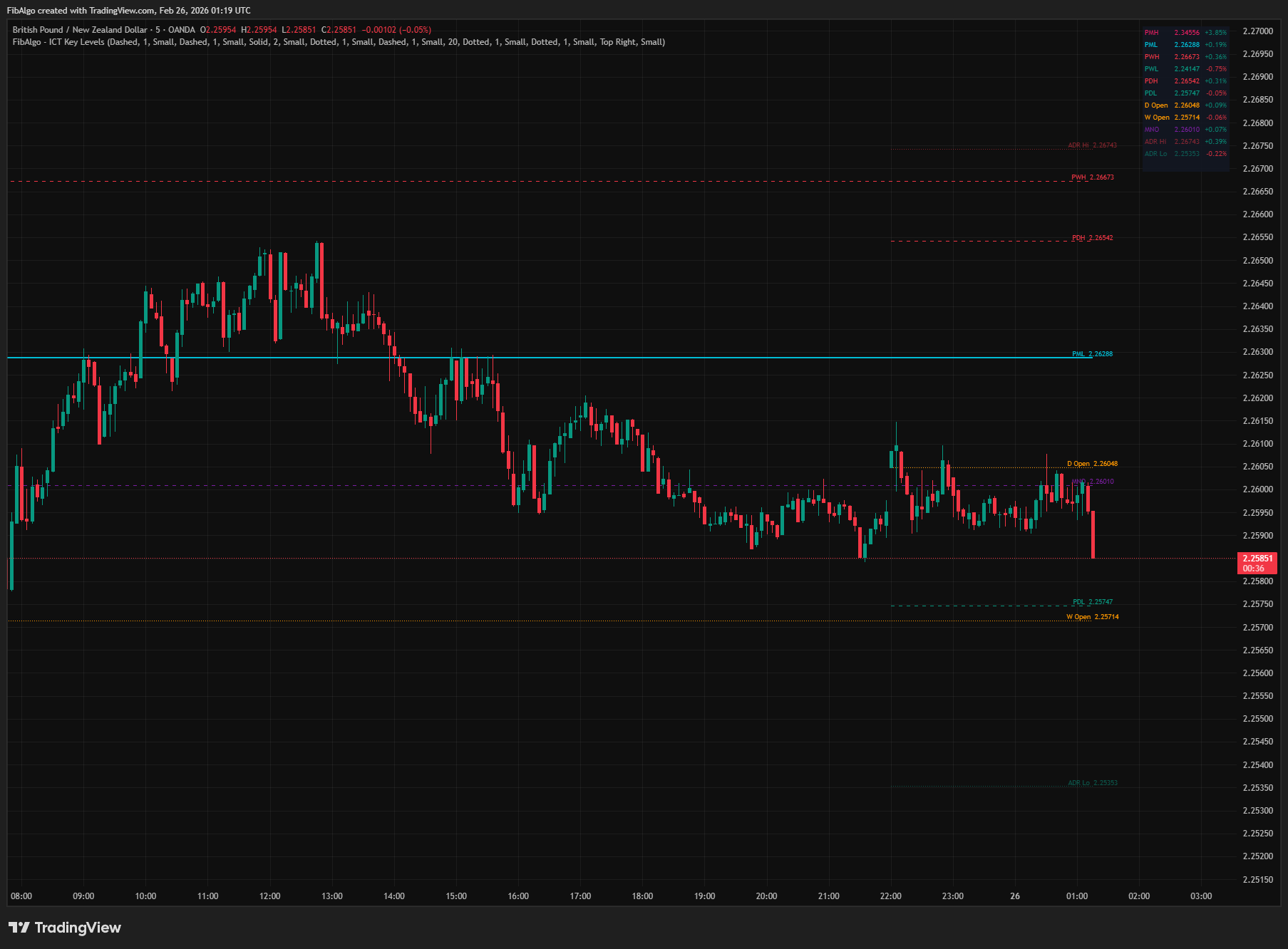
ICT Key Levels
TradingView indicator that draws ICT institutional reference levels — Previous Day/Week/Month High/Low, Daily Opens, Midnight Open, and ADR lines.
See Details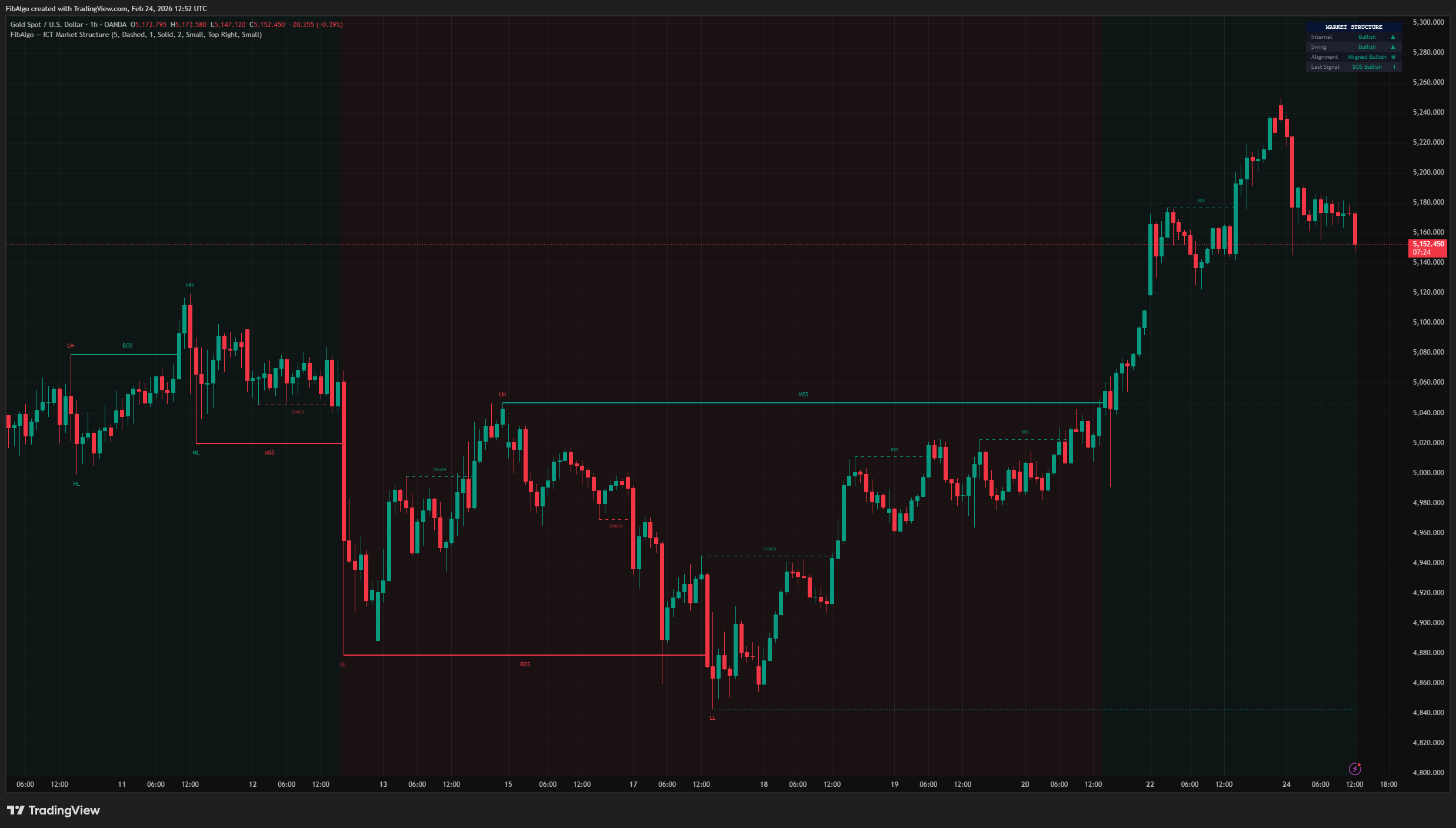
ICT Market Structure
TradingView indicator for ICT Market Structure — identifies Break of Structure (BOS), Change of Character (CHoCH), and Market Structure Shift (MSS).
See Details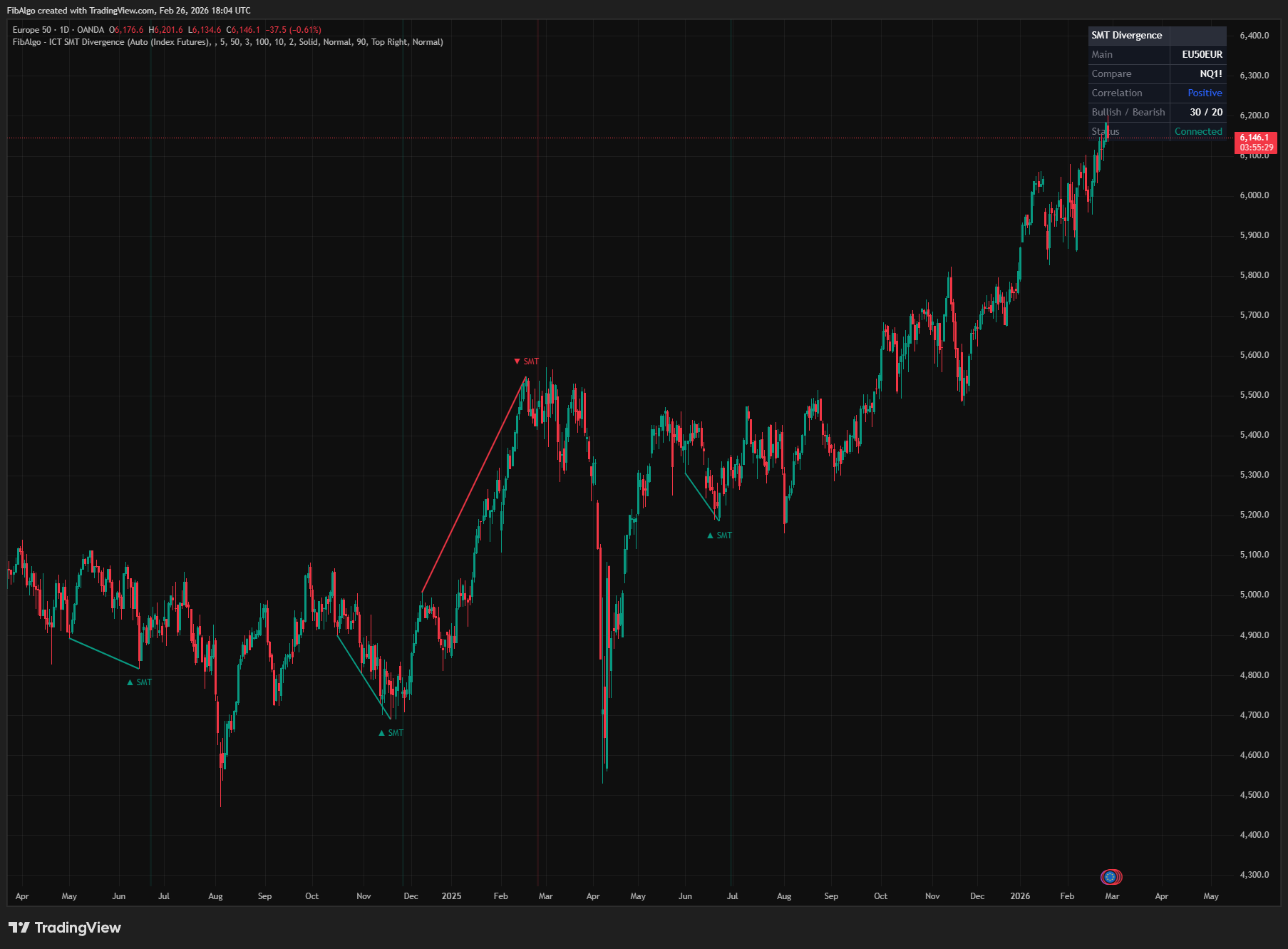
ICT SMT Divergence
TradingView indicator that detects ICT SMT Divergence — cross-symbol analysis comparing swing extremes to identify institutional manipulation.
See Details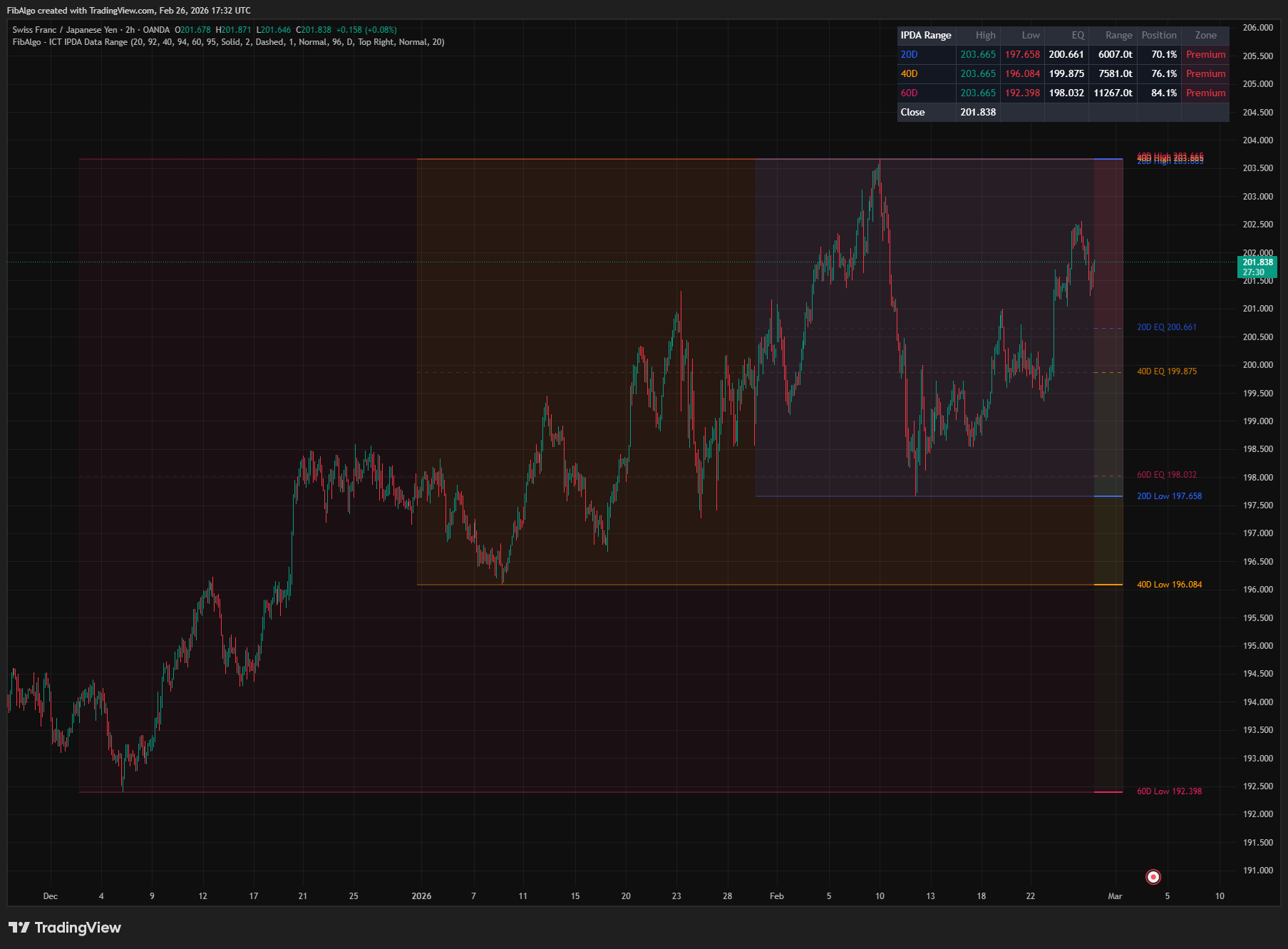
ICT IPDA Data Range
TradingView indicator that plots ICT IPDA Data Ranges — 20, 40, and 60 trading day lookback periods with equilibrium and Premium/Discount zones.
See Details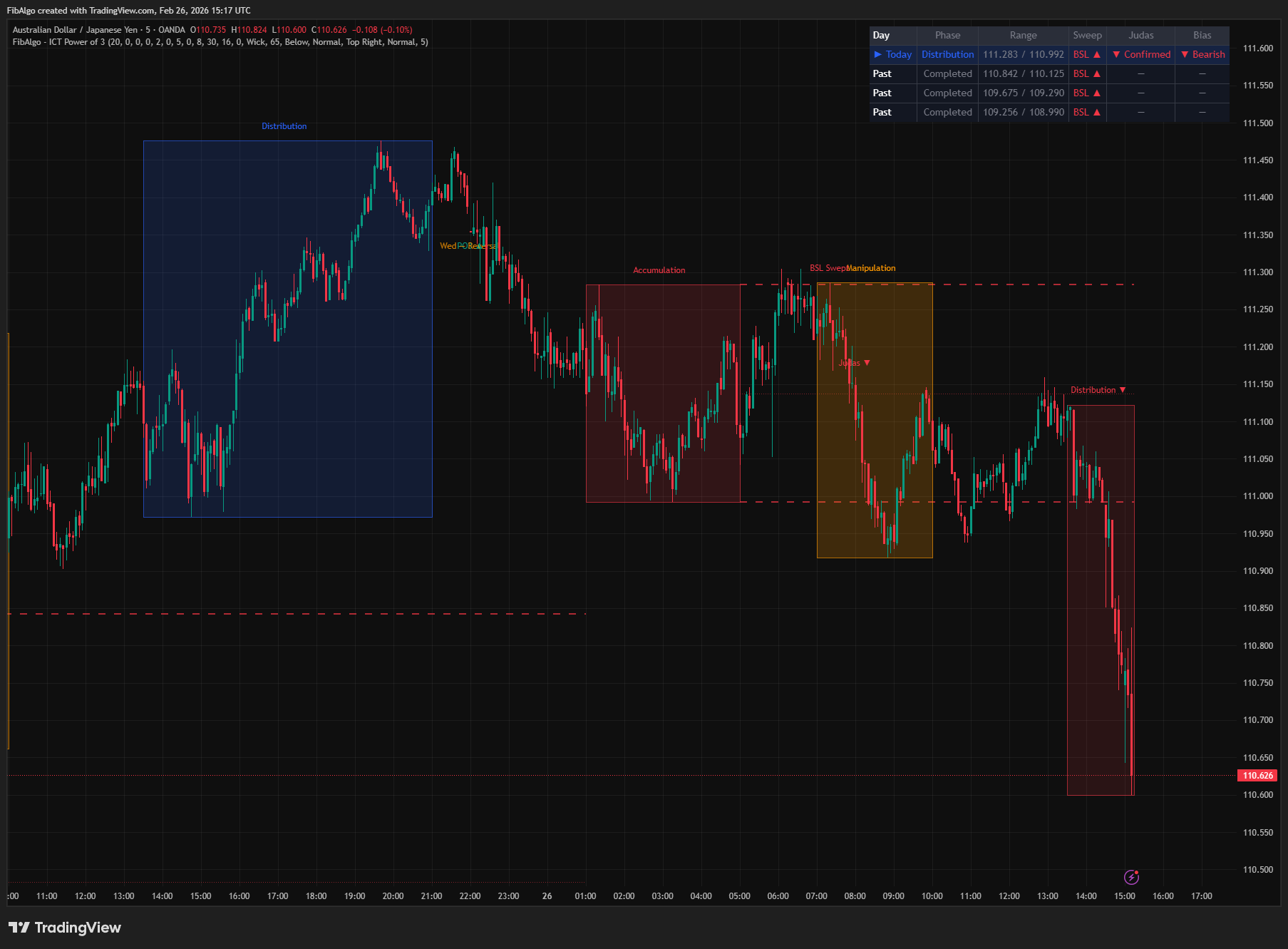
ICT Power of 3
TradingView indicator that visualizes the ICT Power of 3 daily cycle — Accumulation, Manipulation, and Distribution across Asia, London, and New York.
See Details