
Use this indicator directly on TradingView — the world's most popular charting platform.
What does the ICT Unicorn Model indicator do?
This indicator automatically detects the ICT Unicorn Model — one of the highest-conviction setups in the Inner Circle Trader methodology. The Unicorn Model occurs when a Breaker Block and a Fair Value Gap (FVG) overlap in the same price zone, creating an exceptionally strong area of institutional interest. The indicator identifies Order Blocks, converts them to Breaker Blocks when broken, detects Fair Value Gaps, and highlights the exact overlap zone where both structures converge.
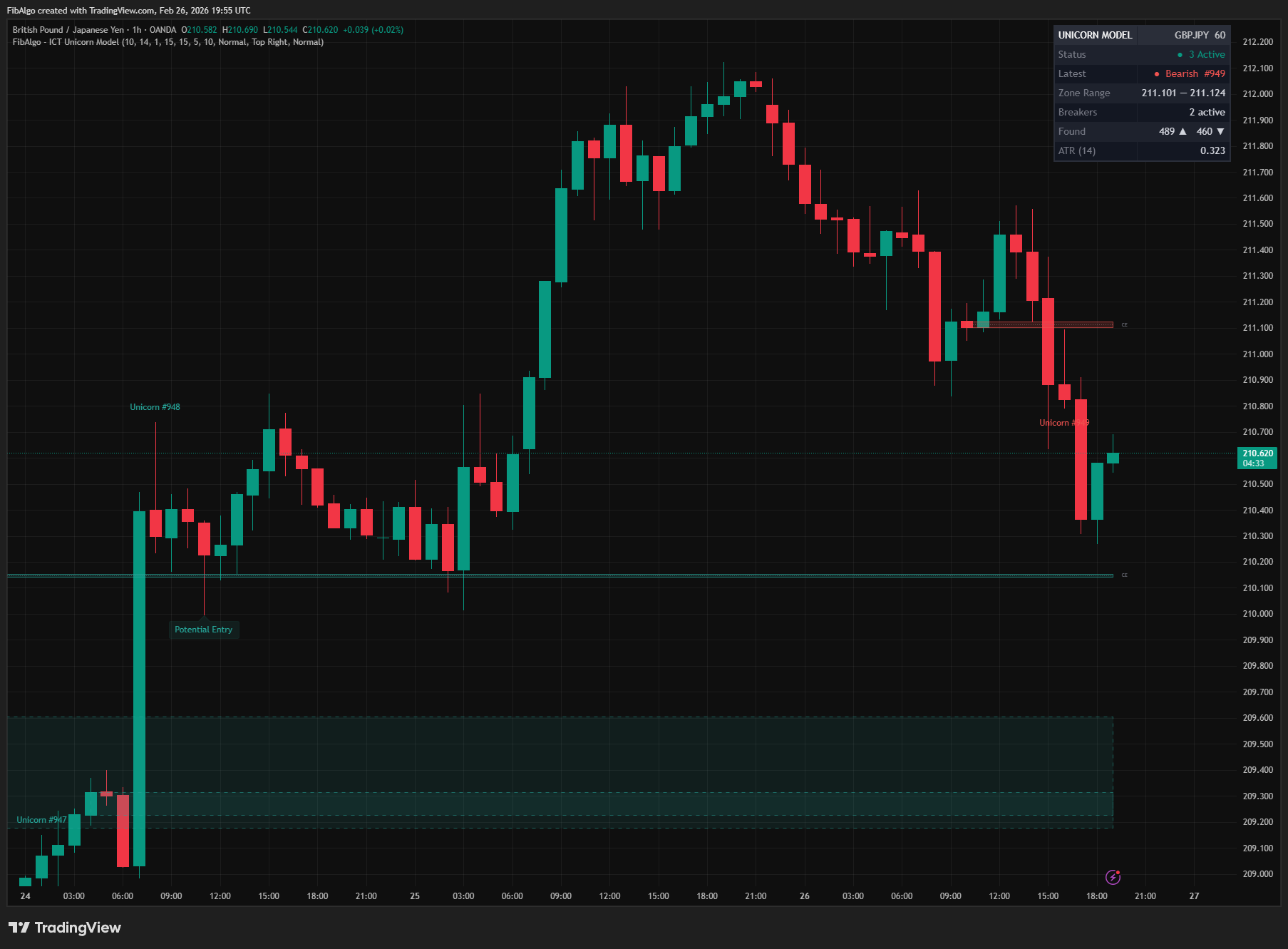
Key Concepts
- Unicorn Model — A specific ICT setup where a Breaker Block overlaps with a Fair Value Gap, creating a very high-probability entry zone. Named for its rarity and reliability.
- Breaker Block — An Order Block that has been "broken" — price traded through it — and now acts as a zone on the opposite side. A bullish OB that fails becomes a bearish Breaker, and vice versa. In strict ICT terms a Breaker also requires a liquidity sweep of the prior swing before the break (without it the failed OB is a Mitigation Block). This indicator treats any OB closed through with displacement as a Breaker and does not check for the sweep.
- Fair Value Gap (FVG) — A three-candle pattern where the middle candle creates an imbalance, leaving a gap between the first candle's high/low and the third candle's low/high. Represents institutional urgency and undelivered price.
- Overlap Zone — The exact price area where the Breaker Block and FVG intersect. This is the core of the Unicorn Model and the zone where price is most likely to react.
- Consequent Encroachment (CE) — The 50 % midpoint of the overlap zone. Price often reacts at this level, making it a precise reference for entries and targets.
- Potential Entry — When price returns to an active Unicorn zone after its formation, the indicator marks the bar with a "Potential Entry" label to highlight the opportunity.
How does the ICT Unicorn Model indicator work?
1. Order Block Detection The indicator scans for institutional displacement candles (body exceeding ATR × multiplier) and identifies the last opposite-color candle preceding the displacement as an Order Block. Both body-based and full-range OB modes are supported. Each origin candle creates only one Order Block, even when several displacement candles follow each other.
2. Breaker Block Conversion When a displacement candle in the break direction (candle body exceeds ATR × multiplier) closes beyond an active Order Block, the OB is "broken." The candle must carry price through the zone edge itself: it trades at the edge, or the previous bar closed on the near side of it (a gap through the zone counts). An OB that price already left on small candles does not turn into a Breaker later, far away from the zone. The zone flips direction — a failed Bullish OB becomes a Bearish Breaker Block, and a failed Bearish OB becomes a Bullish Breaker Block. This displacement requirement ensures that only genuine structural breaks create Breaker Blocks, filtering out weak or insignificant breaks. Breaker Blocks are drawn with dashed borders in their respective colors when the display toggle is enabled.
3. Fair Value Gap Detection Classic three-bar FVG detection runs in parallel:
- Bullish FVG (BISI): current bar low > two bars ago high
- Bearish FVG (SIBI): current bar high < two bars ago low
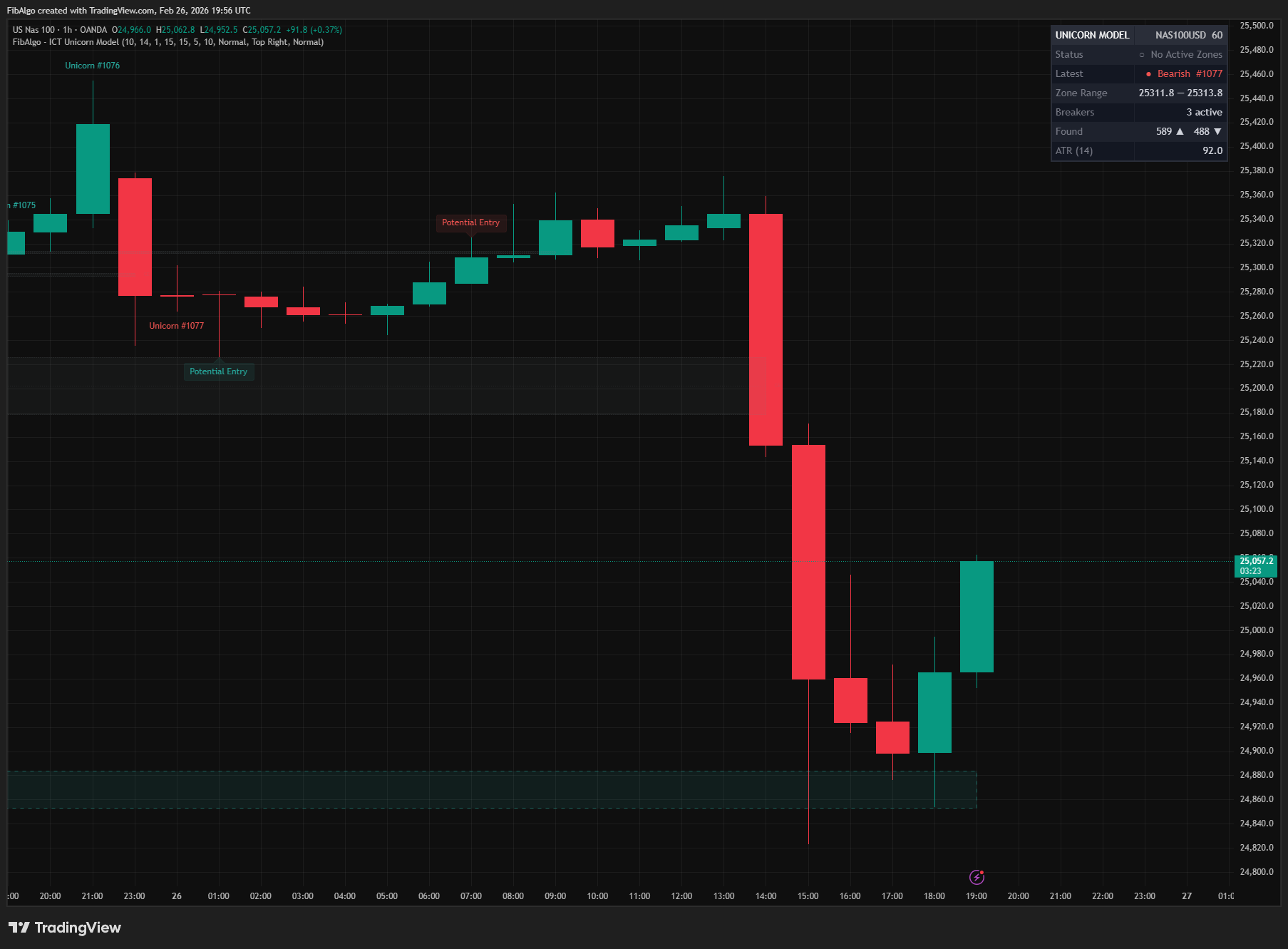
FVGs are tracked internally and optionally displayed on the chart.
4. Unicorn Detection — Overlap Algorithm On every bar, the indicator checks all active Breaker Blocks against all active FVGs for same-direction overlap. A temporal proximity filter ensures that only FVGs formed within a configurable number of bars of the Breaker Block creation are considered — this enforces that both structures originated from the same displacement move, which is the defining characteristic of the Unicorn Model.
- Breaker and FVG must share the same direction
- FVG completion bar must be within Max Bar Gap of the Breaker formation bar (default: 5). The FVG left by the breaking candle itself completes one bar after the break, so it needs a Max Bar Gap of 1 or more
- Overlap top = min(Breaker top, FVG top)
- Overlap bottom = max(Breaker bottom, FVG bottom)
- If overlap top > overlap bottom, there is a valid intersection
- The overlap must meet the minimum overlap percentage threshold (default 10 %)
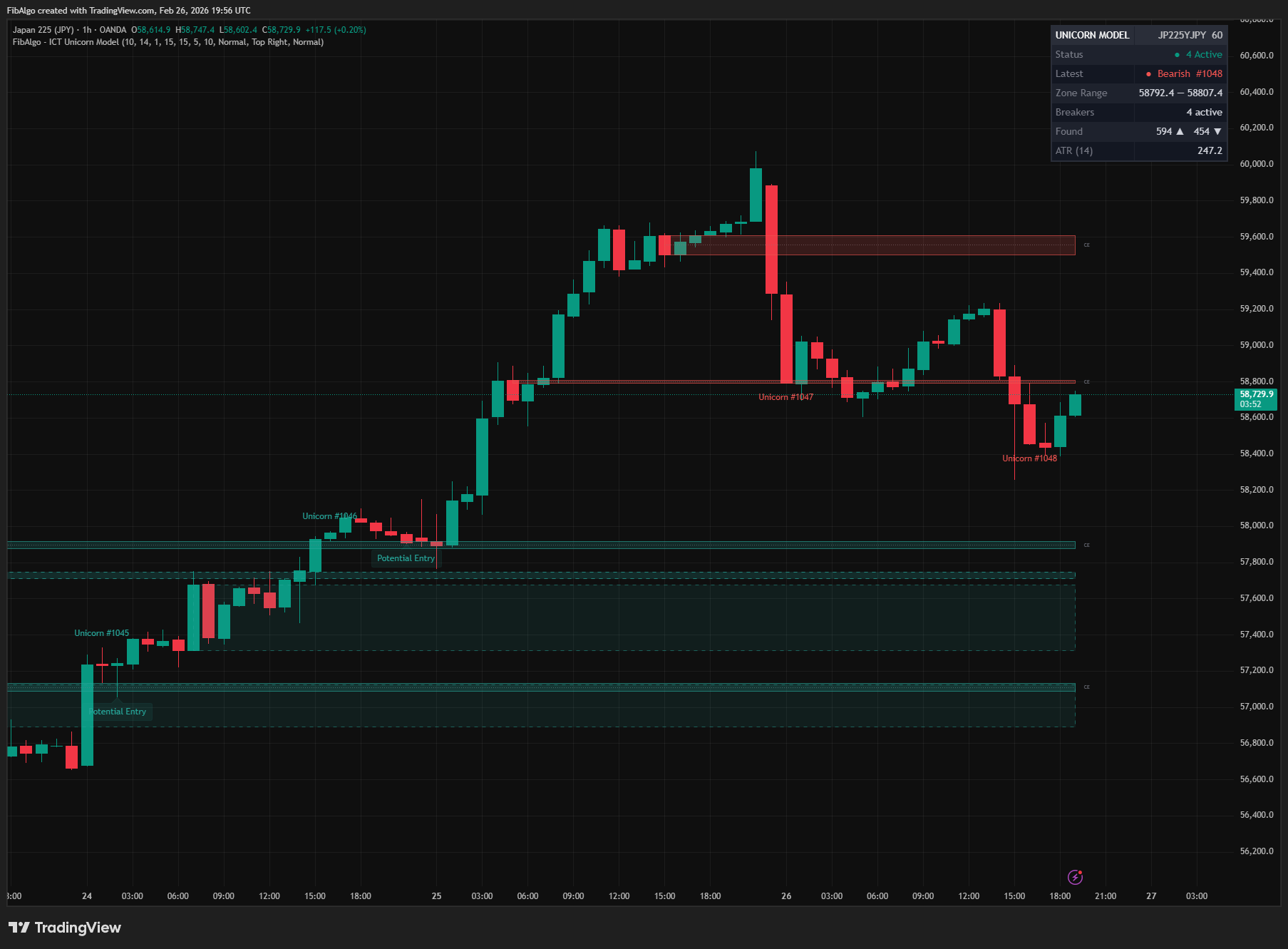
When a valid Unicorn is found, both the consumed Breaker Block and FVG are removed from their tracking arrays. If "Show Breaker Blocks" or "Show FVGs" is on, the boxes of the Breaker and FVG that formed the Unicorn stay on the chart with it (ending at the bar where the Unicorn formed) and are removed together with the zone. When the Order Block tracking limit is reached, the oldest Order Block is dropped first, except a fresh Breaker that can still pair with an FVG within Max Bar Gap.
5. Entry Detection When price first moves AWAY from a Unicorn zone after it forms, and then RETURNS to the zone (without invalidating it), the indicator places a "Potential Entry" label at the candle's low (for bullish zones) or high (for bearish zones). This two-step logic ensures a genuine price return rather than triggering immediately at formation. The entry is detected, and its alert sent, even when "Show Entry Markers" is off; that toggle only hides the label.
6. Invalidation When price closes beyond a Unicorn zone (below for bullish, above for bearish), the zone is automatically invalidated. Invalidated zones turn gray with dotted borders and their CE midline fades.
7. Closed-Bar Logic All events — Order Block and FVG creation, Breaker conversion, Unicorn detection, price leaving and returning to a zone, and invalidation — are evaluated on closed bars. On the live bar the boxes and lines keep extending, but nothing appears or changes state until the bar closes, so the history on the chart matches what was signaled in real time.
Features
- Automatic Unicorn Detection — Fully automated identification of Breaker Block + FVG overlap zones without manual analysis.
- Zone Numbering — Each Unicorn zone receives a sequential ID (#1, #2, etc.) for easy reference across the chart, in the info table and in alert messages.
- Potential Entry Markers — Labels drawn automatically when price leaves a Unicorn zone and then returns to it, placed at candle low (bullish) or high (bearish) for clear visibility. Requires a genuine price return — not triggered at zone formation.
- Breaker Block Visualization — Optional display of the underlying Breaker Blocks with dashed borders and directional coloring, including the Breaker that formed each Unicorn.
- FVG Visualization — Optional display of the underlying Fair Value Gaps (disabled by default for chart clarity), including the FVG that formed each Unicorn.
- CE Midline with End Label — Consequent Encroachment dotted line at the 50 % midpoint with a "CE" end-label for clear identification.
- Invalidation Logic — Zones automatically turn gray with dotted borders when price closes beyond them, providing clear visual distinction between active and invalidated zones.
- Closed-Bar Logic — Zones, entries and invalidations are confirmed at bar close, so they do not appear and disappear on the live candle.
- Drawing Cleanup — Configurable maximum zones with automatic removal of oldest drawings to stay within platform limits.
- Info Table — Dashboard showing status indicators, latest zone direction and ID, zone range, active breaker count, total bull/bear count, and current ATR — all with alternating row backgrounds.
- Rich Tooltips — Hover over any Unicorn label or entry marker for detailed information including zone ID, direction, CE level, Breaker and FVG price levels.
- Configurable Detection — Adjustable OB lookback, ATR period, displacement multiplier, body/range toggle, minimum overlap percentage, and temporal proximity gap for precise control over detection sensitivity.
- Three Alert Types — New Unicorn zone detection, potential entry signals (price return), and zone invalidation, each switchable in the Alerts inputs. Alerts are sent at bar close; every event line carries the zone number, price levels, direction, and timeframe, and several events on the same bar arrive together in one message.
- Full Color Customization — Independent color inputs for bullish/bearish Unicorns, Breaker Blocks, and FVGs. Borders, labels, and entry markers follow the chosen colors.
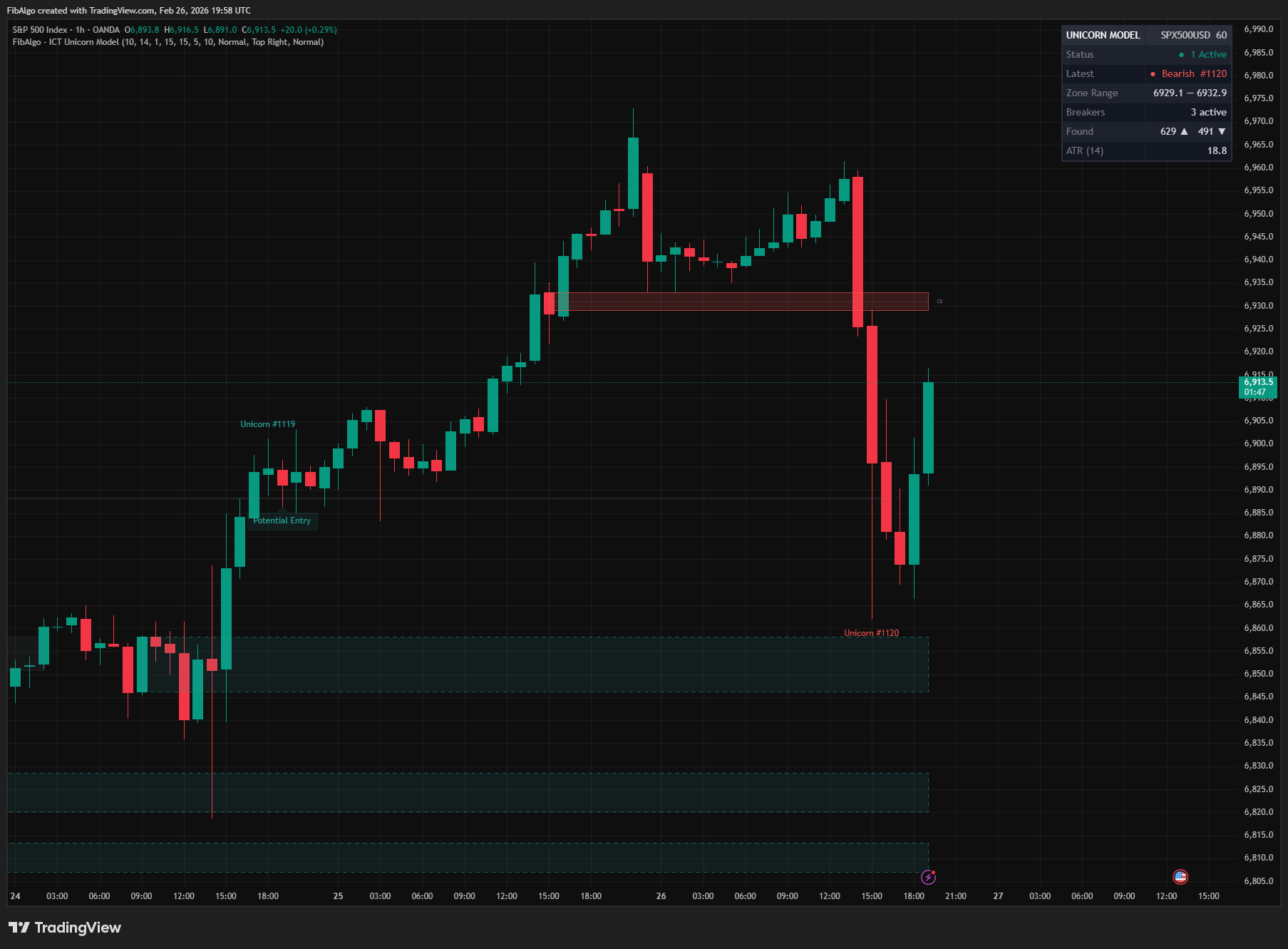
How to use the ICT Unicorn Model indicator
- Identify High-Probability Zones — Unicorn zones represent the overlap of a Breaker Block and an FVG — two separate ICT structures converging at the same price level. Focus on zones that form after clear displacement.
- Wait for Price Return — After a Unicorn zone forms, the indicator waits for price to move away from the zone and then retrace back. Only then will it draw a "Potential Entry" label. This ensures a genuine re-test rather than an immediate signal.
- Use CE as Precision Reference — The CE midline within the Unicorn zone provides a more precise level for entries and risk management.
- Combine with Trend Context — Bullish Unicorn zones work best in an overall bullish market structure; bearish zones in bearish structure. Use a market structure indicator for directional bias.
- Toggle Underlying Zones — Enable "Show Breaker Blocks" and "Show FVGs" to understand the components forming each Unicorn zone. Disable them once comfortable for a cleaner chart.
- Set Up Alerts — Create one alert with the condition "Any alert() function call"; choose which events it carries with the Alerts inputs. Alerts are sent at bar close.
- Monitor the Info Table — The table provides at-a-glance status of active zones, latest zone details, active breaker count, and current ATR for context.
Limitations
- This indicator does not generate buy or sell signals. It highlights structural zones for educational and analytical purposes.
- Unicorn Model detection depends on displacement ATR thresholds — results vary across timeframes and instruments. Adjust the ATR multiplier for your specific market.
- Order Block and FVG detection are simplified implementations; they may not capture every nuance of manual ICT analysis.
- No liquidity-sweep or MSS check: some detected zones would be classed as Mitigation Block + FVG overlaps by strict ICT rules.
- All events are confirmed at bar close, so a zone, entry or invalidation appears when the bar closes, not at the first intrabar touch.
- Very tight or very wide minimum overlap settings may produce too many or too few detections. The default of 10 % is balanced for most markets.
- Maximum drawing limits apply. Only the most recent Unicorn zones (default: 5) are preserved on the chart.
- Past performance of detected zones is not indicative of future results.
Trading involves risk. This indicator is an analysis tool, not financial advice: use it alongside your own analysis and risk management.
Release notes
v2.0LatestBar-close zones, complete alerts and stricter Breakers
Zones, entries and invalidations are decided on bar close, all events of a bar arrive in one alert, and each Unicorn keeps the Breaker and FVG that formed it on the chart.
After updating
- Delete and re-create your alerts for this indicator with the "Any alert() function call" condition. TradingView alerts keep running the script version they were created with.
Fixed
- Zones, entries and invalidations are decided on bar close, so they no longer appear and vanish on the live candle or alert twice for the same zone.
- All events of a bar arrive in one alert, so none are lost, and each line shows the zone number.
- The entry alert now works when Show Entry Markers is off.
- Show Breaker Blocks and Show FVGs now keep the Breaker and FVG that formed each Unicorn on the chart.
- A Breaker needs a displacement candle that breaks through the zone itself. Stale or duplicate Order Blocks no longer create extra Breakers or Unicorns, and a new Breaker is no longer dropped before its FVG forms.
Improved
- Borders and labels follow your colors, the CE label follows Label Size (Normal by default, it was fixed at Tiny), and tooltips are clearer.
Changed
- Unicorn numbers and the table's Found counts can differ from before because of these fixes.
Frequently Asked Questions
What is the ICT Unicorn Model indicator?
TradingView indicator that detects the ICT Unicorn Model — the setup where a Breaker Block and Fair Value Gap overlap.
Is ICT Unicorn Model free to use on TradingView?
Yes, ICT Unicorn Model is completely free to use. You can add it directly to your TradingView charts at no cost.
How do I add ICT Unicorn Model to my TradingView chart?
Open TradingView, click on "Indicators" at the top of your chart, search for "ICT Unicorn Model" by FibAlgo, and click to add it. It will appear on your chart immediately.
What trading strategies work best with ICT Unicorn Model?
ICT Unicorn Model is commonly used for Smart Money, Price Action, and Signals analysis. It works well as part of a multi-indicator confirmation strategy on any timeframe.
Learn More
- Smart Money Concepts (SMC): How Institutional Traders Move MarketsLearn Smart Money Concepts including order blocks, fair value gaps, liquidity sweeps, and breaker blocks. Understand how institutions trade.
- Technical Analysis for Crypto Trading: The Definitive GuideLearn technical analysis from basics to advanced for cryptocurrency trading. Master chart patterns, indicators, volume analysis, and multi-timeframe strategies.
- Risk Management in Crypto Trading: The Complete Survival GuideMaster position sizing, stop losses, portfolio allocation, and emotional discipline for crypto trading. Learn why risk management matters most.
Start Using ICT Unicorn Model
This indicator is free to use on TradingView. Add it to your charts and use it alongside your own analysis.
Related indicators
View All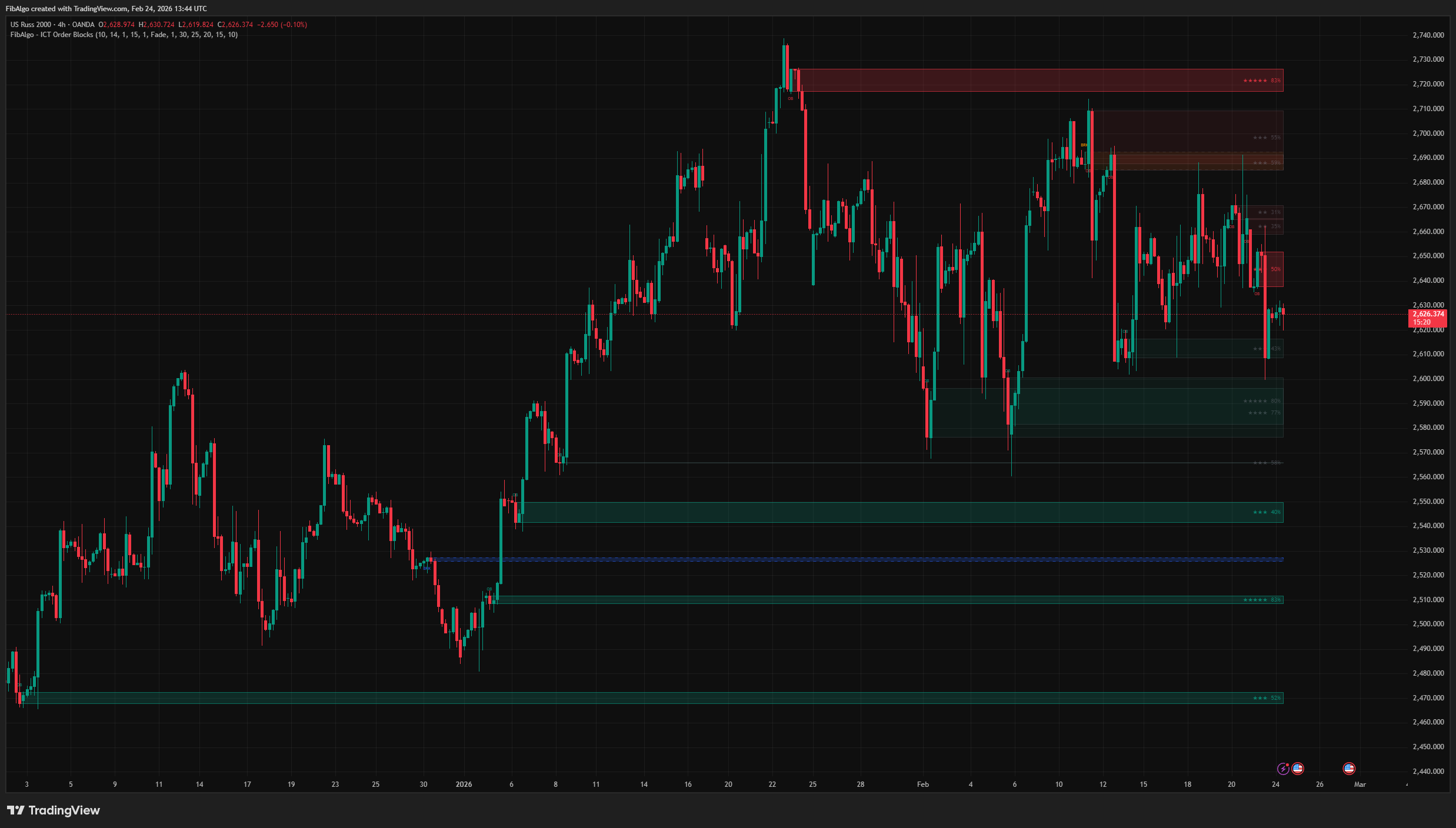
ICT Order Blocks
TradingView indicator that detects ICT Order Blocks, converts invalidated zones into Breaker Blocks, and provides institutional Strength Rating analysis.
See Details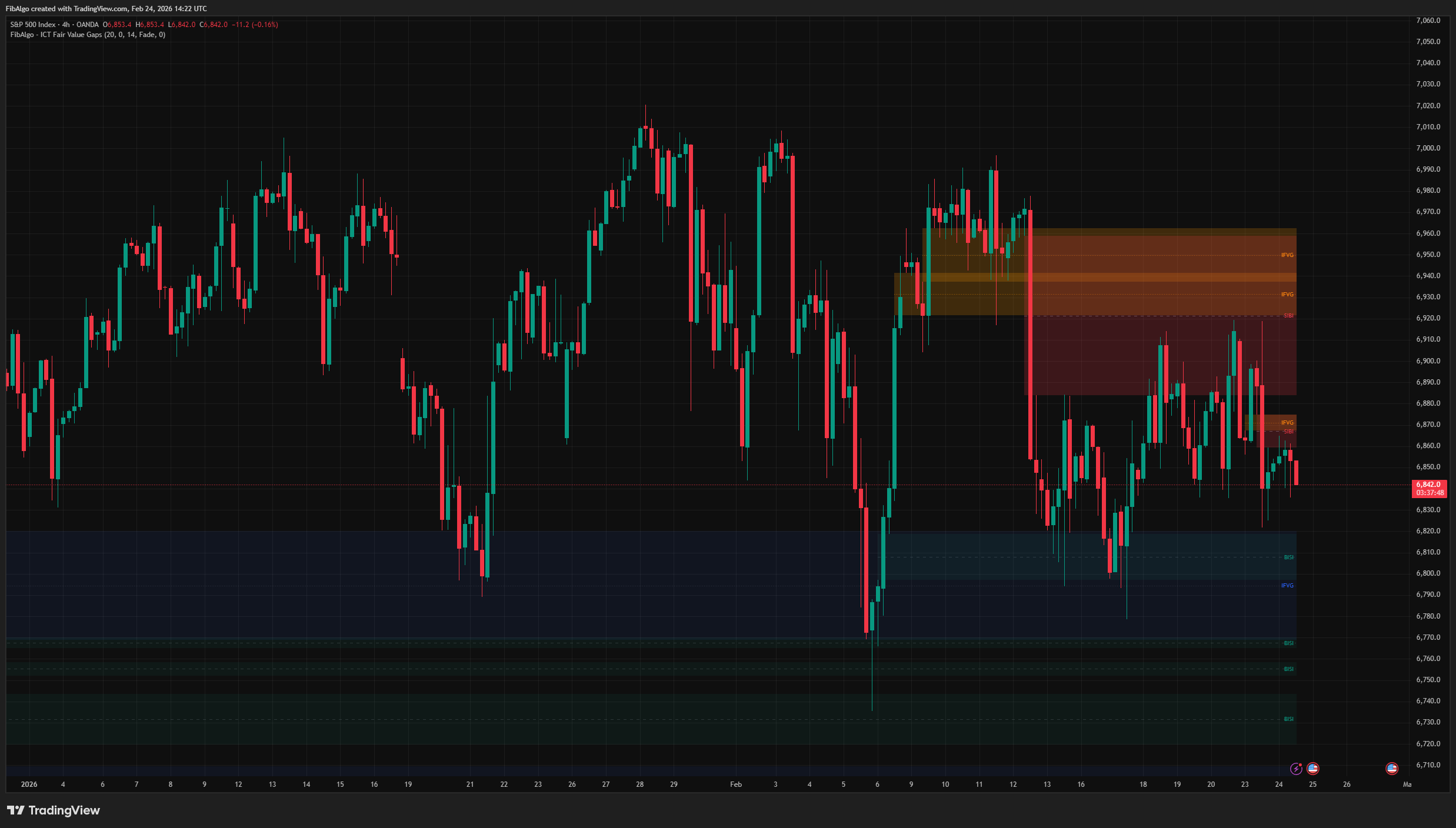
ICT Fair Value Gaps
TradingView indicator that detects ICT Fair Value Gaps (BISI/SIBI), draws CE midlines, identifies Inversion FVGs, and maps Balanced Price Range zones.
See Details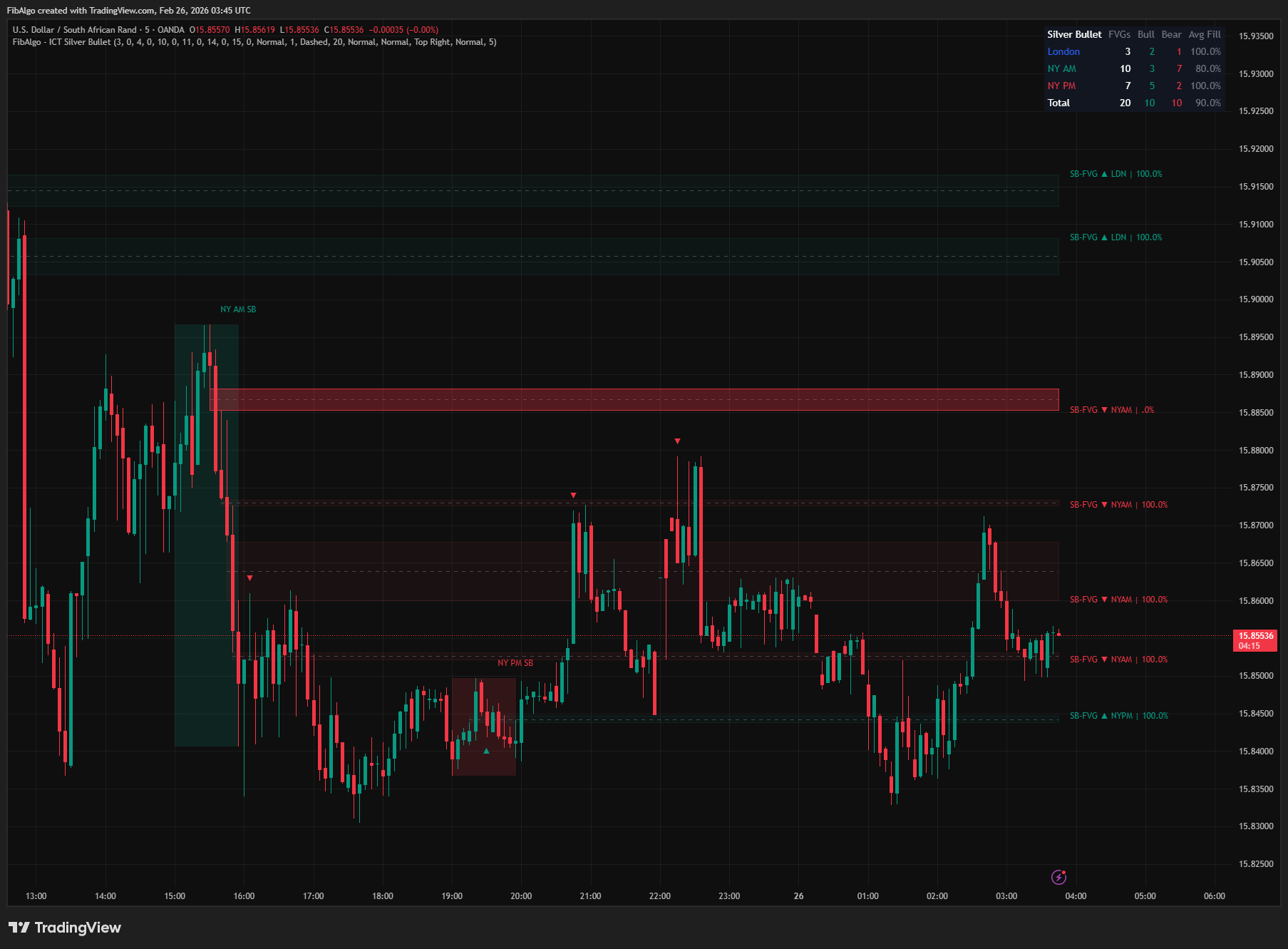
ICT Silver Bullet
TradingView indicator that identifies ICT Silver Bullet windows — London, NY AM, and NY PM — and detects Fair Value Gaps with CE entry signals.
See Details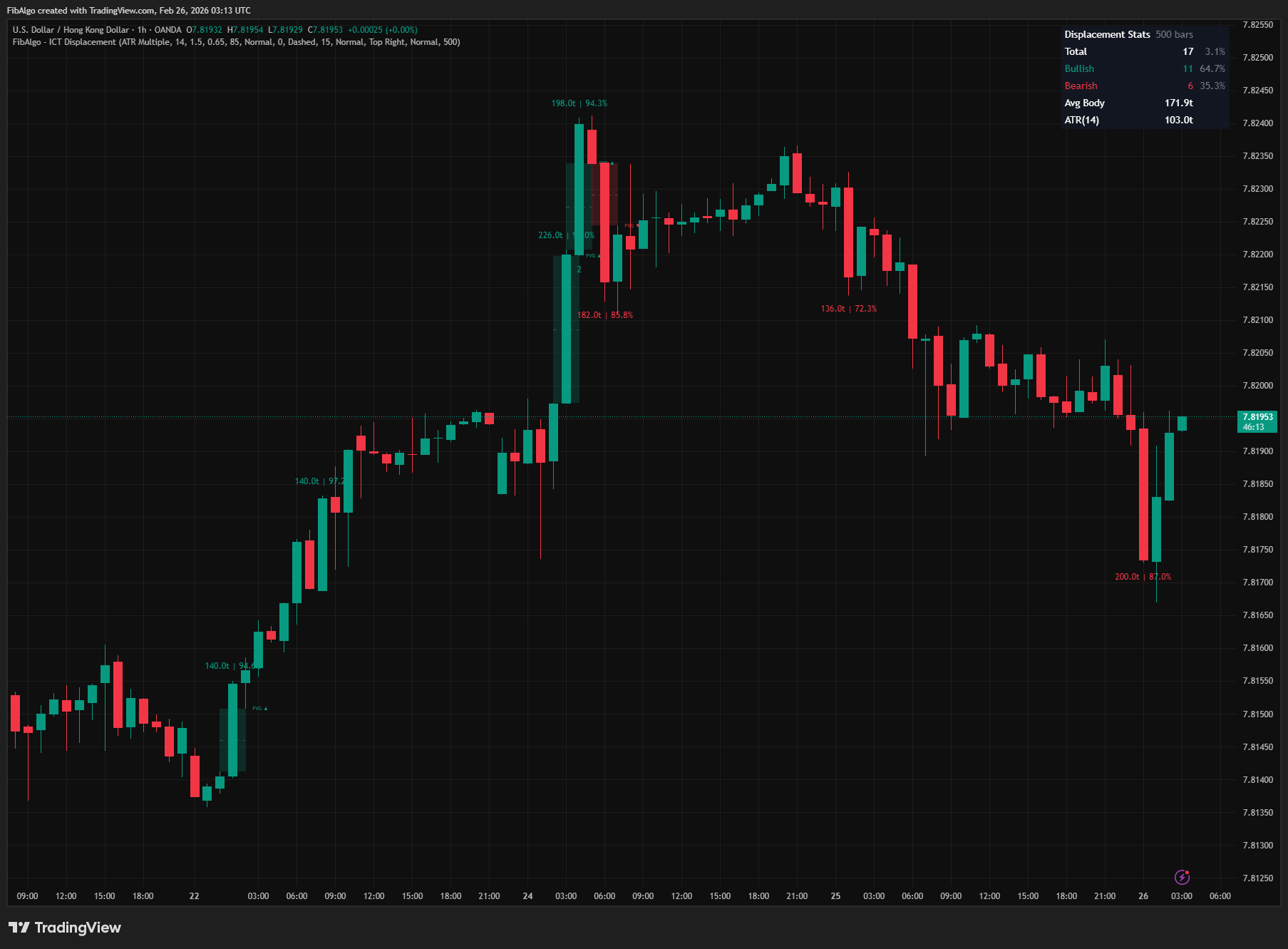
ICT Displacement
TradingView indicator that detects ICT Displacement candles — aggressive institutional order flow using ATR Multiple and Body/Range Ratio analysis.
See Details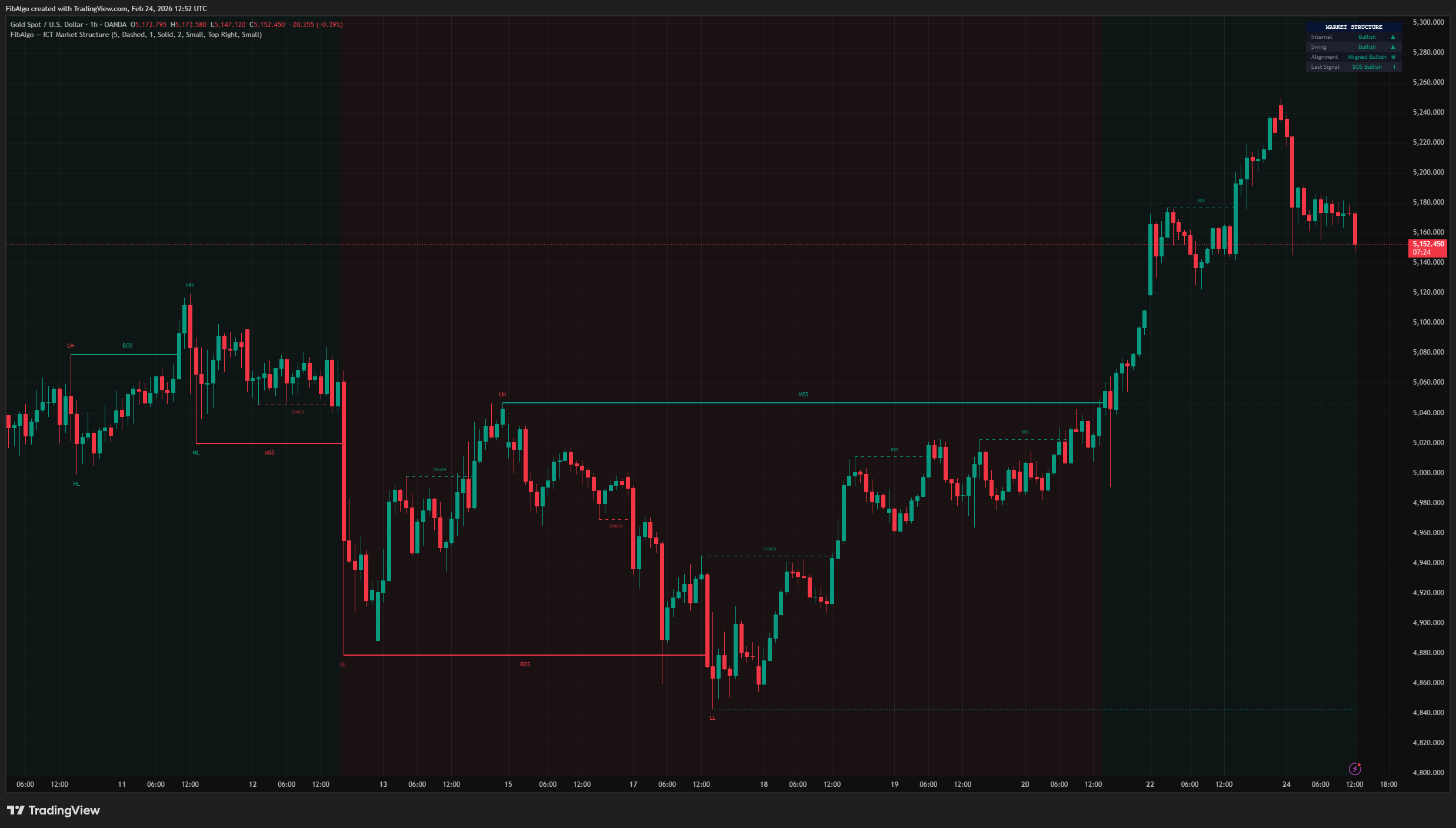
ICT Market Structure
TradingView indicator for ICT Market Structure — identifies Break of Structure (BOS), Change of Character (CHoCH), and Market Structure Shift (MSS).
See Details