
Use this indicator directly on TradingView — the world's most popular charting platform.
What does the ICT Standard Deviation indicator do?
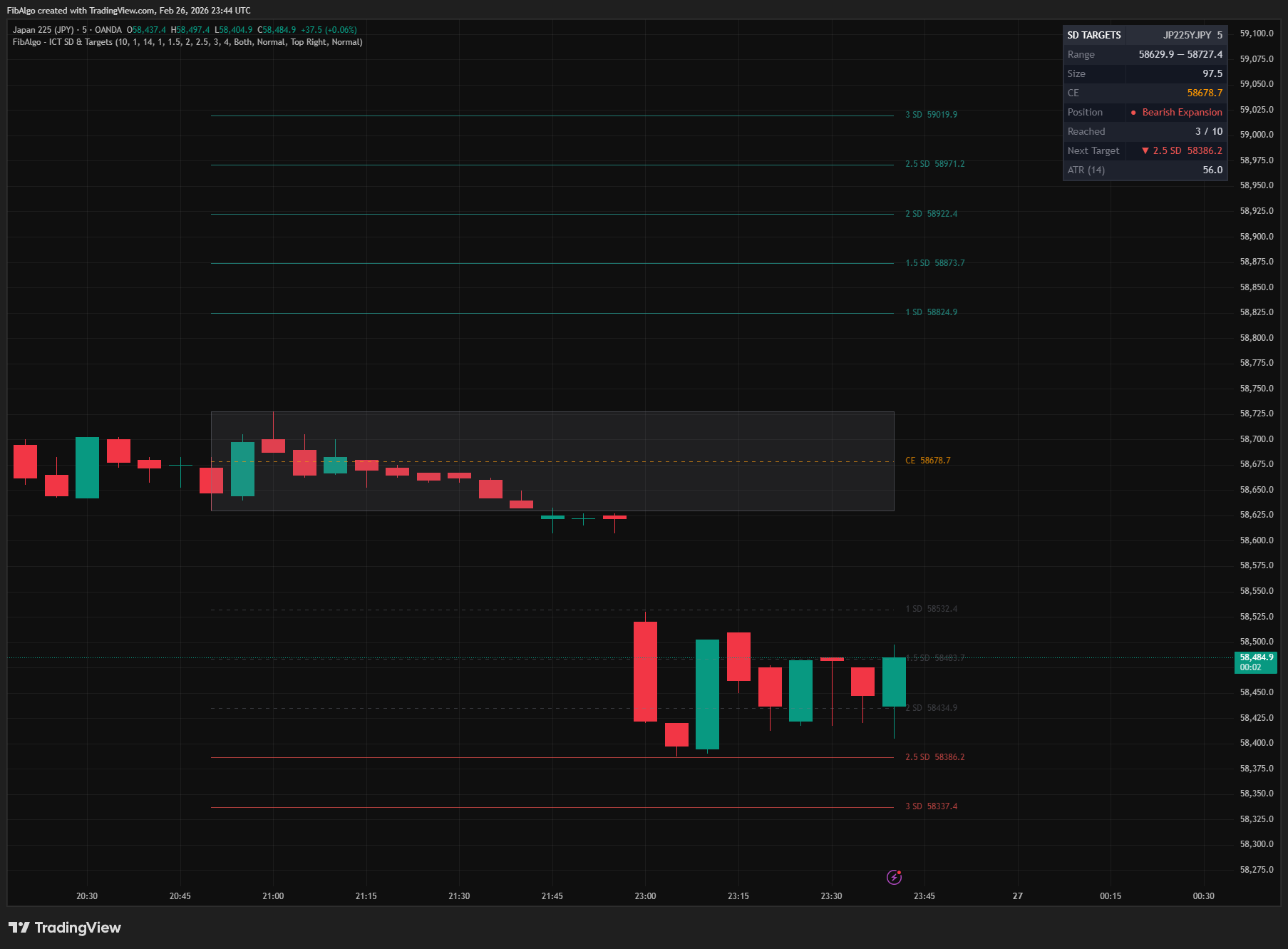
FibAlgo - ICT Standard Deviation & Targets automatically detects significant swing ranges and projects standard deviation extension levels above and below them — the core ICT method for identifying high-probability price targets. The indicator maps up to six configurable SD multiples (default: 1.0, 1.5, 2.0, 2.5, 3.0, and an optional 4.0 max expansion), displays the reference range with its Consequent Encroachment midpoint, and visually tracks which levels have been reached. A real-time info table shows the nearest unreached target, current position relative to the range, and reached/total level counts.
Key Concepts
- Standard Deviation Projections — ICT uses standard deviation multiples of a price range to project potential expansion targets. These levels represent how far price may extend beyond a manipulation leg or significant swing.
- Manipulation Leg — The initial directional price move, often a liquidity sweep, that forms the reference range. The swing high to swing low of this leg defines the range from which SD levels are projected.
- Consequent Encroachment (CE) — The 50% midpoint of any range. Acts as a key equilibrium level where price may react during retracements.
- Key Reaction Zone (2.0–2.5 SD) — Price frequently retraces or reverses between the 2.0 and 2.5 SD levels. This zone aligns with ICT's emphasis on watching for institutional reactions at extended deviations.
- Max Expansion (4.0 SD) — ICT's ultimate target level. When price reaches 4.0 SD, traders should pause and re-evaluate market structure and PD arrays.
- Reached Level Tracking — When price touches a projected SD level, it is marked as "reached" with a visual style change (dashed line, faded color), helping traders quickly identify which targets have been hit and which remain active.
- PD Array Confluence — SD projections become most powerful when they align with other ICT concepts like Fair Value Gaps, Order Blocks, or liquidity levels, creating high-confluence trade setups.
How does the ICT Standard Deviation indicator work?
1. Range Detection The indicator uses pivot-based swing detection to identify significant price ranges. When confirmed swing highs and swing lows form a range that meets the minimum ATR size filter, it becomes the active reference range for SD projections. The Pivot Length parameter controls how many bars are required on each side for swing confirmation — higher values detect larger, more significant manipulation legs.
2. SD Level Projection Once a reference range is identified, standard deviation levels are projected in both directions (configurable to bullish only, bearish only, or both):
- Bullish targets: Range High + (SD multiple x Range Size)
- Bearish targets: Range Low - (SD multiple x Range Size)
Default SD multiples are 1.0, 1.5, 2.0, 2.5, and 3.0, with an optional 4.0 (max expansion). Each level can be independently toggled and customized.
3. Reached Tracking As price moves through projected levels, each is marked as "reached." The visual style changes to a dashed line with a faded gray color, making it immediately clear which targets have been hit. Levels that price already touched between the newest swing point and the bar that confirms the range are marked as reached from the start. This tracking is reflected in the info table's Reached counter and Next Target field.
4. Position Detection The indicator determines price position relative to the active range:
- Inside Range — Price is between range high and low (no expansion yet)
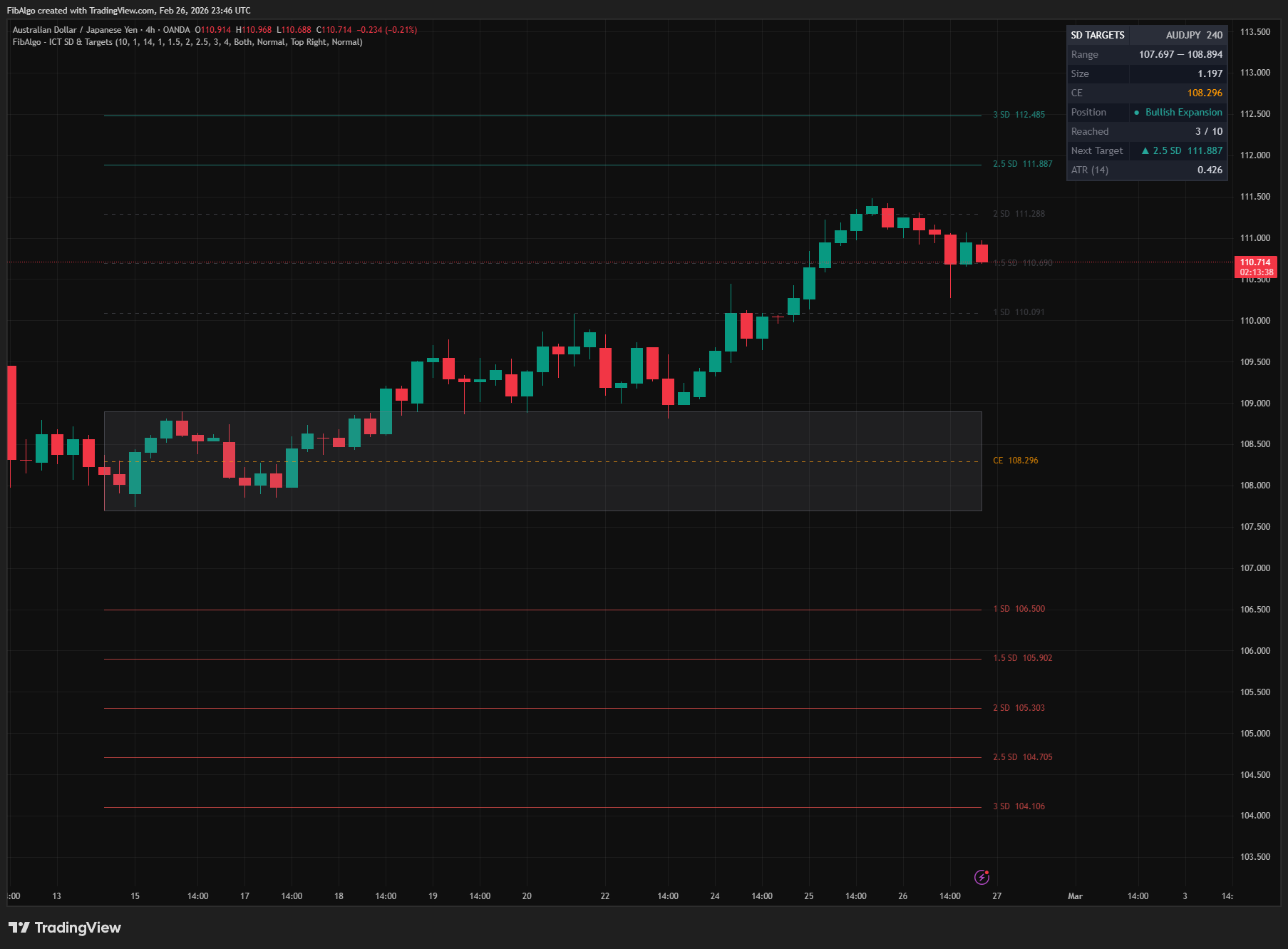
- Bullish Expansion — Price is above range high (targeting upper SD levels)
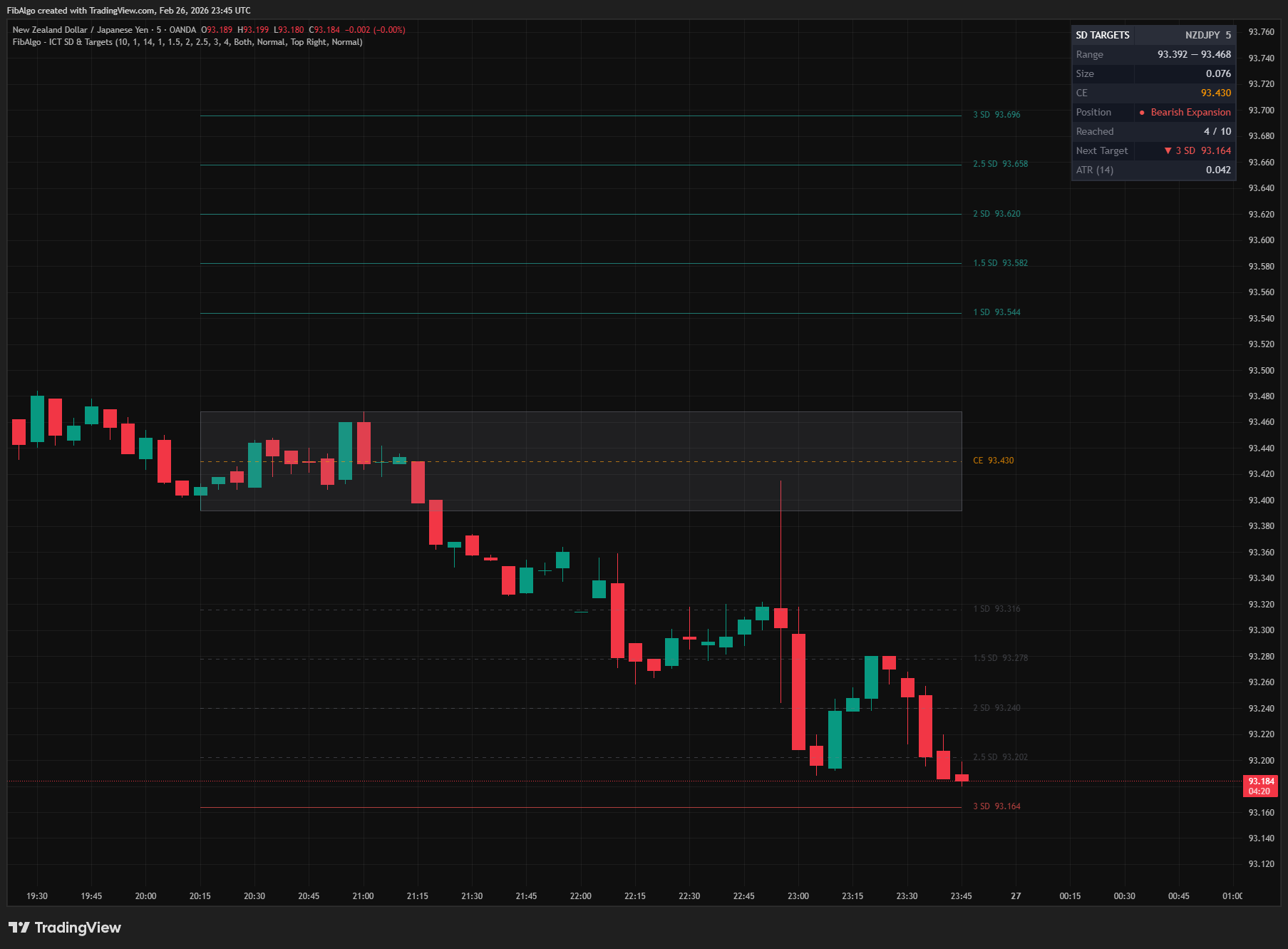
- Bearish Expansion — Price is below range low (targeting lower SD levels)
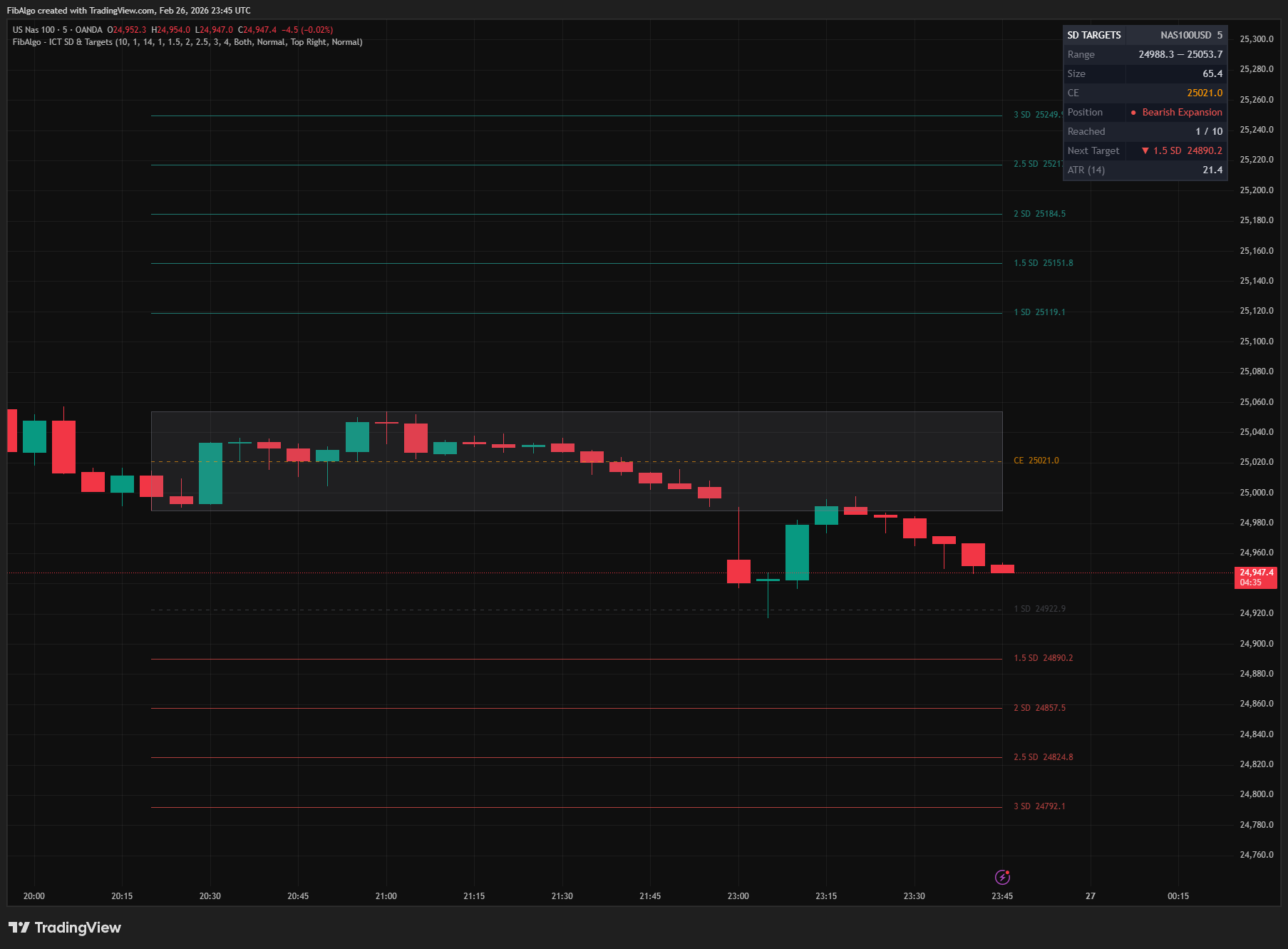
5. Info Table A real-time dashboard displays 8 rows of data:
- Header with symbol and timeframe
- Range boundaries (Low — High)
- Range Size in price units
- CE (Consequent Encroachment) level
- Current Position (Inside / Bullish / Bearish Expansion)
- Reached counter (e.g., "3 / 10")
- Next Target — the closest unreached SD level with direction indicator
- ATR value for reference
Features
- Automatic Range Detection — Identifies significant swing ranges using configurable pivot-based detection with ATR size filtering.
- 6 Configurable SD Levels — Each level has its own toggle and value. Defaults: 1.0, 1.5, 2.0, 2.5, 3.0 (SD 6 at 4.0 off by default).
- Bidirectional Projections — Projects targets above range high (bullish) and below range low (bearish), with option to show only one direction.
- Reached Level Tracking — Automatically detects when price touches SD levels and updates visual style to dashed/faded.
- Reference Range Box — Displays the swing range as a shaded box for clear visual context.
- Consequent Encroachment Line — Dashed midpoint line at 50% of the range.
- Direction Filter — Choose Both, Bullish Only, or Bearish Only projections to reduce visual noise.
- Price Labels with Tooltips — Each SD line includes a label showing the multiplier and exact price, with detailed information in the tooltip.
- Real-Time Info Table — 8-row dashboard showing range details, position, reached counts, nearest target, and ATR.
- Next Target Display — The info table highlights the closest unreached SD level with a directional arrow indicator.
- Position Indicator — Shows whether price is inside the range, in bullish expansion, or in bearish expansion.
- 2 Alert Types — Alerts for new range detection (sent once the range is confirmed at bar close) and for each SD level reached (sent once per level as soon as price touches it), with price information. Create the alert on the indicator with the condition "Any alert() function call".
- Full Customization — Independent colors for bullish projections, bearish projections, range box, and midpoint line.
- Bar-Index Clamping — Automatically prevents drawing errors when range boundaries exceed 5000 bars.
- Clean Drawing Management — Old drawings are properly deleted when a new range forms, maintaining chart performance.
How to use the ICT Standard Deviation indicator
- Add the indicator to your chart. The most recent significant swing range appears as a shaded box with SD projection lines extending in both directions.
- Look for price reactions at the 2.0 and 2.5 SD zones — these are ICT's primary reaction areas where reversals or retracements frequently occur.
- Use the "Next Target" field in the info table to quickly identify the closest unreached level for take-profit placement.
- When the Position shows "Bullish Expansion," focus on upper (green) SD targets. For "Bearish Expansion," focus on lower (red) targets.
- Combine SD levels with other ICT tools — FVGs, Order Blocks, or liquidity levels at the same price as an SD projection create a high-confluence setup.
- If price reaches the 4.0 SD (max expansion) level, pause and re-evaluate the market using premium/discount analysis and PD arrays.
- Adjust the Pivot Length for your timeframe: lower values (5–8) for scalping/intraday, higher values (10–20) for swing trading.
- Use the Direction Filter to reduce chart clutter when you have a directional bias.
Limitations
- This indicator does not generate buy or sell signals. It provides visual projection levels for analysis and target-setting purposes only.
- SD projections assume the detected swing range is the primary manipulation leg. In choppy markets, ranges may form and invalidate quickly.
- Only one active range is displayed at a time. When a new significant range is detected, previous projections are replaced.
- Pivot-based detection has inherent lag equal to the Pivot Length setting (confirmed pivotLen bars after the swing). On the live bar, a new range is drawn only after that bar closes.
- SD projections are most effective when combined with other ICT concepts (FVGs, OBs, liquidity levels) for confluence.
- Very high SD multiples (3.0+) on small ranges may produce targets that are unrealistically far from current price.
Trading involves risk. This indicator is an analysis tool, not financial advice: use it alongside your own analysis and risk management.
Release notes
v2.0LatestConfirmed ranges and complete target alerts
New ranges are confirmed only when the bar closes, every SD level reached in the same bar now sends its alert, and levels touched before the range was confirmed start as reached.
After updating
- Delete and re-create your alerts for this indicator with the "Any alert() function call" condition. TradingView alerts keep running the script version they were created with.
- Alert texts now read "1.0 SD" instead of "1 SD", and levels reached together arrive in one message. If you filter alert messages automatically, check your filters.
Fixed
- On the live bar, a new range is confirmed only when the bar closes, so ranges and New SD Range alerts no longer appear and then vanish.
- When several SD levels are reached in the same bar, each level now sends its SD Target Reached alert, not only the first one. Levels touched at the same moment arrive in one message.
- Levels that price touched before the range was confirmed now start as reached, so the Reached counter and Next Target are correct and no late alerts are sent for them.
Improved
- Whole-number multipliers show a decimal (1.0 SD instead of 1 SD) in labels, the table and alerts.
- The alert settings have tooltips that explain when each alert fires and that alerts are created with the "Any alert() function call" condition.
Frequently Asked Questions
What is the ICT Standard Deviation & Targets indicator?
TradingView indicator that projects ICT Standard Deviation extension levels from swing ranges for identifying potential price targets.
Is ICT Standard Deviation & Targets free to use on TradingView?
Yes, ICT Standard Deviation & Targets is completely free to use. You can add it directly to your TradingView charts at no cost.
How do I add ICT Standard Deviation & Targets to my TradingView chart?
Open TradingView, click on "Indicators" at the top of your chart, search for "ICT Standard Deviation & Targets" by FibAlgo, and click to add it. It will appear on your chart immediately.
What trading strategies work best with ICT Standard Deviation & Targets?
ICT Standard Deviation & Targets is commonly used for Smart Money, Support & Resistance, and Statistical analysis. It works well as part of a multi-indicator confirmation strategy on any timeframe.
Learn More
- Smart Money Concepts (SMC): How Institutional Traders Move MarketsLearn Smart Money Concepts including order blocks, fair value gaps, liquidity sweeps, and breaker blocks. Understand how institutions trade.
- Fibonacci Trading Strategy: The Complete GuideMaster Fibonacci retracement, extension, and time zones for crypto and forex trading. Learn how institutional traders use Fibonacci levels.
- Technical Analysis for Crypto Trading: The Definitive GuideLearn technical analysis from basics to advanced for cryptocurrency trading. Master chart patterns, indicators, volume analysis, and multi-timeframe strategies.
Start Using ICT Standard Deviation & Targets
This indicator is free to use on TradingView. Add it to your charts and use it alongside your own analysis.
Related indicators
View All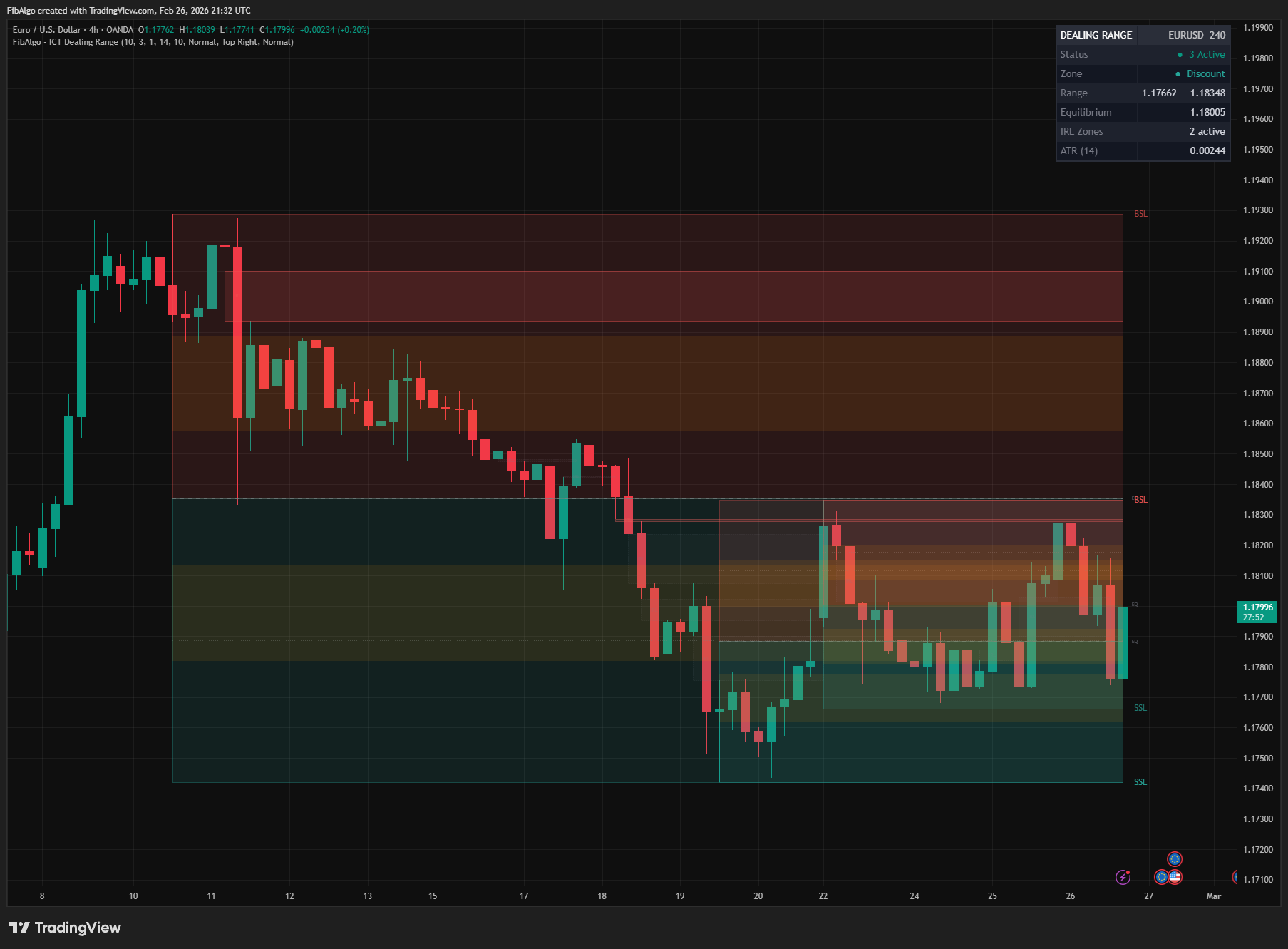
ICT Dealing Range
TradingView indicator that identifies ICT Dealing Ranges with Premium, Discount, and Equilibrium zones, plus internal and external range liquidity mapping.
See Details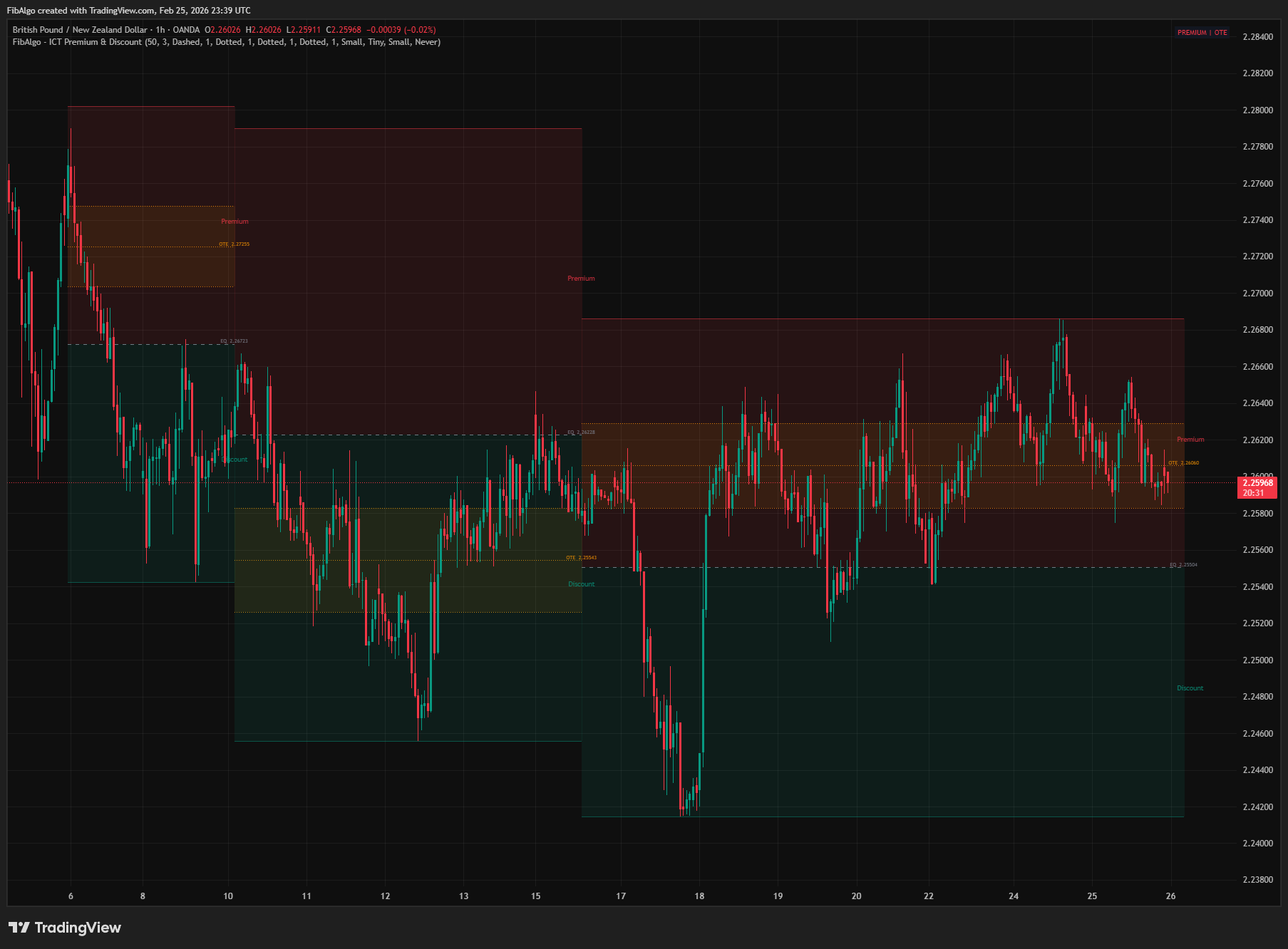
ICT Premium & Discount
TradingView indicator that detects ICT Premium and Discount zones in real-time using zigzag analysis with Equilibrium and OTE retracement highlights.
See Details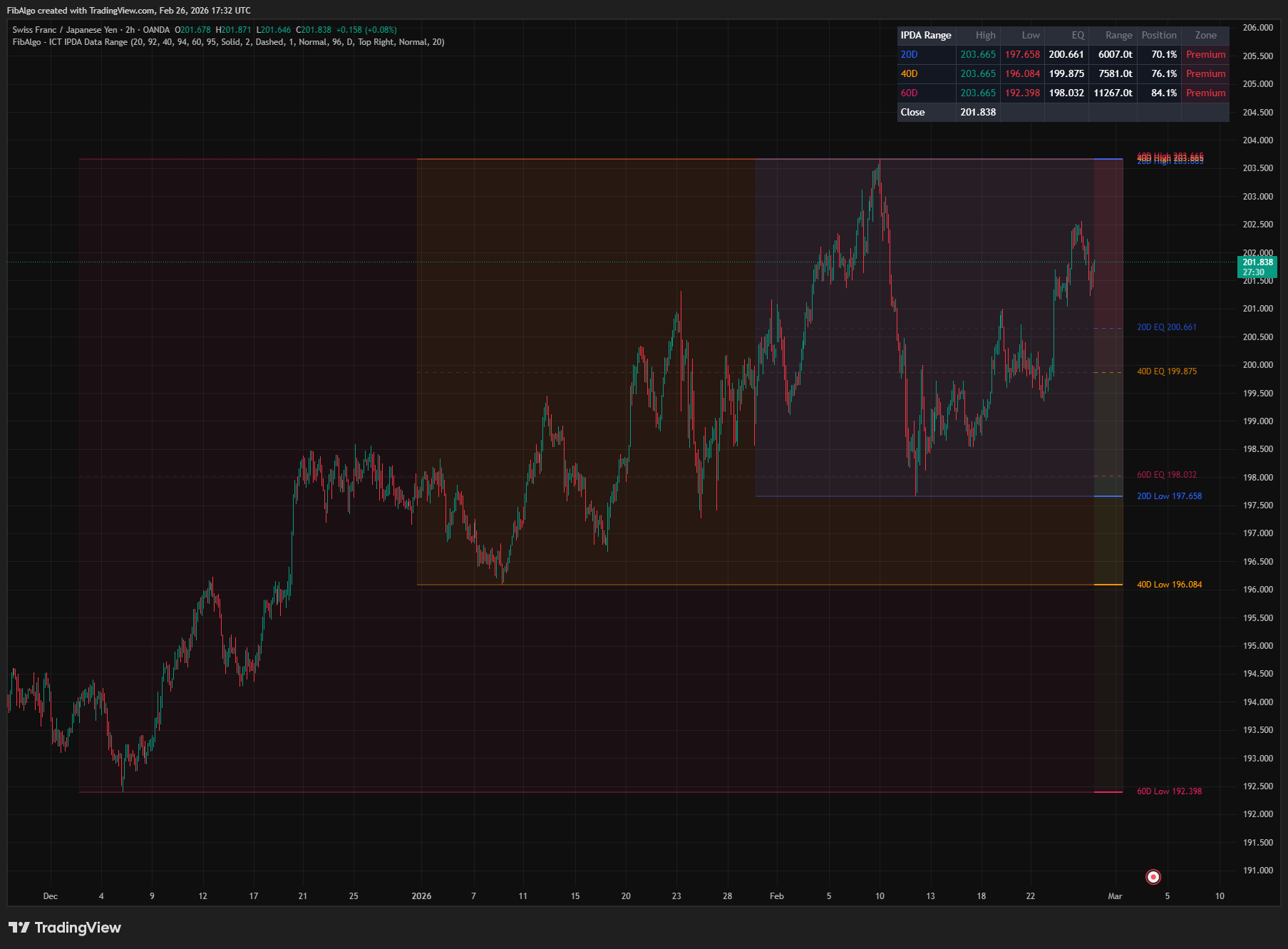
ICT IPDA Data Range
TradingView indicator that plots ICT IPDA Data Ranges — 20, 40, and 60 trading day lookback periods with equilibrium and Premium/Discount zones.
See Details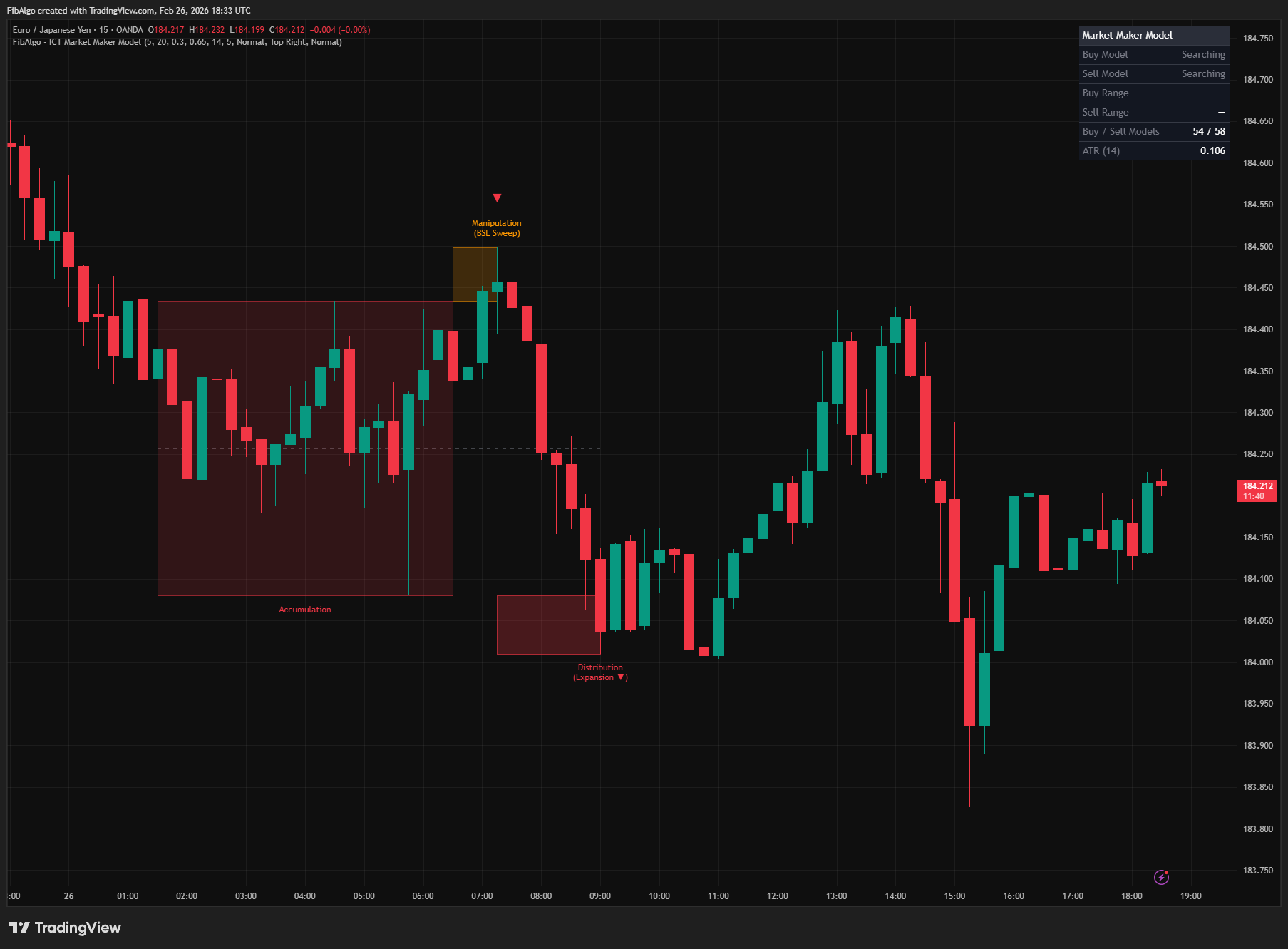
ICT Market Maker Model
TradingView indicator that detects ICT Market Maker Model — the Accumulation, Manipulation, and Distribution institutional price cycle.
See Details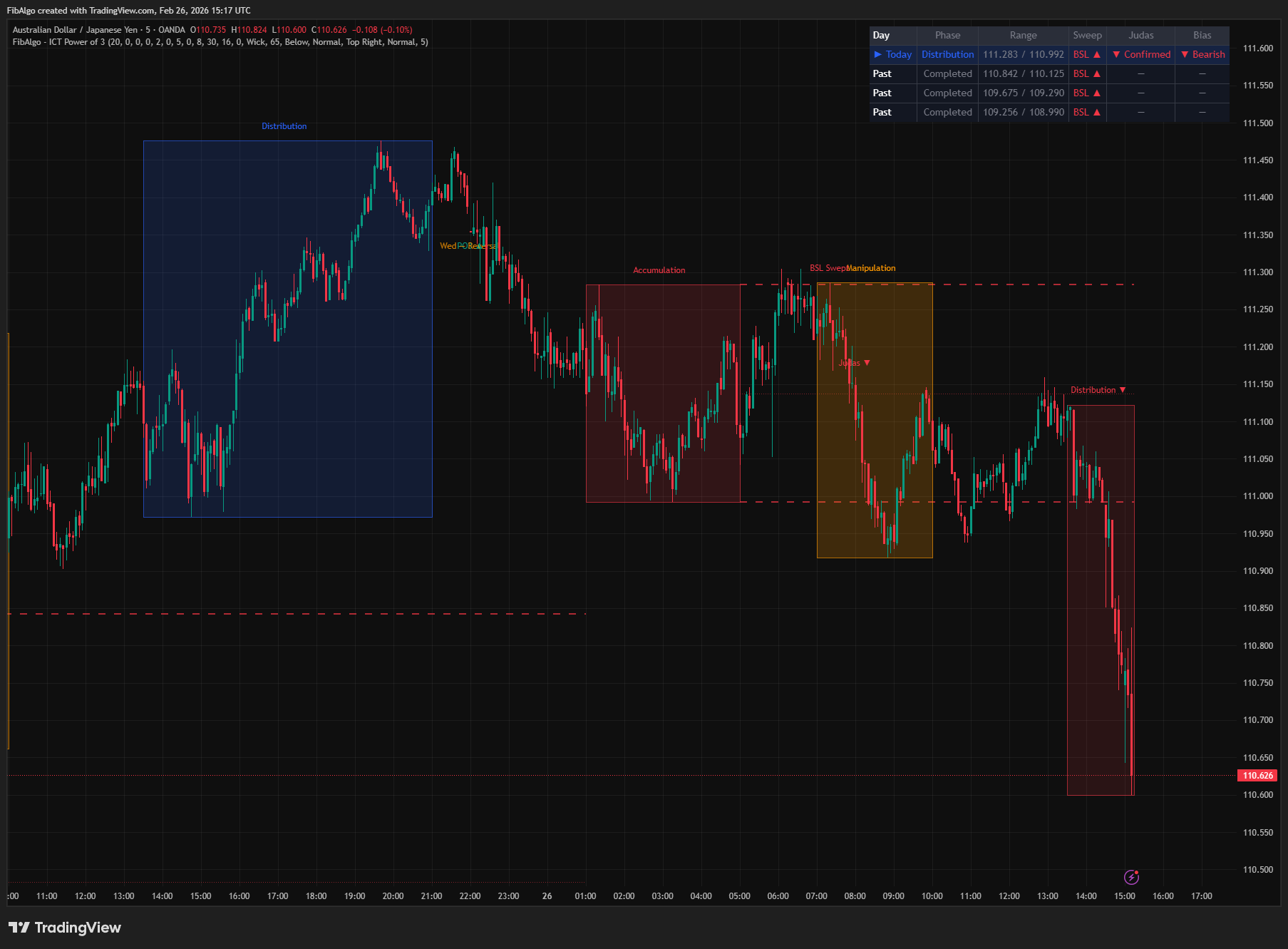
ICT Power of 3
TradingView indicator that visualizes the ICT Power of 3 daily cycle — Accumulation, Manipulation, and Distribution across Asia, London, and New York.
See Details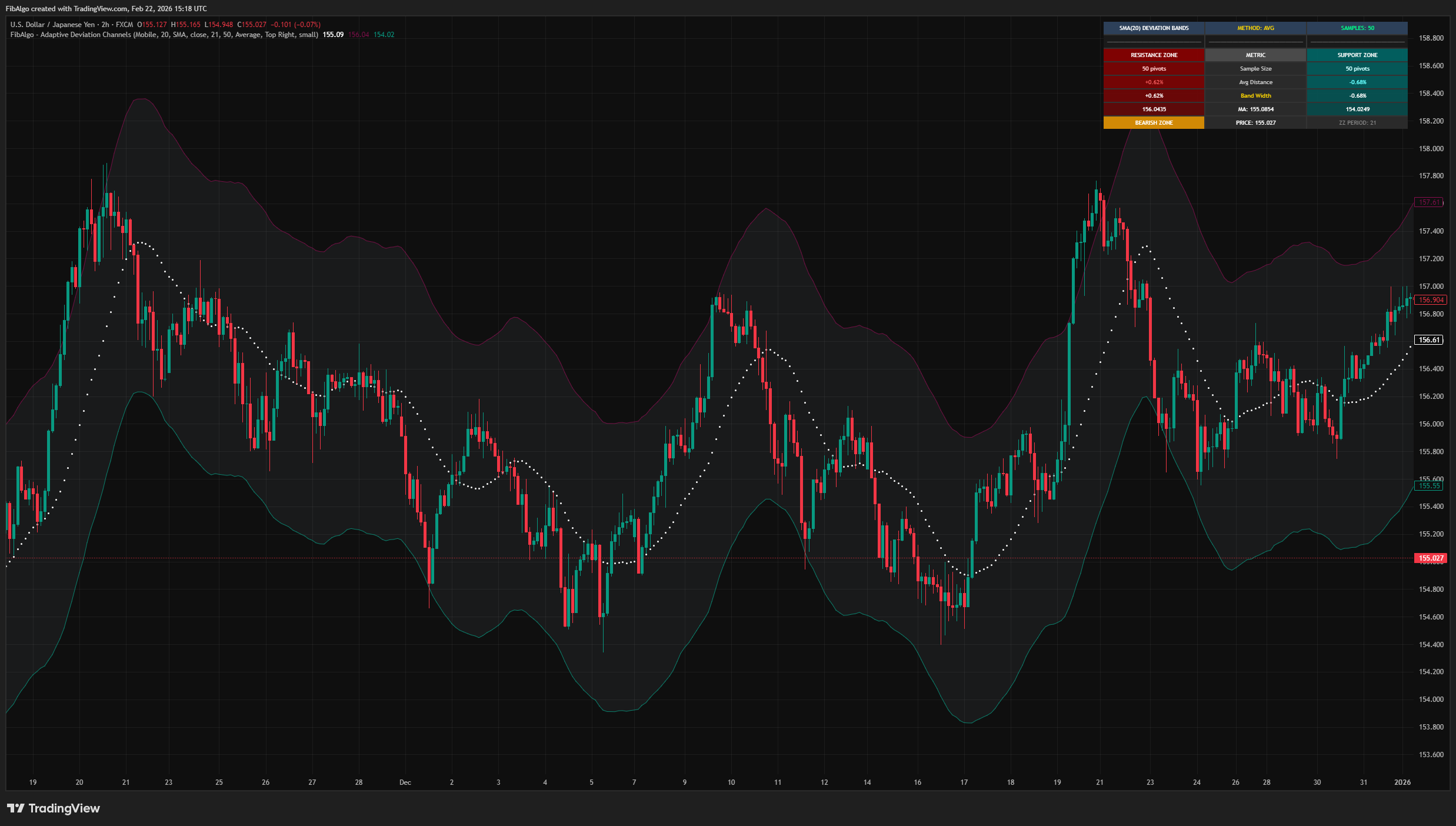
Adaptive Deviation Channels
TradingView indicator that creates dynamic support and resistance zones by analyzing historical pivot point deviations from a central moving average.
See Details