
Use this indicator directly on TradingView — the world's most popular charting platform.
What does the ICT SMT Divergence indicator do?
This indicator detects ICT SMT (Smart Money Technique) Divergence — a cross-symbol analysis method that compares swing highs and lows between correlated instruments to identify institutional manipulation. When one instrument makes a new extreme but its correlated pair fails to confirm, it signals that smart money is positioned on the opposite side. The indicator automatically pairs common instruments (ES/NQ, EUR/GBP, DXY inverse) and supports custom symbol input for any pair.
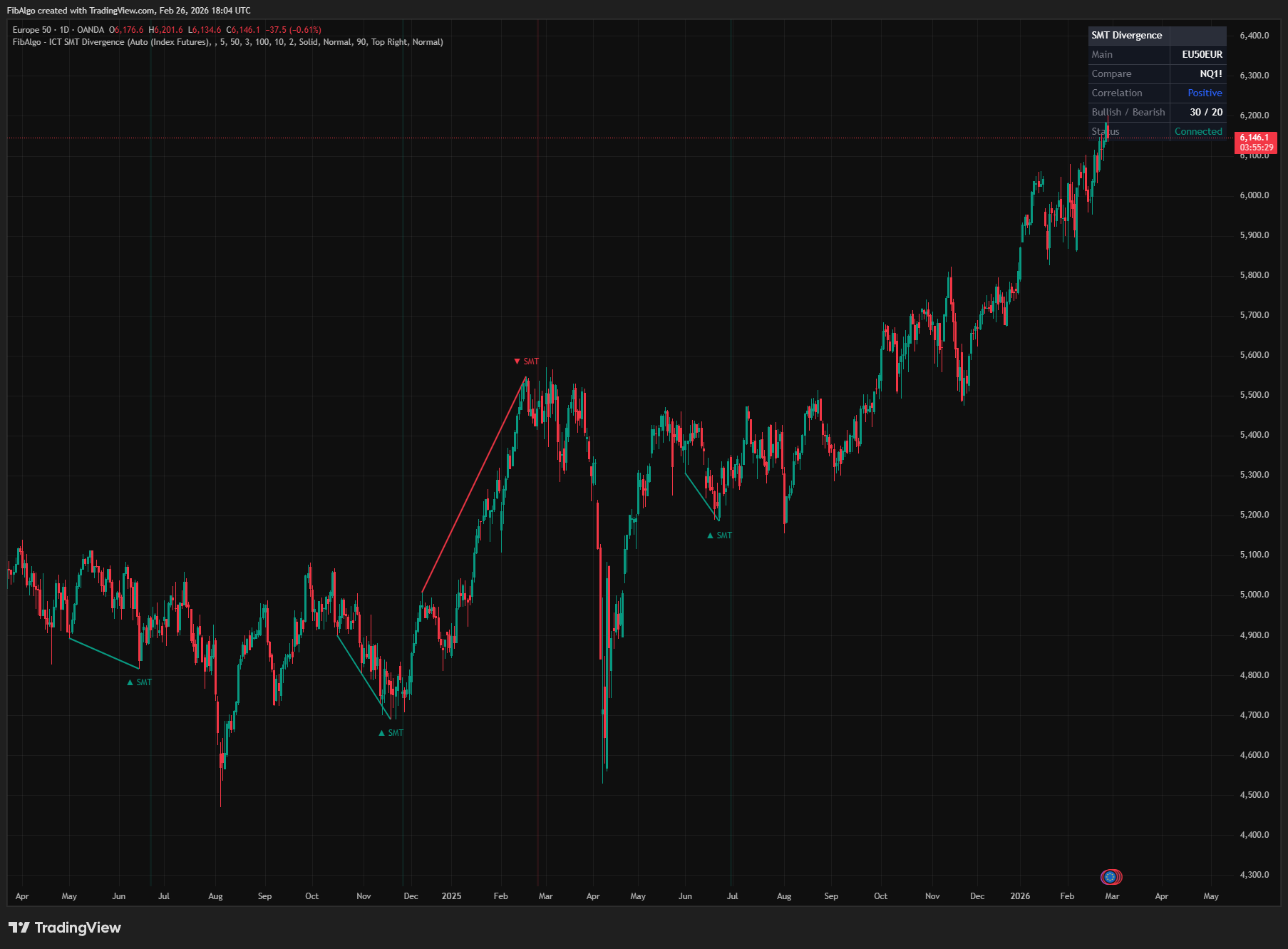
Key Concepts
- SMT Divergence (Smart Money Technique) — ICT's method of comparing price structure across correlated instruments. When two instruments that normally move together create different structure (one makes a higher high while the other makes a lower high), it reveals institutional manipulation. The "weaker" instrument that fails to confirm the new extreme reveals the real direction of smart money.
- Bearish SMT Divergence — At swing highs, one instrument makes a Higher High while the other makes a Lower (or Equal) High. The indicator flags both cases: the chart symbol makes the higher high while the correlated symbol fails, or the correlated symbol makes the higher high while the chart symbol fails. The new high is not confirmed across markets, which indicates that institutional participants are distributing (selling) rather than chasing it — smart money is positioned short.
- Bullish SMT Divergence — At swing lows, one instrument makes a Lower Low while the other makes a Higher (or Equal) Low. Both cases are flagged: the chart symbol makes the lower low while the correlated symbol holds, or the correlated symbol makes the lower low while the chart symbol holds. The new low is not confirmed, which indicates that institutional participants are accumulating (buying) rather than participating in the new low — the sweep of the old low is a stop hunt and smart money is positioned long.
- Correlated Instrument Pairs — ICT uses specific instrument pairs for SMT analysis: ES (S&P 500) and NQ (Nasdaq 100) for index futures, EUR/USD and GBP/USD for forex majors, and DXY (US Dollar Index) as an inverse correlation reference. Any instruments with known correlation or inverse correlation can be used.
- Inverse Correlation — For inversely correlated pairs (e.g., DXY vs EUR/USD), the divergence logic is inverted. When DXY makes a higher high and EUR/USD makes a higher low (instead of the expected lower low), it signals the same type of divergence — the move is not being confirmed across markets.
How does the ICT SMT Divergence indicator work?
1. Auto Pair Detection The indicator automatically detects the appropriate comparison symbol based on the current chart: — Index Futures mode (default): ES/MES ↔ NQ/MNQ, YM/MYM → ES, RTY/M2K → ES, ZN ↔ ZB (Bond market, ICT §14.4). Futures are matched by their exact root symbol. Nasdaq-100 cash index, CFDs and QQQ (NDX, NAS100, US100, USTEC) → ES, because they track NQ itself. Forex charts automatically use the Forex Majors pairs. Any other symbol → NQ. — Forex Majors mode: EUR/USD ↔ GBP/USD, AUD/USD ↔ NZD/USD, USD/JPY ↔ USD/CHF, USD/CAD → USD/JPY. Other pairs → EUR/USD (inverse logic for USD-base pairs). — DXY Inverse mode: Any symbol vs DXY with inverted logic. USD-base pairs (USD/JPY, USD/CHF, USD/CAD and others) move with the dollar index and use positive logic. — In every auto mode, a DXY or DX futures chart is compared with EUR/USD using inverse logic. — Custom mode: User specifies any symbol and chooses positive or inverse correlation. If no symbol is entered, the table shows "No Pair" and no divergence is evaluated.
The comparison symbol's price data is retrieved via request.security() on the same timeframe as the chart. Because request.security() repeats the last known values while a market is closed, the indicator also checks that the comparison symbol is still printing new bars. If it has printed no new bar within the last Swing Lookback bars, detection pauses and the table shows "No Data".
2. Swing Detection The indicator uses ta.pivothigh() and ta.pivotlow() with a configurable lookback (default 5 bars each side) to identify confirmed swing highs and lows on both the main and comparison symbols. All detected swings are stored in arrays for comparison. The swing detection produces results with a delay equal to the lookback — swings are confirmed only after enough bars have passed on both sides.
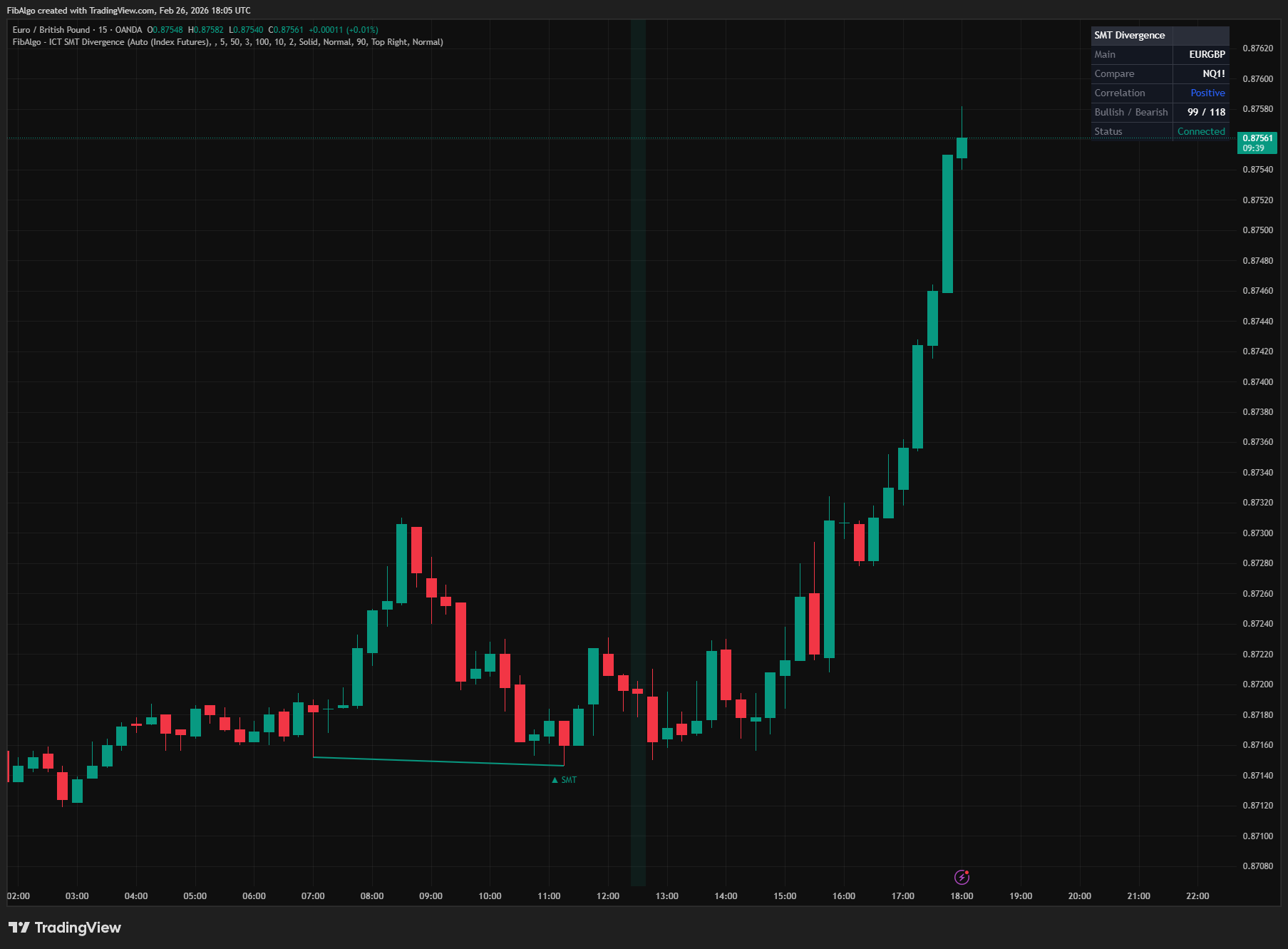
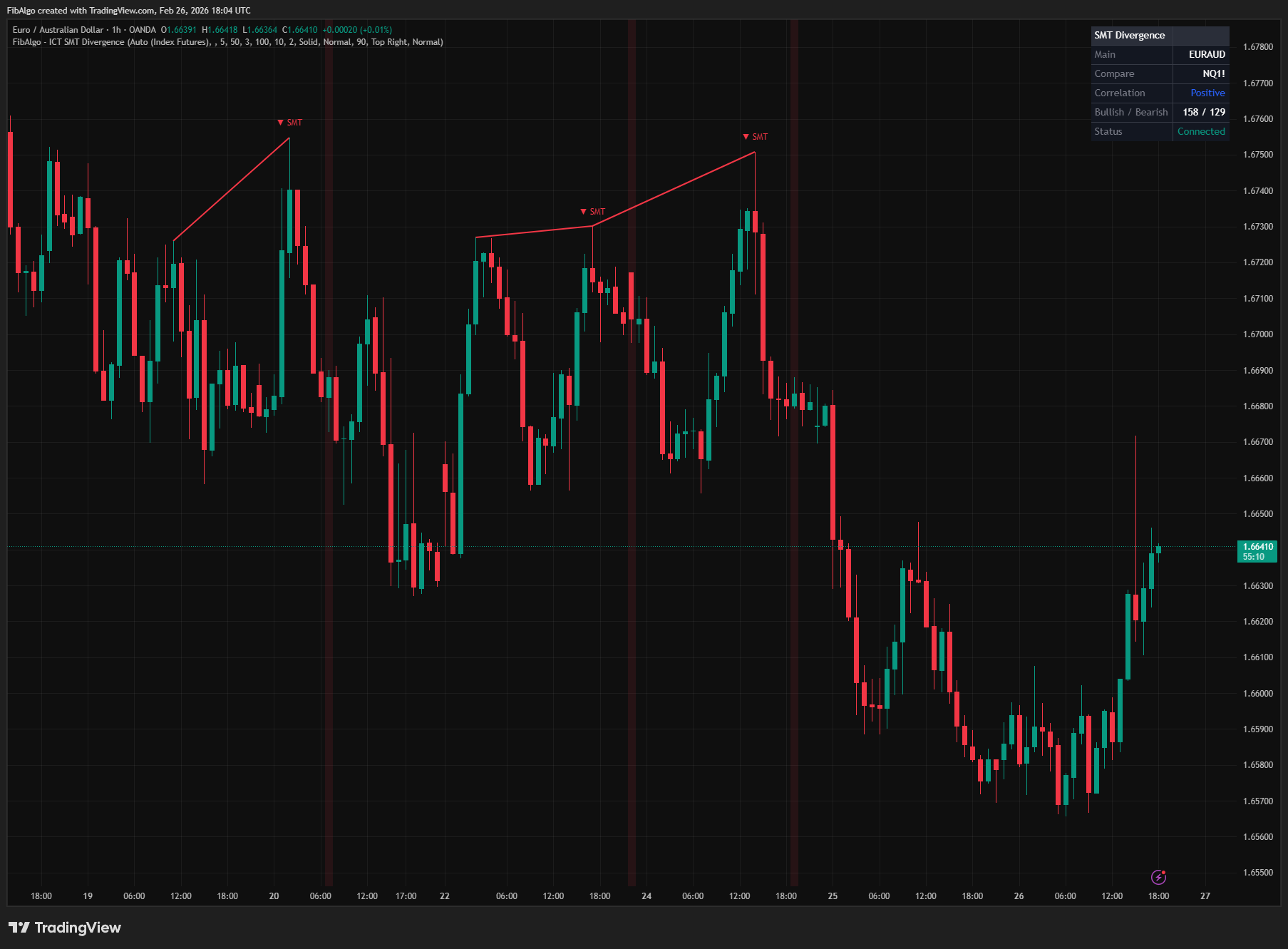
3. Divergence Detection (Temporally Aligned) When a new swing high is confirmed on the main symbol, the indicator compares it with the previous swing high and checks whether the comparison symbol took out its own previous swing high around the same time: — Swing highs: if exactly one of the two instruments makes a Higher High while the other makes a Lower or Equal High → Bearish SMT Divergence. This covers both "main higher high, comparison fails" and "comparison higher high, main fails". — Swing lows: if exactly one of the two instruments makes a Lower Low while the other makes a Higher or Equal Low → Bullish SMT Divergence. If both instruments break their previous extreme, or both fail, the structure is confirmed and nothing is flagged.
Critically, the indicator uses temporal alignment. The previous main swing is matched with the comparison swing nearest to it in time. For the current main swing, the comparison's highest high (lowest low at swing lows) is measured from the tolerance window before the swing up to the bar that confirms it, so a comparison high or low that forms a few bars after the main swing still counts. The Temporal Alignment Tolerance setting (default 10 bars) controls the maximum allowed time gap. This prevents false signals from comparing swings that occurred at very different times.
Divergences are evaluated on closed bars only. All bars used in the comparison are already closed when a swing is confirmed, so a signal, its drawings and its alert do not repaint.
Distance filters ensure the two swings are neither too close (noise) nor too far apart (unrelated).
4. Inverse Correlation Logic For inversely correlated pairs, the comparison is flipped. The comparison symbol's lows are used where highs would normally be checked, and vice versa. This ensures correct divergence detection for DXY-based analysis and any other inverse pair.
5. Visual Output Each detected SMT divergence is displayed with: — A colored line connecting the two swing points on the main chart — A label ("▲ SMT" or "▼ SMT") at the divergence point with a tooltip showing full details — An optional background color flash on the divergence bar — An info table showing the paired symbols, correlation type, divergence counts, and connection status
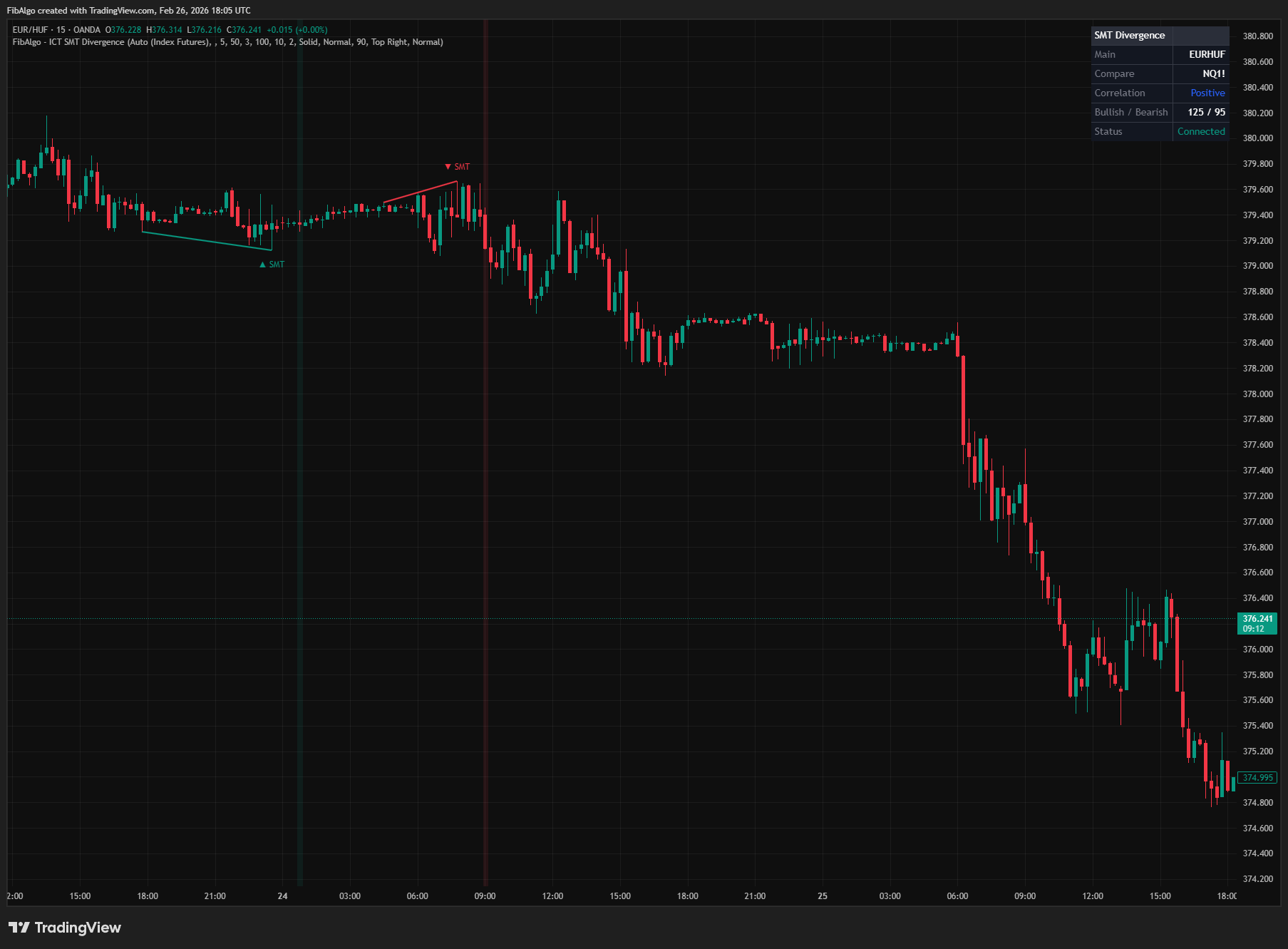
Features
- Auto Pair Detection — Automatically identifies the correct comparison symbol for ES/NQ (including micro contracts), YM, RTY, ZN/ZB (bond market), Nasdaq-100 CFDs and QQQ, EUR/GBP, AUD/NZD, USD/JPY/CHF, and DXY inverse pairs. Forex charts are paired with forex majors even in the default mode. No manual setup required for common instruments.
- Custom Symbol Support — Enter any TradingView symbol as the comparison instrument for custom correlation analysis. Works with stocks, crypto, commodities, or any tradable instrument.
- Inverse Correlation Mode — Automatically activated for DXY-based pairs (positive logic for USD-base pairs such as USD/JPY) or manually toggled for custom inversely correlated instruments. Flips the divergence logic so that inverse relationships are correctly analyzed.
- Configurable Swing Detection — Pivot-based swing detection with adjustable lookback (2–20 bars). Lower values capture more swings for responsive signals; higher values focus on major structural pivots.
- Distance Filters — Minimum and maximum bar distance between compared swings. Prevents false signals from adjacent noisy pivots and ensures the two swings are structurally related.
- Temporal Alignment — Each main swing is compared with the comparison symbol's structure around the same time (within a configurable tolerance), including comparison highs or lows that form a few bars after the main swing. This ensures that only temporally related swings are compared, eliminating false divergences from unrelated swing points.
- Bar-Close Confirmation — Divergences, drawings and alerts are decided on closed bars only, so signals do not repaint.
- Divergence Lines — Colored lines connecting the two swing points that form the divergence. Bullish divergence lines connect swing lows; bearish divergence lines connect swing highs.
- Tooltip Details — Hover over any SMT label to see the full divergence breakdown: both symbols' exact price values at each swing point (each in its own price precision), the direction of divergence, and the institutional interpretation.
- Background Flash — Optional brief background color highlight on bars where a new SMT divergence is detected. Opacity is configurable.
- Info Table — Real-time table showing: main symbol, comparison symbol, correlation type (Positive/Inverse), total bullish and bearish divergence counts, and data status (Connected / No Data / No Pair).
- Swing Point Dots — Optional debug visualization showing detected swing highs and lows as small dots on the chart. Swing and comparison dots are limited to the most recent 300 so they never push SMT labels off the chart.
- Comparison Swing Dots — Optional diamond markers (◇) at comparison symbol's swing highs and lows, displayed at the corresponding bar positions on the main chart. Hover for exact comp price. Helps visualize cross-symbol swing alignment.
- Divergence Statistics — Running count of bullish and bearish SMT divergences detected over the chart's loaded history.
- Alerts — Bullish and Bearish SMT alerts (create the alert with "Any alert() function call"). Messages include both symbols, the structure and the price levels, and are sent once when the bar closes.
How to use the ICT SMT Divergence indicator
- Index Futures (ES vs NQ): Open an ES1! or NQ1! chart on any timeframe. The indicator auto-pairs the two and checks both directions. Each chart works from its own swing points, so an ES chart and an NQ chart do not always show the same signals. When ES makes a higher high but NQ fails to confirm (or the other way around), it suggests the rally is not broad-based — potential bearish reversal. When ES makes a lower low but NQ holds higher (or the other way around), institutional buying is occurring — potential bullish reversal.
- Forex Majors (EUR vs GBP): Open EUR/USD or GBP/USD. The indicator auto-pairs them. These pairs are highly correlated — when one makes a new extreme that the other doesn't confirm, it signals manipulation on the failing pair.
- DXY Inverse: Select "Auto (DXY Inverse)" mode. The indicator pairs your chart with DXY using inverse logic (positive logic for USD-base pairs such as USD/JPY). If DXY makes a new high but EUR/USD fails to make a corresponding new low, the dollar strength is not confirmed.
- Combine with ICT Concepts: SMT divergence is a confirmation tool. Use it alongside Market Structure (BOS/CHoCH), Liquidity Levels (equal highs/lows), Killzones (session timing), and Order Blocks (entry zones). An SMT divergence at a key liquidity level during a killzone is a high-probability setup.
- Timeframe Selection: ICT uses SMT on 15-minute to daily charts for swing analysis. Lower timeframes produce more signals but with less significance. Higher timeframes produce fewer, more reliable divergences.
- Custom Pairs: Select "Custom" mode to compare any two instruments. For example, compare AAPL vs QQQ, BTC vs ETH, or Gold vs Silver. Enable "Invert Comparison" for inversely correlated custom pairs (this setting is only used in Custom mode).
Limitations
- SMT divergence requires data from two symbols simultaneously. If the comparison symbol is not printing new bars on the current timeframe (e.g., futures during off-market hours), divergence detection pauses. The info table's "Status" field shows "No Data" when this occurs.
- Swing detection uses a fixed lookback, meaning pivots are confirmed with a delay equal to the swing lookback setting. A setting of 5 bars means each swing is confirmed 5 bars after it forms. Divergences are evaluated when that confirming bar closes.
- Auto pair detection uses the exact futures root and simple matching on the ticker name. Exotic broker-specific ticker formats may not match correctly — use Custom mode as a fallback.
- The indicator uses temporal alignment to match swings across symbols. If no comparison swing is found near the previous main swing within the tolerance window, no divergence is signaled for that swing pair. Comparison highs or lows that form more than the Swing Lookback after the current main swing are not included, because they are not known yet when the swing is confirmed. Increasing the Temporal Alignment Tolerance setting allows for wider matching windows.
- Inverse correlation logic assumes a clean inverse relationship. In reality, correlations fluctuate — DXY and EUR/USD may temporarily decouple. Use SMT as confirmation, not as a standalone signal.
- Pine Script's request.security() retrieves data based on the chart's timeframe. The comparison symbol must have data available on TradingView for the selected timeframe.
- This indicator detects structural divergences between instruments — it does not generate buy/sell signals. Use it as a confirmation tool within a broader ICT analytical framework including Market Structure, Order Blocks, FVGs, Liquidity Levels, and Killzones.
Trading involves risk. This indicator is an analysis tool, not financial advice: use it alongside your own analysis and risk management.
Release notes
v2.0LatestCorrect pairing, both-direction SMT and bar-close signals
Signals are decided on bar close, comparison swings that form a few bars late now count, SMT is flagged in both directions, and automatic pairing uses the right symbol and correlation.
After updating
- Delete and re-create your alerts for this indicator with the "Any alert() function call" condition. TradingView alerts keep running the script version they were created with.
- The alert message format has changed. If you filter alert messages automatically, for example through a webhook, update your filters.
Fixed
- Signals, drawings and alerts are decided on bar close, so no alert fires for a signal that later disappears.
- Comparison highs or lows that form a few bars after the chart's swing now count, which removes false signals and recovers missed ones.
- SMT is now also flagged when the chart's own symbol fails to confirm, for example on NQ: an NQ lower high while ES makes a higher high. An equal high or low on the other market now counts as a divergence too.
- Automatic pairing: USD-base pairs such as USDJPY, USDCHF and USDCAD use the correct correlation in DXY mode, DX futures are treated like DXY, futures roots are matched exactly (stocks such as AMZN no longer pair with bond futures), and forex charts pair with forex pairs.
- Status shows No Data while the comparison market is closed and No Pair when Custom mode has no symbol, instead of comparing frozen or identical data.
Improved
- Alerts and tooltips show both symbols' price levels, each at its own precision, and swing dots no longer remove older SMT labels.
Changed
- Past signals and the table's Bullish and Bearish counts change with this version because of the fixes above.
Frequently Asked Questions
What is SMT divergence in ICT?
SMT stands for Smart Money Technique. SMT divergence compares the swing highs and lows of two correlated markets. Normally they make new highs and lows together; when one makes a new extreme and the other fails to confirm it, ICT reads the failure as a sign that smart money is positioned against the move and that a reversal is possible.
What is the difference between bullish and bearish SMT divergence?
In a bearish SMT divergence, one market makes a higher high while the correlated market makes a lower or equal high, suggesting the rally is not confirmed. In a bullish SMT divergence, one market makes a lower low while the correlated market makes a higher or equal low, suggesting the new low is a stop hunt rather than genuine weakness.
Which pairs are used for SMT divergence?
Common pairs are ES and NQ (S&P 500 and Nasdaq 100 futures), EURUSD and GBPUSD, and the US Dollar Index (DXY) against dollar pairs. The indicator pairs ES with NQ and EURUSD with GBPUSD automatically, offers a DXY inverse mode, and lets you choose any custom pair, such as BTC and ETH or gold and silver.
How does SMT divergence work with DXY?
DXY is inversely correlated with pairs such as EURUSD, so the logic is flipped. If DXY makes a higher high, EURUSD would be expected to make a lower low; if EURUSD makes a higher low instead, the dollar's strength is not confirmed and the same kind of divergence is present. For custom inversely correlated pairs, enable the invert comparison option.
What timeframe is best for SMT divergence?
The indicator works on any timeframe. ICT applies SMT on 15-minute to daily charts for swing analysis; lower timeframes produce more signals with less significance, while higher timeframes produce fewer, more reliable divergences. SMT is a confirmation tool, so it is usually combined with liquidity levels, market structure and killzones rather than traded on its own.
Learn More
- Smart Money Concepts (SMC): How Institutional Traders Move MarketsLearn Smart Money Concepts including order blocks, fair value gaps, liquidity sweeps, and breaker blocks. Understand how institutions trade.
- Risk Management in Crypto Trading: The Complete Survival GuideMaster position sizing, stop losses, portfolio allocation, and emotional discipline for crypto trading. Learn why risk management matters most.
- Technical Analysis for Crypto Trading: The Definitive GuideLearn technical analysis from basics to advanced for cryptocurrency trading. Master chart patterns, indicators, volume analysis, and multi-timeframe strategies.
Start Using ICT SMT Divergence
This indicator is free to use on TradingView. Add it to your charts and use it alongside your own analysis.
Related indicators
View All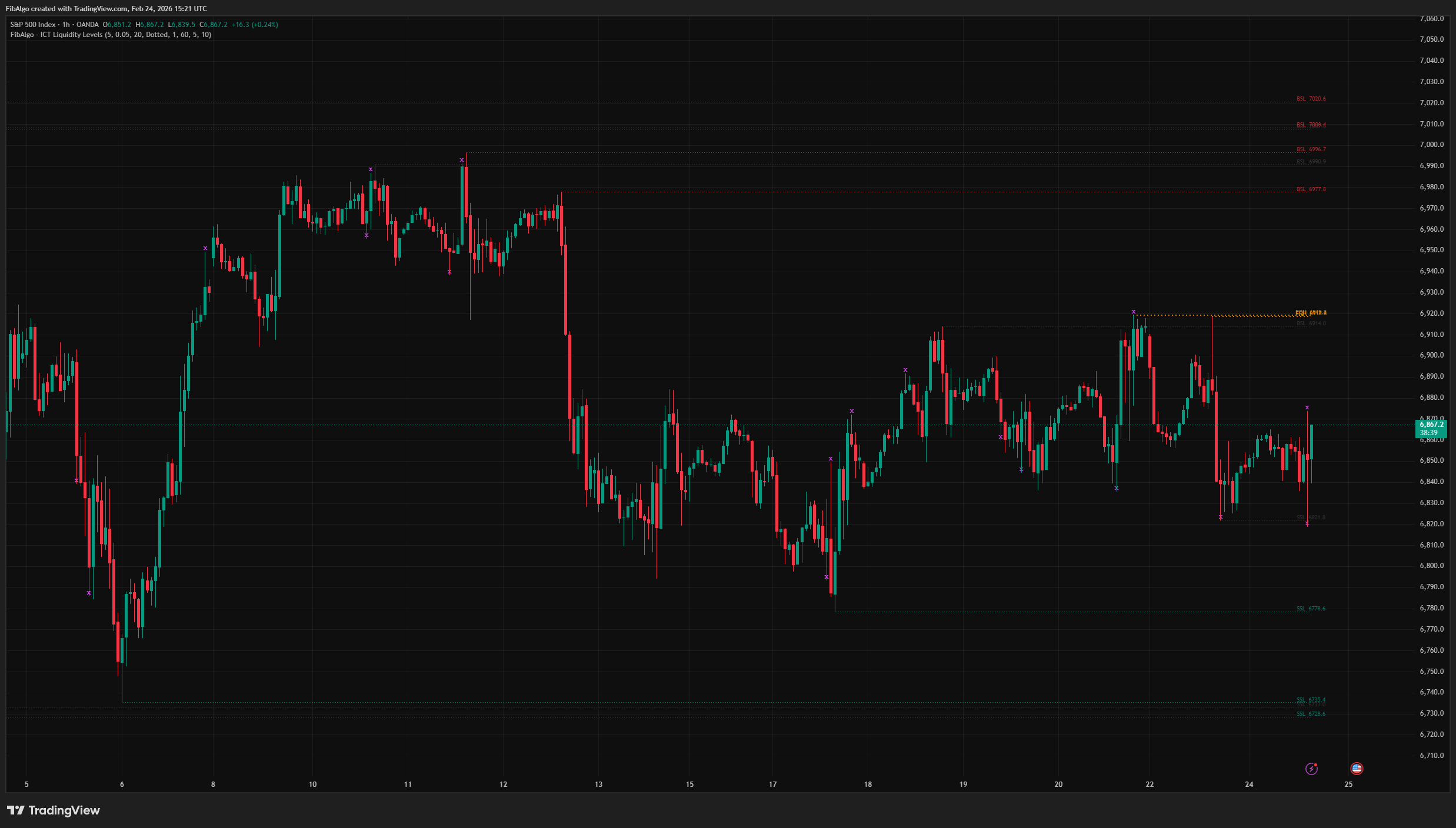
ICT Liquidity Levels
TradingView indicator that maps ICT Liquidity Levels — Buy Side (BSL), Sell Side (SSL), Equal Highs/Lows, and Liquidity Sweeps with HTF support.
See Details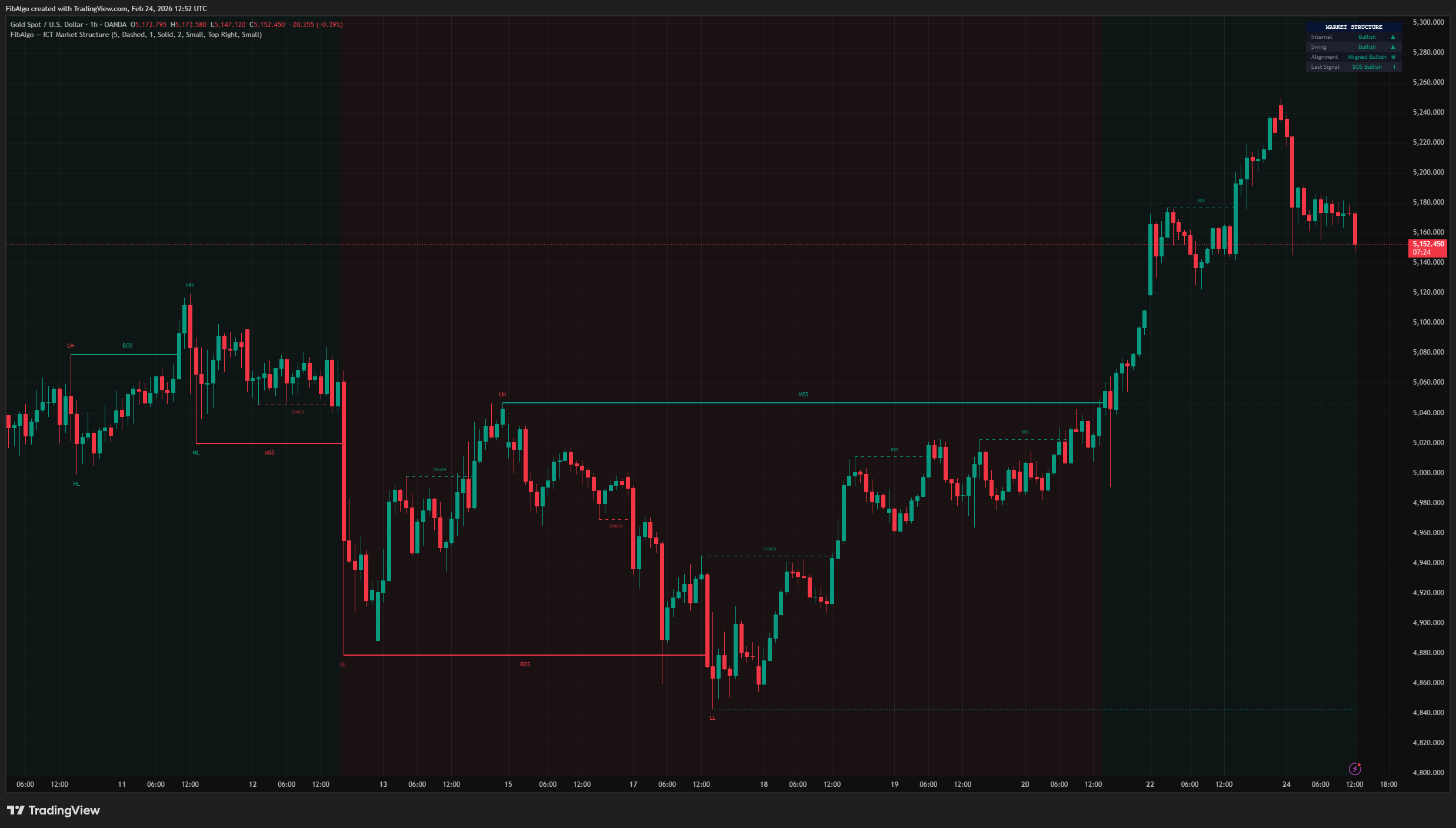
ICT Market Structure
TradingView indicator for ICT Market Structure — identifies Break of Structure (BOS), Change of Character (CHoCH), and Market Structure Shift (MSS).
See Details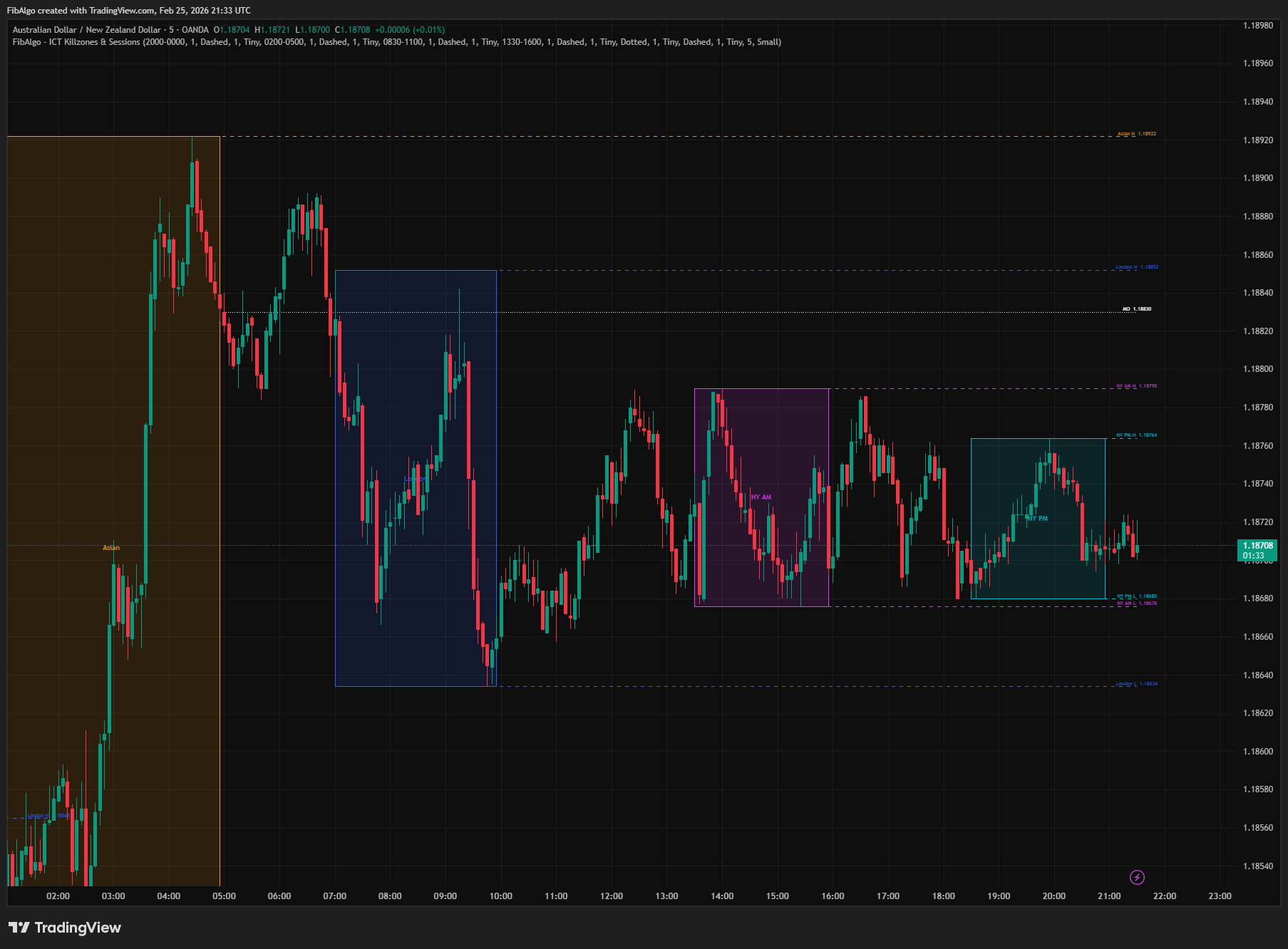
ICT Killzones & Sessions
TradingView indicator that highlights ICT Killzones — Asian, London, NY AM, and NY PM session boxes with high/low extensions and key opening levels.
See Details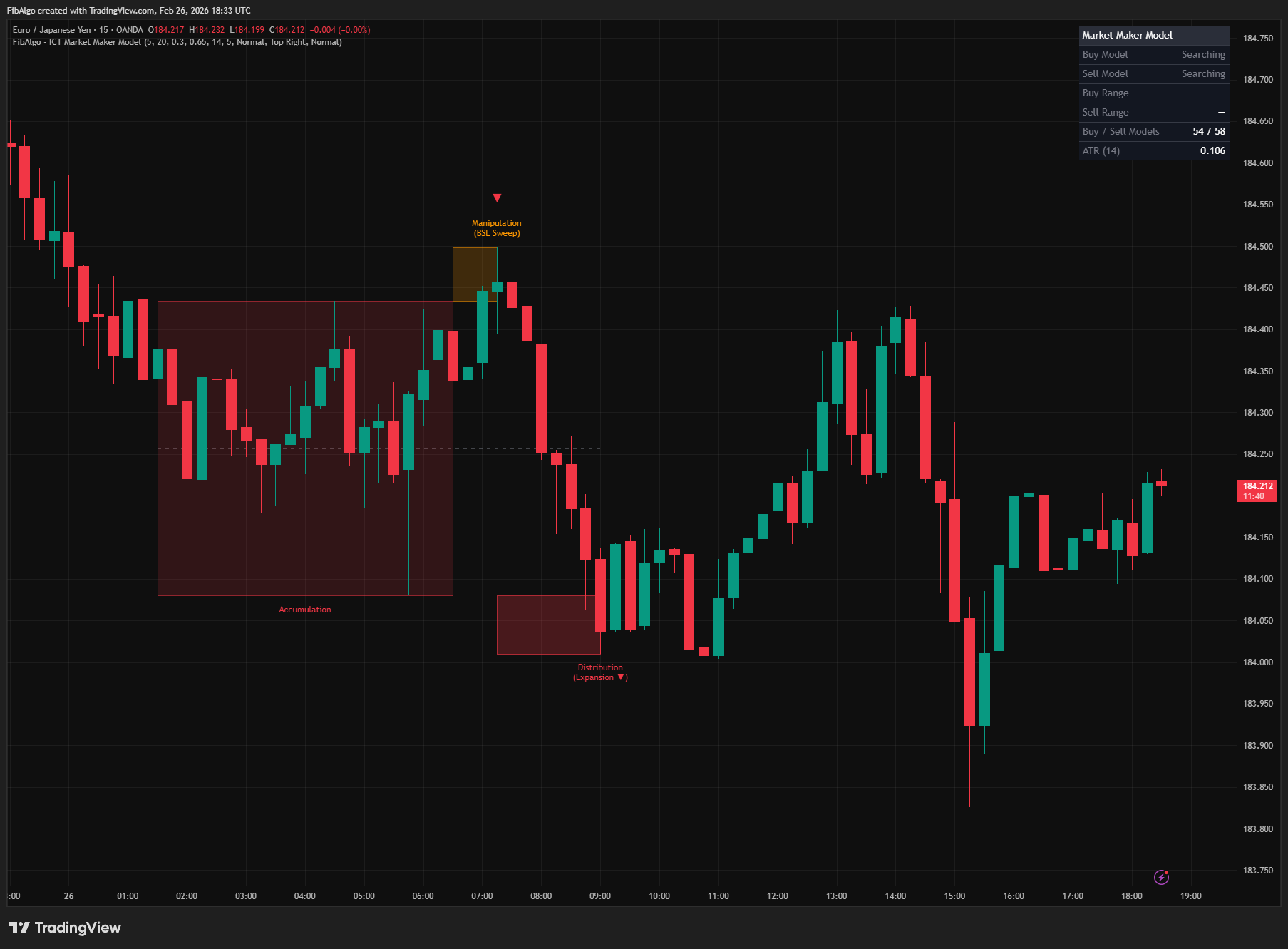
ICT Market Maker Model
TradingView indicator that detects ICT Market Maker Model — the Accumulation, Manipulation, and Distribution institutional price cycle.
See Details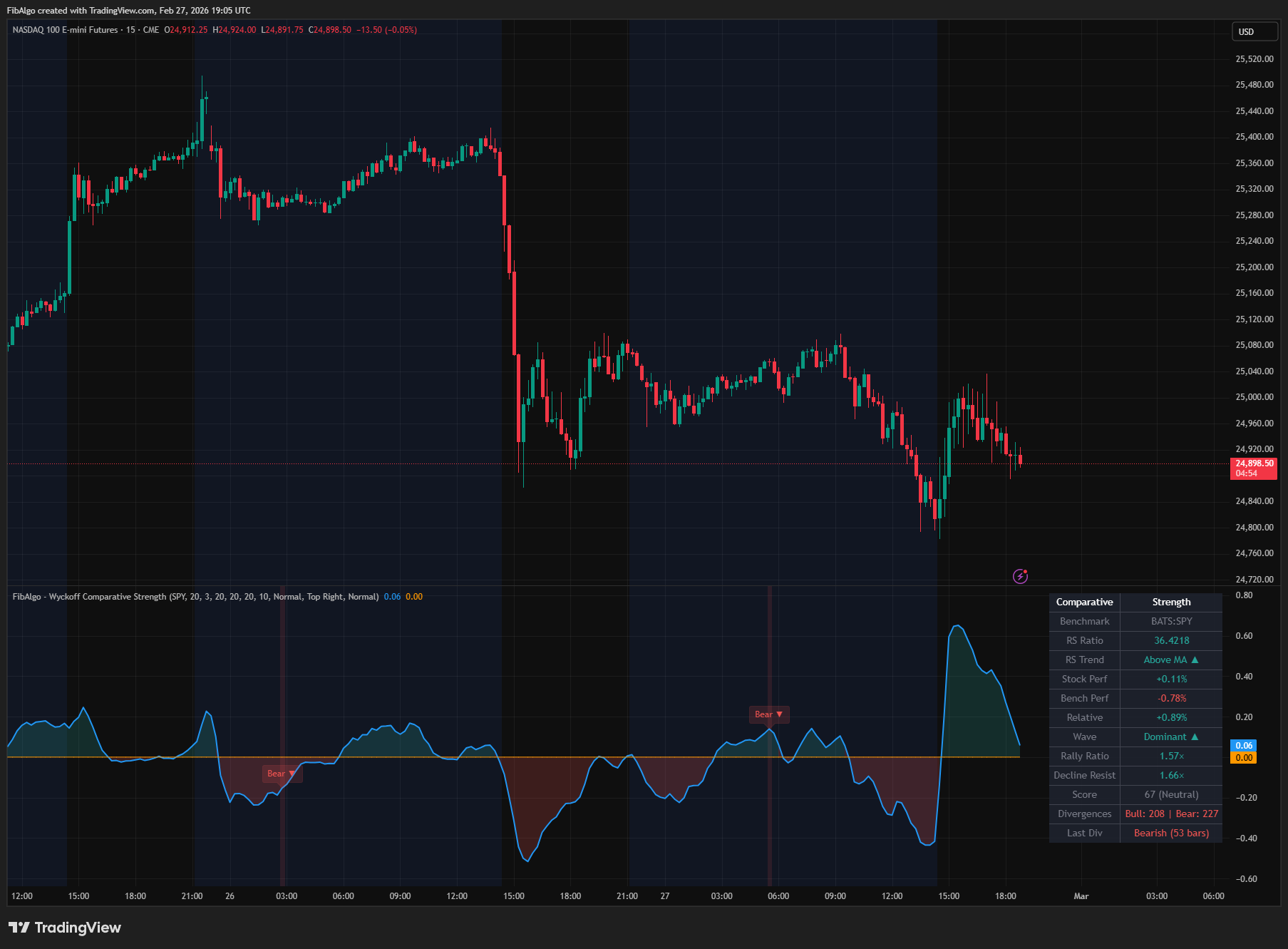
Wyckoff Comparative Strength
TradingView indicator that measures Wyckoff Comparative Strength — relative performance vs benchmark with RS oscillator and divergence analysis.
See Details