
Use this indicator directly on TradingView — the world's most popular charting platform.
What does the ICT Silver Bullet indicator do?
This indicator identifies and visualizes the three ICT Silver Bullet time windows — London (03:00–04:00 ET), NY AM (10:00–11:00 ET), and NY PM (14:00–15:00 ET) — then detects Fair Value Gaps (FVGs) that form within those windows. When price retraces to the Consequent Encroachment (CE) midline of a Silver Bullet FVG while its window is still open, an entry arrow is displayed. The indicator includes background shading for each window, real-time FVG fill tracking with percentage labels, configurable history management, and a summary statistics table.
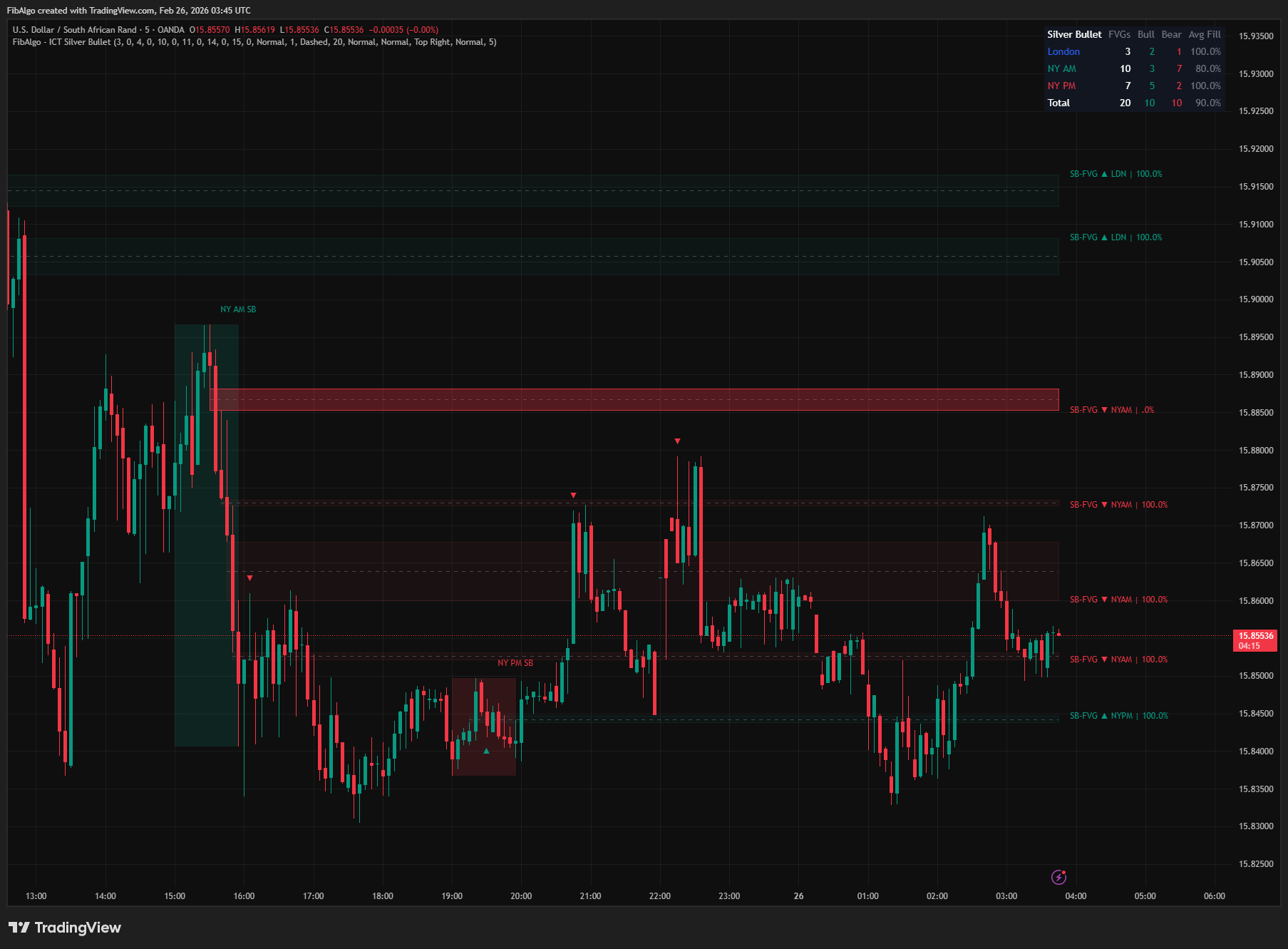
Key Concepts
- Silver Bullet — A time-based ICT trading model that identifies specific one-hour windows during the trading day where institutional order flow creates high-probability Fair Value Gaps. The three windows are: London (03:00–04:00 ET), New York AM (10:00–11:00 ET), and New York PM (14:00–15:00 ET). The key principle is that FVGs forming within these windows carry higher significance because they coincide with periods of peak institutional activity and liquidity delivery. In the model, both the FVG and the entry belong inside the same one-hour window.
- Fair Value Gap (FVG) — A three-candle pattern where a gap exists between the first candle's high/low and the third candle's low/high, with the middle candle being the displacement candle that creates the gap. In a bullish FVG, the current bar's low is above the bar-two-ago's high. In a bearish FVG, the current bar's high is below the bar-two-ago's low. FVGs represent inefficient price delivery that the market tends to revisit.
- Consequent Encroachment (CE) — The 50% midpoint of an FVG zone. ICT identifies the CE as the precision entry level within a Fair Value Gap — when price retraces to the CE, it represents the optimal entry point. A bullish CE touch (price pulling back down to the CE of a bullish FVG) signals a potential long entry. A bearish CE touch (price pushing up to the CE of a bearish FVG) signals a potential short entry.
- FVG Fill — The percentage of an FVG zone that price has retraced through. A 0% fill means price has not entered the zone. A 100% fill means price has completely traversed the zone from one side to the other. Tracking fill percentage helps determine whether an FVG is still "fresh" (low fill, likely to hold) or "consumed" (high fill, less likely to provide a reaction).
How does the ICT Silver Bullet indicator work?
1. Silver Bullet Window Detection The indicator converts each bar's timestamp to Eastern Time (America/New_York) and checks whether the current bar falls within any of the three Silver Bullet windows. Default windows follow ICT's exact specifications: London 03:00–04:00, NY AM 10:00–11:00, NY PM 14:00–15:00. All times are ET regardless of the chart's timezone setting. Each window can be independently enabled/disabled, and custom start/end times can be configured for each window. Windows are detected on intraday charts up to 1H. On longer timeframes (2H, 4H, daily and above) a single candle spans several hours, so no windows, FVGs or entries are shown there.
2. Window Background Shading When a Silver Bullet window opens (the first bar to enter the window), a color-coded background box is created spanning the window's high-to-low range. As new bars arrive within the window, the box extends rightward and its top/bottom adjust to capture the full price range of the window. An optional label identifies each window ("London SB", "NY AM SB", "NY PM SB"). The label and the window-open alert work independently of the shading, so they still work with shading turned off. Window history is managed by day count: the windows of the most recent days that had at least one window are kept, and older windows are automatically removed.
3. FVG Detection Inside Windows On each confirmed bar, the indicator checks whether the middle candle (bar[1]) of a potential 3-candle FVG pattern was inside a Silver Bullet window. If yes, it checks for the standard FVG gap: Bullish FVG requires the current bar's low to be above the bar-two-ago's high AND the middle candle to be bullish (close > open). Bearish FVG requires the current bar's high to be below the bar-two-ago's low AND the middle candle to be bearish (close < open). An FVG is confirmed at the close of the third candle, so it never appears intrabar and then disappears. Qualifying FVGs are drawn as colored boxes with an optional CE midline.
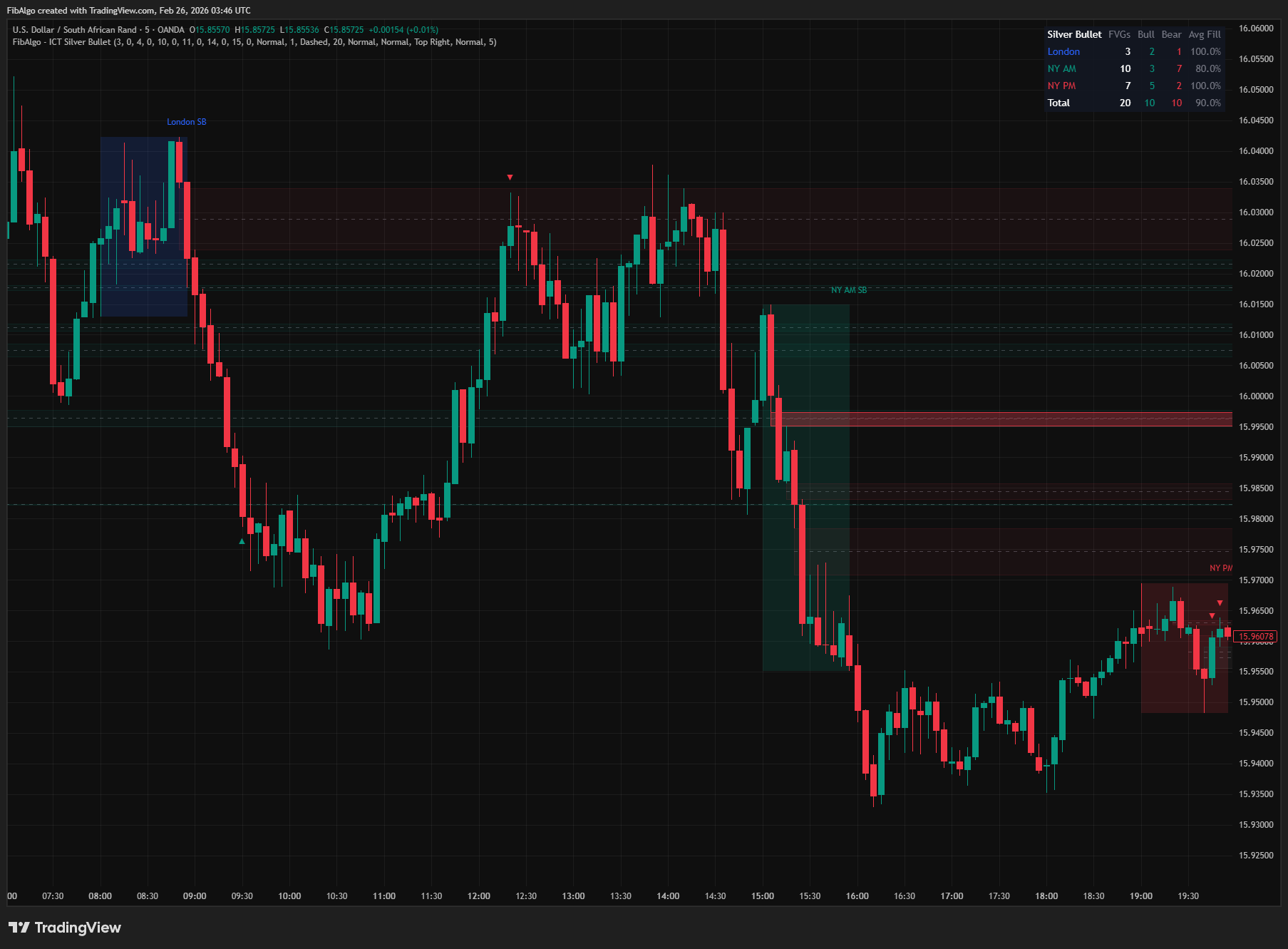
4. FVG Fill Tracking After an FVG is created, the indicator tracks how deeply price has retraced into the zone on every subsequent bar. For bullish FVGs, fill is measured as how far below the top of the zone the bar's low has reached. For bearish FVGs, fill is measured as how far above the bottom of the zone the bar's high has reached. Fill percentage is displayed on each FVG's label and updates in real time. When an FVG reaches 100% fill, it stops extending at the bar that completed the fill, and its box fades to near-transparent if the "Fade When Fully Filled" option is enabled.
5. CE Touch Entry Signals When price first reaches the CE midline of a Silver Bullet FVG while that FVG's window is still open, an entry arrow is displayed. For a bullish FVG, a green up-arrow (▲) appears below the bar where price reached the CE. For a bearish FVG, a red down-arrow (▼) appears above the bar. A bar that gaps through the CE counts as reaching it. Each FVG triggers at most one entry signal (one-shot) — once the CE has been reached, no further arrows are generated for that FVG. If the window closes before price reaches the CE, the FVG gives no entry, because the Silver Bullet model takes entries only inside the window. Each arrow is removed together with its FVG when the FVG leaves the history.
6. Alert System Three alert conditions are available, each with an independent toggle: - Silver Bullet Window Opened — fires on the first bar of each window, identifying which window (London, NY AM, or NY PM) has opened and the price at which it opened. - FVG Formed Inside Window — fires at the close of the third candle when a new bullish or bearish FVG is confirmed within any active Silver Bullet window, specifying the direction, window name, FVG range and CE level. - CE Touch Entry Signal — fires when price first reaches the CE of a Silver Bullet FVG while its window is open, specifying the direction, window, CE level and FVG range.
All alerts include the symbol, timeframe and price levels in the message, and each alert fires at most once per bar. Alerts keep working with window shading, window labels or entry arrows turned off. Turning off "Show FVGs Inside Windows" also turns off the FVG Formed and CE Touch alerts, and turning off a window's Show toggle turns off every alert for that window. A master "Enable Alerts" toggle disables all alert processing when off.
7. Summary Table A real-time statistics table breaks down FVG data by window. For each window (London, NY AM, NY PM) and in total, the table shows: FVG count, Bullish count, Bearish count, and Average Fill percentage. This provides a quick overview of which Silver Bullet windows are producing the most FVGs and how those FVGs are being filled.
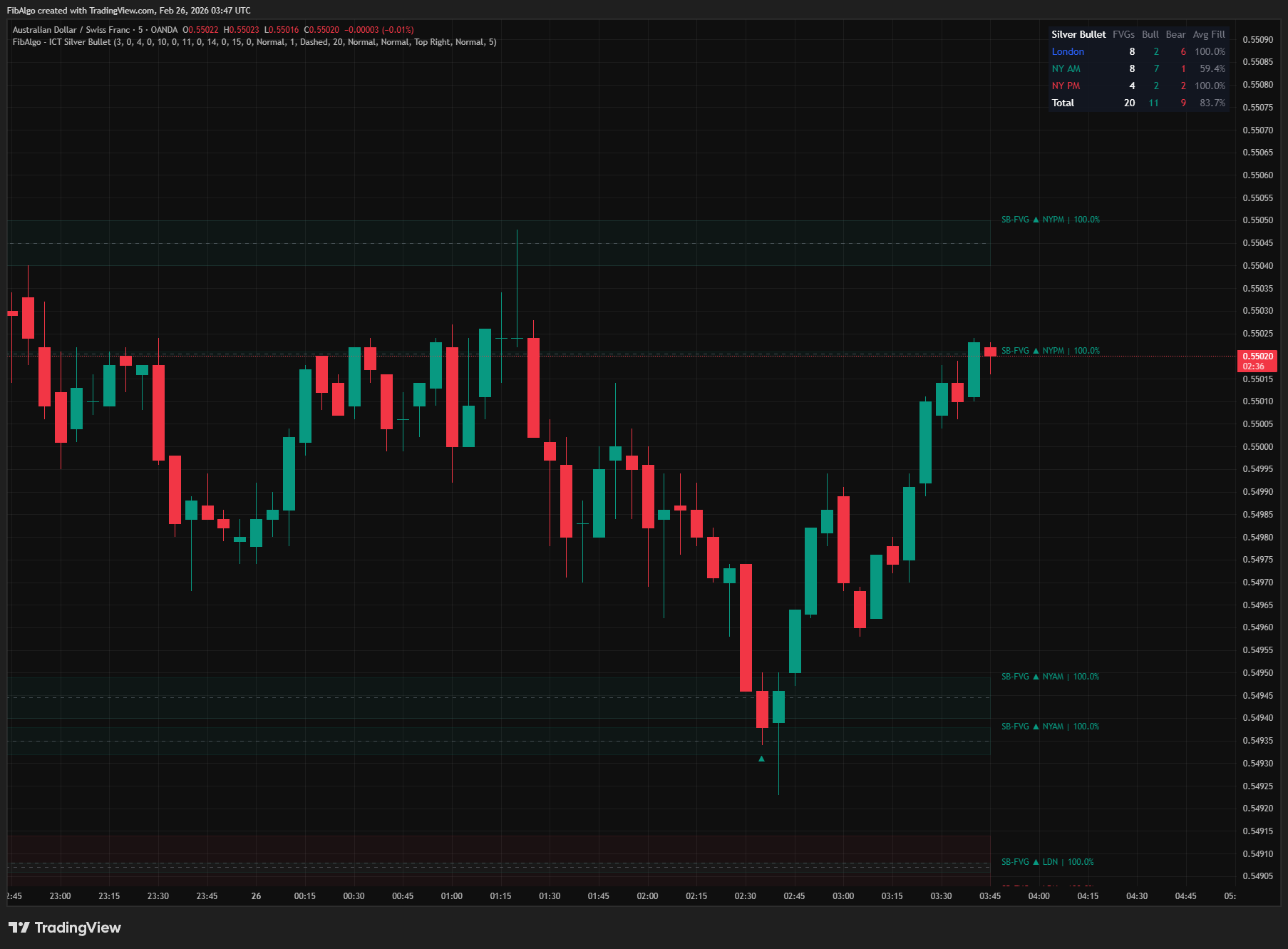
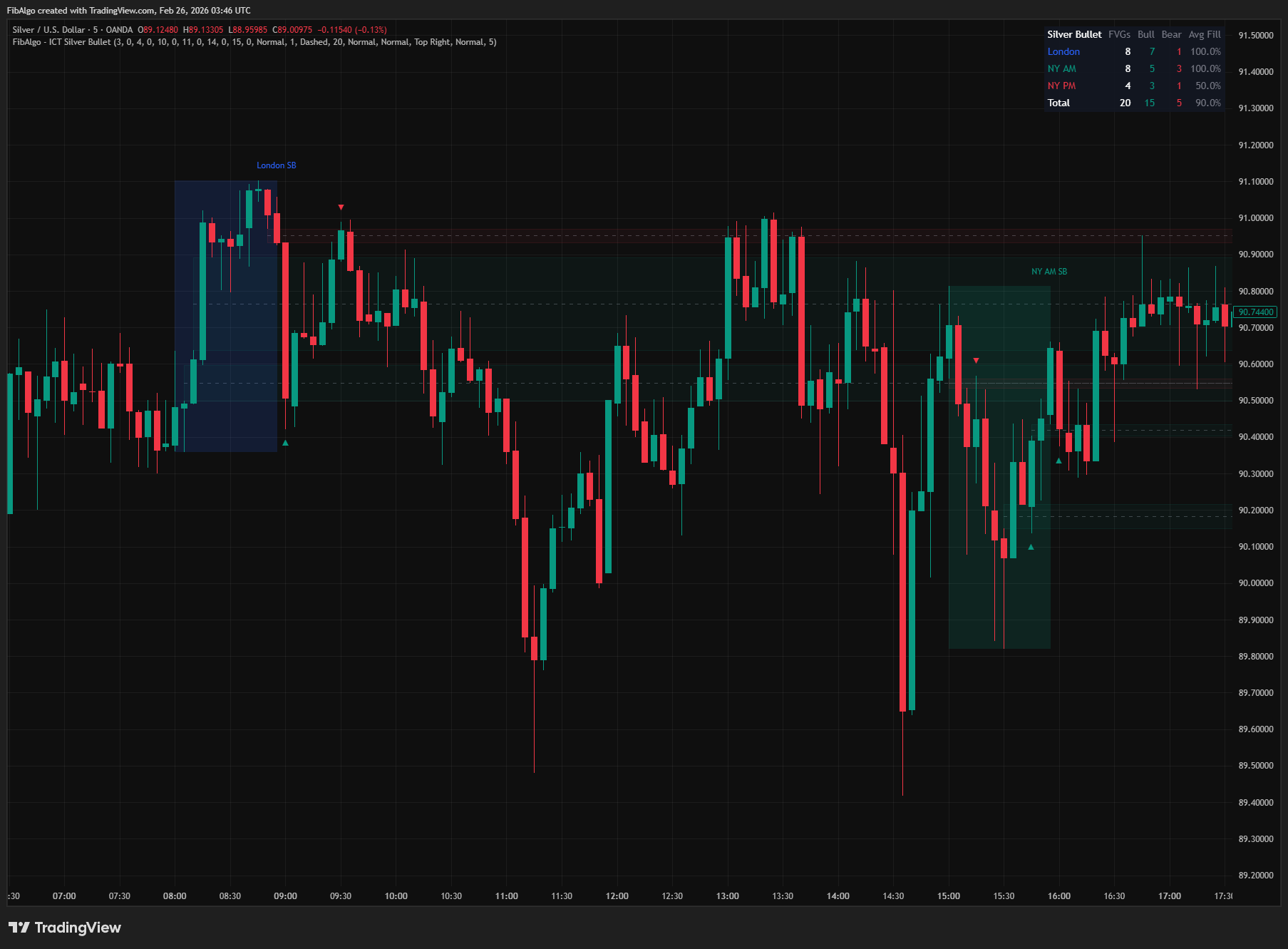
Features
- Three ICT Silver Bullet Windows — London (03:00–04:00 ET), NY AM (10:00–11:00 ET), and NY PM (14:00–15:00 ET) with independent enable/disable toggles. All times are calculated in Eastern Time regardless of chart timezone.
- Custom Window Times — Override default start/end times for each window independently. Configure hour and minute precision for each boundary. Useful for adapting to specific instruments or personal session preferences.
- Window Background Shading — Color-coded semi-transparent boxes highlight the price range during each Silver Bullet window. London (blue), NY AM (green), NY PM (red) — all colors independently configurable with transparency.
- FVG Detection Inside Windows — Identifies standard 3-candle Fair Value Gaps where the middle candle falls within a Silver Bullet window. Only FVGs with directionally confirming middle candles (bullish close for bull FVG, bearish close for bear FVG) qualify. FVGs are confirmed at the close of the third candle and do not repaint.
- CE Midline Visualization — Optional 50% midpoint line for each FVG. Configurable color and style (Solid/Dashed/Dotted). Marks the Consequent Encroachment level — the precision entry point per ICT methodology.
- Real-Time Fill Tracking — Each FVG displays its fill percentage, updating on every bar. Track which FVGs are fresh (low fill) vs. consumed (high fill). Fully filled FVGs optionally fade to near-transparent.
- CE Touch Entry Arrows — Automatic entry signal when price first reaches the CE of a Silver Bullet FVG while its window is still open. One-shot per FVG (no re-triggering). Green up-arrows for bullish entries, red down-arrows for bearish entries.
- FVG Extension — Optionally extend FVG boxes and CE lines rightward to the current bar until the FVG is fully filled, keeping active zones visible as price action develops.
- History Management — Configurable FVG history count (1–50) and window history by days (1–30). Oldest objects are automatically removed with all associated drawings, including their entry arrows, to stay within TradingView limits.
- Summary Statistics Table — Real-time breakdown of FVG counts, bullish/bearish split, and average fill per window. Provides at-a-glance analytics for each Silver Bullet session.
- 3 Alert Conditions — Window opened, FVG formed, and CE touch entry. Each alert has an independent toggle, keeps working with window shading, window labels or entry arrows hidden, and includes symbol, timeframe, direction, window name and price levels. Master enable switch for all alerts.
- Full Color Customization — Independent color settings for each window's background, FVG boxes (bull/bear), CE lines, and entry arrows. All visual elements can be independently enabled/disabled.
How to use the ICT Silver Bullet indicator
- Identify Active Windows: Enable the window background shading to see when Silver Bullet sessions are active. The colored boxes immediately highlight the relevant time periods on your chart. Focus your analysis on price action within these windows.
- Watch for FVG Formation: During an active Silver Bullet window, look for FVG boxes to appear at the close of the third candle. These represent institutional gaps created during high-probability time windows. Bullish FVGs (green) form during upward displacement, bearish FVGs (red) during downward displacement.
- Enter at CE Touch: When price retraces to the CE midline of a Silver Bullet FVG before the window closes, the indicator displays an entry arrow. For bullish FVGs, look for the green up-arrow (▲) as a potential long entry. For bearish FVGs, look for the red down-arrow (▼) as a potential short entry. The CE is the optimal entry level per ICT methodology. FVGs whose window has closed no longer produce arrows.
- Monitor Fill Percentage: Use the fill percentage on FVG labels to assess zone freshness. FVGs below 50% fill are relatively fresh and more likely to produce a reaction at the CE. FVGs above 80% fill have been largely consumed and may have less holding power. Fully faded (100% fill) FVGs indicate the gap has been completely filled.
- Compare Windows in the Table: The summary table shows which windows are producing the most FVGs and their fill rates. If NY AM consistently produces more FVGs with lower average fill, that window may be offering better setups in the current market conditions.
- Use on Appropriate Timeframes: Silver Bullet windows are one hour each. Use 1m–15m charts to capture multiple candles within each window for FVG formation and a CE retrace inside the same window. With the default one-hour windows, CE entry arrows cannot occur on 30m or 1H charts, and windows are not shown at all above 1H.
- Combine with ICT Framework: Silver Bullet FVGs are most effective when combined with higher-timeframe bias (Daily/4H direction), prior session liquidity sweeps, Market Structure, Premium/Discount zones, and other ICT concepts. The Silver Bullet itself identifies WHERE and WHEN — use other tools to confirm WHY (directional bias).
Limitations
- This indicator does not generate buy/sell signals. The CE arrows and entry alerts only mark where price reached the CE of a Silver Bullet FVG inside its window; they are not trade recommendations.
- Silver Bullet windows are fixed one-hour periods. Windows, FVGs and entries are shown only on intraday timeframes up to 1H; above 1H nothing is drawn. On 30m and 1H charts each window contains only one or two candles, so FVG detection is unreliable and, with the default one-hour windows, CE entries cannot occur because the third candle closes at or after the end of the window. Use 1m–15m charts for meaningful results.
- FVG detection requires the middle candle (bar[1]) to be inside the Silver Bullet window. If a window opens mid-candle, the candle may not register as being inside the window depending on its open time.
- FVGs are confirmed at the close of the third candle. On a live chart the box, label and alert appear when that candle closes, not while it is still forming.
- The CE touch entry is a one-shot signal per FVG and is only given while the FVG's own window is open. If price oscillates around the CE, only the first touch generates an arrow. Subsequent touches, and touches after the window has closed, are not signaled.
- Custom window times do not support midnight-crossing windows (e.g., 23:00 to 01:00). Both start and end times must be within the same calendar day in ET.
- Fill tracking measures the deepest penetration into the FVG zone. Fill percentage only increases — it never decreases even if price moves away from the zone. A 60% fill means price once reached 60% of the zone, not that it is currently at that level.
- Entry arrows do not confirm trade direction — they only indicate that price has reached the CE of a Silver Bullet FVG. Use higher-timeframe bias, market structure, and other confluence factors to determine whether the setup aligns with the prevailing trend direction.
- Window History (Days) counts days on which at least one window opened, so weekends and holidays without windows are not counted.
- Drawing object limits: TradingView allows 500 boxes, 500 lines, and 500 labels. Each window uses 1 box + 1 label. Each FVG uses up to 3 objects (box + CE + label), plus 1 label for its CE touch entry arrow, which is removed together with the FVG. With default settings (20 FVG history, 5 days of windows), usage stays well within limits.
- The summary table counts only FVGs currently in memory (limited by FVG History Count). It does not represent all-time statistics — reducing the history count will reduce the numbers shown in the table.
Trading involves risk. This indicator is an analysis tool, not financial advice: use it alongside your own analysis and risk management.
Release notes
v2.0LatestConfirmed FVGs and entries inside the window
FVGs are now confirmed at the close of the third candle, CE entries appear only while the FVG's own Silver Bullet window is open, and nothing is drawn above 1H.
After updating
- Delete and re-create your alerts for this indicator with the "Any alert() function call" condition. TradingView alerts keep running the script version they were created with.
Fixed
- FVGs are confirmed at the close of the third candle, so a gap can no longer appear intrabar, send an alert and then disappear. An earlier alert on the same bar no longer blocks the FVG alert.
- CE entry arrows and alerts now appear only while the FVG's own Silver Bullet window is open; before, most arrows came after the window had closed. A bar that gaps through the CE now counts as reaching it.
- No windows, FVGs or entries are shown above 1H, where one candle spans several hours and was labeled as a one-hour window.
- Window-open and entry alerts keep working when shading or arrows are hidden, and window labels now also show with shading off.
- Window History (Days) now counts days instead of windows.
Improved
- Fully filled FVGs stop extending, and entry arrows are removed together with their FVG.
- Fill values show a leading zero, and alert messages include price levels.
Frequently Asked Questions
What is the ICT Silver Bullet?
The ICT Silver Bullet is a time-based setup built around three one-hour windows in New York time. Inside a window, traders wait for price to displace and leave a fair value gap (FVG), then look to enter when price retraces into the gap, usually at its 50% midpoint, the consequent encroachment (CE). ICT's idea is that gaps formed in these hours carry more weight because they coincide with peak institutional order flow.
What time is the ICT Silver Bullet?
There are three windows, all in New York time: London 03:00–04:00, New York AM 10:00–11:00 and New York PM 14:00–15:00. While US daylight saving time is in effect, that is 07:00–08:00, 14:00–15:00 and 18:00–19:00 UTC; the rest of the year each window is one hour later in UTC. The indicator converts every bar to New York time, so the windows land on the right bars whatever time zone your chart uses.
How do you trade the Silver Bullet with this indicator?
Wait for a window to open, shaded on the chart, and watch for a fair value gap to form inside it. When price pulls back to the gap's CE midline before the window closes, the indicator draws an entry arrow: green below the bar for a bullish gap, red above the bar for a bearish one, and at most one arrow per gap. The arrow only shows that price reached the CE, so confirm the direction first with the daily or 4-hour bias, a prior liquidity sweep or market structure.
Which timeframe is best for the ICT Silver Bullet?
Use 1-minute to 15-minute charts. Each window lasts one hour, so a 1-minute chart gives 60 candles per window and a 5-minute chart 12, enough for a three-candle fair value gap to form inside it. On 30-minute and 1-hour charts a window holds only one or two candles, so gaps cannot be detected reliably and no entry arrows can appear; above 1 hour the indicator draws nothing.
What is consequent encroachment (CE) in a fair value gap?
Consequent encroachment is the 50% midpoint of a fair value gap. ICT treats it as the precision entry level inside the gap: in a bullish gap, price pulling back down to the CE is a potential long entry, and in a bearish gap, price rising to the CE is a potential short entry. The indicator can draw the CE as a line and shows, in percent, how much of each gap price has already filled.
What is the difference between the Silver Bullet and the killzones?
Killzones are broader session windows lasting several hours, such as the New York AM killzone from 08:30 to 11:00 New York time. The Silver Bullet narrows the timing to a single hour inside a session, such as 10:00–11:00, and adds a specific entry pattern: a fair value gap formed in that hour and entered on the retrace. Killzones give the session context; the Silver Bullet gives the setup.
Learn More
- Smart Money Concepts (SMC): How Institutional Traders Move MarketsLearn Smart Money Concepts including order blocks, fair value gaps, liquidity sweeps, and breaker blocks. Understand how institutions trade.
- Risk Management in Crypto Trading: The Complete Survival GuideMaster position sizing, stop losses, portfolio allocation, and emotional discipline for crypto trading. Learn why risk management matters most.
- Technical Analysis for Crypto Trading: The Definitive GuideLearn technical analysis from basics to advanced for cryptocurrency trading. Master chart patterns, indicators, volume analysis, and multi-timeframe strategies.
Start Using ICT Silver Bullet
This indicator is free to use on TradingView. Add it to your charts and use it alongside your own analysis.
Related indicators
View All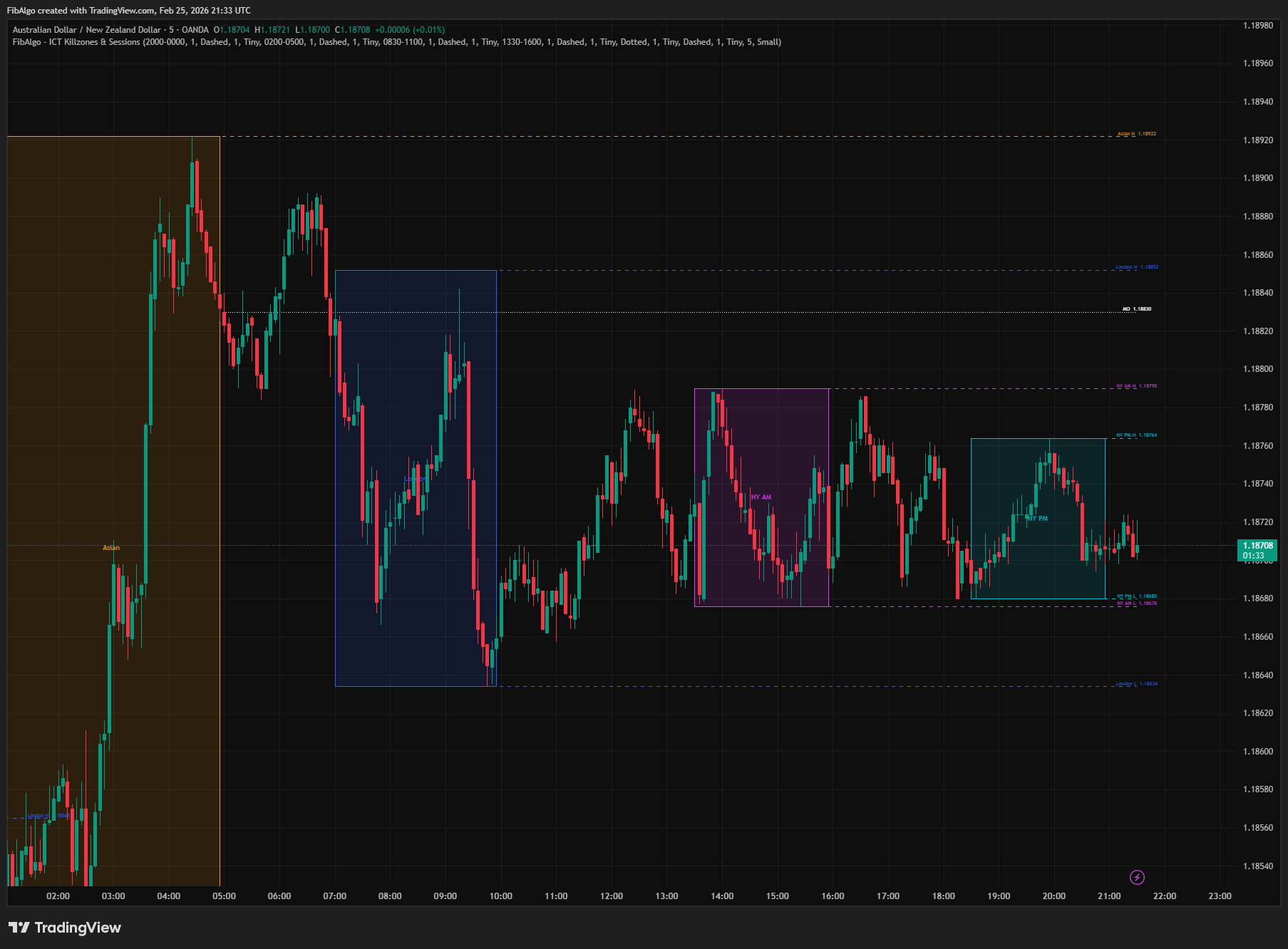
ICT Killzones & Sessions
TradingView indicator that highlights ICT Killzones — Asian, London, NY AM, and NY PM session boxes with high/low extensions and key opening levels.
See Details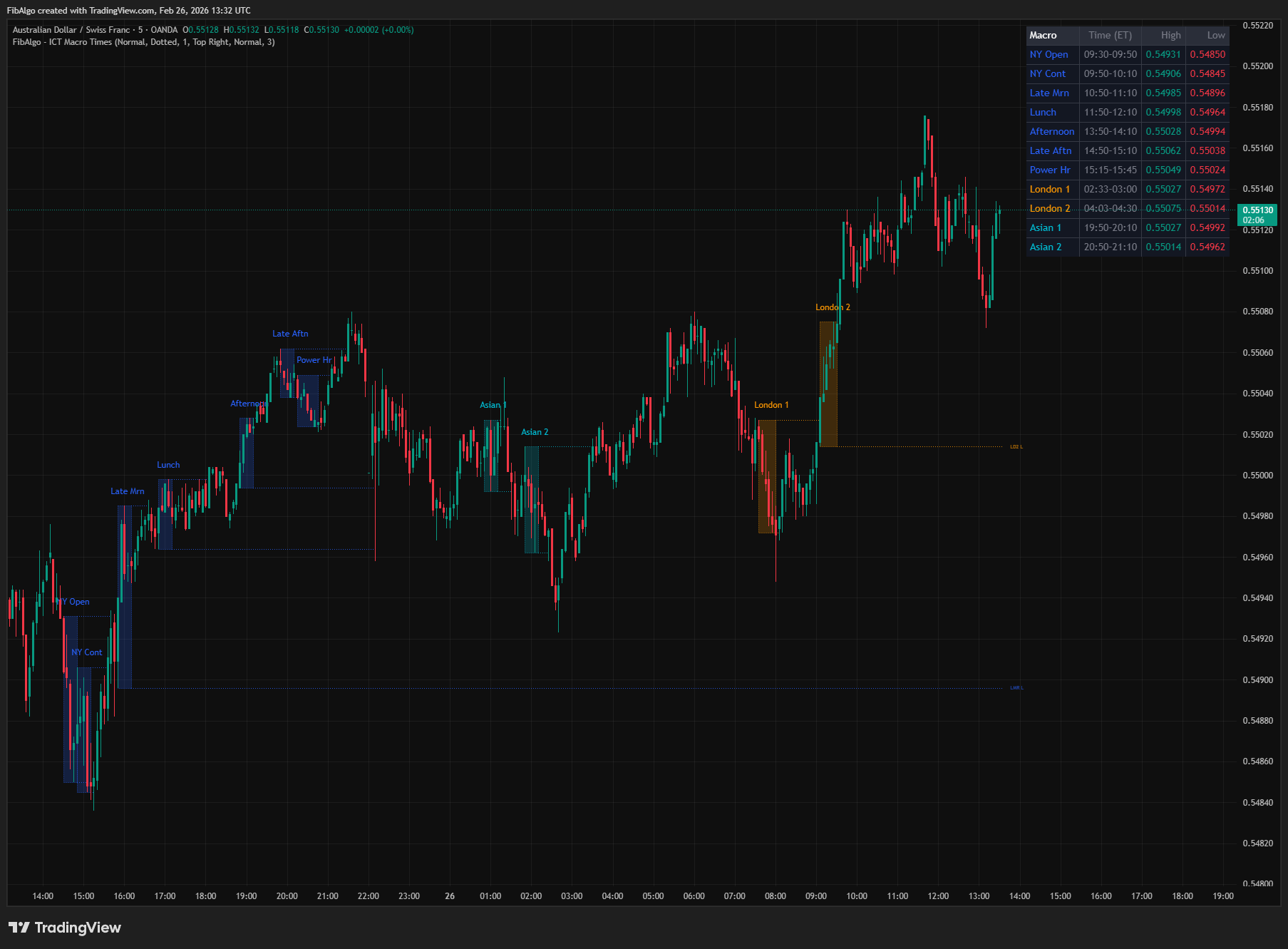
ICT Macro Times
TradingView indicator that highlights the 8 standard ICT Macro Time windows plus 5 additional windows — specific intraday periods where algorithmic price delivery concentrates.
See Details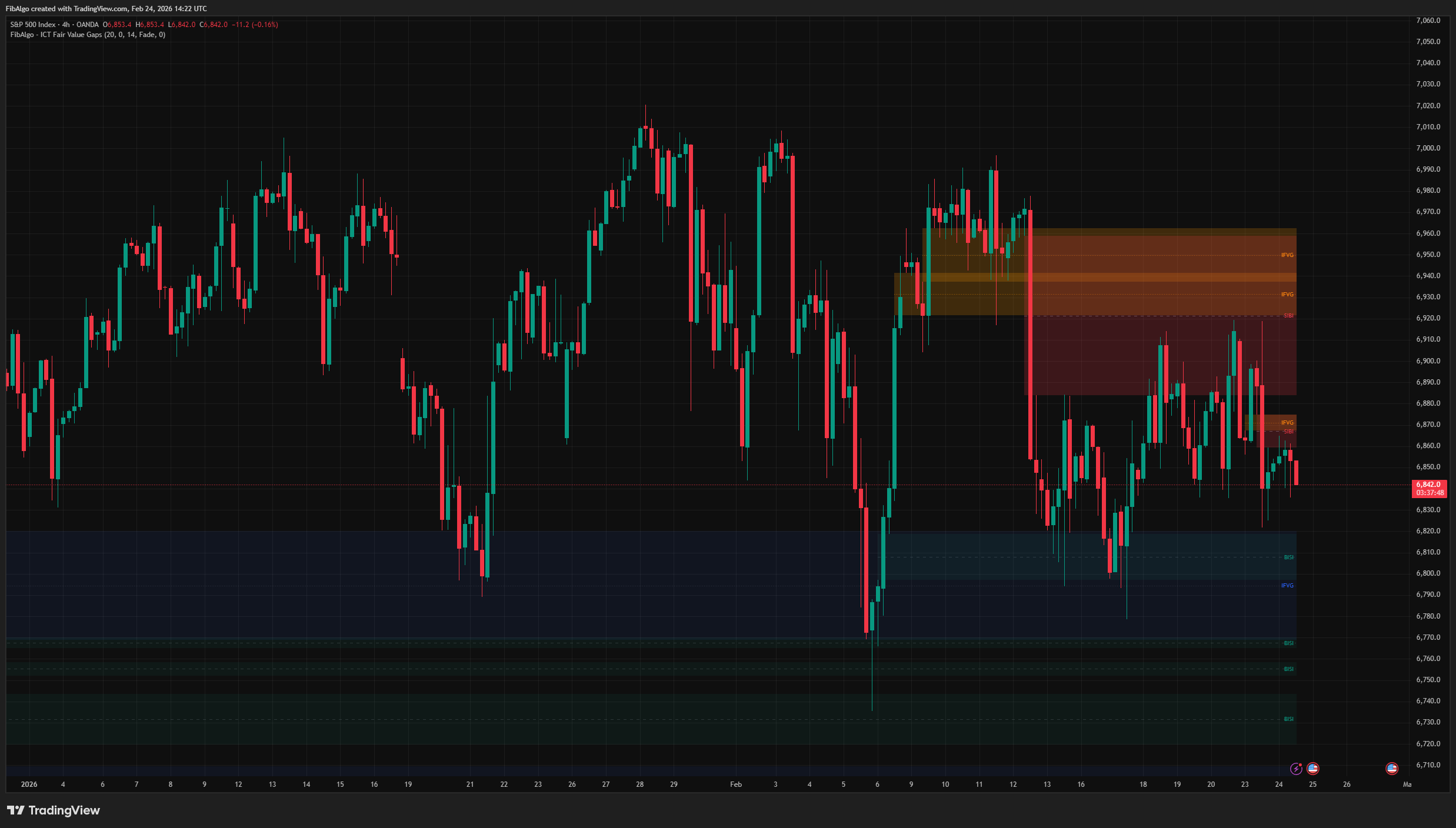
ICT Fair Value Gaps
TradingView indicator that detects ICT Fair Value Gaps (BISI/SIBI), draws CE midlines, identifies Inversion FVGs, and maps Balanced Price Range zones.
See Details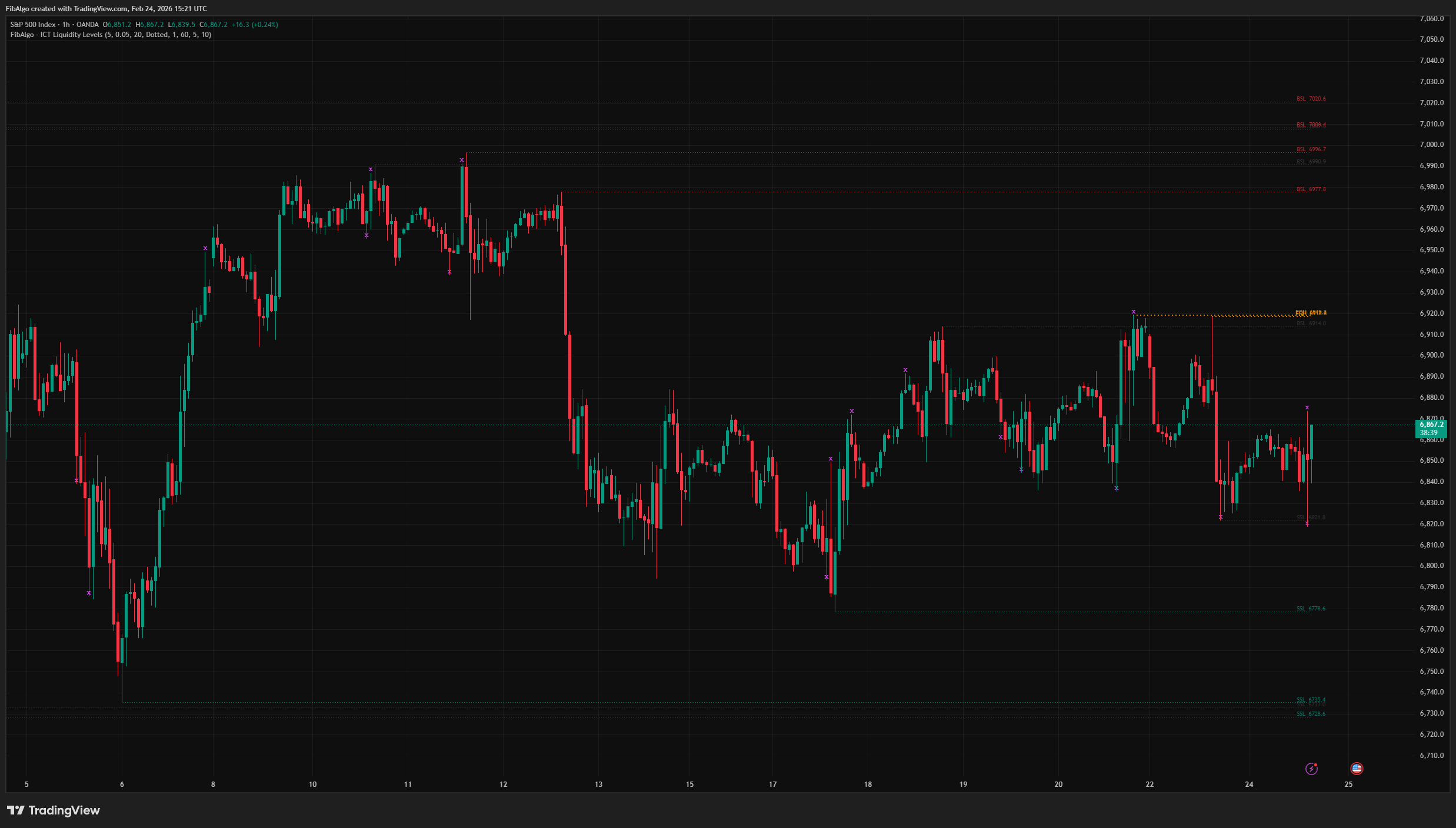
ICT Liquidity Levels
TradingView indicator that maps ICT Liquidity Levels — Buy Side (BSL), Sell Side (SSL), Equal Highs/Lows, and Liquidity Sweeps with HTF support.
See Details
ICT Unicorn Model
TradingView indicator that detects the ICT Unicorn Model — the setup where a Breaker Block and Fair Value Gap overlap.
See Details
ICT Power of 3
TradingView indicator that visualizes the ICT Power of 3 daily cycle — Accumulation, Manipulation, and Distribution across Asia, London, and New York.
See Details