
Use this indicator directly on TradingView — the world's most popular charting platform.
What does the ICT Premium & Discount indicator do?
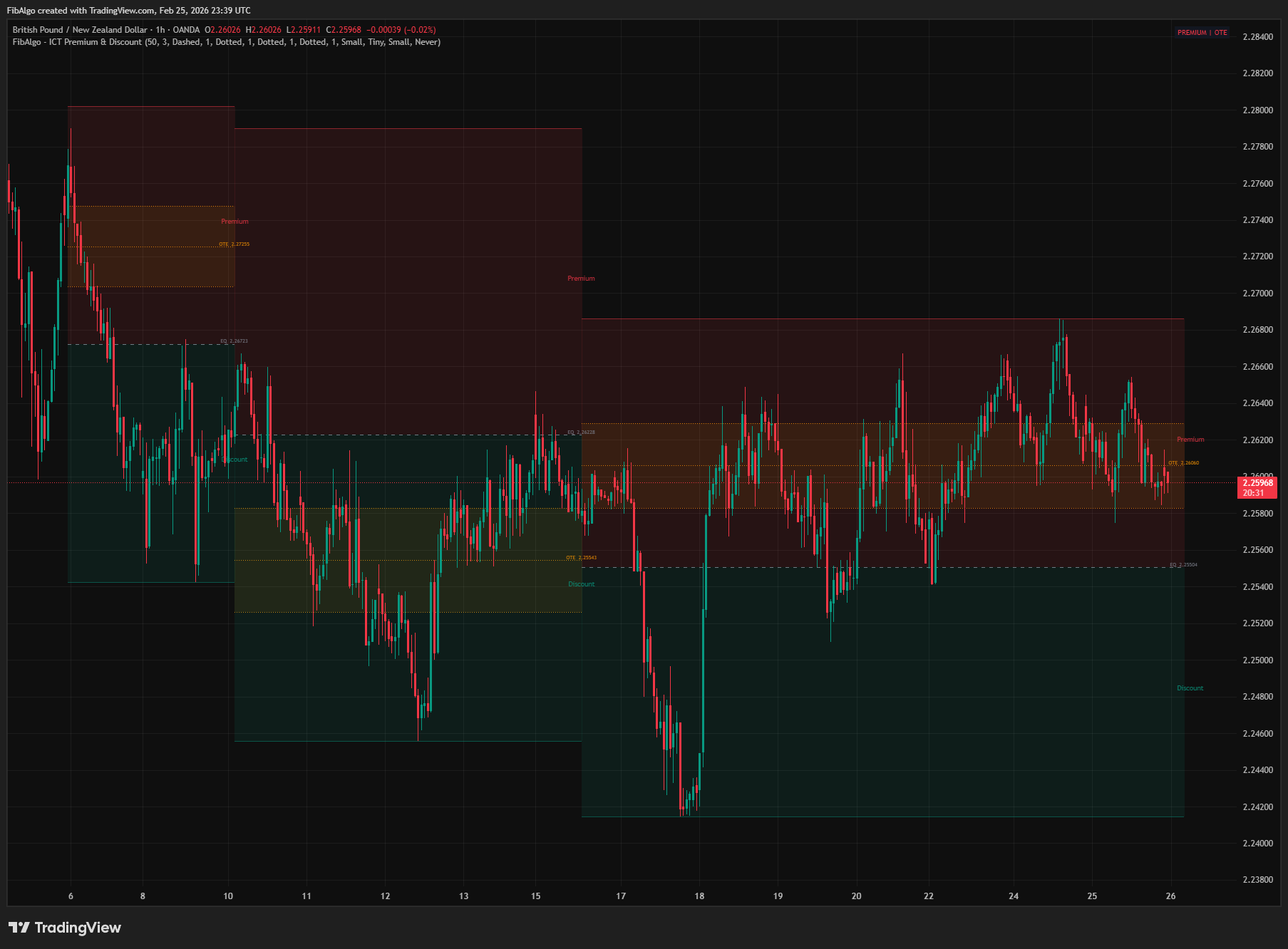
This indicator uses a real-time zigzag algorithm to dynamically detect dealing ranges and divide them into ICT's Premium and Discount zones. Unlike pivot-based tools, the active zone is drawn live — it expands in both directions whenever price makes a new high or new low. The Equilibrium (EQ) line marks the 50% midpoint, the Optimal Trade Entry (OTE) zone highlights the 62%–79% Fibonacci retracement of the active leg, and optional standard Fibonacci retracement and extension levels are drawn for the latest range. A real-time status table shows whether price is currently in the premium, discount, or OTE zone.
Key Concepts
- Premium Zone — The upper half of a dealing range, above Equilibrium. In ICT methodology, premium is the sell zone — institutional sellers fill orders in premium, especially during bearish conditions. Price in premium with bearish structure = look for shorts.
- Discount Zone — The lower half of a dealing range, below Equilibrium. Discount is the buy zone — institutional buyers accumulate positions in discount during bullish conditions. Price in discount with bullish structure = look for longs.
- Equilibrium (EQ) — The exact 50% midpoint of the dealing range. Price tends to react at EQ — it acts as dynamic support/resistance. A dashed line marks this level with its price label.
- Optimal Trade Entry (OTE) — The 62%–79% Fibonacci retracement of the leg, measured from the swing point to the extreme. This is ICT's preferred entry area. After a break of structure, price retraces into the OTE zone before continuing in the original direction. Key fib levels within OTE: 0.62, 0.705 (midpoint), 0.79.
- Dealing Range — The range between two alternating swing extremes detected by the zigzag. Each range dynamically expands as price makes new highs or lows, and freezes when a reversal is confirmed. A fresh Premium/Discount zone is created on every reversal. Thin structural lines at the swing high and swing low define the range boundaries.
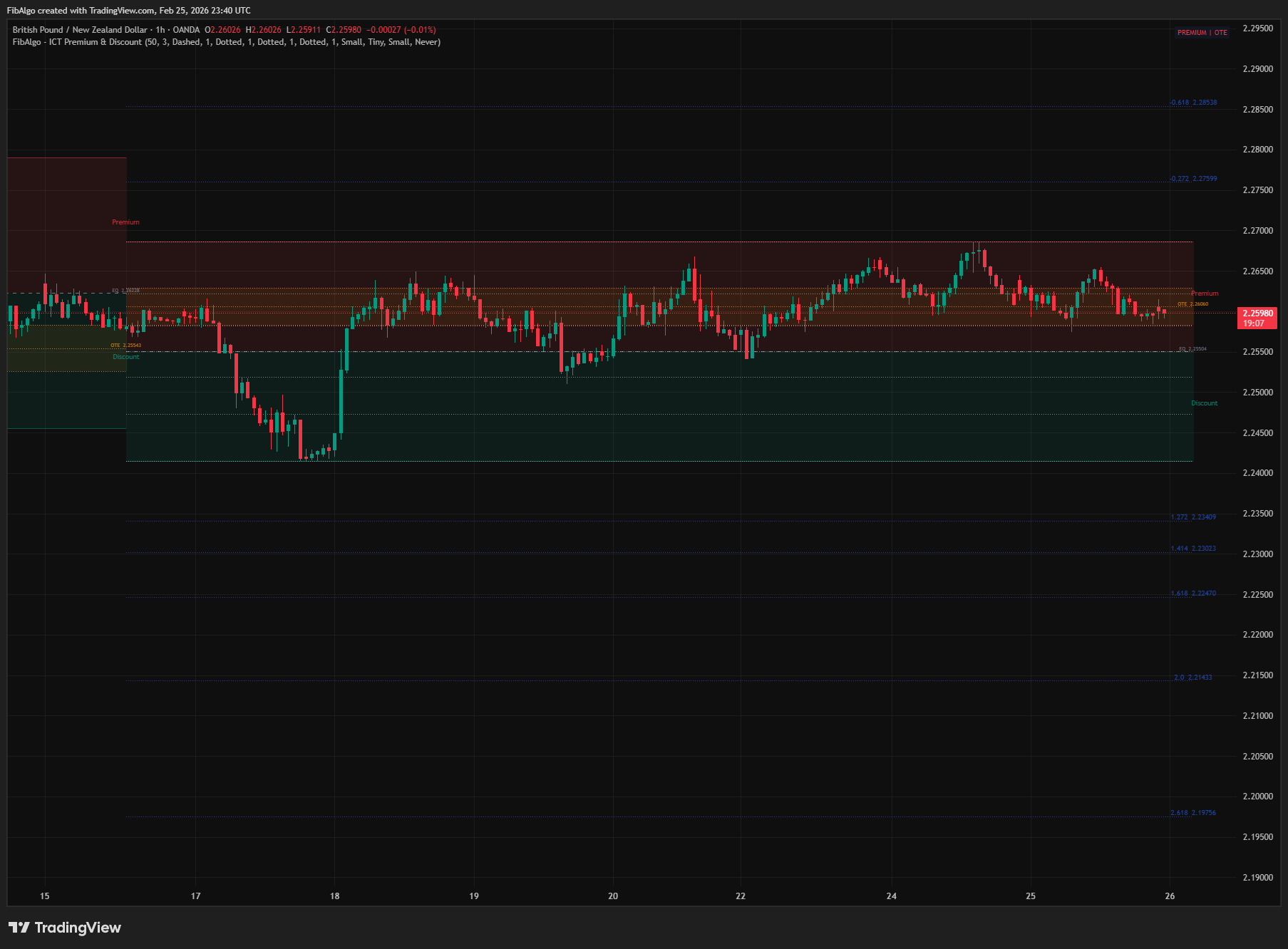
- Fibonacci Institutional Levels — Retracements (0.236, 0.382, 0.5, 0.618, 0.786) measured from the leg's extreme, and extensions (-0.272, -0.618, 1.272, 1.414, 1.618, 2.0, 2.618) measured from the leg's origin. The 1.272 to 2.618 extensions project beyond the extreme in the leg's direction and serve as profit targets and expansion levels.
How does the ICT Premium & Discount indicator work?
1. Real-Time Zigzag Detection The indicator uses a custom zigzag algorithm — not delayed pivot functions. It tracks the developing extreme in the current trend direction and confirms a reversal when price fails to make a new high (uptrend) or new low (downtrend) for Swing Length bars. There is no lookback delay: the active zone updates in real time, growing with every new bar. The Swing Length parameter controls depth — common values are 20, 50, 55, 89, and 144 (Fibonacci-based). Larger values capture higher-timeframe institutional dealing ranges.
2. Dynamic Zone Creation & Growth When a zigzag reversal is confirmed, the previous zone is frozen at the exact reversal bar, and a new zone starts immediately at the same bar — seamless transition with no gap. The new leg starts from the true extreme reached during the confirmation window, so each new dealing range is anchored at the confirmed swing high or swing low and includes every high or low made since then. The range is divided at Equilibrium (50%): Premium (above EQ, red shading) and Discount (below EQ, green shading). As price develops, the active zone grows in both directions — whenever a new high or new low is made, all levels (EQ, OTE, boundary lines, boxes, labels) recalculate and update dynamically.
3. Optimal Trade Entry (OTE) Zone Within each dealing range, the OTE zone is highlighted as a separate colored band:
- For bullish ranges (up leg: swing low to developing high): OTE is in the discount half, 0.62–0.79 retracement from the high back toward the low. This is where ICT longs are entered.
- For bearish ranges (down leg: swing high to developing low): OTE is in the premium half, 0.62–0.79 retracement from the low back toward the high. This is where ICT shorts are entered.
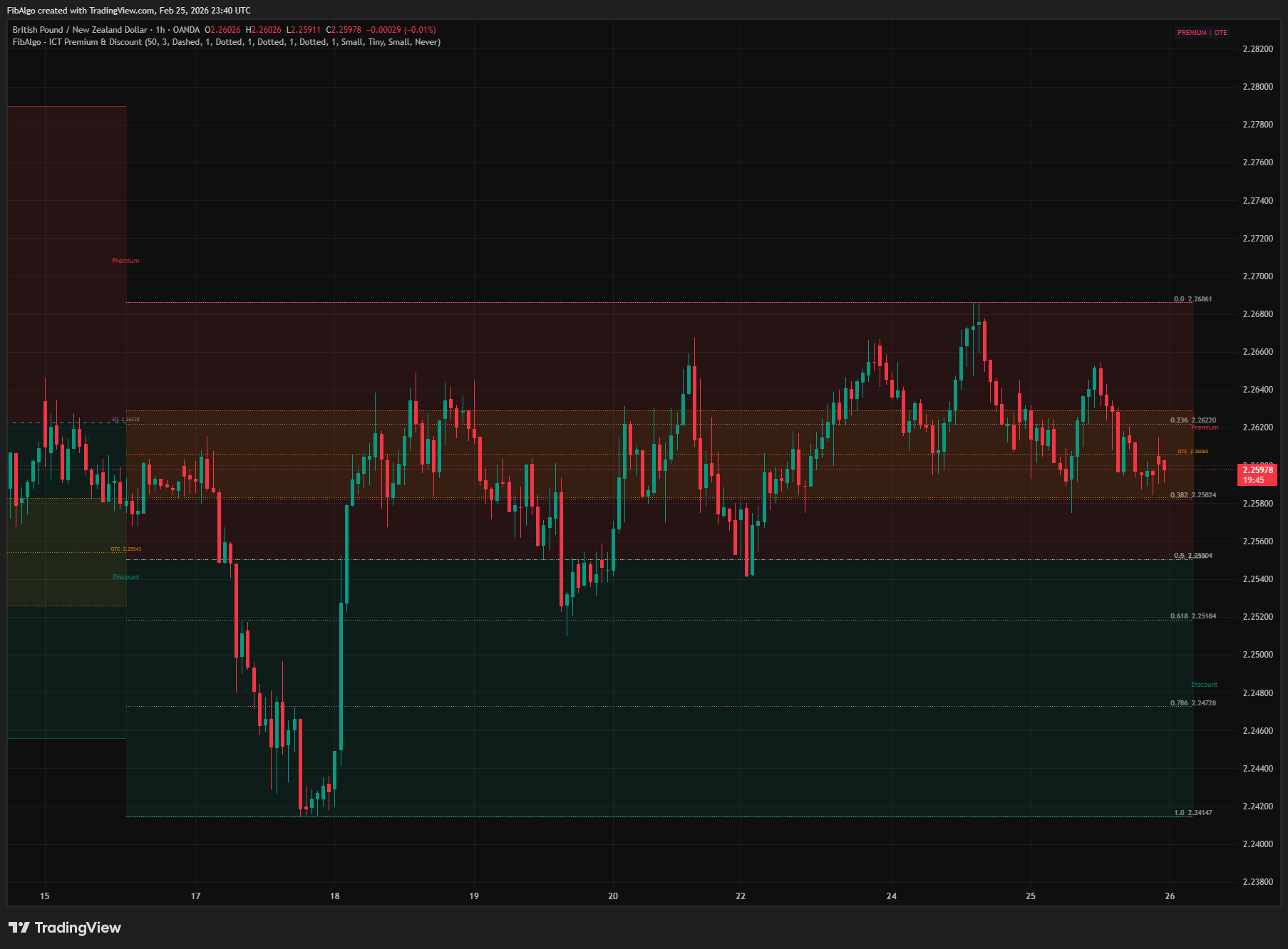
Dotted lines mark the 0.62, 0.705, and 0.79 Fibonacci levels within the OTE band, each with configurable color, style, and width. All OTE levels update dynamically as the zone grows.
4. Zone Transitions & Invalidation When a new reversal is detected, the current active zone freezes — its right edge trims to the exact reversal bar and all drawings stop updating. The new zone starts at the same bar, creating a clean visual transition. Active zones continuously extend rightward as price develops, with all Y-values (boxes, lines, labels) updating every bar.
Completed (frozen) zones can optionally be invalidated when price moves beyond their range. The active zone always expands to contain price, so it is never invalidated:
- Never (default) — zones persist until replaced by newer zones (capped by Max Zones). This matches how ICT ranges exist as reference levels until a new range forms.
- Close Beyond Range — a completed zone is removed when a candle closes above its swing high or below its swing low (checked on the confirmed bar close).
- Wick Beyond Range — a completed zone is removed when any wick pierces its boundaries.
When a zone is invalidated, all of its drawings are cleaned up and an alert fires (if enabled).
5. Fibonacci Levels & Extensions Optionally draw standard Fibonacci retracements (0.0, 0.236, 0.382, 0.5, 0.618, 0.786, 1.0) and extensions (-0.272, -0.618, 1.272, 1.414, 1.618, 2.0, 2.618) for the most recent dealing range. Retracements are measured from the leg's extreme (0.0) back to its origin (1.0), on the same scale as the OTE band. Extensions are measured from the leg's origin (0) to its extreme (1): 1.272, 1.414, 1.618, 2.0 and 2.618 project beyond the extreme in the leg's direction, while -0.272 and -0.618 project beyond the origin. These levels are drawn with separate color, style, and label size controls. The 0.5 label is hidden while the EQ label is shown, because both mark the same price. All levels update dynamically with the active zone.
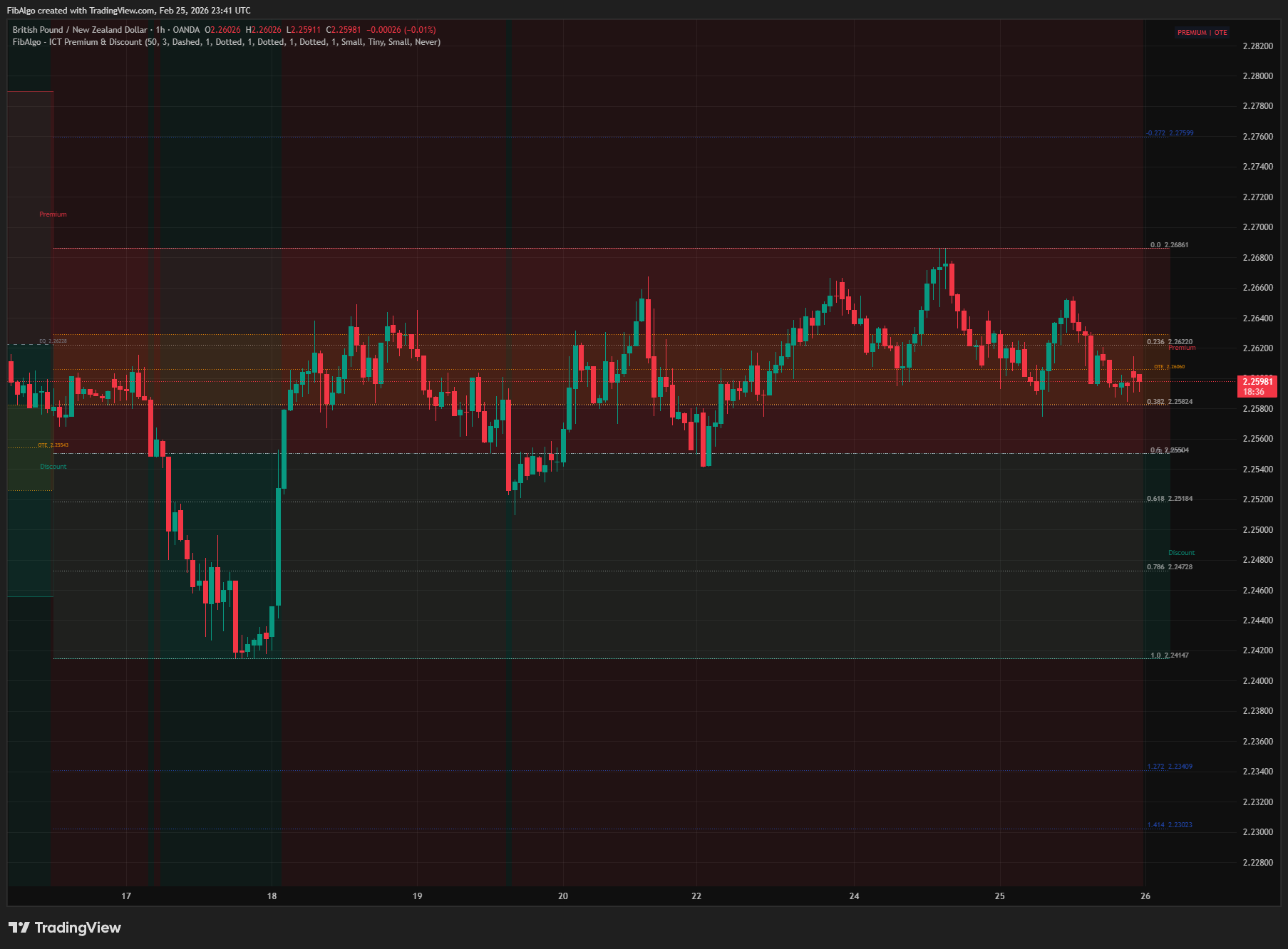
6. Status Table & Background A real-time table in the top-right corner shows the current zone state based on the most recent dealing range: PREMIUM (red) or DISCOUNT (green), with "| OTE" appended when price is inside the Optimal Trade Entry band. The active range always contains price, so "—" appears only when price closes exactly at EQ. An optional background tint colors the chart based on premium/discount position — useful for quick visual bias confirmation.
Features
- Real-Time Zigzag Detection — Custom zigzag algorithm detects dealing ranges without pivot delay. The active zone grows immediately as price develops. Reversal is confirmed when no new extreme is made for Swing Length bars.
- Dynamic Bidirectional Growth — Active zones expand in both directions. Whenever price makes a new high OR a new low, the entire zone (boxes, lines, labels, OTE, EQ) recalculates and updates live.
- Seamless Zone Transitions — On reversal, the previous zone freezes at the exact bar and the new zone starts at the same bar. No gaps, no overlap between consecutive zones.
- Full Transition-Period Capture — When a new zone starts, it is anchored at the true swing extreme and captures the complete range of the confirmation window, ensuring no price extremes are missed during the reversal.
- Premium & Discount Zones — Soft red and green semi-transparent boxes divide each range at Equilibrium. Borderless design keeps the chart clean — range boundaries are defined by separate structural lines.
- Range Boundary Lines — Thin structural lines at the swing high (red-tinted) and swing low (green-tinted) clearly define where each dealing range starts and ends.
- Equilibrium Line — Dashed line at the 50% midpoint with price label. Key reaction level for institutional order flow.
- OTE Zone Highlight — The 62%–79% Fibonacci retracement band highlighted as a distinct soft zone. OTE automatically positions in discount for bullish (up-leg) ranges and premium for bearish (down-leg) ranges.
- OTE Fibonacci Lines — Individual dotted lines at 0.62, 0.705 (midpoint), and 0.79 with configurable color, style, and width.
- Standard Fibonacci Levels — Optional retracement levels: 0.0, 0.236, 0.382, 0.5, 0.618, 0.786, 1.0. Applied to the latest dealing range, measured from the leg's extreme.
- Extension Targets — Optional extension levels: -0.272, -0.618, 1.272, 1.414, 1.618, 2.0, 2.618. The 1.272 to 2.618 levels project in the leg's direction as profit-taking and expansion targets.
- Multi-Zone Display — Up to 10 simultaneous zones (configurable). Oldest zones are removed when the cap is reached. Frozen zones keep their last state.
- Smart Invalidation — Three modes for completed zones: Never (default), Close Beyond Range, Wick Beyond Range. Invalidated zones are fully cleaned up (all boxes, lines, labels removed).
- Real-Time Status Table — Top-right table displays PREMIUM, DISCOUNT, and OTE status for the latest zone.
- Background Tint — Optional chart background coloring based on premium/discount position for quick visual bias identification.
- Independent Label Sizes — Three separate size controls: Zone Label Size (Premium/Discount text, supports Large), Price Label Size (EQ/OTE values), Fib Label Size (retracement and extension levels). All adjustable from settings.
- Alert System — 4 alert types: New P/D Zone, Equilibrium Touch, OTE Zone Entry, Zone Invalidated. Master enable toggle. All alerts include symbol, timeframe, and price details. Alerts are sent once per bar on the bar close, events of the same bar arrive in one message, and EQ Touch and OTE Entry fire on the first bar that reaches the level.
- Full Customization — Independent color, style, width, and toggle controls for every visual element across 8 organized settings groups.
How to use the ICT Premium & Discount indicator
- Buy in Discount, Sell in Premium: This is the core ICT principle. When price is in the discount zone with bullish market structure, look for long entries. When price is in premium with bearish structure, look for shorts. The status table confirms your position instantly.
- OTE for Precision Entries: After a break of structure (BOS), wait for price to retrace into the OTE zone (0.62–0.79). This is where smart money places entries. Combine with Order Blocks or Fair Value Gaps within the OTE for confluence.
- EQ as Support/Resistance: Equilibrium acts as a dynamic level. In bullish conditions, price often finds support at EQ. In bearish conditions, EQ acts as resistance. Watch for reactions when the EQ Touch alert fires.
- Swing Length Tuning: Use Swing Length 10–20 for short-term ranges (scalping/day trading). Use 50–89 for higher-timeframe institutional ranges (swing trading). 144–233 captures major structural ranges. Common Fibonacci values: 21, 34, 55, 89, 144.
- Watch the Zone Grow: The active zone dynamically expands as price makes new highs or new lows. This shows the live dealing range in real time. When the zone stops growing and a reversal is confirmed, a new zone starts seamlessly.
- Invalidation as Confirmation: When a completed zone is invalidated (price closes beyond its range), it confirms that the dealing range is broken. This often signals a new trend leg. Default is "Never" — zones persist as reference levels until replaced.
- Extensions as Targets: Enable Extension Targets to see where institutional profit-taking occurs. The 1.272 level is the common first target in the leg's direction; 1.618 and 2.618 are expansion targets. The 1.272 and 1.618 levels correspond to ICT's -0.27 and -0.62 projections of the OTE fib. The -0.272 and -0.618 levels mark projections beyond the leg's origin if the leg fails.
- Combine with ICT Tools: Premium/Discount tells you WHERE in the range to trade. Pair with Market Structure (direction), Order Blocks (entry zones), Fair Value Gaps (rebalancing), Killzones (timing), and Liquidity Levels (stop hunts) for complete ICT analysis.
Limitations
- The zigzag confirms a reversal after Swing Length bars without a new extreme. This is not a delay in the traditional pivot sense — the active zone grows live during this period — but the reversal event itself fires after Swing Length bars of non-extension.
- When a swing high and a swing low are confirmed close together, the zone between them can be only a few bars wide.
- Because zones grow dynamically, EQ, OTE, and all Fibonacci levels shift on every bar where a new extreme is made. Set alerts for specific events (EQ Touch, OTE Entry) rather than relying on visual positions that may move.
- Alerts are evaluated on the bar close, so an intrabar touch is reported when its bar closes.
- Multiple zones may overlap when Swing Length is small and Max Zones is high. Increase Swing Length or reduce Max Zones if the chart becomes too cluttered.
- Fibonacci retracement and extension levels are drawn only for the most recent zone to avoid visual clutter. Older zones display Premium/Discount boxes, EQ, and OTE only.
- This indicator identifies Premium/Discount zones and OTE areas — it does not generate buy/sell signals. Combine with ICT Market Structure, Order Blocks, Fair Value Gaps, and Killzones for a complete trading framework.
Trading involves risk. This indicator is an analysis tool, not financial advice: use it alongside your own analysis and risk management.
Release notes
v2.0LatestOTE placement, swing detection and invalidation fixes
The OTE band now sits at the 62-79% retracement of the active leg on the correct side of equilibrium, new ranges start at the true swing point, and the Close and Wick invalidation modes now work.
After updating
- Delete and re-create your alerts for this indicator with the "Any alert() function call" condition. TradingView alerts keep running the script version they were created with.
- In the New Zone alert, Bullish now means an up leg and Bearish a down leg.
- Charts that already have the indicator may keep the old text sizes. The new Normal defaults apply when you add the indicator again or choose Reset settings.
Fixed
- The OTE band now sits at the 62-79% retracement of the active leg: in discount for up legs and in premium for down legs. It was drawn on the wrong side of equilibrium, so the table could show "PREMIUM | OTE" during a pullback in an up leg.
- Fibonacci retracements and extensions follow the leg direction too, so the 1.272 to 2.618 targets project beyond the extreme in the direction of the leg.
- Each new range starts at the true swing high or low, and reversals are confirmed on time. You may see a few more zones, and some can be narrower than Swing Length.
- The Close and Wick invalidation modes now remove completed zones that price breaks. They had no effect before.
- Alerts fire on the bar close, so reversals that do not hold are no longer reported. EQ Touch and OTE Entry alerts fire on the first touch only instead of on every bar at the level.
Improved
- Labels no longer overlap their lines, and the 0.5 Fib label is hidden while the EQ label shows the same price.
- Label and table text default to Normal size, and long charts load faster.
Frequently Asked Questions
What are premium and discount in ICT?
ICT divides a dealing range at its 50% midpoint. The upper half is the premium zone, where price is relatively expensive and institutional sellers are expected to be active, especially in bearish conditions. The lower half is the discount zone, where price is relatively cheap and buyers are expected to accumulate in bullish conditions. The core rule is to buy in discount and sell in premium.
What is equilibrium in ICT?
Equilibrium (EQ) is the exact 50% midpoint of a dealing range and the dividing line between premium and discount. Price often reacts there, so it can act as dynamic support in bullish conditions and as resistance in bearish ones. The indicator draws EQ as a dashed line with its price and can alert you when price touches it.
What is the optimal trade entry (OTE) in ICT?
OTE is ICT's preferred entry area: the 62% to 79% Fibonacci retracement of a price leg, with 70.5% as its midpoint. After a break of structure, traders wait for price to retrace into the OTE zone before it continues in the original direction, ideally with an order block or fair value gap inside the zone for confluence.
How do you trade premium and discount zones?
Combine the zone with market structure. When price is in discount and structure is bullish, ICT traders look for longs; when price is in premium and structure is bearish, they look for shorts. Entries are usually refined with order blocks, fair value gaps or the OTE zone, and Fibonacci extensions such as 1.272 and 1.618 can serve as targets.
How does the indicator find the dealing range?
It uses a real-time zigzag. The range runs between two alternating swing extremes, expands whenever price makes a new high or low, and freezes when a reversal is confirmed, at which point a new range starts. The swing length input sets the scale: roughly 10 to 20 for short-term ranges and 50 to 89 for higher-timeframe ranges.
Learn More
- Smart Money Concepts (SMC): How Institutional Traders Move MarketsLearn Smart Money Concepts including order blocks, fair value gaps, liquidity sweeps, and breaker blocks. Understand how institutions trade.
- Fibonacci Trading Strategy: The Complete GuideMaster Fibonacci retracement, extension, and time zones for crypto and forex trading. Learn how institutional traders use Fibonacci levels.
- Technical Analysis for Crypto Trading: The Definitive GuideLearn technical analysis from basics to advanced for cryptocurrency trading. Master chart patterns, indicators, volume analysis, and multi-timeframe strategies.
Start Using ICT Premium & Discount
This indicator is free to use on TradingView. Add it to your charts and use it alongside your own analysis.
Related indicators
View All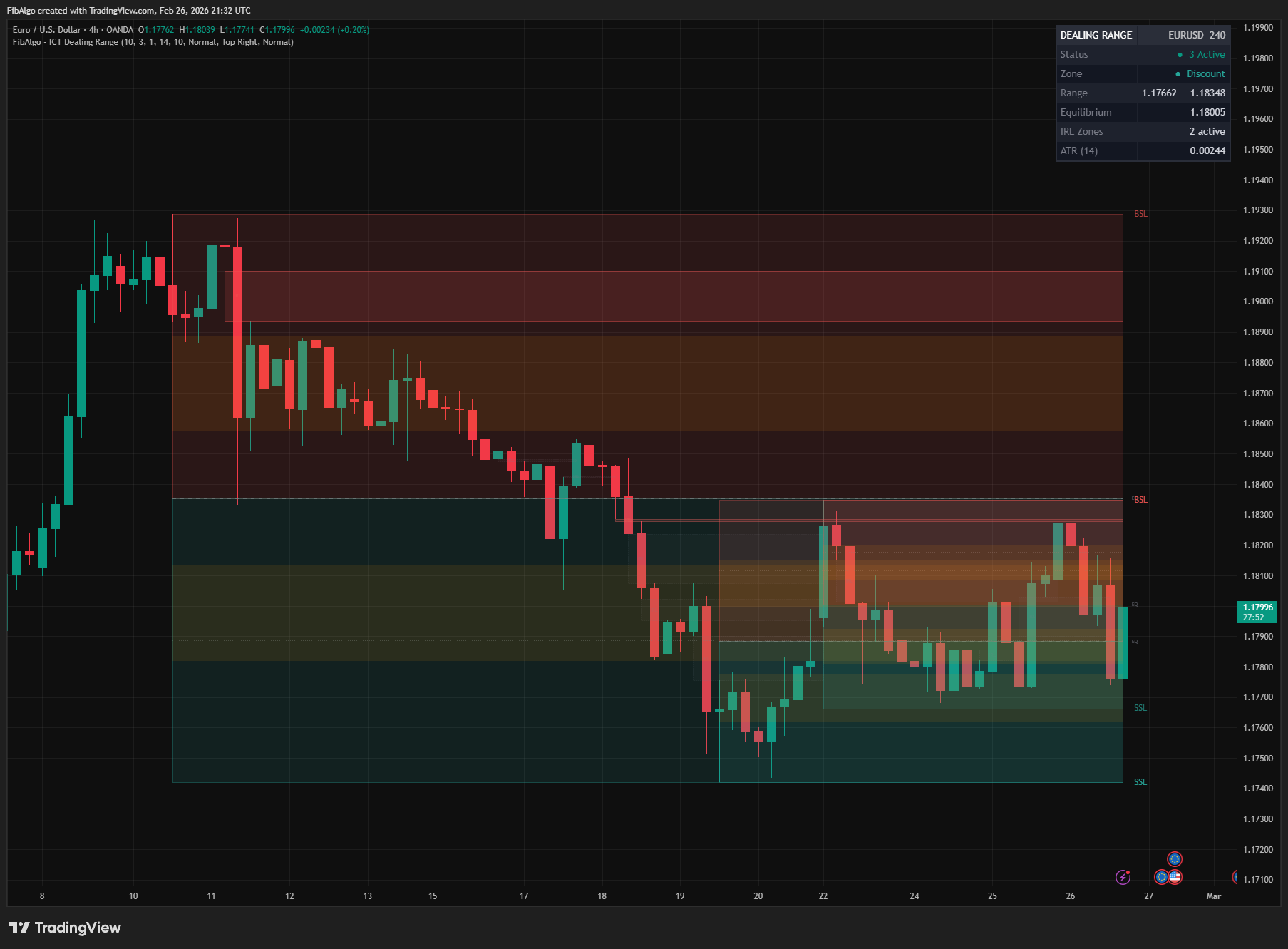
ICT Dealing Range
TradingView indicator that identifies ICT Dealing Ranges with Premium, Discount, and Equilibrium zones, plus internal and external range liquidity mapping.
See Details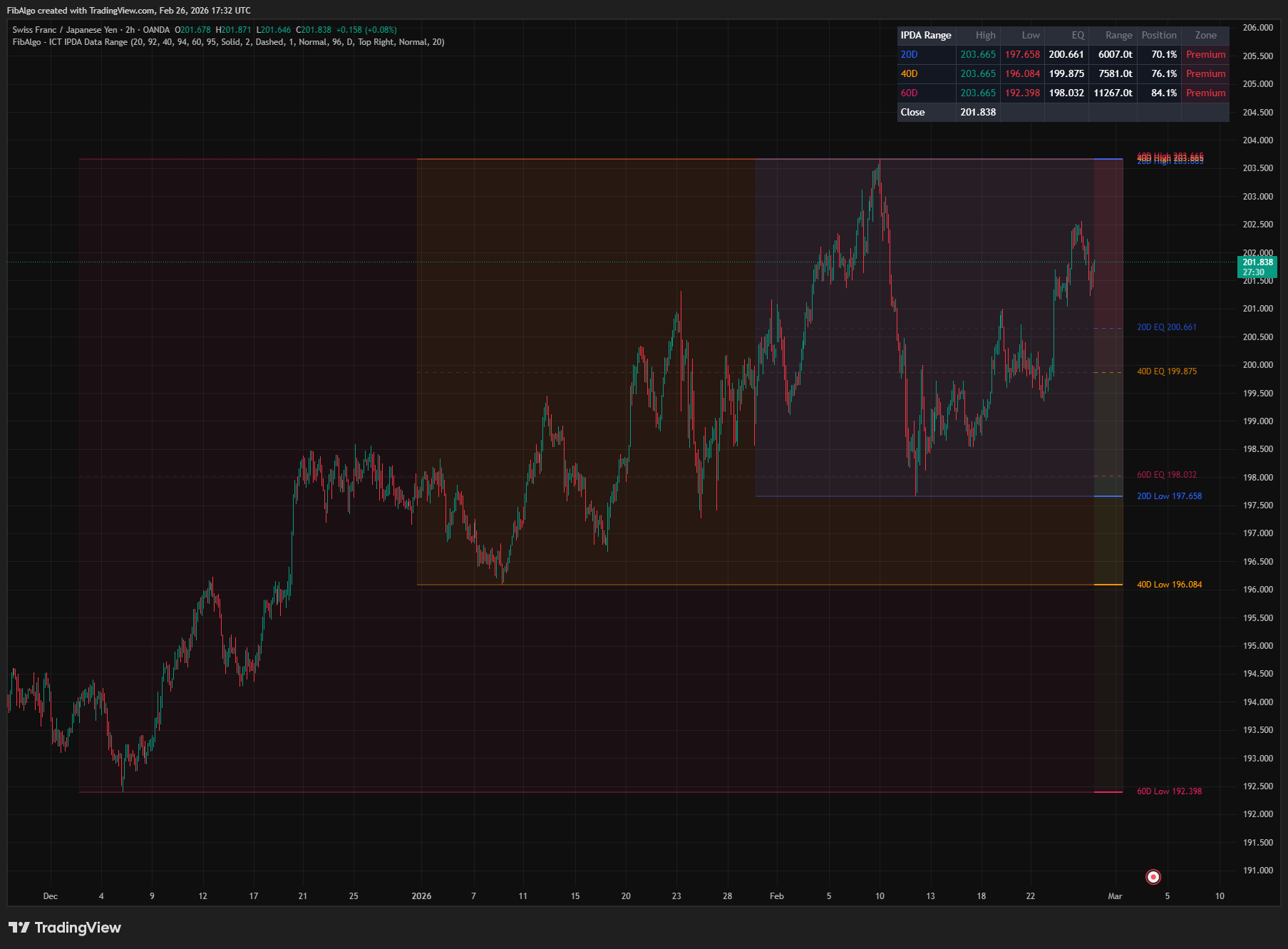
ICT IPDA Data Range
TradingView indicator that plots ICT IPDA Data Ranges — 20, 40, and 60 trading day lookback periods with equilibrium and Premium/Discount zones.
See Details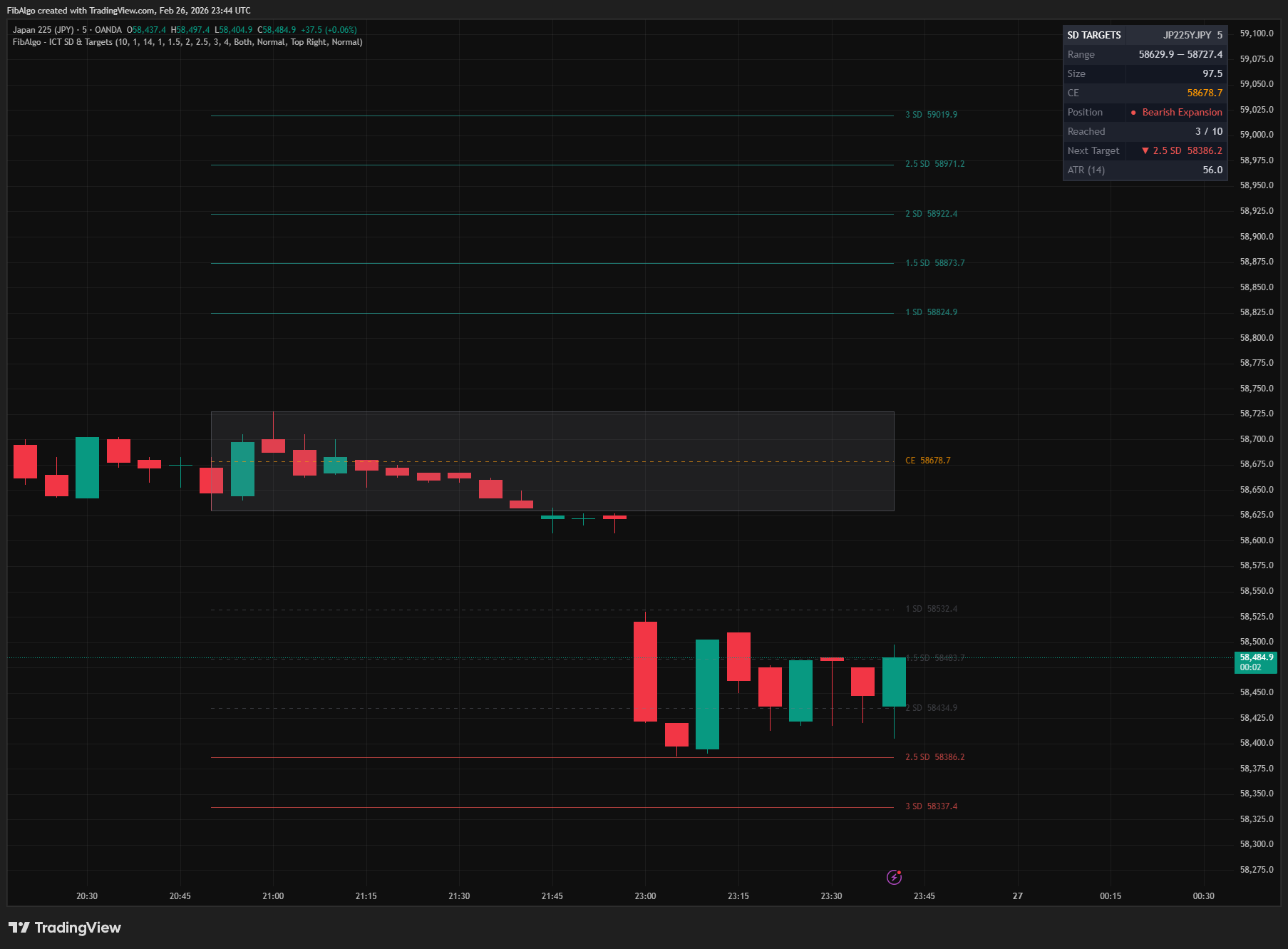
ICT Standard Deviation & Targets
TradingView indicator that projects ICT Standard Deviation extension levels from swing ranges for identifying potential price targets.
See Details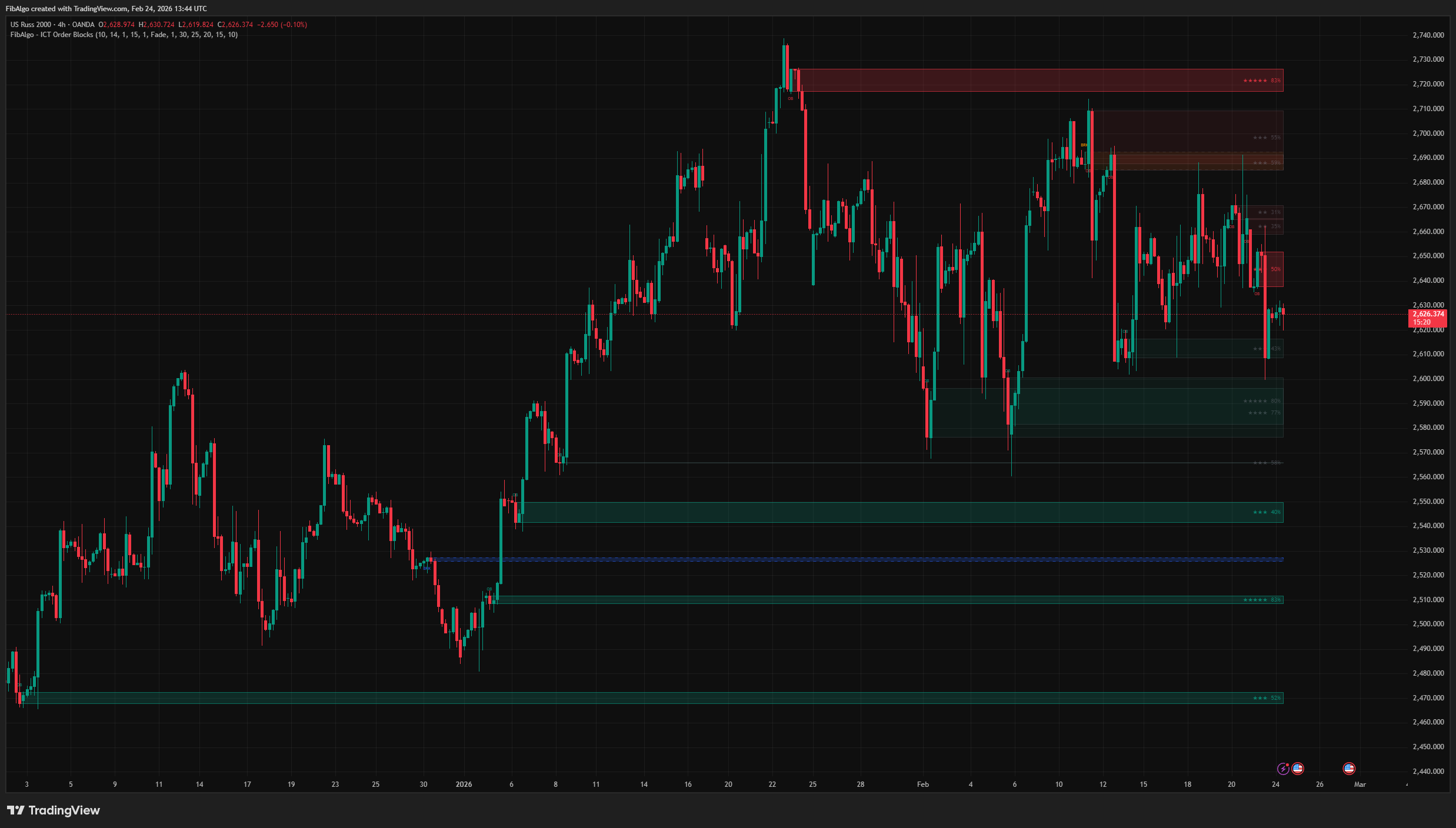
ICT Order Blocks
TradingView indicator that detects ICT Order Blocks, converts invalidated zones into Breaker Blocks, and provides institutional Strength Rating analysis.
See Details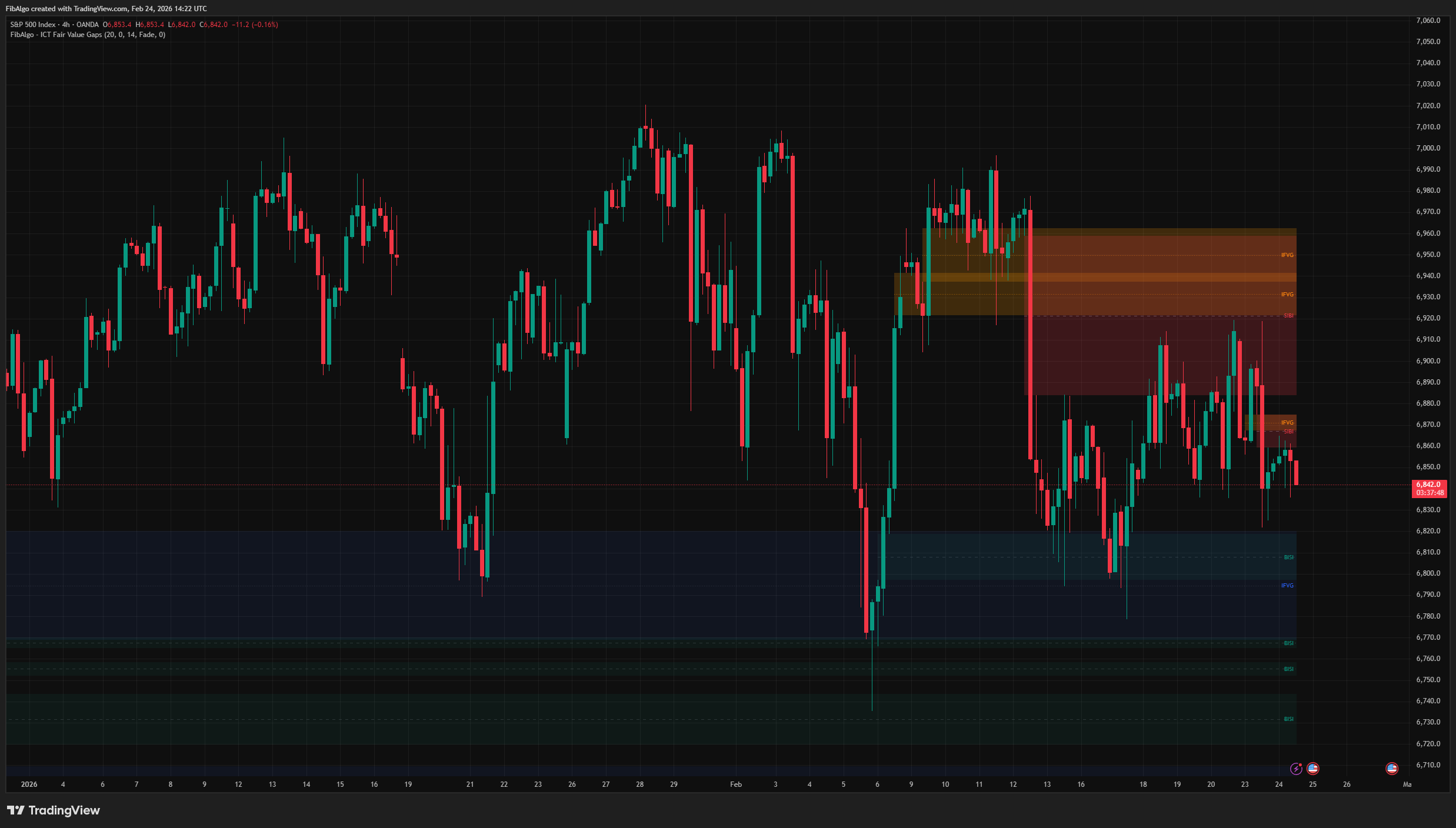
ICT Fair Value Gaps
TradingView indicator that detects ICT Fair Value Gaps (BISI/SIBI), draws CE midlines, identifies Inversion FVGs, and maps Balanced Price Range zones.
See Details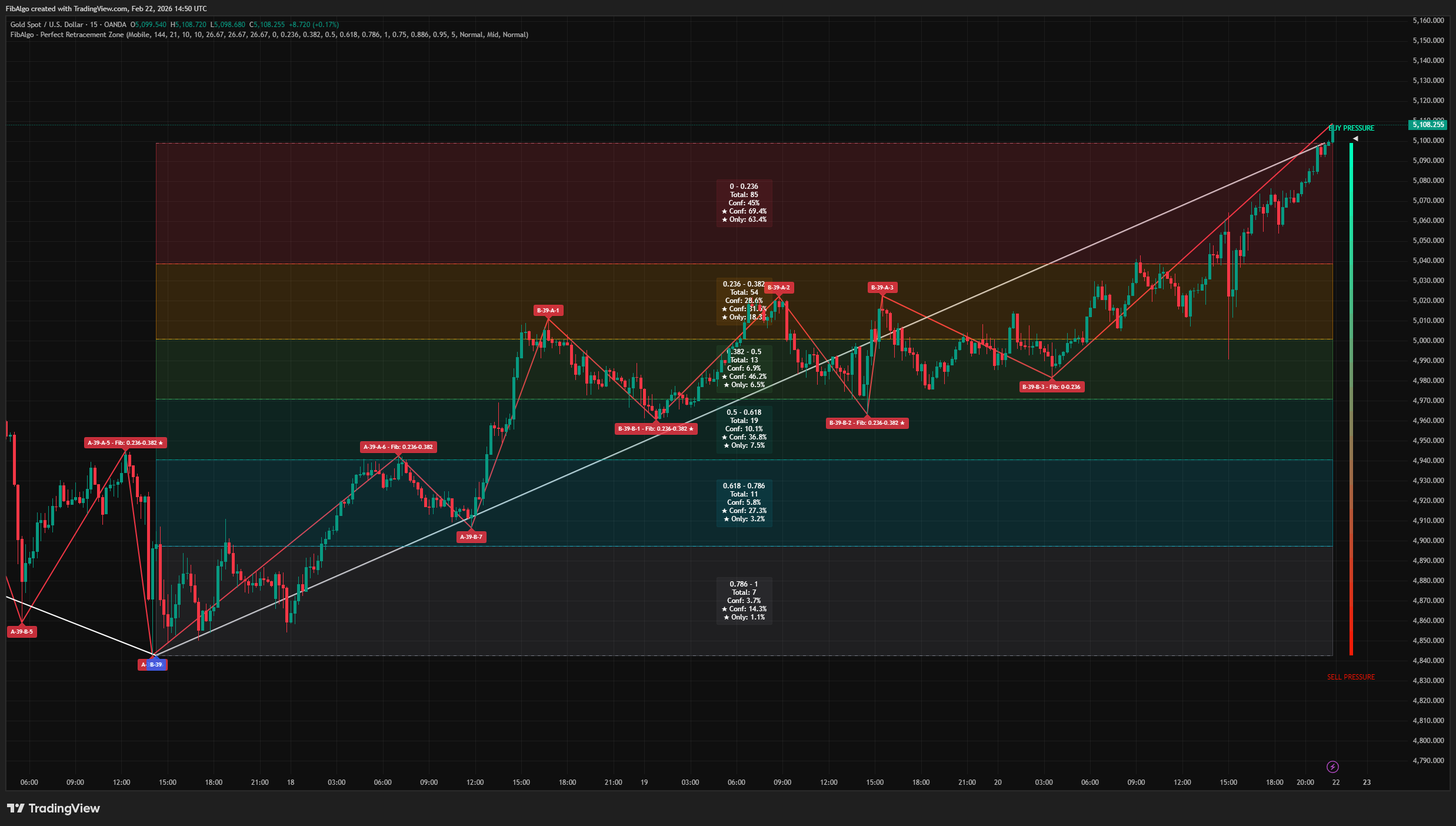
Perfect Retracement Zone
Dynamic Fibonacci retracement indicator for TradingView that identifies statistically significant support and resistance zones using pivot frequency analysis.
See Details