
Use this indicator directly on TradingView — the world's most popular charting platform.
What does the ICT Killzones indicator do?
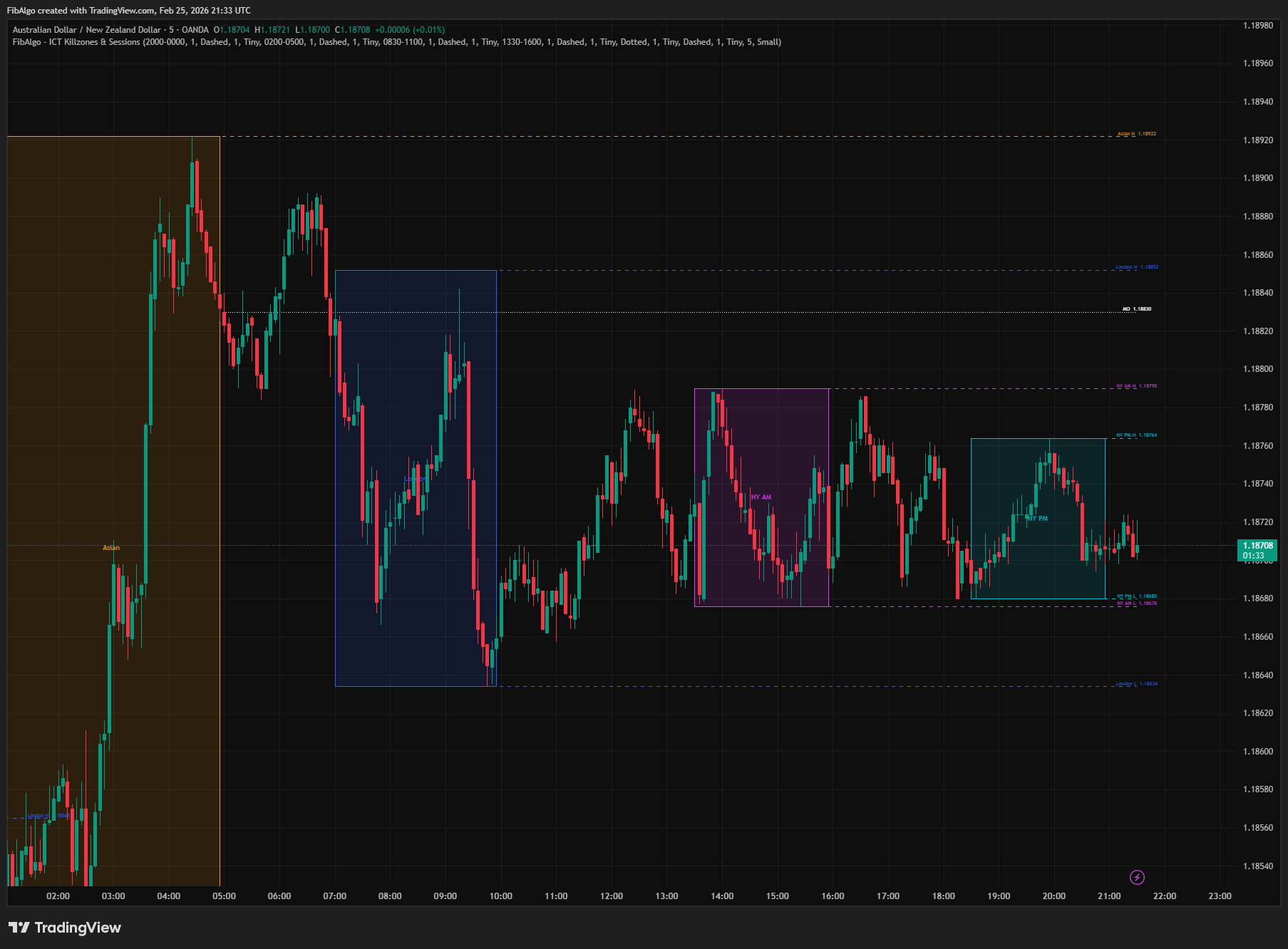
This indicator highlights ICT (Inner Circle Trader) Killzones — the specific time windows during the trading day when institutional order flow is most active. It draws colored session boxes for the Asian, London, New York AM, and New York PM killzones, tracks each session's high and low with extending lines, and plots the Midnight Open (MO) and True Day Open (TD) reference levels. Every visual element is independently configurable per killzone with its own color, line style, label, and toggle.
Key Concepts
- Asian Killzone (20:00–00:00 ET) — The Asian session establishes the initial range of the day. This range acts as a liquidity pool that London and New York sessions target — price often sweeps the Asian high or low before reversing. ICT traders use the Asian range as a reference for the day's directional bias.
- London Killzone (02:00–05:00 ET) — The London open is the most significant session transition. It frequently sets the high or low of the day (HOD/LOD). Institutional players use this window to run stops placed during the Asian session and establish the day's trend direction.
- New York AM Killzone (08:30–11:00 ET) — The highest-volume session, coinciding with the US equity open and major economic releases. NY AM often targets and sweeps the levels established during London, creating continuation or reversal setups.
- New York PM / London Close (13:30–16:00 ET) — The New York afternoon session. London has already closed by this time (ICT's separate London Close window is 10:00–12:00 ET, when London traders take profits). A second wave of activity occurs as positions are squared, and the daily range often completes or reverses during this window.
- Midnight Open (MO) — The price at 00:00 ET marks the start of the new calendar day. ICT uses this level as a directional filter: price trading above MO suggests bullish bias, below suggests bearish. Acts as an intraday support/resistance level.
- True Day Open (TD) — The price at 18:00 ET (6 PM) when CME futures open for the new trading day. This is ICT's "true" daily open — more significant than the midnight open for futures traders. It marks where institutional positioning begins for the new session.
How does the ICT Killzones indicator work?
1. Killzone Detection The indicator converts bar timestamps to Eastern Time (ET) and checks whether the current bar falls within each killzone's time window. Session times are fully configurable — you can adjust them from the settings panel. Overnight sessions (e.g., Asian 20:00–00:00) are handled correctly by detecting when start time is greater than end time. A bar also belongs to a killzone when the killzone's start time falls inside that bar, so on 1H–4H charts the bar that holds the start is included (for example the 08:00 bar that contains the 08:30 news candle on a 1H chart). A killzone ends on the bar that closes at or after its end time, and each trading day starts a new killzone even when there is no bar between two sessions (for example stocks without extended hours).
2. Session Boxes When a killzone begins, a colored box is drawn from the first bar's high/low. As the session progresses, the box expands rightward and adjusts its top/bottom to track the session's developing high and low. The killzone name is displayed centered inside the box. Box color, border width, and label size are all independently configurable per killzone.
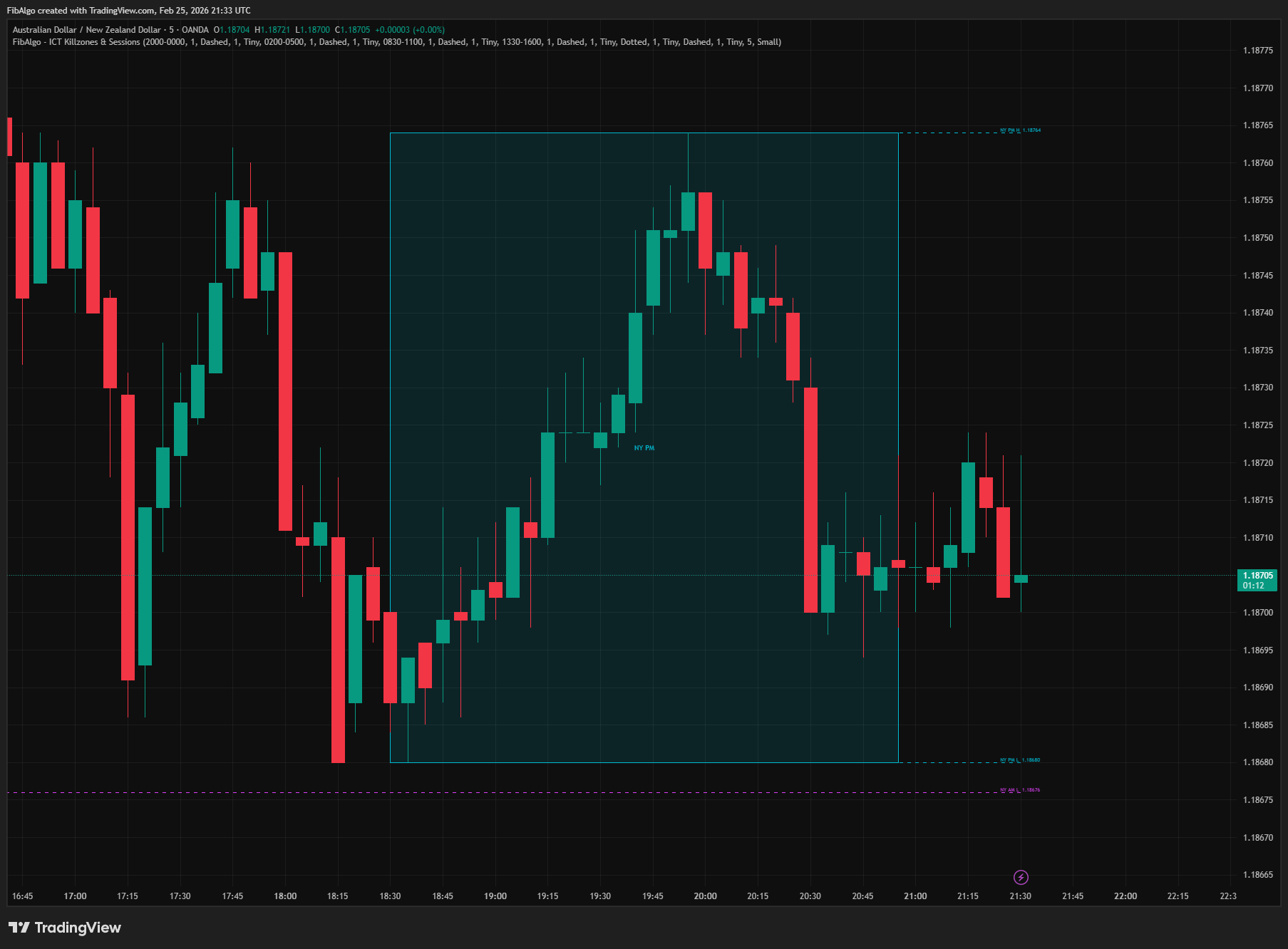
3. Session High/Low Lines Each killzone tracks its session high and low. Horizontal lines are drawn at these levels during the session and — when "Extend H/L Beyond Session" is enabled — continue extending after the session ends. Each line has its own color, style (Solid/Dashed/Dotted), and width settings. Labels at the line endpoints show the killzone name and exact price (e.g., "Asian H 1.0855").
4. Smart Line Extension Extended H/L lines do not run forever. Each line is monitored independently:
- When price closes above the session high, the high line stops extending — the level has been broken.
- When price closes below the session low, the low line stops extending.
- Each side (high/low) is independent — the high can break while the low continues extending.
- A "Session H/L Break" alert fires when a bar closes beyond the session high or low (if enabled). The break is decided on the closed bar, so a wick through the level does not trigger it, and the alert works even when the H/L lines are hidden or not extended.
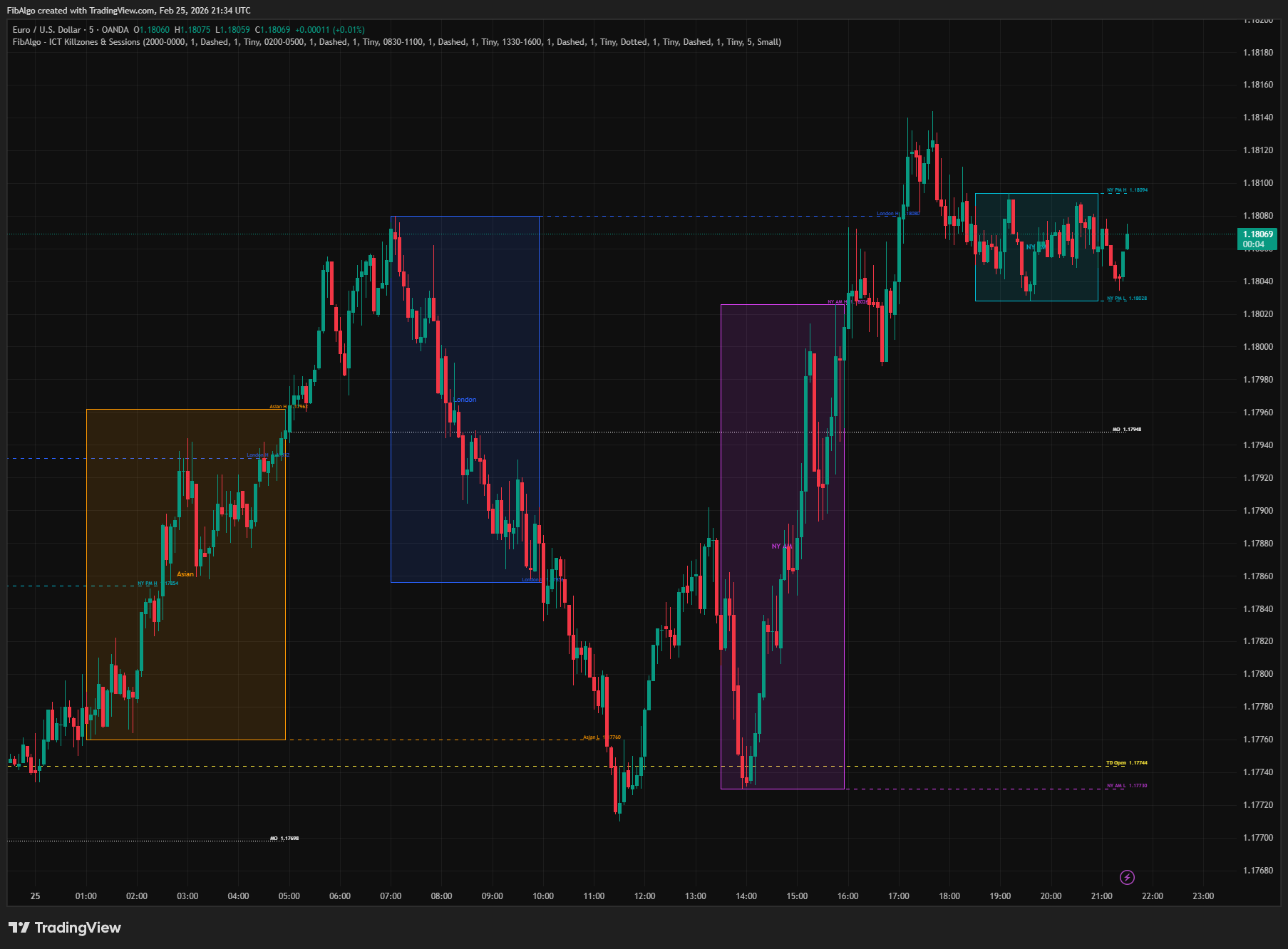
5. Midnight Open & True Day Open The Midnight Open line is drawn at the opening price of the first bar at or after 00:00 ET each day. The True Day Open line is drawn at the opening price of the first bar at or after 18:00 ET each day. Both levels extend rightward through the trading day. Multiple days of MO and TD lines are preserved on the chart (controlled by the History Days setting), matching the killzone box history. On a light chart background the default white MO and yellow TD colors are drawn in darker, readable colors; any color you pick yourself is used as is.
6. Touch Detection When price first returns to the MO or TD level (high >= level and low <= level) after it has traded fully away from it, a touch alert fires. The bar that creates the level always contains its own opening price, so it never counts as a touch. This signals that price is interacting with a key ICT reference level — potential support/resistance reaction point.
Features
- 4 ICT Killzones — Asian, London, New York AM, New York PM / London Close. Each with colored session boxes and centered killzone name labels.
- Per-Killzone Controls — Independent settings for each killzone: enable/disable, time window, box color, border width, H/L line color, line style, line width, label show/size, extend toggle.
- Session High/Low Lines — Horizontal lines at each session's high and low, updating in real time during the session.
- Smart Extension — H/L lines extend beyond the session until price closes beyond the level. High and low tracked independently — broken side stops, intact side continues.
- Midnight Open (MO) — 00:00 ET opening price. ICT directional bias filter — bullish above, bearish below.
- True Day Open (TD) — 18:00 ET opening price. The institutional daily open for futures markets.
- Multi-Day History — Configurable history depth (1–30 days), counted back from the last bar on the chart. Killzone boxes, MO lines, and TD lines all respect the same history window, and older drawings are removed as new days are added.
- Configurable Time Windows — All killzone times are adjustable via input.session() — adapt to your specific market or trading style.
- Overnight Session Support — Asian killzone (20:00–00:00) and similar cross-midnight sessions handled correctly.
- Timeframe Guard — Automatically detects non-intraday charts and displays a warning message. Killzones only render on intraday timeframes.
- Touch Detection — Alerts when price first returns to the Midnight Open or True Day Open level after trading away from it.
- Advanced Alert System — 11 individual alert toggles: Start/End for each killzone (8), MO Touch, TD Touch, Session H/L Break. Master enable toggle. Events of several killzones on the same bar are combined into one alert message.
- Clean Visual Design — Opaque line colors (separate from transparent box fills), centered box labels, flat label style (no balloon) placed just right of the line end so the line never crosses the text, minimal chart clutter.
How to use the ICT Killzones indicator
- Identify Active Sessions: Colored boxes show exactly when each killzone is active. Focus your trading during these windows — this is when institutional order flow creates the largest moves.
- Asian Range as Target: Mark the Asian session high and low. During London and NY, watch for price to sweep one side of the Asian range — this often precedes the day's directional move.
- London Sets the Day: The London killzone frequently establishes the HOD or LOD. If London sweeps the Asian high and reverses, the day is likely bearish (and vice versa).
- NY AM for Entries: Use the NY AM killzone for trade entries. It often targets London's high or low, creating displacement moves into Order Blocks and Fair Value Gaps.
- MO and TD as Bias Filters: If price is above both MO and TD, bullish bias is confirmed. Below both, bearish. Mixed signals suggest ranging conditions or pending reversal.
- H/L Break Alerts: When a session's H/L line stops extending (level broken), it confirms that the liquidity at that level has been taken. Use this as confirmation for continuation or reversal.
- Combine with ICT Tools: Killzones tell you WHEN to trade. Pair with Order Blocks (WHERE price reacts), Fair Value Gaps (WHERE price rebalances), Liquidity Levels (WHERE stops rest), and Market Structure (WHICH direction) for complete ICT analysis.
Limitations
- This indicator is designed for intraday timeframes only (1m to 4H). On daily or higher charts, killzone detection cannot function — the indicator displays a warning message and disables rendering. On 1H–4H charts a killzone starts with the bar that contains its start time, so the box and its high/low can begin up to one bar before the exact start, and the start alert fires at that bar's open.
- Session times are in Eastern Time (ET / America/New_York). They automatically adjust for US Daylight Saving Time. If you trade instruments in other timezone conventions, adjust the time windows accordingly.
- Midnight Open captures the opening price of the first bar at or after 00:00 ET. On higher intraday timeframes (e.g., 4H), this may not be exactly midnight — it will be the first available bar's open.
- True Day Open captures the opening price at or after 18:00 ET. On charts that do not have bars at 18:00 (weekend gaps, holidays, or instruments with limited hours), the TD line may not appear for that day.
- The "Extend H/L Beyond Session" feature stops a line when close breaks the level. A wick beyond with close inside does not stop extension — only a closing break counts. On the live bar the break is decided when the bar closes, and the killzone end and H/L break alerts are sent at bar close.
- This indicator marks time-based killzones and key opening levels — it does not generate buy/sell signals. Use it alongside Order Blocks, Fair Value Gaps, Liquidity Levels, and Market Structure analysis for complete ICT trade setups.
Trading involves risk. This indicator is an analysis tool, not financial advice: use it alongside your own analysis and risk management.
Release notes
v2.0LatestTouch, break and killzone timing fixes
Midnight Open and True Day Open touch alerts no longer fire on the bar that draws the level, session breaks need a closed bar, and killzones on 1H to 4H charts now start on the bar that holds the start time.
After updating
- Delete and re-create your alerts for this indicator with the "Any alert() function call" condition. TradingView alerts keep running the script version they were created with.
- Charts that already have the indicator may keep the old text sizes. The new Normal defaults apply when you add the indicator again or choose Reset settings.
Fixed
- Midnight Open and True Day Open touch alerts no longer fire on the bar that draws the level. A touch now counts when price returns to the level after trading away from it.
- Session H/L Break alerts no longer fire on intrabar wicks. A break needs a bar close beyond the level, and the alert also works with the H/L lines hidden.
- When several killzones trigger on the same bar, their alerts are sent together in one message instead of only the first one arriving.
- Killzones on 1H to 4H charts were missing or started late. The bar that holds the start time is now included, so 4H forex charts show London and NY PM again.
- The oldest day was cut off mid-session and weekend days shortened the history. History now counts back from the last bar, and older drawings are removed.
Improved
- Killzone end detection: on stocks without extended hours, the NY PM end alert no longer arrives the next morning.
- Labels default to Normal size and sit right of the line end, and the Midnight Open and True Day Open colors stay readable on light charts.
- The NY PM tooltip no longer says London closes in that window; ICT's London Close window is 10:00 to 12:00 ET.
Frequently Asked Questions
What are ICT killzones?
ICT killzones are the windows of the trading day in which, according to ICT, institutional order flow is most active and the day's significant moves tend to start. This indicator marks four of them in New York time: the Asian, London, New York AM and New York PM killzones. Each one is drawn as a box that tracks the session's high and low, so you can see what every session did and which levels it left behind.
What are the ICT killzone times?
In New York time: Asian 20:00–00:00, London 02:00–05:00, New York AM 08:30–11:00 and New York PM 13:30–16:00. Every window can be changed in the settings. The indicator works in New York time and adjusts for US daylight saving automatically, so the boxes stay on the right bars whatever time zone your chart uses.
What are the killzone times in UTC?
While US daylight saving time is in effect: Asian 00:00–04:00, London 06:00–09:00, New York AM 12:30–15:00 and New York PM 17:30–20:00 UTC. The rest of the year every window is one hour later in UTC: Asian 01:00–05:00, London 07:00–10:00, New York AM 13:30–16:00 and New York PM 18:30–21:00. Because the indicator calculates in New York time, you never have to shift the windows by hand.
Which killzone is the most important?
ICT describes the London open as the most significant session transition: the London killzone often sets the high or the low of the day by running the stops left during the Asian session. The New York AM killzone is the highest-volume window, overlapping the US equity open and major economic releases, and often targets the levels London created. Many ICT traders read the day's direction from London and look for entries in New York AM.
How do you use the Asian range in ICT trading?
The Asian session builds the day's first range, and its high and low act as liquidity pools. During London and New York, watch for price to sweep one side of that range: a sweep of the Asian high followed by a reversal points to a bearish day, and a sweep of the low to a bullish one. The indicator keeps extending each session's high and low until a candle closes beyond it, which confirms that the liquidity there was taken.
What are the Midnight Open and True Day Open lines?
The Midnight Open is the opening price at 00:00 New York time, and the True Day Open is the price at 18:00 New York time, when CME futures open the new trading day. ICT uses both as bias filters: price above both suggests a bullish bias, below both a bearish one, and mixed readings point to a range or a pending reversal. The indicator draws both lines and can alert when price first returns to each one after trading away from it.
Learn More
- Smart Money Concepts (SMC): How Institutional Traders Move MarketsLearn Smart Money Concepts including order blocks, fair value gaps, liquidity sweeps, and breaker blocks. Understand how institutions trade.
- Risk Management in Crypto Trading: The Complete Survival GuideMaster position sizing, stop losses, portfolio allocation, and emotional discipline for crypto trading. Learn why risk management matters most.
- Technical Analysis for Crypto Trading: The Definitive GuideLearn technical analysis from basics to advanced for cryptocurrency trading. Master chart patterns, indicators, volume analysis, and multi-timeframe strategies.
Start Using ICT Killzones & Sessions
This indicator is free to use on TradingView. Add it to your charts and use it alongside your own analysis.
Related indicators
View All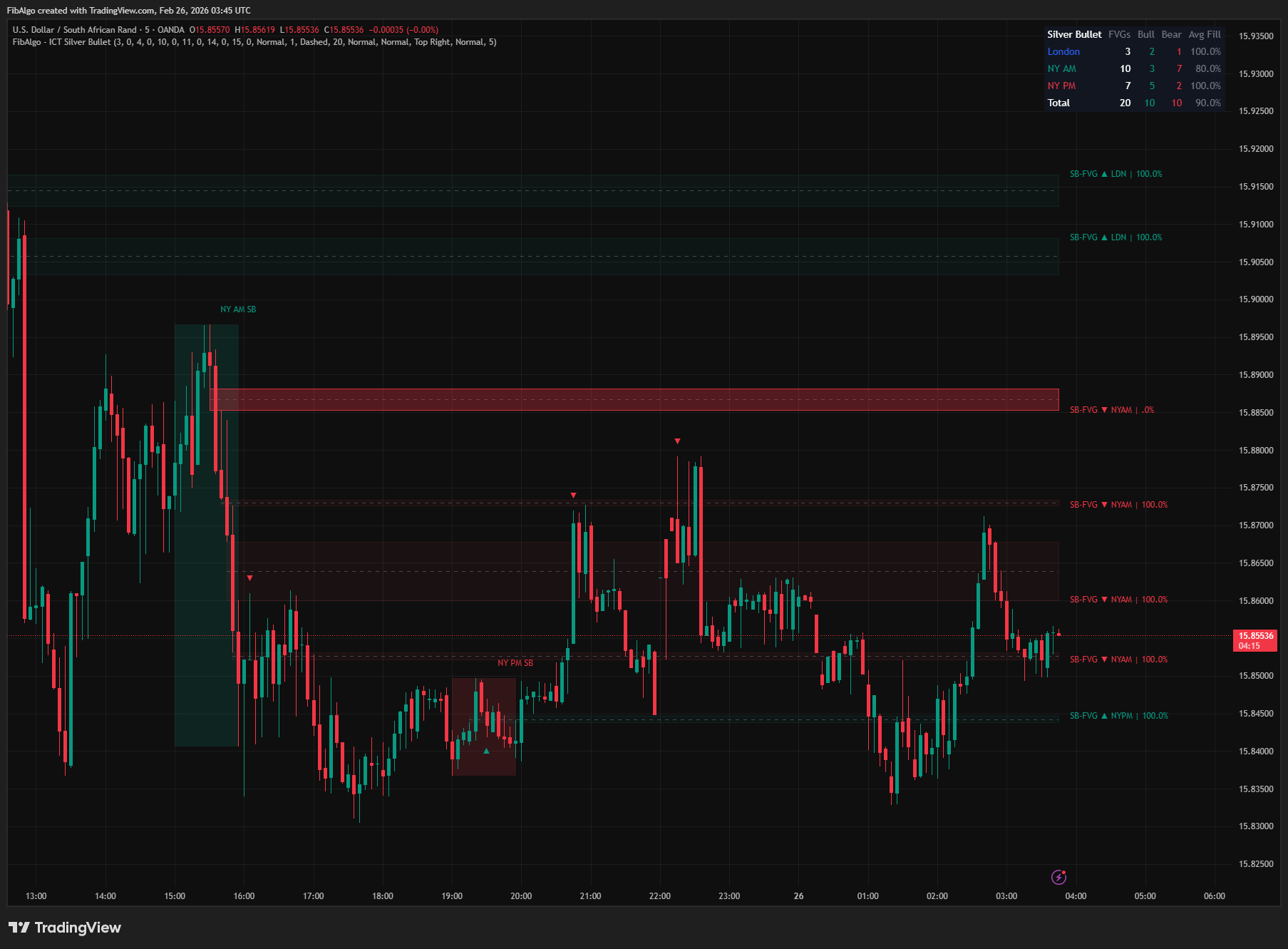
ICT Silver Bullet
TradingView indicator that identifies ICT Silver Bullet windows — London, NY AM, and NY PM — and detects Fair Value Gaps with CE entry signals.
See Details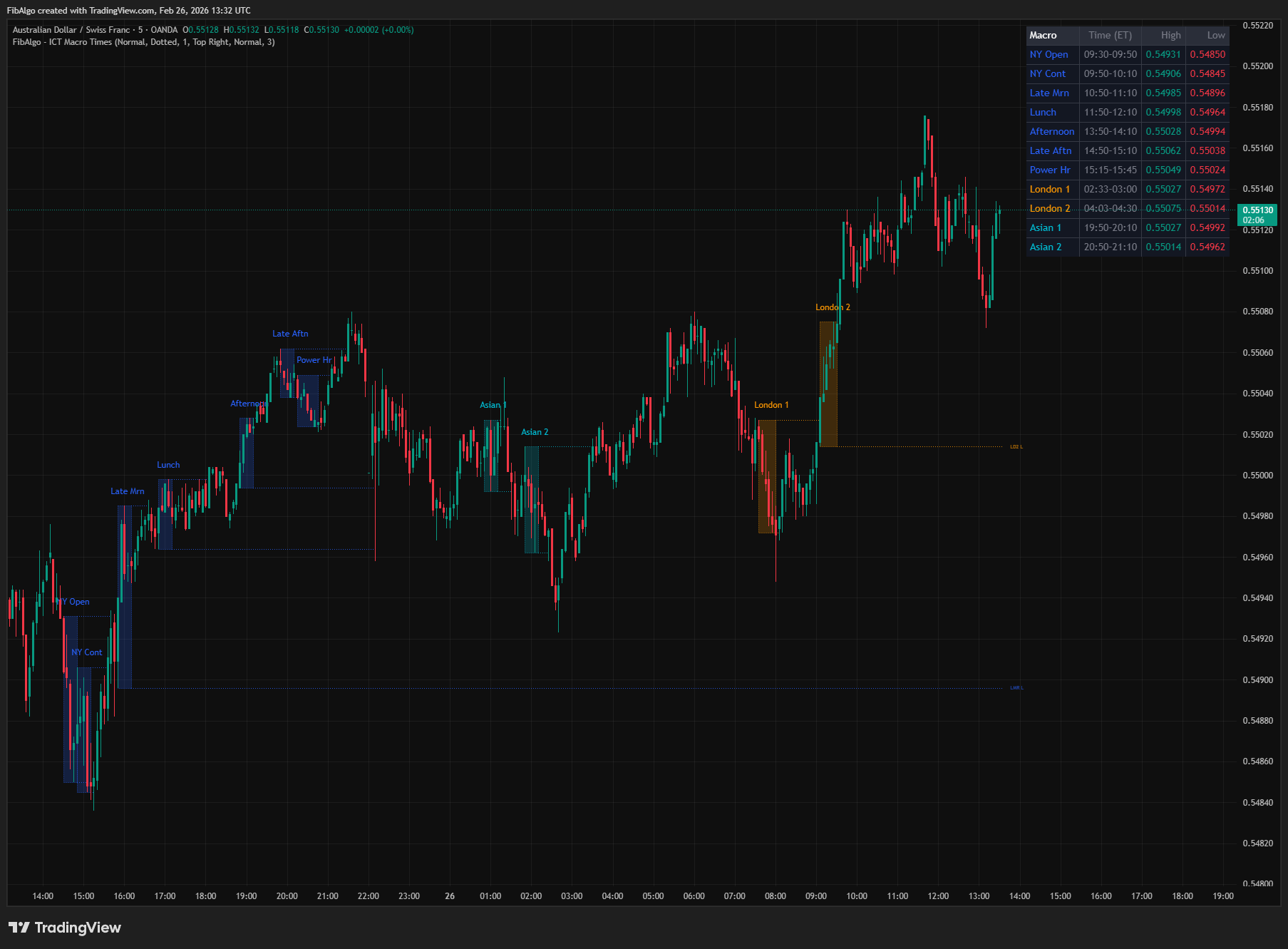
ICT Macro Times
TradingView indicator that highlights the 8 standard ICT Macro Time windows plus 5 additional windows — specific intraday periods where algorithmic price delivery concentrates.
See Details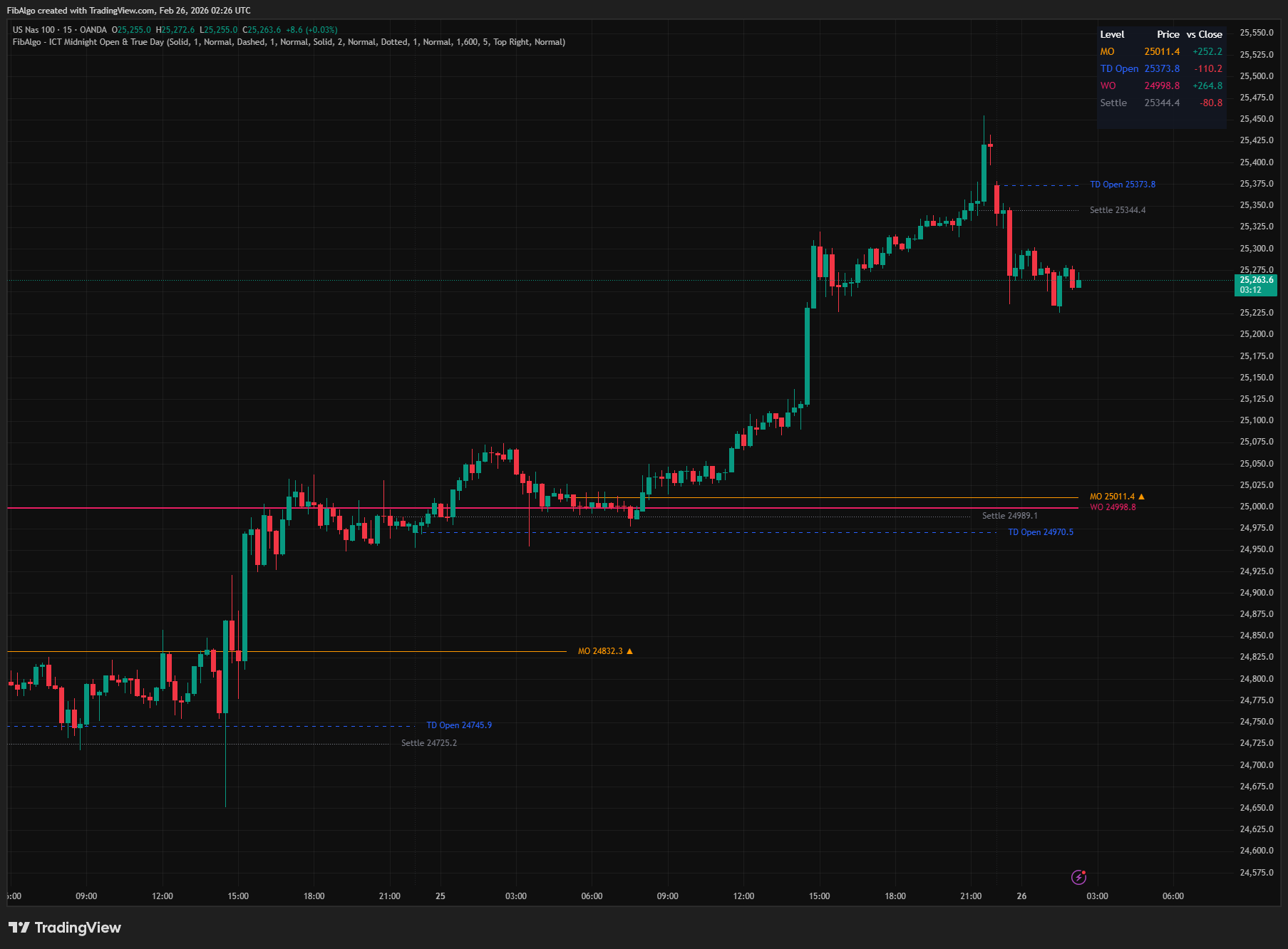
ICT Midnight Open & True Day
TradingView indicator that plots ICT Midnight Open, True Day Open, Weekly Open, and Settlement Price with directional bias analysis.
See Details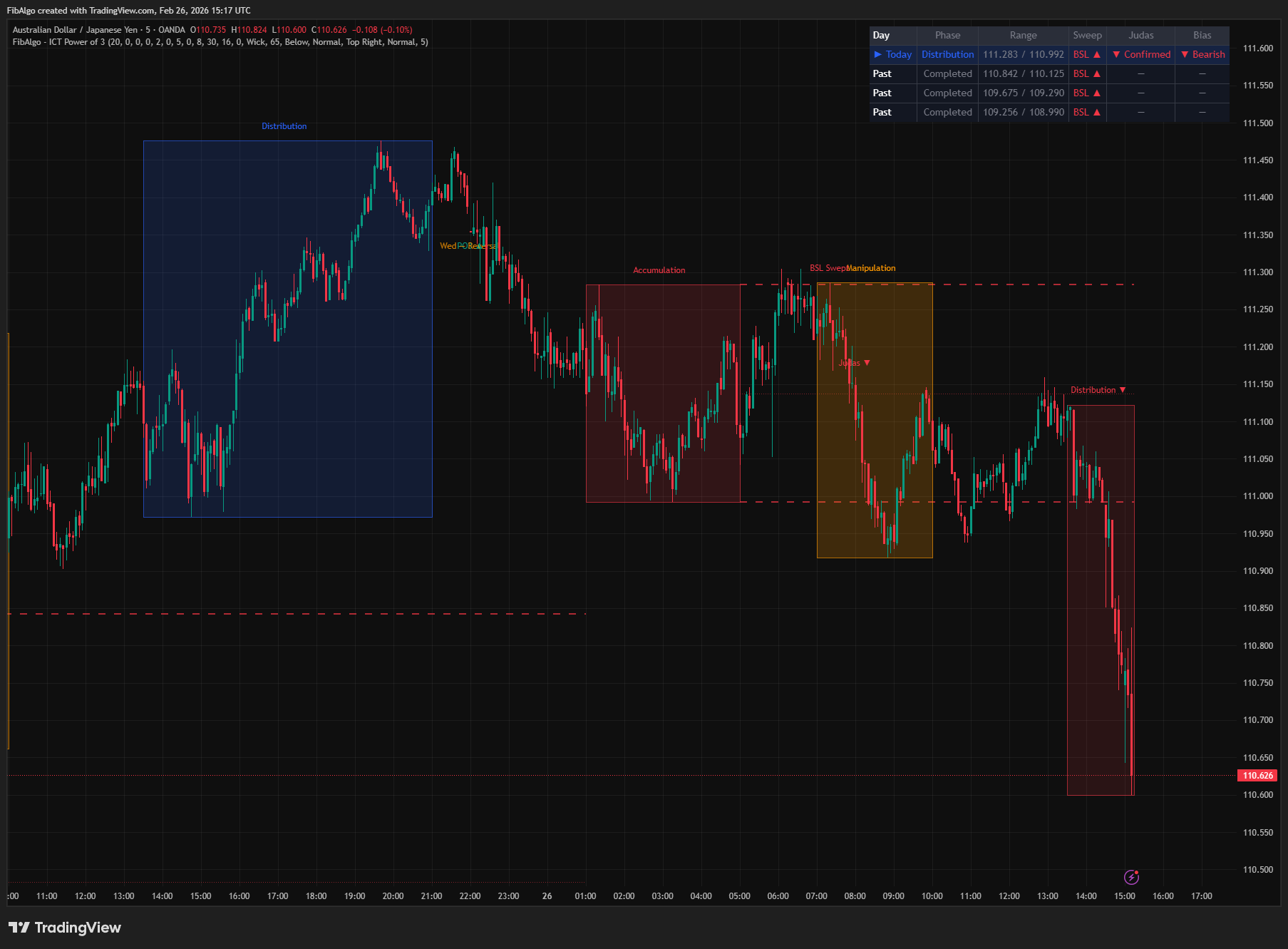
ICT Power of 3
TradingView indicator that visualizes the ICT Power of 3 daily cycle — Accumulation, Manipulation, and Distribution across Asia, London, and New York.
See Details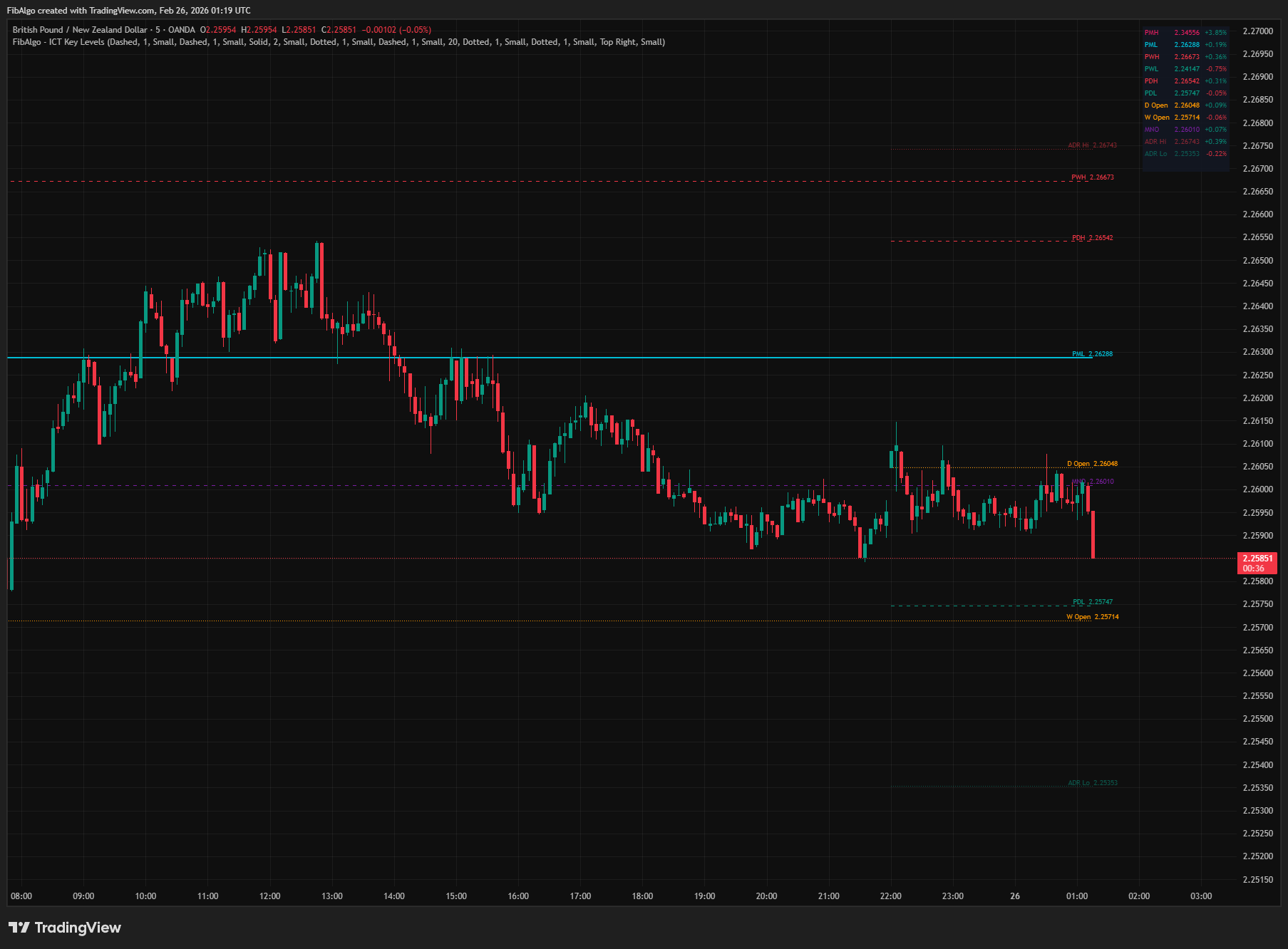
ICT Key Levels
TradingView indicator that draws ICT institutional reference levels — Previous Day/Week/Month High/Low, Daily Opens, Midnight Open, and ADR lines.
See Details
ICT Opening Gaps
TradingView indicator that detects ICT Opening Gaps — NWOG, NDOG, and OPG — displayed as colored zones with CE midlines and gap fill tracking.
See Details