
Use this indicator directly on TradingView — the world's most popular charting platform.
What does the ICT Opening Gaps (NWOG & NDOG) indicator do?
This indicator automatically detects and draws the three key ICT opening gap types: New Week Opening Gap (NWOG), New Day Opening Gap (NDOG), and Opening Price Gap (OPG). Each gap is displayed as a colored zone with a Consequent Encroachment (CE) midline. The indicator tracks gap fill progress in real time and shows historical gaps with configurable depth. A status table summarizes the latest gap from each type.
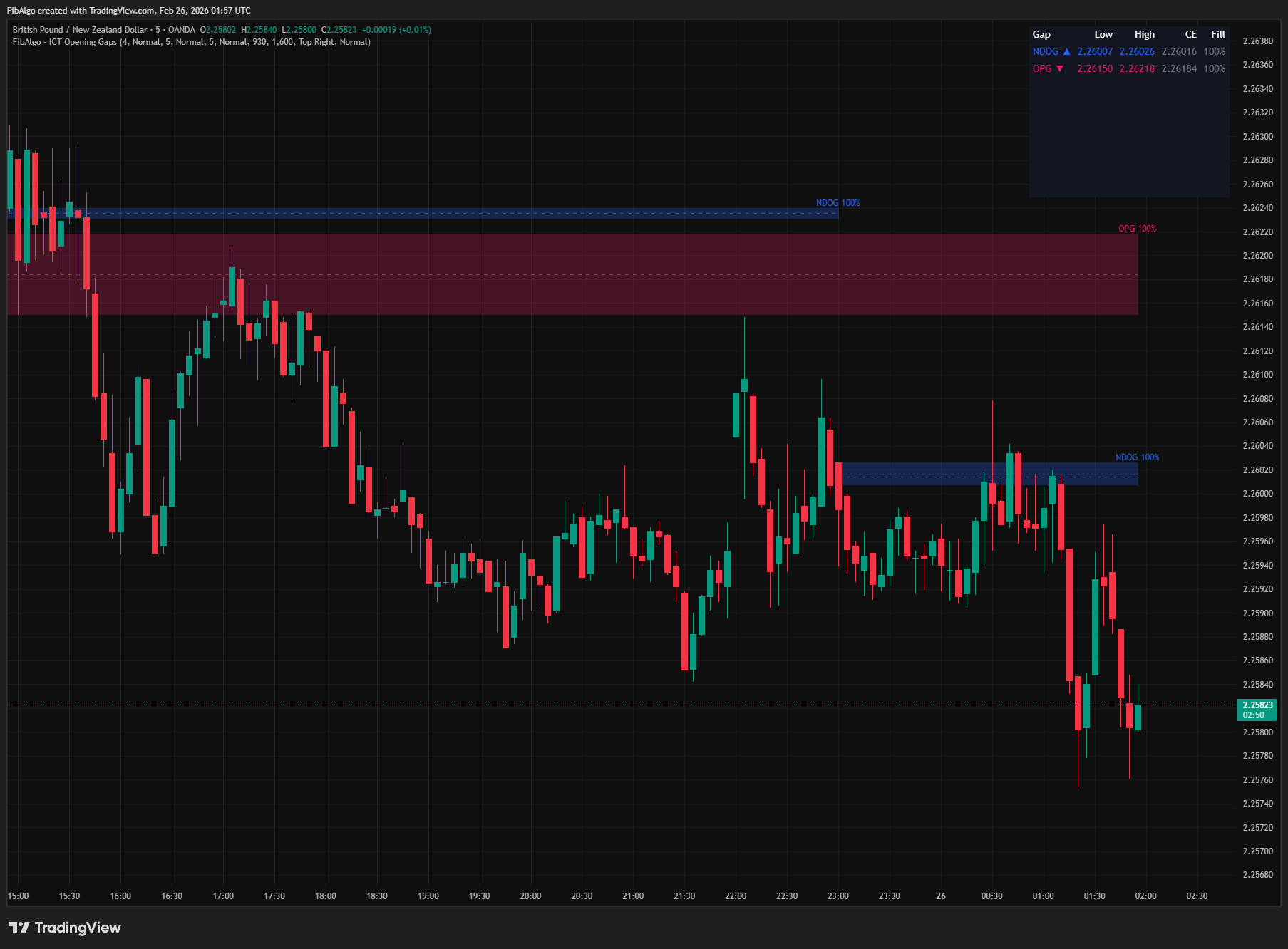
Key Concepts
- NWOG (New Week Opening Gap) — The price gap between the last close of the trading week and the first open of the new week. On CME futures this is Friday's close (5:00 PM ET) and Sunday's open (6:00 PM ET). This gap represents the change in institutional positioning over the weekend. Price often revisits the NWOG during the week, and it acts as a magnet level, support, or resistance.
- NDOG (New Day Opening Gap) — The price gap between the previous day's close (5:00 PM ET) and the current day's open (6:00 PM ET) in futures markets. This gap reflects overnight institutional activity and tends to fill during the following session. ICT treats these as key reference zones for intraday trading.
- OPG (Opening Price Gap) — The gap between Regular Trading Hours (RTH) close and the next RTH open. This is the traditional "opening gap" seen on equity and futures charts. RTH times are user-configurable (default: 9:30 AM – 4:00 PM ET).
- Consequent Encroachment (CE) — The 50% midpoint of any gap zone. In ICT methodology, the CE level is where price is most likely to react within a gap. It acts as a "fair value" reference within the gap range.
- Gap Fill Tracking — The indicator measures how much of each gap has been filled as price moves through it. A gap is considered 50% filled at the CE level and 100% filled when price has traded through the entire zone.
How does the ICT Opening Gaps (NWOG & NDOG) indicator work?
1. NWOG (New Week Opening Gap) The indicator finds the first bar of each new trading week from the symbol's own session and compares its open with the last close of the previous week. On CME futures this is Friday's 5:00 PM ET close against Sunday's 6:00 PM ET open; on forex it is the Friday and Sunday 5:00 PM ET session boundary; on stocks it is Friday's close against Monday's open. The gap between these two prices is drawn as a colored box — green for a bullish gap (new week open above the previous close) and red for a bearish gap. If the gap is 1 tick or smaller, it is not drawn. NWOGs are detected on intraday, daily and weekly charts. Multiple historical NWOGs can be displayed simultaneously (configurable from 1 to 20).
2. NDOG (New Day Opening Gap) The indicator finds the first bar of each new trading day from the symbol's own session and compares its open with the previous bar's close. On CME futures this is the 5:00 PM ET close (end of the ICT True Day) against the 6:00 PM ET open (start of the new True Day), after the daily halt. On daily charts the NDOG is the previous close against the current open. NDOGs are not drawn on weekly or higher charts. So that the same gap is never drawn twice, the NDOG is skipped where it would repeat another gap type: the first gap of the week is shown as the NWOG, and on charts whose trading day starts at the RTH open (for example stocks without extended hours) the daily gap is shown as the OPG. If the NWOG or OPG is hidden, the NDOG shows that gap instead. NDOGs appear daily and are the most frequent gap type.
3. OPG (Opening Price Gap) The OPG tracks the gap between the RTH close and RTH open. RTH start and end times are configurable in settings (default: 9:30 AM and 4:00 PM ET for US equities). For CME equity-index futures (ES/NQ/YM), set RTH End to 1615: ICT's Opening Range Gap uses the 4:15 PM ET close. The indicator finds the first bar that opens at the RTH start and compares its open with the close of the last bar of the previous RTH session. This works on charts with and without extended hours, and with sessions that cross midnight ET (set an end time earlier than the start time). On charts without extended hours the first RTH open of the week is also the new week's open; that gap is drawn once, as the NWOG, or as the OPG when the NWOG is hidden. The OPG needs an intraday timeframe with a bar that opens exactly at the RTH start (for example 1, 5, 15 or 30 minutes for a 09:30 start); on other timeframes no OPG is drawn rather than a misplaced one. This gap type is relevant for instruments with clearly defined regular trading hours.
4. Consequent Encroachment Each gap zone has an optional CE line drawn at the 50% level. The CE is the midpoint between the gap's high and low edges. It serves as the primary reaction level within any gap — price reaching the CE has effectively "encroached" upon the gap's fair value. CE lines use a dashed style for visual distinction.
5. Gap Fill Tracking The indicator continuously tracks how much of each gap has been filled:
- Fill tracking includes the bar on which the gap opens, since all of that bar's trading happens after the open that creates the gap
- For bullish gaps: fill is measured from the top down (how far price has dropped into the gap)
- For bearish gaps: fill is measured from the bottom up (how far price has risen into the gap)
- Fill percentage is persistent — it only increases, never decreases. Once a gap reaches 60% fill, it stays at 60% even if price moves away. This reflects the ICT principle that a gap fill is a permanent event
- Fill percentage is displayed on the label (optional) and shown in the summary table
- Alerts trigger once per gap at 50% fill and 100% fill — each alert fires exactly once per gap instance to avoid duplicates
- CE touch, 50% and 100% fill alerts are checked when the bar closes, using the bar's full high and low. If several gaps reach an event on the same bar, they arrive together in one alert message, one line per event
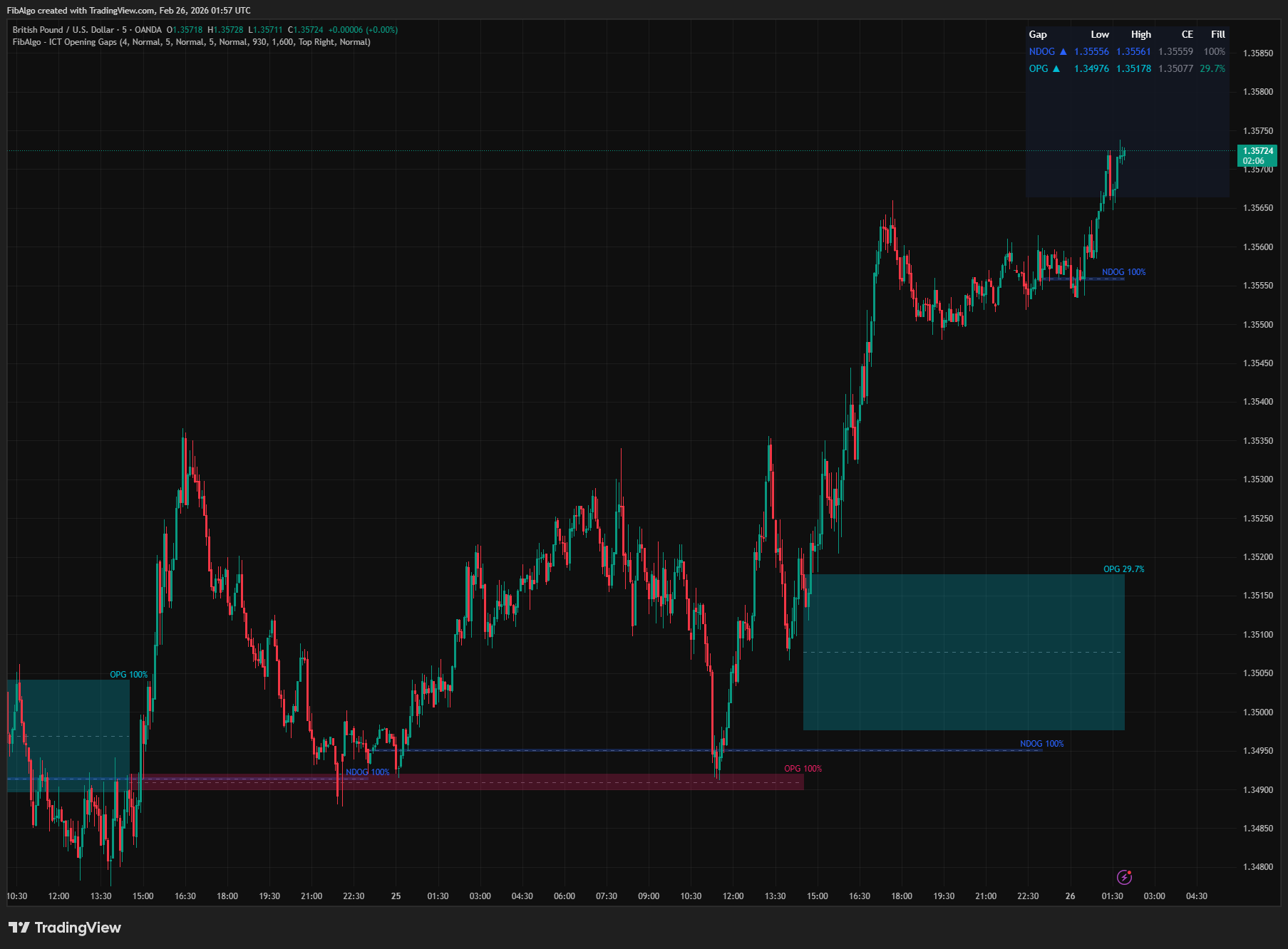
6. Summary Table A real-time table shows the latest gap of each active type (NWOG, NDOG, OPG) with five columns: gap type and direction, low edge, high edge, CE level, and current fill percentage. Fill is color-coded: green for open gaps, orange for 50%+ filled, gray for fully filled. Table position and text size are configurable.
Features
- NWOG Detection — Automatic detection of the gap between the last close of the week and the first open of the new week (Friday 5:00 PM ET to Sunday 6:00 PM ET on futures). Works on intraday, daily and weekly charts. Bullish/bearish color-coded. Configurable history depth (1–20 weeks).
- NDOG Detection — Daily gap between the 5:00 PM ET close and the 6:00 PM ET open on futures (True Day transition), taken from the symbol's own trading-day boundary. Works on all intraday timeframes and uses the close-to-open gap on daily charts.
- OPG Detection — RTH close to RTH open gap. Configurable RTH session times (default 9:30–16:00 ET), including sessions that cross midnight ET. Works with or without extended hours.
- Consequent Encroachment Lines — Dashed midline on every gap zone showing the 50% level. Togglable per gap type with independent color control.
- Gap Fill Tracking — Persistent, real-time fill percentage for every gap, counted from the bar on which the gap opens. Fill only increases (never resets). Displayed on labels and in the summary table.
- Historical Gap Display — Show multiple past gaps per type (1–20). Older gaps that exceed the history limit are automatically cleaned up.
- Bullish/Bearish Coloring — Each gap type has independent bullish and bearish colors. Bullish = gap up, bearish = gap down.
- Extend Mode — Choose between extending gap zones to the current bar or keeping them at their natural width (until the next gap of the same type).
- Per-Group Label Size — Each gap type has an independent Label Size setting (Tiny/Small/Normal).
- Summary Table — Displays latest gap of each type with direction, price range, CE level, and fill status. Configurable position and text size.
- Comprehensive Alerts — 6 alert types: New NWOG Formed, New NDOG Formed, New OPG Formed, CE Level Touch, Gap 50% Filled, Gap Fully Filled (100%). All alerts include symbol, timeframe and the gap's price levels. CE Level Touch fires once when price touches a CE and again only after at least one bar that did not touch it. New gap alerts fire as soon as the gap forms; CE touch and fill alerts are sent at bar close, with all events of that bar in one message. Alerts cover the gap types that are displayed.
- Timezone-Safe — RTH detection uses America/New_York time functions, and week and day changes follow the symbol's own trading session. Works correctly regardless of the user's chart timezone setting.
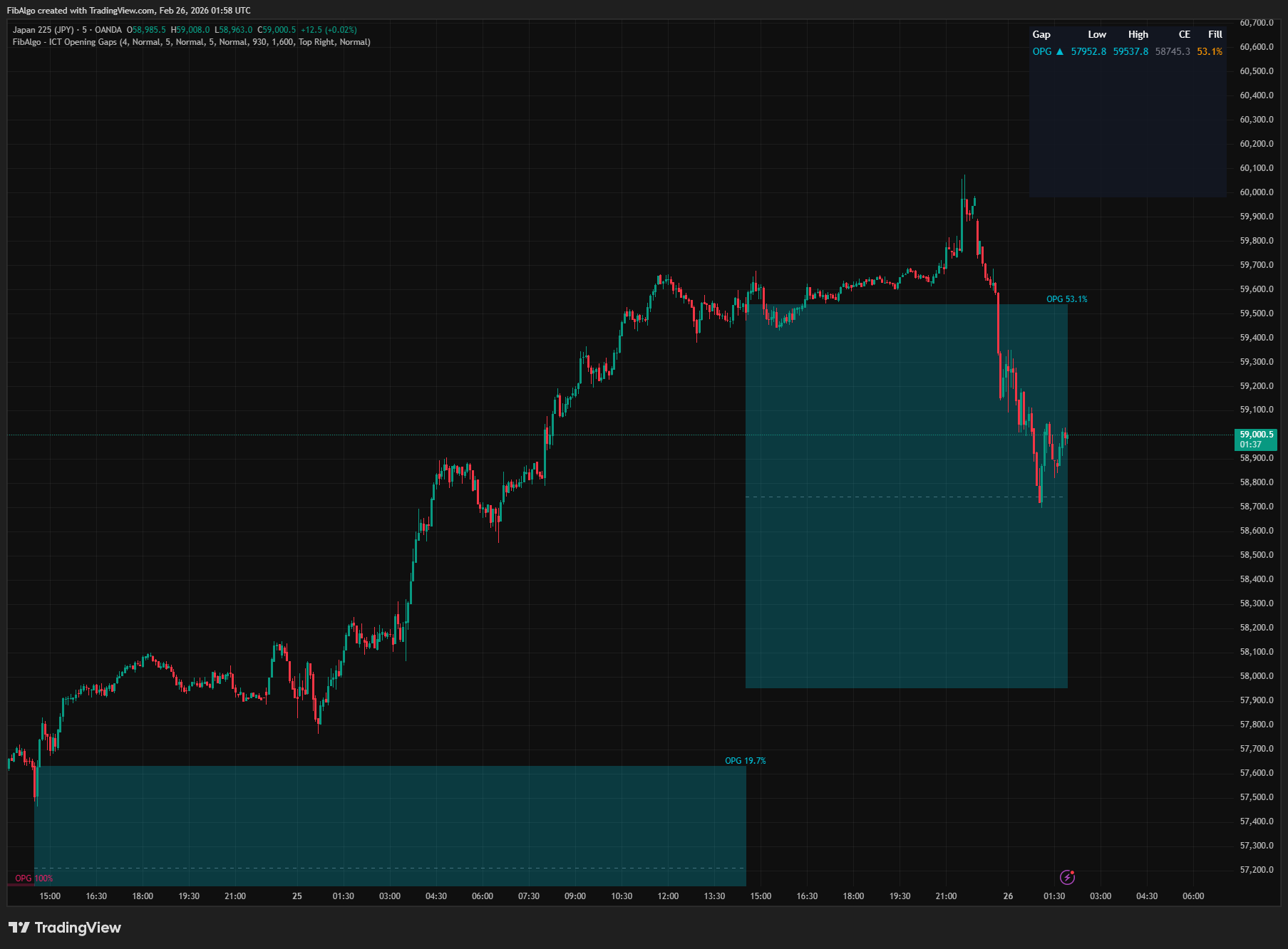
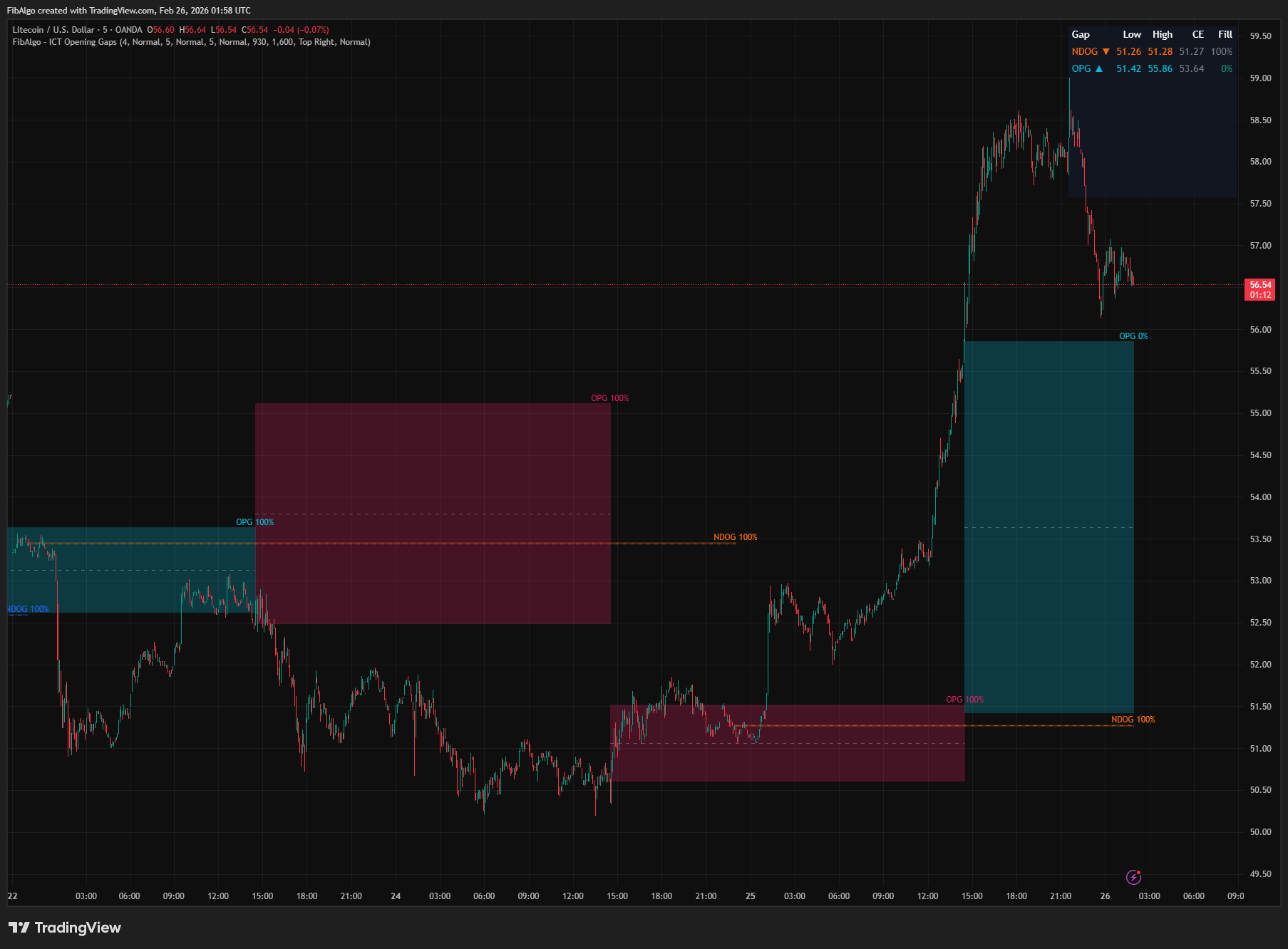
How to use the ICT Opening Gaps (NWOG & NDOG) indicator
- Weekly Bias with NWOG: At the start of each week, note the NWOG direction and its CE level. If price is above the NWOG, weekly bias is bullish. The NWOG CE often acts as a key level for weekly reversals or continuations.
- Daily Bias with NDOG: The NDOG gap direction suggests daily bias. A bullish NDOG indicates buyers stepped in overnight. Price will frequently revisit the NDOG zone during the session — the CE is the primary target.
- OPG for RTH Trading: The opening gap at RTH open is a classic gap-fill target. Incomplete gaps tend to fill during the first few hours of RTH. Watch for price to retrace into the OPG zone and react at the CE level.
- CE as Entry/Exit: When price enters a gap zone, the CE level (50% midpoint) is the most significant reaction point. Use CE as a target for gap-fill trades or as a support/resistance level for reversals.
- Fill Tracking for Trade Management: Monitor fill percentage to gauge whether a gap-fill trade has more room to run. A gap at 80% fill has limited remaining potential. A fresh gap (0%) offers the most trade opportunity.
- Confluence with Other ICT Tools: Gaps often align with other ICT concepts. An NDOG zone that overlaps with an Order Block or FVG creates a high-probability reaction zone. Combine with Market Structure for direction and Killzones for timing.
- Multiple Timeframe Approach: Use NWOG for weekly context, NDOG for daily bias, and OPG for RTH execution. Layering these gap types provides a top-down perspective on institutional positioning.
Limitations
- NWOG requires at least one completed trading week to detect the first gap. On the first week of chart data, no NWOG will appear.
- NWOG and NDOG follow the symbol's own week and trading-day boundaries. On CME futures these match the ICT True Day (5:00 PM ET close, 6:00 PM ET open). NDOG is drawn on intraday and daily charts; NWOG on intraday, daily and weekly charts.
- OPG detection requires an intraday timeframe with a bar that opens exactly at the RTH start (for example 1, 5, 15 or 30 minutes for 09:30). On other timeframes, such as hourly charts of 24-hour markets, and on daily or higher charts, OPGs are not detected.
- On 24/7 crypto markets price trades through the weekend and the day boundary, so NWOG and NDOG only measure the difference between two consecutive bars. They are usually a few ticks wide or not drawn at all. The ICT True Day concept (5PM–6PM ET transition) applies primarily to US futures.
- RTH times for OPG are user-configurable but default to US equity hours. Adjust for your market (e.g., European indices, or 1615 as the RTH end for CME equity-index futures).
- Gaps of 1 tick or smaller are not drawn.
- CE touch and fill alerts are sent when the bar closes, so on higher timeframes they can arrive well after the touch itself. Use a lower chart timeframe for faster alerts.
- Fill percentage tracking starts on the bar on which the gap opens. Historical fill data from before the indicator was applied is not available.
- This indicator displays gap reference zones — it does not generate buy/sell signals. Use in conjunction with ICT Market Structure, Order Blocks, Fair Value Gaps, and Key Levels for a complete trading framework.
Trading involves risk. This indicator is an analysis tool, not financial advice: use it alongside your own analysis and risk management.
Release notes
v2.0LatestGap detection, fill tracking and alert fixes
NWOG and NDOG now form on futures, CFDs and forex, the OPG is found on charts without extended hours, fill tracking counts the gap's opening bar, and CE and fill alerts arrive once at bar close.
After updating
- Delete and re-create your alerts for this indicator with the "Any alert() function call" condition. TradingView alerts keep running the script version they were created with.
- Charts that already have the indicator may keep the old text size. The new Normal default applies when you add the indicator again or choose Reset settings.
Fixed
- NWOG and NDOG now follow the symbol's own week and trading day, so they form on CME futures, CFDs and forex. Crypto charts no longer show a false weekend gap built from the whole Saturday move.
- The OPG now forms on charts without extended hours (the TradingView default for stocks) and for sessions that cross midnight ET. On timeframes without a bar that opens at the RTH start, such as 1H or 4H on ES, NQ or crypto, no OPG is drawn instead of one at the wrong prices.
- Fill tracking now counts the bar on which the gap opens, so a gap filled on that bar no longer shows 0% and its 50% and 100% fill alerts can fire.
- NWOG now shows on daily and weekly charts, NDOG no longer shows on weekly charts, and one gap is no longer drawn as two gap types.
- Fixed a drawing error that could stop the indicator on low timeframes with long history.
- Alerts: the CE touch alert fires once per touch instead of on every bar near the CE. CE and fill alerts are sent at bar close in one message, so events of gaps hit on the same bar are no longer lost. Alerts now follow the gap types you show.
Improved
- Alert messages include the gap's price levels, and the RTH End tooltip notes that ES, NQ and YM use 1615 (the 4:15 PM ET close).
- Label and table text default to Normal size.
Frequently Asked Questions
What is the New Week Opening Gap (NWOG)?
The NWOG is the price gap between Friday's close at 5:00 PM ET and the Sunday open at 6:00 PM ET, when futures resume trading. It reflects the change in positioning over the weekend. ICT traders watch it during the week as a magnet, support or resistance level, paying particular attention to its 50% midpoint.
What is the New Day Opening Gap (NDOG)?
The NDOG is the gap between the previous day's futures close at 5:00 PM ET and the reopen at 6:00 PM ET. It reflects overnight activity, and ICT treats it as a reference zone that price often revisits during the following session. It forms every day, making it the most frequent of the three gap types.
What is the opening range gap (RTH gap) in ICT?
The opening price gap (OPG) is the gap between one regular trading hours (RTH) close and the next RTH open, the classic opening gap on index futures and stock charts; ICT traders also call it the RTH or opening range gap. The indicator uses 9:30 AM to 4:00 PM ET by default (set the end to 4:15 PM ET for ES, NQ and YM futures), and the session times can be changed for other markets.
What is the CE of an opening gap?
CE, or consequent encroachment, is the 50% midpoint between a gap's high and low edges. In ICT methodology it is the level where price is most likely to react inside the gap, so traders use it as a gap-fill target or as support or resistance. The indicator draws a dashed CE line in every gap and can alert you at 50% and 100% fill.
Do opening gaps always fill?
No. ICT treats opening gaps as reference zones that price often revisits, not as levels that must be filled. That is why the indicator tracks each gap's fill from 0% to 100%: a fresh gap at 0% has the most room left, a gap at 80% has limited remaining potential, and a fully filled gap has been traded through completely.
Learn More
- Smart Money Concepts (SMC): How Institutional Traders Move MarketsLearn Smart Money Concepts including order blocks, fair value gaps, liquidity sweeps, and breaker blocks. Understand how institutions trade.
- Risk Management in Crypto Trading: The Complete Survival GuideMaster position sizing, stop losses, portfolio allocation, and emotional discipline for crypto trading. Learn why risk management matters most.
- Technical Analysis for Crypto Trading: The Definitive GuideLearn technical analysis from basics to advanced for cryptocurrency trading. Master chart patterns, indicators, volume analysis, and multi-timeframe strategies.
Start Using ICT Opening Gaps
This indicator is free to use on TradingView. Add it to your charts and use it alongside your own analysis.
Related indicators
View All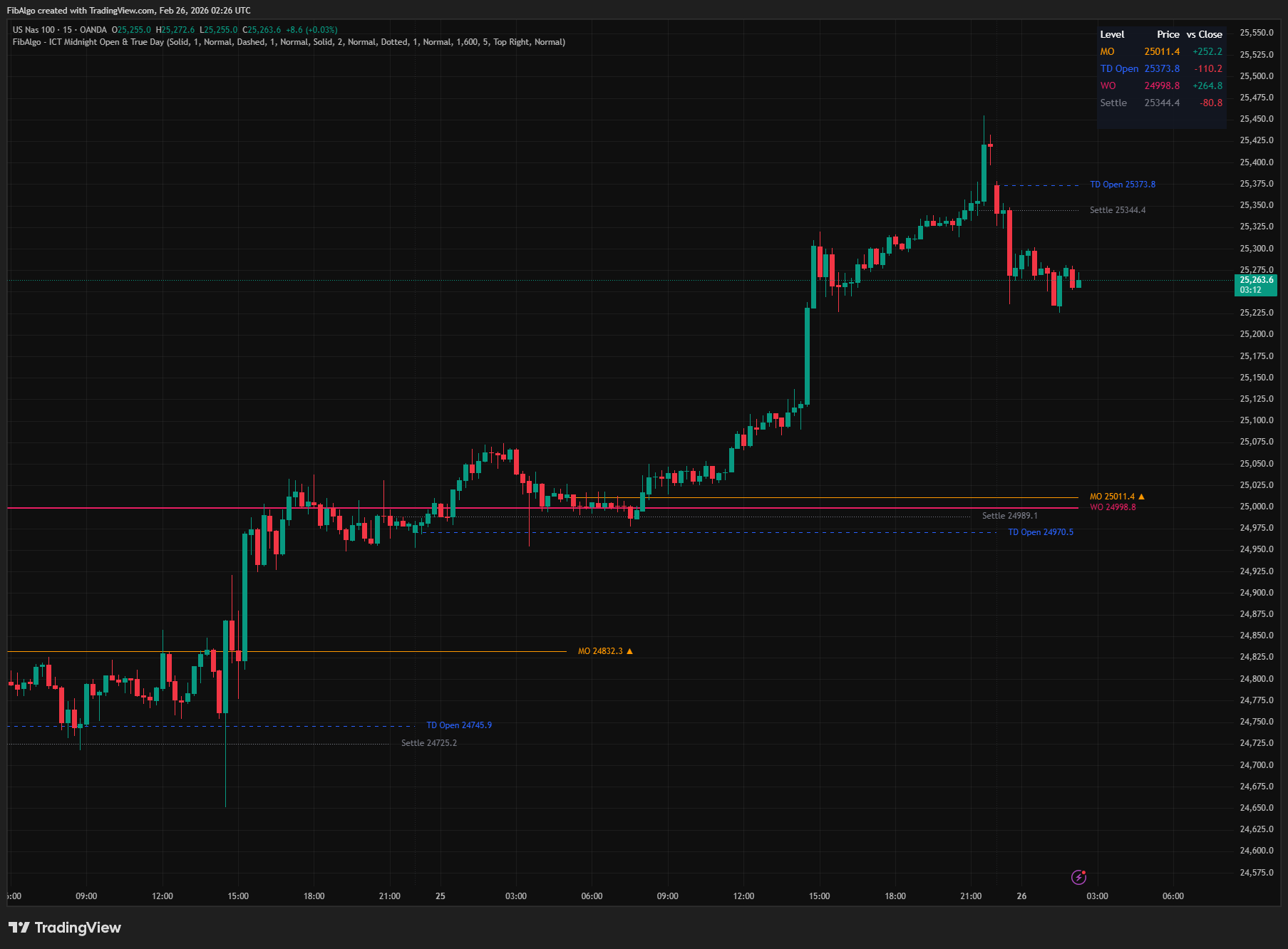
ICT Midnight Open & True Day
TradingView indicator that plots ICT Midnight Open, True Day Open, Weekly Open, and Settlement Price with directional bias analysis.
See Details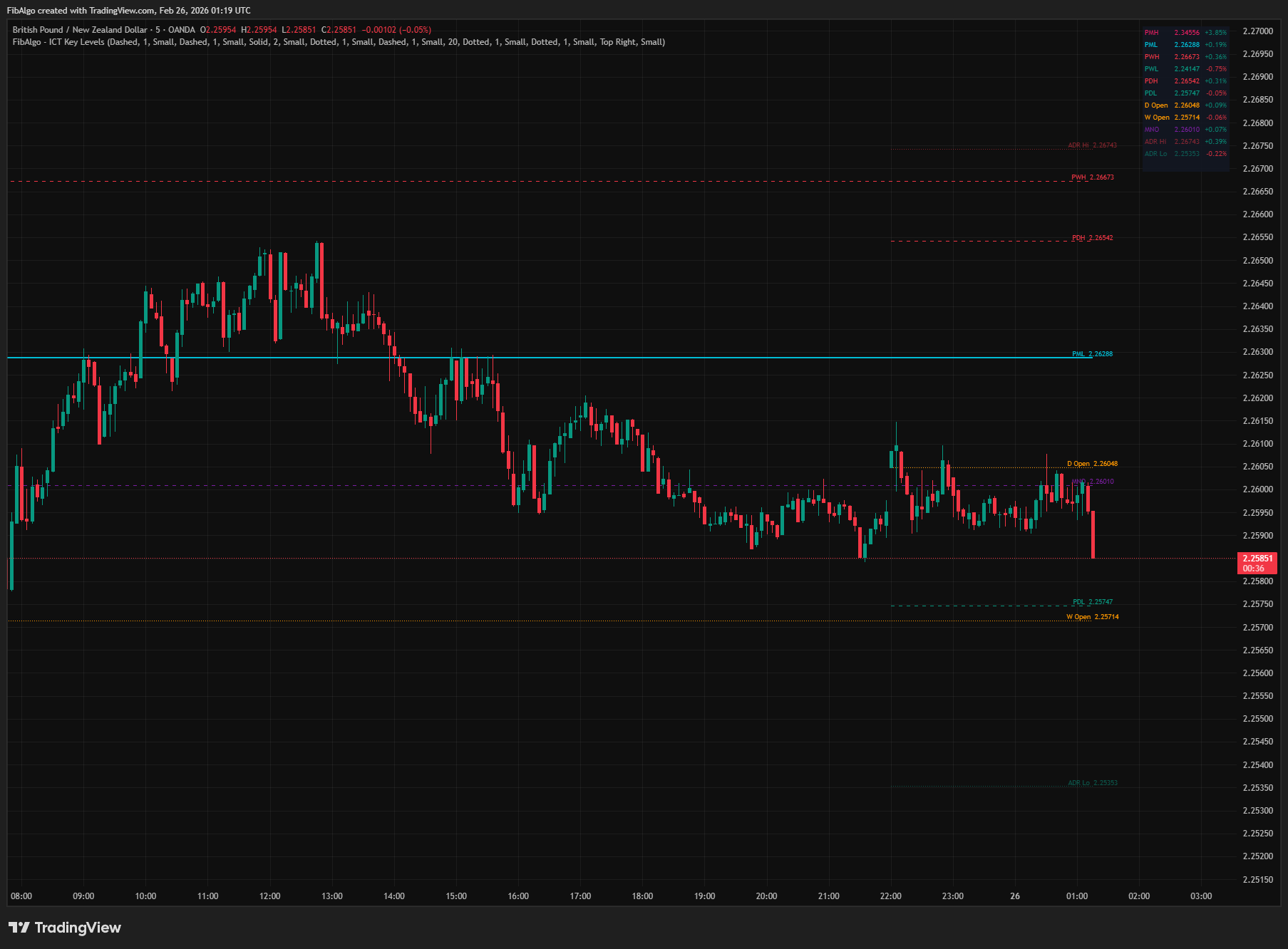
ICT Key Levels
TradingView indicator that draws ICT institutional reference levels — Previous Day/Week/Month High/Low, Daily Opens, Midnight Open, and ADR lines.
See Details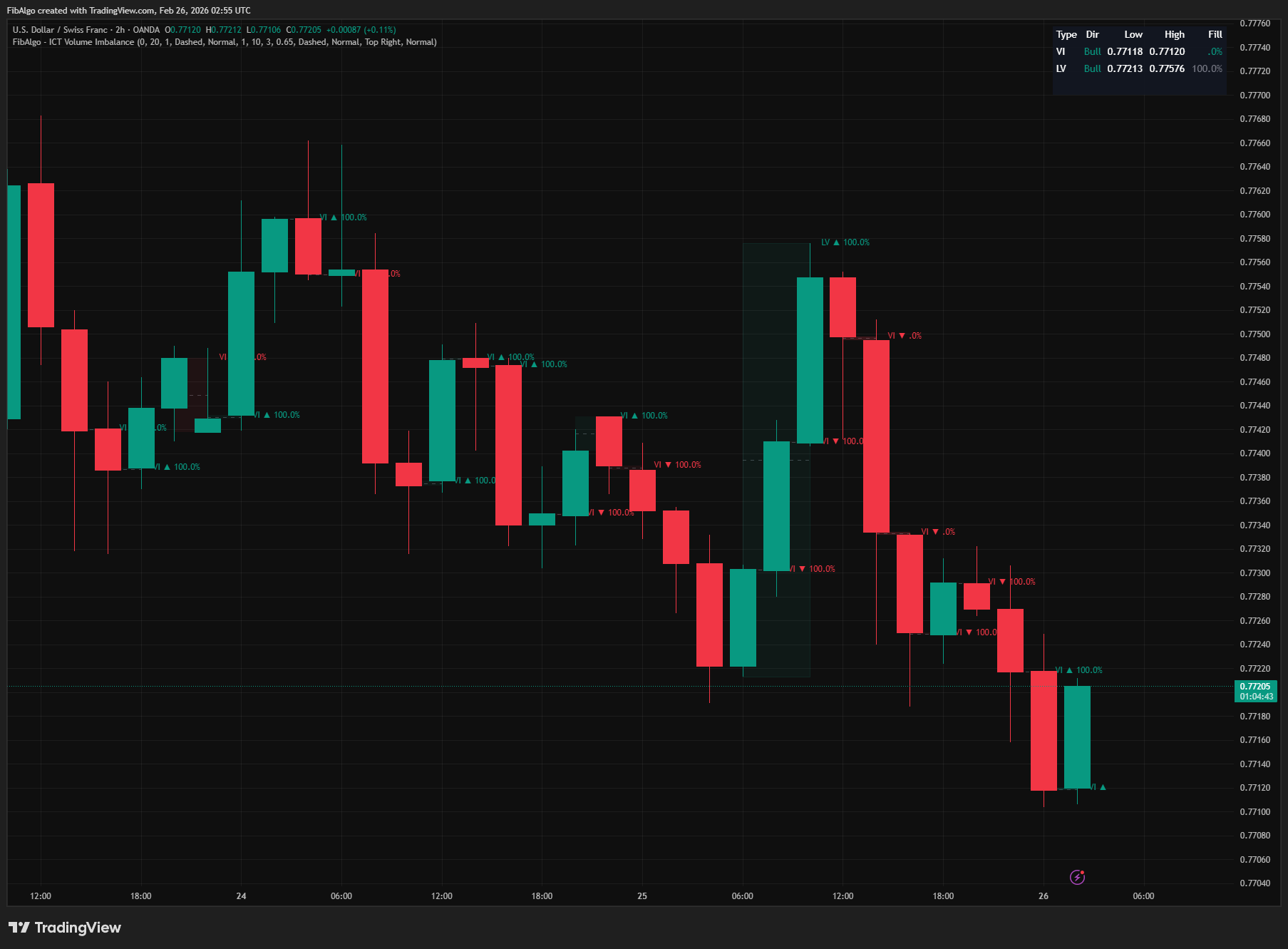
ICT Volume Imbalance
TradingView indicator that detects ICT Volume Imbalance and Liquidity Void inefficiencies with CE midlines and real-time fill tracking.
See Details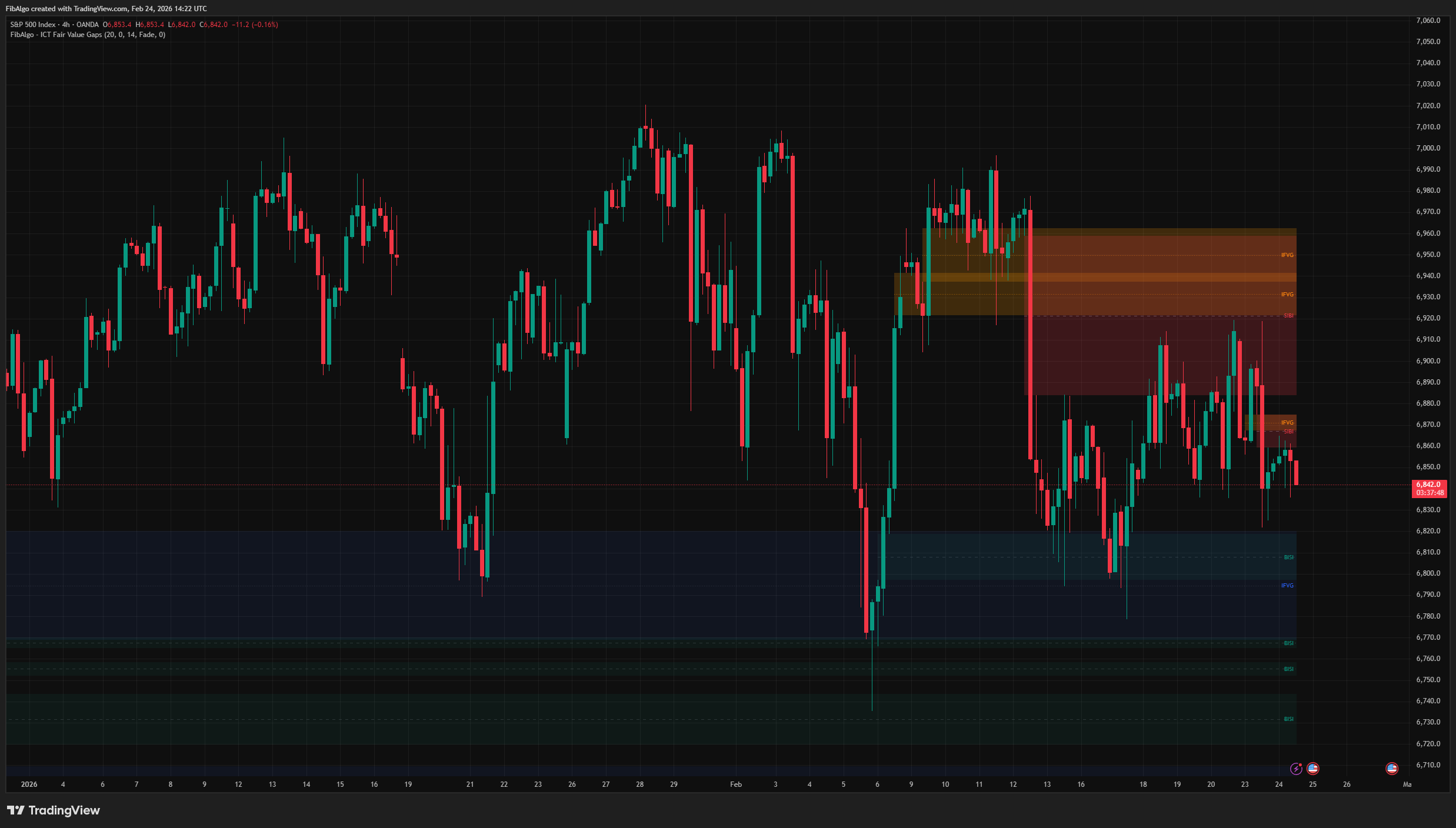
ICT Fair Value Gaps
TradingView indicator that detects ICT Fair Value Gaps (BISI/SIBI), draws CE midlines, identifies Inversion FVGs, and maps Balanced Price Range zones.
See Details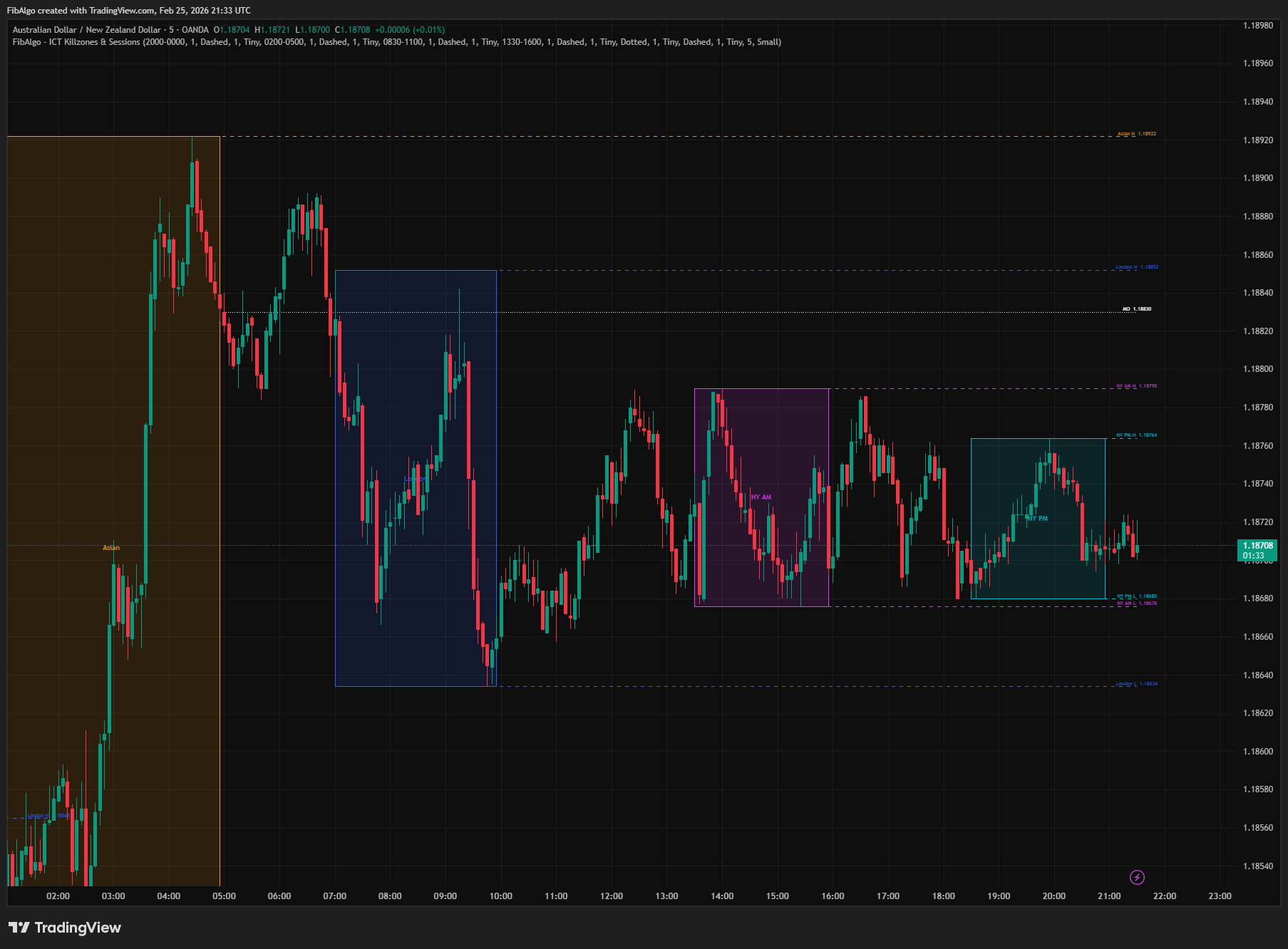
ICT Killzones & Sessions
TradingView indicator that highlights ICT Killzones — Asian, London, NY AM, and NY PM session boxes with high/low extensions and key opening levels.
See Details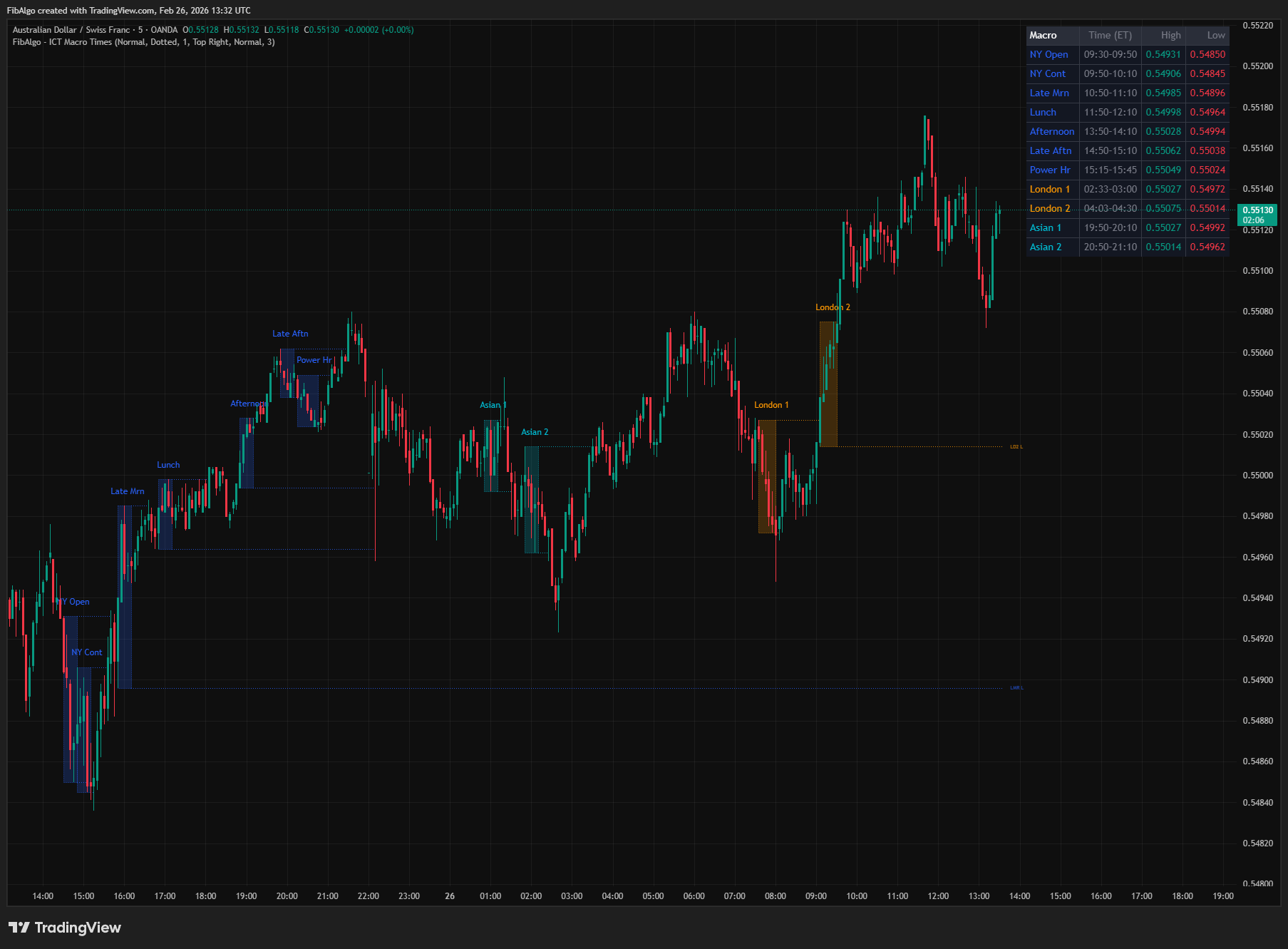
ICT Macro Times
TradingView indicator that highlights the 8 standard ICT Macro Time windows plus 5 additional windows — specific intraday periods where algorithmic price delivery concentrates.
See Details