
Use this indicator directly on TradingView — the world's most popular charting platform.
What does the ICT Midnight Open & True Day Open indicator do?
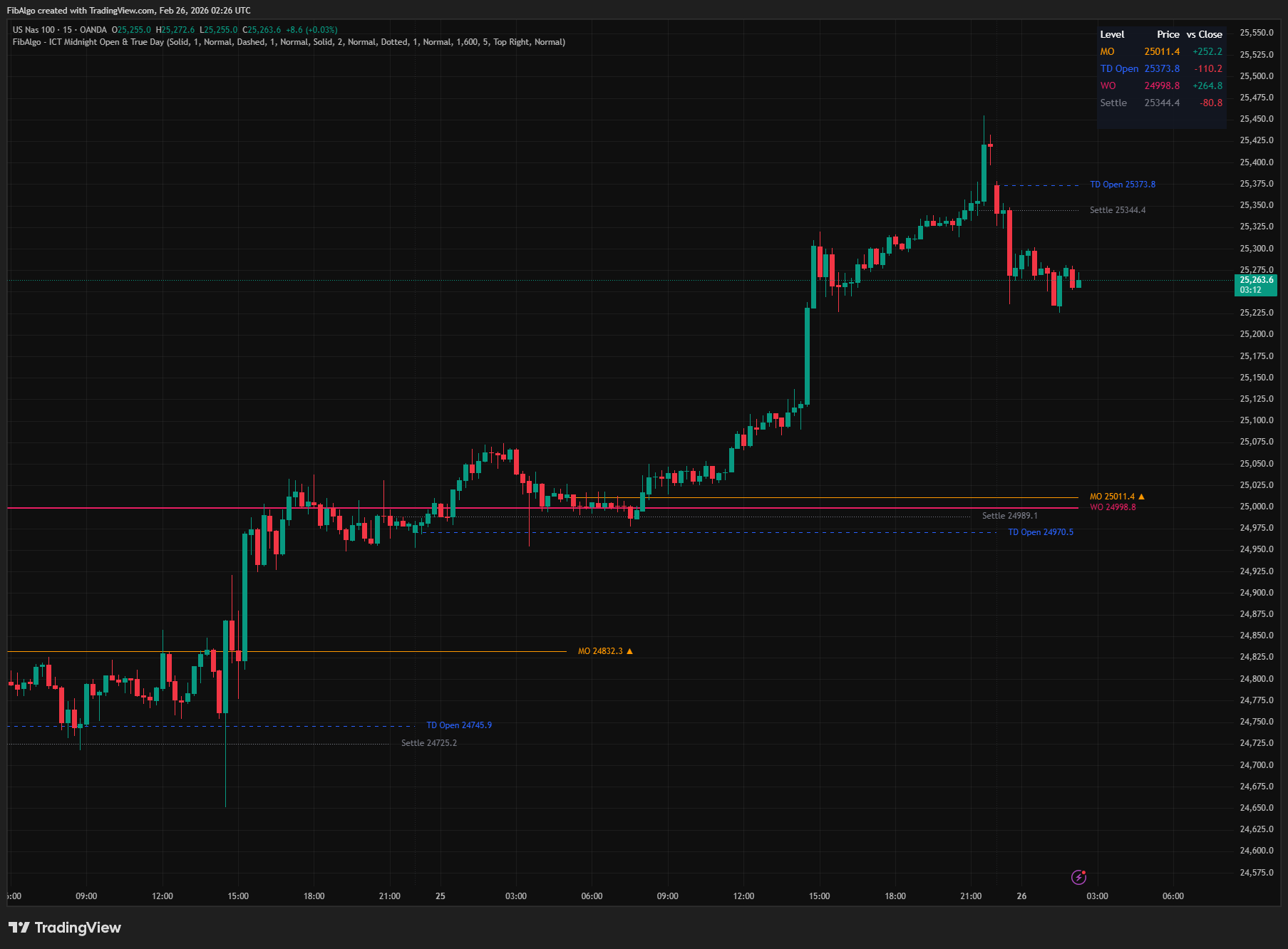
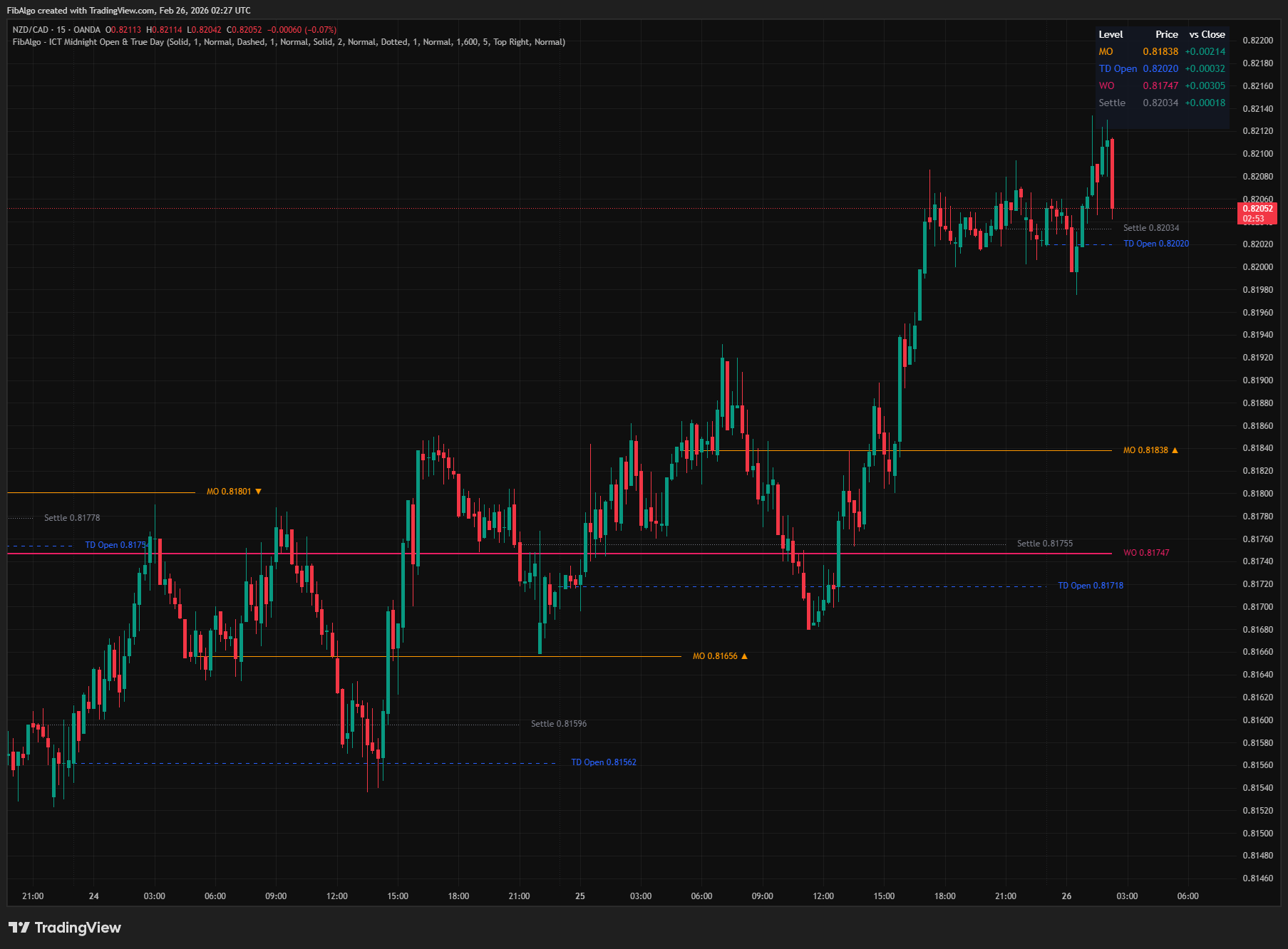
This indicator plots the four key ICT time-based reference levels that institutional traders use to establish daily and weekly directional bias: Midnight Open (MO), True Day Open (TD), Weekly Open (WO), and Settlement Price. Each level is drawn as a horizontal line extending through its relevant session, with automatic detection based on New York timezone calculations. A real-time summary table displays each level's price and distance from the current close, and a directional bias arrow on the Midnight Open label updates every bar.
Key Concepts
- Midnight Open (MO) — The opening price at 00:00 AM New York time. ICT considers this the most important daily bias reference: price trading above the Midnight Open suggests bullish intent for the day; price trading below suggests bearish intent. The MO also acts as an intraday support/resistance level where price frequently reacts.
- True Day Open (TD Open) — The opening price at 6:00 PM ET, when CME futures markets begin the new session. ICT defines this as the "true" start of the trading day — not the conventional 9:30 AM equity open or midnight. The entire 24-hour institutional dealing cycle is measured from this point: open, high, low, and close of the "true day" are referenced to 6 PM ET.
- Weekly Open (WO) — The opening price at Sunday 6:00 PM ET, when weekly futures trading begins. This provides macro directional context for the entire week. If price remains above WO throughout the week, institutional weekly candle bias is bullish. If below, bearish. WO is a key draw-on-liquidity level for weekly setups.
- Settlement / RTH Close — The closing price of Regular Trading Hours (default 4:00 PM ET for US equities and futures). This represents the final institutional consensus at the end of the regular session. The difference between settlement and the next midnight/true-day open signals overnight institutional repositioning.
How does the ICT Midnight Open & True Day Open indicator work?
1. Midnight Open Detection The indicator detects the first bar of each new New York calendar day. On that bar, the opening price is captured as the Midnight Open level. A horizontal line is drawn from that bar forward. The previous day's MO line is stopped at the new MO's start bar, keeping the chart clean with non-overlapping historical levels.
On intraday timeframes whose bars open at 00:00 ET (for example 1m to 1H), the MO is the exact open of the midnight bar. On intraday timeframes whose bars do not open at midnight (for example 4H on futures, or some 2H to 4H forex and crypto charts), the MO is the open of the first bar after midnight, which approximates the midnight price. Symbols that do not trade around midnight (e.g., regular-hours stocks) do not get an MO. On the 1D chart, the daily candle open is used as a proxy; the MO is not shown on multi-day, weekly or monthly charts. A deduplication guard (dayofmonth comparison) prevents multiple MO lines from appearing on the same calendar day.
The MO label displays the price and, when Show Bias on Label is on, a directional bias indicator that updates every bar: an up arrow when price is above MO (bullish bias) and a down arrow when price is below MO (bearish bias).
2. True Day Open Detection The ICT True Day begins at 6:00 PM ET when CME futures open for the new session. The indicator detects the transition from before 18:00 to 18:00 or later in NY time. This also covers the Sunday 6 PM session start after the weekend gap, and an additional weekend check catches it when the bars before it are missing.
The True Day Open captures the bar's open price at the 18:00 ET transition. On the same day that both MO and TD are active, their lines run in parallel — this is intentional, as they serve different analytical purposes (midnight = calendar day bias, 6 PM = institutional session bias). When the True Day Open and the Weekly Open start on the same bar (Sunday 6 PM ET), one combined "TD Open / WO" label is shown instead of two overlapping labels, until the next True Day begins.
True Day detection is only active on intraday timeframes. On daily or higher charts, the concept does not apply (each daily candle already represents one day).
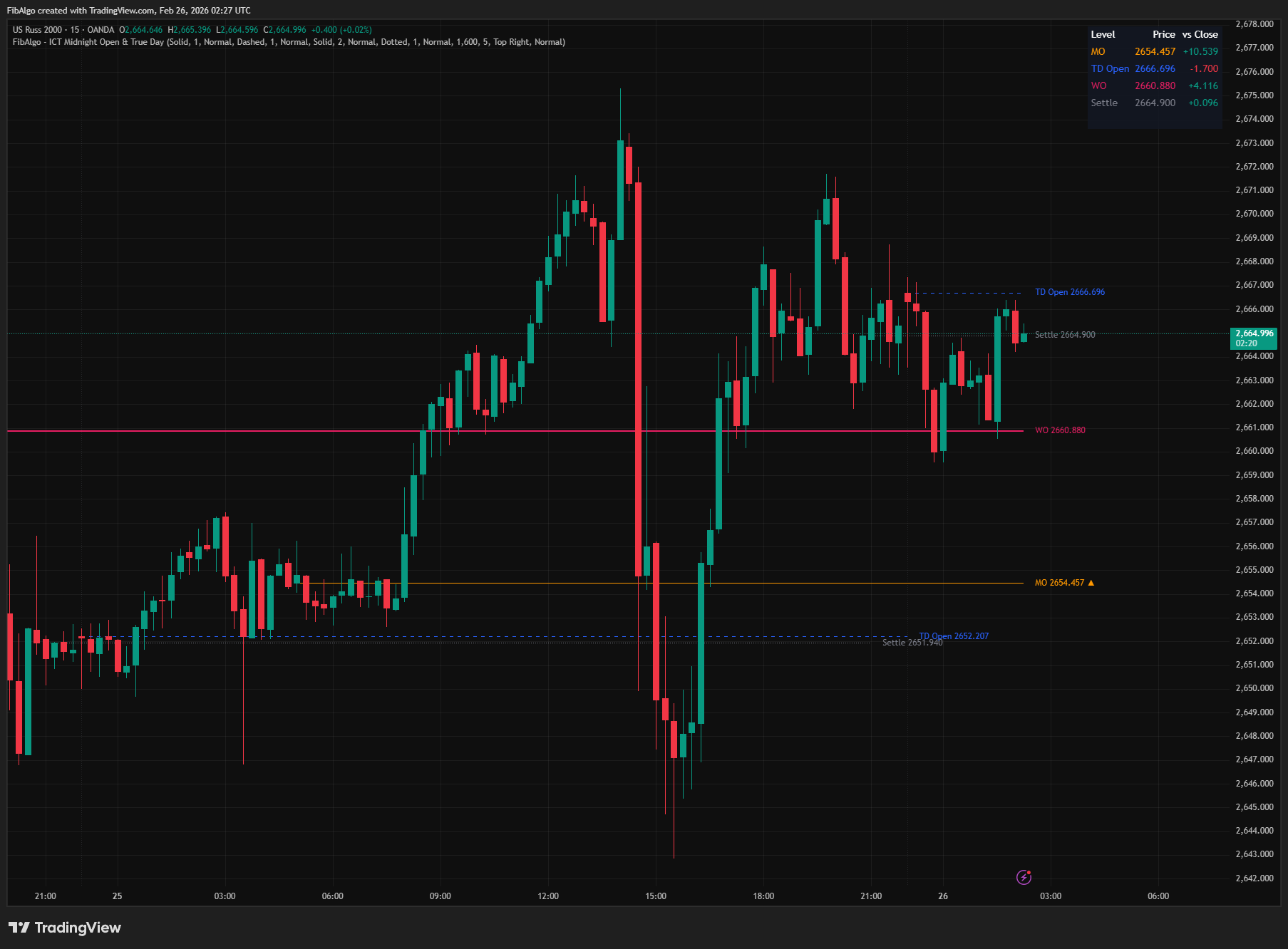
3. Weekly Open Detection The Weekly Open is the open of the first bar at or after Sunday 6:00 PM ET, the start of the futures trading week. This applies to futures, forex and 24/7 crypto markets alike. On instruments that do not trade on Sunday evening (e.g., regular-hours stocks), it is the open of the first session of the week. Holiday weeks (Friday or Monday closed) are handled, so last week's level is not carried over as the current WO. A deduplication guard using weekofyear prevents duplicate WO lines within the same week.
On the 1D and 1W charts, a weekly candle change is used as detection. The WO is not shown on multi-day, multi-week or monthly charts. The WO uses a fixed history depth of 4 weeks, independent of the History (Days) setting, allowing multiple weekly levels to be visible simultaneously.
4. Settlement / RTH Close Detection Settlement is detected on the first bar at or after the user-configurable settlement time (default 16:00, HHMM format, minutes 00–59) of the previous bar's New York date. The price used is close[1] — the closing price of the last bar before the settlement time. This represents the last traded price before the official session end, which is the settlement convention. On charts that have no bars after the settlement time (e.g., regular-hours stocks and cash indices), the level appears on the first bar of the next session. A setting of 0000 means the end of the New York day (midnight).
On the 1D chart, the indicator uses the previous bar's close when a new daily candle begins; Settlement is not shown on multi-day, weekly or monthly charts. The settlement time is user-adjustable for instruments with different session schedules (e.g., European markets, commodities).
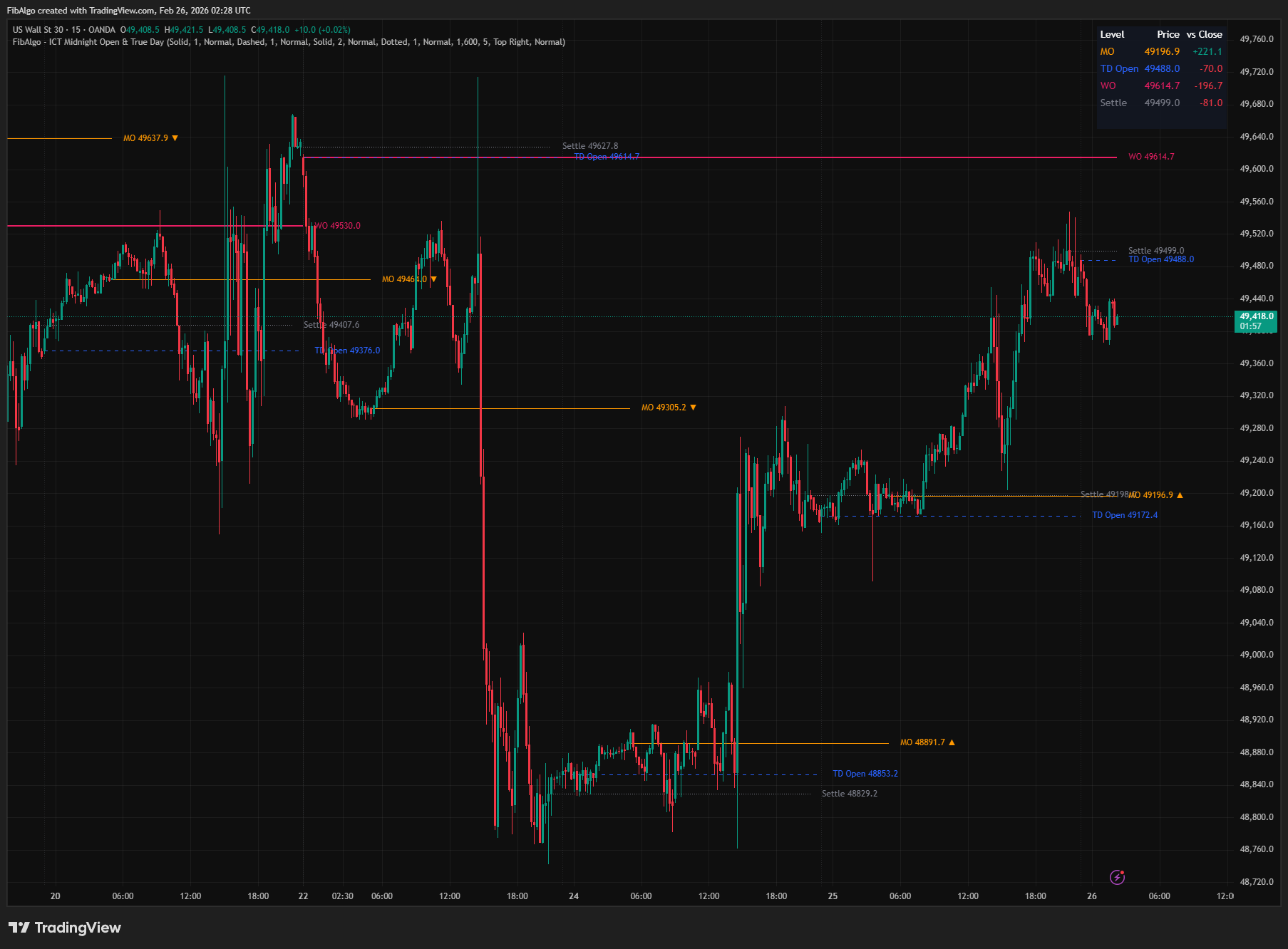
5. True Day Separators An optional feature draws vertical dotted lines at 6:00 PM ET to visually mark the start of each ICT True Day. These separators help traders see the boundaries between institutional dealing days at a glance. The number of separators follows the History (Days) setting; older separators are deleted. Only available on intraday timeframes.
6. Level Extension and History Each level type maintains an array of historical instances. Only the latest (current) level in each category extends rightward to the current bar — all previous levels are frozen at their endpoint. When a new level is created, the previous level's line is stopped at the new level's start bar. Levels that exceed the configurable history depth are automatically deleted (both line and label) to prevent chart clutter and stay within TradingView's drawing object limits.
7. Summary Table A real-time table displays the most recent level of each active type with three columns: level name (color-coded to match the line), price, and signed distance from the current close. Positive distance (green) indicates price is above the level; negative (red) indicates below. Table position (any corner) and text size (Tiny/Small/Normal) are configurable. Disabled level types are automatically excluded from the table — rows adjust dynamically.
Features
- Midnight Open (MO) — Automatic detection at 00:00 ET on every trading day. Captures the opening price as the primary ICT daily bias level. Exact on intraday timeframes whose bars open at midnight; on other intraday timeframes the open of the first bar after midnight is used. The 1D chart uses the daily candle open as a proxy.
- True Day Open (TD Open) — Detects the 18:00 ET futures session open, including the Sunday 6 PM start after the weekend gap. ICT's institutional daily reference point.
- Weekly Open (WO) — Captures the first bar of the trading week (Sunday 6 PM ET; the first session of the week on instruments without Sunday trading), holiday weeks included. Provides macro weekly bias context. Fixed history depth (4 weeks).
- Settlement / RTH Close — Records the last traded price before the configurable settlement time (default 16:00 ET). Adjustable for any market's session schedule. On regular-hours charts the level appears on the next session's first bar.
- Directional Bias Indicator — The MO label displays an up/down arrow based on current price relative to the Midnight Open level. Updates every bar for real-time bias tracking. Can be turned off; the MO price stays on the label.
- True Day Separators — Optional vertical dotted lines at 6:00 PM ET marking institutional day boundaries. Provides visual session framing on intraday charts. Follows the History (Days) setting.
- Independent Styling Per Level — Each of the four levels has its own color, line style (Solid/Dashed/Dotted), line width (1–4), and label size (Tiny/Small/Normal) controls. Full visual independence.
- Configurable History Depth — Show 1 to 30 days of historical levels and separators. Older levels are automatically cleaned up. Previous levels are frozen at their natural endpoint — only the current level extends.
- Real-Time Summary Table — Shows each active level's price and signed distance (+ or -) from the current close. Color-coded: green for positive, red for negative. Configurable position and text size.
- 4 Cross Alerts — Price closes across the Midnight Open, True Day Open, Weekly Open, or Settlement. Alerts are evaluated on bar close and include the direction, the exact price level, symbol, and timeframe. Master enable toggle plus per-level toggles. Create one alert with the "Any alert() function call" condition.
- Timezone-Safe — All time detection uses America/New_York timezone functions. Works correctly regardless of the user's chart timezone setting. Daylight Saving Time adjustments are handled automatically.
- Multi-Timeframe Support — Full detection on intraday timeframes. On the 1D chart, MO and Settlement use the daily candle; WO is available on the 1D and 1W charts.
How to use the ICT Midnight Open & True Day Open indicator
- Daily Bias with Midnight Open: At the start of each session, note the MO level. If price is above MO, the day has bullish bias — look for long setups. If below, bearish bias — look for shorts. The bias arrow on the label confirms this in real time. This is one of ICT's primary daily directional filters.
- True Day Context: The True Day Open at 6 PM ET sets the institutional opening price for the entire 24-hour session. Compare current price to TD Open for intraday directional bias. When price is above both MO and TD Open, bullish conviction is highest. Below both, bearish conviction is strongest.
- Weekly Framing with WO: The Weekly Open provides macro context. If price remains above WO throughout the week, the weekly candle is building bullish. Below WO all week, bearish. Use WO as the first directional filter before drilling down to daily/intraday levels.
- Overnight Gap Analysis: Compare the Settlement level with the next day's MO and TD Open. A gap between settlement and the new session's opening levels signals overnight institutional repositioning — the direction and size of this gap indicates the urgency of institutional intent.
- Confluence Levels: When multiple levels cluster together (e.g., MO near TD Open near WO), that price zone becomes a high-probability reaction area. Combine with Order Blocks, Fair Value Gaps, or Killzones for precision entries at these confluence zones.
- Alerts: Turn on the cross alerts you need in the Alerts group, then create one TradingView alert on this indicator with the condition "Any alert() function call". An alert fires when a bar closes across the level.
- Combine with ICT Tools: Midnight Open and True Day define WHEN bias is set. Pair with Market Structure (trend direction), Liquidity Levels (sweep targets), Fair Value Gaps (rebalancing), Premium/Discount (range positioning), and Killzones (session timing) for a complete ICT analytical framework.
Limitations
- Midnight Open is exact only on intraday timeframes whose bars open at 00:00 ET. On other intraday timeframes the open of the first bar after midnight is used as an approximation, and symbols that do not trade around midnight show no MO. On the 1D chart the daily candle open is used as a proxy — this may not correspond to exactly 00:00 ET.
- MO and Settlement are shown up to the 1D chart and WO up to the 1W chart. Multi-day, multi-week and monthly charts do not show these levels.
- True Day Open detection is only active on intraday timeframes. On daily or higher charts, the concept does not apply since each candle already represents one calendar day.
- Weekly Open detection on intraday charts uses the first bar at or after Sunday 6 PM ET. Instruments without Sunday evening trading (e.g., regular-hours stocks) use the open of their first session of the week instead.
- Settlement time is configurable but defaults to 16:00 ET (US equity/futures). Adjust for your specific market if session hours differ. The settlement price uses the close of the last bar before the settlement time — accuracy depends on having bars near the settlement time. On regular-hours charts the level appears on the next session's first bar.
- True Day Separators use extend.both, so the vertical line spans the full visible chart height. Their number follows the History (Days) setting.
- History depth is shared across MO, TD, Settlement levels and separators (Weekly Open uses a fixed 4-week depth). Setting high history values on low timeframes may consume drawing objects — TradingView limits lines and labels to 500 each.
- Alerts use close-to-close crossover detection (close[1] vs close relative to the level) and are evaluated once the bar closes. A wick-only touch without a close crossing does not trigger the alert, and a level is only checked from the bar after it is created. Because MO and Settlement are renewed on every 1D bar (and WO on every 1W bar), use an intraday chart for the MO and Settlement alerts and 1D or lower for the WO alert.
- This indicator displays reference levels for directional bias — it does not generate buy/sell signals. Use it alongside ICT Market Structure, Order Blocks, Fair Value Gaps, Liquidity Levels, and Killzones for a complete trading framework.
Trading involves risk. This indicator is an analysis tool, not financial advice: use it alongside your own analysis and risk management.
Release notes
v2.0LatestMidnight Open, Weekly Open, Settlement and alert fixes
The Midnight Open now forms on timeframes without a bar at 00:00 ET, the Weekly Open starts at Sunday 18:00 ET and no longer disappears in holiday weeks, Settlement shows on regular-hours charts, and alerts trigger on bar close.
After updating
- Delete and re-create your alerts for this indicator with the "Any alert() function call" condition. TradingView alerts keep running the script version they were created with.
- Charts that already have the indicator may keep the old text sizes. The new Normal defaults apply when you add the indicator again or choose Reset settings.
Fixed
- Midnight Open on timeframes without a bar at 00:00 ET, such as 4H futures: it now uses the first bar after midnight instead of keeping an old level.
- The Weekly Open is now the first bar from Sunday 18:00 ET, crypto included, and it is no longer missed in holiday weeks.
- Settlement did not appear on regular-hours charts such as stocks, ETFs and cash indices. It now shows on the next session's first bar.
- Alerts trigger on bar close, say whether price crossed above or below, and no longer fire on the bar that creates a level.
- Levels were mislabelled on higher timeframes. The Midnight Open and Settlement now show up to 1D, and the Weekly Open up to 1W.
Improved
- The Midnight Open label keeps its price with the bias arrow off, and the True Day Open and Weekly Open share one label when they start together.
- True Day separators follow History (Days), and text sizes default to Normal.
Frequently Asked Questions
What is the ICT Midnight Open?
The Midnight Open is the opening price at 00:00 New York time. ICT treats it as the most important daily bias reference: when price trades above the Midnight Open, the day is read as bullish, and when it trades below, as bearish. Price also often reacts at the level during the day, so traders watch it as intraday support or resistance.
What time is the New York midnight open in UTC?
The Midnight Open is 00:00 in New York (America/New_York), which is 04:00 UTC while US daylight saving time is in effect and 05:00 UTC the rest of the year. The indicator calculates it in New York time and handles daylight saving automatically, so the level lands on the right bar whatever time zone your TradingView chart uses.
How do ICT traders use the Midnight Open?
Mostly as a daily directional filter: above the Midnight Open, traders favor long setups; below it, short setups. It works best alongside other ICT tools, such as market structure for direction, killzones for timing and order blocks or fair value gaps for entries. When the Midnight Open sits close to other opens, such as the Weekly Open, traders treat that zone as a stronger reaction area.
Which levels does this indicator plot?
It plots four reference levels: the Midnight Open, the True Day Open, the Weekly Open and the settlement price, which is the regular-session close at 16:00 New York time by default and can be adjusted. A table shows each level's price and distance from the current close, the Midnight Open label carries a bias arrow, and alerts can fire when price crosses any of the four levels.
What time is the True Day Open?
The indicator plots the True Day Open at 18:00 New York time (6 PM ET), when the CME futures session opens; at the start of the week this is the Sunday 6 PM open after the weekend. The level is calculated in New York time, so daylight saving is handled automatically: 18:00 ET is 22:00 UTC while US daylight saving time is in effect and 23:00 UTC the rest of the year. It is drawn on intraday charts only.
What is the difference between the True Day Open and the Midnight Open?
The True Day Open is the price at 18:00 New York time, when the CME futures session opens, so it frames the full 24-hour trading day. The Midnight Open is the price at 00:00 New York time; some ICT and Quarterly Theory traders call that level the day's “true open”. The indicator plots both, in New York time with daylight saving handled automatically. When price holds above both levels, traders read the bias as more strongly bullish; below both, as more strongly bearish.
Does the Midnight Open work on daily charts?
Exact detection needs an intraday timeframe. On the daily chart, the indicator uses the daily candle's open as a stand-in, which may not match the 00:00 New York price exactly, and the True Day Open is not drawn at all. Above the daily timeframe the Midnight Open is not shown. For precise levels, apply the indicator to an intraday chart whose bars open at 00:00 New York time, such as 1-minute to 1-hour charts.
Learn More
- Smart Money Concepts (SMC): How Institutional Traders Move MarketsLearn Smart Money Concepts including order blocks, fair value gaps, liquidity sweeps, and breaker blocks. Understand how institutions trade.
- Risk Management in Crypto Trading: The Complete Survival GuideMaster position sizing, stop losses, portfolio allocation, and emotional discipline for crypto trading. Learn why risk management matters most.
- Technical Analysis for Crypto Trading: The Definitive GuideLearn technical analysis from basics to advanced for cryptocurrency trading. Master chart patterns, indicators, volume analysis, and multi-timeframe strategies.
Start Using ICT Midnight Open & True Day
This indicator is free to use on TradingView. Add it to your charts and use it alongside your own analysis.
Related indicators
View All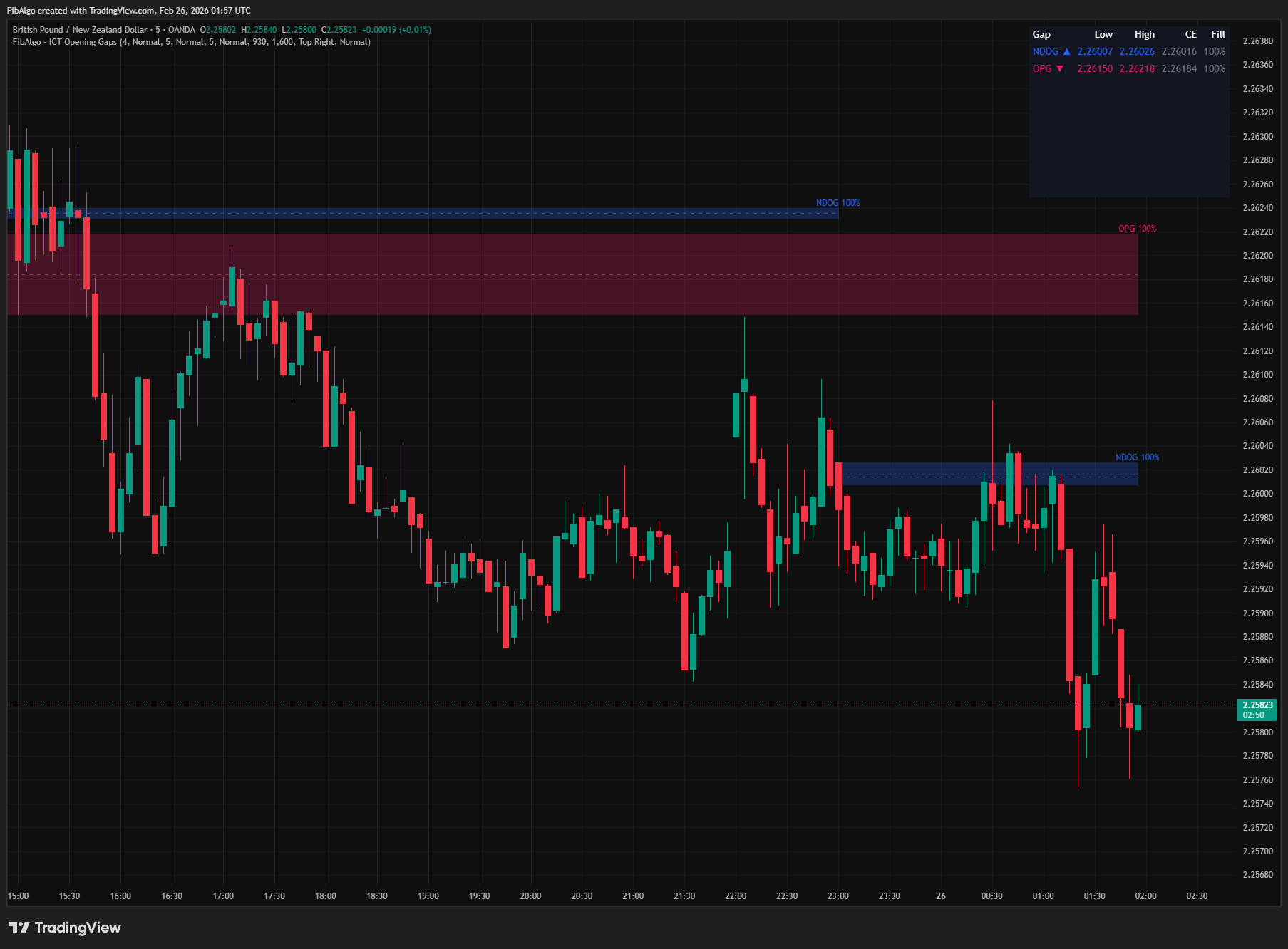
ICT Opening Gaps
TradingView indicator that detects ICT Opening Gaps — NWOG, NDOG, and OPG — displayed as colored zones with CE midlines and gap fill tracking.
See Details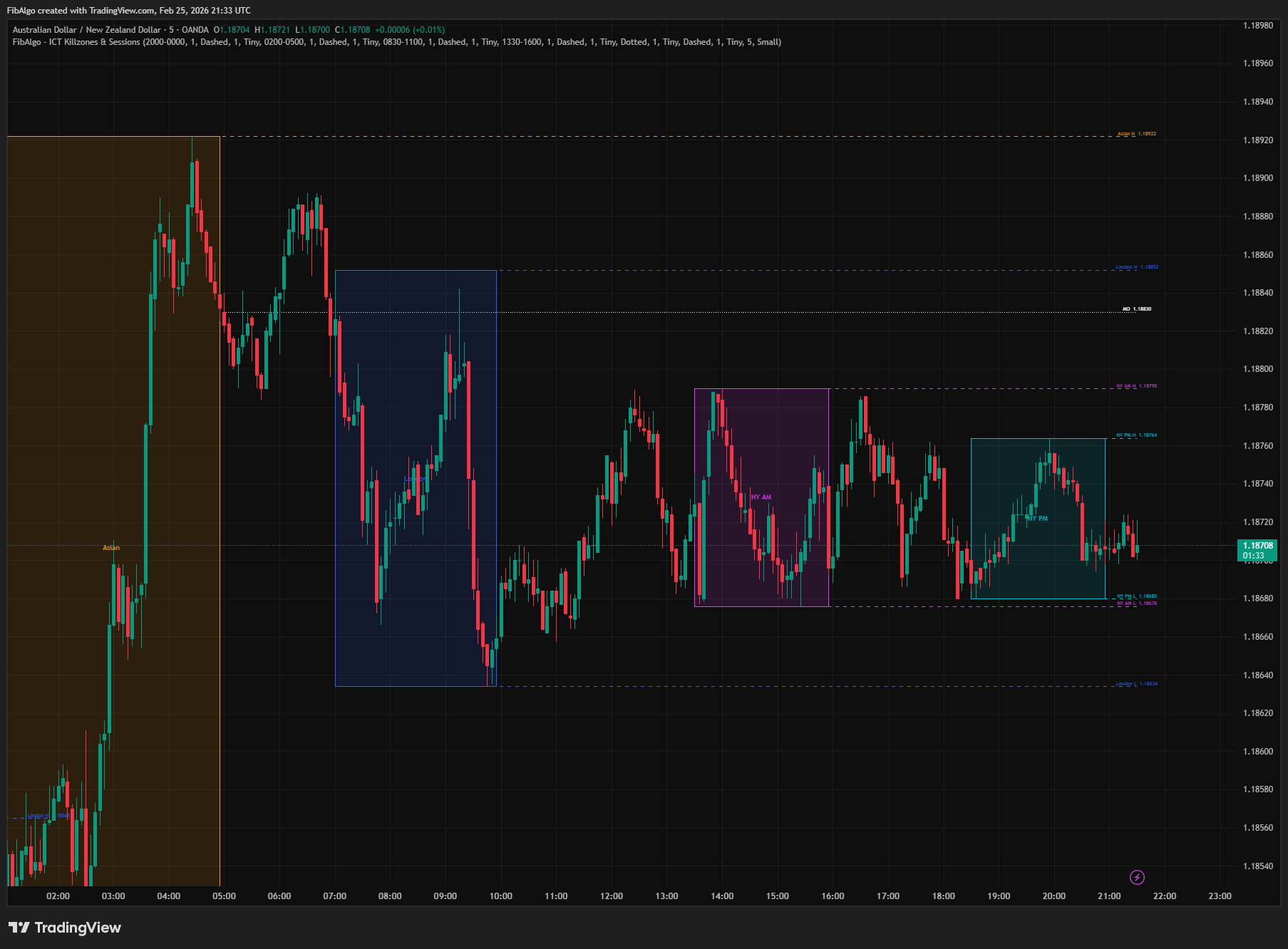
ICT Killzones & Sessions
TradingView indicator that highlights ICT Killzones — Asian, London, NY AM, and NY PM session boxes with high/low extensions and key opening levels.
See Details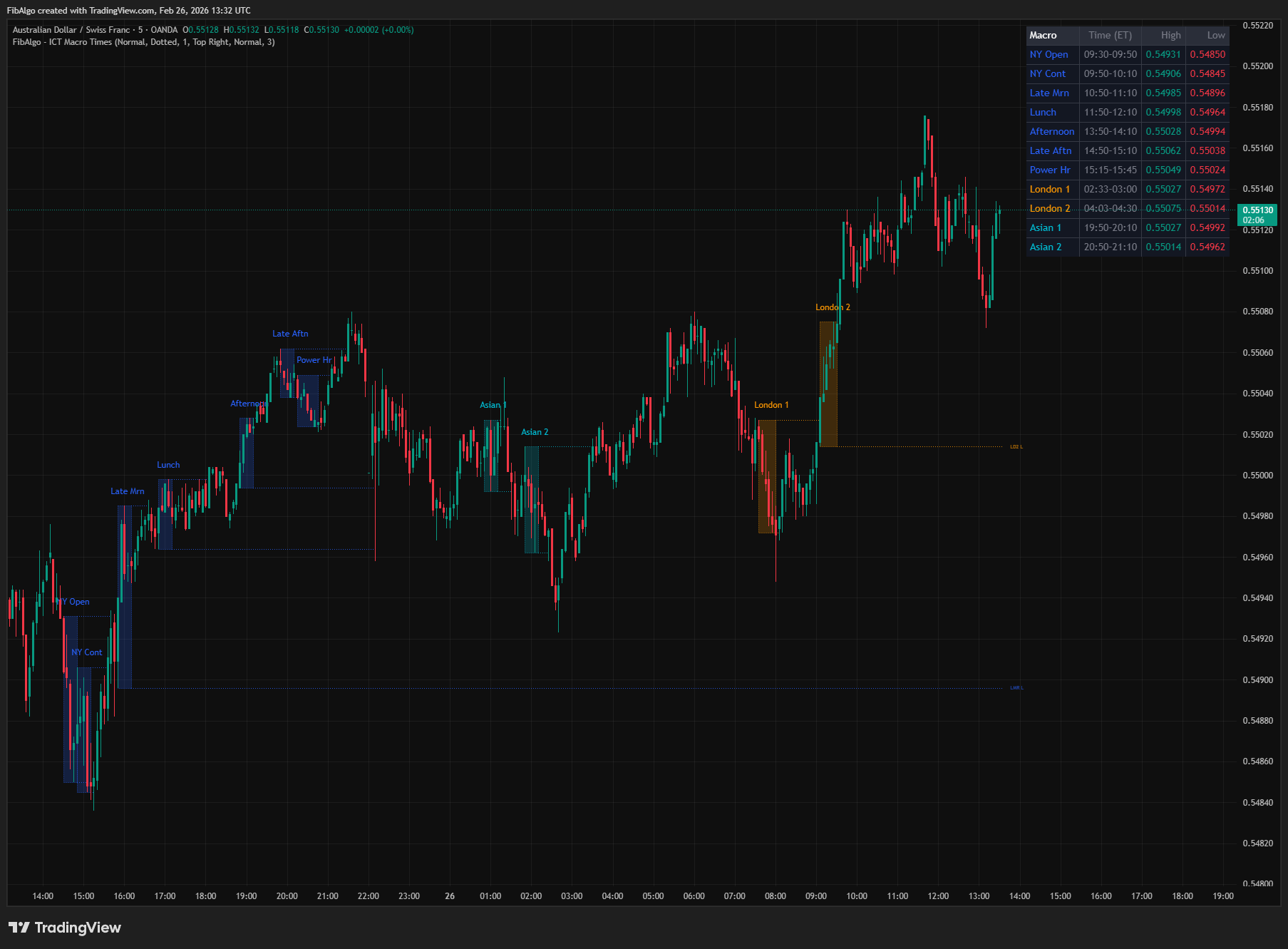
ICT Macro Times
TradingView indicator that highlights the 8 standard ICT Macro Time windows plus 5 additional windows — specific intraday periods where algorithmic price delivery concentrates.
See Details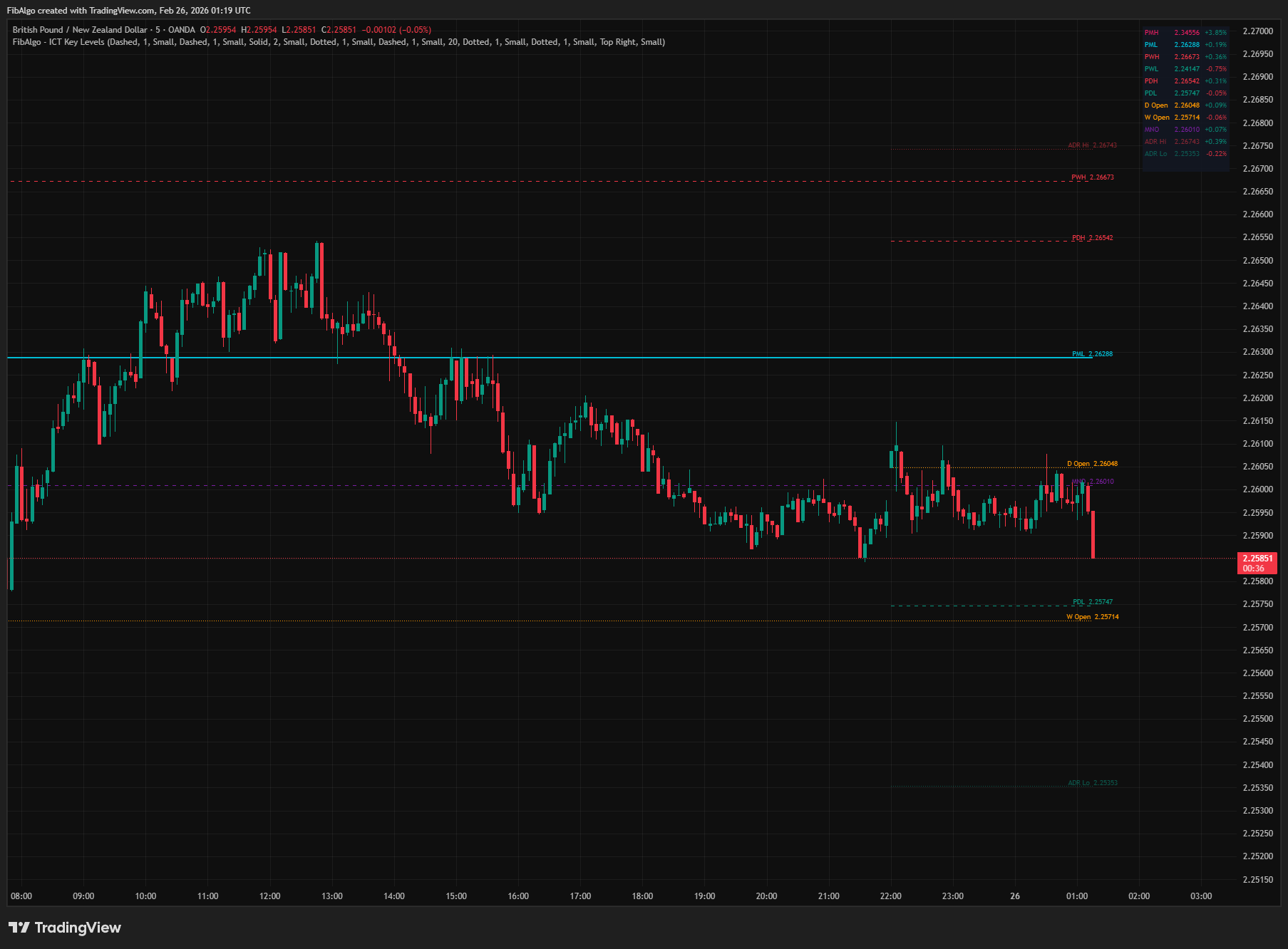
ICT Key Levels
TradingView indicator that draws ICT institutional reference levels — Previous Day/Week/Month High/Low, Daily Opens, Midnight Open, and ADR lines.
See Details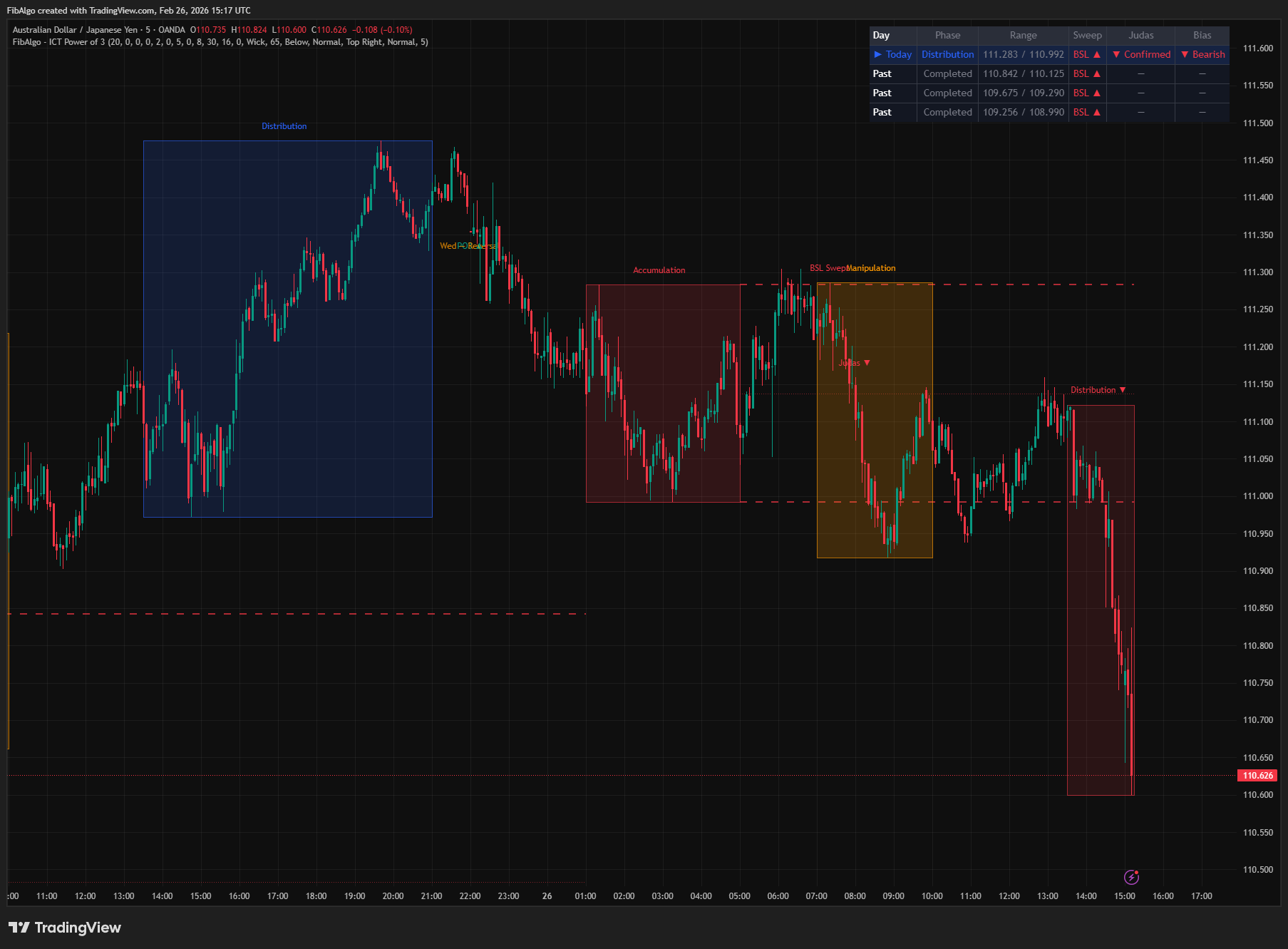
ICT Power of 3
TradingView indicator that visualizes the ICT Power of 3 daily cycle — Accumulation, Manipulation, and Distribution across Asia, London, and New York.
See Details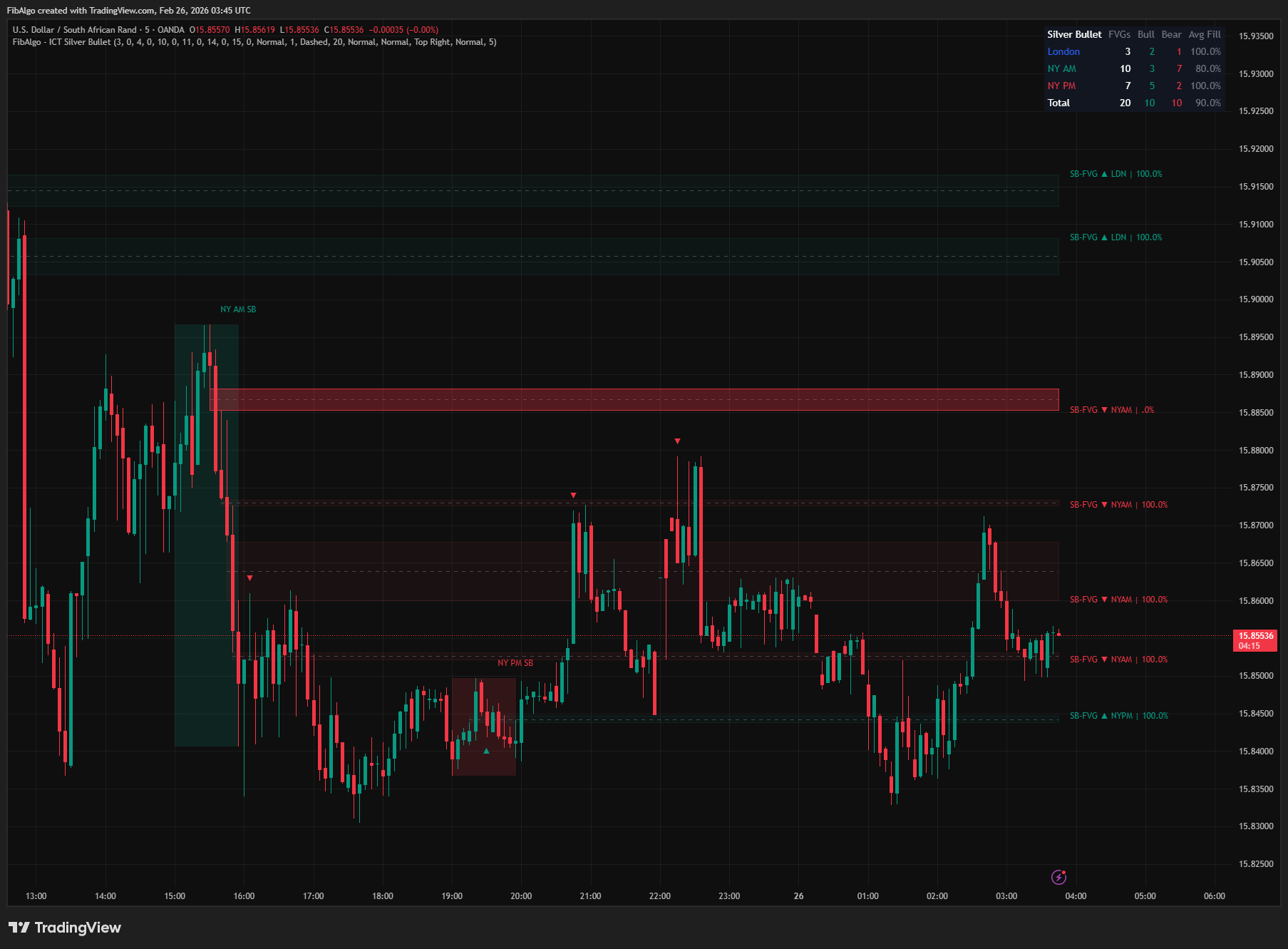
ICT Silver Bullet
TradingView indicator that identifies ICT Silver Bullet windows — London, NY AM, and NY PM — and detects Fair Value Gaps with CE entry signals.
See Details