
Use this indicator directly on TradingView — the world's most popular charting platform.
What does the ICT Macro Times indicator do?
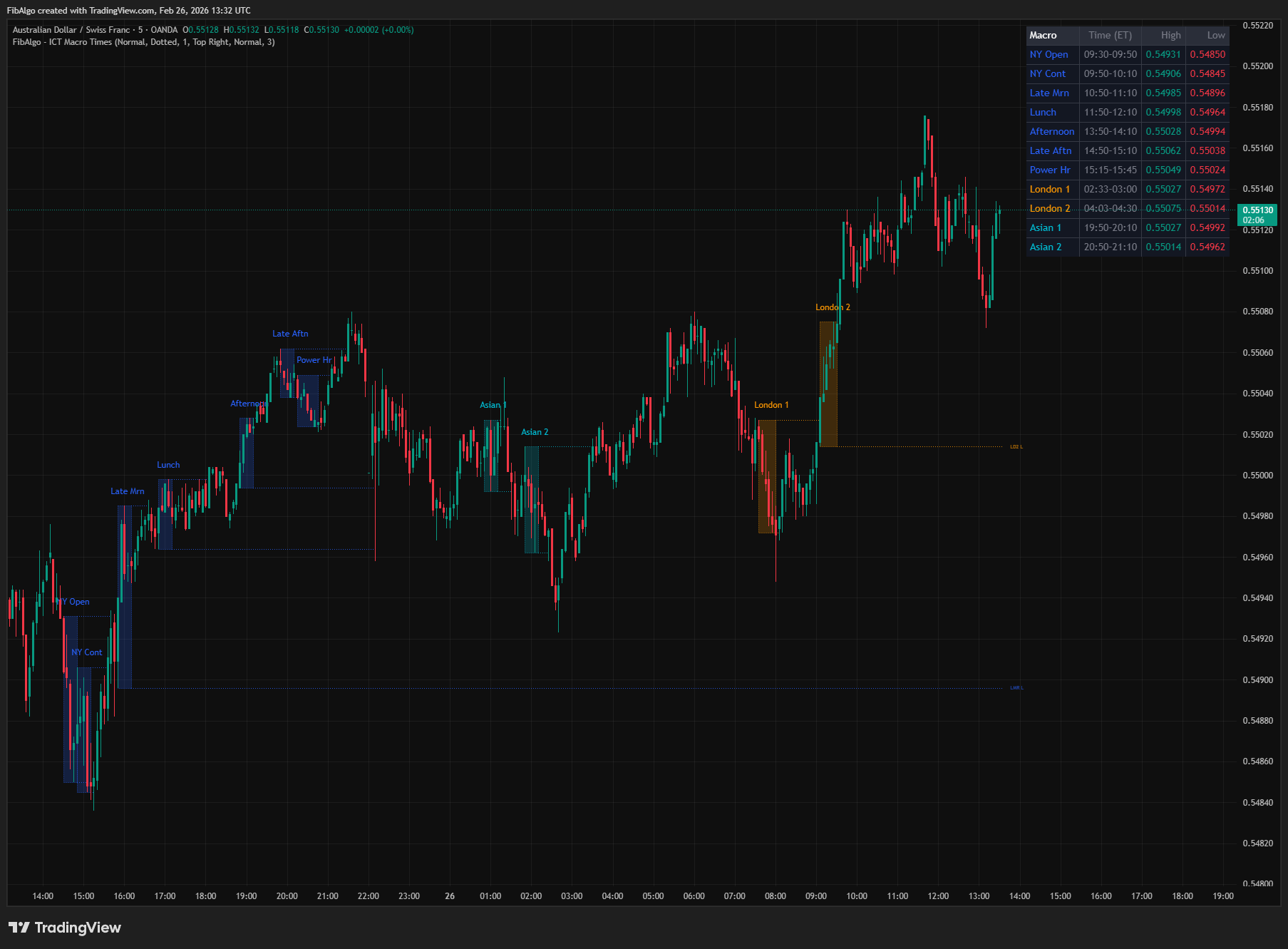
This indicator identifies and highlights 13 intraday macro time windows: the eight standard ICT Macro Times plus five additional windows. Macros are short 20–30 minute periods where algorithmic price delivery concentrates. Each macro window is drawn as a color-coded background box on the chart, and when the window closes, its high and low are projected forward as horizontal reference levels. The indicator uses session-based color coding (New York = blue, London = orange, Asian = cyan), tier-based default visibility, smart line management that removes old same-type levels when a new macro runs, wick-based break detection that stops extending a level once its liquidity has been swept, and a dynamic summary table showing all active and completed macros with their high/low values.
Key Concepts
- ICT Macro Times — Recurring, fixed time-of-day windows (20–30 minutes each) described in ICT methodology where the IPDA (Interbank Price Delivery Algorithm) executes significant price delivery. During these windows, the algorithm typically runs a sequence: accumulates orders, sweeps nearby liquidity (stop hunt), then displaces aggressively in the intended direction. ICT's standard list has eight macros: two in London (02:33–03:00, 04:03–04:30) and six in New York (08:50–09:10, 09:50–10:10, 10:50–11:10, 11:50–12:10, 13:10–13:40, 15:15–15:45).
- Additional Windows — The indicator also tracks five windows that are not part of ICT's standard macro list: the NYSE cash-open window 09:30–09:50 (the opening range), two afternoon windows that follow the same :50 to :10 pattern (13:50–14:10, 14:50–15:10), and two Asian windows (19:50–20:10, 20:50–21:10). Each can be switched off independently.
- Macro High/Low as Liquidity — The high and low established during a macro window function as micro-liquidity pools. Buy stops accumulate above the macro high (Buy Side Liquidity), sell stops accumulate below the macro low (Sell Side Liquidity). Later macros within the same session frequently sweep these levels — for example, the 09:50 macro may run above the high of the 09:30 window to trigger those buy stops before reversing.
- Sequential Sweep Pattern — ICT describes a pattern where consecutive macros interact with each other's levels. The first macro establishes a range, the second macro sweeps one side of that range (taking liquidity), and a later macro may sweep the other side. Tracking macro high/low levels makes this pattern visible on the chart.
- Tier Classification — The indicator ranks the windows into three tiers to set sensible defaults. Tier 1 (NY AM Macro, NY Open, NY Continuation, London 1, London 2) occurs during peak institutional volume. Tier 2 (Late Morning, Lunch, NY PM Macro, Late Afternoon) is important but situational. Tier 3 (Afternoon, Power Hour, Asian 1, Asian 2) has the lowest impact and is best used selectively.
- Wick Break (Liquidity Sweep) — When a candle's wick penetrates above a macro high or below a macro low, it indicates that the liquidity at that level has been swept. Once swept, the level loses its significance as a target — the indicator stops extending that specific line, keeping the chart clean.
How does the ICT Macro Times indicator work?
1. Macro Window Detection The indicator converts each bar's timestamp to Eastern Time (America/New_York) and checks whether the bar's time span overlaps any of the 13 macro windows. All times are ET regardless of the chart's timezone setting. On 1m charts this matches the windows to the minute. On 2m to 15m charts, the bar that contains a window's start or end is counted as part of the window, so no part of the window is missed (for example, on 5m the 02:33 London window starts with the 02:30 bar). Windows are drawn on tick, second and 1m to 15m charts; on higher timeframes nothing is drawn and the table shows a notice instead. Each macro has its own toggle and can be independently enabled or disabled. Default visibility follows the tier hierarchy: Tier 1 and 2 are on by default, Tier 3 is off.
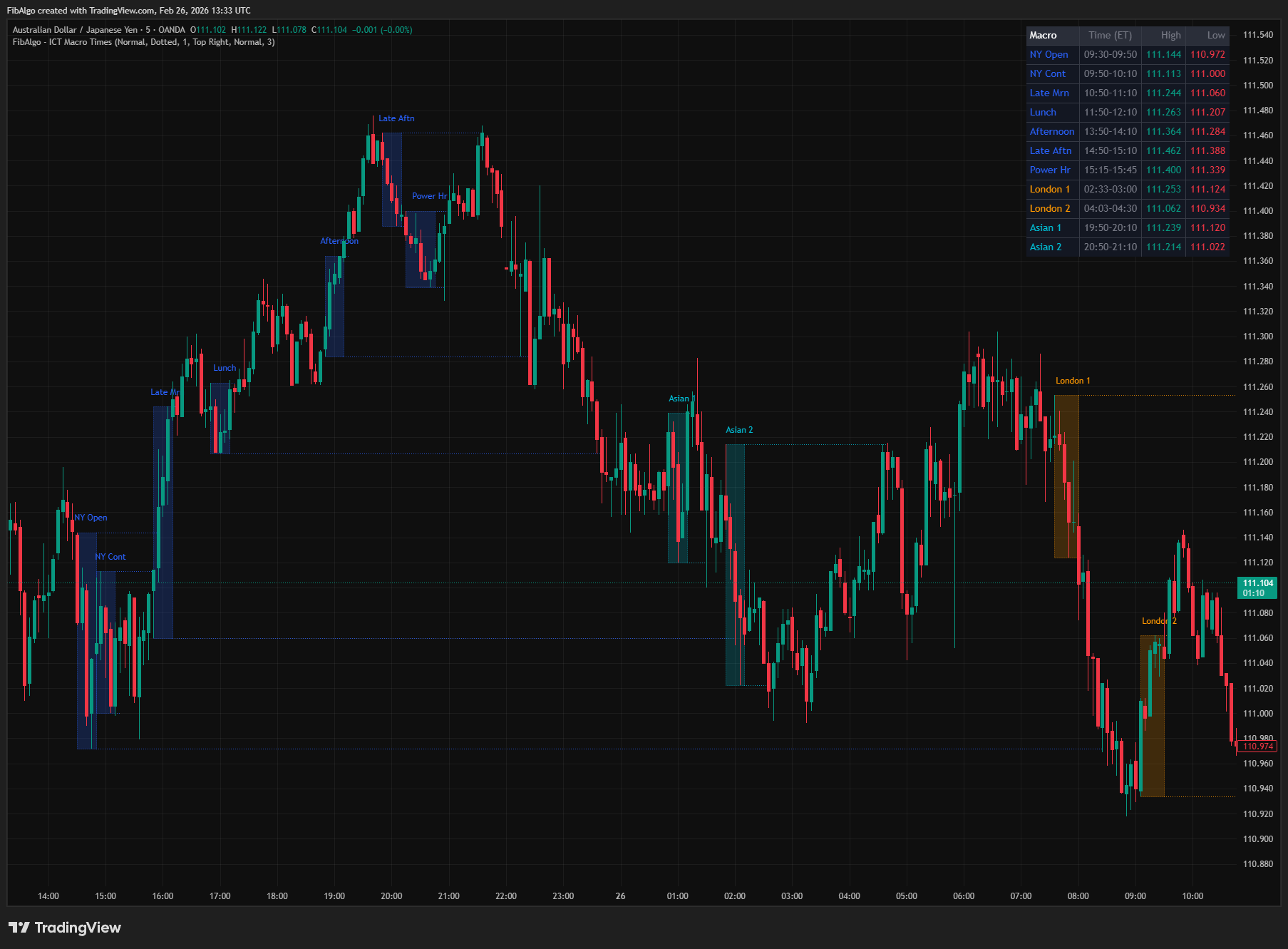
2. Window Background Shading When a macro window opens (the first bar to enter the window), a color-coded background box is created. As new bars arrive within the window, the box extends rightward and its top/bottom adjust to capture the full price range (developing high and low). A label identifies the macro above the box ("NY Open", "London 1", etc.). Session-based colors are used: all New York macros share one color (blue), both London macros share one color (orange), and both Asian macros share one color (cyan). The box has a thin dotted border for definition.
3. High/Low Level Projection When a macro window closes (the first bar after the window ends), horizontal lines are drawn at the final high and low of the window. Each line carries a short label at its right edge identifying the level — for example, "NYO H" (NY Open High) and "NYO L" (NY Open Low). Lines extend rightward on every subsequent bar, projecting the macro's range forward as reference levels.
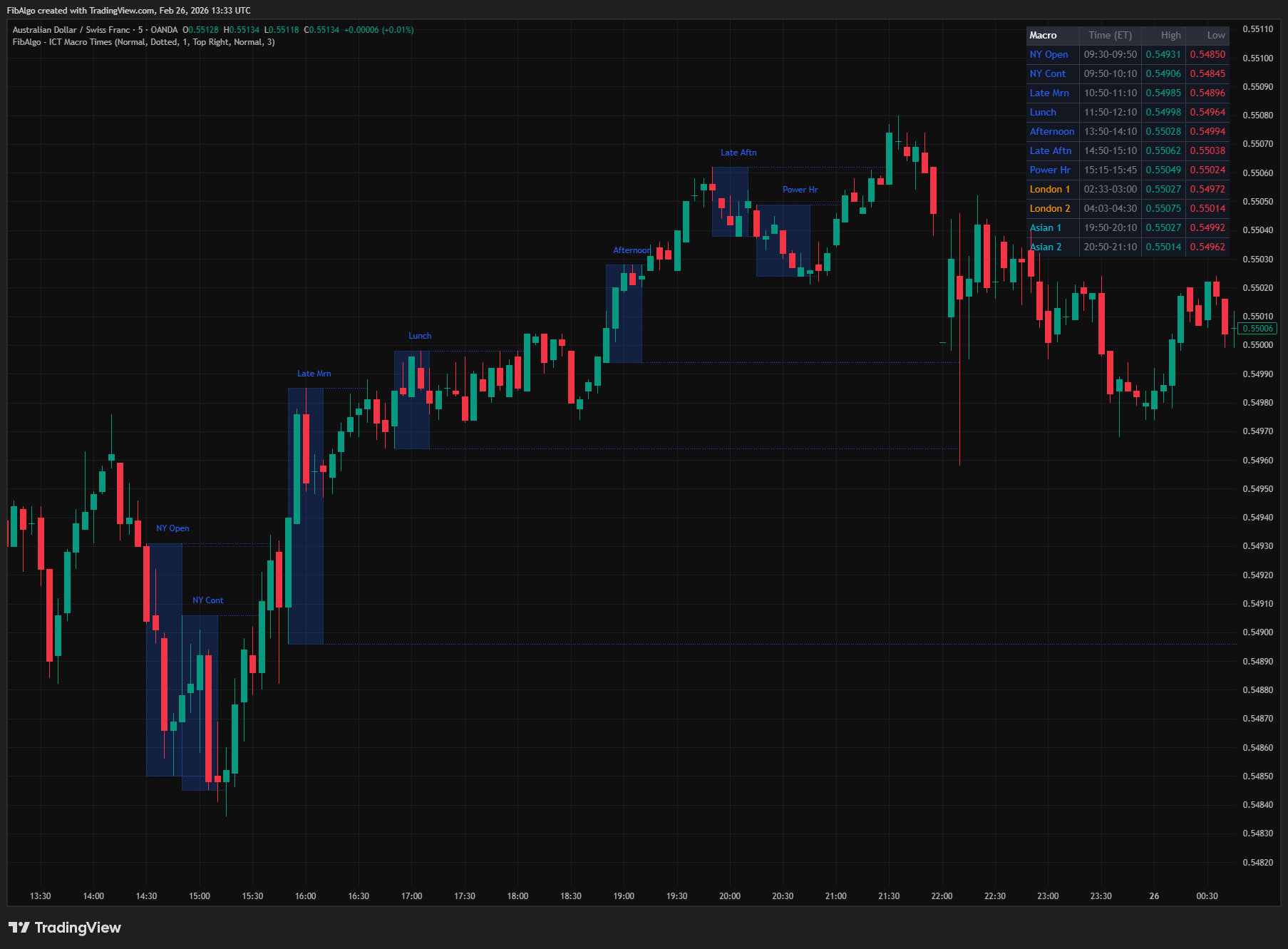
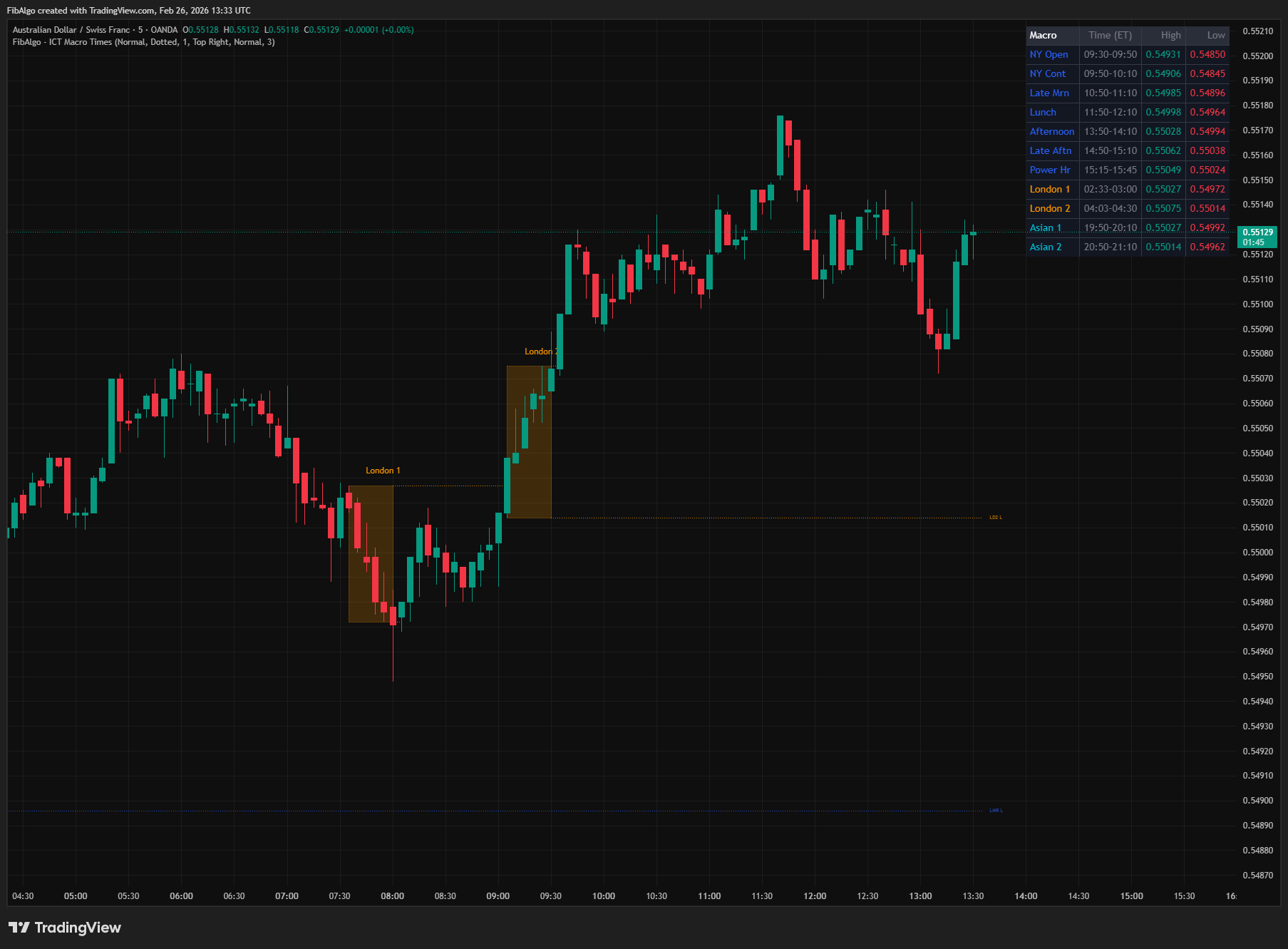
4. Smart Line Management When a new macro of the same type opens (e.g., the next day's NY Open), all previous same-type high/low lines and their labels are automatically deleted. Only the most recent completed macro of each type retains its level lines on the chart. This prevents line clutter — at most, each enabled macro type has one pair of H/L lines visible at any time. The background boxes are preserved for historical reference (controlled by the History (Days) setting).
5. Wick Break Detection After a macro's high/low lines are drawn, the indicator monitors for wick breaks on every subsequent bar. If a candle's high exceeds the macro's high (wick break above), the high line stops extending and its label is removed — this means buy-side liquidity at that level has been swept. If a candle's low drops below the macro's low (wick break below), the low line stops extending and its label is removed — sell-side liquidity has been swept. Each line is tracked independently: the high line can be broken while the low line continues extending, or vice versa. Broken lines remain frozen at the bar where they were swept, providing a visual record of where liquidity was taken.
6. Dynamic Summary Table A real-time table displays all enabled macros in time order, their time windows, and the latest high/low values. Only enabled macros appear in the table — if you disable a macro, its row disappears. The currently active macro is highlighted with a ► prefix and a colored background row. While a macro is active (window still open), the table shows its developing high and low in real time. After the macro closes, it shows the final completed values.
7. Alert System The indicator sends its alerts through alert() calls. To receive them, create an alert on the indicator and choose "Any alert() function call" as the condition. Two alert events are available, each with an independent toggle:
- Macro Window Opened — Fires on the first bar of each macro window, with the macro name, symbol, timeframe and the opening price of that bar.
- Macro Window Closed — Fires on the first bar after each macro window ends, with the macro name, symbol, timeframe and the final high and low of the window.
When several events happen on the same bar (for example, NY Open closes as NY Continuation opens), they are sent together in one message. Alerts fire once per bar, and prices are formatted to the symbol's tick size. A master "Enable Alerts" toggle disables all alert processing when off.
Features
- 13 Macro Windows — The eight standard ICT macros with exact minute precision, including the non-standard 02:33 and 04:03 start times for London macros, plus five additional windows. Nine New York windows (08:50–09:10, 09:30–09:50, 09:50–10:10, 10:50–11:10, 11:50–12:10, 13:10–13:40, 13:50–14:10, 14:50–15:10, 15:15–15:45), two London macros (02:33–03:00, 04:03–04:30), and two Asian windows (19:50–20:10, 20:50–21:10).
- Tier-Based Default Visibility — Tier 1 (NY AM Macro, NY Open, NY Continuation, London 1, London 2) and Tier 2 (Late Morning, Lunch, NY PM Macro, Late Afternoon) are enabled by default. Tier 3 (Afternoon, Power Hour, Asian 1, Asian 2) is disabled by default. New users see a clean chart with only the higher-tier windows visible. Each toggle includes a tooltip explaining its tier classification.
- Session-Based Color Coding — One color per session instead of per macro: New York (blue), London (orange), Asian (cyan). All colors are independently configurable. This keeps the chart visually organized — you can instantly distinguish which session a macro belongs to.
- Smart Line Management — When a new macro of the same type opens (e.g., next day's NY Open), all previous same-type high/low lines are automatically deleted. Only the most recent completed macro of each type shows level lines. Maximum of 26 lines on chart at any time (13 macro types × 2 lines each) regardless of history depth.
- Wick Break Detection — When a candle's wick breaks above a macro high or below a macro low, that line stops extending. Indicates liquidity has been swept at that level. Each line is tracked independently — the high can be broken while the low continues extending. Broken lines freeze in place, showing exactly where and when liquidity was taken.
- Level Labels — Each high/low line carries a short abbreviation label (e.g., "NYO H", "LD1 L", "NAM H") at its right edge. Labels move with the extending line and are removed when the line breaks. Provides instant identification of which macro created which level.
- Dynamic Summary Table — Shows only enabled macros, in time order. Active macro rows are highlighted with ► prefix and colored background. Developing (live) high/low values are displayed while a macro window is still open. Completed macros show their final values. Table row count adjusts dynamically as macros are enabled/disabled.
- Per-Macro Toggle — Each of the 13 windows has its own enable/disable toggle. Tooltips explain the tier level and significance of each macro. Enable only the macros relevant to your trading session or style.
- 2 Alert Events — Macro window opened and macro window closed, delivered through "Any alert() function call". Each has an independent toggle and includes symbol, timeframe, macro name and price levels (the opening price, or the final high and low). Events of the same bar arrive in one message. Master enable switch for all alerts.
- Timezone Independent — All time calculations use Eastern Time (America/New_York) internally regardless of the chart's timezone setting. Macros appear at the correct times on any chart.
- Full Color Customization — Independent color settings for each session's background boxes. High/low line style (Solid/Dashed/Dotted) and width (1–3) are configurable. Label Size (macro names and level labels) and Table Text Size are independently adjustable.
- History Management — Configurable number of days (1–30) to retain macro window boxes on the chart, counted as the most recent New York dates on which a macro window opened. Oldest macros are automatically removed with all associated drawing objects to stay within TradingView limits.
How to use the ICT Macro Times indicator
- Identify Active Windows: Enable window background shading to see when macro windows are active. The colored boxes highlight the 20–30 minute delivery windows on your chart. Focus your attention on price action within these boxes — this is where algorithmic delivery concentrates.
- Track Developing Range: While a macro window is open, the box expands in real time to show the developing high and low. The summary table simultaneously shows the live values with a ► marker. This tells you the range that is being established.
- Use Levels After Close: Once a macro window closes, its high and low lines project forward as reference levels. These represent liquidity pools — buy stops above the high, sell stops below the low. Later macros within the same session may target these levels.
- Watch for Sequential Sweeps: The 09:30 window establishes a range. The 09:50 macro may sweep the 09:30 high or low. The 10:50 macro may sweep the other side. By tracking macro levels, this sequential sweep pattern becomes visible. When a wick breaks a macro level, the line freezes — confirming the sweep occurred.
- Focus on Tier 1 First: In the New York session, start with the NY AM Macro (08:50–09:10), the NY Open window (09:30–09:50) and NY Continuation (09:50–10:10). London 1 (02:33–03:00) and London 2 (04:03–04:30) are the most important for the London session. Start with these before adding lower-tier windows.
- Use on Appropriate Timeframes: New York windows are 20 minutes long, London windows 27 minutes, and the NY PM Macro and Power Hour 30 minutes. On 1m charts a window spans 20–30 candles; on 5m charts it spans 4–6 candles. On 15m charts a window covers only 2–3 candles and may start a few minutes before the exact time. Windows are not drawn above 15m. Best results on 1m to 5m.
- Combine with ICT Framework: Macro Times identify WHEN to expect significant price delivery. Combine with Market Structure (direction), Order Blocks (entry levels), Fair Value Gaps (retracement zones), Premium/Discount (range positioning), Liquidity Levels (targets), and Killzones (broader session context). A macro sweep of a liquidity level inside a killzone with displacement creating an FVG is a high-confluence setup.
Limitations
- This indicator does not generate buy/sell signals. It marks time windows and their high/low levels for your own analysis.
- Macro windows are 20–30 minutes long. They are drawn on tick, second and 1m to 15m charts only; on higher timeframes nothing is drawn and the table shows a notice. On 2m to 15m charts the whole bar that contains a window's start or end is included, so the range can include a few minutes outside the exact window. Use 1m to 5m for best results.
- The eight standard ICT macro times and the five additional windows use fixed Eastern Time (ET) times and are not customizable. Sources differ slightly on the exact minutes of some macros. Markets may occasionally behave differently during these windows.
- Wick break detection uses the candle's high and low (not close). A single wick spike above a macro high will permanently stop that line from extending, even if price immediately reverses. This is by design — the wick confirms liquidity was swept at that level.
- Smart line management deletes previous same-type lines when a new macro opens. If you want to see historical macro levels from previous days, the lines will not be available — only the most recent instance of each macro type retains its H/L lines. Background boxes are preserved based on History Days.
- The summary table recalculates on the last bar only. The table shows the latest completed (or developing) high/low for each macro type — it does not retain historical statistics across multiple instances.
- Drawing object limits: TradingView allows 500 boxes, 500 lines, and 500 labels. Each macro window uses up to 2 objects (box + label). Each completed macro uses up to 4 additional objects (2 lines + 2 labels). With default settings (3 days history, 9 macros enabled), usage stays well within limits.
- Alerts are created with "Any alert() function call". Alerts created before an update keep running the older version of the script and must be re-created to use the new version.
- The indicator does not incorporate other ICT concepts (order blocks, FVGs, market structure, premium/discount). Each concept has its own dedicated indicator in the FibAlgo ICT series. Macro Times identifies WHEN — use other indicators to identify WHAT and WHERE.
- Macro window ranges are observational reference levels. They do not guarantee future price behavior. Past performance and price patterns around macro times are not indicative of future results.
Trading involves risk. This indicator is an analysis tool, not financial advice: use it alongside your own analysis and risk management.
Release notes
v2.0LatestTimeframe guard, combined alerts and two new macros
Macro windows are now drawn only on 15m and lower charts, the macro closed alert is no longer lost when the next window opens on the same bar, and the NY AM and NY PM macros were added.
After updating
- Delete and re-create your alerts for this indicator with the "Any alert() function call" condition. TradingView alerts keep running the script version they were created with.
- Charts that already have the indicator may keep the old text sizes. The new Normal defaults apply when you add the indicator again or choose Reset settings.
Fixed
- Daily and higher charts showed one window across the whole history, and hourly charts drew whole candles as windows. Windows are now drawn on 15m and lower charts; on higher timeframes the table shows a notice.
- The macro closed alert was lost when the next window opened on the same bar, as with NY Open and NY Continuation. All events of a bar now arrive in one message.
- On 2m to 15m charts a window now includes the bar that contains its start, so the 02:33 and 04:03 London windows are no longer cut short.
- History (Days) now keeps the set number of days instead of a number of windows.
Improved
- Alerts include the symbol, timeframe and tick-formatted prices.
- Label and table text default to Normal size, and the level labels follow the Label Size setting.
Added
- The ICT NY AM Macro (08:50-09:10) and NY PM Macro (13:10-13:40), on by default. The description now lists the eight standard ICT macros separately from the five additional windows, such as the 09:30-09:50 opening range.
Frequently Asked Questions
What are ICT macro times?
ICT macro times are short, fixed windows of the trading day in which ICT says the price delivery algorithm tends to run a sequence: build orders, sweep nearby liquidity, then displace in the intended direction. The high and low of each macro then act as small liquidity pools that later macros in the same session often sweep.
Which macro windows does this indicator mark?
It marks 13 windows, all in New York time. The eight standard ICT macros: London 02:33–03:00 and 04:03–04:30, and New York 08:50–09:10, 09:50–10:10, 10:50–11:10, 11:50–12:10, 13:10–13:40 and 15:15–15:45. Five additional windows: the 09:30–09:50 opening range, 13:50–14:10 and 14:50–15:10 in New York, and 19:50–20:10 and 20:50–21:10 in the Asian session. Each window can be switched on or off, and the times stay correct whatever time zone your chart uses.
Which ICT macros are the most important?
The indicator groups them in tiers. Tier 1 covers the NY AM Macro (08:50–09:10), NY Open (09:30–09:50), NY Continuation (09:50–10:10), London 1 (02:33–03:00) and London 2 (04:03–04:30), which fall in the hours of peak institutional volume. Tier 2 covers Late Morning, Lunch, the NY PM Macro (13:10–13:40) and Late Afternoon, and Tier 3 covers Afternoon, Power Hour and the two Asian windows. Tiers 1 and 2 are on by default.
What is the difference between ICT macros and killzones?
Killzones are broader session windows lasting a few hours, such as the London killzone (02:00–05:00 New York time) or the New York AM killzone (08:30–11:00). Macros are much shorter windows inside or around those sessions. Killzones give the session context, while macros narrow it down to the specific minutes when a liquidity sweep and displacement are expected.
What timeframe is best for ICT macro times?
Use 1-minute to 5-minute charts. Each window in this indicator lasts 20 to 30 minutes, so a 1-minute chart shows 20 to 30 candles per macro and a 5-minute chart shows 4 to 6. On 15-minute charts a window covers only two or three candles, and on higher timeframes the indicator draws no windows.
Learn More
- Smart Money Concepts (SMC): How Institutional Traders Move MarketsLearn Smart Money Concepts including order blocks, fair value gaps, liquidity sweeps, and breaker blocks. Understand how institutions trade.
- Risk Management in Crypto Trading: The Complete Survival GuideMaster position sizing, stop losses, portfolio allocation, and emotional discipline for crypto trading. Learn why risk management matters most.
- Technical Analysis for Crypto Trading: The Definitive GuideLearn technical analysis from basics to advanced for cryptocurrency trading. Master chart patterns, indicators, volume analysis, and multi-timeframe strategies.
Start Using ICT Macro Times
This indicator is free to use on TradingView. Add it to your charts and use it alongside your own analysis.
Related indicators
View All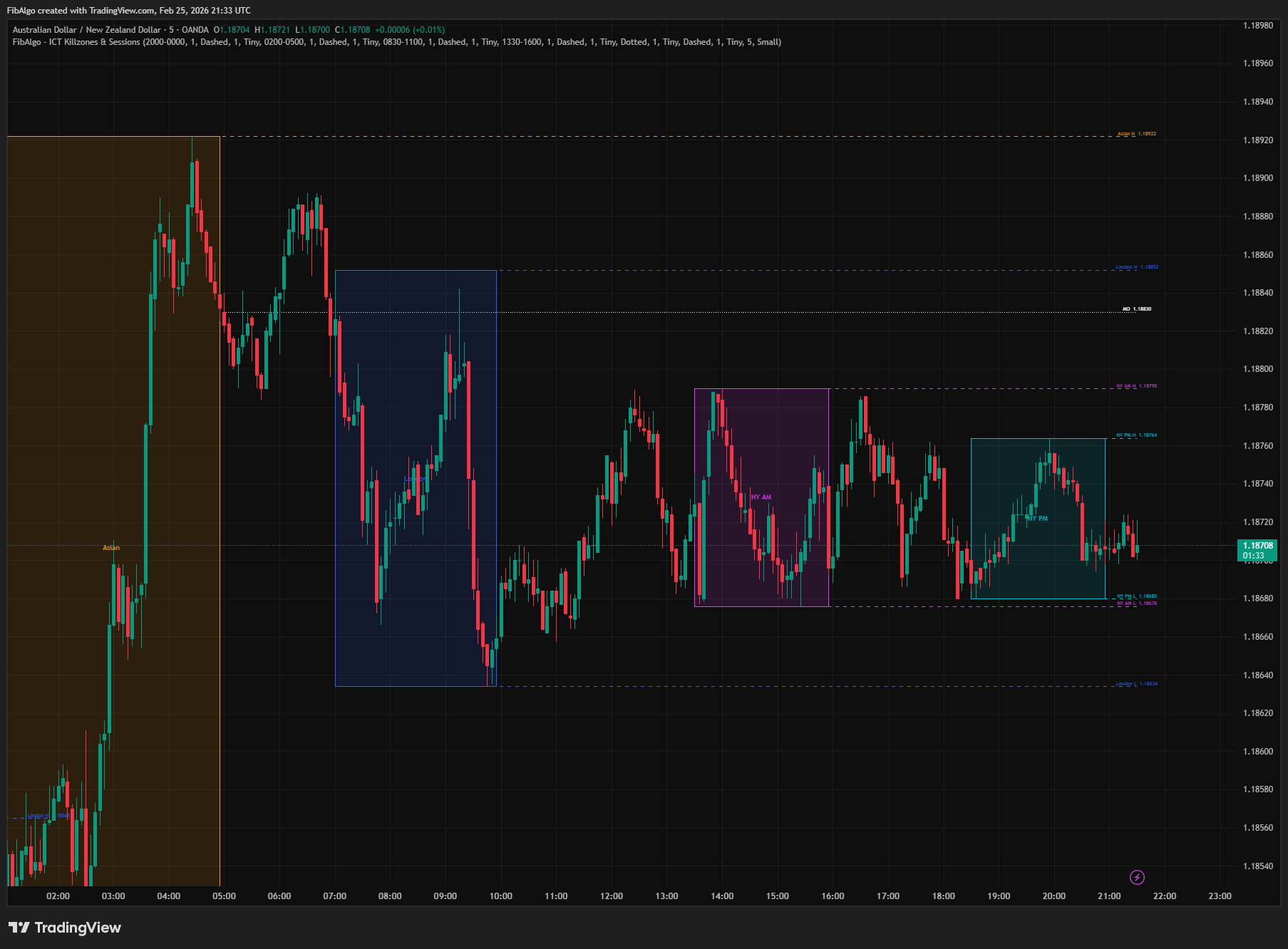
ICT Killzones & Sessions
TradingView indicator that highlights ICT Killzones — Asian, London, NY AM, and NY PM session boxes with high/low extensions and key opening levels.
See Details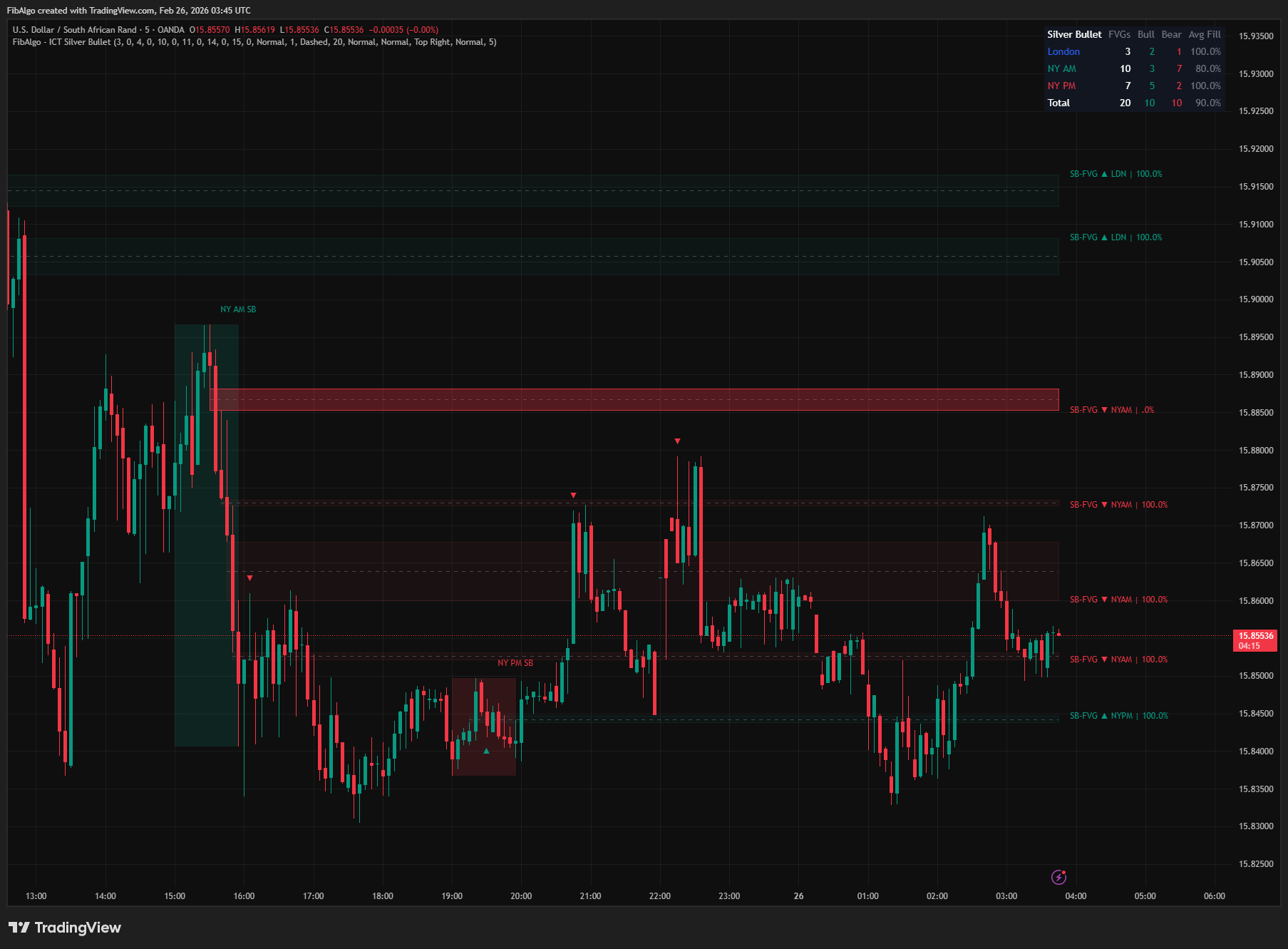
ICT Silver Bullet
TradingView indicator that identifies ICT Silver Bullet windows — London, NY AM, and NY PM — and detects Fair Value Gaps with CE entry signals.
See Details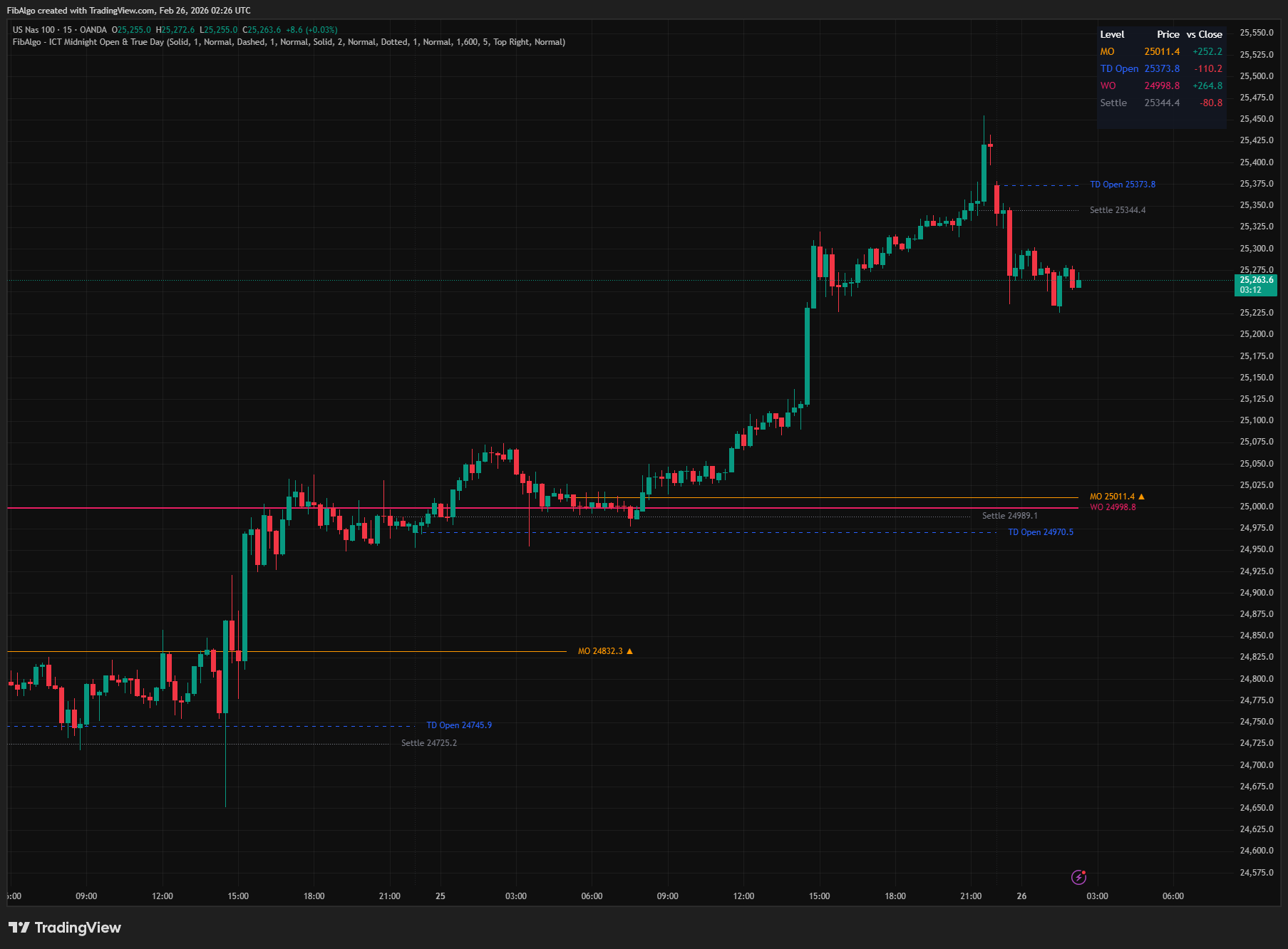
ICT Midnight Open & True Day
TradingView indicator that plots ICT Midnight Open, True Day Open, Weekly Open, and Settlement Price with directional bias analysis.
See Details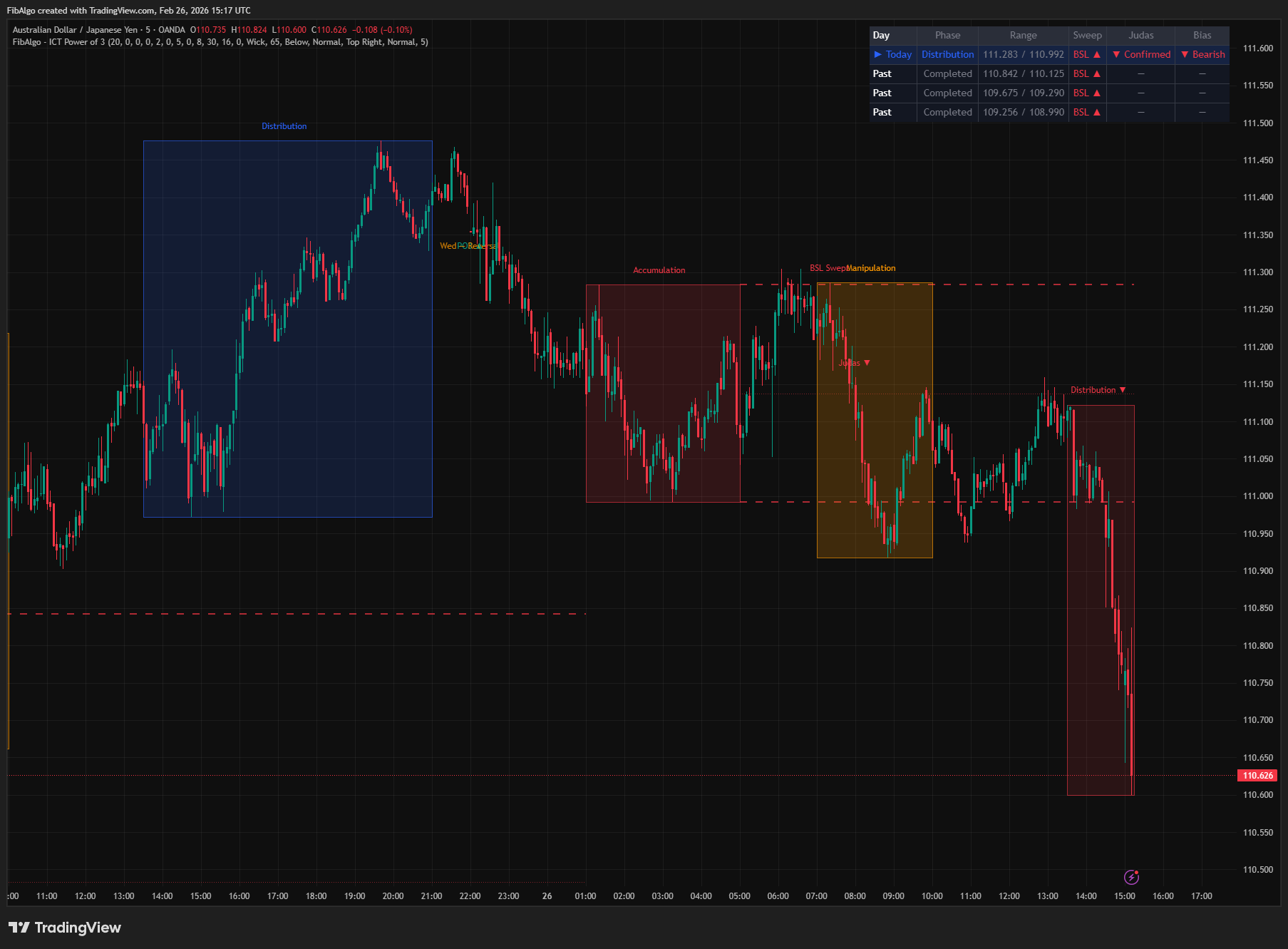
ICT Power of 3
TradingView indicator that visualizes the ICT Power of 3 daily cycle — Accumulation, Manipulation, and Distribution across Asia, London, and New York.
See Details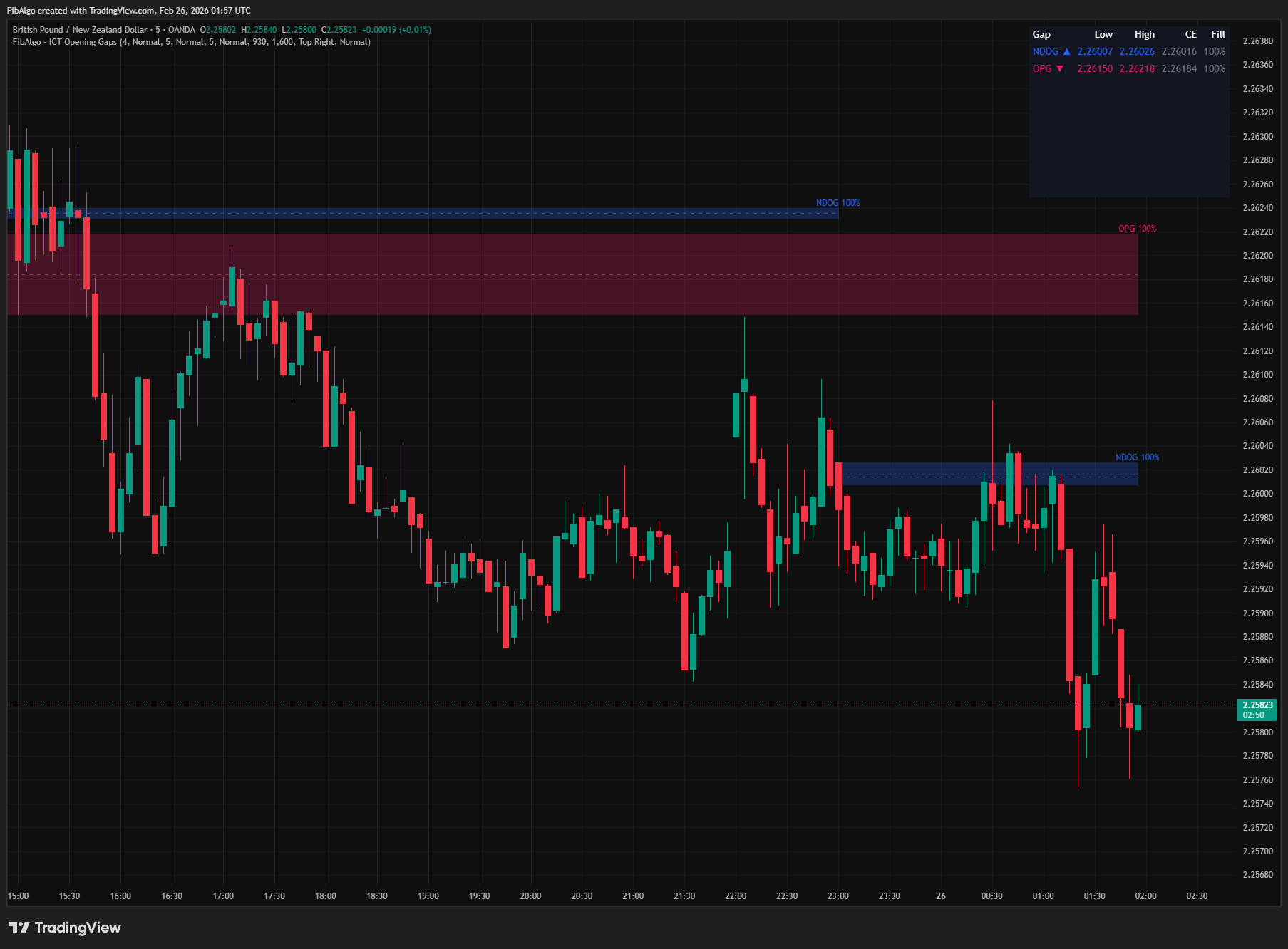
ICT Opening Gaps
TradingView indicator that detects ICT Opening Gaps — NWOG, NDOG, and OPG — displayed as colored zones with CE midlines and gap fill tracking.
See Details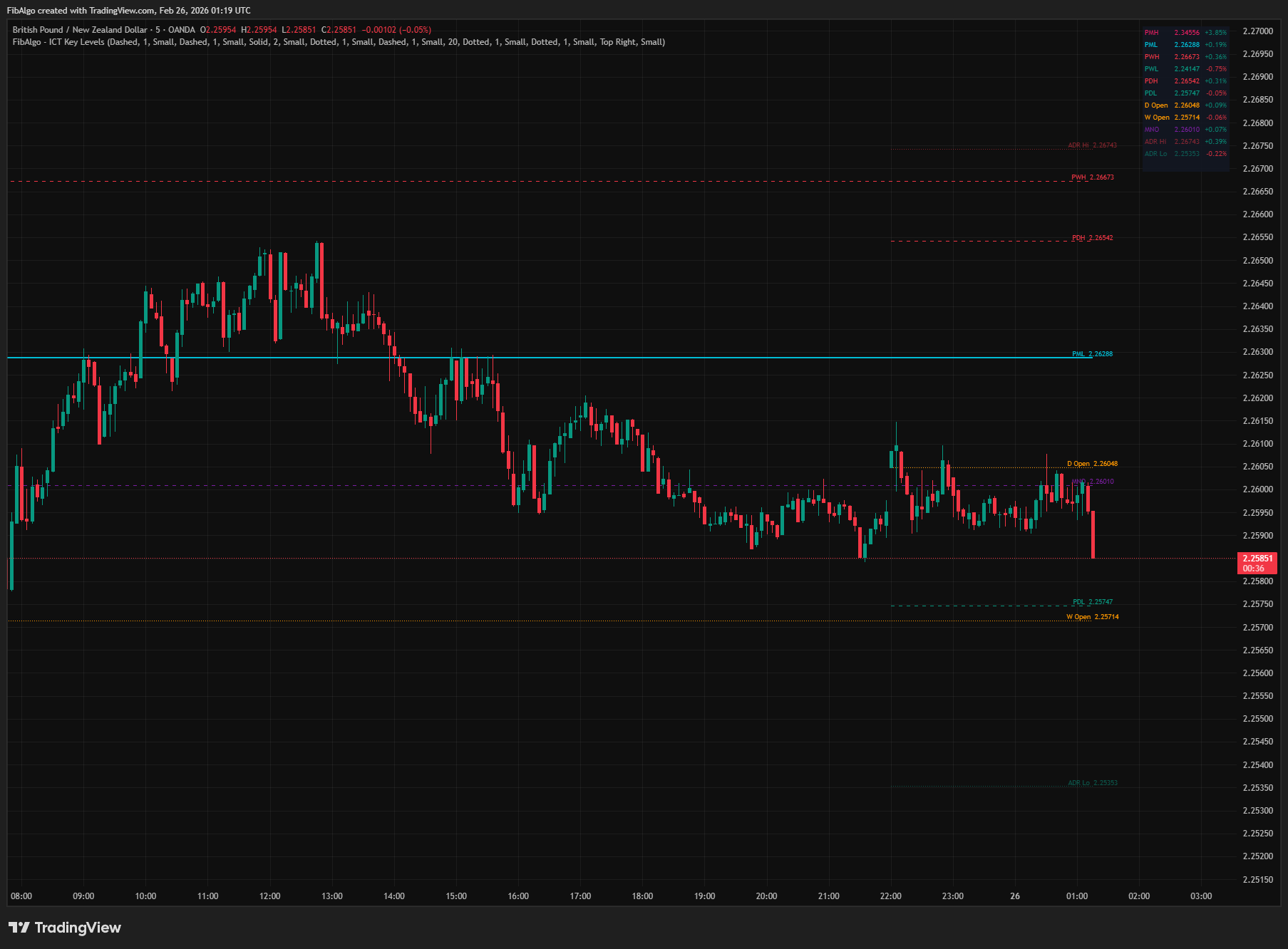
ICT Key Levels
TradingView indicator that draws ICT institutional reference levels — Previous Day/Week/Month High/Low, Daily Opens, Midnight Open, and ADR lines.
See Details