
Use this indicator directly on TradingView — the world's most popular charting platform.
What does the ICT Key Levels indicator do?
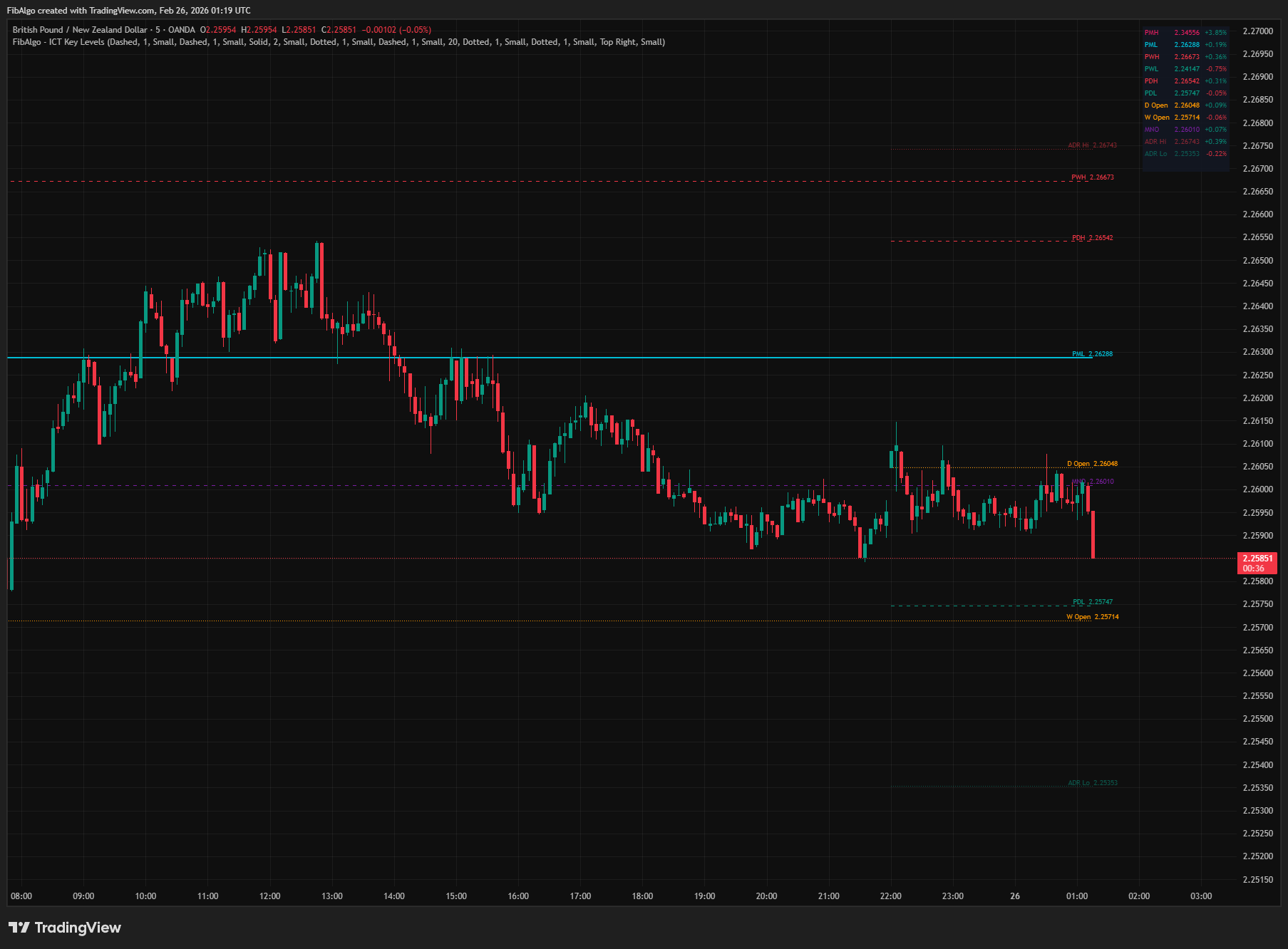
This indicator draws the essential ICT institutional reference levels on your chart: Previous Day High/Low (PDH/PDL), Previous Week High/Low (PWH/PWL), Previous Month High/Low (PMH/PML), Daily/Weekly/Monthly Opens, Midnight Open (NY 00:00 ET), Average Daily Range (ADR) lines, and Previous Session High/Low (Asia, London, NY). All levels update automatically with fully independent styling per group — including colors, line styles, widths, and label sizes. A real-time status table displays the main levels with their price and percentage distance from the current close.
Key Concepts
- PDH/PDL (Previous Day High/Low) — The high and low of the previous trading day. These are the most commonly targeted liquidity levels in ICT methodology. Smart money sweeps these levels to fill institutional orders before reversing.
- PWH/PWL (Previous Week High/Low) — The high and low of the previous trading week. Higher-timeframe liquidity targets. Weekly levels are key draw-on-liquidity targets for swing setups.
- PMH/PML (Previous Month High/Low) — The high and low of the previous month. These are swing-level liquidity targets. Monthly levels carry the most significance for institutional positioning.
- Equilibrium (50% Midpoint) — The midpoint between a previous period's high and low. Optionally displayed for Daily, Weekly, and Monthly ranges. Price often gravitates toward equilibrium before targeting a liquidity pool.
- Daily/Weekly/Monthly Open — The opening price of the current period. Price relative to the open defines bias: above open = bullish, below open = bearish.
- Midnight Open (MNO) — The price at 12:00 AM New York time. ICT uses this as a directional bias tool: price above MNO = bullish for the day, below = bearish. Also acts as dynamic support/resistance.
- Average Daily Range (ADR) — The average high-to-low range over a configurable lookback period (default 20 days). Shown as ADR High and ADR Low, half an ADR above and below today's open. In ICT methodology the ADR sets realistic expectations for the size of the day: a day's full range seldom goes far beyond 1-1.5x ADR.
- Previous Session H/L — The high and low of the previous Asian, London, and New York sessions. London targets Asia H/L; New York targets London H/L. These are intraday liquidity sweep levels.
How does the ICT Key Levels indicator work?
1. Previous Period High/Low (Day, Week, Month) The indicator uses higher-timeframe security requests to fetch the previous period's high, low, and open. These levels are drawn as horizontal lines starting from the beginning of the current period (e.g., PDH/PDL lines start at the first bar of the current day). Each period has its own color, style, width, and label size settings. An optional 50% midpoint (equilibrium) line can be displayed for each range. Data is never requested from a timeframe lower than the chart, so day levels appear on charts up to 1D, week levels up to 1W, and month levels up to 1M. On Heikin Ashi, Renko and other non-standard chart types these levels are taken from standard candles, so they show real prices.
2. Opening Prices Current Daily, Weekly, and Monthly opens are drawn as reference levels starting from their respective period's first bar. In ICT, the relationship between price and the open of the relevant period defines directional bias. All three periods can be toggled independently.
3. Midnight Open (NY 00:00 ET) At midnight New York time, the indicator captures the opening price and draws a horizontal line starting from that bar. This level persists until the next New York calendar day begins. On intraday charts, the open of the first bar at or just after 00:00 ET is used, as long as that bar opens within one bar (and at least one hour) of midnight. If a symbol has no bar near midnight (for example, stocks that trade regular hours only, or the Sunday evening reopen), the level is left empty for that day instead of showing an old value. On the daily chart, the daily open is the proxy. The timezone is hardcoded to America/New_York (ET), ensuring consistent behavior regardless of the user's chart timezone setting.
4. Average Daily Range (ADR) The ADR is calculated as the simple moving average of the daily high-low range over a configurable lookback (default: 20 days, excluding the current day). Two lines are drawn from the start of the current day: ADR High (daily open + ADR/2) and ADR Low (daily open − ADR/2). Together they form a band one ADR wide, centred on the daily open. Real days are rarely centred on their open, so on a normal trend day price can move well beyond one of these lines. Use the band as a size reference for the day, not as a target or an exhaustion level.
5. Previous Session High/Low For intraday traders, the indicator tracks the high and low of three key sessions using New York (ET) time:
- Asia — 8:00 PM to 12:00 AM ET
- London — 2:00 AM to 5:00 AM ET
- New York — 9:30 AM to 12:00 PM ET
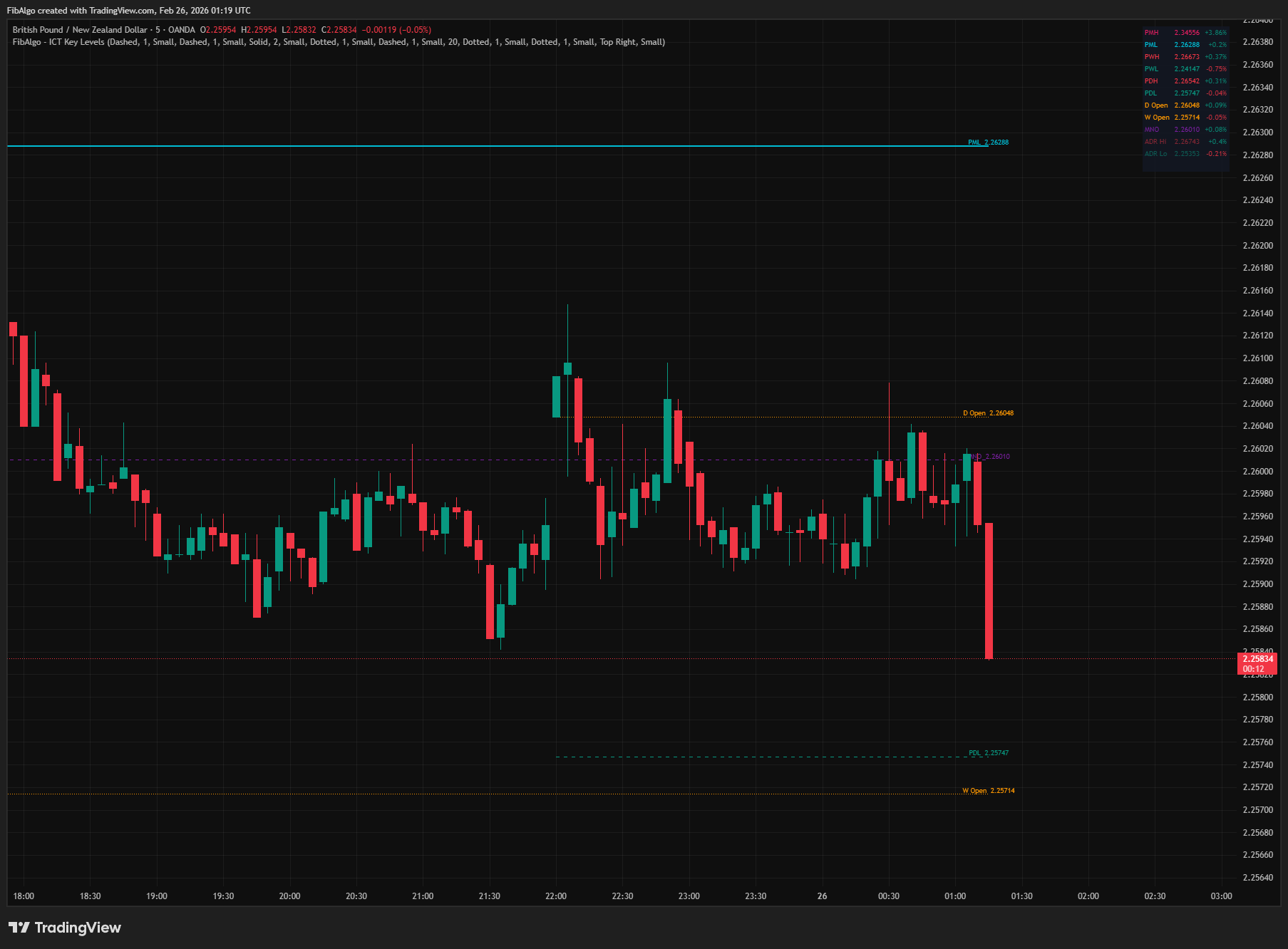
When a session ends, its high and low are stored as "previous session" levels and drawn from the bar where that session ended. These remain visible until the same session completes again. ICT teaches that London hunts Asia H/L and New York hunts London H/L — these levels serve as intraday liquidity targets. Session detection uses the America/New_York timezone function, so it works correctly regardless of the user's local timezone. Session levels are available on intraday charts up to 1H.
6. Status Table A real-time table displays the main key levels (PMH/PML, PWH/PWL, PDH/PDL, Daily/Weekly/Monthly Open, MNO, ADR Hi/Lo) with three columns: level name, price, and distance from current close (in percentage). Positive distance (green) means the level is above price; negative (red) means below. Levels that are switched off or not available on the current chart are left blank. Both table position (any corner) and table text size (Tiny/Small/Normal) are configurable.
Features
- Previous Day High/Low (PDH/PDL) — Automatically drawn from the prior day's range. The most important intraday liquidity levels in ICT methodology.
- Previous Week High/Low (PWH/PWL) — Weekly liquidity targets for swing traders. Key draw-on-liquidity levels.
- Previous Month High/Low (PMH/PML) — Monthly institutional liquidity levels. Carry the highest significance for position trading.
- 50% Midpoints — Optional equilibrium lines for each period (PD Mid, PW Mid, PM Mid). Price often rebalances to these levels.
- Daily / Weekly / Monthly Open — Current period opening prices for directional bias. Above open = bullish, below = bearish.
- Midnight Open (NY 00:00 ET) — ICT's daily bias reference. Uses the first bar at or just after 00:00 ET on intraday charts and the daily open as a proxy on the daily chart. Uses America/New_York timezone — works correctly from any chart timezone.
- Average Daily Range (ADR) — ADR High and ADR Low drawn half an ADR above and below the daily open. Configurable lookback period (1–100 days, default 20). Shows the size of an average day at a glance.
- Previous Session H/L — Asia (8PM–12AM ET), London (2AM–5AM ET), NY (9:30AM–12PM ET). Previous session highs and lows serve as intraday liquidity sweep targets. Each level is stored when its session ends. All session detection is timezone-safe.
- Period-Aware Lines — Lines start from the beginning of their relevant period (e.g., PDH starts at the first bar of the current day, PWH starts at the first bar of the current week). Previous session lines start where that session ended. This keeps the chart clean and contextually accurate.
- Independent Styling Per Group — Each level group (PD, PW, PM, Opens, MNO, ADR, Sessions) has its own color, line style (Solid/Dashed/Dotted), line width, and label size controls. Full visual independence across all 7 groups.
- Configurable Label Sizes — Each group has an independent Label Size setting (Tiny/Small/Normal). Allows fine-grained control over visual hierarchy.
- Clear Labels — Labels sit just right of the current bar, so they do not cover price action. Levels at exactly the same price share one label (for example "W Open / D Open").
- Line Extension Toggle — Choose between lines ending just right of the current bar (default) or extending to the right edge of the chart.
- Real-Time Status Table — Shows the main levels with name, price, and percentage distance from close. Configurable position (any corner) and text size (Tiny/Small/Normal).
- Comprehensive Alert System — 7 alert categories with a master enable toggle: PDH/PDL Touch, PWH/PWL Touch, PMH/PML Touch, Opens Cross (Daily/Weekly/Monthly), Midnight Open Cross, ADR Hi/Lo Touch, Session H/L Touch. Touch alerts fire once, on the first touch of each level per period or session. Cross alerts are confirmed at bar close. All alerts include the level price, symbol and timeframe.
- Full Customization — 9 organized settings groups with independent controls for every visual element.
How to use the ICT Key Levels indicator
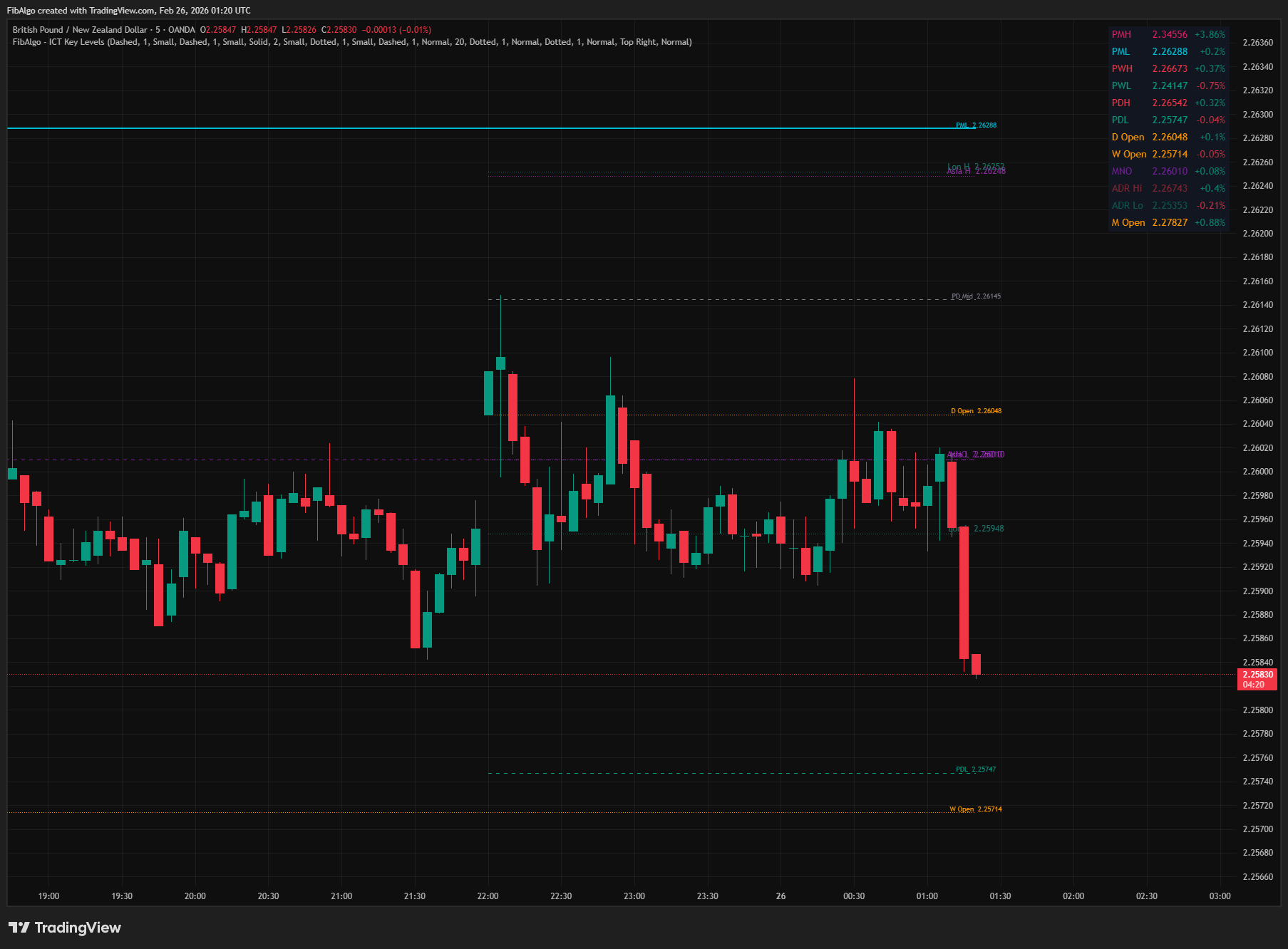
- Liquidity Sweep Targets: PDH, PDL, PWH, PWL, PMH, PML are the levels where institutional orders rest. Watch for price to sweep a level (wick through) then reverse. This is the classic ICT liquidity grab pattern.
- Directional Bias with Opens: If price is above the Daily Open and Midnight Open, the day has bullish bias. If below both, bearish. Confluence between multiple opens strengthens the bias.
- ADR for Realistic Expectations: Compare the range the day has already made with the ADR. When the day has covered most of its average range, further expansion is less likely, so avoid chasing late entries. The ADR lines are a size reference around the open, not profit targets.
- Session H/L for Intraday: Enable Asia, London, and NY session levels for day trading. London sweeps Asia H/L, then NY sweeps London H/L. These cycles repeat daily and form the basis of ICT's session-to-session model.
- Confluence Zones: When multiple levels align (e.g., PDL near PWL near ADR Low), that area becomes a high-probability reaction zone. Look for Order Blocks, FVGs, or OTE entries at confluence.
- Higher-Timeframe Context: Use PMH/PML and PWH/PWL for daily/weekly bias. Use PDH/PDL, ADR, and session levels for intraday execution. Layer the timeframes for top-down ICT analysis.
- Combine with ICT Tools: Key Levels define WHERE institutional liquidity sits. Pair with Market Structure (trend direction), Order Blocks (precise entry), Fair Value Gaps (rebalancing), Premium/Discount (range position), and Killzones (timing) for complete analysis.
Limitations
- Previous Day/Week/Month data requires at least one completed period to be available. On the first day/week/month of the chart, these levels will be absent.
- Day levels (PDH/PDL, PD Mid, Daily Open, ADR, Midnight Open) are shown on charts up to 1D, week levels up to 1W, and month levels up to 1M. On higher timeframes they are hidden, because the indicator never requests data from a timeframe lower than the chart.
- On intraday charts, the Midnight Open is the open of the first bar at or just after 00:00 ET; on the daily chart, the daily open is the proxy. If no bar opens within one bar (at least one hour) of midnight, the Midnight Open is left empty for that day.
- Previous Session H/L is available on intraday charts up to 1H, and only for sessions in which the symbol trades (for example, stocks that trade regular hours only have no Asia or London levels). Each bar is assigned to a session by its open time.
- The ADR lines are a band of half the ADR on each side of the daily open. Actual price movement is often asymmetric (a larger move in one direction), so price can travel well past one line on a normal day.
- Session times are fixed to ET (America/New_York). They represent standard ICT session windows and are not user-adjustable.
- Lines are clamped to a maximum of 4999 bars from the current bar to prevent historical buffer overflow errors. On very low timeframes, monthly lines may therefore start after the first bar of the month.
- On Heikin Ashi, Renko and other non-standard chart types, day, week and month levels use standard candle prices, while Midnight Open and session levels come from the chart's own candles. Use standard candles for Midnight Open and session levels.
- Touch alerts fire only on the first touch of each level per period or session; a later return to the same level in the same period does not alert again.
- This indicator displays reference levels — it does not generate buy/sell signals. Combine with ICT Market Structure, Order Blocks, Fair Value Gaps, and Premium/Discount zones for a complete trading framework.
Trading involves risk. This indicator is an analysis tool, not financial advice: use it alongside your own analysis and risk management.
Release notes
v2.0LatestSession levels, touch alerts and Midnight Open fixes
Previous session highs and lows are now saved when each session ends, touch alerts fire once per level and period, and the Midnight Open is found correctly on more timeframes.
After updating
- Delete and re-create your alerts for this indicator with the "Any alert() function call" condition. TradingView alerts keep running the script version they were created with.
- Charts that already have the indicator may keep the old text sizes and Midnight Open color. The new defaults apply when you add the indicator again or choose Reset settings.
Fixed
- Previous session High/Low: Asia, London and NY levels are now saved when each session ends. Before, London was shown the Asia range from the day before and New York the previous day's London range.
- Touch alerts fire once, on the first touch of each level per period or session, instead of on every bar that touches the level. Open and Midnight Open cross alerts are confirmed at bar close, so a wick through a line no longer sends a cross alert.
- The Midnight Open is now found correctly on seconds, 45m and 2H to 12H charts. On days without a bar near midnight it is left empty instead of showing an old value.
- On Heikin Ashi, Renko and other non-standard charts, day, week and month levels now use real prices.
Improved
- Labels sit right of the last bar, levels at the same price share one label, and lines now show on the daily chart. Lines reach up to 4,999 bars back instead of 500.
- Faster loading, Normal default text size and an easier-to-read Midnight Open color.
Changed
- Session levels show on charts up to 1H, and day, week and month levels on charts up to 1D, 1W and 1M, because the indicator no longer takes data from a timeframe lower than the chart.
- The description now explains that the ADR lines are a half-ADR band around the daily open, a size reference rather than a target.
Frequently Asked Questions
What is the ICT Key Levels indicator?
TradingView indicator that draws ICT institutional reference levels — Previous Day/Week/Month High/Low, Daily Opens, Midnight Open, and ADR lines.
Is ICT Key Levels free to use on TradingView?
Yes, ICT Key Levels is completely free to use. You can add it directly to your TradingView charts at no cost.
How do I add ICT Key Levels to my TradingView chart?
Open TradingView, click on "Indicators" at the top of your chart, search for "ICT Key Levels" by FibAlgo, and click to add it. It will appear on your chart immediately.
What trading strategies work best with ICT Key Levels?
ICT Key Levels is commonly used for Support & Resistance, Sessions & Time, and Smart Money analysis. It works well as part of a multi-indicator confirmation strategy on any timeframe.
Learn More
- Smart Money Concepts (SMC): How Institutional Traders Move MarketsLearn Smart Money Concepts including order blocks, fair value gaps, liquidity sweeps, and breaker blocks. Understand how institutions trade.
- Technical Analysis for Crypto Trading: The Definitive GuideLearn technical analysis from basics to advanced for cryptocurrency trading. Master chart patterns, indicators, volume analysis, and multi-timeframe strategies.
- Risk Management in Crypto Trading: The Complete Survival GuideMaster position sizing, stop losses, portfolio allocation, and emotional discipline for crypto trading. Learn why risk management matters most.
Start Using ICT Key Levels
This indicator is free to use on TradingView. Add it to your charts and use it alongside your own analysis.
Related indicators
View All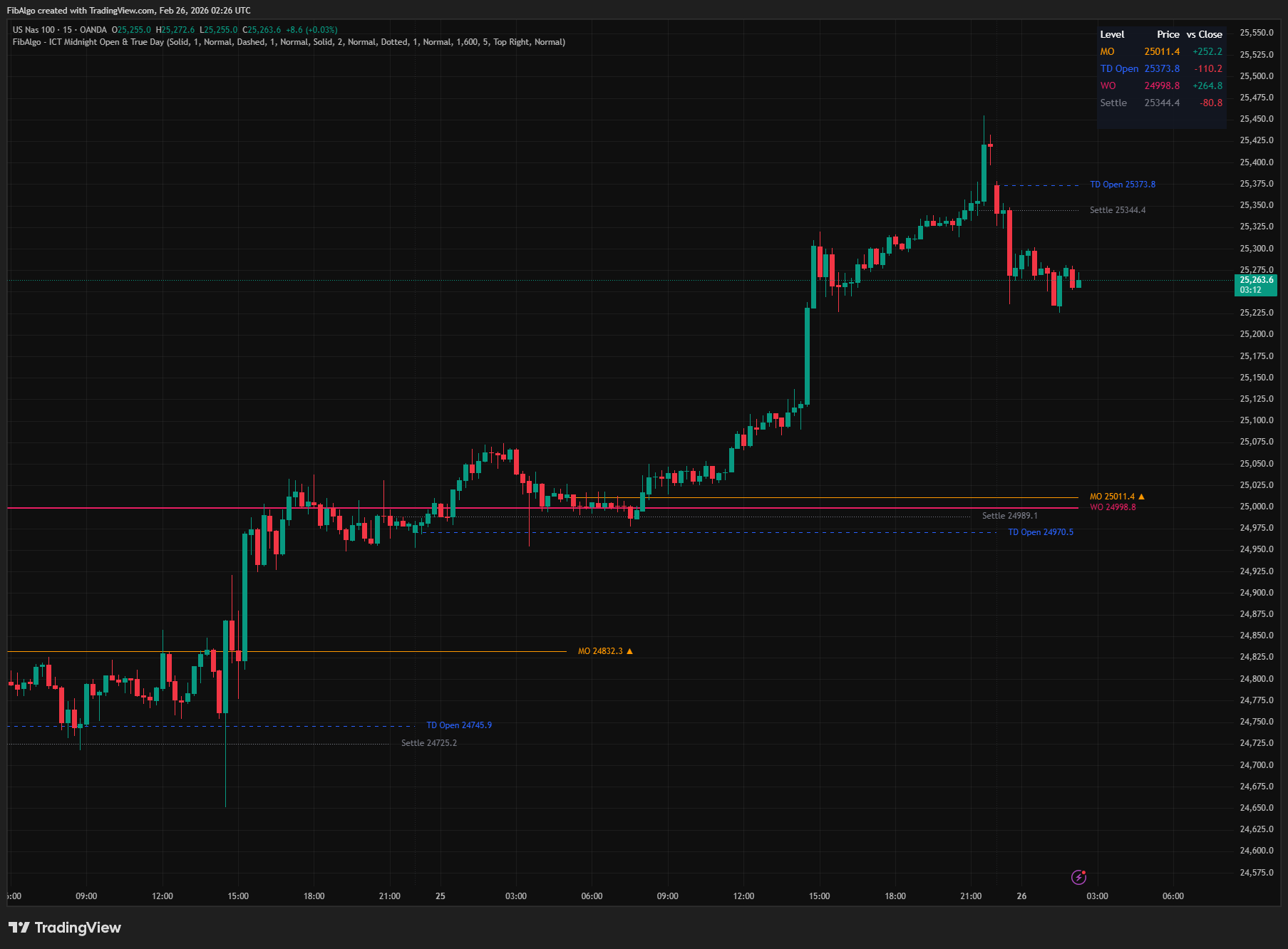
ICT Midnight Open & True Day
TradingView indicator that plots ICT Midnight Open, True Day Open, Weekly Open, and Settlement Price with directional bias analysis.
See Details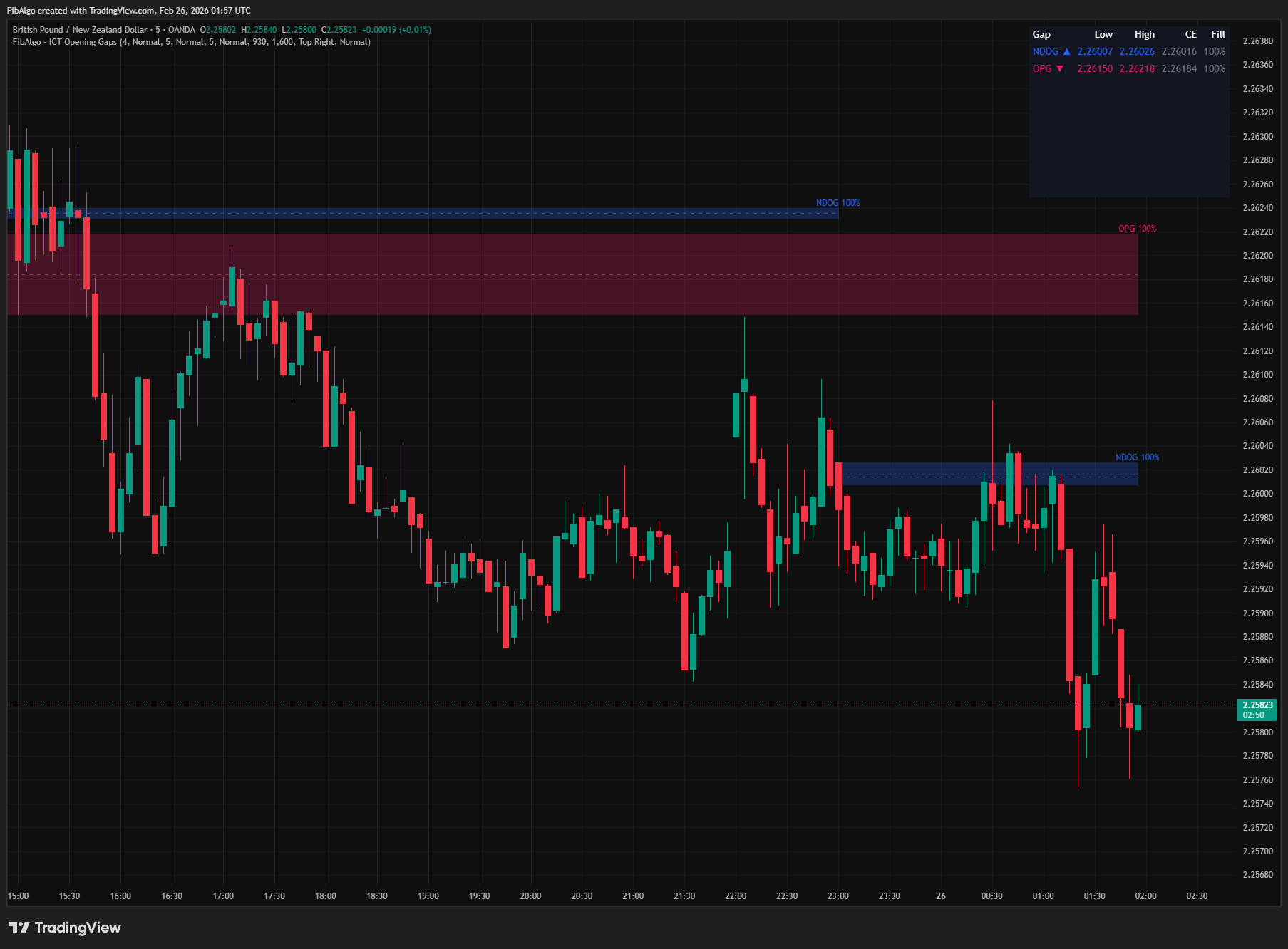
ICT Opening Gaps
TradingView indicator that detects ICT Opening Gaps — NWOG, NDOG, and OPG — displayed as colored zones with CE midlines and gap fill tracking.
See Details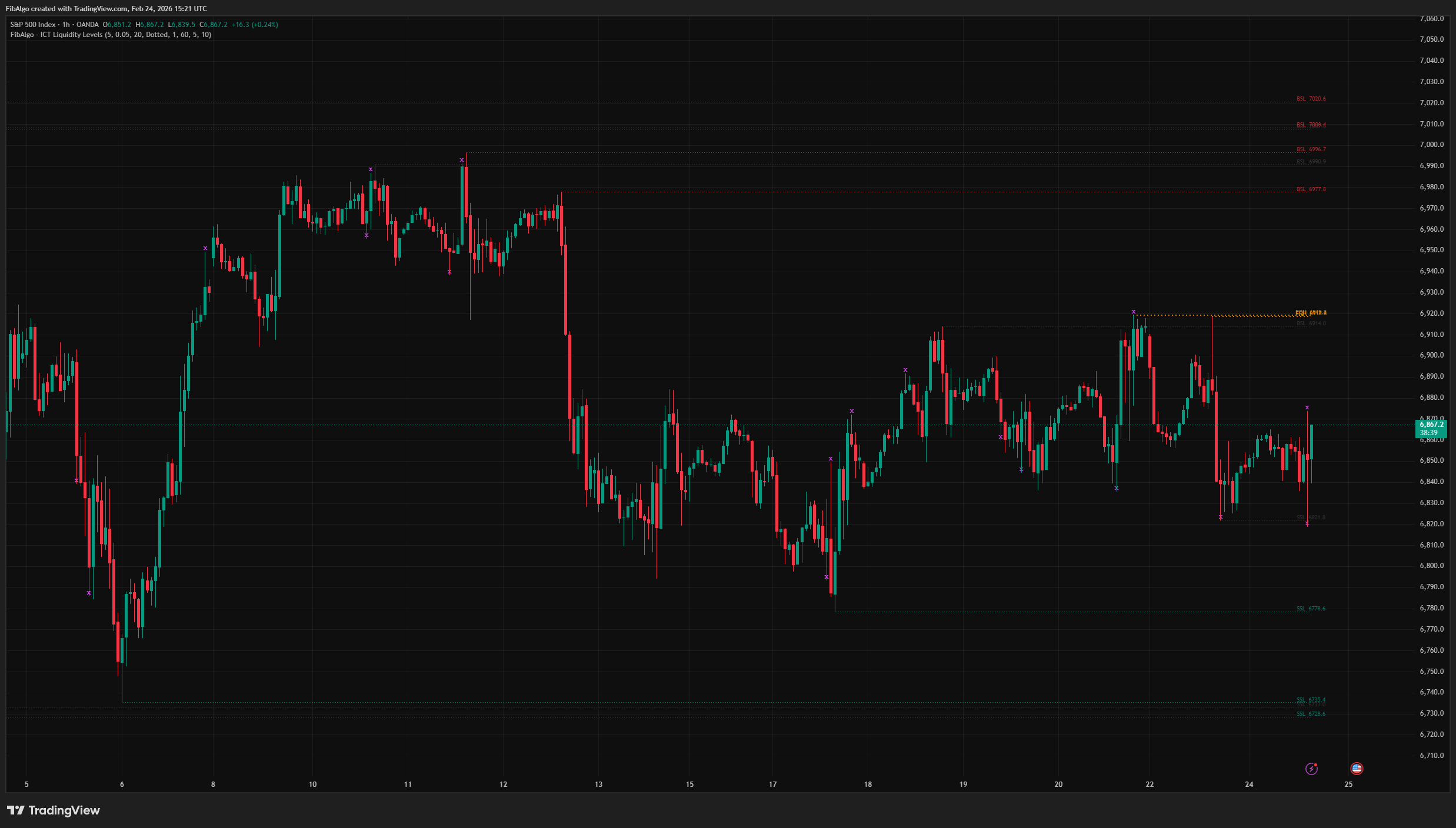
ICT Liquidity Levels
TradingView indicator that maps ICT Liquidity Levels — Buy Side (BSL), Sell Side (SSL), Equal Highs/Lows, and Liquidity Sweeps with HTF support.
See Details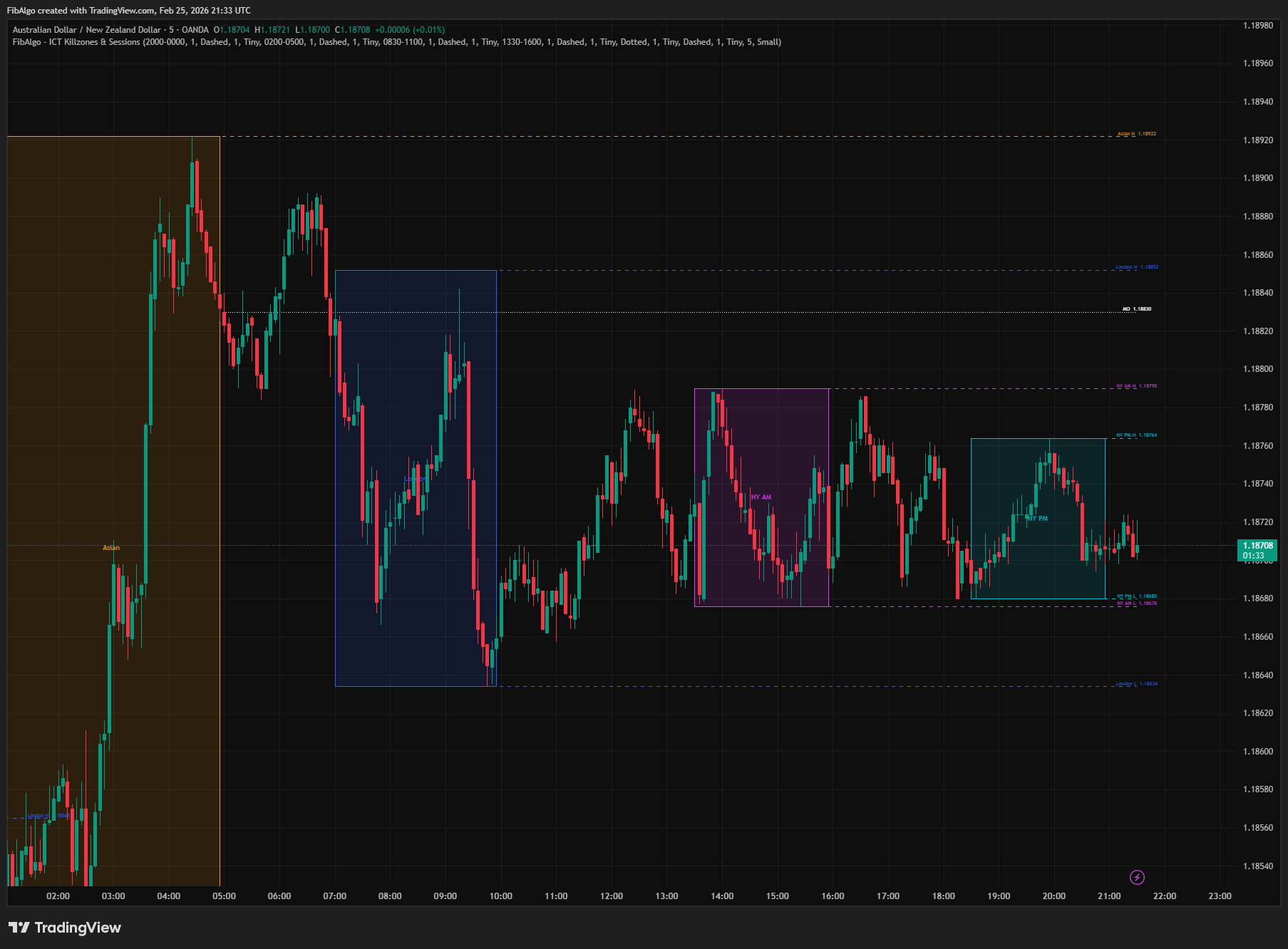
ICT Killzones & Sessions
TradingView indicator that highlights ICT Killzones — Asian, London, NY AM, and NY PM session boxes with high/low extensions and key opening levels.
See Details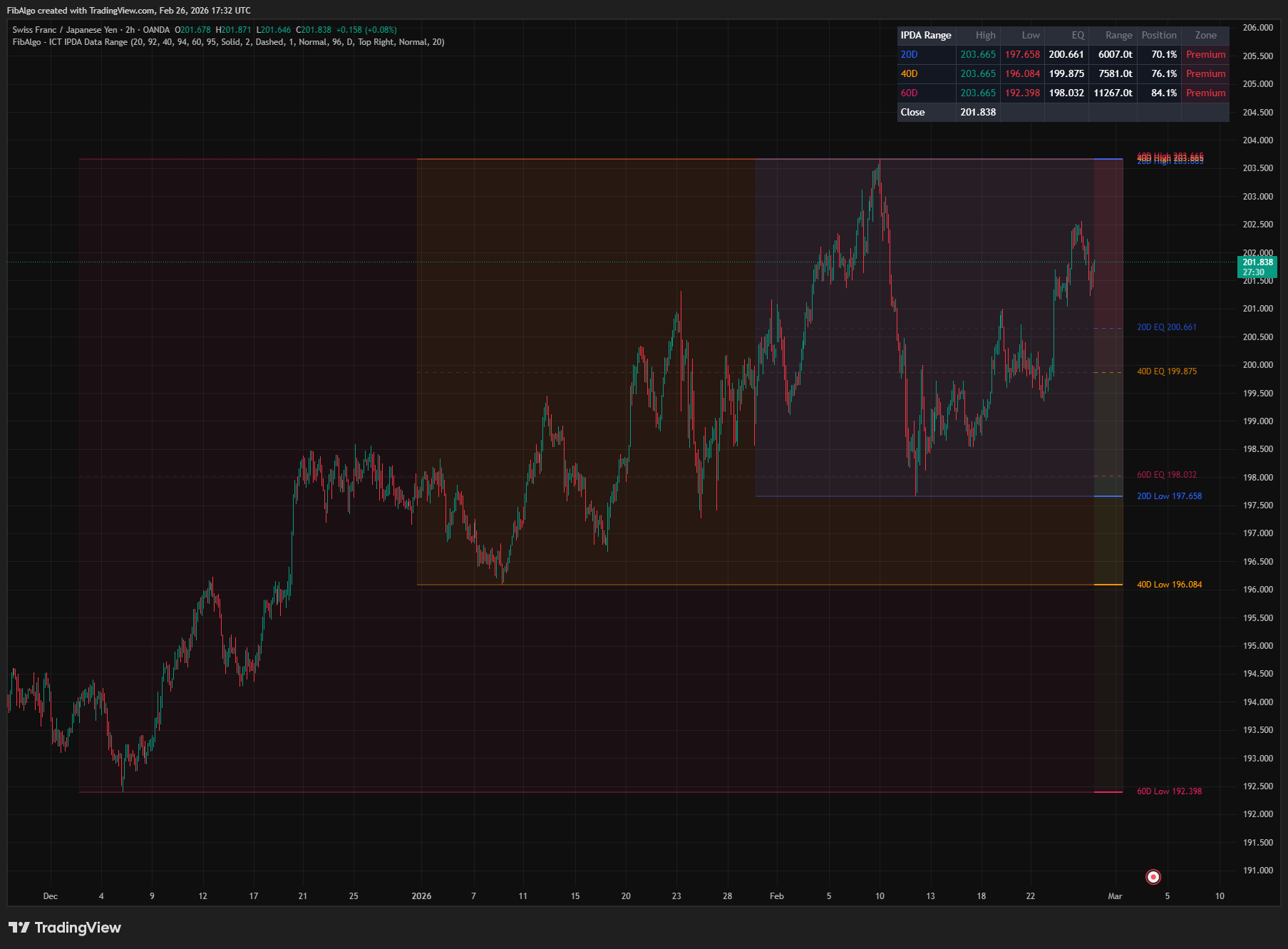
ICT IPDA Data Range
TradingView indicator that plots ICT IPDA Data Ranges — 20, 40, and 60 trading day lookback periods with equilibrium and Premium/Discount zones.
See Details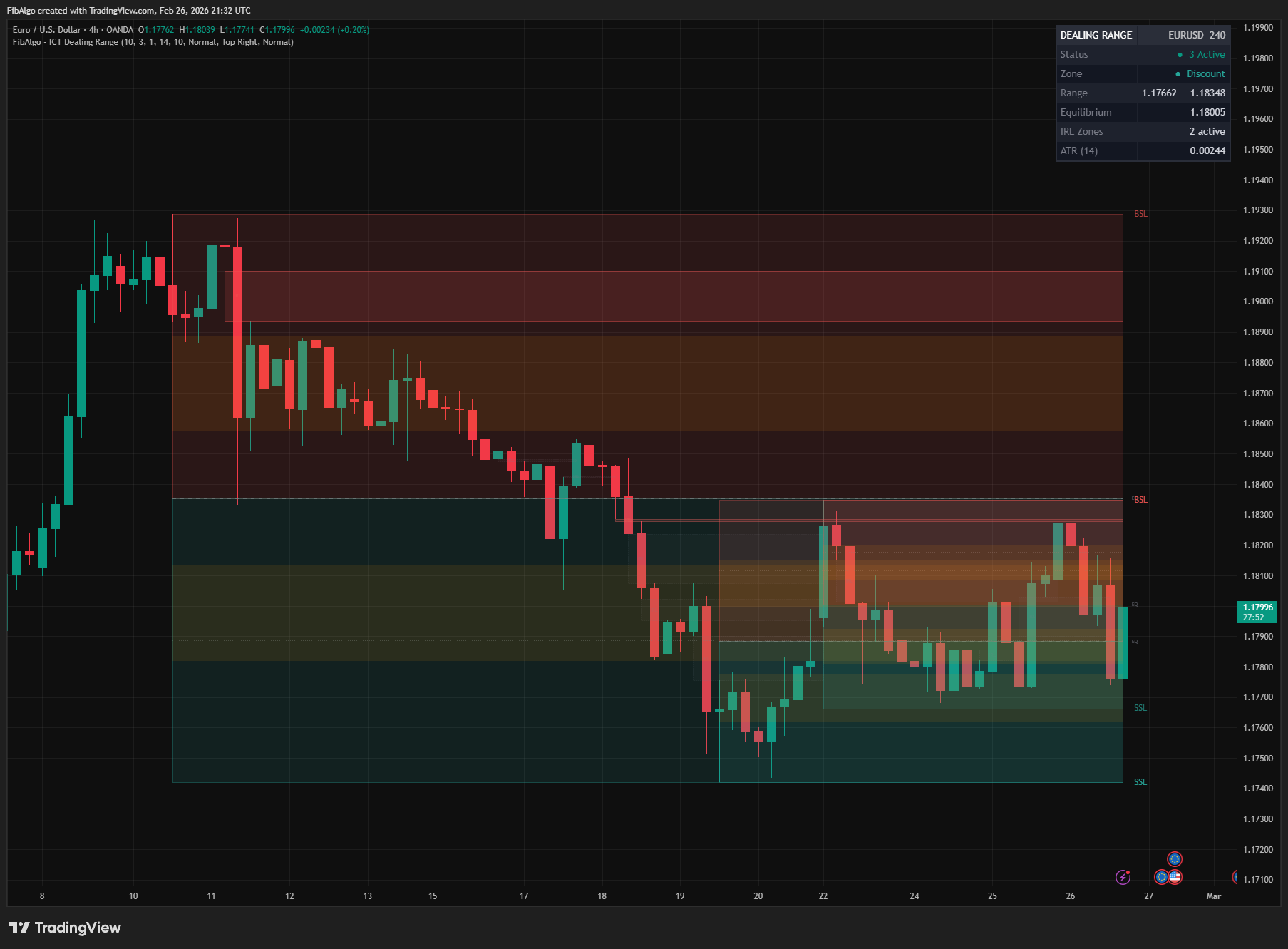
ICT Dealing Range
TradingView indicator that identifies ICT Dealing Ranges with Premium, Discount, and Equilibrium zones, plus internal and external range liquidity mapping.
See Details