
Use this indicator directly on TradingView — the world's most popular charting platform.
What does the ICT Dealing Range indicator do?
FibAlgo - ICT Dealing Range automatically identifies significant dealing ranges on any chart and divides them into Premium, Discount, and Equilibrium zones based on ICT methodology. The indicator maps Internal Range Liquidity (IRL) by detecting Fair Value Gaps within each range and marks External Range Liquidity (ERL) at the range boundaries with Buy Side Liquidity (BSL) and Sell Side Liquidity (SSL) labels. It provides Optimal Trade Entry (OTE) zones, quarter levels, range break detection, and a real-time info table.
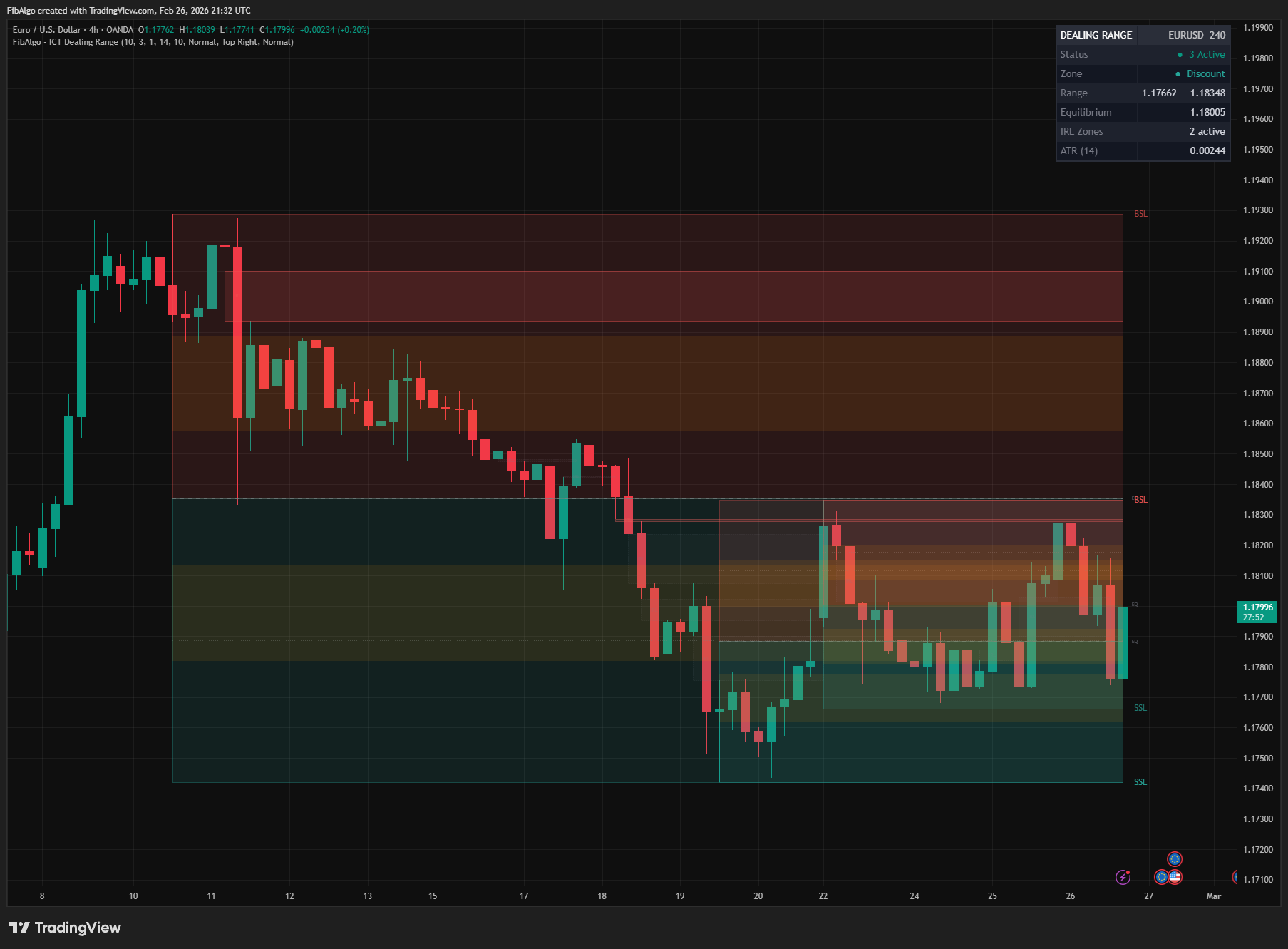
Key Concepts
- Dealing Range — The price range between a significant swing high and swing low where institutional activity occurs. Identified automatically using configurable pivot detection.
- Premium Zone — The upper 50% of the dealing range, above the Equilibrium level. Institutional sellers are expected to operate in this zone.
- Discount Zone — The lower 50% of the dealing range, below the Equilibrium level. Institutional buyers are expected to operate in this zone.
- Equilibrium (EQ) — The exact 50% midpoint of the range. Serves as the dividing line between premium and discount territory.
- Optimal Trade Entry (OTE) — ICT's preferred retracement zone at 62%–79% of the range. Buy OTE sits in the discount zone (21–38%), Sell OTE sits in the premium zone (62–79%).
- Internal Range Liquidity (IRL) — Liquidity targets inside the dealing range, primarily Fair Value Gaps. When price moves from External Range Liquidity, it seeks IRL targets.
- External Range Liquidity (ERL) — Liquidity resting outside the range boundaries. Buy Side Liquidity (BSL) above the range high, Sell Side Liquidity (SSL) below the range low.
How does the ICT Dealing Range indicator work?
1. Range Detection The indicator uses pivot-based swing detection to identify significant swing highs and swing lows. When a new pivot high and pivot low pair is confirmed, they define a Dealing Range. A minimum size filter in ATR units ensures only significant ranges are tracked. A range is only created if price has not already closed above its high or below its low since those swing points formed, so a range is never drawn with a boundary that was already taken.
2. Zone Calculation Each dealing range is divided into key levels:
- Premium zone — upper half (above 50%)
- Discount zone — lower half (below 50%)
- Equilibrium — 50% midpoint
- Buy OTE — 21.4% to 38.2% (62–79% retracement from high)
- Sell OTE — 61.8% to 78.6% (62–79% retracement from low)
- Quarter levels — 25% and 75%
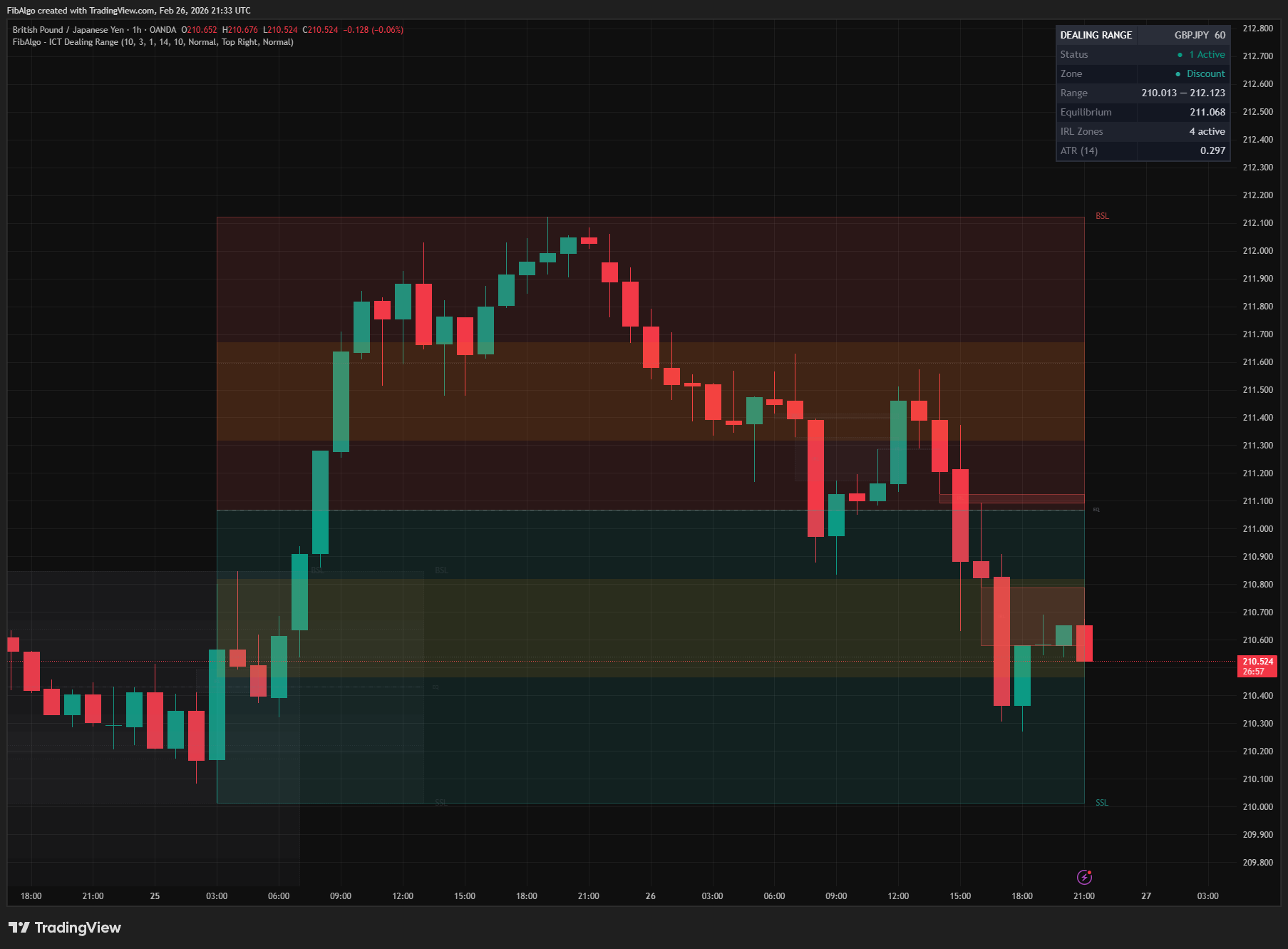
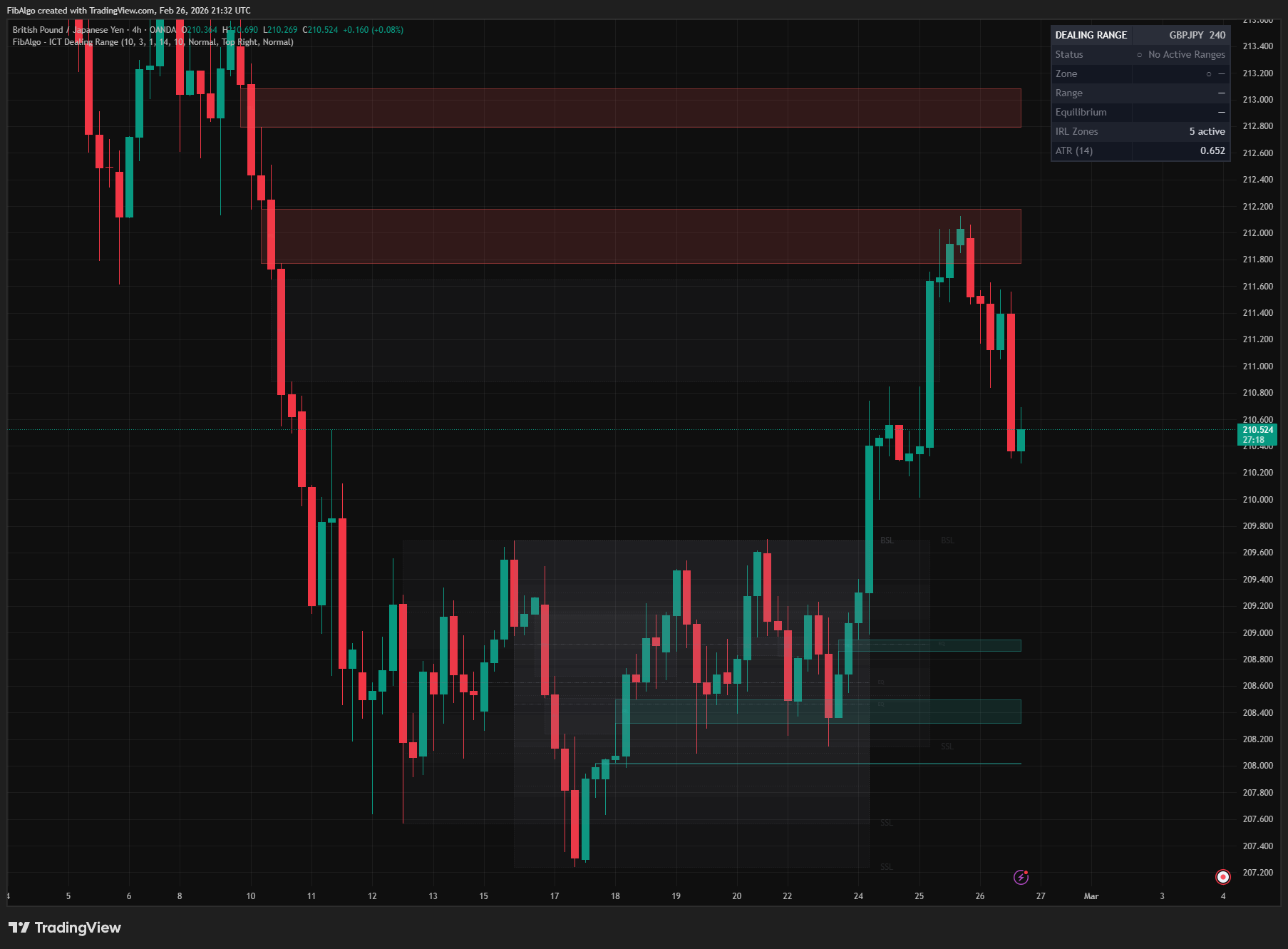
3. IRL Mapping Fair Value Gaps that lie entirely within an active dealing range are automatically detected and displayed as Internal Range Liquidity zones. When a range is confirmed, the indicator also marks the unfilled gaps left inside it by the swing that formed the range (looking back up to 500 bars); after that, new gaps are added as they form. Bullish and bearish FVGs receive distinct colors. When price fully mitigates an IRL zone (trades through the entire gap), it is grayed out with a dotted border.
4. ERL Identification Range boundaries are marked with Buy Side Liquidity (BSL) and Sell Side Liquidity (SSL) labels as External Range Liquidity targets:
- BSL — at the range high, indicating resting buy stop orders above.
- SSL — at the range low, indicating resting sell stop orders below.
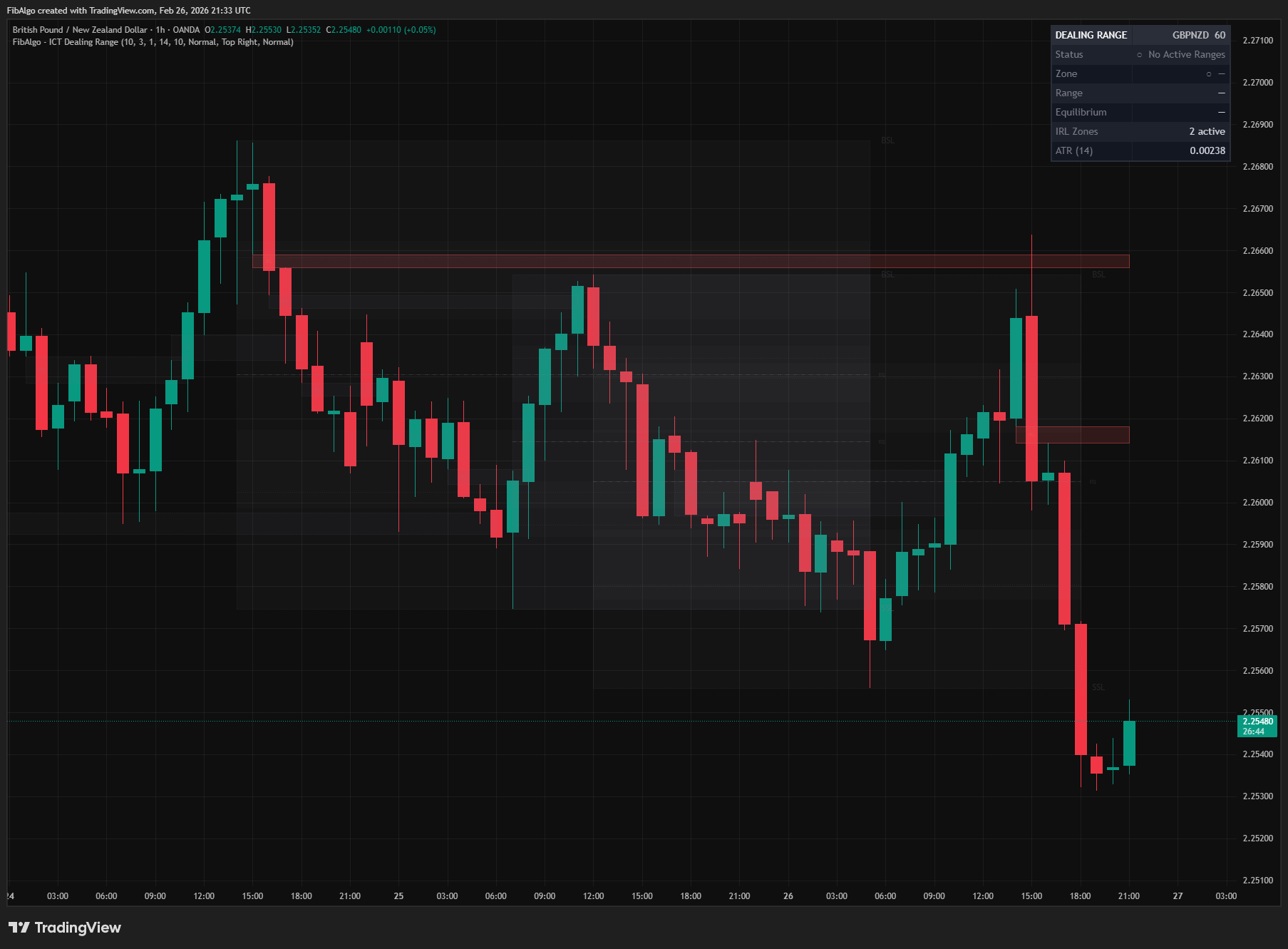
5. Range Break Detection When price closes above the range high or below the range low, the entire range is visually invalidated — zones turn gray with dotted borders, and all level lines fade. This signals that External Range Liquidity has been swept.
6. Alerts Alerts are evaluated on the bar close, so a wick that pierces a level and closes back does not trigger them. All events of the same bar (new range, range break, premium/discount cross) are combined into one alert message. The premium/discount cross and the info table always refer to the newest dealing range that is still active.
Features
- Automatic Range Detection — Identifies dealing ranges from pivot swings with configurable sensitivity.
- Premium / Discount Zones — Color-coded fill divides the range at the Equilibrium level.
- Equilibrium Line — Dashed line at the 50% midpoint with an end-label.
- Dual OTE Zones — Buy OTE (21–38%) in discount and Sell OTE (62–79%) in premium, based on 62%–79% Fibonacci retracement.
- Quarter Levels — Dotted lines at 25% and 75% of the range for additional reference.
- IRL Detection — Fair Value Gaps within active ranges, including the unfilled gaps left by the swing that formed the range, are automatically identified and displayed as Internal Range Liquidity targets.
- IRL Mitigation Tracking — IRL zones that are fully mitigated (price trades through the entire gap) turn gray with a dotted border.
- ERL Labels — BSL and SSL labels at range boundaries identify External Range Liquidity targets with detailed tooltips.
- Range Break Visual — Broken ranges are grayed out with dotted borders to clearly distinguish active from invalidated ranges.
- Multiple Ranges — Displays up to 10 simultaneous dealing ranges (default 3) for multi-range context.
- Min Range Size Filter — ATR-based minimum size filter prevents insignificant small ranges from cluttering the chart.
- Premium / Discount Alert — Alerts when a bar closes on the other side of the Equilibrium level of the newest active range.
- Range Break Alert — Alerts when a bar closes above or below the dealing range (ERL swept).
- New Range Alert — Alerts when a new dealing range is confirmed, including range and EQ levels.
- Info Table — Real-time dashboard showing status, the current zone, range boundaries and equilibrium of the newest active range, active IRL count, and ATR.
How to use the ICT Dealing Range indicator
- Add the indicator to your chart. A dealing range will appear once sufficient swing highs and lows are detected.
- The Premium zone (red) is above the Equilibrium; the Discount zone (green) is below. Look for sell setups in premium and buy setups in discount.
- The OTE zones highlight the optimal 62%–79% retracement areas within each half of the range.
- FVGs inside the range are labeled IRL — these are internal draw-on-liquidity targets.
- BSL and SSL labels mark external liquidity beyond the range boundaries — these are the breakout targets.
- When a range breaks (turns gray), the dealing range has been invalidated and a new range will likely form.
- Use the info table to quickly check which zone price is in without visual inspection.
- Increase Pivot Length for higher-timeframe ranges; decrease it for shorter-term ranges.
Limitations
- This indicator does not generate buy or sell signals. It is a structural analysis tool that visualizes dealing range zones, IRL, and ERL based on ICT methodology.
- Pivot-based detection has inherent lag equal to the Pivot Length setting. Larger pivot lengths produce more significant ranges but with more delay.
- IRL detection is limited to Fair Value Gaps. Other IRL forms (order blocks, breaker blocks) are not included to keep the indicator focused.
- Only FVGs that fall entirely within the dealing range boundaries are classified as IRL. Partially overlapping gaps are excluded.
- When a range is confirmed, its earlier gaps are searched at most 500 bars back. The number of IRL zones is limited by Max IRL Zones; the zones tracked the longest are removed first.
- Historical ranges are limited by the Max Dealing Ranges setting. Broken ranges are removed first, then the oldest active ones.
- Pine Script drawing limits apply (500 boxes, 500 lines, 500 labels).
Trading involves risk. This indicator is an analysis tool, not financial advice: use it alongside your own analysis and risk management.
Release notes
v2.0LatestBar-close alerts, valid ranges and complete IRL
Alerts are sent once at bar close in one message per bar, ranges whose boundary was already broken are no longer drawn, and the swing that forms a range now leaves its FVGs marked as IRL.
After updating
- Delete and re-create your alerts for this indicator with the "Any alert() function call" condition. TradingView alerts keep running the script version they were created with.
Fixed
- Alerts are sent once, at bar close. A wick through the range, an unconfirmed swing or an intrabar EQ cross could trigger alerts that the chart no longer showed.
- Alerts are no longer lost: all events of the same bar arrive in one message.
- Ranges are no longer drawn with a boundary that price had already closed through before the range was confirmed.
- The info table and the premium/discount alert no longer go blank when a newer range breaks while an older one is still active.
- IRL zones gray out when price trades through the whole gap, as described.
Improved
- Unfilled FVGs left inside the range by the swing that formed it are now marked as IRL too.
- When Max Dealing Ranges is reached, broken ranges are removed before active ones, and the EQ and IRL labels follow Label Size and Show Labels.
Frequently Asked Questions
What is the ICT Dealing Range indicator?
TradingView indicator that identifies ICT Dealing Ranges with Premium, Discount, and Equilibrium zones, plus internal and external range liquidity mapping.
Is ICT Dealing Range free to use on TradingView?
Yes, ICT Dealing Range is completely free to use. You can add it directly to your TradingView charts at no cost.
How do I add ICT Dealing Range to my TradingView chart?
Open TradingView, click on "Indicators" at the top of your chart, search for "ICT Dealing Range" by FibAlgo, and click to add it. It will appear on your chart immediately.
What trading strategies work best with ICT Dealing Range?
ICT Dealing Range is commonly used for Smart Money, Support & Resistance, and Liquidity analysis. It works well as part of a multi-indicator confirmation strategy on any timeframe.
Learn More
- Smart Money Concepts (SMC): How Institutional Traders Move MarketsLearn Smart Money Concepts including order blocks, fair value gaps, liquidity sweeps, and breaker blocks. Understand how institutions trade.
- Fibonacci Trading Strategy: The Complete GuideMaster Fibonacci retracement, extension, and time zones for crypto and forex trading. Learn how institutional traders use Fibonacci levels.
- Technical Analysis for Crypto Trading: The Definitive GuideLearn technical analysis from basics to advanced for cryptocurrency trading. Master chart patterns, indicators, volume analysis, and multi-timeframe strategies.
Start Using ICT Dealing Range
This indicator is free to use on TradingView. Add it to your charts and use it alongside your own analysis.
Related indicators
View All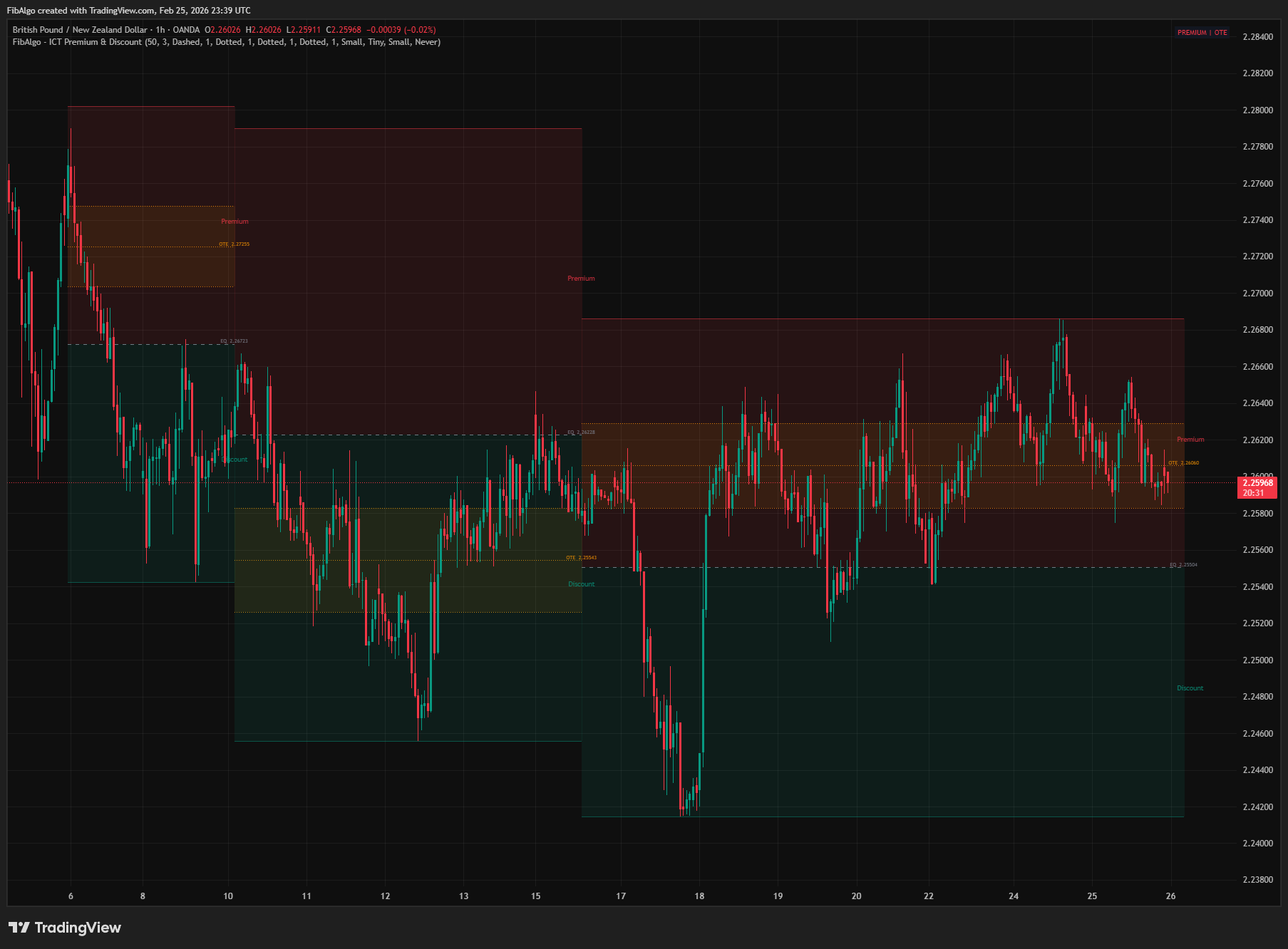
ICT Premium & Discount
TradingView indicator that detects ICT Premium and Discount zones in real-time using zigzag analysis with Equilibrium and OTE retracement highlights.
See Details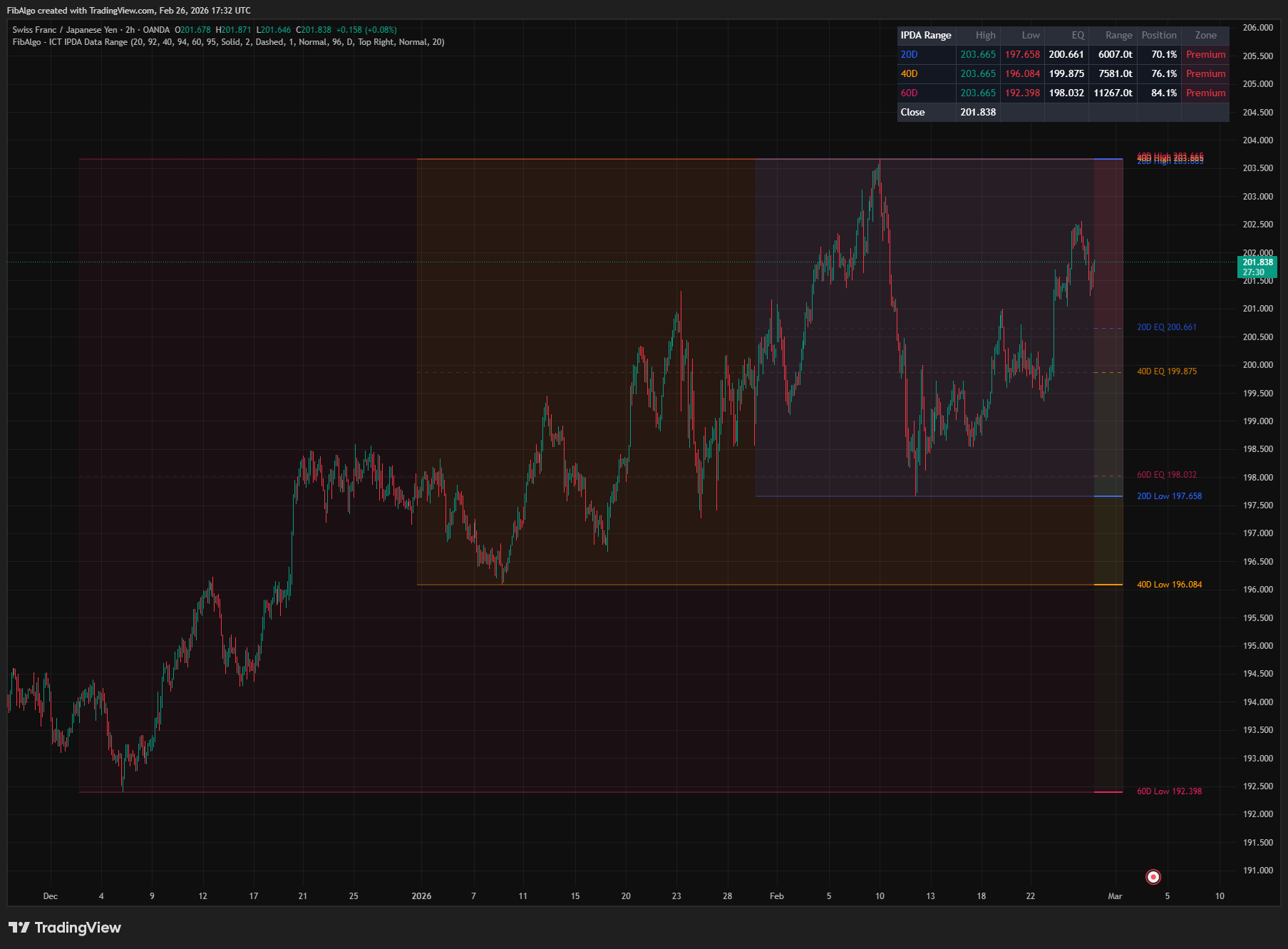
ICT IPDA Data Range
TradingView indicator that plots ICT IPDA Data Ranges — 20, 40, and 60 trading day lookback periods with equilibrium and Premium/Discount zones.
See Details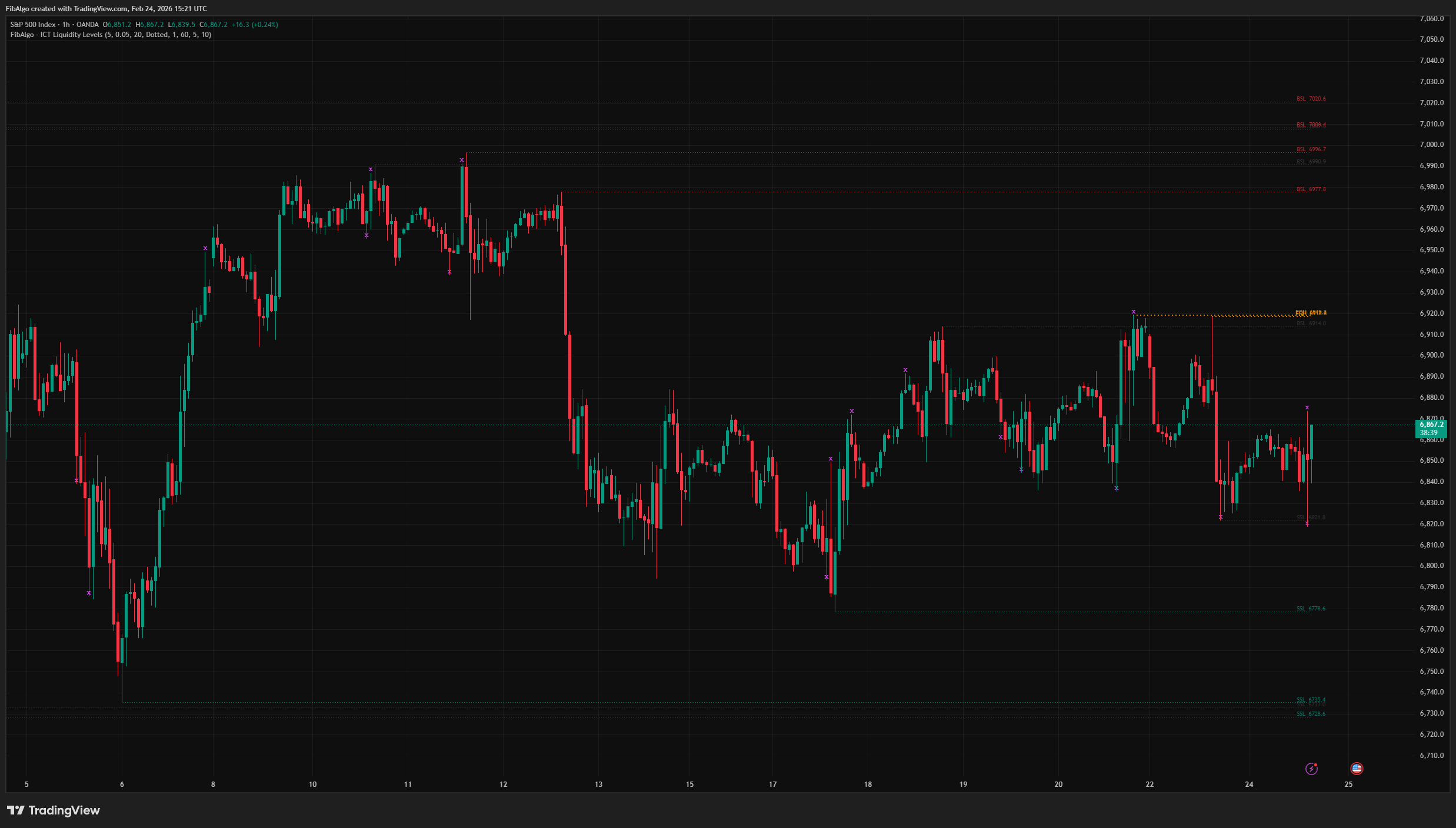
ICT Liquidity Levels
TradingView indicator that maps ICT Liquidity Levels — Buy Side (BSL), Sell Side (SSL), Equal Highs/Lows, and Liquidity Sweeps with HTF support.
See Details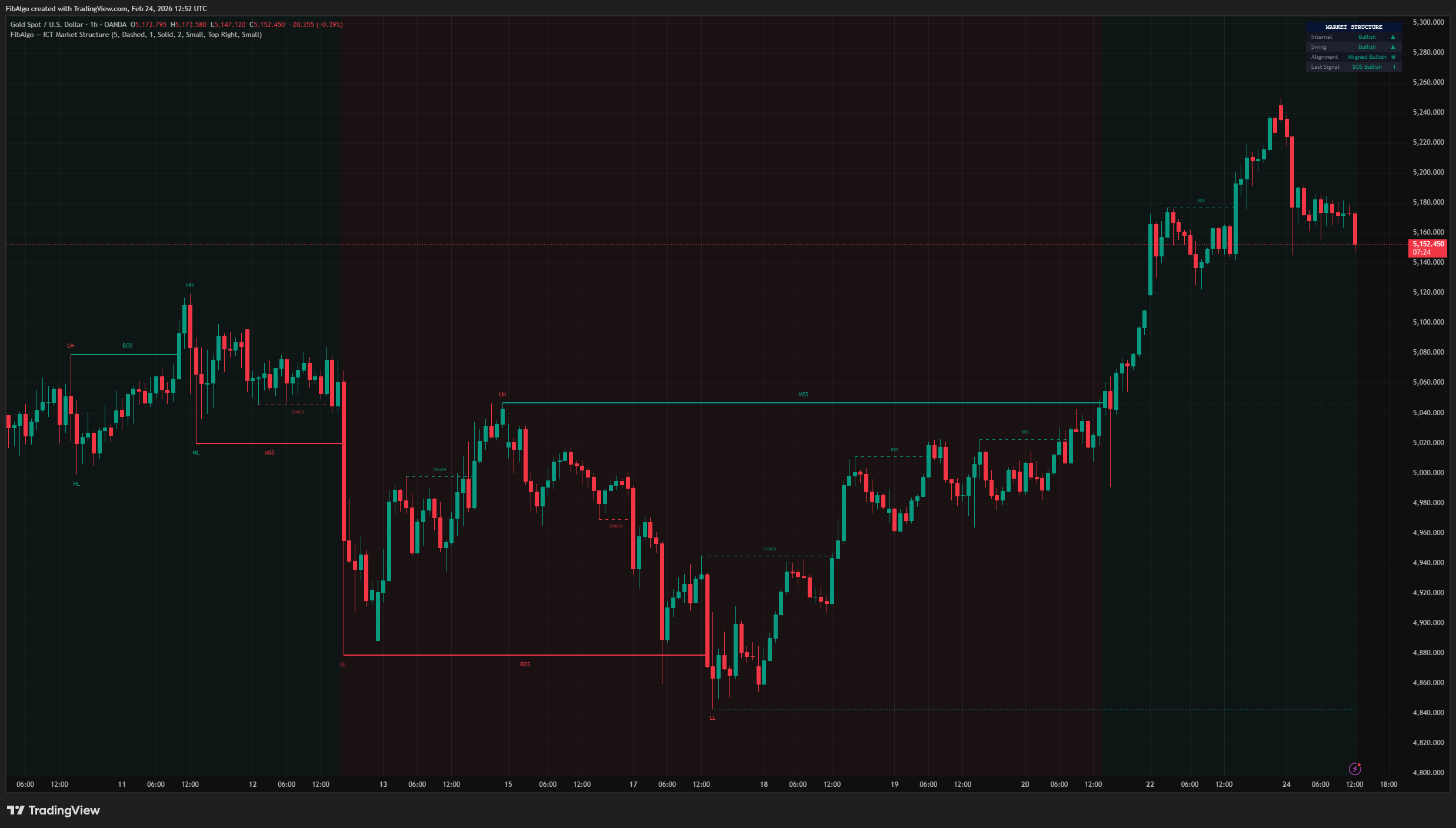
ICT Market Structure
TradingView indicator for ICT Market Structure — identifies Break of Structure (BOS), Change of Character (CHoCH), and Market Structure Shift (MSS).
See Details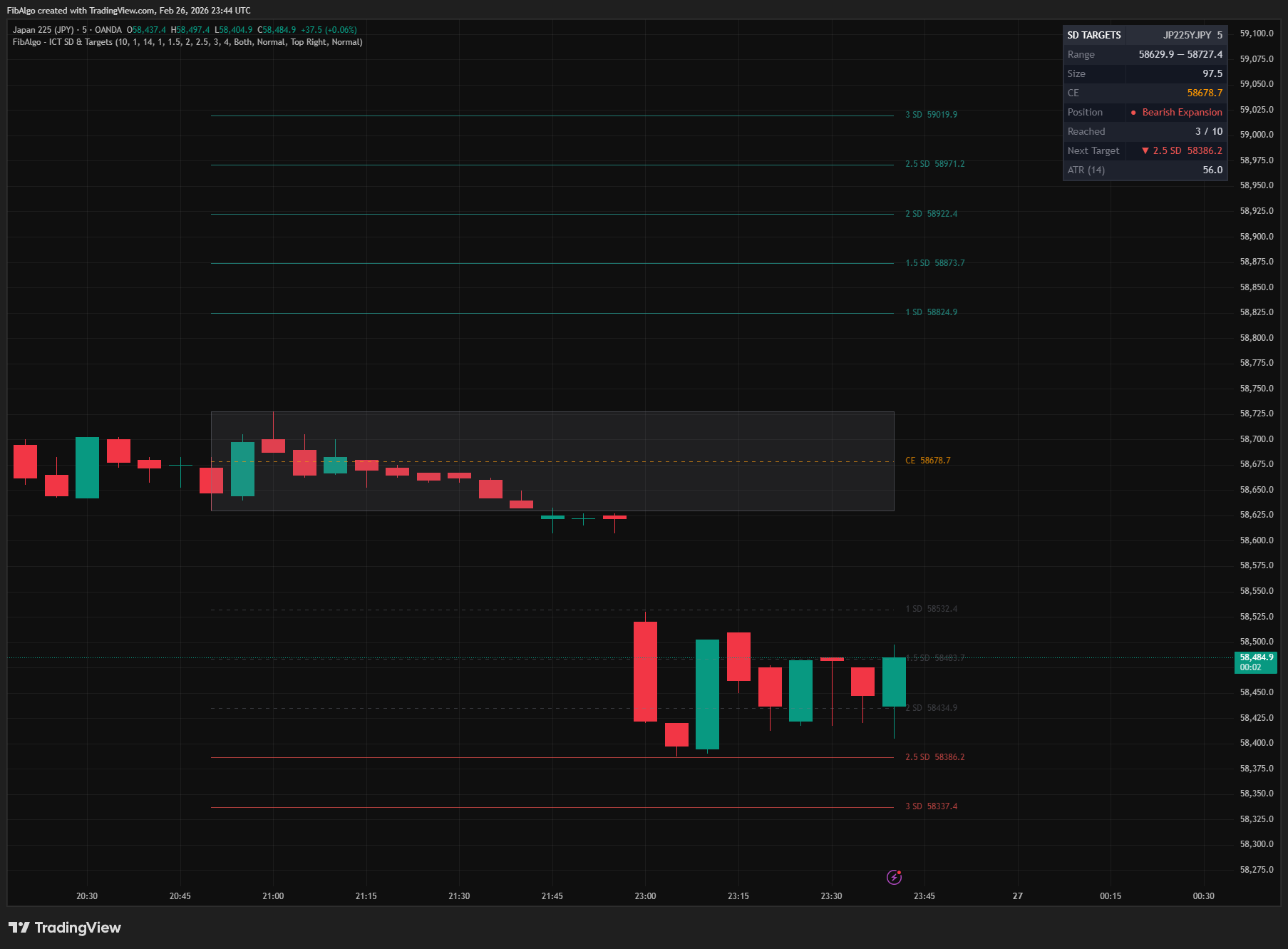
ICT Standard Deviation & Targets
TradingView indicator that projects ICT Standard Deviation extension levels from swing ranges for identifying potential price targets.
See Details