
Use this indicator directly on TradingView — the world's most popular charting platform.
What does the Adaptive Deviation Channels indicator do?
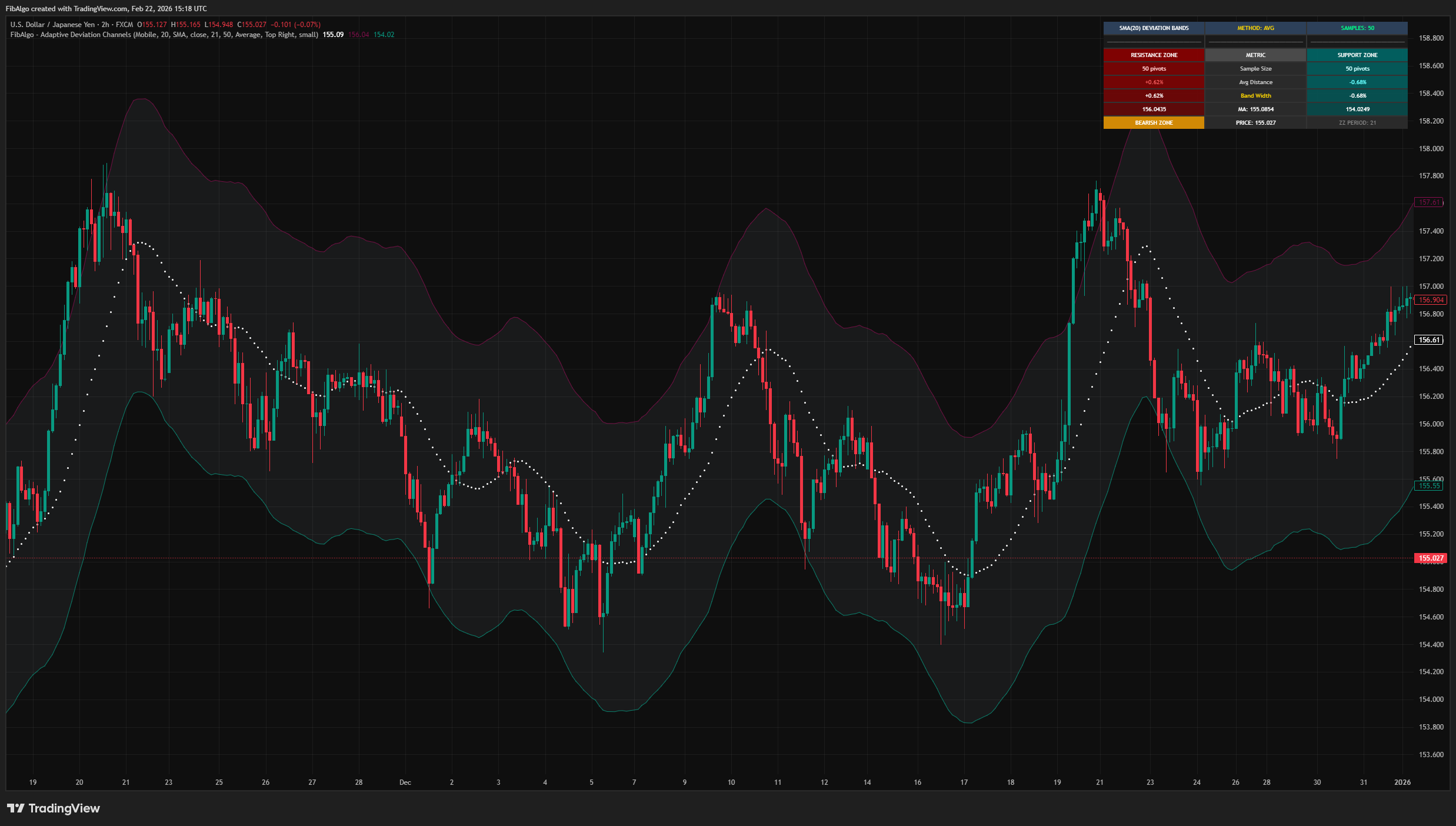
FibAlgo - Adaptive Deviation Channels is a statistical band indicator that creates dynamic support and resistance zones around a central moving average by analyzing the historical percentage deviations of detected pivot points. Rather than using fixed multipliers or standard deviations of price alone, it measures how far past pivot highs and pivot lows have deviated from the moving average, then projects those statistical boundaries forward in real time.
The indicator features configurable moving average types, a zigzag-based pivot detection engine, three band calculation methods (Average, Standard Deviation, Most Frequent), and an analysis dashboard.
Key Concepts
Pivot-Based Deviation Measurement
The core idea is that market extremes tend to reach statistically consistent distances from a mean. The indicator uses a zigzag algorithm to identify significant pivot highs and pivot lows, then measures each pivot's percentage distance from the moving average at that moment. These measurements are stored in separate arrays for highs and lows, forming two independent statistical distributions.
Three Calculation Methods
The collected deviation data can be summarized using three different statistical methods:
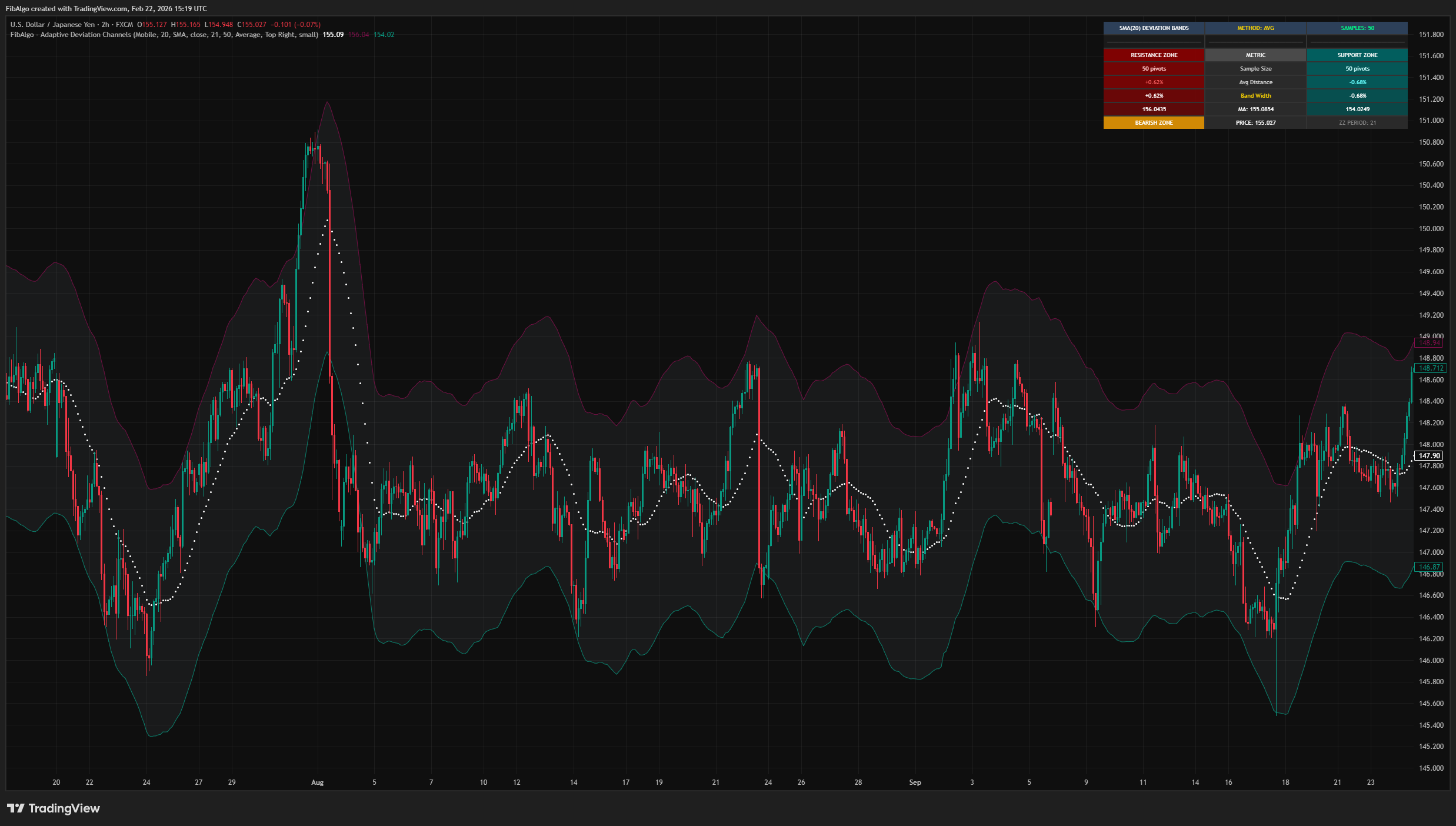
- Average — Places bands at the mean percentage deviation. Shows the typical reversal distance from the MA.
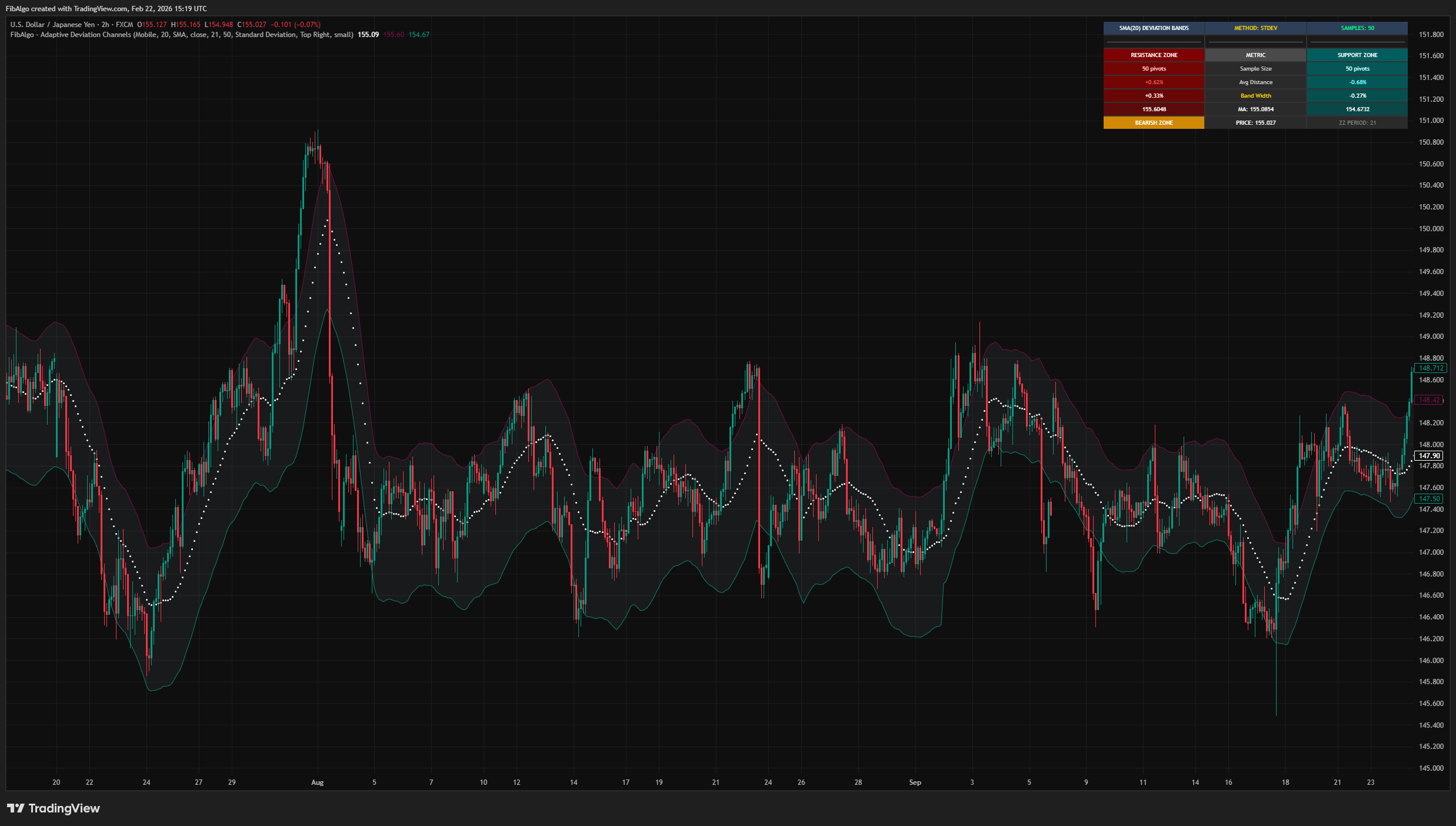
- Standard Deviation — Places the band one standard deviation beyond the mean deviation. Highlights volatility-adjusted extremity zones.
- Most Frequent — Identifies the most commonly occurring deviation percentage using histogram binning. Marks the most repetitive exhaustion distance.
Asymmetric Bands
Unlike symmetric channel indicators, this indicator calculates upper and lower bands independently. The upper band is derived entirely from pivot high deviations, while the lower band uses pivot low deviations. This reflects the common market behavior where upside and downside volatility profiles differ.
How does the Adaptive Deviation Channels indicator work?
Step 1 — Moving Average Calculation
A configurable moving average (SMA, EMA, WMA, TMA, VIDYA, WWMA, ZLEMA, TSF, HMA, or VWMA) is calculated as the central baseline. This serves as the reference point for all deviation measurements.
Step 2 — Pivot Detection
A zigzag algorithm with a configurable period identifies significant pivot highs and pivot lows in the price series. Each completed pivot is recorded with its price and bar index.
Step 3 — Deviation Collection
For each completed pivot, the indicator calculates the percentage distance between the pivot price and the moving average value at that pivot's bar. Distances keep their direction: a pivot high that formed below the moving average, or a pivot low that formed above it, is recorded as such, so each band follows where pivots actually turned. Pivots that formed before the moving average had enough bars are skipped. Pivot high deviations are stored separately from pivot low deviations, up to a configurable historical limit.
Step 4 — Band Calculation
The stored deviation percentages are processed using the selected method (Average, Standard Deviation, or Most Frequent) to produce a single representative value for each side. This percentage is applied to the current MA value to produce the upper and lower band prices.
Step 5 — Visualization
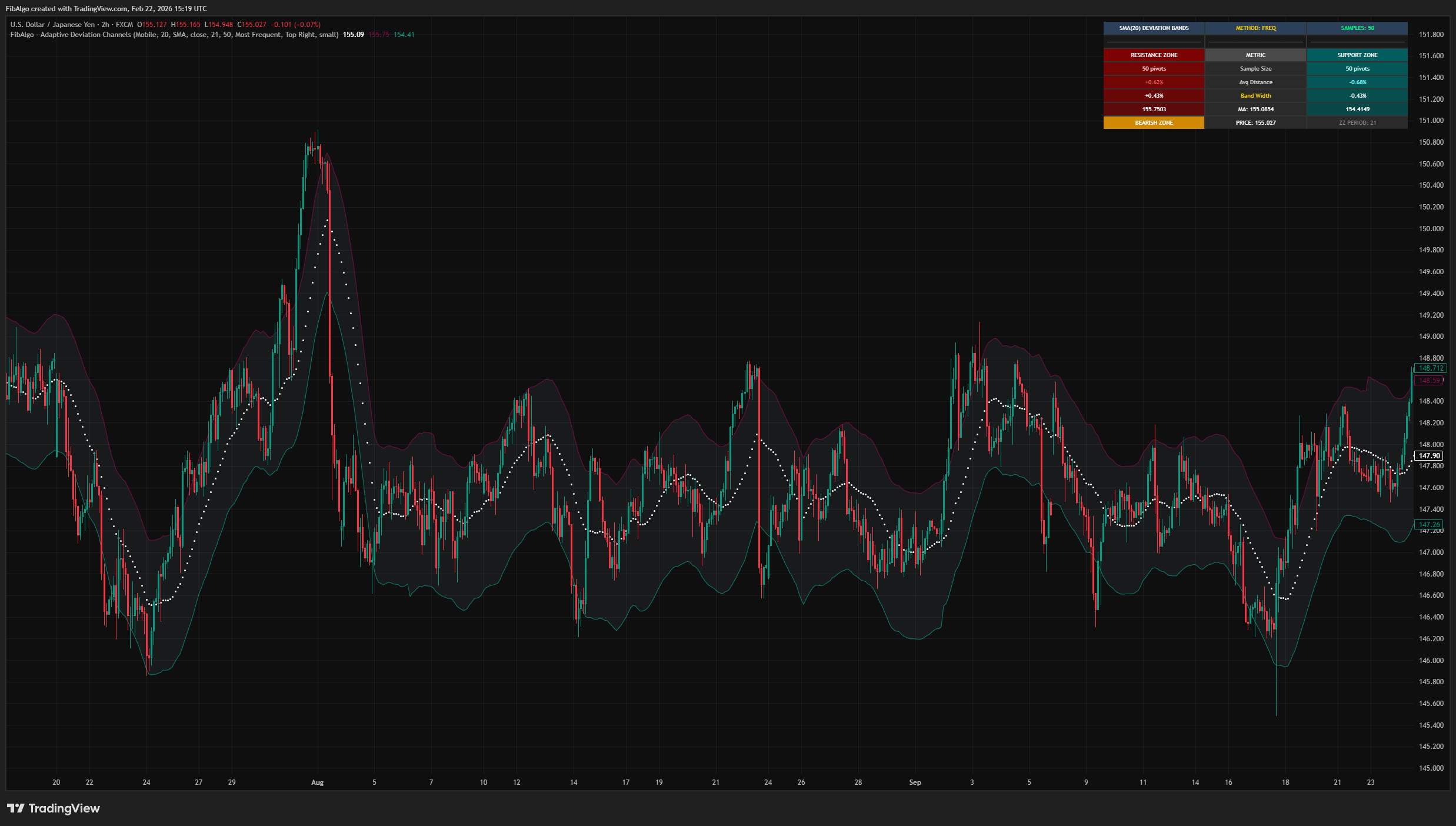
The moving average is plotted as the centerline, with upper (resistance) and lower (support) bands drawn from the calculated deviations. Each band appears once at least one pivot has been recorded for its side. A filled zone between the bands provides visual context. An optional dashboard displays live statistics including sample sizes, average distances, band widths, and current price position relative to the bands.
Features
Multiple Moving Average Types
- 10 moving average options: SMA, EMA, WMA, TMA, VIDYA, WWMA, ZLEMA, TSF, HMA, VWMA.
- Configurable period and price source.
Adaptive Deviation Bands
- Bands derived from actual pivot deviation statistics, not fixed multipliers.
- Three calculation methods: Average, Standard Deviation, Most Frequent.
- Asymmetric upper/lower bands calculated independently.
- Configurable historical pivot lookback (1–500).
Analysis Dashboard
- Live statistics: sample size, average distance, band width, MA price, band prices.
- Current price zone status indicator.
- Configurable position and text size.
Debug Mode
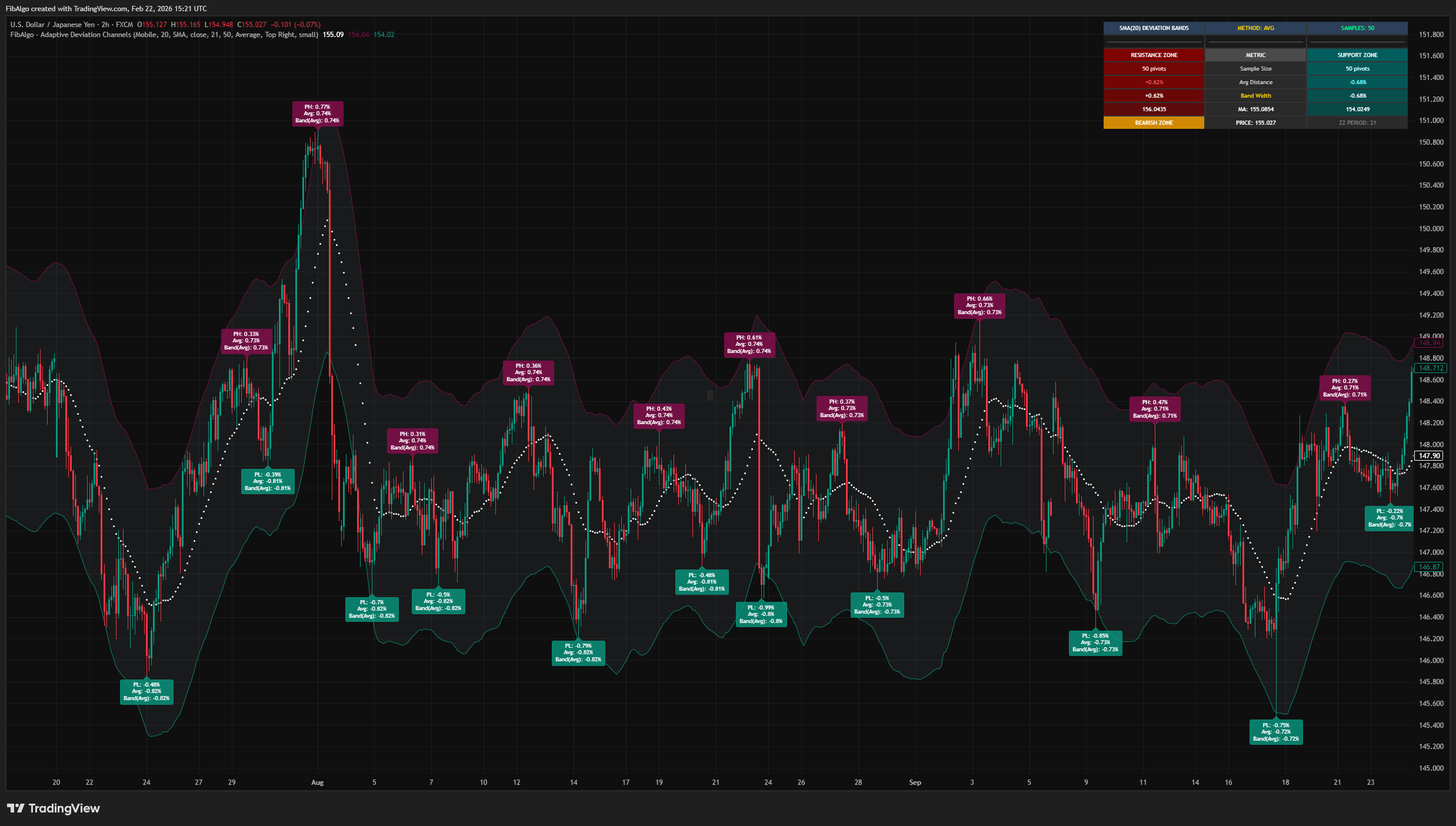
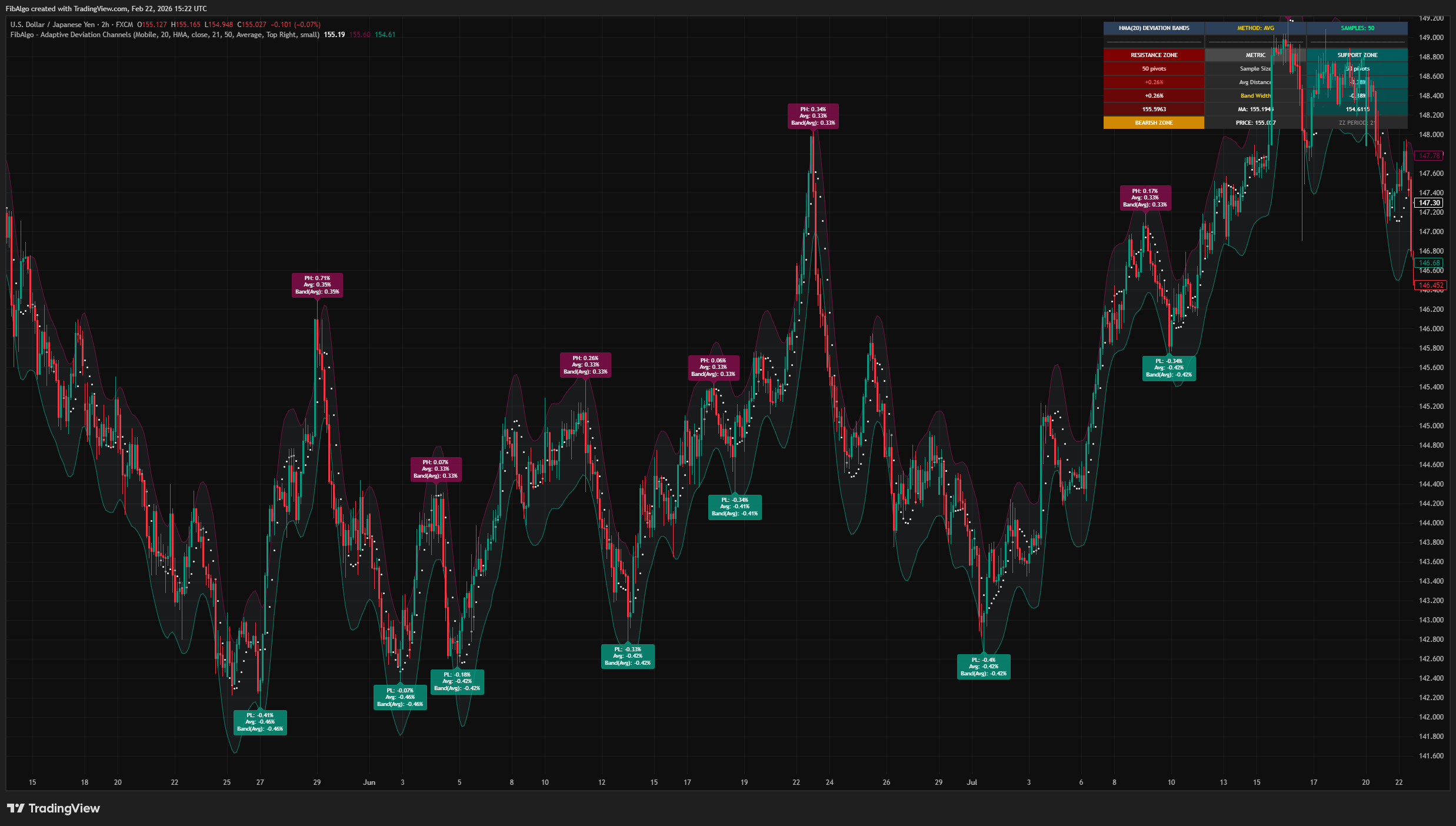
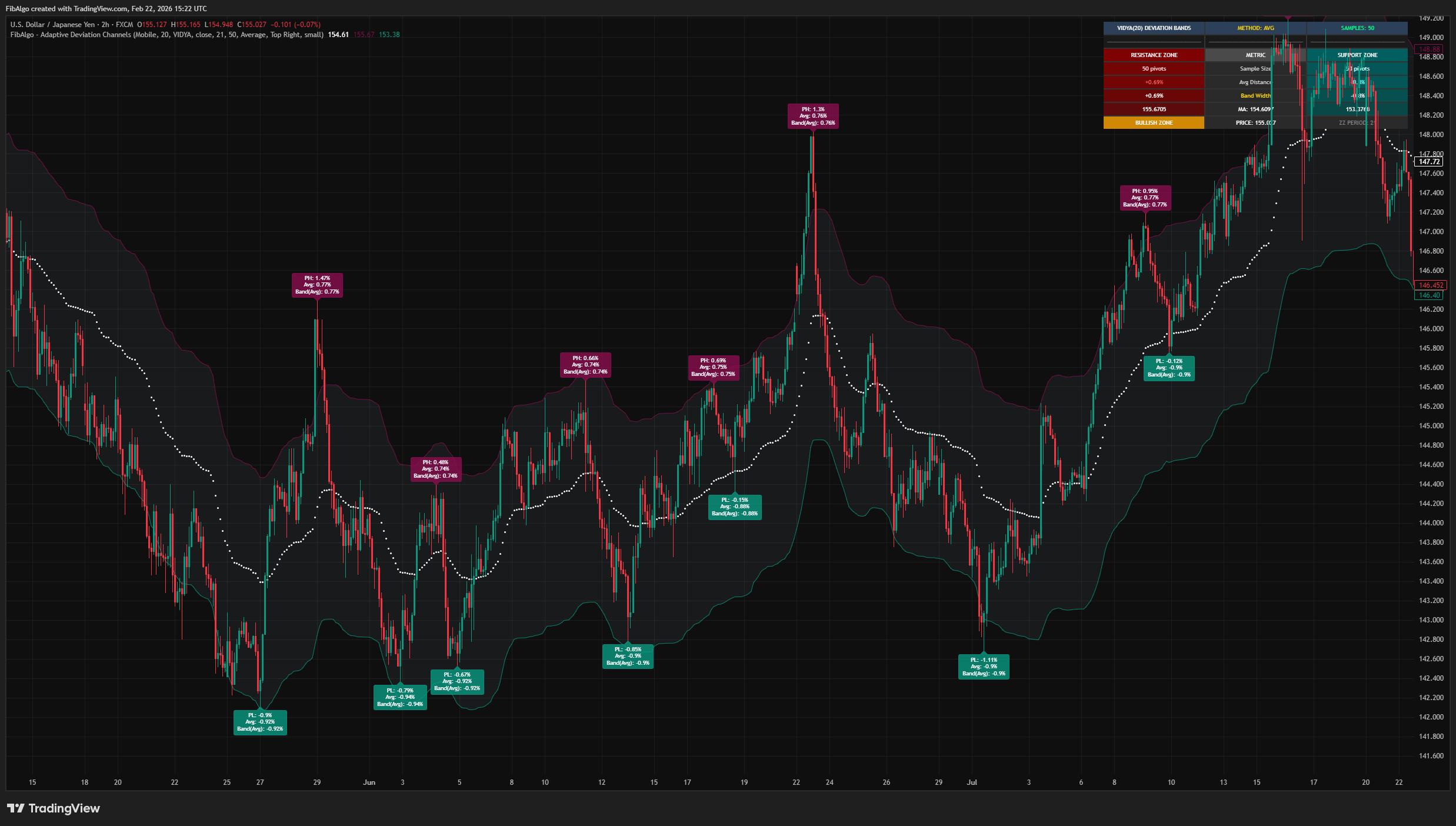
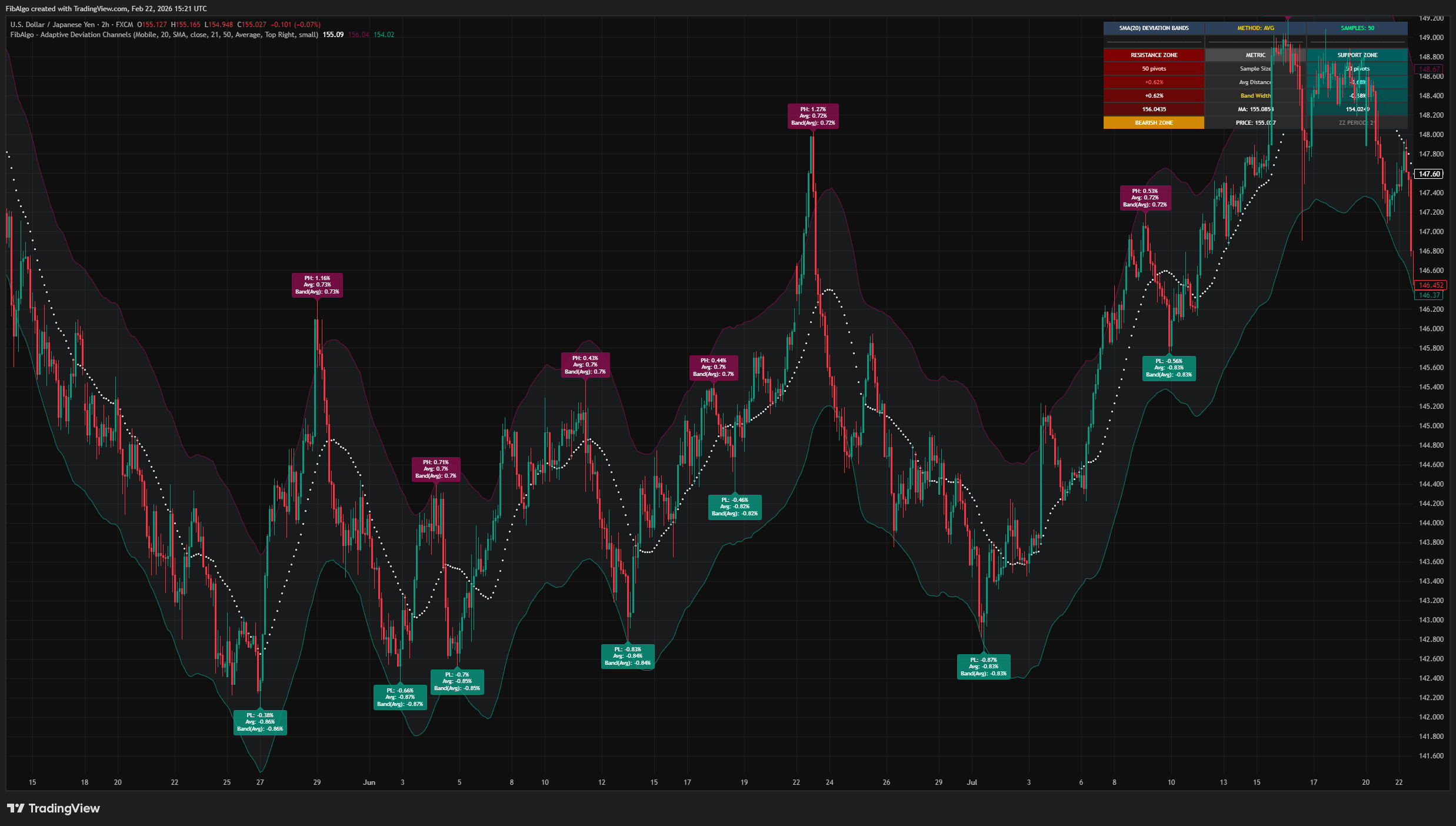
- Optional pivot labels showing individual deviation percentages.
- Per-pivot statistics including running averages and band values.
Alert System
- Upper Band Break Up — triggers when price crosses above the upper band.
- Upper Band Break Down — triggers when price returns below the upper band.
- Lower Band Break Down — triggers when price crosses below the lower band.
- Lower Band Break Up — triggers when price returns above the lower band.
- Each alert type can be toggled individually. Messages include ticker, timeframe, event type, and price.
How to use the Adaptive Deviation Channels indicator
Getting Started
Add the indicator to any chart. The default settings (SMA 20, PH/PL Period: 21, Historical Pivots: 50, Average method) provide a balanced starting point for most instruments on 4H to 1D timeframes.
Reading the Chart
- Dots (MA) = Central moving average baseline. The color follows the chart theme.
- Upper band (maroon) = Statistical resistance zone based on pivot high deviations.
- Lower band (teal) = Statistical support zone based on pivot low deviations.
- Filled zone = Area between the bands representing the normal deviation range.
- Dashboard = Live summary of sample sizes, distances, band widths, and price position.
Key Inputs
- MA Period: Controls the moving average smoothing length.
- MA Type: Select from 10 different moving average algorithms.
- PH/PL Period (2–200): Controls pivot detection sensitivity. Higher values detect major pivots, lower values detect minor swings.
- Historical Pivots (1–500): Number of past pivots used for deviation statistics.
- Band Calculation: Choose between Average, Standard Deviation, or Most Frequent.
Limitations
- This indicator is a technical analysis tool, not a trading system. It does not generate buy/sell orders.
- Band accuracy depends on sufficient historical pivot data. With very few detected pivots, bands may not be statistically meaningful.
- The Most Frequent method uses histogram binning with 10 categories. When several categories share the highest count, the one closest to the median deviation is used. Results may vary with different data distributions.
- Asymmetric bands reflect historical behavior. In rapidly changing market conditions, past deviation patterns may not persist.
- Volume-weighted moving average (VWMA) requires reliable volume data. On instruments with sparse volume, VWMA results may be less informative. On symbols without volume data, VWMA falls back to a simple moving average of the same period and source.
- Very low PH/PL Period values will detect many minor pivots and may produce narrow bands that reflect noise rather than significant levels.
The moving average implementations (VIDYA, WWMA, ZLEMA, TSF, HMA) follow standard technical analysis formulas. The pivot-based deviation measurement system, asymmetric band calculation from separate pivot high/low distributions, histogram-based most-frequent analysis, and the adaptive deviation channel framework are original contributions.
Trading involves risk. This indicator is an analysis tool, not financial advice: use it alongside your own analysis and risk management.
Release notes
v2.0LatestBand accuracy, stability and dashboard fixes
The lower band now follows where pivot lows actually turned, Standard Deviation bands sit beyond the mean pivot distance, and the channel no longer breaks with WWMA, VIDYA, VWMA or long pivot legs.
After updating
- Delete and re-create your alerts for this indicator with the "Any alert() function call" condition. TradingView alerts keep running the script version they were created with. The alert names are unchanged.
- Charts that already have the indicator may keep the old text size. The new Normal default applies when you add the indicator again or choose Reset settings.
Fixed
- The lower band is correct when pivot lows form above the moving average, for example with long moving averages in a trend. Pivot distances now keep their direction on both sides.
- Band methods: Standard Deviation now places each band one standard deviation beyond the mean pivot distance, and Most Frequent resolves ties toward the median instead of always the lowest category.
- WWMA and VIDYA now start from price instead of zero, VIDYA no longer resets when price stays flat, and pivots that formed before the moving average existed are no longer counted, so they no longer distort the bands.
- Fixed a history-buffer runtime error that could make the indicator disappear with very long pivot legs or very long moving averages.
- VWMA now uses the selected price source and falls back to an SMA on symbols without volume, where the moving average, bands and table used to stay empty.
- Each band stays hidden until its side has at least one pivot, so band alerts no longer fire on plain moving average crosses.
Improved
- Dashboard prices use the symbol's tick size, positive and negative values show the right sign, and the text defaults to Normal size. The moving average dots follow the chart theme, so they are visible on light charts.
- Faster calculation with large Historical Pivots values.
Frequently Asked Questions
What is the Adaptive Deviation Channels indicator?
TradingView indicator that creates dynamic support and resistance zones by analyzing historical pivot point deviations from a central moving average.
Is Adaptive Deviation Channels free to use on TradingView?
Yes, Adaptive Deviation Channels is completely free to use. You can add it directly to your TradingView charts at no cost.
How do I add Adaptive Deviation Channels to my TradingView chart?
Open TradingView, click on "Indicators" at the top of your chart, search for "Adaptive Deviation Channels" by FibAlgo, and click to add it. It will appear on your chart immediately.
What trading strategies work best with Adaptive Deviation Channels?
Adaptive Deviation Channels suits mean-reversion and range strategies. Its upper and lower bands show how far price has typically stretched from the moving average at past pivot highs and lows, so price reaching a band marks a statistically stretched move, a common area to look for a pullback toward the average; a close well beyond a band marks an unusual extension instead. The defaults (SMA 20, pivot period 21, 50 pivots) are built for 4H to daily charts, and alerts can fire when price crosses a band.
Learn More
- Technical Analysis for Crypto Trading: The Definitive GuideLearn technical analysis from basics to advanced for cryptocurrency trading. Master chart patterns, indicators, volume analysis, and multi-timeframe strategies.
- Fibonacci Trading Strategy: The Complete GuideMaster Fibonacci retracement, extension, and time zones for crypto and forex trading. Learn how institutional traders use Fibonacci levels.
- AI Trading Indicators: How Machine Learning Changes Technical AnalysisHow AI-assisted trading indicators work: machine-learning pattern recognition, adaptive parameters and their limits, explained for traders.
Start Using Adaptive Deviation Channels
This indicator is free to use on TradingView. Add it to your charts and use it alongside your own analysis.
Related indicators
View All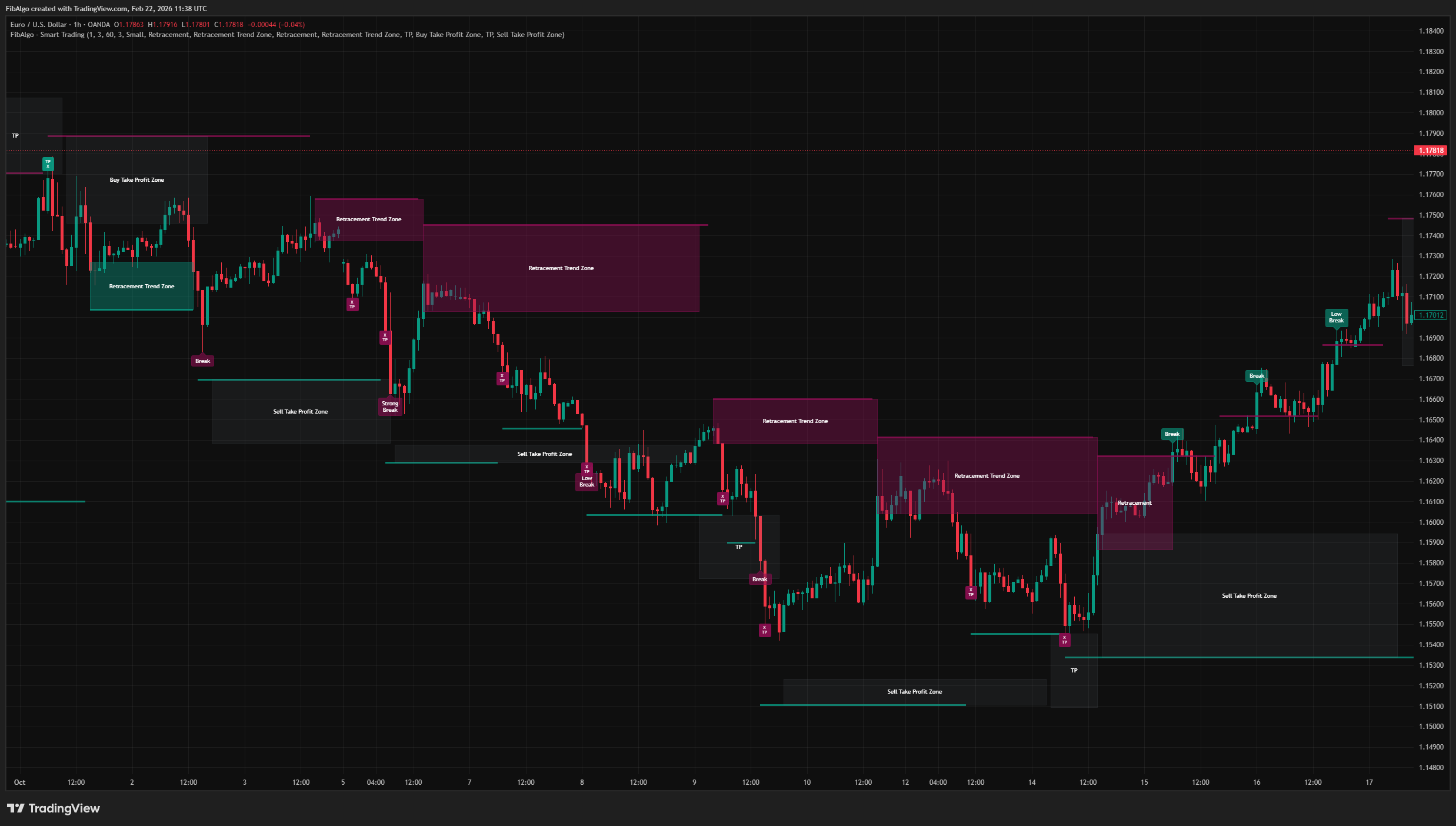
Smart Trading
Volatility-adaptive trend analysis indicator for TradingView that identifies dynamic support and resistance levels with breakout classification and take-profit zones.
See Details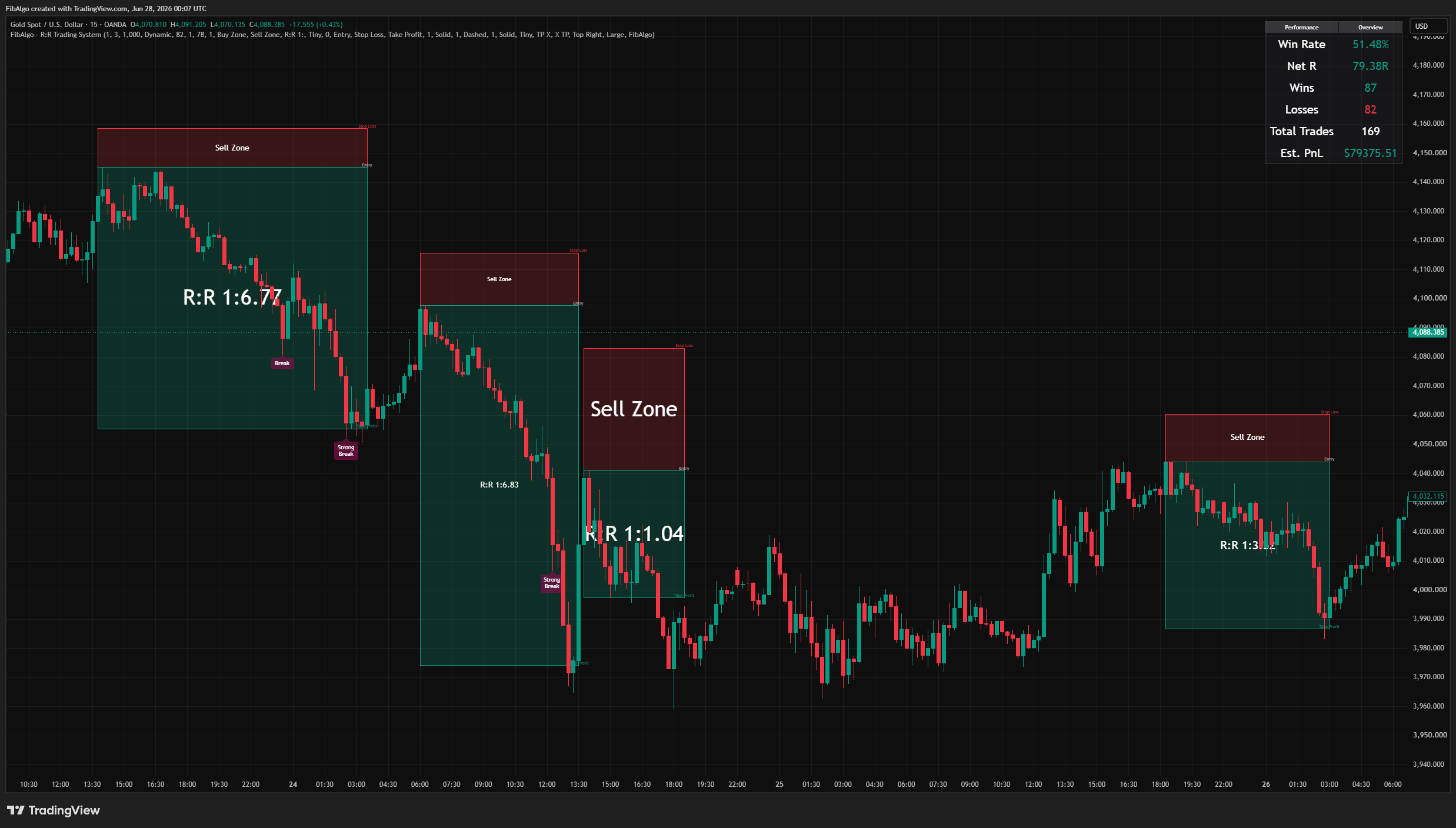
R:R Trading System
Volatility-adaptive support and resistance indicator for TradingView that classifies breakout strength, draws retracement entry zones, and auto-frames a complete risk-to-reward setup with live performance tracking.
See Details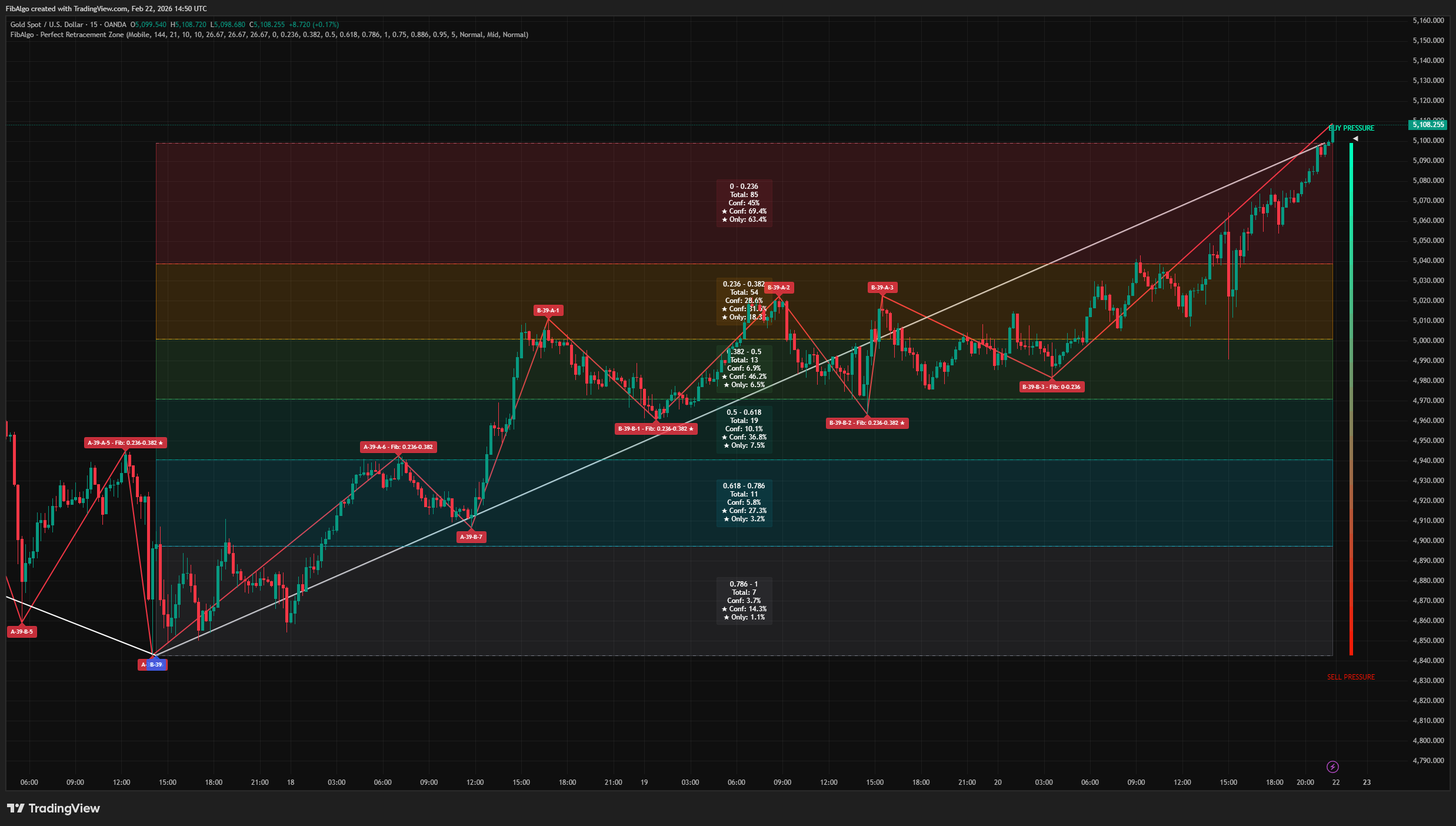
Perfect Retracement Zone
Dynamic Fibonacci retracement indicator for TradingView that identifies statistically significant support and resistance zones using pivot frequency analysis.
See Details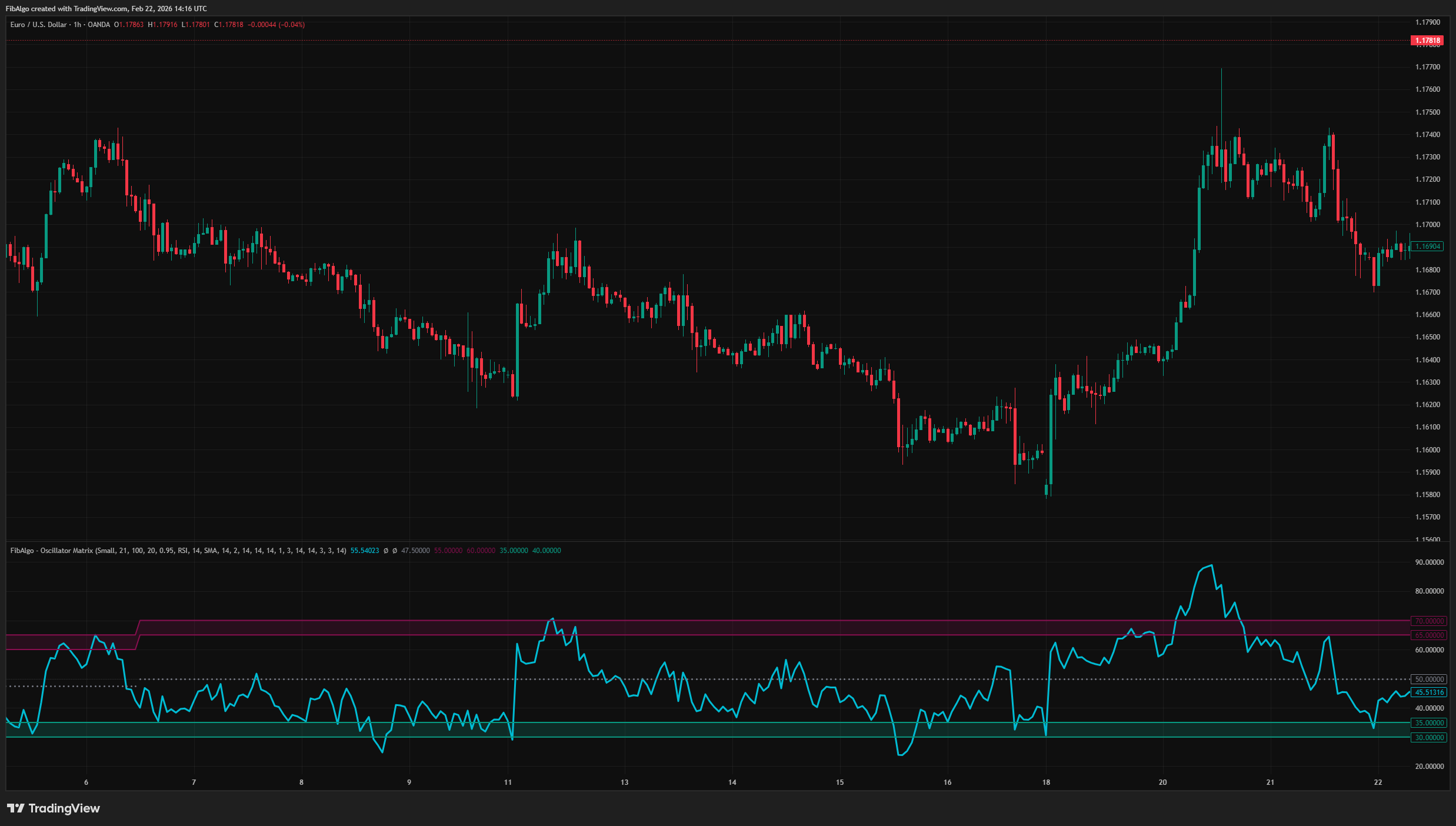
Oscillator Matrix
Statistical oscillator indicator for TradingView that identifies dynamic overbought and oversold zones based on actual pivot frequency distributions.
See Details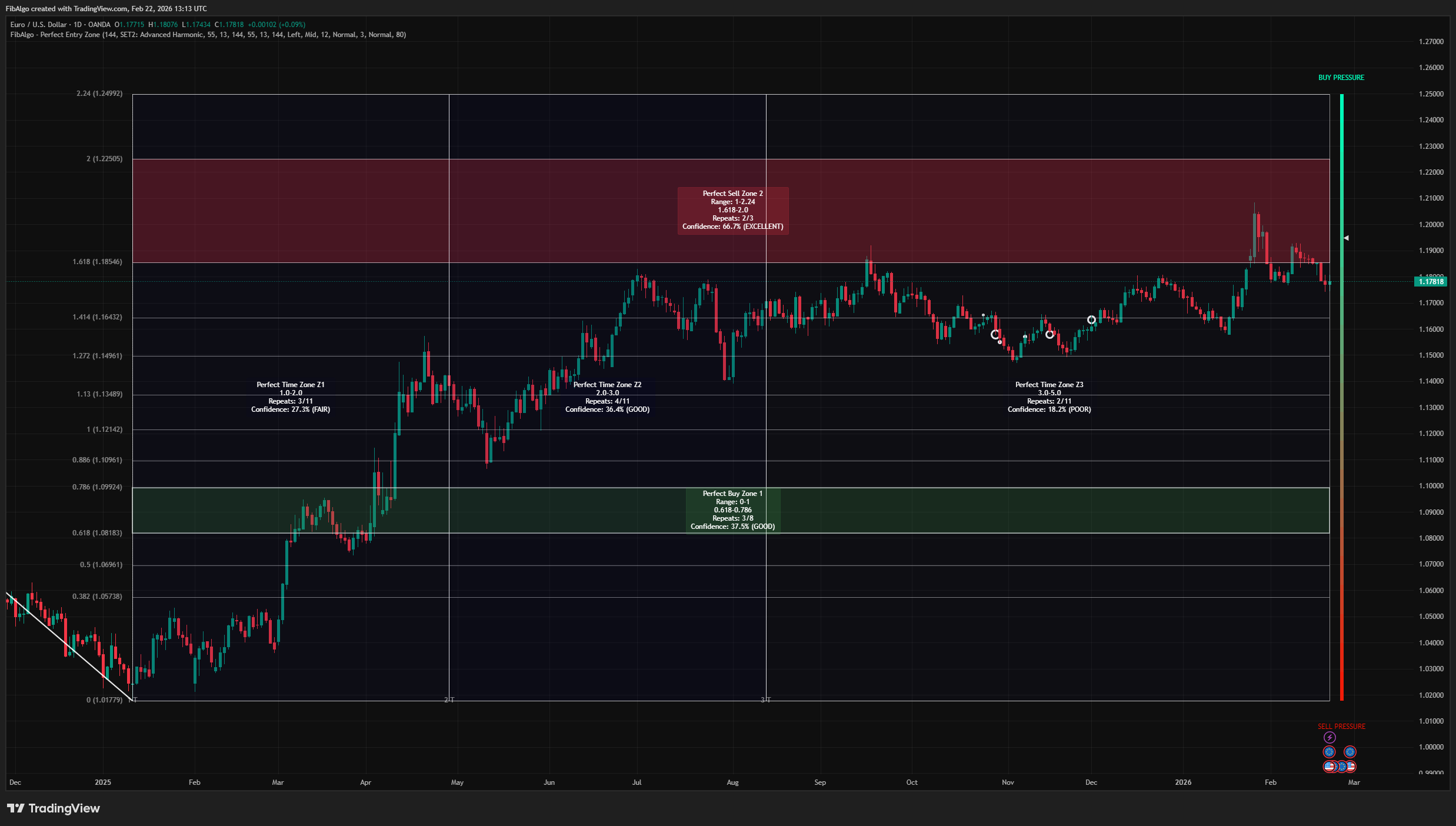
Perfect Entry Zone
Adaptive Fibonacci-based support and resistance indicator for TradingView that identifies recurring retracement zones and projects Fibonacci time zones.
See Details